
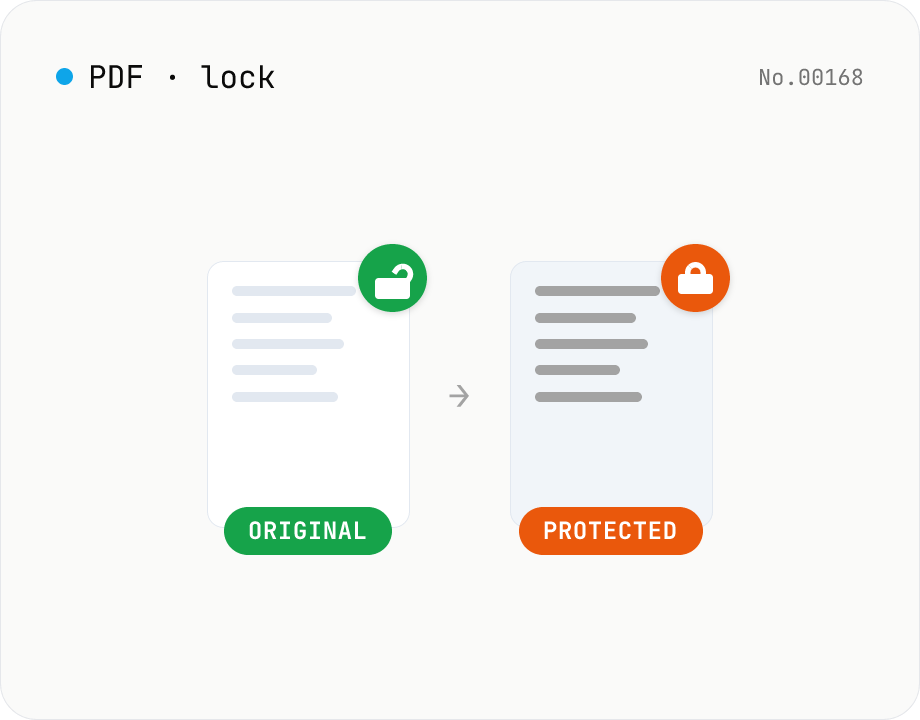
PDF password lock — restrict printing / copy / edit
Add a user / owner password and restrict printing, copying or editing on a PDF. AES 256-bit / 128-bit, all done by qpdf (WASM) inside your browser — neither the PDF nor the password leaves your device. Batch multiple files at once.
How to use
Drop a PDF and enter a user password, an owner password, or both. Pick an encryption strength (AES 256-bit / 128-bit) and which actions (printing, copying, editing, annotating) you want to allow, then click "Add password" — qpdf (WASM) produces a new encrypted PDF inside your browser. Compare side-by-side and download. Batch processing of multiple files is supported.
FAQ
- Are the PDF and password uploaded?
- No. qpdf runs as WebAssembly inside your browser, so neither the PDF nor the password leaves your device.
- What's the difference between user and owner password?
- The user password is required to open the PDF. The owner password is required to change the permissions (printing, copying, editing). Setting both is the most common pattern, but using one is fine too — if you only set one, the same value is used for the other internally.
- Should I pick AES 256-bit or 128-bit?
- Pick 256-bit unless you have a specific reason not to. It works with Acrobat 9 (2008) and every modern PDF viewer. Only fall back to 128-bit when you need to support Acrobat 7 / 8 era viewers.
- Can I add a password to a PDF that's already encrypted?
- Not directly. Unlock it first with the "PDF unlock" tool, then come back here to set a new password.
- Does content stay intact?
- Yes. Only an encryption layer is added; text, layout and images are preserved exactly.
Related tools
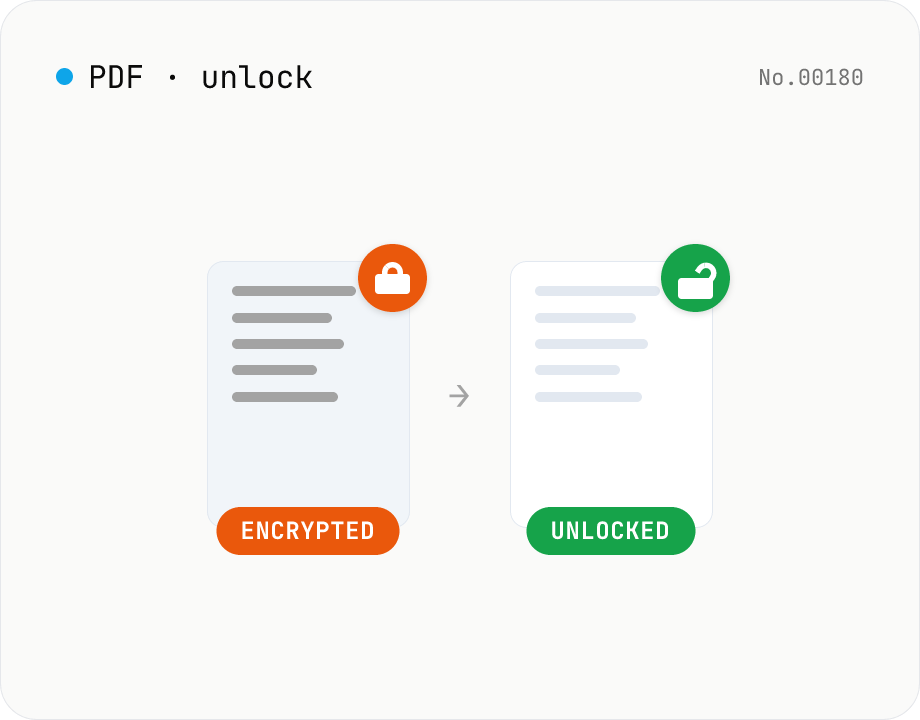
PDF password unlock — remove protection from any PDF
Remove encryption from a PDF using qpdf (WASM) running inside your browser. Owner-only restricted PDFs unlock with an empty password; user-password-protected PDFs need the correct password. Text and layout are preserved. Runs entirely in your browser.
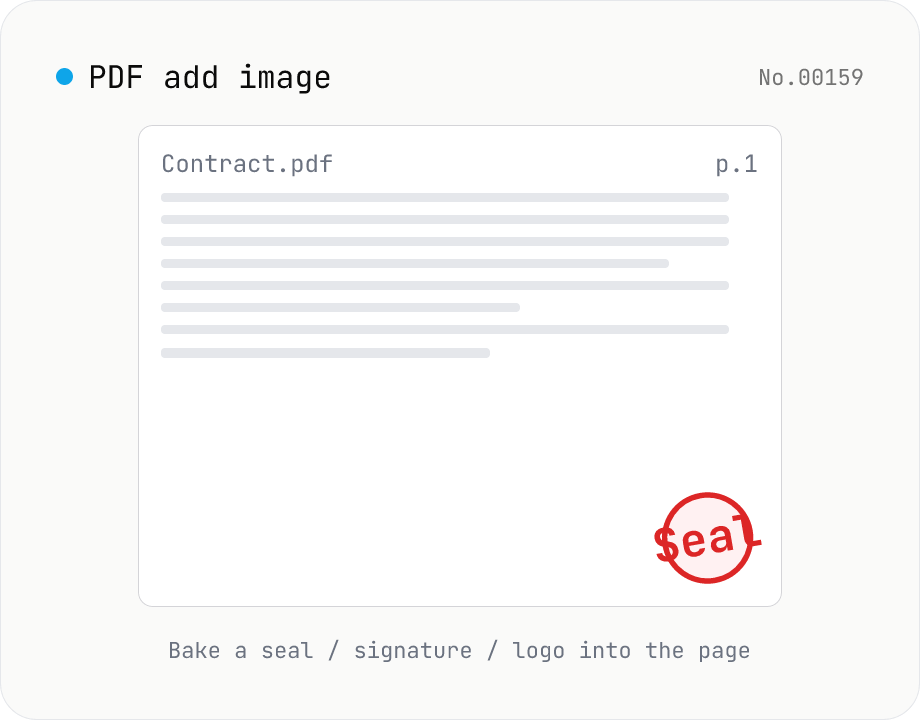
PDF add image — bake a signature / seal / logo into a page
Drop an image (PNG / JPEG / WebP) onto a chosen page of a PDF — perfect for adding a personal seal, scanned handwritten signature, or company logo just before sending the document back. Pick a 9-grid position with margin, set the image size as a percentage of page width, and tweak opacity, rotation, and which pages get the image. Powered by pdf-lib's embedPng / embedJpg. Batch multiple PDFs and download as a ZIP. Files never leave your browser.
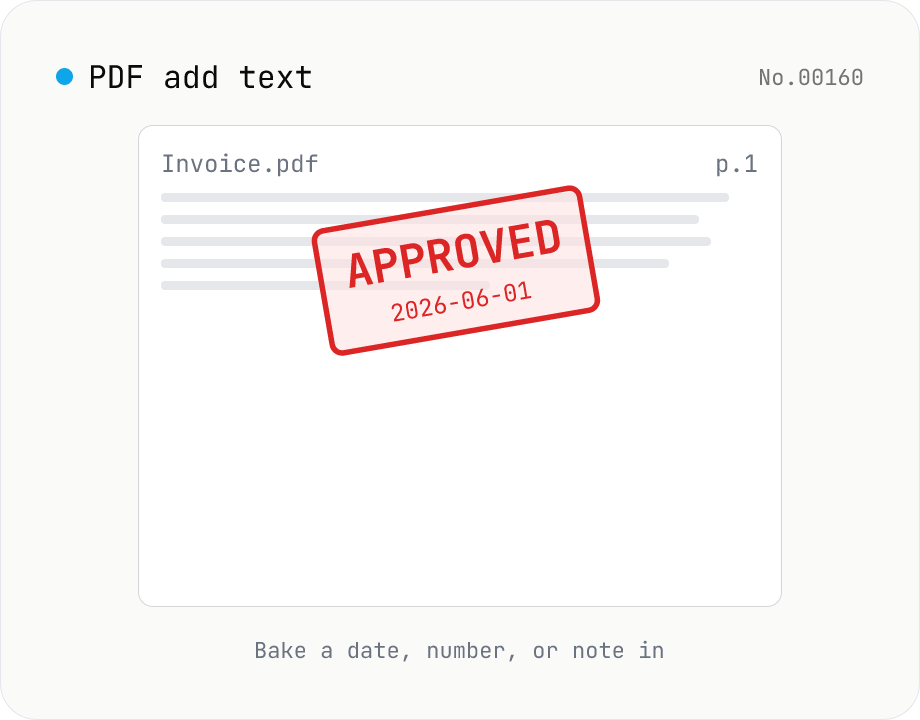
PDF add text — bake dates, notes, or labels into a page
Drop a text annotation onto a chosen page of a PDF — perfect for date stamps, file numbers, contractor names, or any quick label that just needs to look right. Position via 9-grid + margin, set font size / color / rotation / opacity, and pick which pages. Uses pdf-lib's built-in Helvetica (Regular / Bold / Oblique), so the text is ASCII / Latin only. For Japanese, build a stamp PNG with stamp-jp and place it with pdf-add-image. Multiple PDFs can be batched and downloaded as a ZIP. Files never leave your browser.
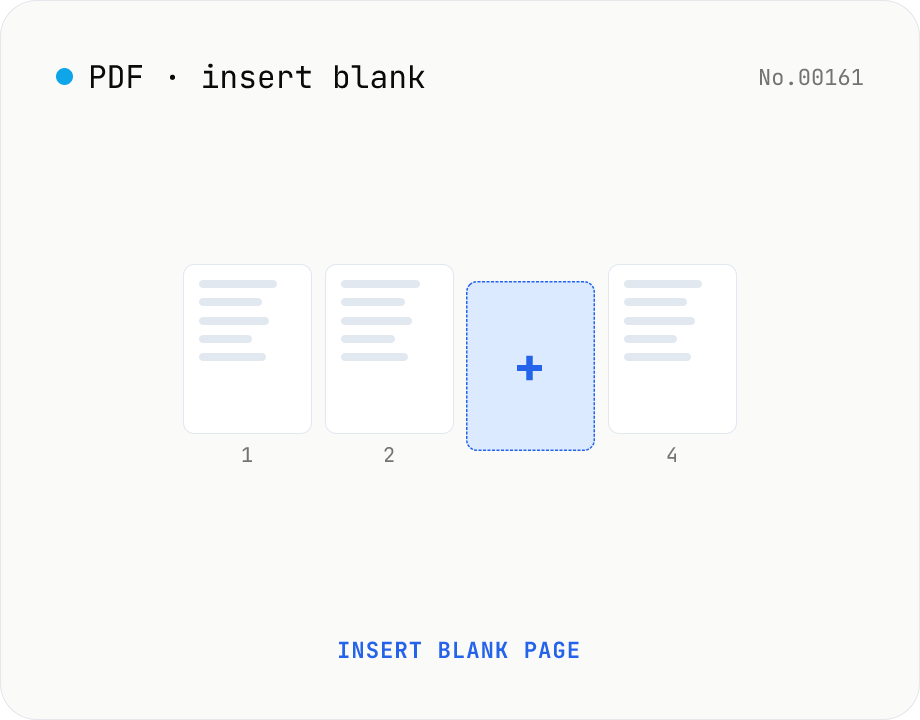
PDF insert blank page — start / end / any position
Insert one or more blank pages at the start, end, or just before any page number of a PDF. Use the same size as the source PDF, or pick A4 / A4 landscape / A3 / A3 landscape / Letter / Legal. Powered by pdf-lib with no re-rendering, so quality is preserved. Batch multiple PDFs and download as a ZIP. Everything runs in your browser.