
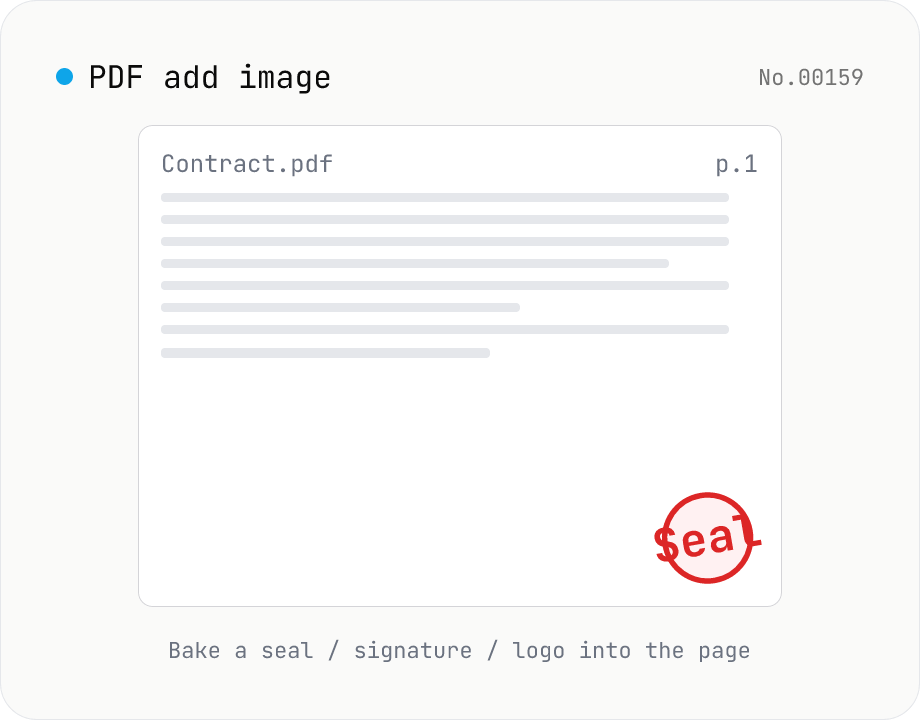
PDF add image — bake a signature / seal / logo into a page
Drop an image (PNG / JPEG / WebP) onto a chosen page of a PDF — perfect for adding a personal seal, scanned handwritten signature, or company logo just before sending the document back. Pick a 9-grid position with margin, set the image size as a percentage of page width, and tweak opacity, rotation, and which pages get the image. Powered by pdf-lib's embedPng / embedJpg. Batch multiple PDFs and download as a ZIP. Files never leave your browser.
How to use
Drop one or more base PDFs and pick a single image (PNG / JPEG / WebP) in the second field. Choose a 9-grid position with margin, set the size as a percentage of the page width, and adjust opacity / rotation / pages. Press Add image and the same image is baked into every selected page of every PDF — ideal for stamping a personal seal, scanned signature, or company logo before sending the file out. Transparent PNGs blend without a background. Batch PDFs and download as a ZIP.
FAQ
- Are uploaded PDFs and images sent anywhere?
- No. pdf-lib runs in your browser; neither the PDFs nor the image leave your machine.
- How is this different from pdf-watermark?
- pdf-watermark is the general 'overlay text or raster image as a watermark on every page' tool. pdf-add-image targets the narrower seal / signature / logo placement use case with friendlier copy and defaults. The underlying mechanics are nearly identical.
- What image formats are supported?
- PNG, JPEG, and WebP (re-encoded to PNG internally). GIF, AVIF, HEIC, and SVG aren't supported — convert via image-convert first.
- What about transparent PNGs?
- The alpha channel is preserved. pdf-lib embeds PNGs with alpha intact, so transparent regions show the underlying PDF. Use transparent PNGs for seals and handwritten signatures.
- How is 'Size %' interpreted?
- It's the percentage of the base page width (in pt). 20% on A4 (595pt wide) is ~119pt. The source image's aspect ratio is preserved.
- How do I specify pages?
- `all` is every page. Use comma + range lists like `1-3,5,7`. Out-of-range or non-positive numbers are silently ignored.
- Can it handle password-protected PDFs?
- No — strip the password first with pdf-unlock, then re-upload.
Related tools
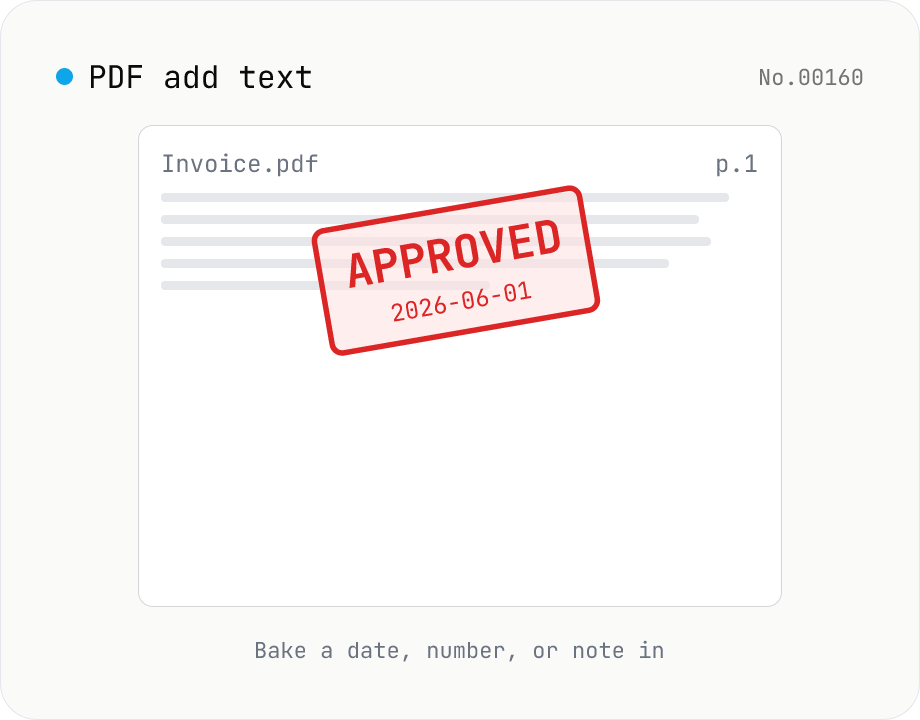
PDF add text — bake dates, notes, or labels into a page
Drop a text annotation onto a chosen page of a PDF — perfect for date stamps, file numbers, contractor names, or any quick label that just needs to look right. Position via 9-grid + margin, set font size / color / rotation / opacity, and pick which pages. Uses pdf-lib's built-in Helvetica (Regular / Bold / Oblique), so the text is ASCII / Latin only. For Japanese, build a stamp PNG with stamp-jp and place it with pdf-add-image. Multiple PDFs can be batched and downloaded as a ZIP. Files never leave your browser.
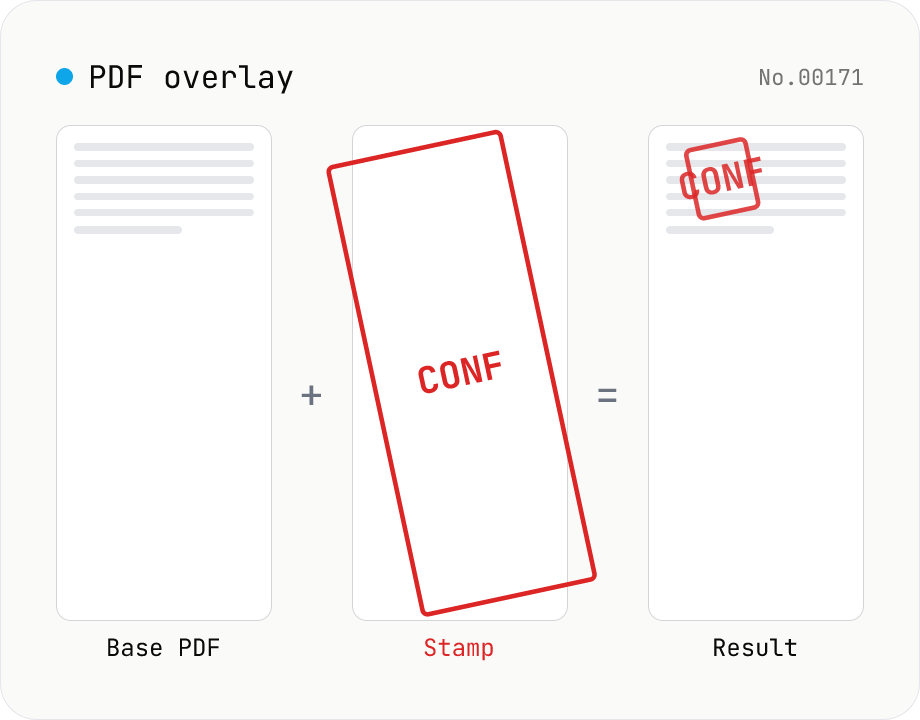
PDF overlay — stamp a PDF onto every page of another
Layer the first page of one PDF (the stamp) on top of every page of another (the base). Perfect when your watermark, company seal, 'Confidential' badge, or boilerplate cover sheet is already a PDF. Choose a 9-grid position or custom XY offset, set scale / rotation / opacity, and the same stamp is baked into every base page. Powered by pdf-lib's embedPdf + drawPage. Multiple base PDFs can be processed at once and downloaded as a ZIP. Nothing leaves the browser.
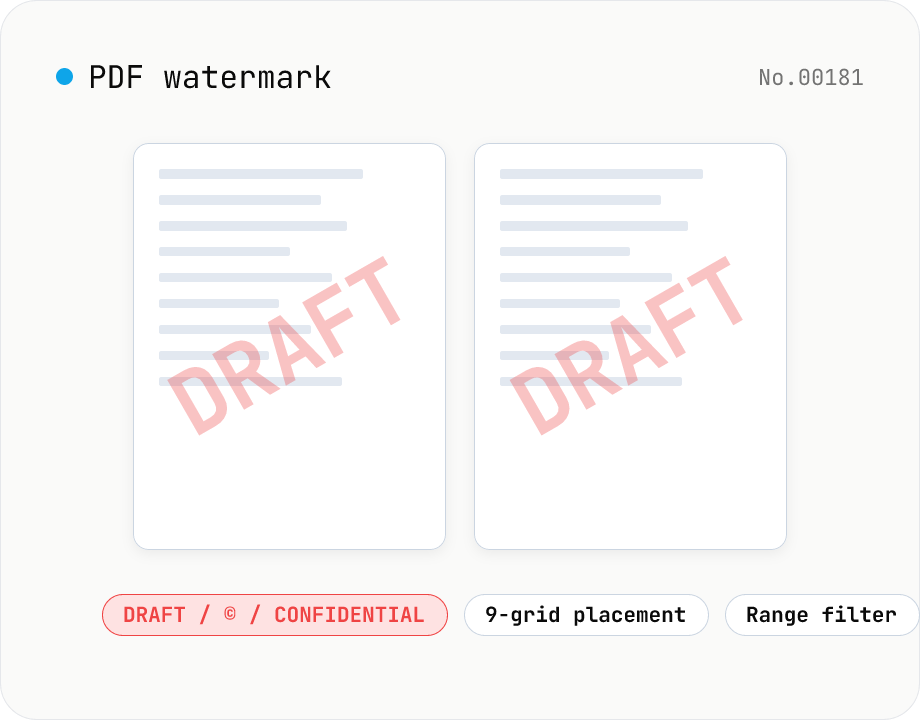
PDF watermark — text or image overlay
Stamp every page of a PDF with text (DRAFT / CONFIDENTIAL / © ...) or an image logo. Pick from a 9-grid placement, adjust opacity, size, rotation, and restrict to specific page ranges. Runs entirely on pdf-lib in the browser — your files never leave the device. Batch processing and ZIP download supported.
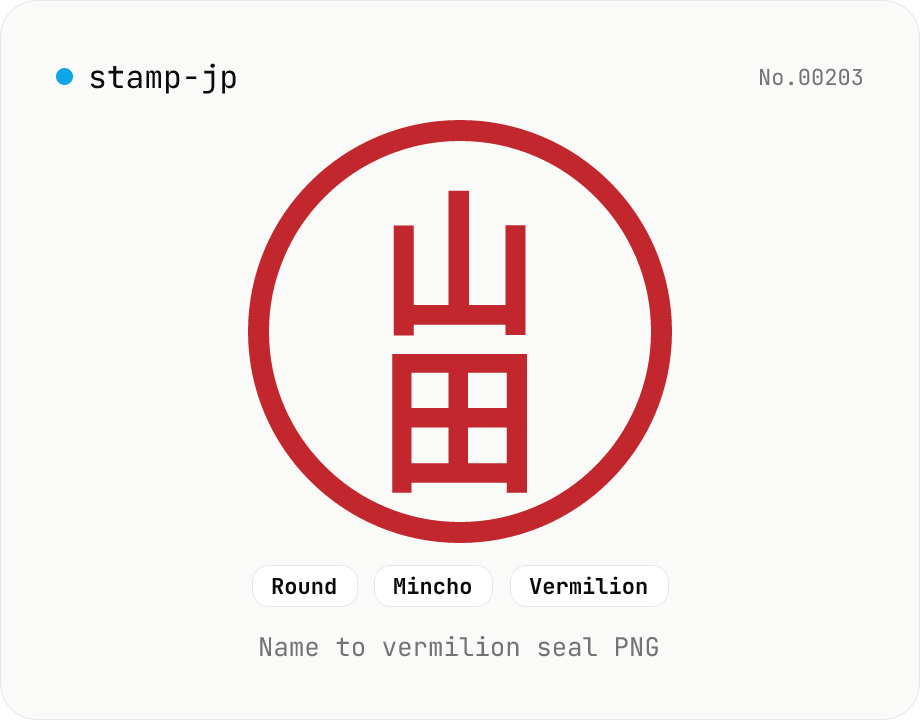
Hanko / Japanese seal generator — name to 朱印-style PNG
Type a name (1–4 Japanese characters) and generate a 朱印 (Japanese name-seal) style PNG with Canvas. Choose a round / square / oval shape, a font (mincho / gothic / round-gothic), and a color (vermilion / black / navy). Transparent PNG works as a placeholder signature for e-documents, a casual avatar, or a heading flourish. Four-character names use the traditional 田 layout (top-right → top-left → bottom-right → bottom-left). Note: this is a decorative image — it does not replace a real hanko for legal contracts. Everything is rendered in your browser.