
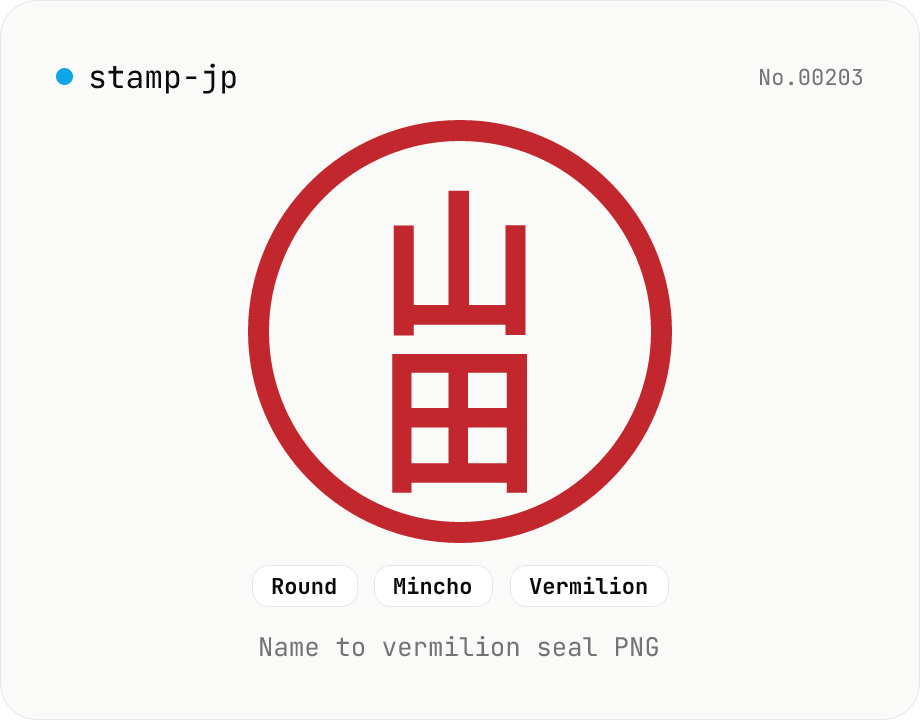
Hanko / Japanese seal generator — name to 朱印-style PNG
Type a name (1–4 Japanese characters) and generate a 朱印 (Japanese name-seal) style PNG with Canvas. Choose a round / square / oval shape, a font (mincho / gothic / round-gothic), and a color (vermilion / black / navy). Transparent PNG works as a placeholder signature for e-documents, a casual avatar, or a heading flourish. Four-character names use the traditional 田 layout (top-right → top-left → bottom-right → bottom-left). Note: this is a decorative image — it does not replace a real hanko for legal contracts. Everything is rendered in your browser.
How to use
Type a name in 1–4 Japanese characters (kanji / hiragana / katakana), pick a shape (round / square / oval), a font (mincho / gothic / round-gothic), and a color. The preview updates live; the output is a transparent PNG. Use it as a placeholder signature in e-documents, a casual avatar, a heading flourish on internal docs, or a hand-made 落款 (artist seal) graphic. 1 char goes in the center, 2 chars stack vertically, 3 chars stack as 3 rows, and 4 chars use the traditional 田 layout (top-right → top-left → bottom-right → bottom-left).
FAQ
- Can it replace a real hanko (Japanese registered seal)?
- No. This is a decorative image only — it has no legal force for registered seals (実印), banking seals (銀行印), or contract seals (契約印). E-signing services (CloudSign, etc.) rely on identity verification, not the seal image, so the picture is purely visual.
- What if I enter more than 4 characters?
- Only the first 4 are used (matching traditional seal conventions). For a full name, use just the surname or trim to 4 characters like 『surname + given-initial』.
- Can I pick a color other than vermilion?
- Presets cover vermilion, black, navy, and gold; the color picker accepts any HEX. Ink-black is good for documents; navy or gold suits a corporate logo feel.
- Can I get the calligraphic 篆書 (tensho) look of a real seal?
- Not from this tool — it uses standard web fonts. For an authentic tensho-style stamp, a paid stamp-maker service is the way.
- How do I get a higher-resolution image?
- The size slider goes 200–600 px. For Retina or print, pick 400 px or higher. Don't upscale the PNG after the fact — re-render at the size you need.
Related tools
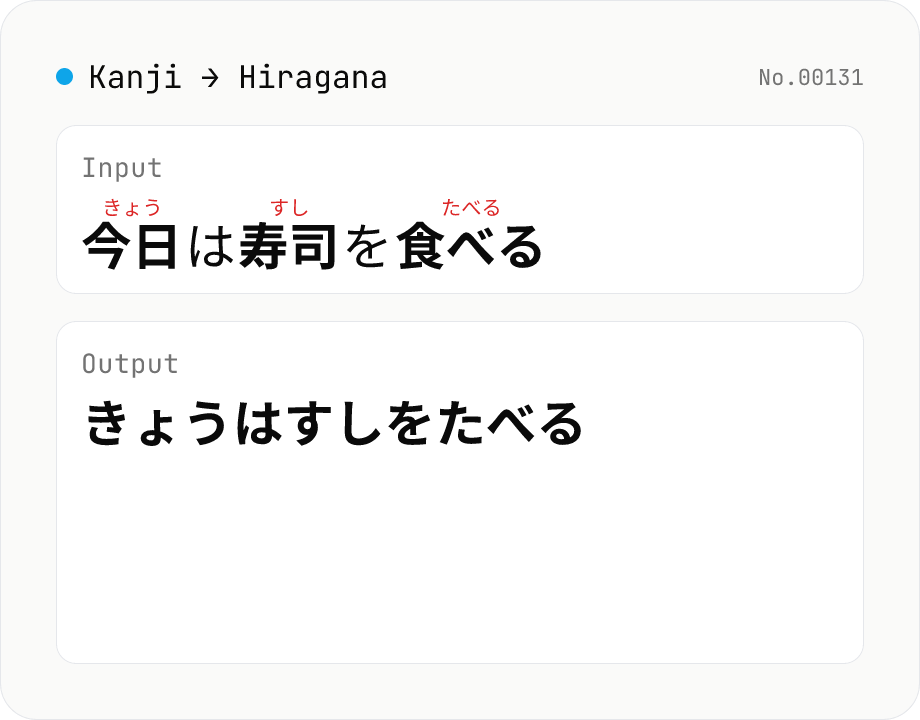
Kanji → Hiragana converter — kuromoji morphological reading
Convert Japanese text to hiragana using kuromoji morphological analysis. Choose between fully hiragana output, or a furigana mode that keeps kanji and adds hiragana ruby above. The dictionary downloads once and is then offline. Runs entirely in your browser.
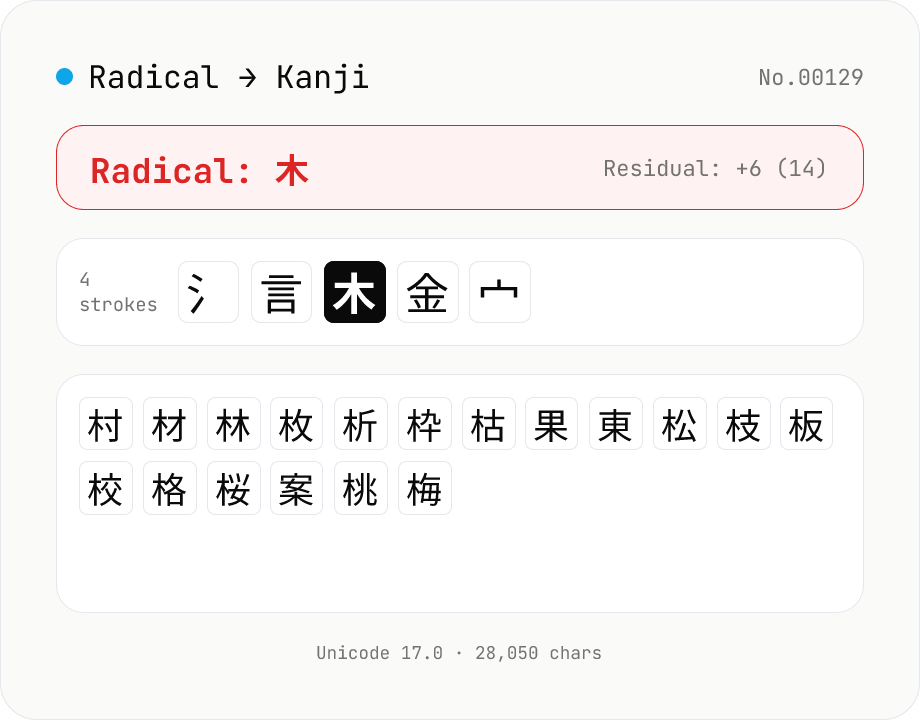
Kanji Radical Lookup
Reverse-lookup kanji by Kangxi radical (1–214) and residual stroke count, just like the radical index in a paper kanji dictionary. Pick a radical (一 / 人 / 木 / 氵 / 言 …) and a remaining-strokes filter to list every matching CJK ideograph from Unicode 17.0 (28,000+ characters). Click to copy; component variants (心→忄, 水→氵, 艸→艹) are noted under each radical. Runs entirely in your browser.
Japanese Phone Number Formatter (hyphenated / E.164)
Format a Japanese phone number (mobile 070/080/090, landline, toll-free 0120/0800, navi-dial 0570, IP 050, premium 0990) into four shapes at once: domestic hyphenated, digits only, compact E.164, and pretty +81. Accepts any common input shape — full-width digits, +81 international, 0081, mixed dashes / spaces / parentheses — and uses the hyphen positions you typed to disambiguate area codes that share a prefix (046 vs 0463 etc.). Ships with a built-in table of ~50 major 3-digit area codes (011 / 022 / 045 / 052 / 075 / 078 / 092 …). Runs entirely in your browser — no uploads.
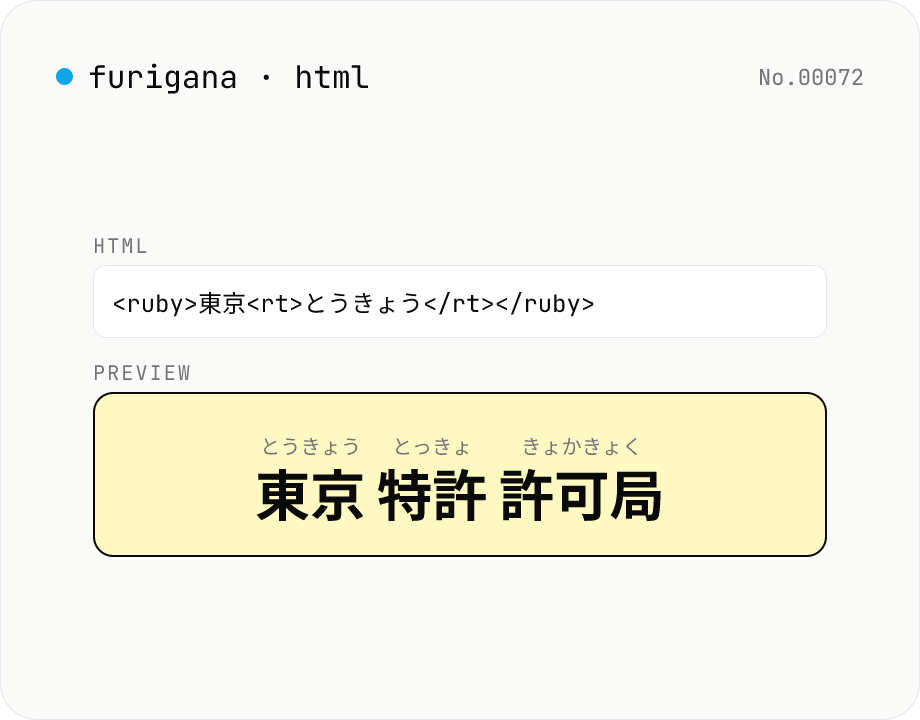
Furigana HTML generator — <ruby> ruby tags for kanji reading
Tokenises Japanese text with kuromoji and wraps each kanji token in `<ruby>漢字<rt>かんじ</rt></ruby>` markup. Copy the source and paste it into WordPress, any CMS, or a Markdown article. Furigana can be hiragana or katakana, with optional `<rp>` fallback for non-ruby browsers. Runs entirely in your browser.