
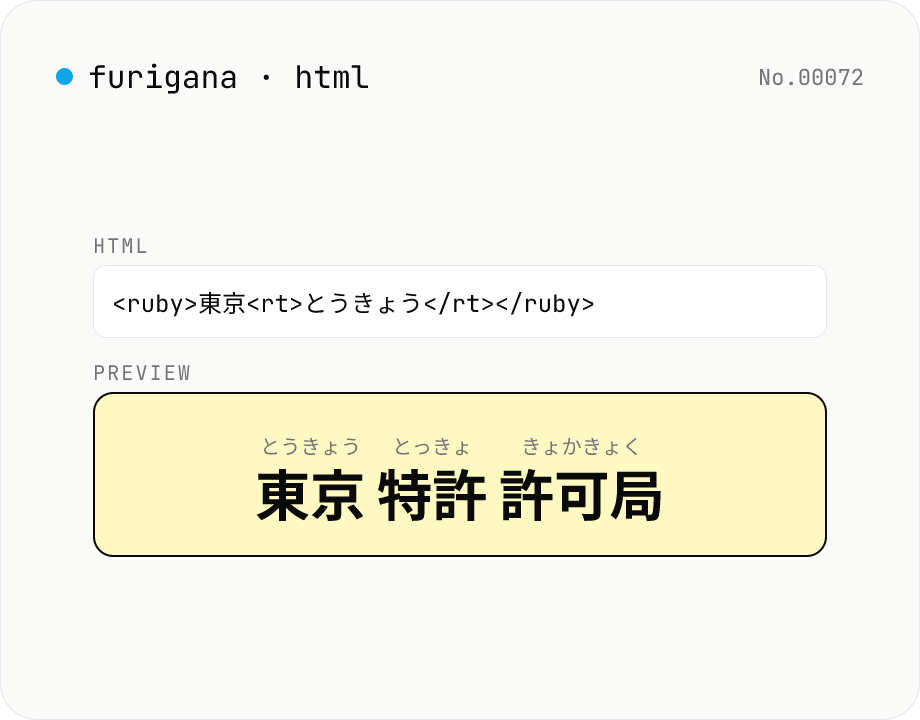
Furigana HTML generator — <ruby> ruby tags for kanji reading
Tokenises Japanese text with kuromoji and wraps each kanji token in `<ruby>漢字<rt>かんじ</rt></ruby>` markup. Copy the source and paste it into WordPress, any CMS, or a Markdown article. Furigana can be hiragana or katakana, with optional `<rp>` fallback for non-ruby browsers. Runs entirely in your browser.
How to use
Type or paste Japanese text, pick a furigana style (hiragana or katakana) and whether to include `<rp>` fallback, then press Generate HTML. The output panel shows the source `<ruby>漢字<rt>かんじ</rt></ruby>` markup, ready to copy into a CMS, blog, or Markdown post. The preview panel renders what browsers will display.
FAQ
- Is my text uploaded?
- No. kuromoji tokenisation, reading lookup, and HTML generation all happen in your browser. Safe for drafts and unpublished articles.
- How is this different from kanji-to-hiragana?
- kanji-to-hiragana is built for viewing ruby visually or producing pure-hiragana text — copying gives you `漢字(かんじ)` plain text. furigana-html outputs the `<ruby>` HTML source so you can paste it into a real article. Use furigana-html when you need markup; use kanji-to-hiragana when you need a reading or a transcription.
- What is `<rp>` fallback?
- `<rp>` (ruby parenthesis) wraps fallback parentheses for browsers that don't render ruby. With it, browsers without ruby support show `漢字 (かんじ)`. Useful for screen readers, RSS, and older browsers.
- How accurate is the furigana?
- Based on kuromoji + the IPADIC dictionary, so dictionary entries are accurate. Proper nouns (people, places, new terms) and homophones can be wrong. Edit the HTML output by hand if a reading is off.
- First-time load is slow
- The IPADIC dictionary is ~12 MB. Subsequent loads use the browser cache. Slow networks can take tens of seconds.
- Is the HTML valid?
- Yes — `<ruby>`, `<rt>`, and `<rp>` are HTML5 standard tags supported by Chrome, Safari, Firefox, and Edge. They render fine in Markdown processors that allow inline HTML.
Related tools
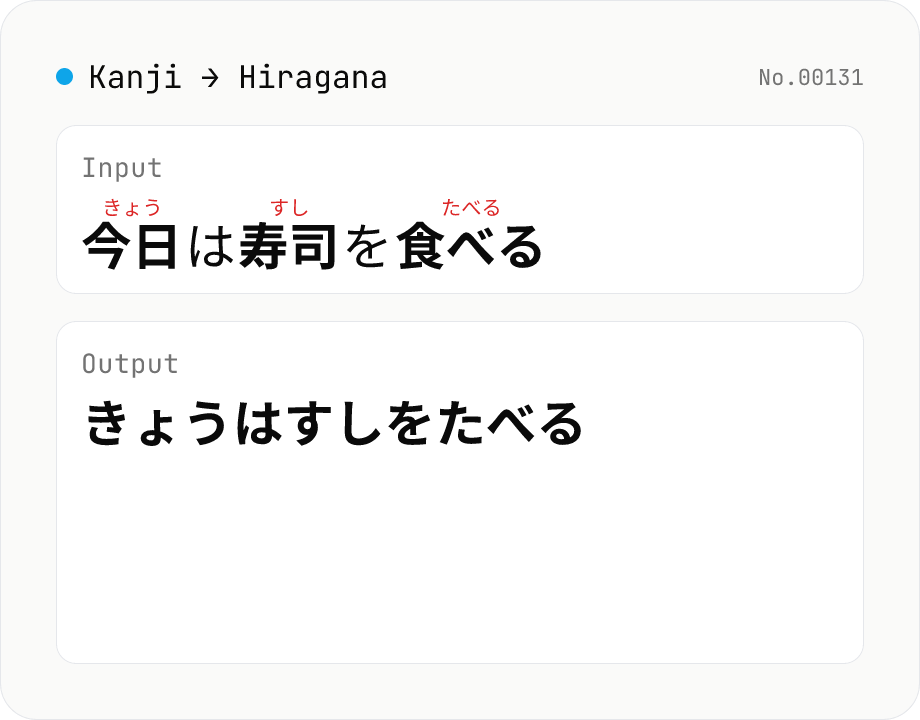
Kanji → Hiragana converter — kuromoji morphological reading
Convert Japanese text to hiragana using kuromoji morphological analysis. Choose between fully hiragana output, or a furigana mode that keeps kanji and adds hiragana ruby above. The dictionary downloads once and is then offline. Runs entirely in your browser.
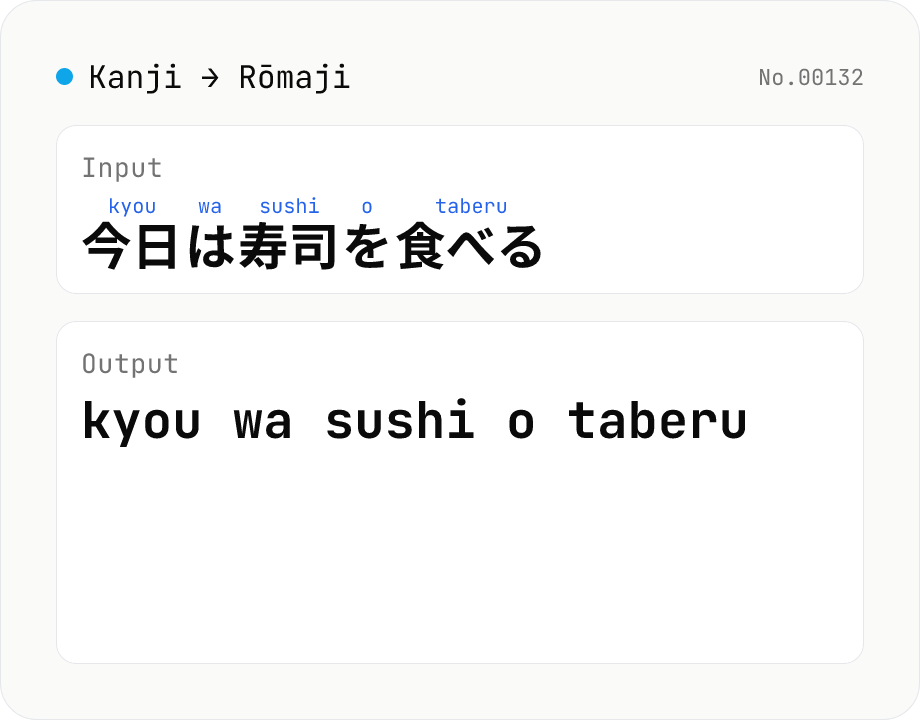
Kanji → Rōmaji converter — Hepburn / Kunrei-shiki / macron
Convert Japanese text to Hepburn romaji using kuromoji morphological analysis. Switch between full romaji and a ruby view, and choose macron long vowels (ō, ū) or literal doubled vowels (ou, uu). The dictionary downloads once and is then offline. Runs entirely in your browser.
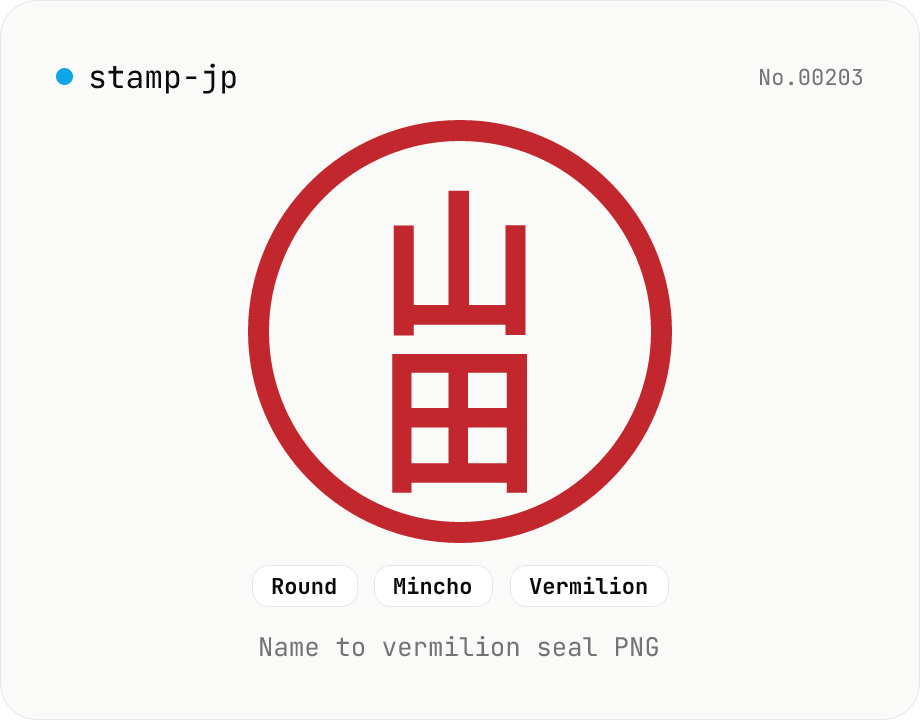
Hanko / Japanese seal generator — name to 朱印-style PNG
Type a name (1–4 Japanese characters) and generate a 朱印 (Japanese name-seal) style PNG with Canvas. Choose a round / square / oval shape, a font (mincho / gothic / round-gothic), and a color (vermilion / black / navy). Transparent PNG works as a placeholder signature for e-documents, a casual avatar, or a heading flourish. Four-character names use the traditional 田 layout (top-right → top-left → bottom-right → bottom-left). Note: this is a decorative image — it does not replace a real hanko for legal contracts. Everything is rendered in your browser.
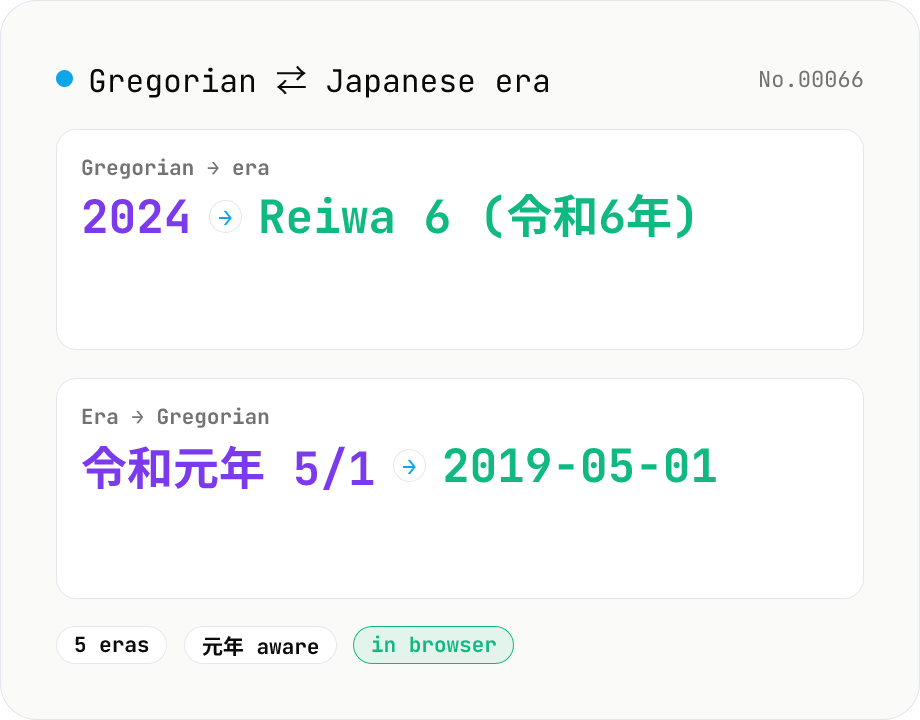
Japanese era ⇄ Gregorian year — Meiji to Reiwa converter
Convert between Gregorian years and Japanese eras (Meiji, Taishō, Shōwa, Heisei, Reiwa) with a mode toggle. Accepts year-only or full date input, handles 元年 (year 1) and era-boundary transitions like 2019-05-01 → Reiwa 1 (令和元年). No dictionary download required — runs entirely inside your browser.