
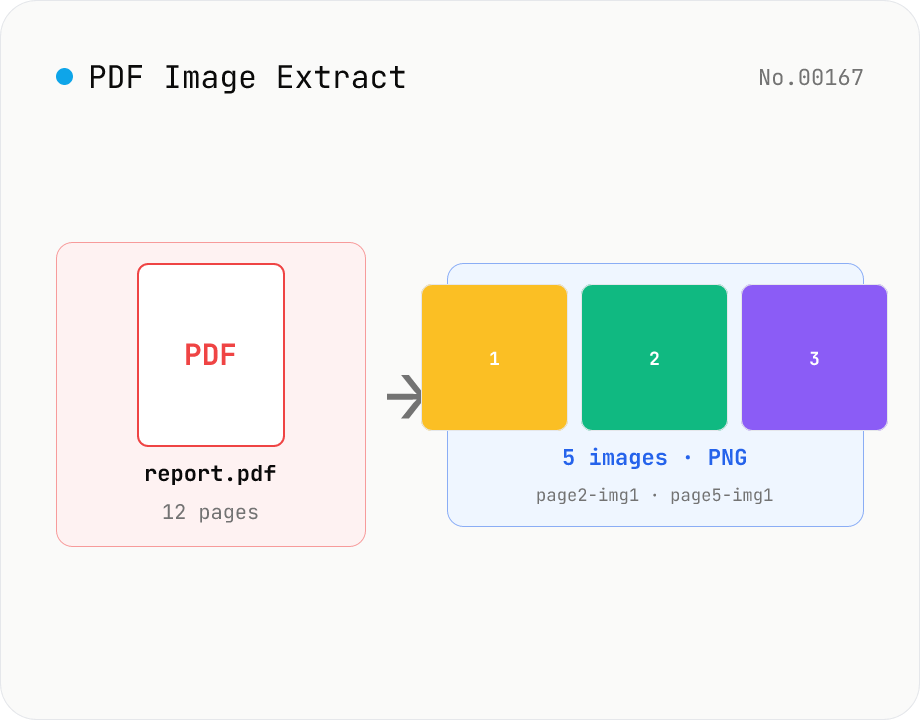
PDF Image Extract — export embedded images as PNG
Extract every embedded image from a PDF as a PNG file via pdfjs-dist. Each page's operator list is scanned for `paintImageXObject` / `paintInlineImageXObject` / `paintImageXObjectRepeat`, and `page.objs` is read to recover the ImageBitmap or raw RGB(A) / grayscale buffer, then rendered to Canvas and saved as PNG. Optionally deduplicates identical images that appear on multiple pages. Multiple PDFs ship as a single ZIP. Files are named `<source>-page<N>-img<M>.png`. Password-protected PDFs are flagged with a CTA to pdf-unlock. Everything happens inside your browser.
How to use
1) Drop one or more PDF files into the drop area. 2) Optionally enable 'Deduplicate identical images across pages' and 'Skip small images (min. shortest-side pixels)'. 3) Press 'Extract images' — each PDF is analysed and embedded images are converted to PNG. 4) Extracted images appear as thumbnail cards under each PDF; download individually or grab everything as a ZIP.
FAQ
- What kinds of images are extracted?
- Image XObjects drawn by the PDF operators `paintImageXObject` / `paintInlineImageXObject` / `paintImageXObjectRepeat`. Vector paths and text are not images. If you want to rasterise the entire page instead, use the PDF → PNG or PDF → JPG tools.
- How does deduplication work?
- A lightweight pixel-data hash (samples from the head, tail and middle of the RGBA buffer) is compared along with the dimensions. Images that match are collapsed into one. This catches repeated logos, headers, and backgrounds reliably for identical byte-buffers; visually identical images with different encodings are still treated as distinct.
- Why PNG only — can I keep the original JPEG bytes?
- Output is PNG only. pdf.js decodes images into pixel buffers for rendering and exposes them via `page.objs`, so the original JPEG / JBIG2 / JPEG2000 byte stream is not accessible. If you need original encodings, use native tools like mutool.
- Are image masks (paintImageMaskXObject) extracted?
- Intentionally skipped. Masks are 1-bit images used for things like text clipping and rarely stand alone as meaningful pictures. This tool focuses on 'picture' resources (photos, logos) rather than rendering primitives.
- What happens with password-protected PDFs?
- They're flagged with an error and a banner links you to the PDF unlock tool. Remove the password first, then drop the file again.
- What if a PDF has no extractable images?
- You'll see 'No images detected'. Scanned PDFs (one image per page) should still be detected, but some unusual encodings may fail. In that case use PDF → PNG / PDF → JPG to rasterise full pages.
- How are output filenames structured?
- `<source>-page<N>-img<M>.png`, where N is the page number (1-based) and M is the image index within that page (1-based). The source name has its extension stripped and any special characters replaced with `_`.
- Is anything uploaded?
- No. PDF parsing, image decoding and PNG re-encoding all happen inside your browser (Web Worker + Canvas); nothing is sent over the network.
Related tools
PDF text extract — export pages to .txt
Extract plain text from PDF files entirely in the browser via pdfjs-dist getTextContent. Each PDF becomes its own .txt file; batch downloads ship as a ZIP. Page-break markers are optional.
PDF to PNG — page-to-image with transparency
Upload a PDF and convert each page to PNG. Save pages individually or download all as ZIP. Runs entirely in your browser.
PDF to JPG — convert each page to an image
Upload a PDF and convert each page to JPEG (.jpg). Pick scale and quality, save pages individually, or download everything as a ZIP. Transparency is flattened to white, which keeps files small and easy to share on social networks or blogs. Runs entirely in your browser — your PDF stays local.
PDF Pages Info Viewer
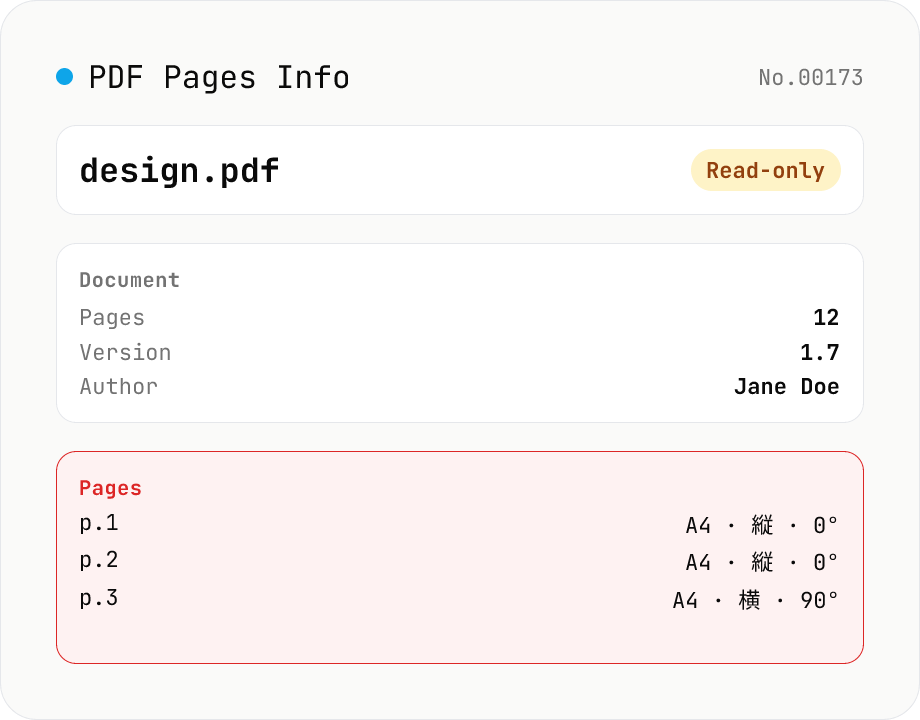
Drop a PDF and inspect per-page dimensions (with A4 / Letter detection), aspect ratio, orientation, rotation, annotation count, text / image presence — plus document-level metadata (PDF version, title, author, producer). Read-only, runs entirely in your browser via pdfjs-dist.