
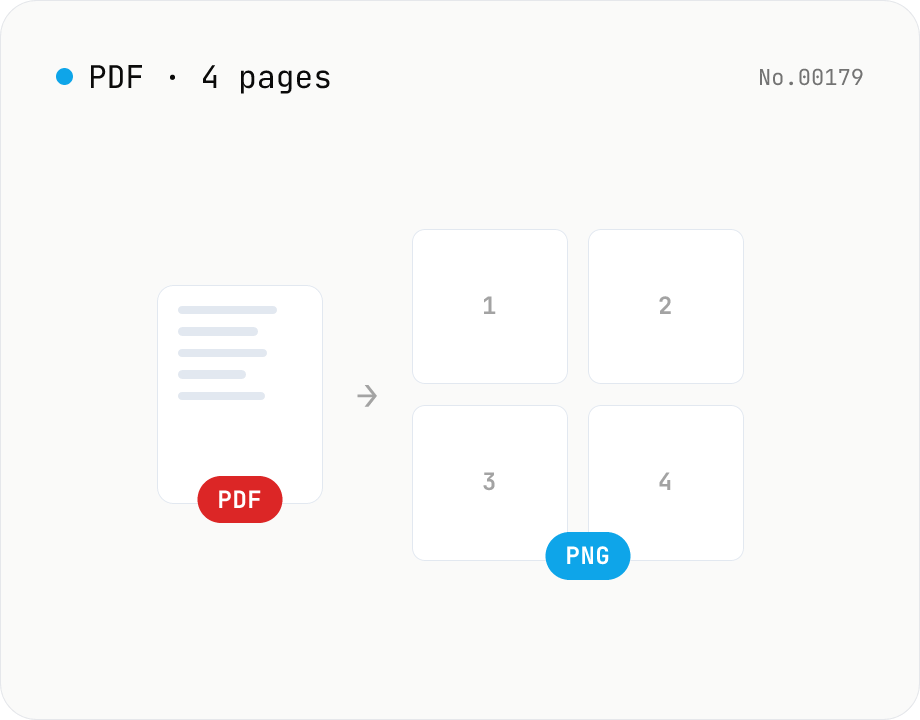
PDF to PNG — page-to-image with transparency
Upload a PDF and convert each page to PNG. Save pages individually or download all as ZIP. Runs entirely in your browser.
How to use
Drag a PDF onto the dropzone or pick one with Choose file — you can queue multiple PDFs. Set the scale (resolution multiplier) and click Convert. Each page is rendered to PNG; the thumbnails let you save pages individually or download everything as a ZIP. Click a thumbnail for a full-size preview.
FAQ
- Is the PDF uploaded?
- No. Rendering uses pdfjs inside the browser; neither the PDF nor the resulting PNGs leave your device.
- Can it handle password-protected PDFs?
- Decrypt them first with the PDF unlock tool, then load the unlocked PDF here.
- What scale should I choose?
- Around 2.0–3.0 for print-quality output, 1.0–1.5 for screen viewing. Higher scales use more memory and produce larger files.
- Does it work for very long PDFs?
- Yes — pages render sequentially. Very long documents may take a while.
Related tools
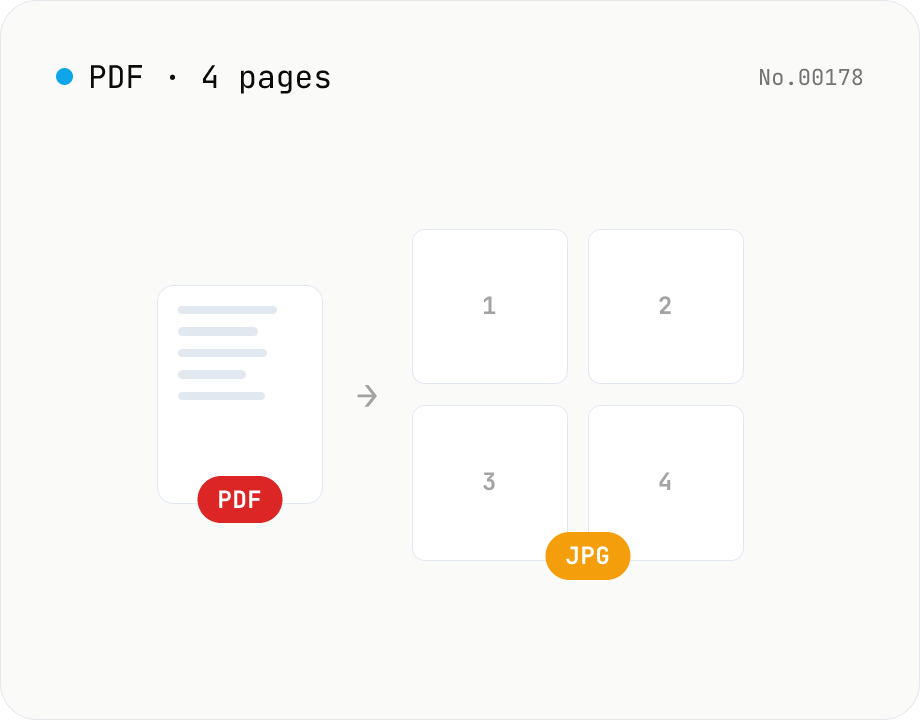
PDF to JPG — convert each page to an image
Upload a PDF and convert each page to JPEG (.jpg). Pick scale and quality, save pages individually, or download everything as a ZIP. Transparency is flattened to white, which keeps files small and easy to share on social networks or blogs. Runs entirely in your browser — your PDF stays local.
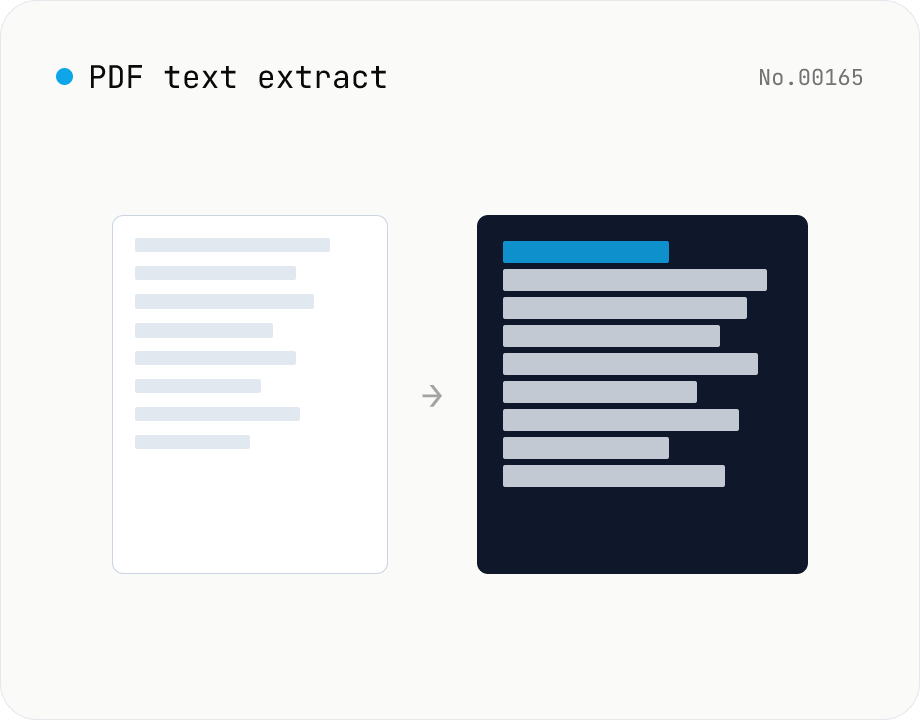
PDF text extract — export pages to .txt
Extract plain text from PDF files entirely in the browser via pdfjs-dist getTextContent. Each PDF becomes its own .txt file; batch downloads ship as a ZIP. Page-break markers are optional.
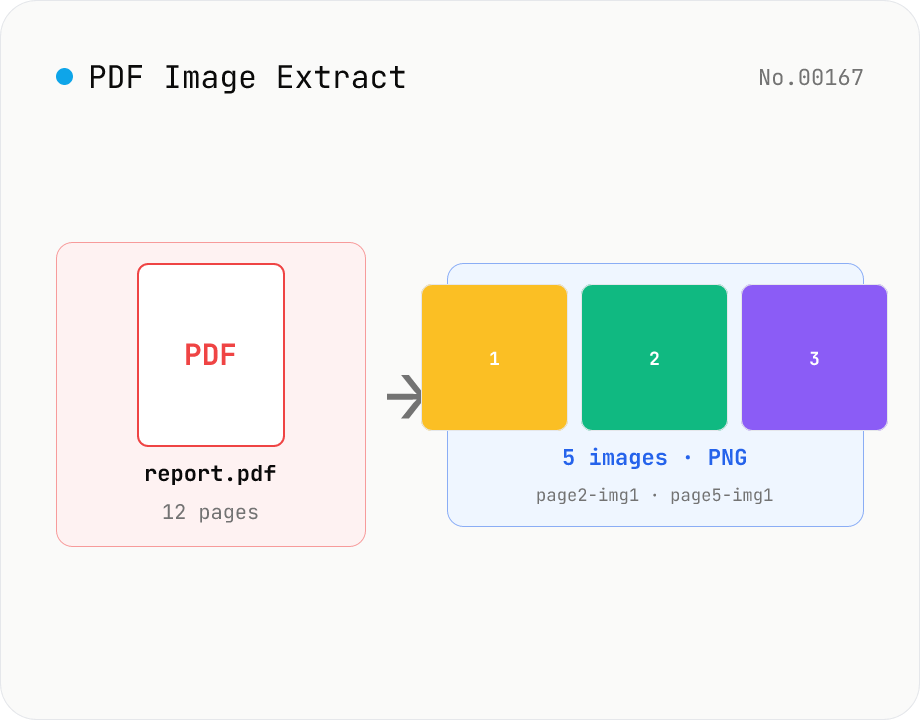
PDF Image Extract — export embedded images as PNG
Extract every embedded image from a PDF as a PNG file via pdfjs-dist. Each page's operator list is scanned for `paintImageXObject` / `paintInlineImageXObject` / `paintImageXObjectRepeat`, and `page.objs` is read to recover the ImageBitmap or raw RGB(A) / grayscale buffer, then rendered to Canvas and saved as PNG. Optionally deduplicates identical images that appear on multiple pages. Multiple PDFs ship as a single ZIP. Files are named `<source>-page<N>-img<M>.png`. Password-protected PDFs are flagged with a CTA to pdf-unlock. Everything happens inside your browser.
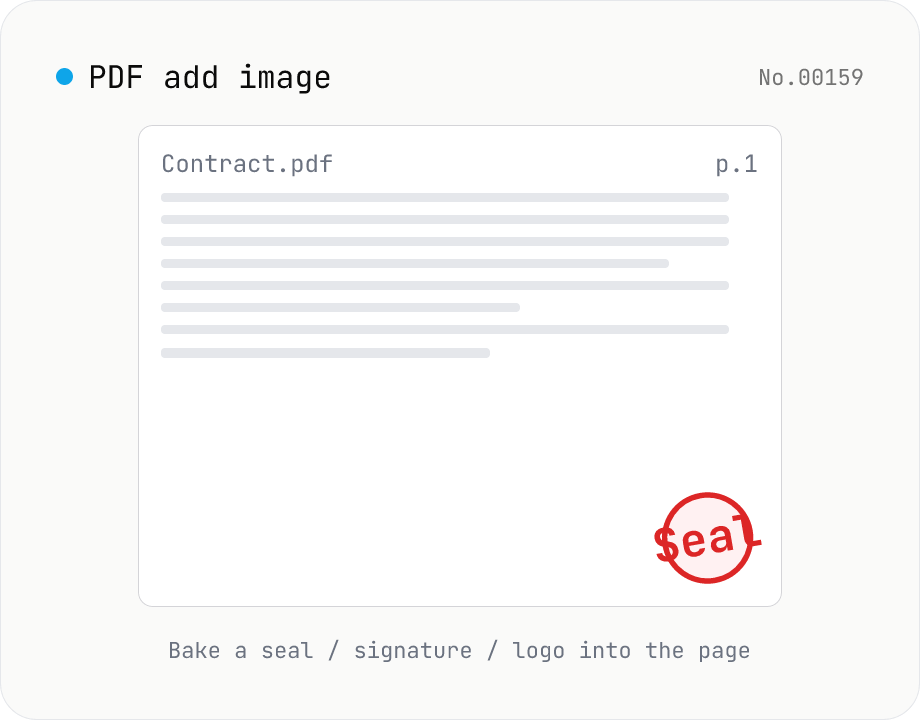
PDF add image — bake a signature / seal / logo into a page
Drop an image (PNG / JPEG / WebP) onto a chosen page of a PDF — perfect for adding a personal seal, scanned handwritten signature, or company logo just before sending the document back. Pick a 9-grid position with margin, set the image size as a percentage of page width, and tweak opacity, rotation, and which pages get the image. Powered by pdf-lib's embedPng / embedJpg. Batch multiple PDFs and download as a ZIP. Files never leave your browser.