
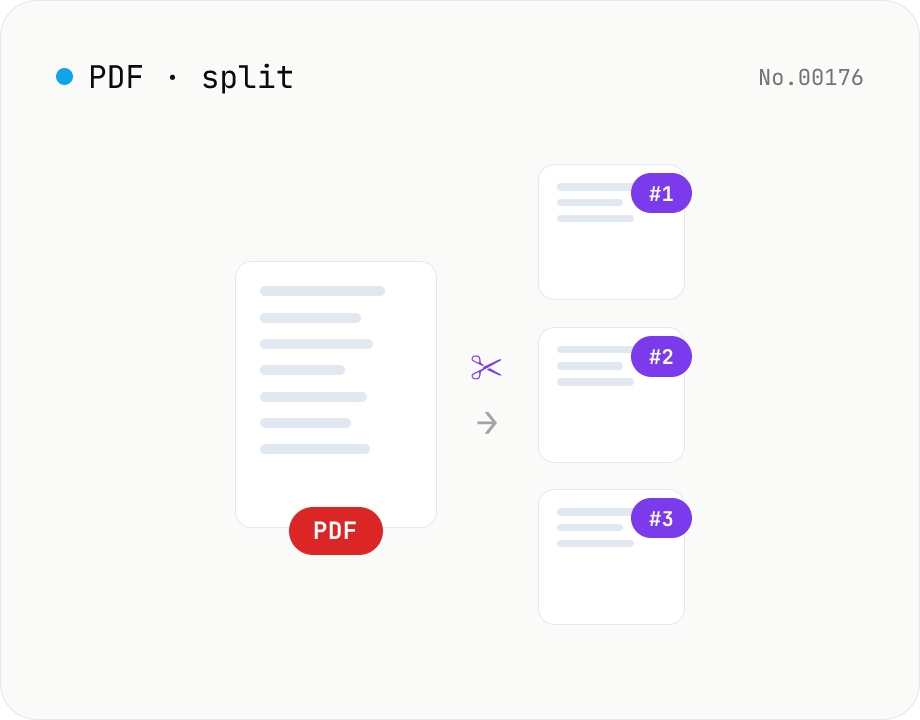
PDF split — by page range or every N pages
Split a PDF using one of three modes: page ranges, every N pages, or one PDF per page. Download all parts as a ZIP. Runs entirely in your browser.
How to use
Load one PDF — thumbnails appear once parsed. Pick one of three modes: (1) page ranges (use a format like `1-3,5,7-9`), (2) split every N pages, or (3) one PDF per page. Click Split to generate each part; download individually or as a ZIP.
FAQ
- Is the PDF uploaded?
- No. Splitting runs through pdf-lib in your browser. Input and outputs stay on-device.
- What's the range syntax?
- Comma-separated, e.g. `1-3,5,7-9` produces three PDFs: pages 1–3, page 5, and pages 7–9. Overlapping ranges are kept as written.
- Can it split password-protected PDFs?
- No. Unlock them first with the PDF unlock tool.
- How are output files named?
- `(input-name)-part-N.pdf` inside the ZIP.
Related tools
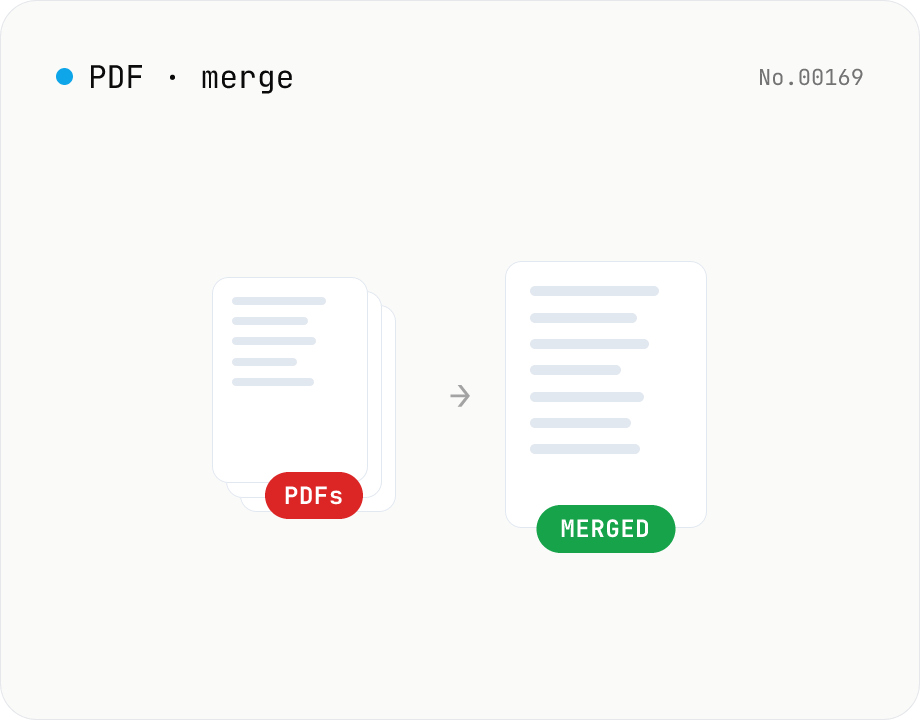
PDF merge — combine multiple PDFs into one
Drag and drop multiple PDFs, reorder them, and merge into a single PDF. Runs entirely in your browser.
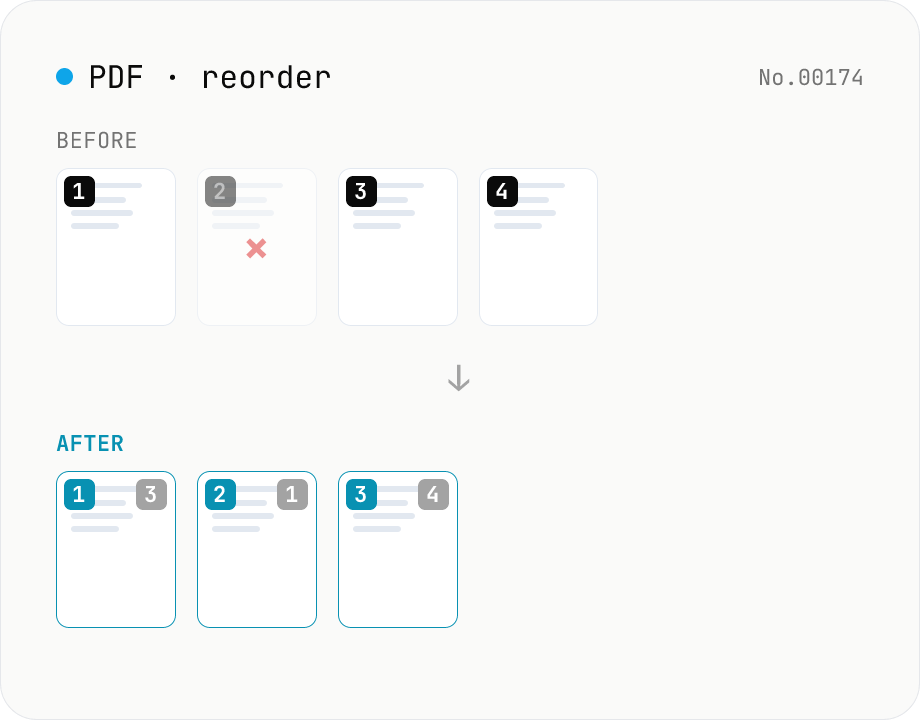
PDF reorder & delete pages — thumbnail editor
Drag pages of a PDF to reorder them, remove unwanted pages, and generate a new PDF with thumbnail previews. Runs entirely in your browser.
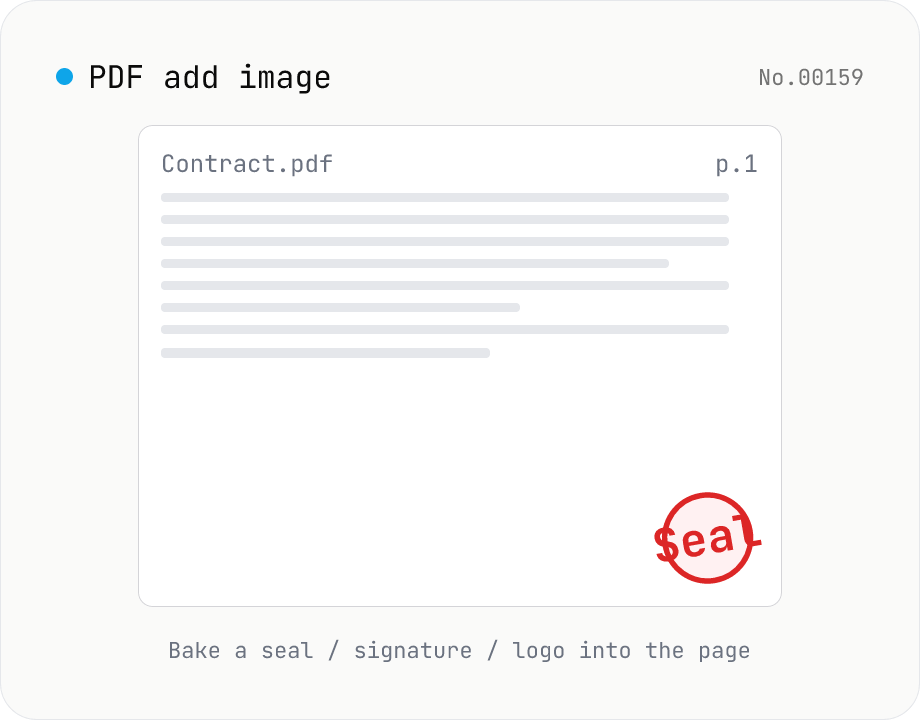
PDF add image — bake a signature / seal / logo into a page
Drop an image (PNG / JPEG / WebP) onto a chosen page of a PDF — perfect for adding a personal seal, scanned handwritten signature, or company logo just before sending the document back. Pick a 9-grid position with margin, set the image size as a percentage of page width, and tweak opacity, rotation, and which pages get the image. Powered by pdf-lib's embedPng / embedJpg. Batch multiple PDFs and download as a ZIP. Files never leave your browser.
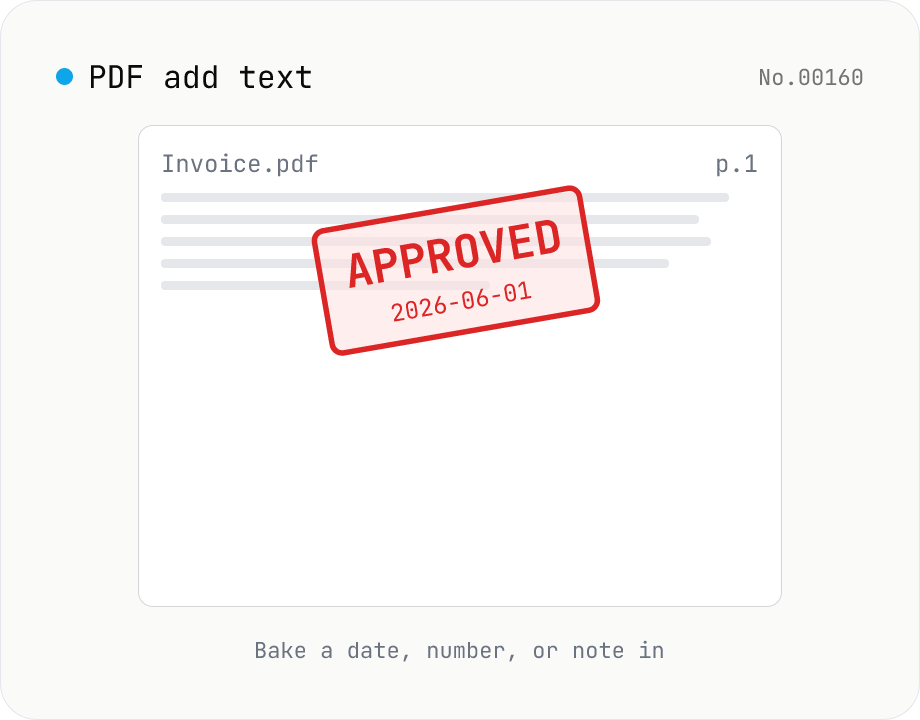
PDF add text — bake dates, notes, or labels into a page
Drop a text annotation onto a chosen page of a PDF — perfect for date stamps, file numbers, contractor names, or any quick label that just needs to look right. Position via 9-grid + margin, set font size / color / rotation / opacity, and pick which pages. Uses pdf-lib's built-in Helvetica (Regular / Bold / Oblique), so the text is ASCII / Latin only. For Japanese, build a stamp PNG with stamp-jp and place it with pdf-add-image. Multiple PDFs can be batched and downloaded as a ZIP. Files never leave your browser.