
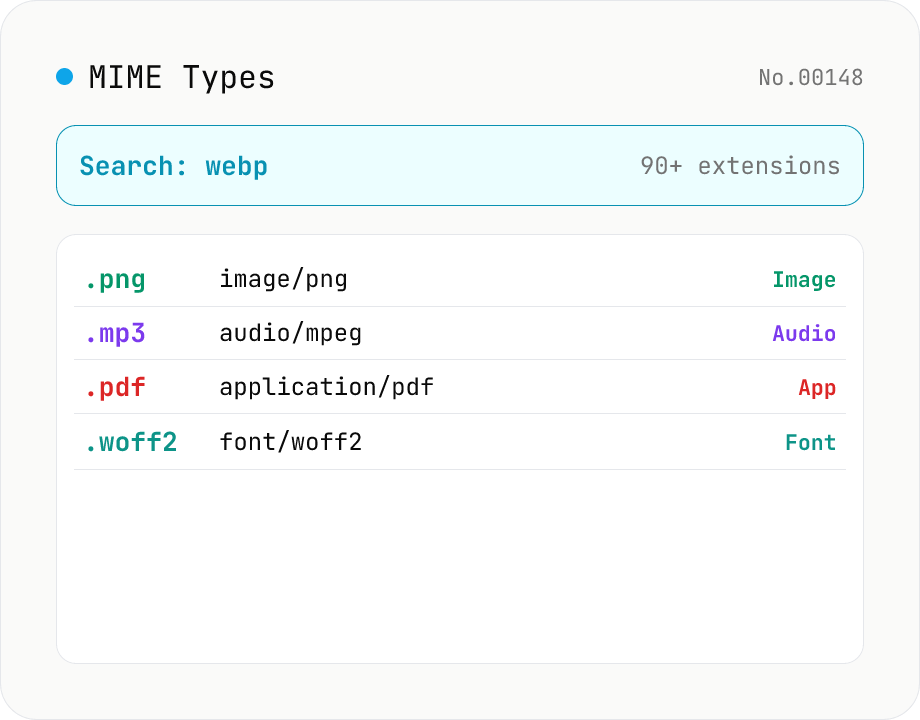
MIME Type / Extension Lookup
Look up a file extension's MIME type (Content-Type) or reverse-search which extensions map to a type. Search .webp or .pdf, or go from application/json back to extensions. Filter by category (image / audio / video / text / application / font / 3D). Pure static data — runs entirely in your browser.
How to use
Type an extension (e.g. webp, .pdf) or a MIME type (e.g. application/json, image) to filter the matching pairs. A leading dot (.webp) is optional. Use the Category selector to narrow to image / audio / video / text / application / font / 3D model. Static data based on MDN and IANA — runs entirely in your browser.
FAQ
- Where does the data come from?
- Static data based on MDN's "Common MIME types" list, the IANA Media Types registry, and the relevant specs (RFCs, etc.), bundled into the tool. No external API — everything runs in your browser.
- What is a MIME type (Content-Type)?
- An identifier for the kind of a file or data, in the form `type/subtype` (e.g. image/png, application/json). It's used in the Content-Type header a web server returns and in form/API requests to declare the data format; browsers use it to decide how to handle a file.
- Can one extension have several MIME types?
- Yes. Some extensions historically use multiple spellings (e.g. .xml is application/xml and text/xml; .ico is image/vnd.microsoft.icon and image/x-icon). This tool lists the single most recommended value as the canonical one.
- Can I look up both directions (ext→MIME and MIME→ext)?
- Yes. Search matches both the extension and the MIME type, so "webp" finds image/webp, and "application/vnd.openxml" finds docx / xlsx / pptx together.
- Is .js text/javascript or application/javascript?
- The current HTML spec recommends text/javascript (application/javascript is considered obsolete). This tool lists text/javascript.
- How does the search work?
- Partial match against the extension, MIME type, and category (image / audio, etc.), case-insensitive. A leading dot and surrounding whitespace are ignored. To filter by a localized category name, use the Category selector.
Related tools
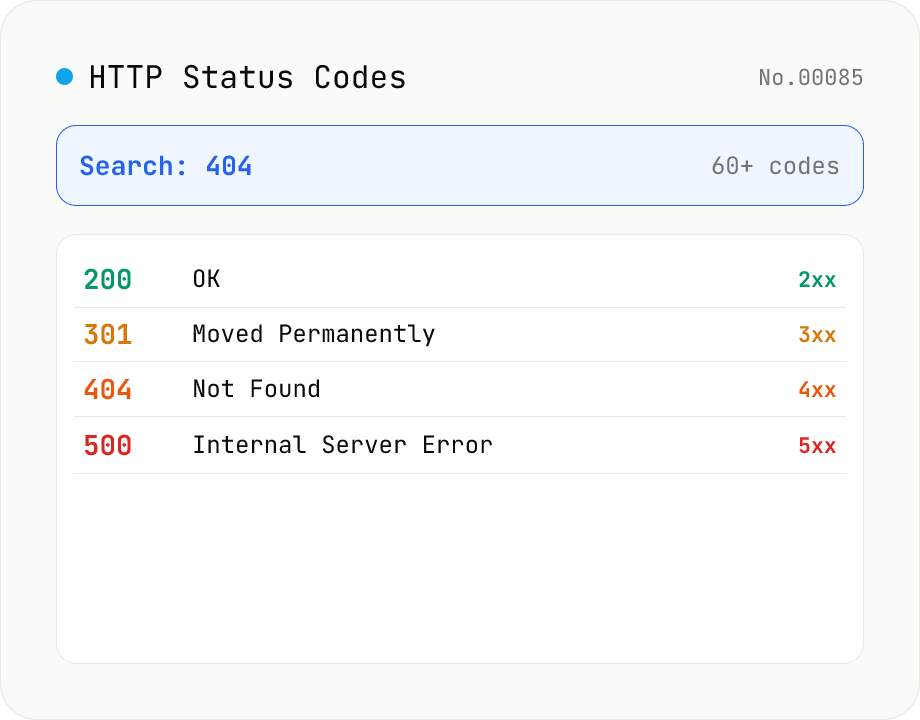
HTTP Status Code Lookup
Search HTTP status codes from 100 to 511 by code number, English reason phrase, or description. Filter by class (1xx informational / 2xx success / 3xx redirect / 4xx client error / 5xx server error). Instantly look up what 404 or 502 means. Pure static data — runs entirely in your browser.
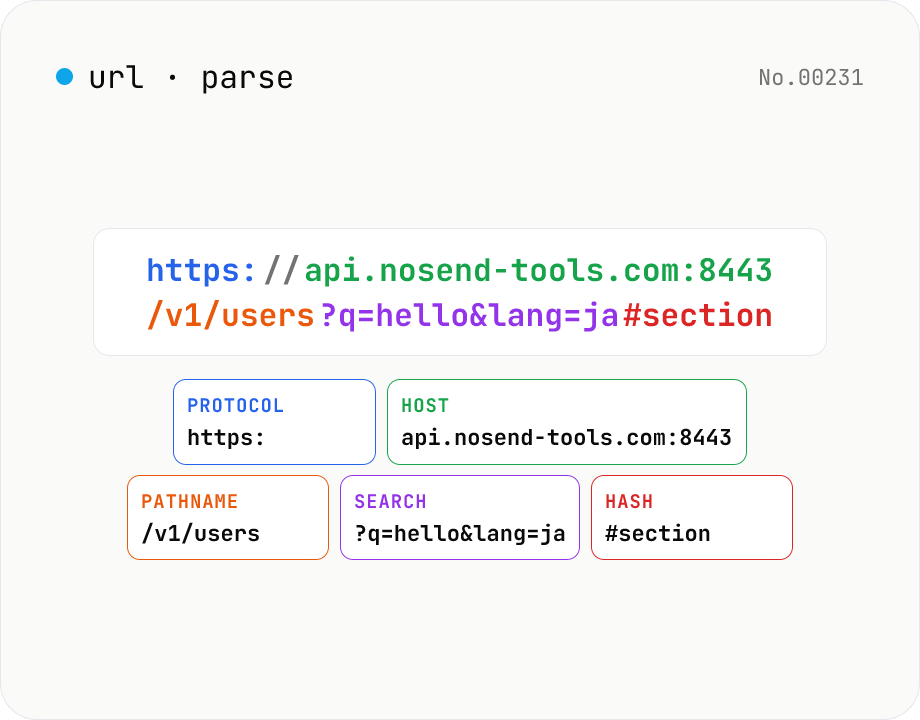
URL parse — host, path, query, fragment
Break a URL into protocol, host, port, path, query, hash, etc. with the browser's URL API. Query parameters are auto-expanded into a table (percent-decoded). Copy individual parts or download the whole breakdown as JSON. Runs entirely in your browser — your URL stays local.
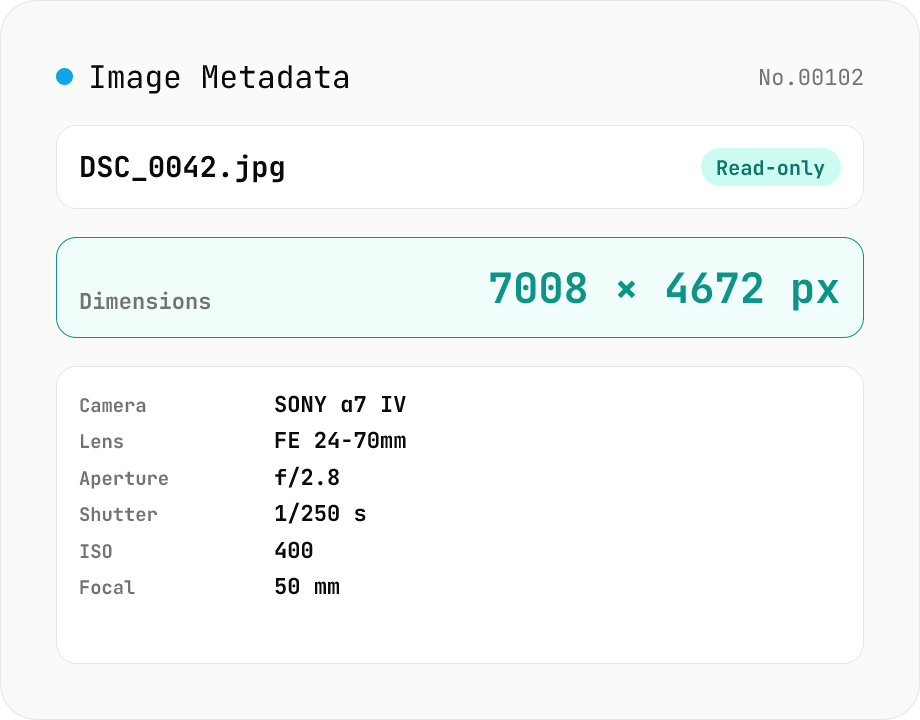
Image Metadata Viewer
Drop an image (JPEG / PNG / WebP / GIF / TIFF / HEIC / AVIF) to see its dimensions, file size, MIME type, aspect ratio, bit depth, color type, and DPI, plus extracted EXIF (capture time, camera make / model, lens, aperture, shutter speed, ISO, focal length, exposure compensation, orientation), GPS coordinates, ICC color profile, IPTC, and XMP. PNG headers (IHDR / pHYs) and JPEG markers (SOF / JFIF) are read by a small built-in parser; EXIF is parsed with exifr (MIT). Read-only — nothing is modified and the image never leaves your browser.
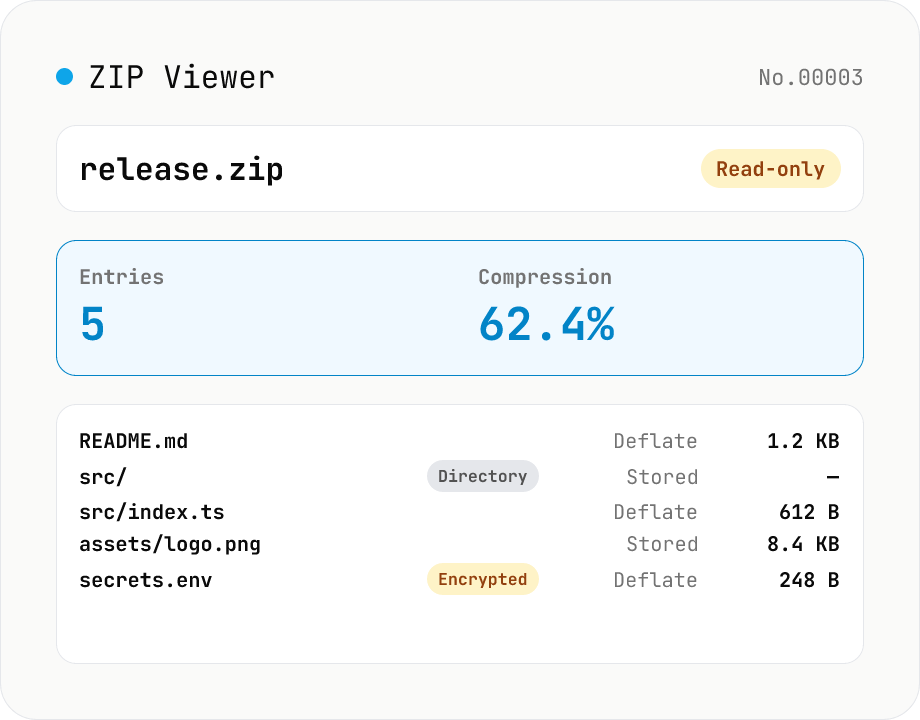
ZIP Archive Viewer
Drop a ZIP file to inspect its contents without extracting. See total entry count, archive size, compression ratio, archive comment, plus per-entry path, original / compressed size, compression method (Stored / Deflate / Deflate64 / BZIP2 / LZMA / Zstandard), last modified time, CRC32, encryption flag, and directory marker. Runs via a hand-rolled Central Directory parser — entry data is never decompressed and nothing is uploaded.