
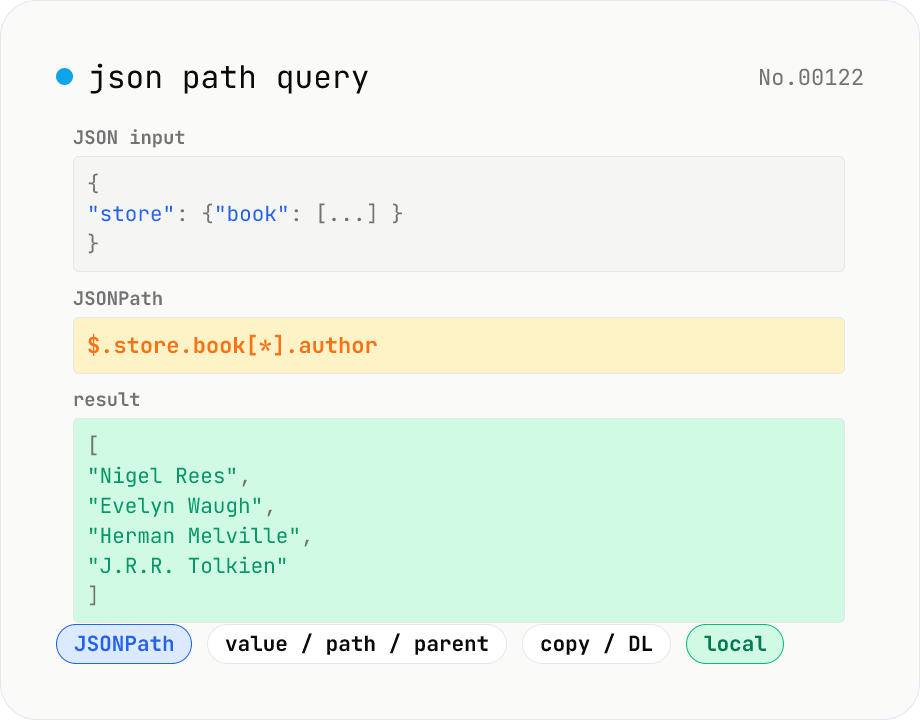
JSON Path query — query JSON trees with JSONPath
Run JSONPath queries (e.g. `$.store.book[*].author`) against JSON data and pull out exactly what you need. Powered by jsonpath-plus (MIT) inside the browser. Pick what to return — values, paths, or parent nodes. Great for slicing API responses, fishing specific fields out of logs, sanity-checking config files, or exploring JSON in DevTools. Filter expressions like `?(@.price < 10)`, recursive `$..`, and tag matches `[?(@.tag=='x')]` are all supported. Everything is evaluated locally — no upload.
How to use
Paste JSON, then write a JSONPath query (e.g. `$.store.book[*].author`). Pick a 'Result type'. Value returns matching node contents, path returns the JSONPath string, parent returns the object/array that owns the match. Results refresh as you type. The match count and JSON output are shown below; copy or download as needed. Click Sample to load a familiar books / bicycle dataset with the query `$.store.book[*].author`.
FAQ
- Which queries are supported?
- Everything jsonpath-plus implements: `$` (root), `..` (recursive descent), `[*]` (all members), `[?(@.price < 10)]` (filters), `[0:5]` (slices), etc. See the jsonpath-plus README for the full grammar.
- What's the difference between value / path / parent?
- Value (default) returns the matching node's contents. Path returns its JSONPath string (like `$.store.book[0].author`). Parent returns the object/array that directly contains the match.
- What does 'Flatten single match' do?
- JSONPath always assumes multi-match, so the default wraps even a single result in a `[...]` array. With Flatten ON, single matches are returned as their raw value (e.g. `$.expensive` yields `10` directly). Multi-match results stay arrays either way.
- Why does my JSON fail to parse?
- JSON5 (comments, trailing commas, single quotes, etc.) is not accepted. Convert it to standard JSON with the json5-format tool first.
- Is anything uploaded?
- No. jsonpath-plus runs entirely in your browser — your JSON never leaves the device.
Related tools
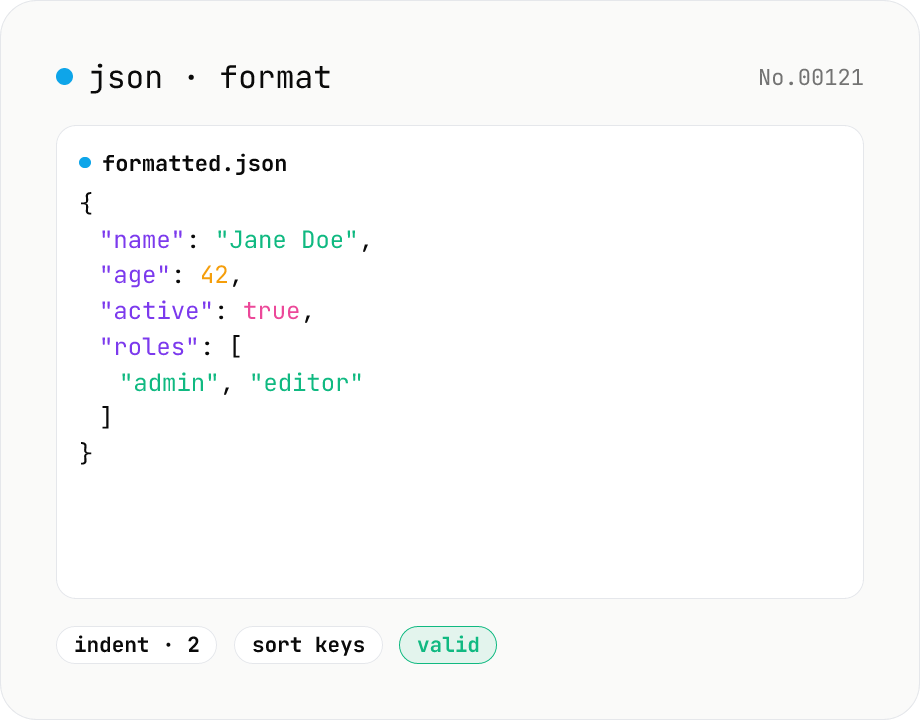
JSON format & validate — indent, minify, error pointer
Format, minify, and validate JSON entirely in your browser. Errors show the line and column. Your data never leaves your device.
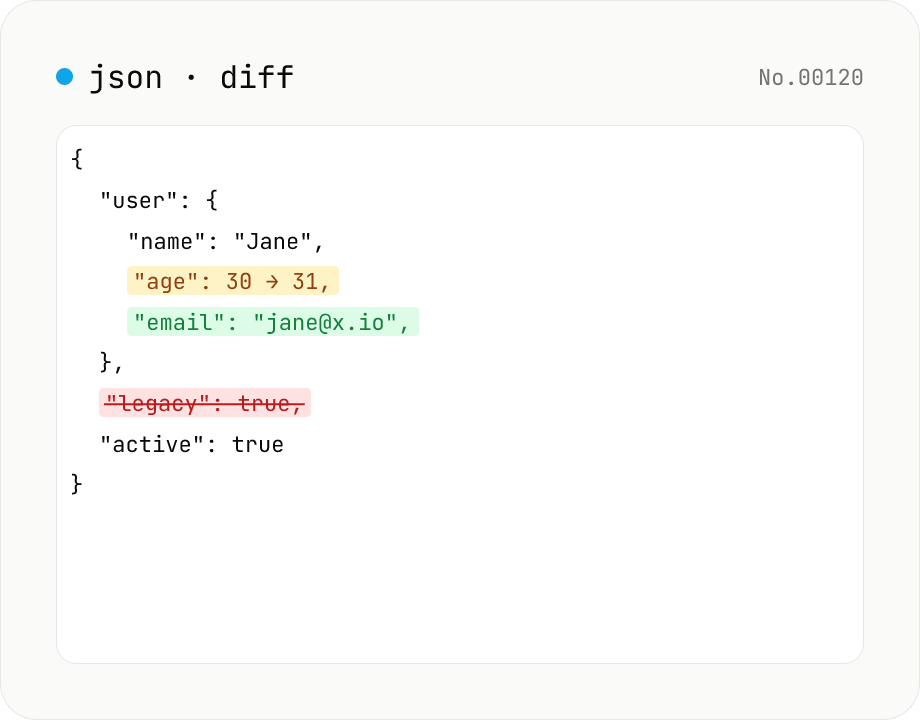
JSON diff — structural compare of two documents
Compare two JSON documents structurally. Walks nested objects and arrays recursively and highlights added / removed / modified / moved entries. Runs entirely in your browser.
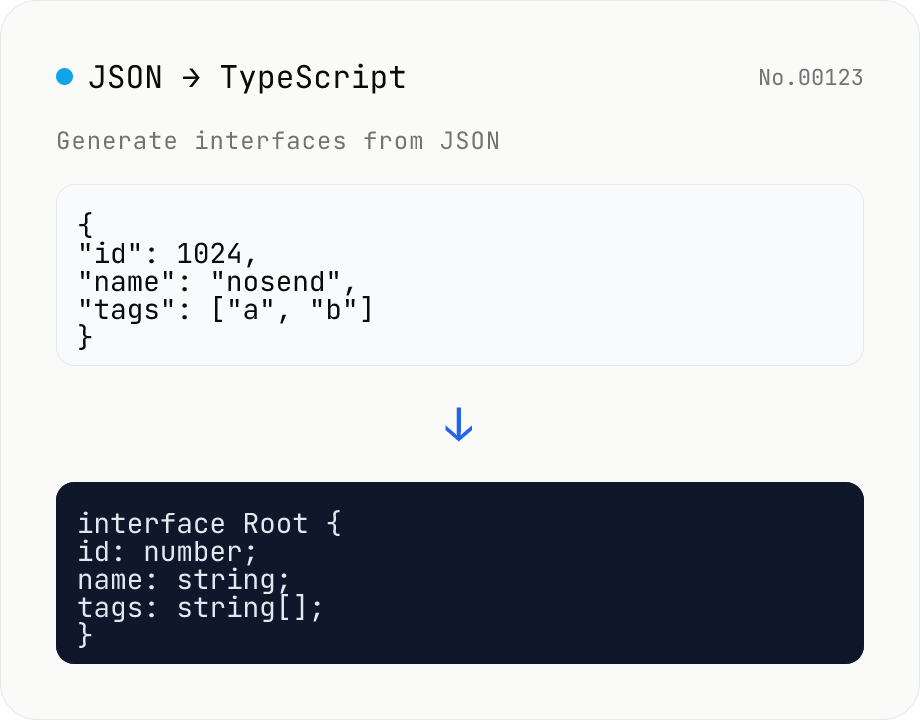
JSON to TypeScript Type Generator
Paste JSON to generate matching TypeScript interface / type definitions. Nested objects become separate interfaces, arrays merge their keys (keys present in only some elements become optional with ?), and mixed values turn into union types. Choose the root type name, interface vs type, and whether to add export. Identical shapes are deduplicated into one type. JSON is processed entirely in your browser and never uploaded.
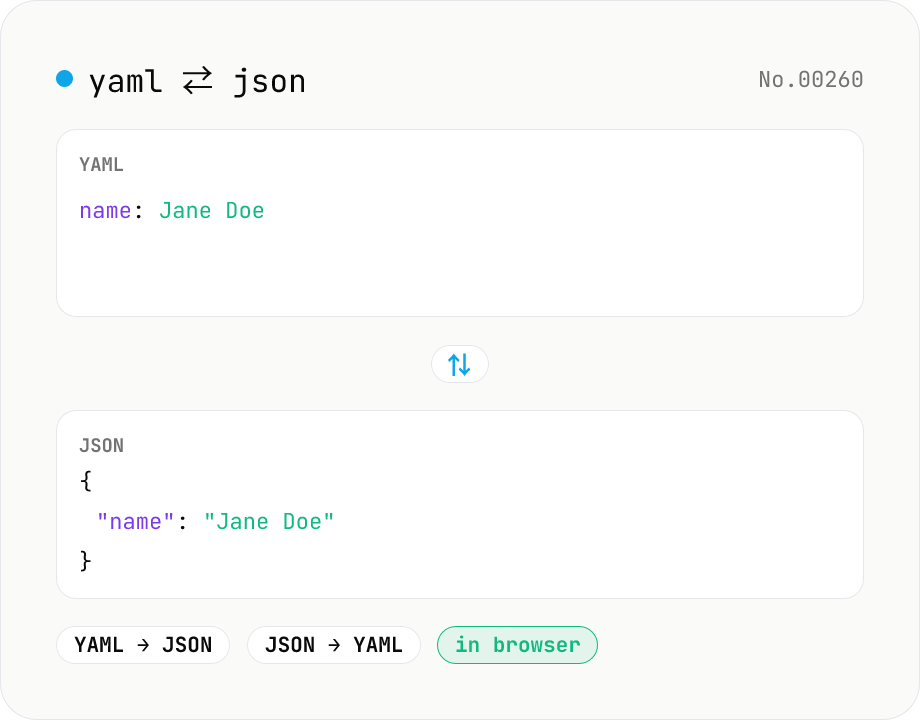
YAML ⇄ JSON converter — indent preserved
Convert YAML to JSON or JSON to YAML. Choose indent (2 / 4 / tab) and try the sample button. Powered by eemeli/yaml — runs entirely in your browser.