
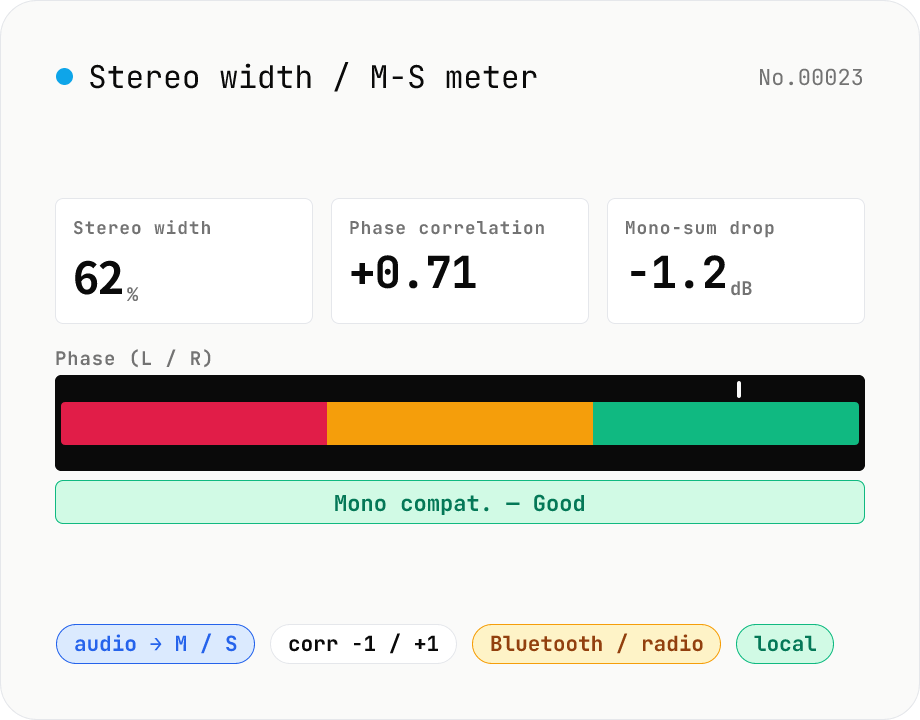
Stereo width / M-S analysis — phase correlation & mono compatibility check
Drop a stereo audio file (MP3 / WAV / M4A / FLAC / OGG / Opus) to run an in-browser M-S analysis (Mid = (L+R)/2, Side = (L-R)/2). We surface stereo width (%), phase correlation (-1 to +1), Side energy (dB), Mid energy (dB), and the level drop when summed to mono. Catches the dropouts and thin-sounding mixes that show up on Bluetooth speakers, Spotify Mobile, AM/FM radio and centre-channel TV downmixes before they reach listeners. Negative correlation triggers a phase-issue warning. Audio stays in your browser.
How to use
Drop or pick one or more stereo audio files (MP3 / WAV / M4A, etc.). Analysis runs automatically — we compute the RMS of Mid ((L+R)/2) and Side ((L-R)/2), plus the L/R phase correlation. The result card shows stereo width, phase correlation, Mid/Side energy, and the dB drop when summed to mono. Negative correlation or a mono drop > 6 dB is highlighted — that's your cue to check phase relationships before publishing.
In depth
Stereo width analysis happens at the pre-release stage
Checking stereo width is a final-stage quality gate. You run it on the candidate master to confirm that the image holds up in mono, that the phase correlation coefficient doesn’t go negative, that the Side energy isn’t so dominant it collapses on a Bluetooth speaker. The file on the table is the unreleased version — the one with the most value and the least exposure to outside parties so far.
The analysis result itself — stereo width percentage, phase correlation number, mono drop — quantifies properties of the mix that are specific to this recording. A server that stores this metadata alongside the audio has a fingerprint of the mix. For unreleased work, that’s a fingerprint of something that isn’t supposed to exist outside your machine yet.
Cloud stereo-analysis tools and mastering NDA situations
Mastering engineers sometimes work under NDAs on behalf of labels or artists. Running an NDA-covered master through an online tool — even for a simple correlation measurement — transfers the file to infrastructure outside the agreed handling scope. RMS and correlation are lightweight computations, but they still require the full audio file to be received server-side.
The gap between ‘I’m just checking stereo width’ and ‘I’m sending an unreleased master to a third-party server’ is the same gap that exists for every audio utility that processes server-side. The smaller the task feels, the less likely the transfer registers as significant. That’s exactly when it’s worth pausing.
Matrix operations on decoded samples — entirely inside the browser
The tool decodes audio with decodeAudioData, extracts L and R sample arrays, and computes Mid = (L+R)/2 and Side = (L-R)/2 in JavaScript. RMS is computed for each, yielding the stereo width ratio. The Pearson correlation coefficient between L and R is calculated per-frame and averaged, giving the phase correlation number. Mono drop in dB follows from the correlation. No data leaves the browser.
Open DevTools Network and drop a file: no requests after page load. The Mid/Side matrix operations and the Pearson calculation are in the GitHub source.
Making stereo width part of a standard pre-release checklist
Pairing this tool with audio-loudness-lufs and audio-true-peak covers the three main technical checks before delivery: loudness, inter-sample peak, and stereo compatibility. Running all three in the browser, without uploading the file anywhere, means the master doesn’t leave your machine until it reaches the distributor.
For content that will be heard on Bluetooth speakers or car radios — both mono environments — a phase correlation below +0.3 is worth investigating before release. To pin a problem to one channel, audio-channel-split breaks the file into separate L and R mono files; audio-channel-merge rebuilds the stereo after the fix. Catching it here is far easier than remixing after distribution.
Mid-Side encoding and the math behind Pearson correlation
Mid-Side (M/S) is a classic lossless matrix transform. Given L = (M+S) and R = (M-S), you can recover the original stereo exactly from Mid and Side channels. (L+R)/2 extracts the centred content (Mid) and (L-R)/2 extracts the off-centre content (Side). The same transform powers FM stereo broadcast (the 38 kHz subcarrier carries Side), and MP3 / AAC Joint Stereo modes use it for encoding efficiency. When Side RMS exceeds Mid RMS, mono summation cancels content that was present in the stereo image — the source of phase issues.
The Pearson correlation coefficient r = Σ((L-L̄)(R-R̄)) / √(Σ(L-L̄)² × Σ(R-R̄)²) measures how closely L and R move together, on a scale of -1 to +1. r = +1 means perfect alignment (effectively mono), r = 0 means uncorrelated (extreme stereo width), r = -1 means perfect anti-phase (complete cancellation in mono). The working thresholds most engineers use: r ≥ +0.5 safe, +0.3 to +0.5 watch carefully, < +0.3 mono-compatibility risk. This tool averages frame-by-frame correlation for the overall score and flags negative instantaneous peaks as phase warnings.
Streaming-era stereo practices after the loudness wars
Since streaming platforms (Spotify, Apple Music, YouTube) adopted loudness normalisation around -14 LUFS in the late 2010s, mastering has shifted away from “as loud as possible” toward preserving dynamics and stereo width. Mixes with stronger Side energy are more common now, but Bluetooth speakers, car infotainment, and phone speakers still collapse to mono in practice — making pre-release mono compatibility checks more important, not less.
Modern EDM and pop mixes often push stereo width to 110–130%, increasing mono risk in exchange for impact on stereo systems. Classical, jazz, and live recordings still use Mid-Side miking (a figure-eight capsule capturing Side, a cardioid capturing Mid) to allow independent post-production control of stereo width. Being able to inspect Side RMS and Mid RMS separately in-browser is also useful for verifying the M/S ratio captured at the session against what survived the mix.
FAQ
- How is stereo width (%) calculated?
- From the ratio of Side RMS to Mid RMS: `(Side RMS / Mid RMS) × 100`. 0% = pure mono (L=R), 50–80% = typical stereo mixes, > 100% = Side exceeds Mid (extreme widening or phase issues).
- How do I read the phase correlation (-1 to +1)?
- It's the Pearson correlation between L and R. +1.0 = identical, +0.5 to +1.0 = mono-compatible, around 0 = independent, negative = anti-phase content that disappears or thins on mono summation. Aim for >= +0.3 for AM radio / Bluetooth speaker safety.
- What's an acceptable mono drop in dB?
- Keep it under 3 dB. Past -6 dB you'll typically lose vocal or low-frequency content during mono summation — a strong cue to re-mix before publishing. Read it alongside the correlation as a phase-issue indicator.
- What if I feed a mono file?
- We treat L as both channels: Mid equals the source, Side is zero, correlation is +1.0, and width reads 0%. Use a stereo file for meaningful analysis.
- Is any audio uploaded?
- No. Decoding uses the Web Audio API and the metrics are computed in-browser. Nothing leaves your machine.
How to verify nothing is uploaded
This tool never sends your input outside your browser. The pages below explain how it works, how to audit it, and how the site is run.
Related tools
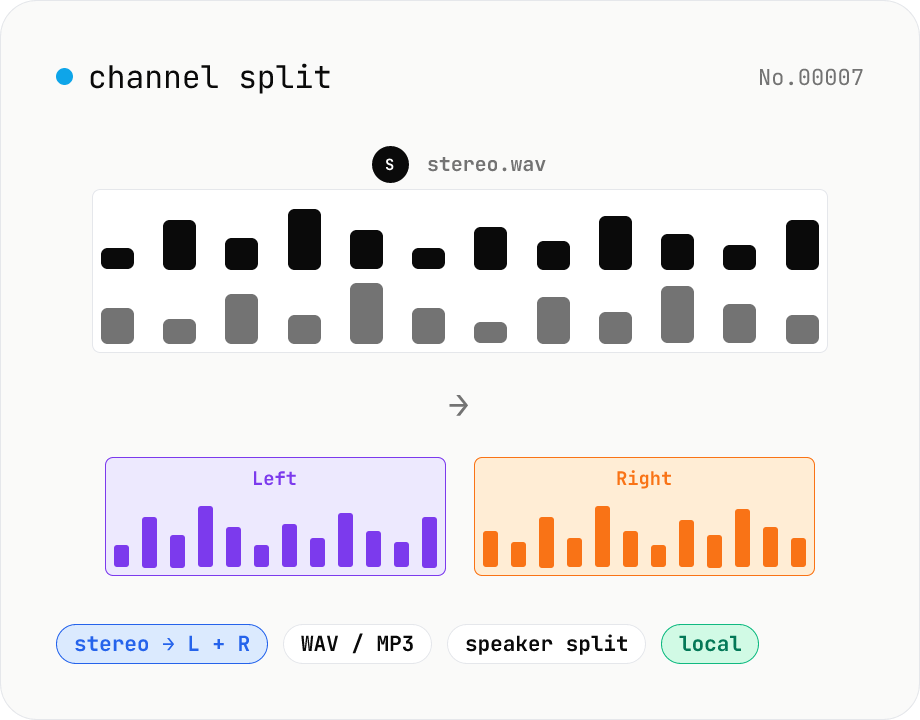
Audio channel split — stereo to two mono files
Split a stereo audio file (MP3 / WAV / M4A / FLAC / OGG) into separate left and right mono WAV / MP3 files. Useful for interview / dictation / Zoom recordings captured with one speaker per channel, isolating noise on one side, or pulling a single channel into your DAW. Mono input passes through as a single file. Everything stays in your browser.
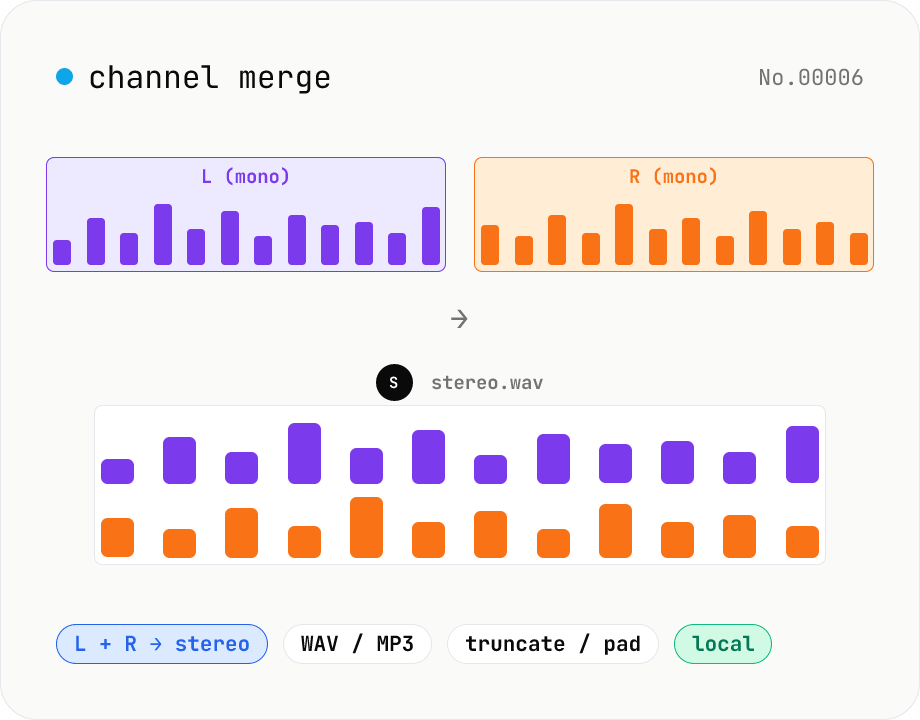
Audio channel merge — two mono files into a stereo L + R
Combine two mono audio files (MP3 / WAV / M4A / FLAC / OGG) into one stereo file. The first file becomes the left channel, the second becomes the right; we interleave them and output one stereo WAV / MP3. Useful for putting two-mic interview takes into a single L/R file, faking stereo from a mono source, or reversing audio-channel-split. When lengths differ, truncate to the shorter file or pad the shorter one with silence — your choice. Everything stays in your browser.
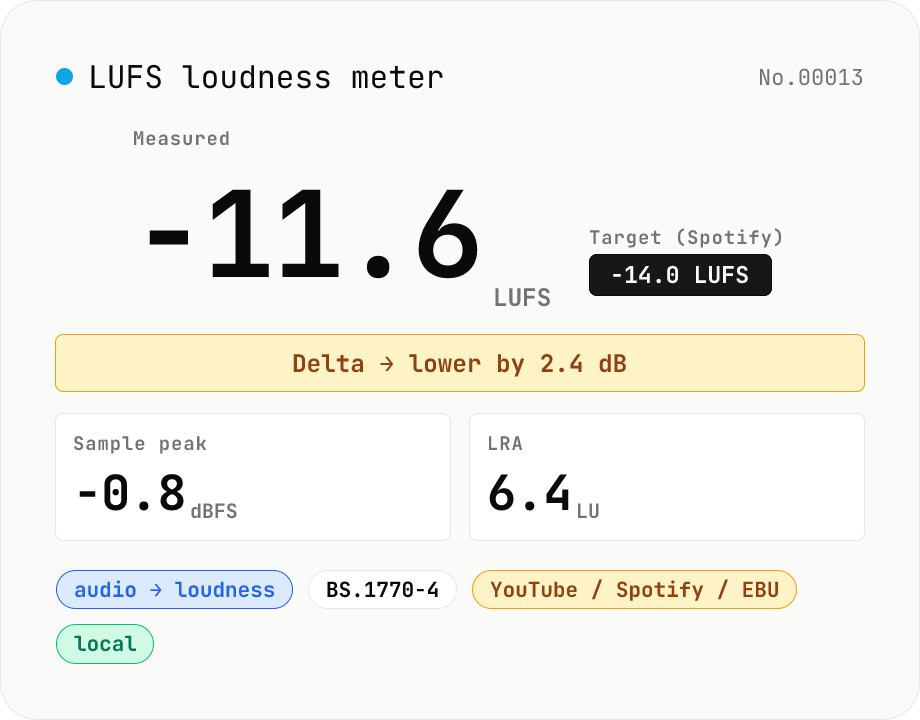
LUFS loudness meter — measure integrated loudness vs. streaming targets
Drop an audio file (MP3 / WAV / M4A / FLAC / OGG / Opus) to measure ITU-R BS.1770-4 Integrated Loudness (LUFS) / Loudness Range (LRA) / Sample Peak (dBFS) in your browser. Pick a streaming target (YouTube / Apple Music / Amazon Music: -14 LUFS, Spotify: -14 LUFS, Apple Podcasts: -16 LUFS, EBU R128 / broadcast: -23 LUFS) to see the delta in LU — telling you how many ±dB to push through audio-volume to match. Implements a K-weighting biquad, 400 ms square-window blocks, and absolute (-70 LUFS) + relative (-10 LU) gating, with ITU channel weights (L=R=C=1). Audio stays in your browser.
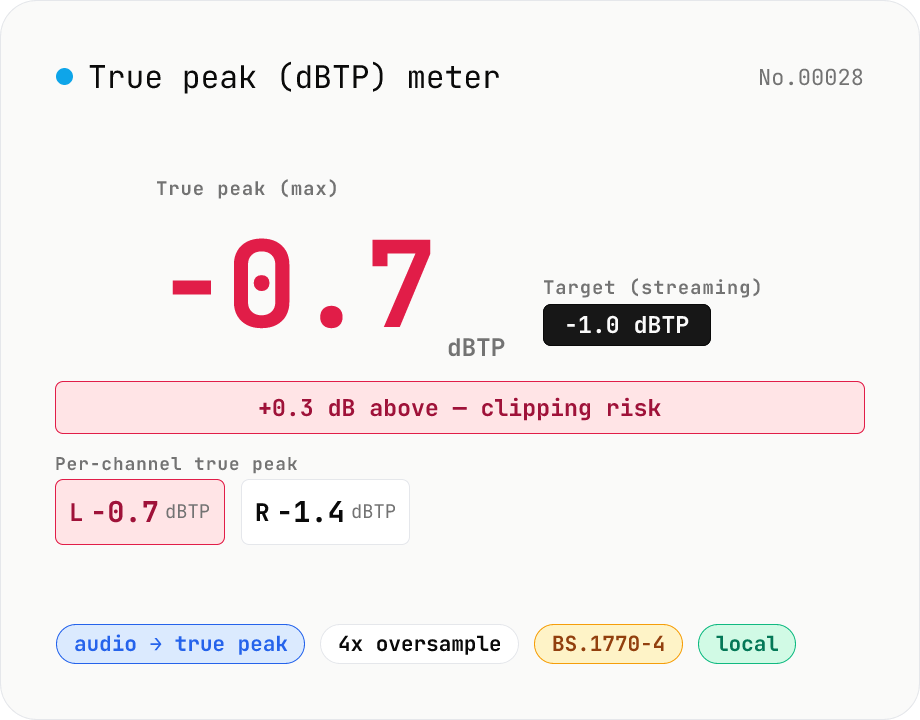
True Peak (dBTP) meter — detect inter-sample peaks via 4x oversampling
Drop an audio file (MP3 / WAV / M4A / FLAC / OGG / Opus) to measure True Peak (dBTP) using ITU-R BS.1770-4 Annex 2-compliant 4x oversampling (poly-phase FIR low-pass) to reveal inter-sample peaks invisible to sample-peak meters. Spots clipping that emerges after MP3 / AAC encoding so you can pull back the limiter before it shows up downstream. Compare against streaming targets (Spotify / Apple Music / EBU R128 = -1.0 dBTP, YouTube = -1.0 dBTP, broadcast = -2.0 dBTP) and see which channel is hottest at a glance. Audio stays in your browser.