
TAG
Tools tagged "audio"
37 tools
Tools that work with audio files — record, convert, cut, merge, denoise, transcribe — all in the browser.
All NoSend Tools that carry the "audio" tag. Everything runs inside the browser — your inputs never leave your device.
Tags:
Sort:
Per page:
All tools
37 / 37
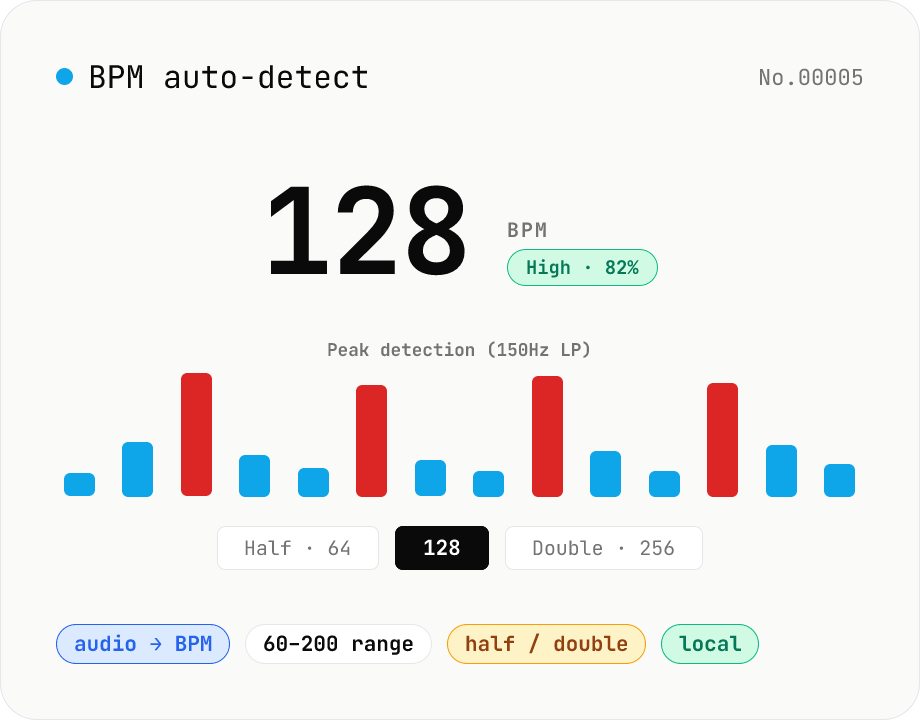
BPM auto-detect — estimate the tempo of an audio file
Drop an audio file (MP3 / WAV / M4A / FLAC / OGG) and we estimate the BPM in-browser using a low-pass filter + peak picker + histogram. Great for finding the tempo of a DJ partner track, checking sample packs, matching dance / running cadence, or grabbing a source BPM before running bpm-time-stretch. Half-tempo and double-tempo candidates are also shown so you can override 4-on-the-floor misreads (60 vs. 120). Everything stays in your browser.
audiotempo
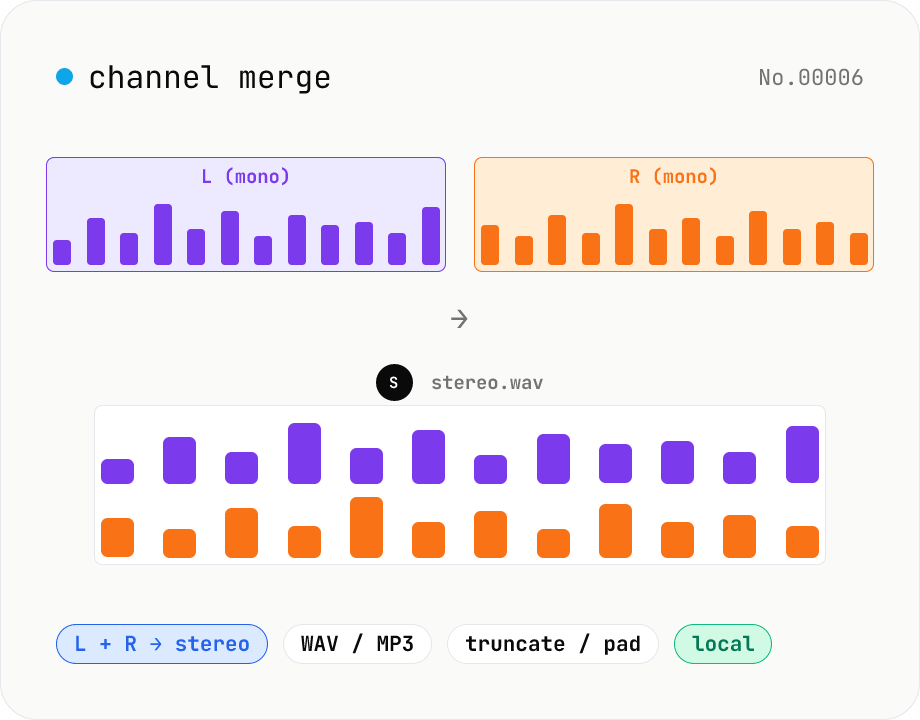
Audio channel merge — two mono files into a stereo L + R
Combine two mono audio files (MP3 / WAV / M4A / FLAC / OGG) into one stereo file. The first file becomes the left channel, the second becomes the right; we interleave them and output one stereo WAV / MP3. Useful for putting two-mic interview takes into a single L/R file, faking stereo from a mono source, or reversing audio-channel-split. When lengths differ, truncate to the shorter file or pad the shorter one with silence — your choice. Everything stays in your browser.
audiomerge
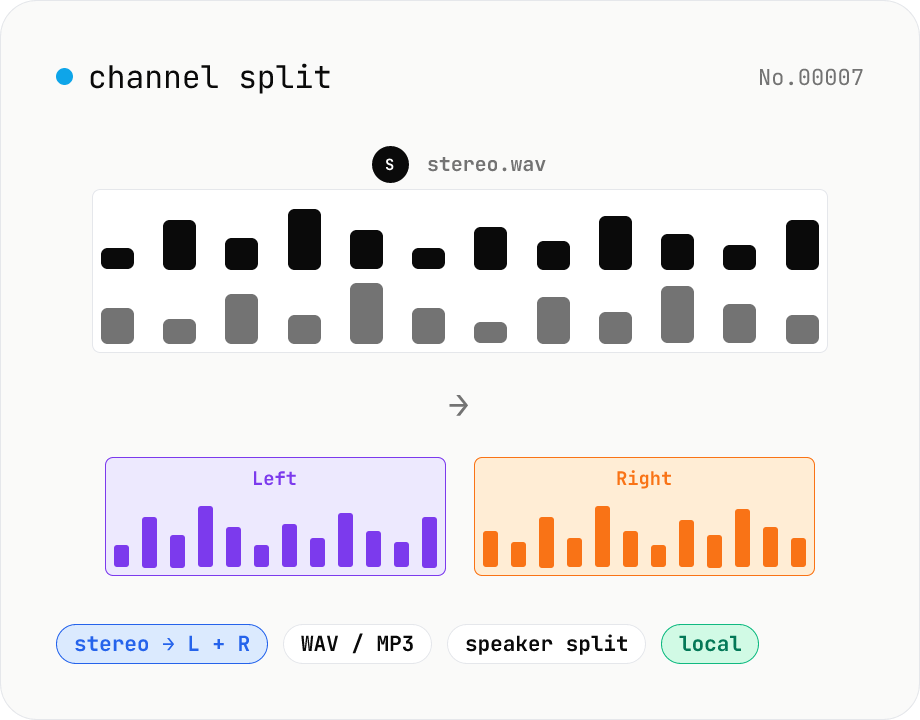
Audio channel split — stereo to two mono files
Split a stereo audio file (MP3 / WAV / M4A / FLAC / OGG) into separate left and right mono WAV / MP3 files. Useful for interview / dictation / Zoom recordings captured with one speaker per channel, isolating noise on one side, or pulling a single channel into your DAW. Mono input passes through as a single file. Everything stays in your browser.
audio
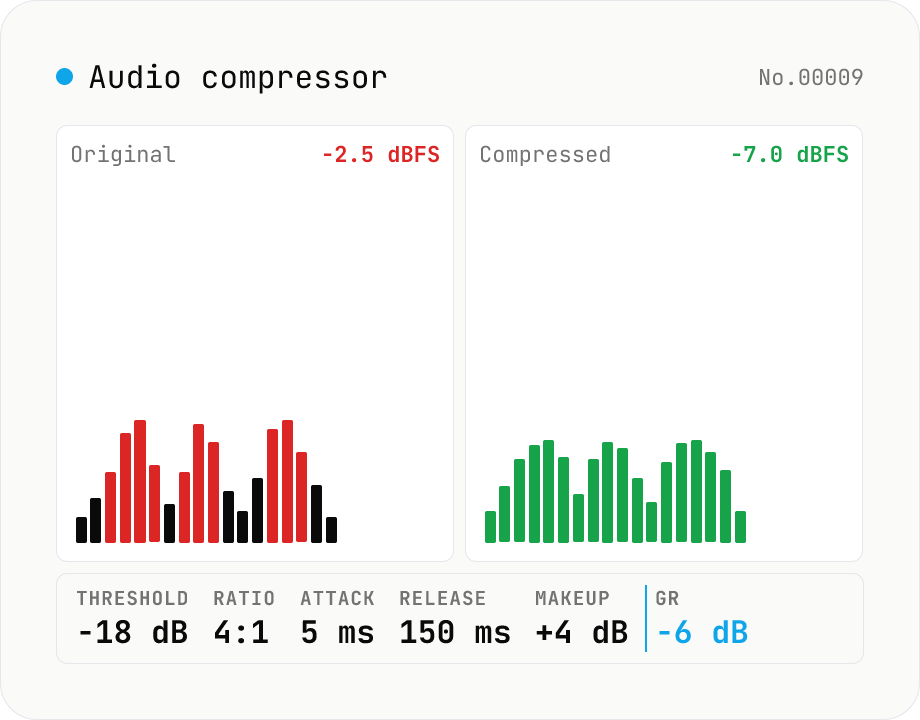
Audio compressor — tune threshold / ratio / attack / release and export WAV
Classic downward compressor backed by the Web Audio DynamicsCompressorNode. Pick threshold (-60 to 0 dB), ratio (1:1 to 20:1), attack (0 to 1 s), release (0 to 1 s), knee (0 to 40 dB) and an optional makeup gain (0 to 24 dB). Audio is rendered through an OfflineAudioContext (faster than realtime, independent of sample rate) and written out as 16-bit PCM WAV. Useful for taming vocals, narration, podcasts, drum buses or master-bus peak control. Pairs with `audio-volume` (broad gain), `audio-loudness-lufs` and `audio-true-peak` (metering only). Batch-process multiple files, save per-file WAV or grab them all as a ZIP. Audio stays in your browser — nothing is uploaded.
audio
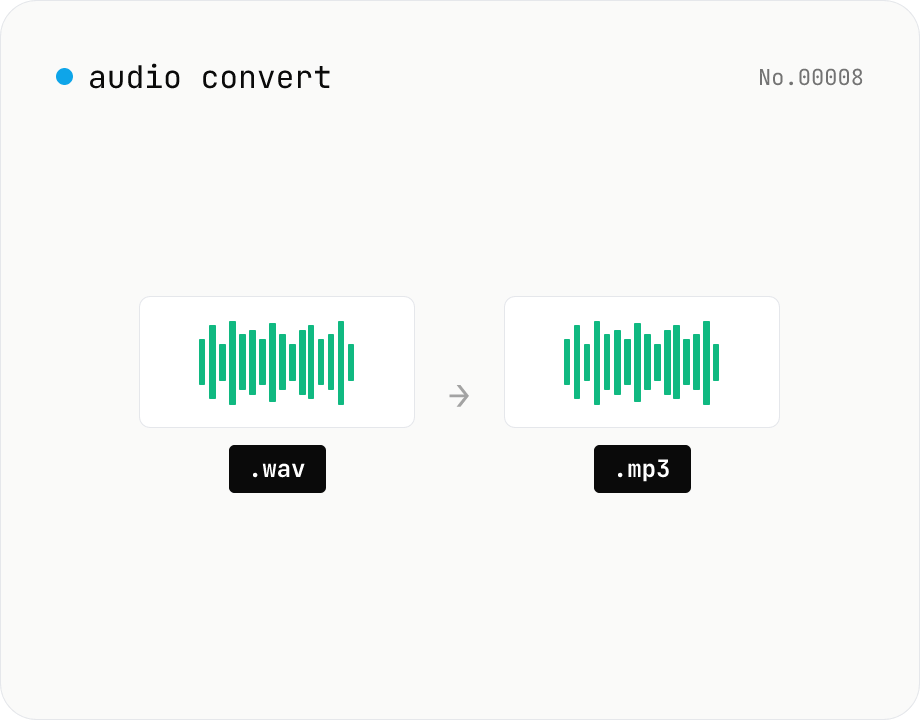
Audio format convert — MP3 / WAV / M4A / OGG / FLAC
Convert audio files to mp3 / wav / m4a / ogg / flac. ffmpeg.wasm picks an encoder based on the chosen extension and re-encodes the file entirely in your browser. Supports batch processing and a single ZIP download.
audioconversion
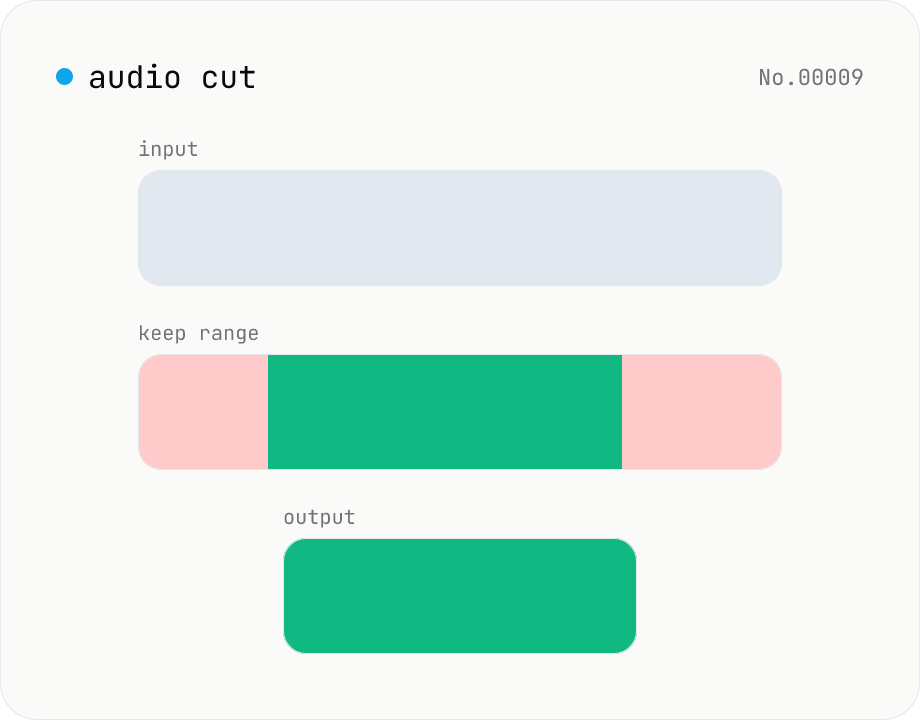
Audio cut — trim a range with no re-encoding
Trim an audio file to a chosen range with ffmpeg.wasm stream copy — no re-encoding, original codec and extension preserved. Cut points snap to the nearest keyframe. Supports batch processing and a single ZIP download.
audiosplit
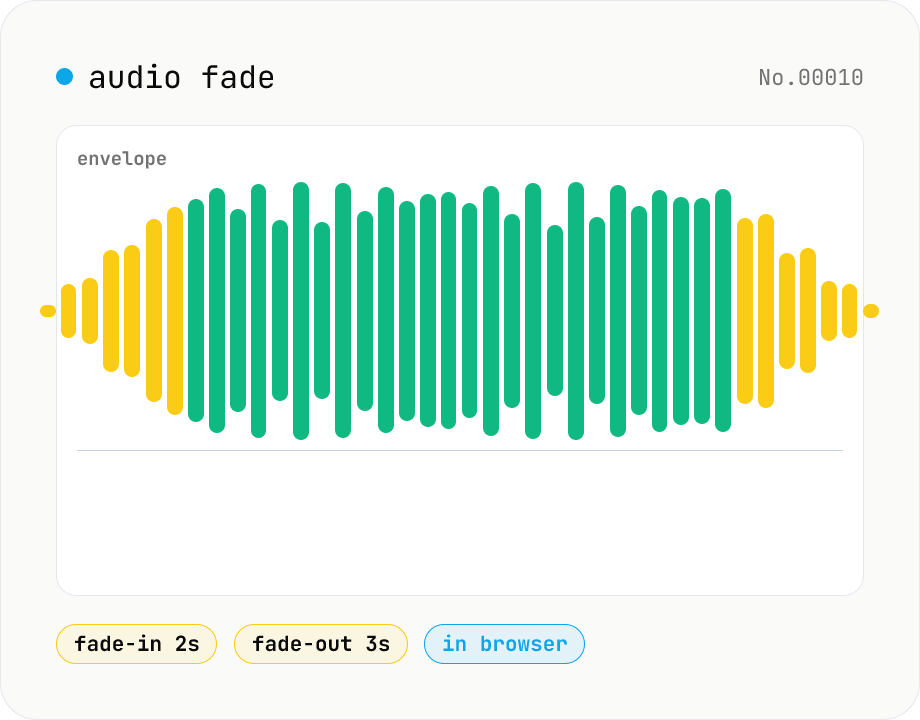
Audio fade — apply fade-in / fade-out in seconds
Add fade-in at the start and fade-out at the end of audio files. ffmpeg.wasm's afade filter handles MP3 / WAV / M4A / OGG / FLAC. Supports batch processing and a single ZIP download. Audio files never leave your device.
audio
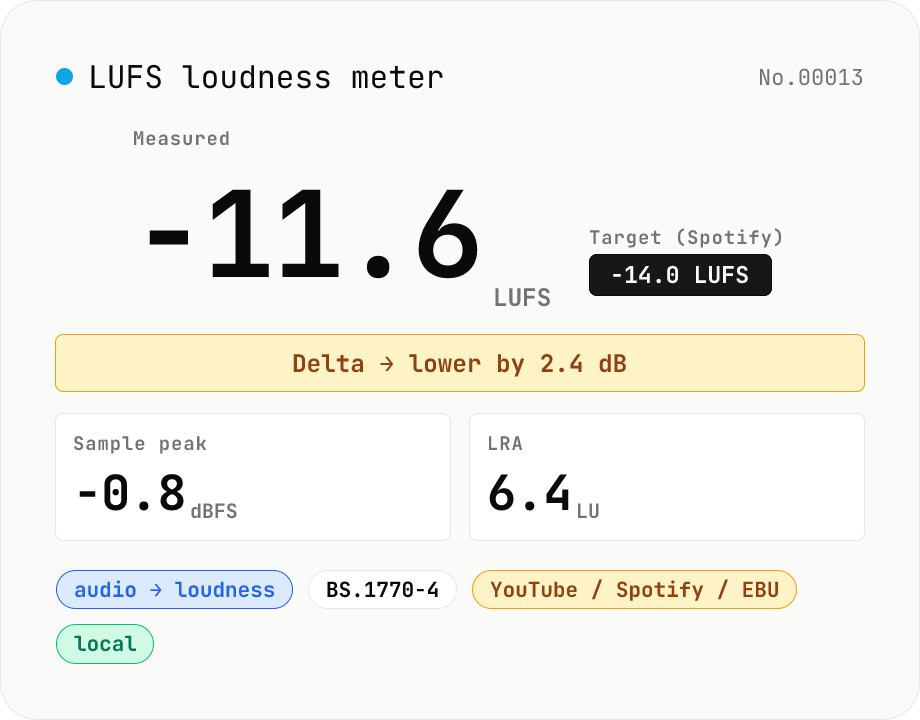
LUFS loudness meter — measure integrated loudness vs. streaming targets
Drop an audio file (MP3 / WAV / M4A / FLAC / OGG / Opus) to measure ITU-R BS.1770-4 Integrated Loudness (LUFS) / Loudness Range (LRA) / Sample Peak (dBFS) in your browser. Pick a streaming target (YouTube / Apple Music / Amazon Music: -14 LUFS, Spotify: -14 LUFS, Apple Podcasts: -16 LUFS, EBU R128 / broadcast: -23 LUFS) to see the delta in LU — telling you how many ±dB to push through audio-volume to match. Implements a K-weighting biquad, 400 ms square-window blocks, and absolute (-70 LUFS) + relative (-10 LU) gating, with ITU channel weights (L=R=C=1). Audio stays in your browser.
audioextract
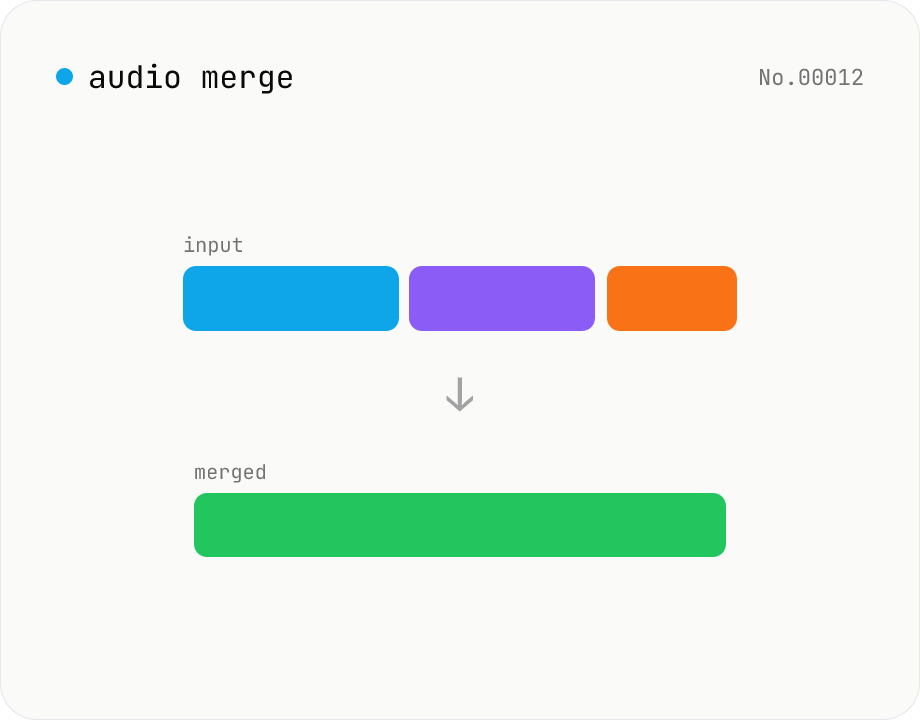
Audio merge — concat multiple files into one
Concatenate multiple audio files via the ffmpeg.wasm concat demuxer. Reorder by drag. Stream copy keeps codec untouched, but all inputs must share the same codec and sample rate.
audiomerge
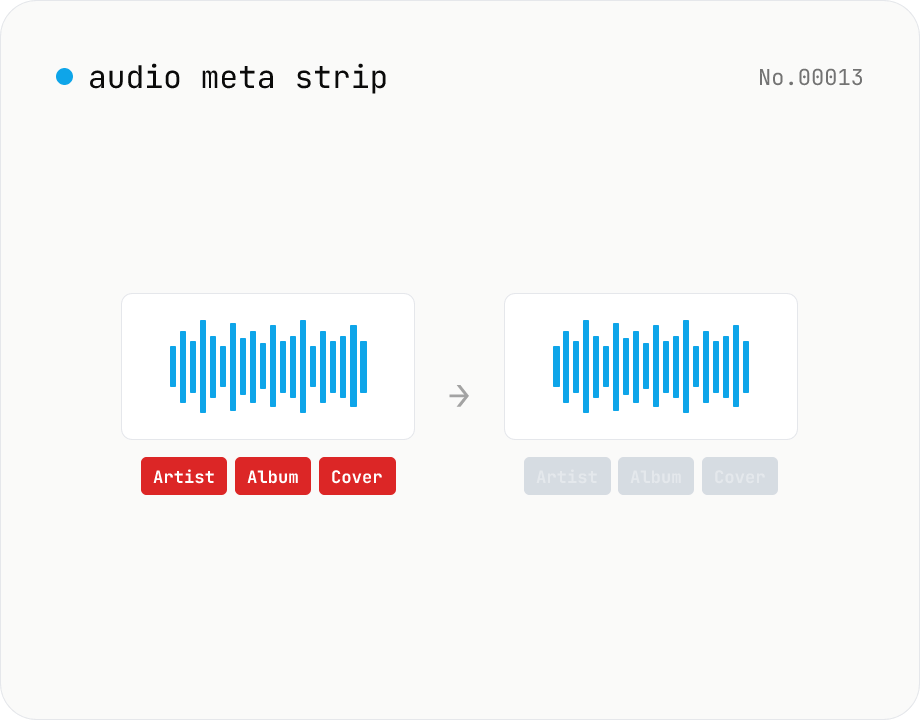
Audio metadata strip — ID3 / Vorbis / iTunes tags
Drop ID3, Vorbis comment, iTunes and other tags from audio files using ffmpeg.wasm — entirely in your browser. Uses stream copy so the codec, quality and file extension are preserved. Supports batch processing and a single ZIP download.
audioEXIF
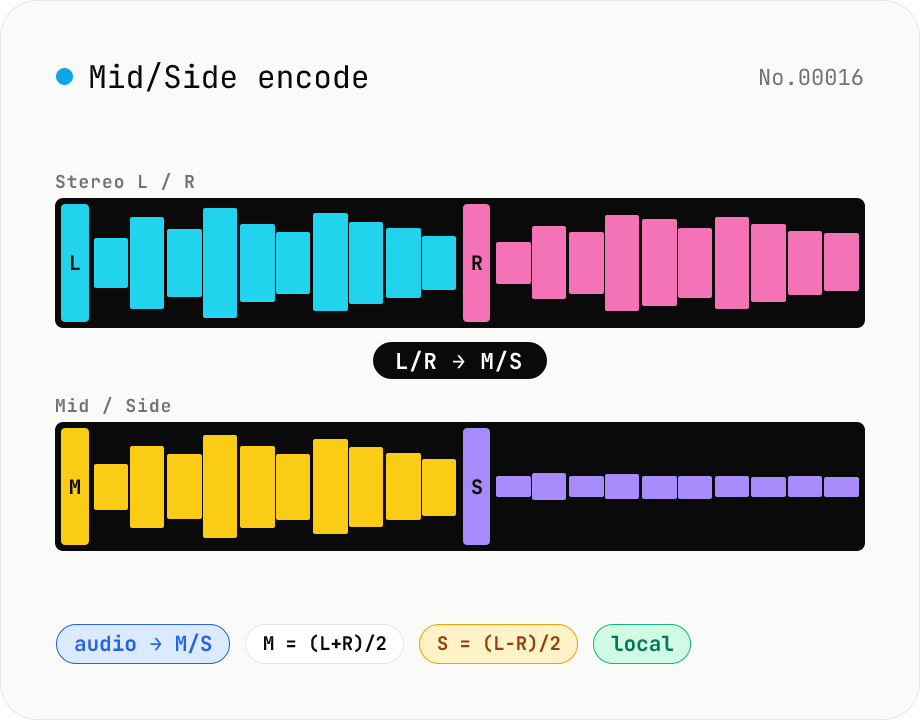
Mid/Side encode — stereo L/R ↔ M/S bidirectional converter
Convert stereo audio between L/R and the classic M/S representation, where Mid = (L+R)/2 captures the centre information (vocals, kick, bass) and Side = (L-R)/2 captures the stereo difference (reverb tails, panned elements). M/S is the backbone of mid-side EQ and mid-side compression — let your DAW apply EQ to the centre while the sides stay untouched. Pick Mode (L/R → M/S or M/S → L/R), batch-process multiple files, save per-file WAV or download a ZIP. Round-trip is exact (M+S = L, M-S = R) so an EQ pass on the Mid channel can be folded back into the original L/R. Audio stays in your browser.
audioconversion
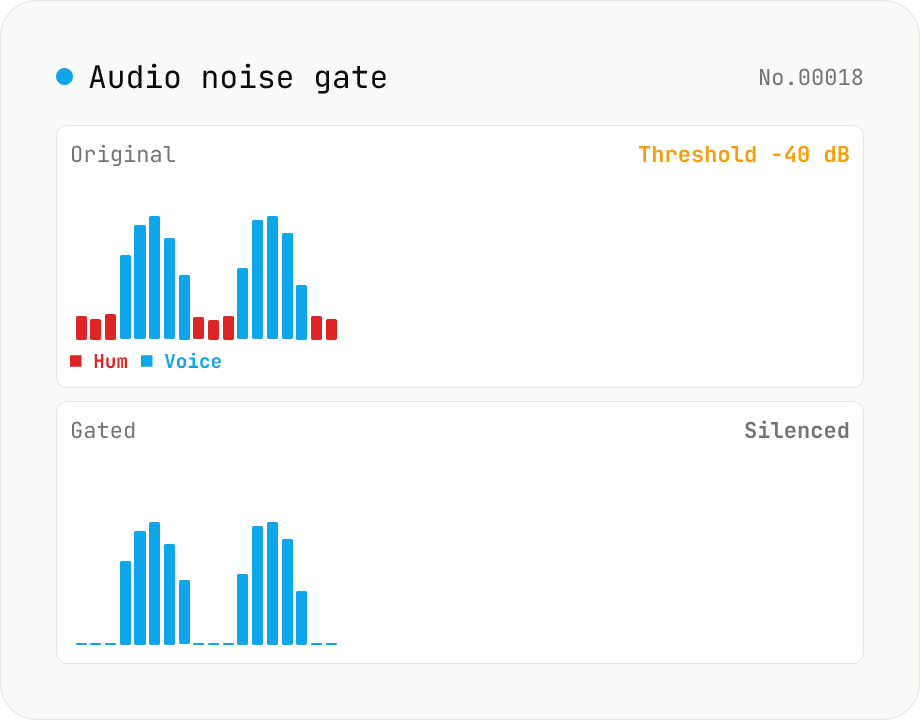
Audio noise gate — silence anything below the threshold, kill background hum between words
Soft-knee noise gate built on the Web Audio API. **Whenever the signal drops below your threshold, the gate clamps the volume to zero** — a classic dynamics tool for stripping mic hiss, fan noise, room HVAC and other background bleed from vocals, voice-overs and streams. Parameters: threshold (-80 to 0 dB), attack (0 to 100 ms, how fast the gate opens), hold (0 to 500 ms, how long the gate stays open after the signal drops back down), release (10 to 500 ms, how fast the gate closes), and reduction (-100 to 0 dB, how much you attenuate below the threshold). reduction = -100 dB gives full silence; -20 dB leaves a soft tail (handy when full silence sounds unnatural). Rendered offline via OfflineAudioContext with hand-rolled envelope tracking, output as 16-bit PCM WAV. Batch-process files and grab them as ZIP. Sits between `audio-compressor` (turn loud things down) and `audio-trim-silence` (cut leading/trailing silence). Everything runs in your browser.
audio
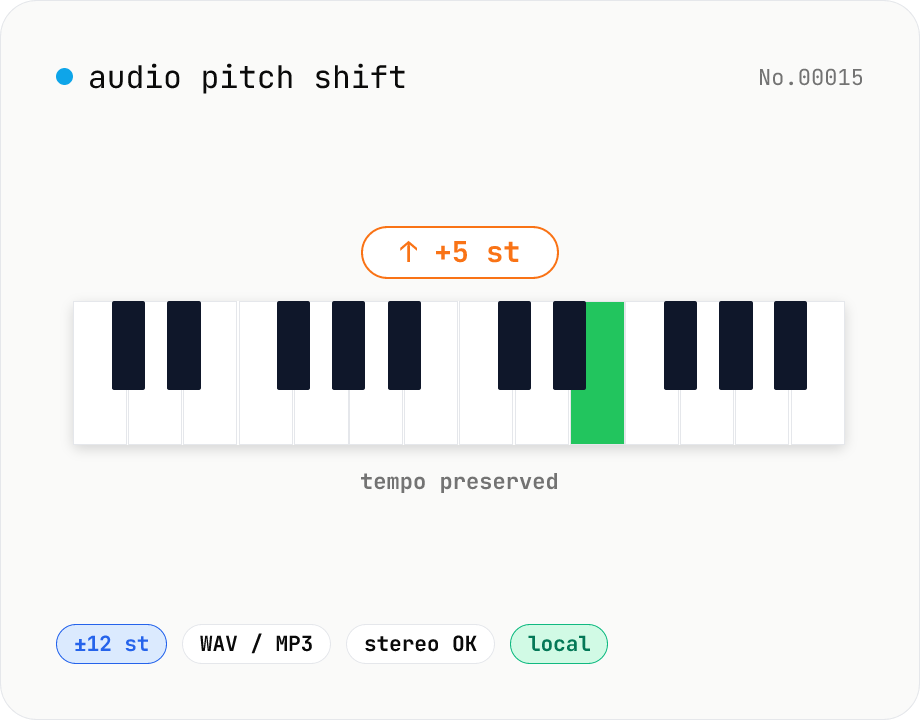
Audio pitch shift — change key in semitones while keeping tempo
Pitch-shift audio files (MP3 / WAV / M4A / AAC / FLAC / OGG / Opus) by semitones (±12 = one octave) without changing playback speed. Powered by soundtouchjs (SoundTouch library) running on Web Audio API samples. Great for karaoke key changes, matching keys across language-learning clips, tweaking narration tone for videos, or stylized voice effects. Export to WAV or MP3 with batch support. Your audio stays inside your browser — nothing is uploaded.
audio
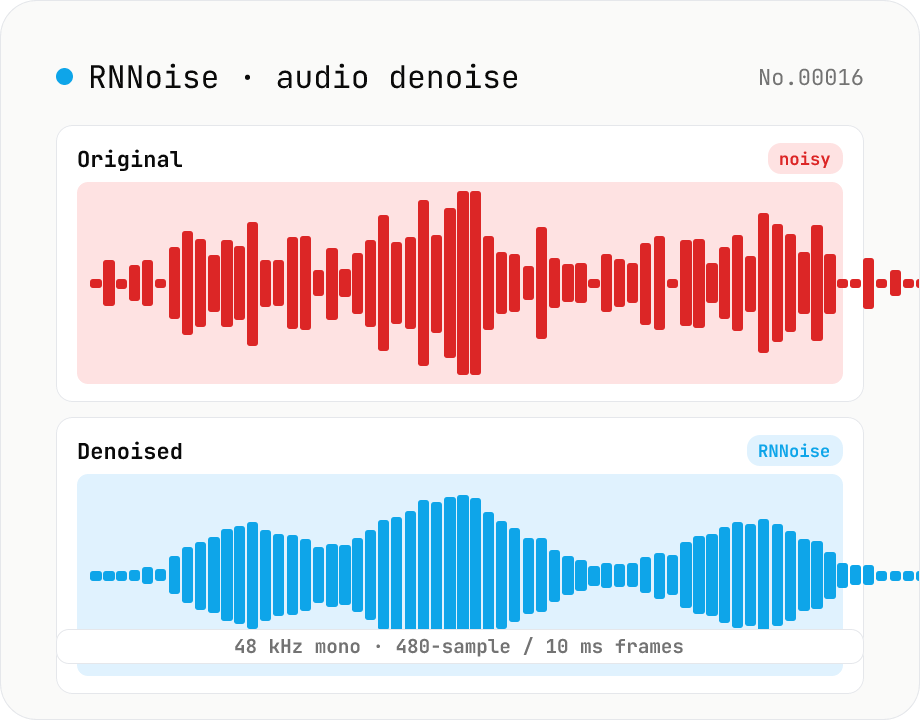
Noise reduction — RNNoise (ML) suppresses hiss / fan / keyboard noise
Upload an audio file and the tool uses RNNoise (Xiph.org, BSD-3-Clause) — a small neural network trained on noisy speech — to suppress fan noise, keyboard clatter, white noise, and breath sounds, returning a denoised WAV. Audio is resampled to 48 kHz mono with the Web Audio API and fed through the WebAssembly RNNoise model in 10 ms / 480-sample frames, alongside a voice activity (VAD) estimate. The model preserves speech while cleaning up the background, making it ideal for post-production of Zoom recordings, podcast raws, livestream clips, and meeting captures. Audio never leaves the browser.
audio
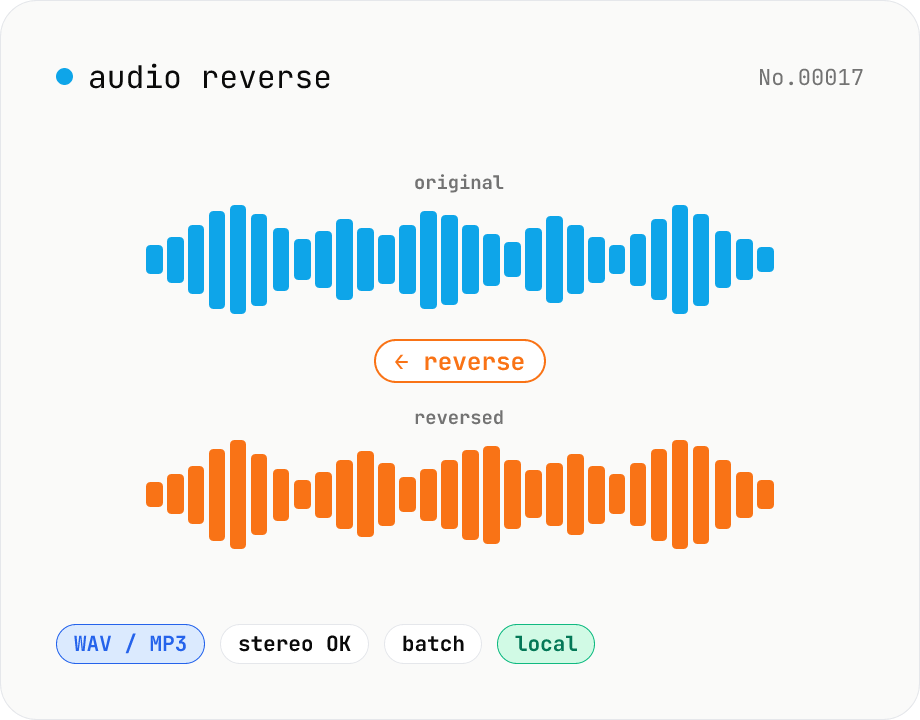
Audio reverse — flip audio backwards to WAV / MP3
Reverse audio files (MP3 / WAV / M4A / AAC / FLAC / OGG / Opus) entirely in the browser and export to WAV or MP3. Great for ASMR, music production, social media, or sound design. Web Audio API decodes the file, samples are flipped per channel (stereo handled correctly), then re-encoded. Batch multiple files and grab them as a ZIP. Your audio never leaves your device.
audioreverse
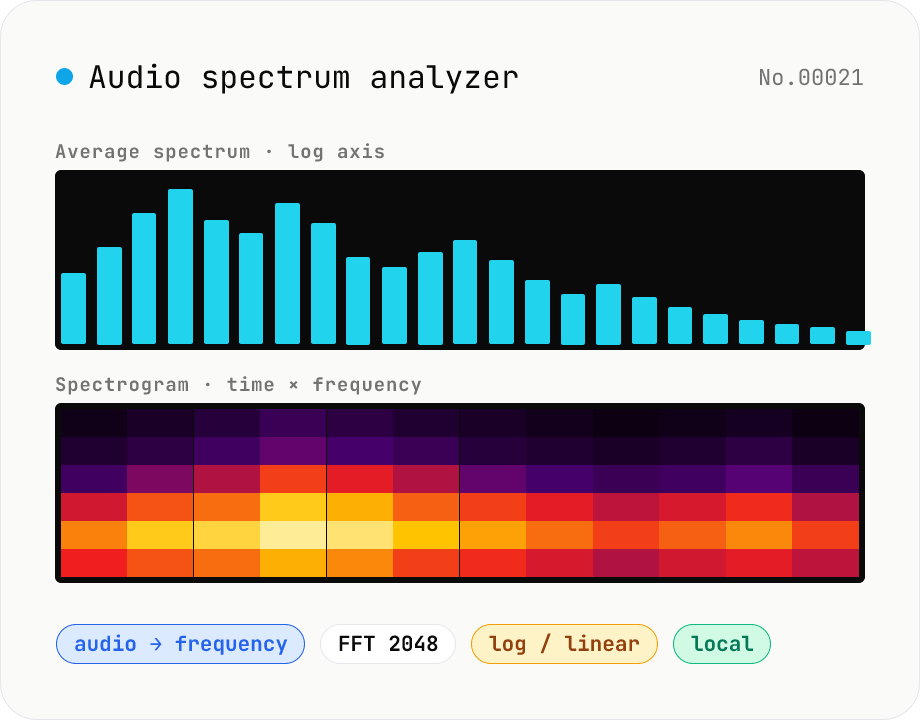
Audio spectrum analyzer — visualize frequency content
Drop an audio file (MP3 / WAV / M4A / FLAC / OGG / Opus) to run an in-browser FFT analysis and visualize its frequency content. A Mode toggle switches between the average spectrum (frequency vs. amplitude over the whole file) and a spectrogram (time × frequency × amplitude). Pick the FFT size (512 / 1024 / 2048 / 4096) and the frequency axis (linear / log). Useful for checking the low end before mastering, locating noise bands, inspecting an instrument's harmonic structure, or sanity-checking the S/N ratio of a lecture recording. Download the canvas as PNG, or export the average spectrum as CSV. Everything runs in your browser — no upload.
audioextract
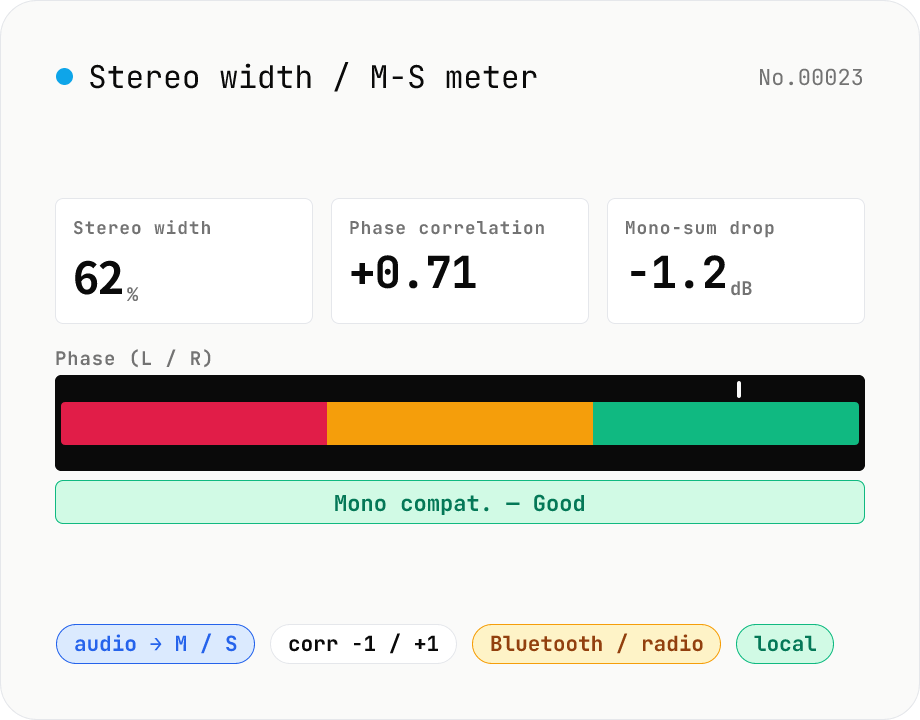
Stereo width / M-S analysis — phase correlation & mono compatibility check
Drop a stereo audio file (MP3 / WAV / M4A / FLAC / OGG / Opus) to run an in-browser M-S analysis (Mid = (L+R)/2, Side = (L-R)/2). We surface stereo width (%), phase correlation (-1 to +1), Side energy (dB), Mid energy (dB), and the level drop when summed to mono. Catches the dropouts and thin-sounding mixes that show up on Bluetooth speakers, Spotify Mobile, AM/FM radio and centre-channel TV downmixes before they reach listeners. Negative correlation triggers a phase-issue warning. Audio stays in your browser.
audioextract
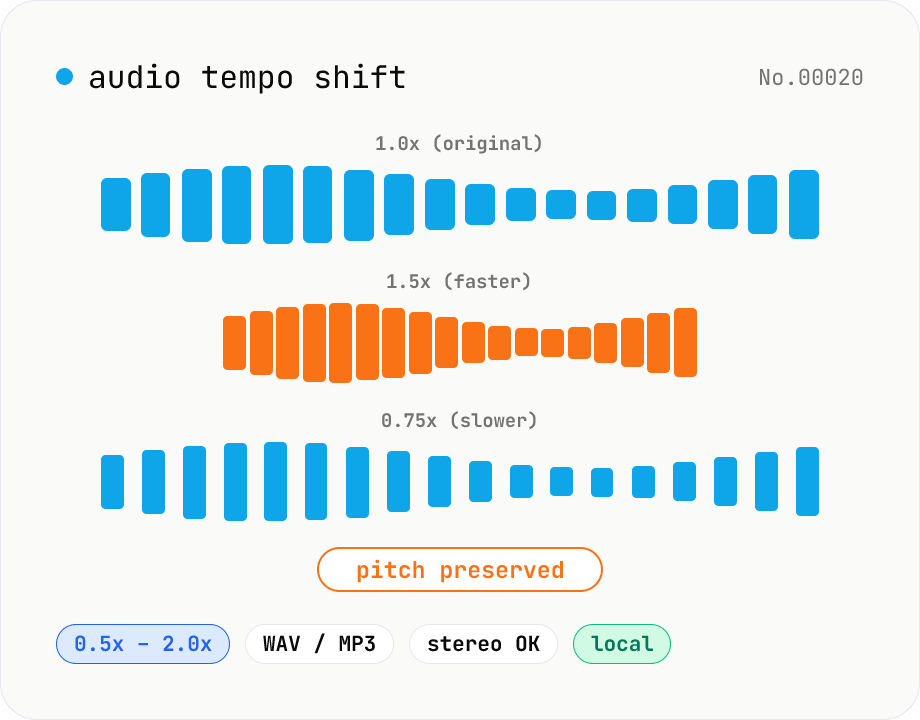
Audio tempo shift — change speed while keeping pitch
Stretch or compress audio files (MP3 / WAV / M4A / AAC / FLAC / OGG / Opus) by tempo (playback speed) without affecting pitch. Powered by soundtouchjs (SoundTouch library time-stretching) running on Web Audio API samples, from 0.5x (half speed) to 2.0x (double). Great for slowing down language-learning clips, transcribing tricky musical phrases, refining narration timing, or producing a 2x podcast cut. Export to WAV or MP3 with batch support. Your audio stays inside your browser — nothing is uploaded.
audio
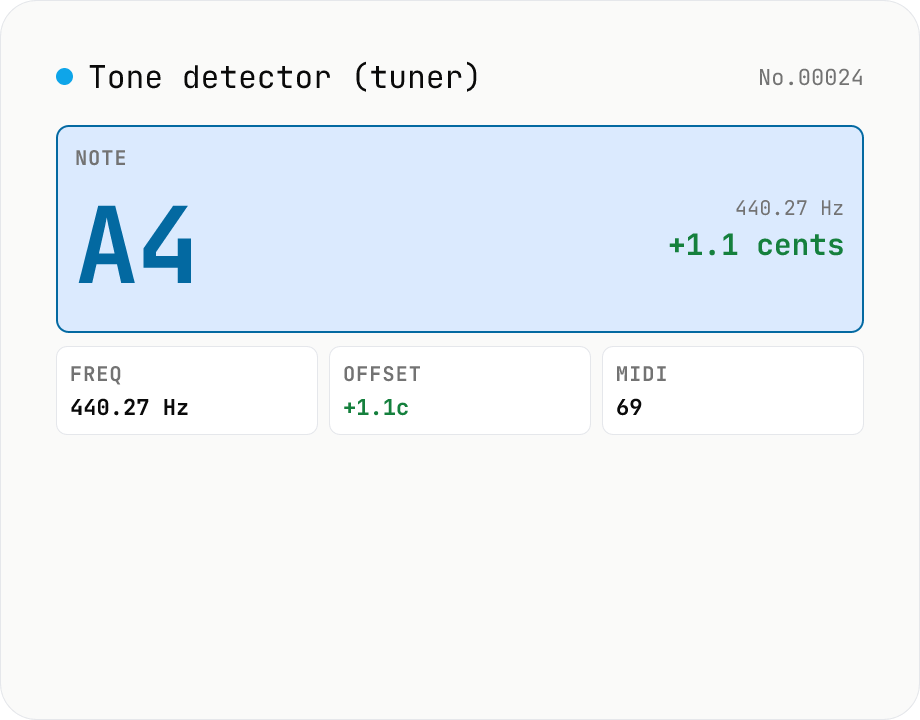
Audio tone detector — fundamental pitch → note name + cents offset
Drop an audio file and the tool runs **autocorrelation-based pitch detection** in your browser to extract the fundamental frequency. Each frame is converted to a **note name (e.g. A4, F#4)** and the **cents offset** from concert pitch. Works as a software tuner for guitar / bass / vocals / flutes / whistles. The per-frame pitch track is graphed and exportable as CSV — great for vocal intonation practice or fine-tuning synth oscillators. autocorrelation excels at short isolated tones (50 ms +) but mis-fires on chords and choirs. Symmetric counterpart to `tone-generate` (frequency → tone); this tool inverts that flow (audio → note). Different from `audio-spectrum` (full frequency distribution); here we only report the fundamental. Audio is never uploaded.
audio
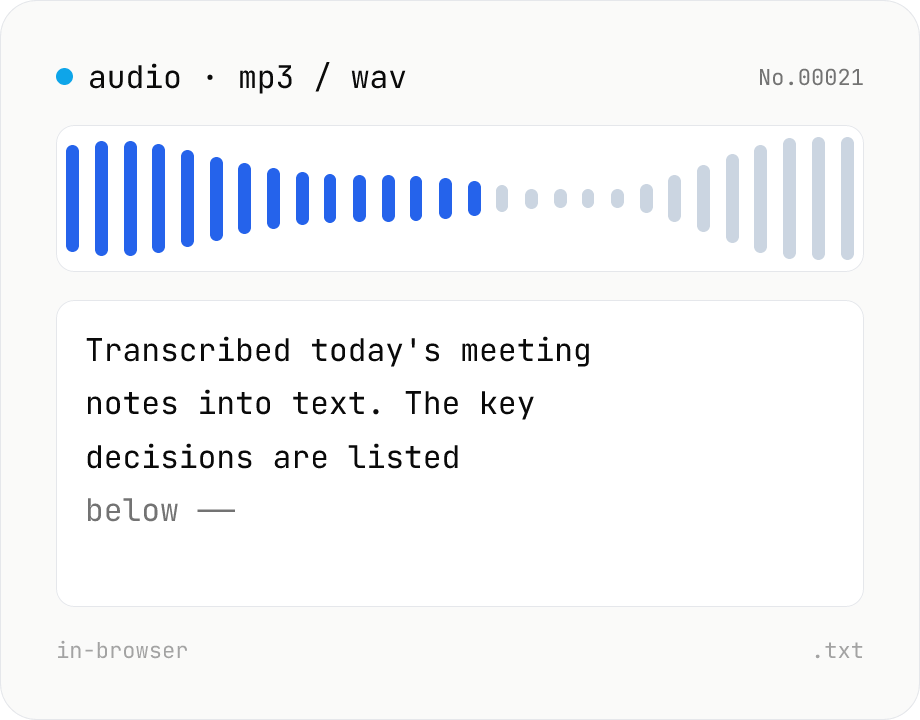
Audio file transcription — Whisper, multilingual
Upload an MP3 / WAV / M4A file and transcribe it with Whisper running inside your browser. Long files are chunked automatically. No audio or model data leaves your device. Performance and supported model size depend on your hardware (CPU / GPU / RAM).
audiotranscriptionAIextract