
TAG
Tools tagged "image"
60 tools
Tools that operate on images: resize, crop, format conversion, EXIF strip, background removal, all in-browser.
All NoSend Tools that carry the "image" tag. Everything runs inside the browser — your inputs never leave your device.
Tags:
Sort:
Per page:
All tools
60 / 60
Convert AVIF photos to JPG / PNG / WebP — compatible everywhere
Decode .avif images with the browser-native AVIF decoder and re-encode them as JPEG / PNG / WebP. AVIF is great for the web but older Safari versions, email clients, Slack and Office still can't preview it — convert before sending. Batch conversion with single-click ZIP download is supported. Files never leave your device — everything runs in the browser.
imageconversion
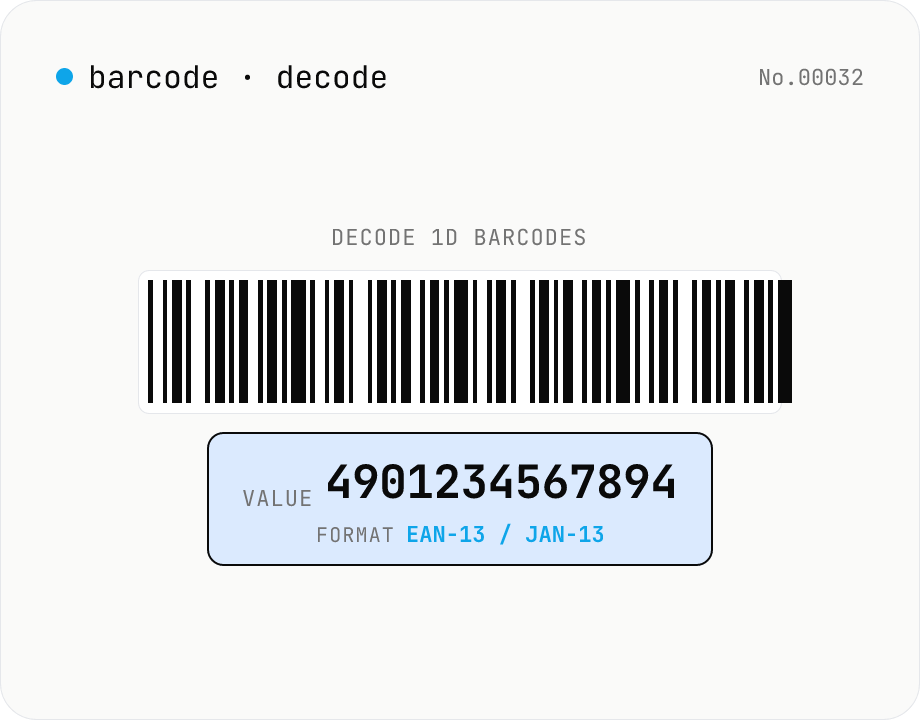
1D barcode decoder — JAN/EAN/UPC/Code128/Code39/ITF/Codabar
Drop **1D barcode images** (JAN-13 / EAN-13, JAN-8 / EAN-8, UPC-A, UPC-E, Code 128, Code 39, ITF / Interleaved 2 of 5, Codabar) and the tool extracts the encoded text and detected format. Useful for reading product JAN codes, package tracking labels, shipping inventory. Decoding is fully local via the Apache-2.0 licensed **@zxing/library**, with batch upload for multiple images at once. For QR codes use the separate `qr-decode` tool.
developerimagedecode
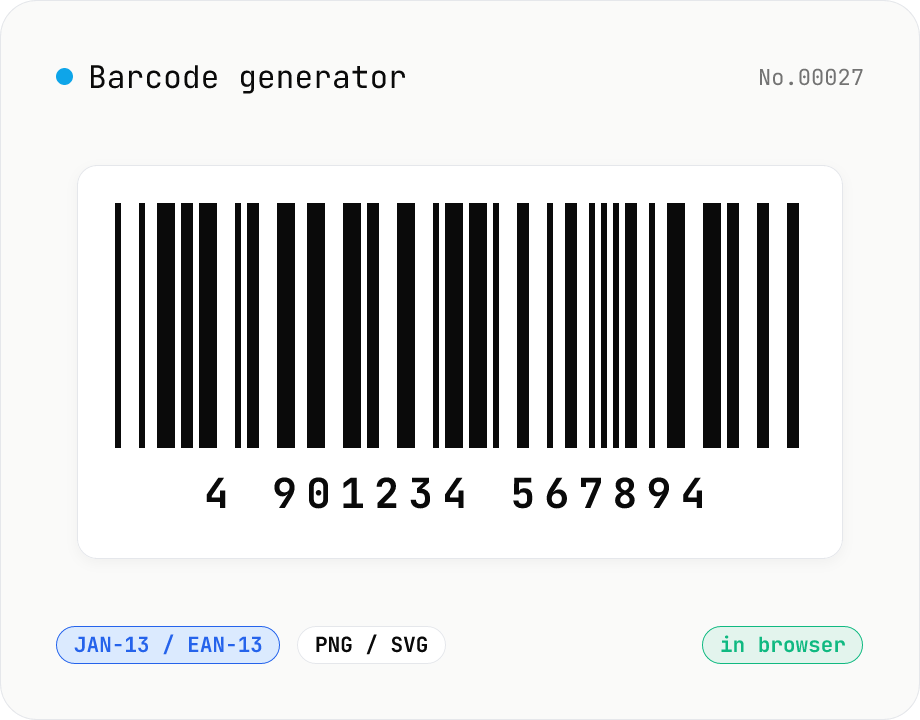
1D Barcode Generator — EAN, UPC, Code 128, Code 39 (PNG / SVG)
Free online 1D barcode generator. Create EAN-13 / EAN-8, UPC-A, Code 128, Code 39, ITF, Codabar (NW-7), MSI, JAN barcodes from numbers or text and export as PNG or SVG. Tune bar width, height, color, margin, and human-readable label. Check digits validated automatically. Everything is generated inside your browser — the value you enter never leaves your device.
developergenerateimage
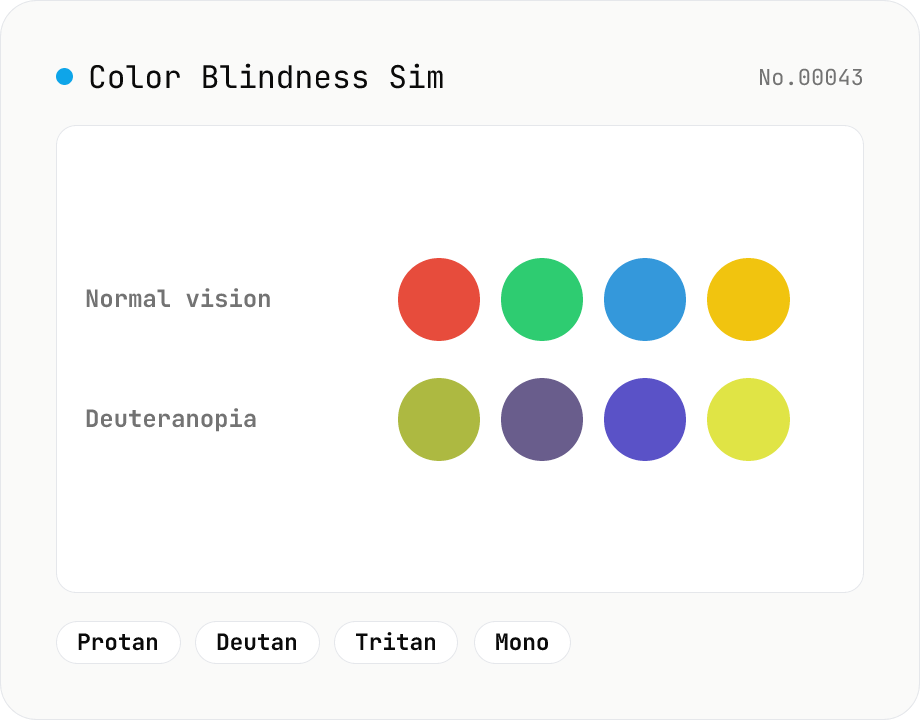
Color Blindness Simulator
Simulate how an image looks under protanopia (red-blind), deuteranopia (green-blind), tritanopia (blue-blind), or achromatopsia. Check whether your design or chart is color-accessible. Runs in the browser with Canvas and transform matrices — your image is never uploaded.
imagecolor
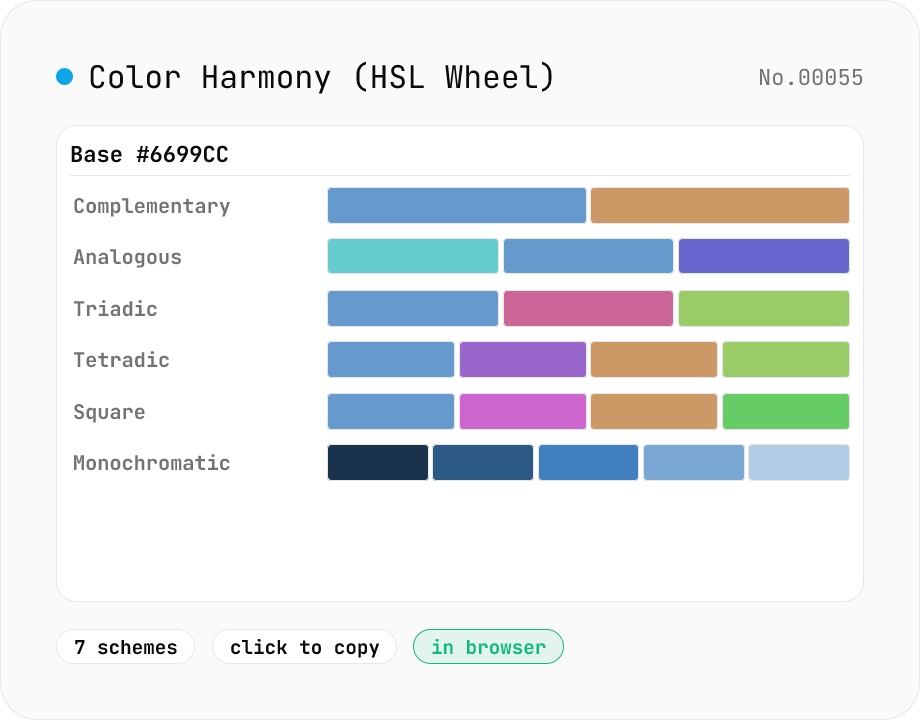
Color Harmony Generator (complementary / triadic / tetradic …)
Given a base color (HEX), the tool spins up seven classical color-theory palettes in one view: complementary, analogous, triadic, tetradic, split-complementary, square, and monochromatic (5-step lightness). Rotations happen on the HSL color wheel, and every swatch is one click to copy. Built for design systems, logos, and web theme colors.
imagecolor
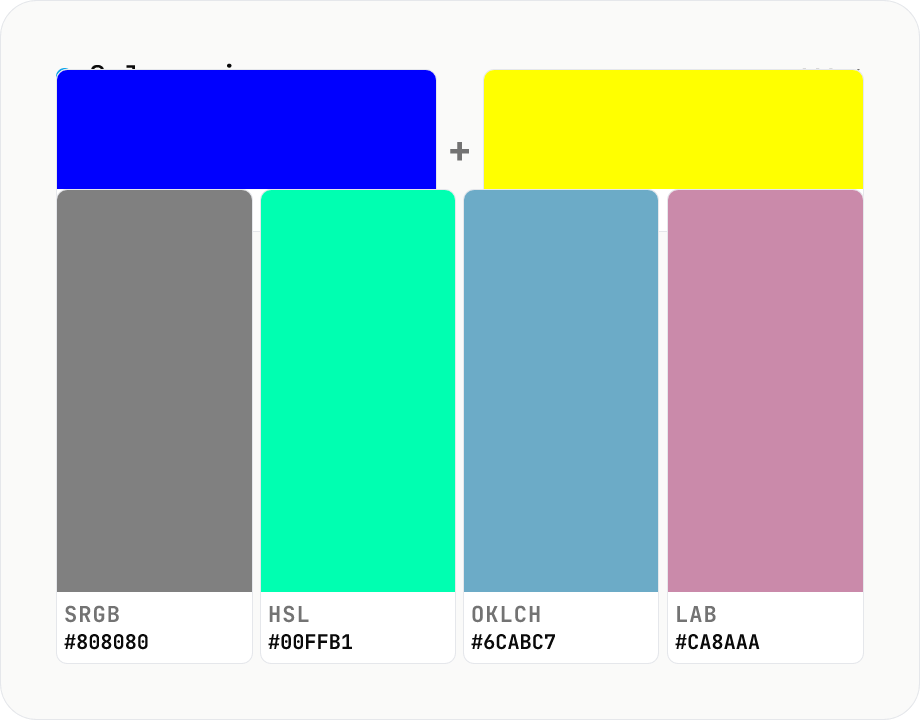
Color mixer — blend N colors in sRGB / HSL / OKLCH / LAB side by side
Mix 2 – 8 colors with per-color weights and compare the result across **four color spaces (sRGB / HSL / OKLCH / LAB)** in one view. Mixing blue and yellow in sRGB looks muddy and green-ish; in OKLCH it lands at a vivid neutral — the classic color-science gotcha, visualized. Useful for generating design-token mid-points, brand-color tints / shades, and comparing perceptual deltas between A/B color picks. Adjust per-color weights (0.0 – 1.0) and mix three or more colors at once. Complements `color-blend` (interpolate two colors into an N-step palette); this tool focuses on **N → 1 mix + color-space comparison**. Copy any swatch as HEX / CSS instantly. Runs entirely in your browser — nothing is uploaded.
imagecolor
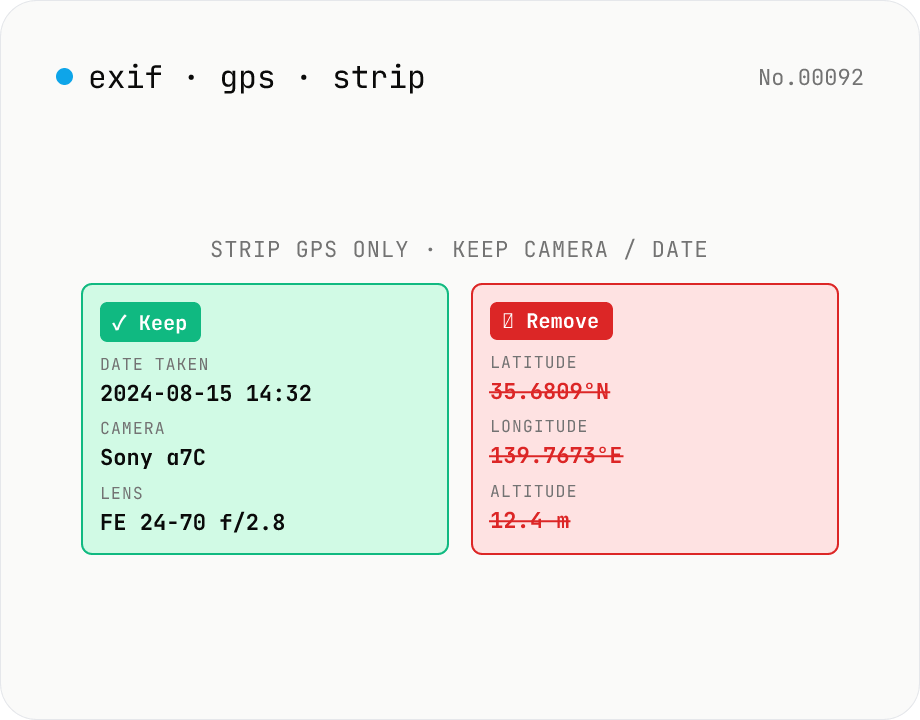
Strip only GPS tags from JPEG — keep date, camera, lens
Surgical removal of **GPS location tags only** from JPEG EXIF. Other metadata (date taken, camera, lens, aperture, ISO, etc.) **stays intact** — useful when you want to publish photos on social media / blog / portfolio without revealing your home address but still keep the shoot info for your records. `image-exif-strip` removes *all* EXIF; this tool removes *only* GPS. Batch process multiple JPEGs, individual or ZIP download. Everything runs in your browser — your photos never leave your device.
imagedeveloper
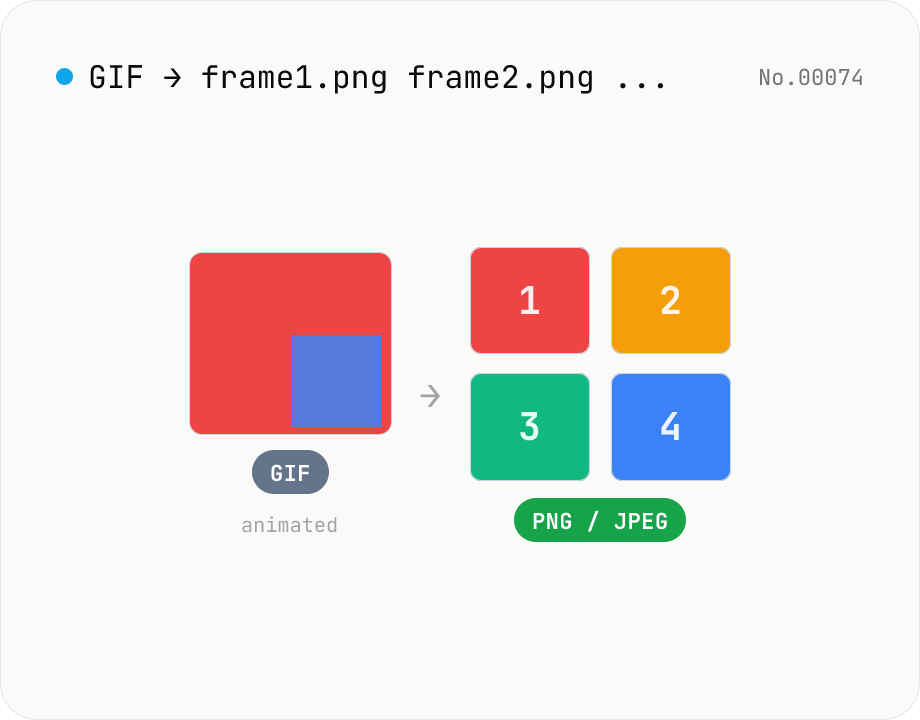
Extract frames from animated GIF / APNG to PNG / JPEG
Split an animated GIF or APNG into individual frames as PNG or JPEG images. Uses the browser-native ImageDecoder API — no extra library required. Handy when you need a thumbnail of a specific frame or when feeding still-image tools (image-resize, image-crop) that only see frame 1. Output PNG (lossless) or JPEG (with quality control), and grab everything as a ZIP. Files never leave your device — everything runs in the browser.
imageextract
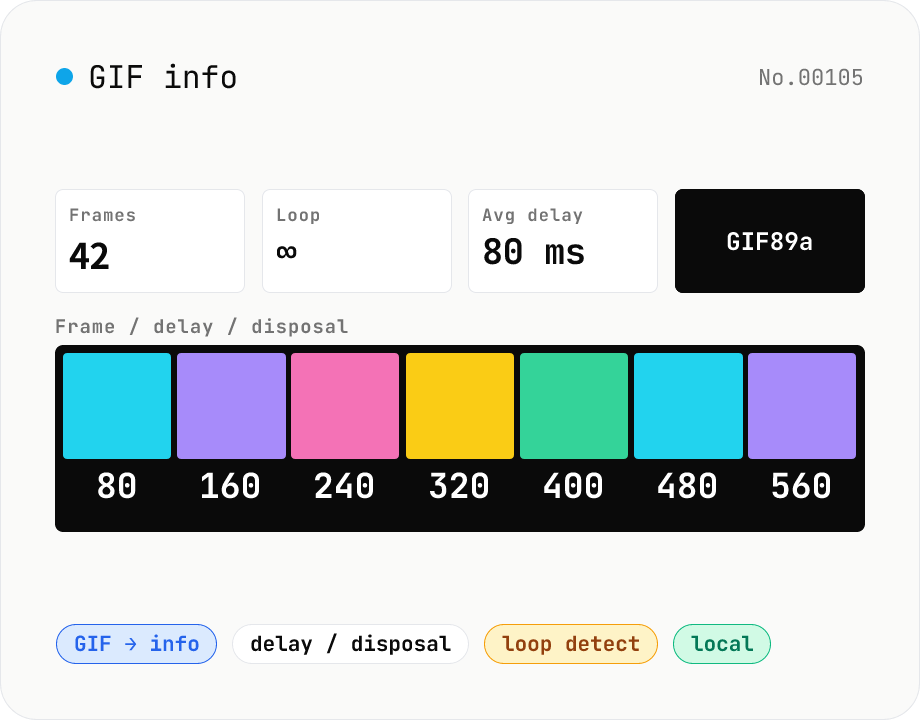
GIF info — visualise frame count / delays / disposal / loop count
Parse an animated GIF and surface the frame count, total duration, average FPS, loop count (Netscape Application Extension), per-frame delay (ms) and disposal method, dimensions, local / global colour tables, and GIF version (87a / 89a). Each frame is composited (respecting disposal) into a thumbnail for visual inspection. Handy for GIF optimisation, hunting down bloat (over-fine delays, too many frames), checking 'why doesn't it loop?', and pre-publish sanity checks. Drop multiple files at once. Everything runs in your browser.
imageextract
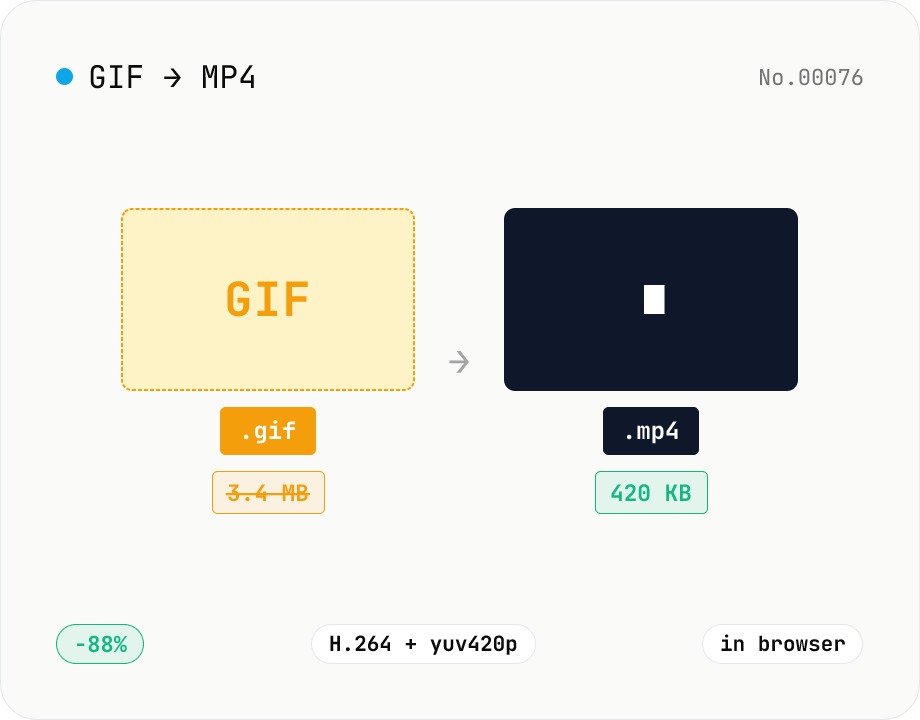
GIF to MP4 converter — H.264 cuts file size to 1/5–1/10
Convert animated GIFs to H.264/AAC MP4 videos. GIFs balloon quickly; MP4 (H.264) typically shrinks the file to 1/5–1/10 the size and plays inline on X (Twitter), Bluesky, Discord and other social platforms. ffmpeg.wasm runs entirely in your browser — GIFs never leave your device. Supports batch processing and a single ZIP download.
videoimageconversion
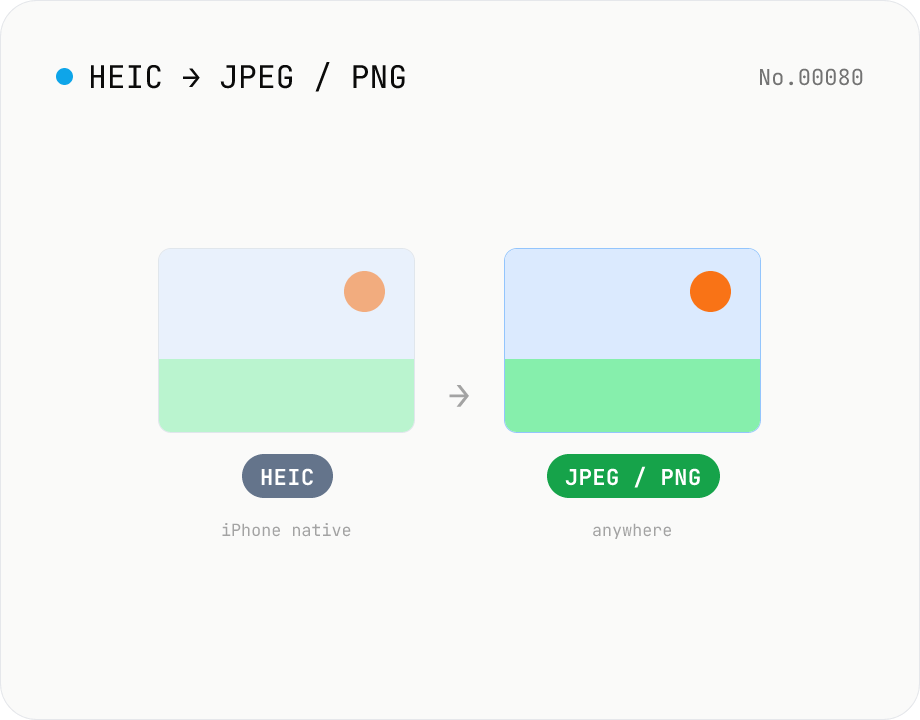
Convert HEIC / HEIF photos to JPG / PNG / WebP batch
Decode iPhone HEIC / HEIF photos inside the browser via libheif-js (WASM) and re-encode them as JPEG or PNG. Supports batch conversion and a single ZIP download. Nothing leaves your device.
imageconversion
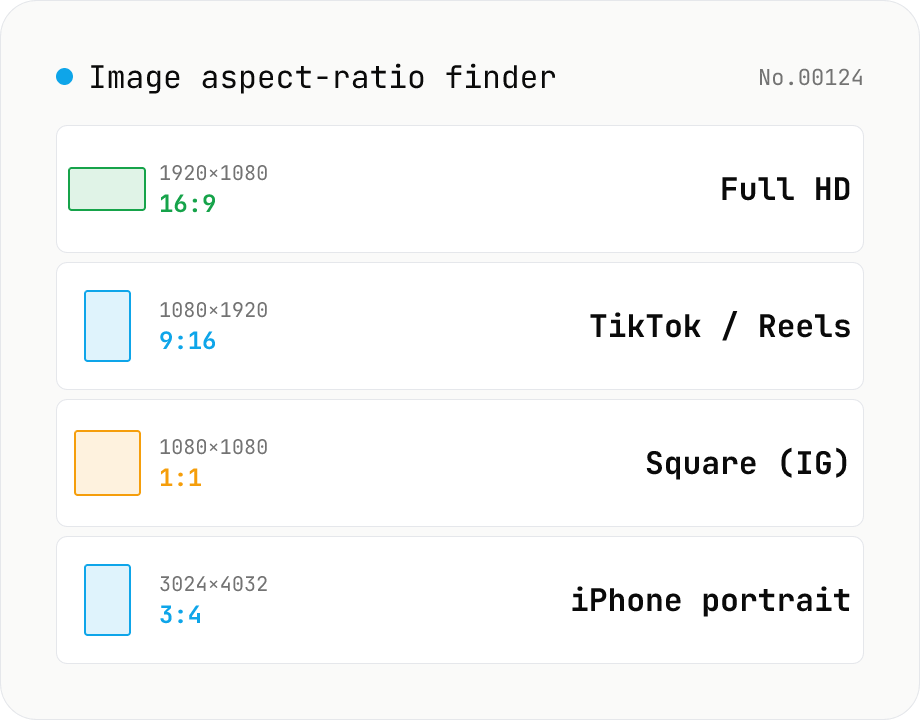
Image aspect-ratio finder — GCD ratios + 1080p / 4K / iPhone / TikTok match
Drop multiple images and see each one's width × height, the GCD-reduced aspect ratio (1920×1080 → 16:9, 3024×4032 → 3:4) and the closest matching standard format (Full HD 1080p, 4K UHD, iPhone screen sizes, TikTok 9:16, Instagram 4:5, YouTube thumbnail 1280×720 — 30+ presets). Useful for web design / marketing workflows: confirm a single asset fits Instagram + YouTube + TikTok, check whether a 21:9 hero shot matches your device targets, or sanity-check that an asset set is all the same aspect. The comparison table makes it easy to spot odd ones out. Everything runs in your browser (uses `Image()` `naturalWidth/Height`); images are never uploaded.
image
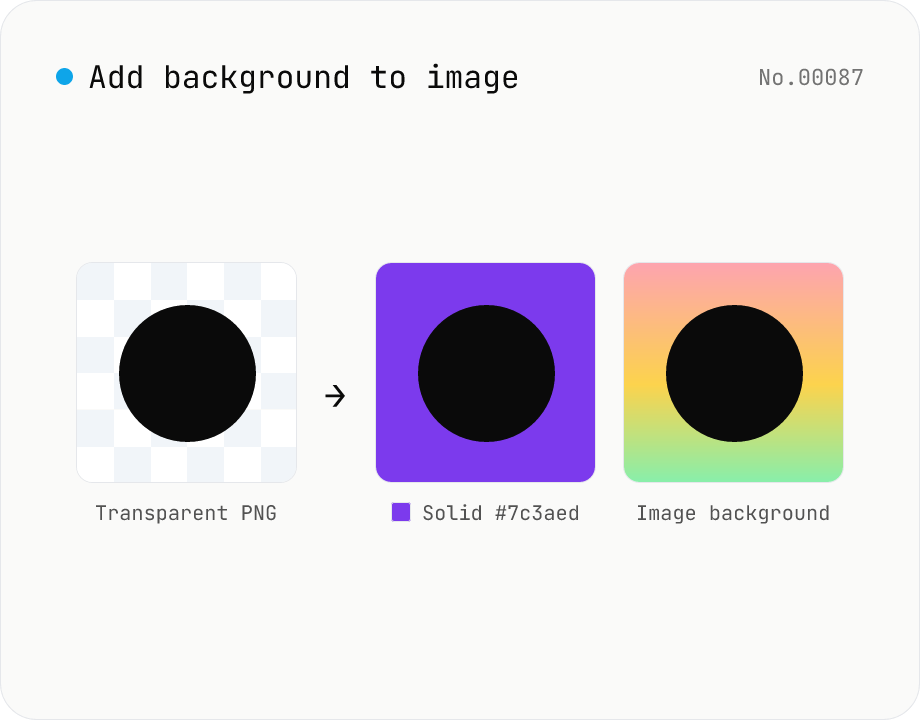
Add image background — solid color or another photo overlay
Composite a solid color (hex code) or another image as the background for transparent PNGs and photos. Runs on the local Canvas — nothing leaves your browser. Either fill the original transparent areas or add padding on all sides and let the background wrap around. Batch-process and download as a ZIP. Output keeps the source format (PNG / JPEG / WebP).
image
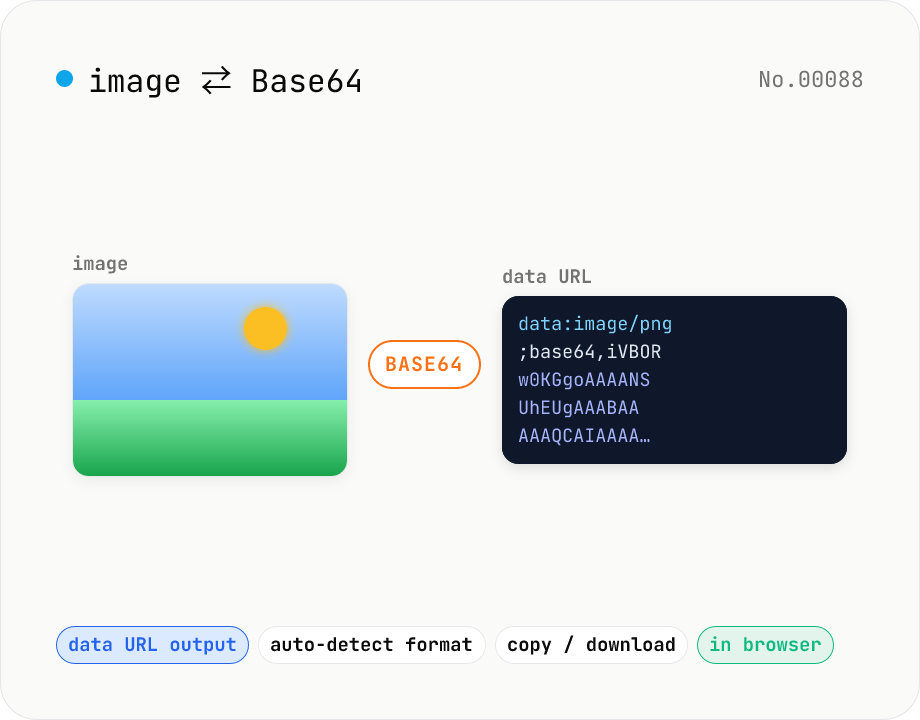
Image to Base64 Converter — Encode to Data URL, Decode Back
Free online image to Base64 encoder and decoder. Convert PNG, JPG, GIF, WebP, SVG to a Base64 string (data URL) for embedding in CSS, HTML, or JSON payloads, or paste a Base64 / data:image string to preview and download the image. Auto-detects format on decode. Your image never leaves the browser — everything runs locally.
imageencodedecodeconversion
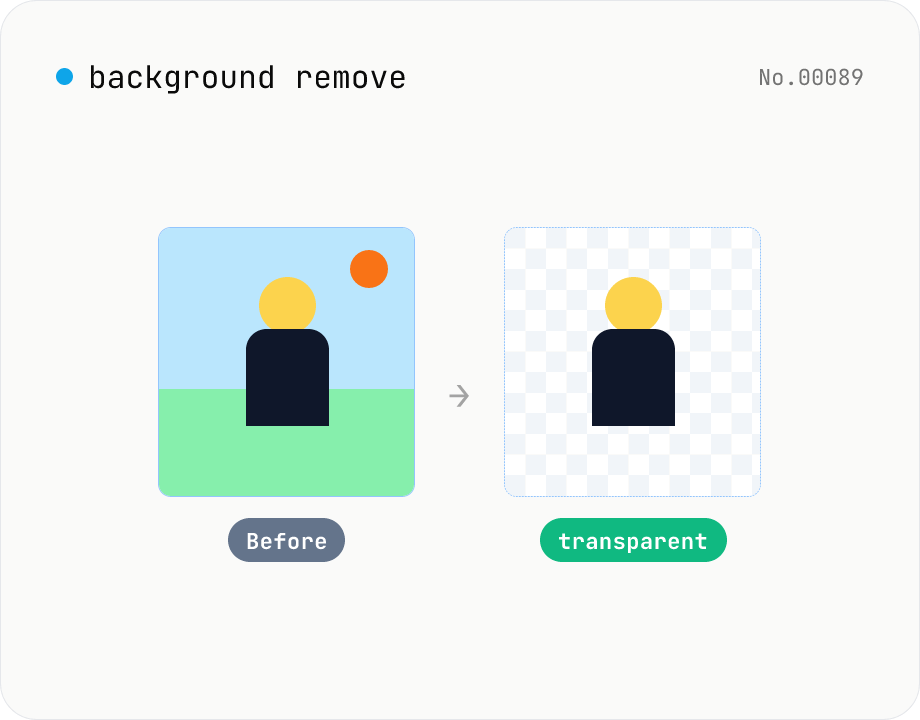
Background remover — AI cutout for people & objects
Run the BRIA RMBG-1.4 segmentation model in your browser via transformers.js + ONNX Runtime Web to cut the subject out and export a transparent PNG. The model downloads once and works offline afterwards. Supports batch processing with a ZIP download. Images never leave your device.
imageAI
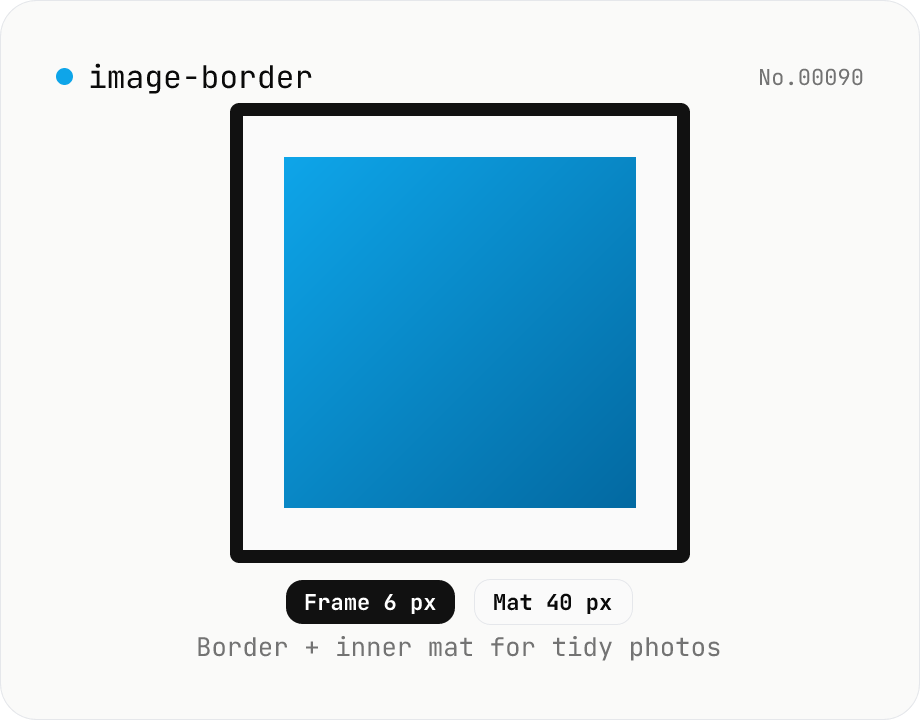
Image border — add a frame with custom width, color, and inner margin
Add a clean border (and optional inner mat) around an image. Pick the border width (0–200 px) and color (HEX), and an inner margin (mat) that sits between the border and the image. Great for SNS posts, portfolios, and presentation assets. Outputs PNG (transparent), JPEG, or WebP with a quality slider. Everything is composited with Canvas in your browser — no upload.
imagewatermark
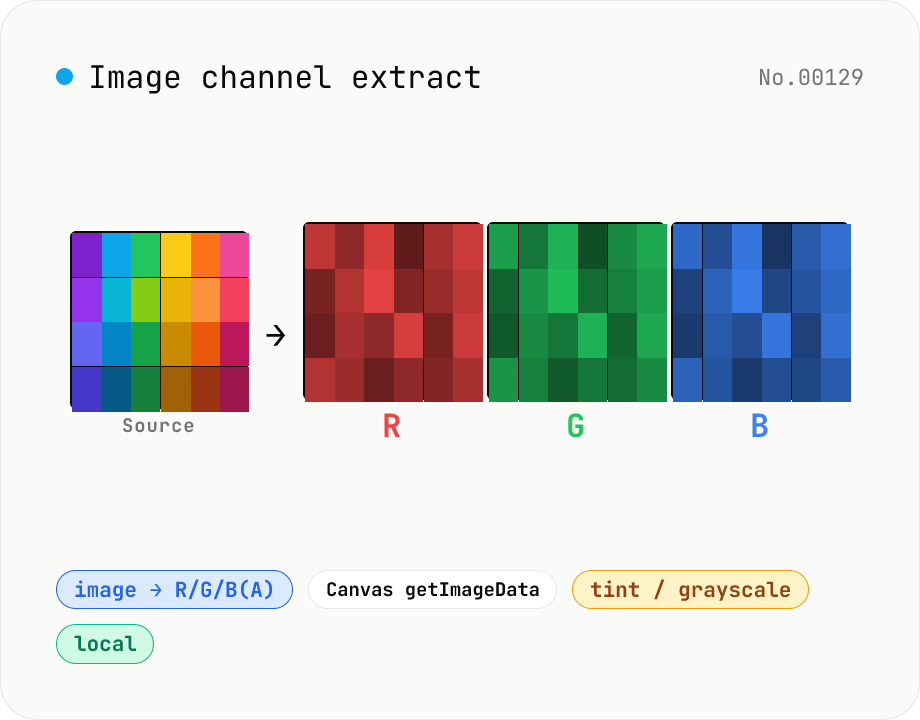
Image channel extract — split RGB(A) into per-channel PNGs
Drop an image (PNG / JPEG / WebP) to split it into individual R / G / B / A channel PNGs via Canvas getImageData. Mode toggle: grayscale (each channel's intensity as monochrome 0–255) or tint (R as red-only, G as green-only, B as blue-only, others zeroed). Alpha is exported automatically for RGBA inputs. Great for AI dataset preprocessing, RGB-instead-of-CMYK colour separation, contrast analysis, white-balance debugging, and compositing / mask creation. Batch multiple images with per-channel save + ZIP all. Runs entirely in your browser.
imageextract
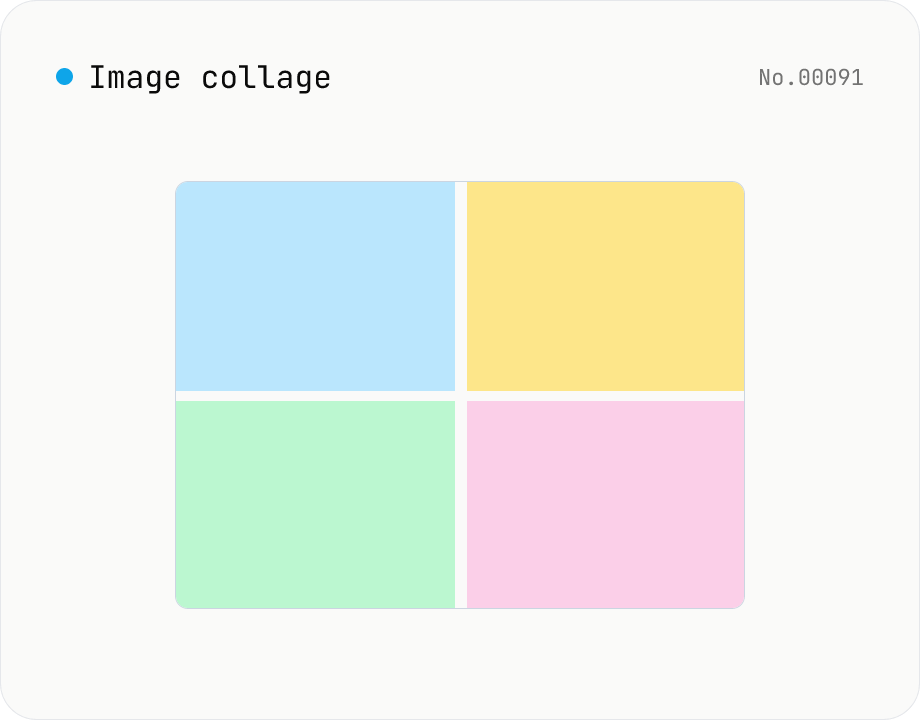
Image collage — grid / horizontal / vertical layout
Combine multiple images into one — as a grid, a horizontal strip, or a vertical strip. Composited via Canvas entirely in the browser. Tune columns, gap, padding, background color and output format (PNG / JPEG / WebP). Reorder with up/down buttons.
imagemerge
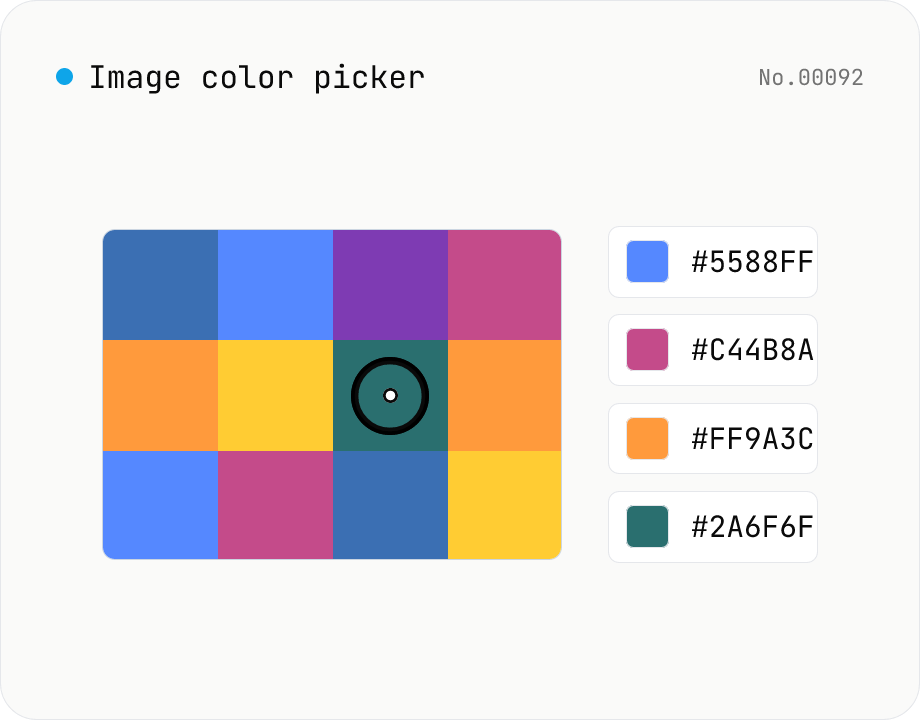
Image color picker — read pixel HEX / RGB / HSL values
Upload a JPEG / PNG / WebP and click any pixel to read its color as HEX / RGB / HSL. Hover to inspect the value with a magnifier loupe, then click to add it to a history list. Copy any format with a single click. Your image never leaves the browser — everything runs locally.
imagecolor
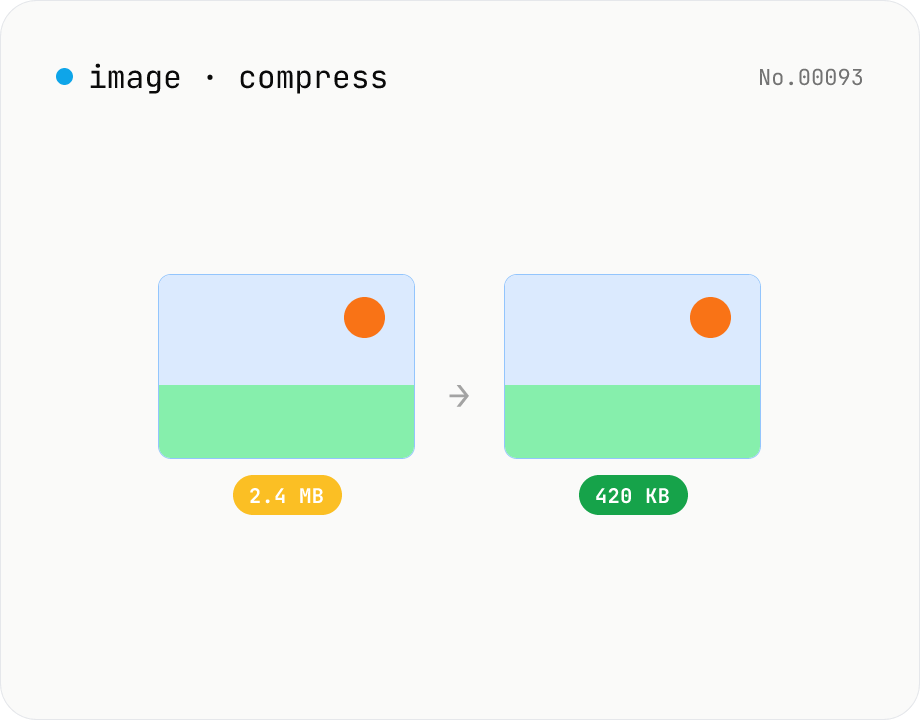
Image compress — shrink JPG / PNG / WebP without resize
Shrink image file sizes without changing dimensions. JPEG / WebP are re-encoded via a quality slider; PNG is losslessly optimised with oxipng (WASM). Batch process multiple files and download individually or as a ZIP. Runs entirely in your browser.
imagecompress