
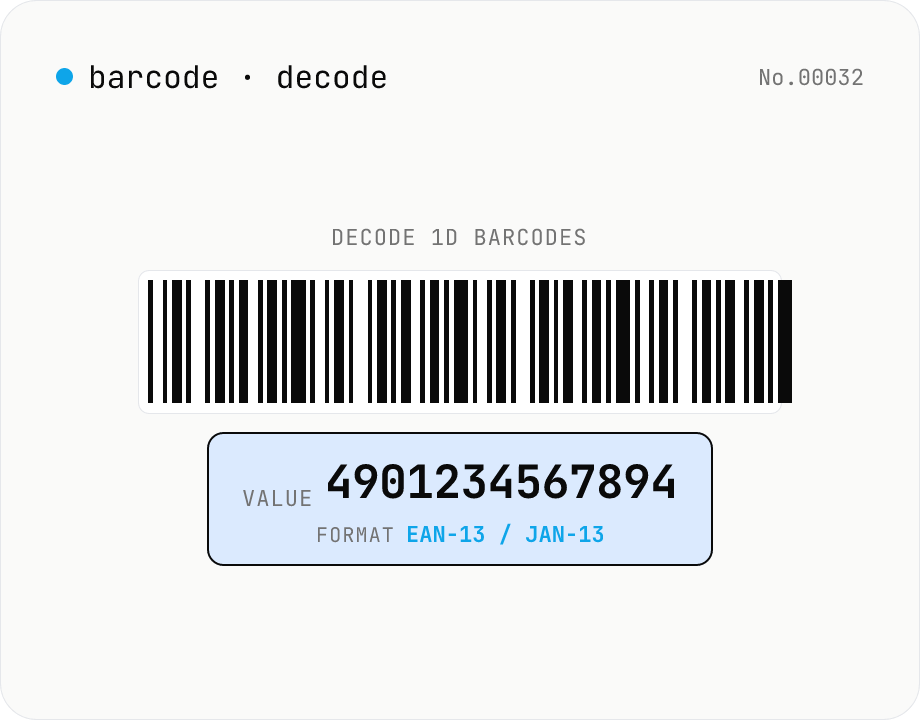
1D barcode decoder — JAN/EAN/UPC/Code128/Code39/ITF/Codabar
Drop **1D barcode images** (JAN-13 / EAN-13, JAN-8 / EAN-8, UPC-A, UPC-E, Code 128, Code 39, ITF / Interleaved 2 of 5, Codabar) and the tool extracts the encoded text and detected format. Useful for reading product JAN codes, package tracking labels, shipping inventory. Decoding is fully local via the Apache-2.0 licensed **@zxing/library**, with batch upload for multiple images at once. For QR codes use the separate `qr-decode` tool.
How to use
Drop **barcode images** (JPG / PNG / WebP / GIF / BMP), one or many, and the tool extracts each barcode's **value + detected format**. Multiple images? Use the **'Copy all as CSV'** button to get a `filename,format,value` table you can paste into Excel or Sheets. Supported: **JAN-13 / EAN-13, JAN-8 / EAN-8, UPC-A, UPC-E, Code 128, Code 39, ITF (Interleaved 2 of 5), Codabar** — 8 formats total. For QR codes, use the separate `qr-decode` tool. Decoding runs locally via the Apache-2.0 **@zxing/library** — no uploads or CDNs.
In depth
Barcode values range from product codes to personal identifiers
A barcode image looks like a simple stripe pattern, but what it encodes spans a wide sensitivity range. JAN-13 / EAN-13 on a supermarket receipt maps directly to the purchased items. Code 128 on a courier slip encodes a tracking number tied to the recipient’s name and address. Codabar or Code 39 on a hospital wristband or library card encodes a patient ID or borrower number. ITF-14 on warehouse cartons describes stock composition — internal supply-chain information. When you process a batch of images and export the results as CSV, you may be aggregating dozens of personal or business identifiers in a single operation.
Phone photos carrying barcode images also carry EXIF metadata — GPS coordinates, capture timestamp, device model. Uploading such an image to any online service means handing over both the barcode value and the capture context in a single file.
What happens when a barcode image reaches an online decoder’s server
Server-side barcode decoders receive the entire image file, EXIF and all. The decoded string — a tracking number, patient ID, or product code — typically ends up in the server’s access log as the processing result. Even if the service deletes the image promptly, the log line may persist in backups or monitoring systems.
Batch uploads amplify the exposure. Dropping twenty shipping label photos to decode tracking numbers in bulk is operationally convenient, but it sends twenty images with twenty recipients’ tracking data — essentially a partial customer delivery manifest — to an external server. Terms of service that permit using submitted content for ‘service improvement’ put those identifiers in a legally murky position.
In-browser decoding with @zxing/library and the Canvas API
This tool imports @zxing/library (Apache 2.0) as an npm package. The library reads pixel data from a Canvas element — drawn from the uploaded image using the browser’s standard Canvas API — and performs all barcode recognition in JavaScript. ZXing (Zebra Crossing) is a well-established open-source barcode library that covers JAN/EAN/UPC, Code 128, Code 39, ITF and Codabar natively, including check-digit verification.
No pixels, no barcode values, and no EXIF data leave the page. After the initial page load, opening DevTools Network and dropping an image produces zero outgoing requests — including for batch uploads. The CSV export is assembled entirely in memory and written to the clipboard via the browser’s Clipboard API.
Suited for warehouses, clinics and anywhere identifiers are sensitive
Barcode scanning scenarios that involve sensitive identifiers — medical, legal, logistics — are exactly the situations where sending images to an unknown third party is hardest to justify. This tool requires no installation, works in any modern browser, and can function from cache when offline, making it a practical option for occasional scanning without a dedicated barcode scanner or a server-connected enterprise system.
Format internals and check-digit verification per standard
Each 1D barcode format defines its own digit structure and symbology. JAN-13 / EAN-13 is specified by ISO/IEC 15420 as 13 numeric digits: a 2- or 3-digit country prefix (45 / 49 for Japan, 00–13 for the US and Canada), a 4- or 5-digit manufacturer code, an item code, and a modulo-10 check digit. @zxing/library recomputes that check digit and discards mismatched reads, which suppresses false positives even on poorly printed labels. Code 128 (ISO/IEC 15417) is variable-length with three sub-sets — Code A (uppercase + control), Code B (full ASCII), and Code C (pairs of digits in half the width) — switched by Start and Code Switch characters. Shipping labels typically use Code C to fit long tracking numbers.
Code 39 (ANSI MH10.8M) is restricted to uppercase, digits, and a few symbols, with each character encoded as 9 bars (3 wide). ITF (Interleaved 2 of 5, ISO/IEC 16390) interleaves pairs of digits and therefore only supports even digit counts. Codabar (NW-7) uses one of A, B, C, D as Start and Stop characters and persists in libraries and blood-bag identification. Knowing which standard a given label uses speeds up debugging when a scan fails.
Image-recognition pipeline and the failure modes you actually hit
ZXing converts the uploaded image to a grayscale pixel array on a Canvas, applies its Hybrid Binarizer to separate bars from spaces, extracts a run-length-style sequence of widths, then searches for each format’s Finder Pattern — the EAN-13 guard bars, the Code 128 Start character, and so on. The decoder rotates and re-scans in all four orientations, so phone photos in portrait or upside-down still work. Where it falls apart is in binarisation: heavy glare from a flash, severe perspective skew, or moiré patterns from a screen capture push the algorithm into ambiguous regions and produce no match.
In practice the recurring failure modes are: (1) JAN-13 vs JAN-8 confusion — forcing a 13-digit decoder on an 8-digit label; (2) pinning the format to Code 128 or Code 39 manually and feeding in the other type; (3) physical scuffing that has destroyed one side of the guard bars; (4) ITF input where the printed digits happen to be an odd count, which is invalid by the standard. Auto-format mode (the default) avoids (1) and (2). Problems (3) and (4) are physical defects of the original print and require either a re-issued label or a more aggressive image-cleanup step before scanning. To re-emit the decoded value as a fresh label, barcode-generate re-encodes the same 1D formats locally, and when the scanned image turns out to be a 2D code, qr-decode handles QR with the same Apache-2.0 ZXing pipeline.
FAQ
- Is my input uploaded?
- No. @zxing/library decodes in JavaScript and the image is read into a Canvas — no external API, no CDN ping.
- Which barcode formats?
- Eight 1D formats: **JAN-13 / EAN-13** (Japan / Europe product codes), **JAN-8 / EAN-8** (short), **UPC-A / UPC-E** (US product), **Code 128** (alphanumeric, logistics), **Code 39** (alphanumeric, industrial), **ITF / Interleaved 2 of 5** (corrugated cardboard), **Codabar** (legacy / library systems). QR uses a different algorithm — see `qr-decode`.
- JAN vs EAN?
- Same spec, regional name. The first two digits encode the country: 49/45 = Japan (called JAN), 40–44 = Germany, 500–509 = UK, etc. (called EAN). Identical modulo-10 check digit. The tool reports them as GTIN-13 / GTIN-8.
- Code 128 vs Code 39?
- **Code 39** is older and supports only uppercase letters + digits + 7 punctuation marks. **Code 128** covers full ASCII via subsets A/B/C, much denser. Shipping/logistics labels use Code 128; Code 39 lingers in legacy industrial systems. Code 39's check digit is optional; Code 128's is mandatory.
- How do I improve recognition?
- Use high-contrast (black on white), centre the barcode, shoot straight-on (not at an angle), keep it in focus, aim for at least ~200×200 px in the image. Phone photos work best when cropped to just the barcode area.
- Why does it say 'No barcode detected'?
- Common reasons: (1) no barcode in the image, (2) blur / low resolution, (3) angle too steep (over ~45°), (4) the barcode covers less than ~20% of the image (crop first), (5) format not supported (Data Matrix, PDF417, QR). For QR codes, the error message links to `qr-decode`.
- Are check digits verified?
- Yes — @zxing/library validates them during decode, so a check-digit mismatch usually means the read failed. JAN/EAN/UPC/ITF use modulo-10; Codabar / Code 128 / Code 39 each have their own. The 'Checksum OK' column shows ✓ when verified.
- Multiple images at once?
- Yes. Drag-and-drop multiple files (or use the picker with `multiple`). Each is decoded individually and listed. The **'Copy all as CSV'** button emits a `filename,format,value` table.
- File format / size limits?
- JPG / PNG / WebP / GIF / BMP. HEIC users should convert via `heic-convert` first. Max 30 MB per file (phone photos are typically 3–10 MB so no issue). Animated GIF decodes the first frame only.
How to verify nothing is uploaded
This tool never sends your input outside your browser. The pages below explain how it works, how to audit it, and how the site is run.
Related tools
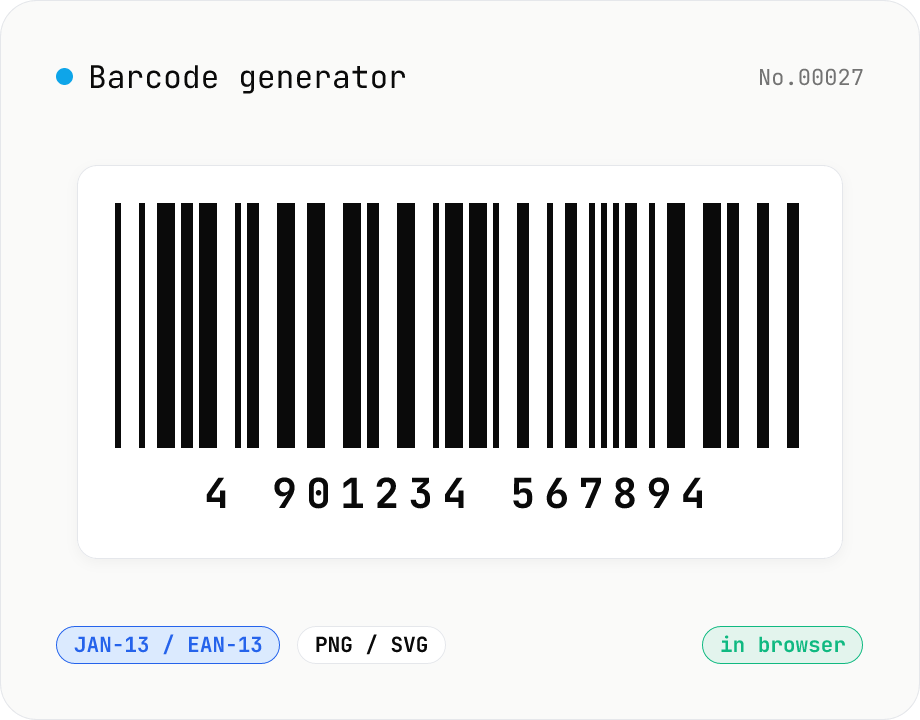
1D Barcode Generator — EAN, UPC, Code 128, Code 39 (PNG / SVG)
Free online 1D barcode generator. Create EAN-13 / EAN-8, UPC-A, Code 128, Code 39, ITF, Codabar (NW-7), MSI, JAN barcodes from numbers or text and export as PNG or SVG. Tune bar width, height, color, margin, and human-readable label. Check digits validated automatically. Everything is generated inside your browser — the value you enter never leaves your device.
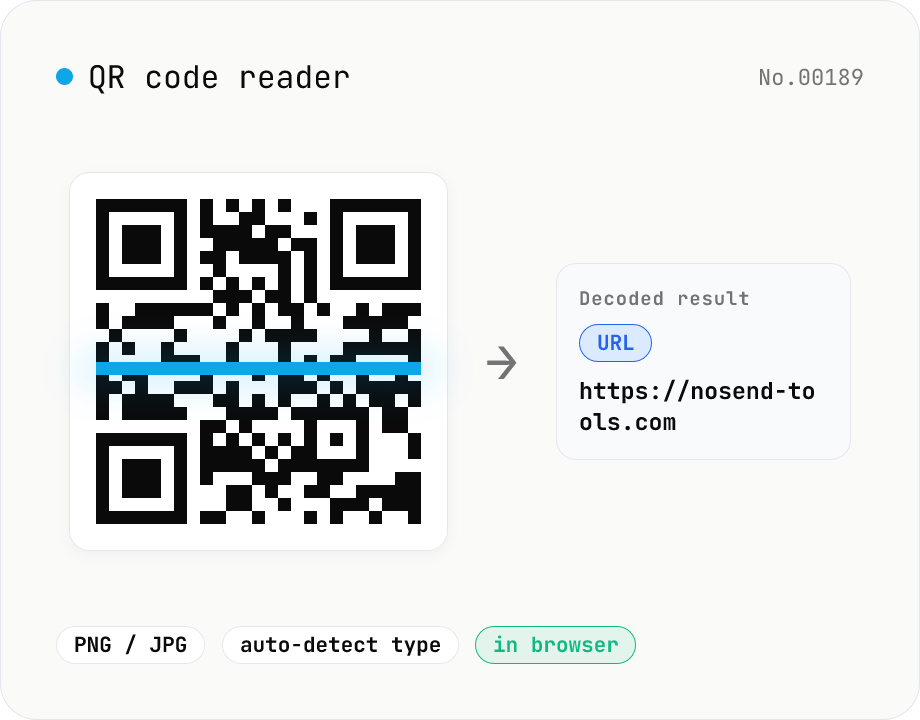
QR code reader — extract URLs / text from images
Drop an image containing a QR code (PNG / JPG / WebP / GIF) and its contents are read inside your browser to extract text or a URL. The content type is detected automatically — URL, email (mailto), phone (tel), SMS, Wi-Fi credentials, geo coordinates, vCard / vEvent — and the result can be copied with one click. Decode multiple images at once. Everything runs on your device; neither the image nor the decoded result is ever uploaded.
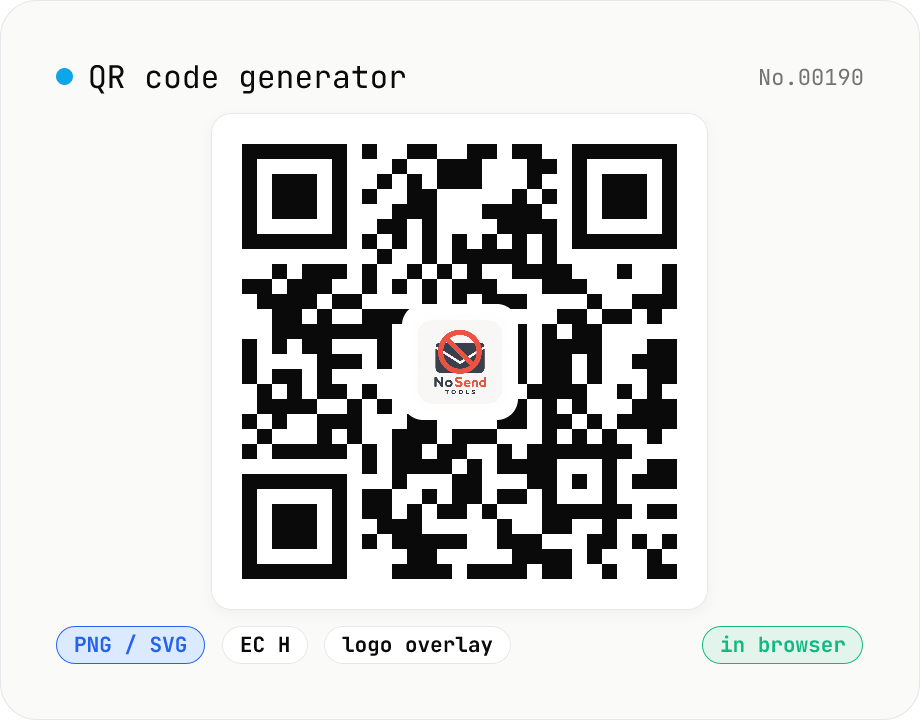
QR code generator — text / URL / with logo
Convert text or URLs into QR codes (PNG / SVG). Fine-tune size, error correction level, foreground / background colors, and optionally overlay a logo (PNG / JPG / SVG) in the center. Use error correction H when adding a logo. Generation and image compositing run entirely inside your browser — neither the input text nor your uploaded logo ever leaves your device.
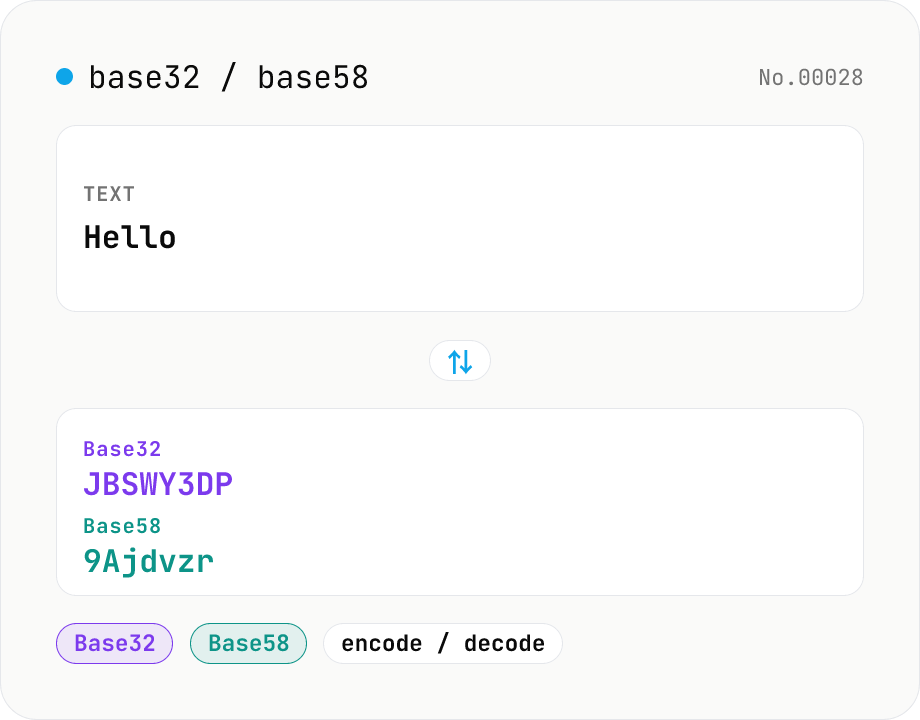
Base32 / Base58 encode & decode
Convert text to and from Base32 (RFC 4648 / TOTP 2FA secrets) and Base58 (Bitcoin addresses). Switch the variant (Base32 / Base58) and direction (encode / decode). UTF-8 byte based, so Japanese and emoji round-trip. Runs entirely in your browser.