
TAG
Tools tagged "decode"
14 tools
Tools that decode encoded strings and tokens to inspect their contents — Base64, JWT, URL, Quoted-Printable, and so on.
All NoSend Tools that carry the "decode" tag. Everything runs inside the browser — your inputs never leave your device.
Tags:
Sort:
Per page:
All tools
14 / 14
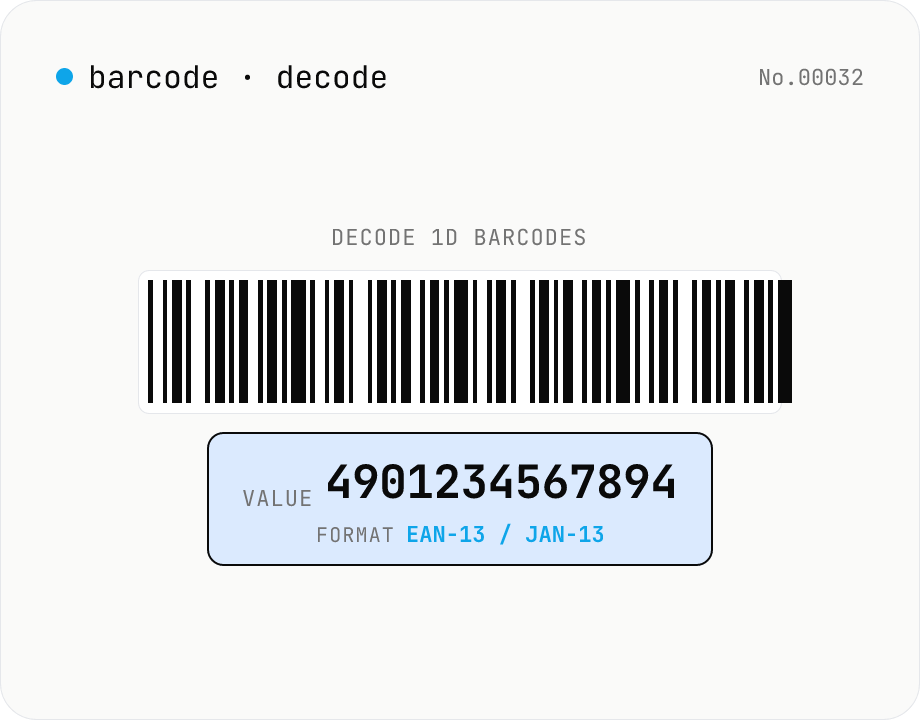
1D barcode decoder — JAN/EAN/UPC/Code128/Code39/ITF/Codabar
Drop **1D barcode images** (JAN-13 / EAN-13, JAN-8 / EAN-8, UPC-A, UPC-E, Code 128, Code 39, ITF / Interleaved 2 of 5, Codabar) and the tool extracts the encoded text and detected format. Useful for reading product JAN codes, package tracking labels, shipping inventory. Decoding is fully local via the Apache-2.0 licensed **@zxing/library**, with batch upload for multiple images at once. For QR codes use the separate `qr-decode` tool.
developerimagedecode
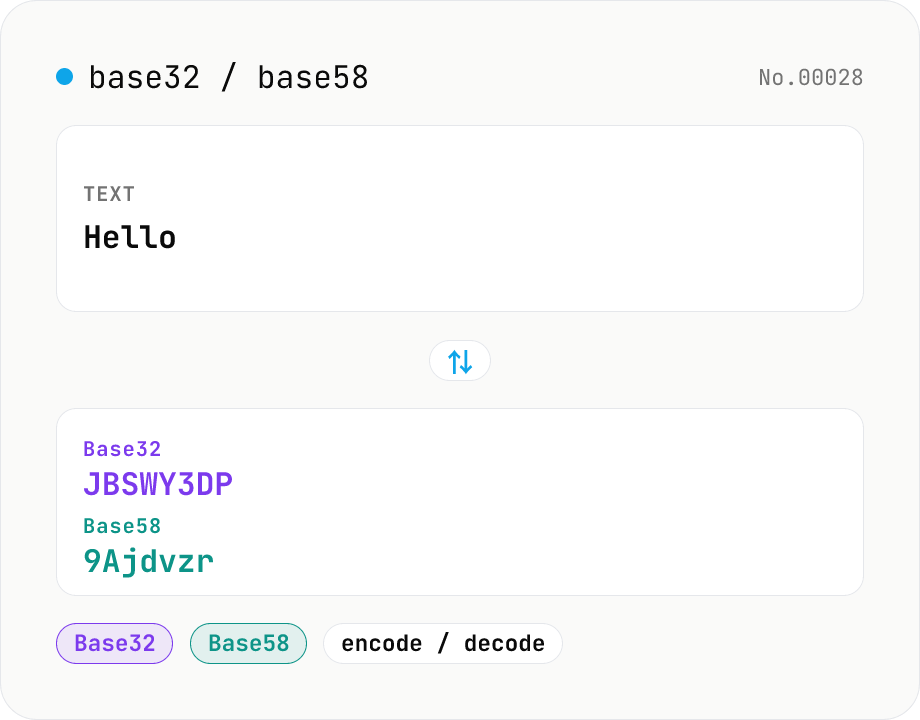
Base32 / Base58 encode & decode
Convert text to and from Base32 (RFC 4648 / TOTP 2FA secrets) and Base58 (Bitcoin addresses). Switch the variant (Base32 / Base58) and direction (encode / decode). UTF-8 byte based, so Japanese and emoji round-trip. Runs entirely in your browser.
developerconversionencodedecode
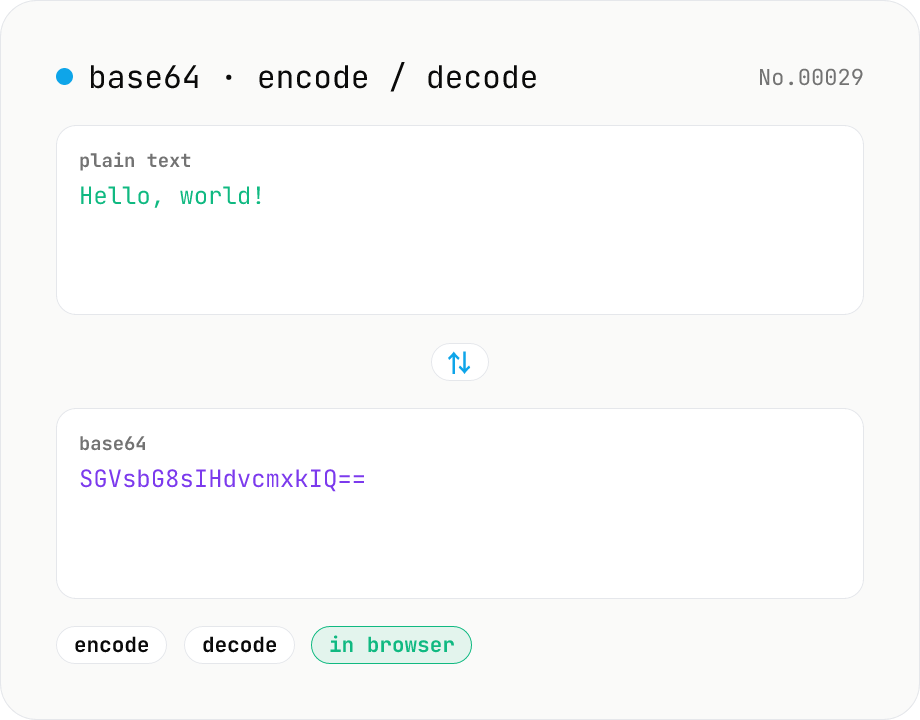
Base64 encode / decode — URL-safe variant supported
Convert between plain text and Base64. Encode with an optional URL-safe variant; decoding accepts URL-safe (- _, no padding) automatically. UTF-8 safe and runs entirely in your browser.
developerencodedecode
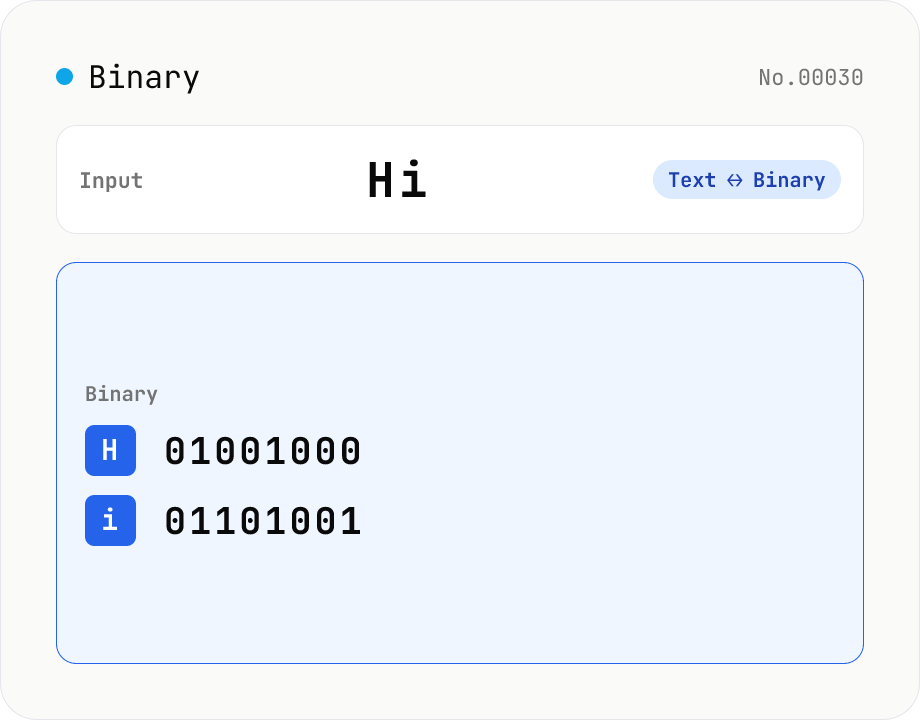
Text ⇄ Binary Converter
Convert between text and binary. Pick a mode (text → binary or binary → text). Text is encoded to UTF-8 bytes and each byte is shown as a zero-padded 8-bit binary number (emoji and non-Latin text convert correctly as multiple bytes). Toggle space separators via an option; on decode, spaces and newlines are ignored and the input is regrouped into 8-bit bytes. Everything runs in your browser — your input is never uploaded.
developerconversionencodedecode
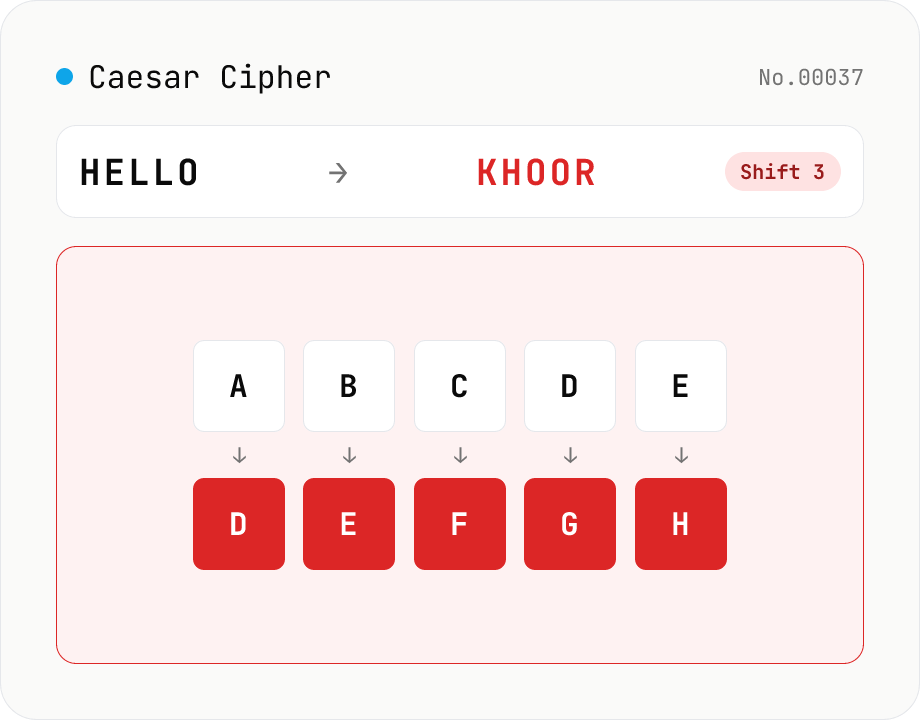
Caesar Cipher / ROT13
Encode and decode the Caesar cipher. Pick a mode (encrypt / decrypt) and set the shift (1–25) with a slider or number field. One tap sets ROT13 (shift 13). Only A-Z / a-z are rotated; digits, punctuation, spaces, and non-Latin text are left intact. In decrypt mode, a full 25-shift brute-force table is shown to crack ciphertext with an unknown shift. Everything runs in your browser — your input is never uploaded.
developerencodedecode
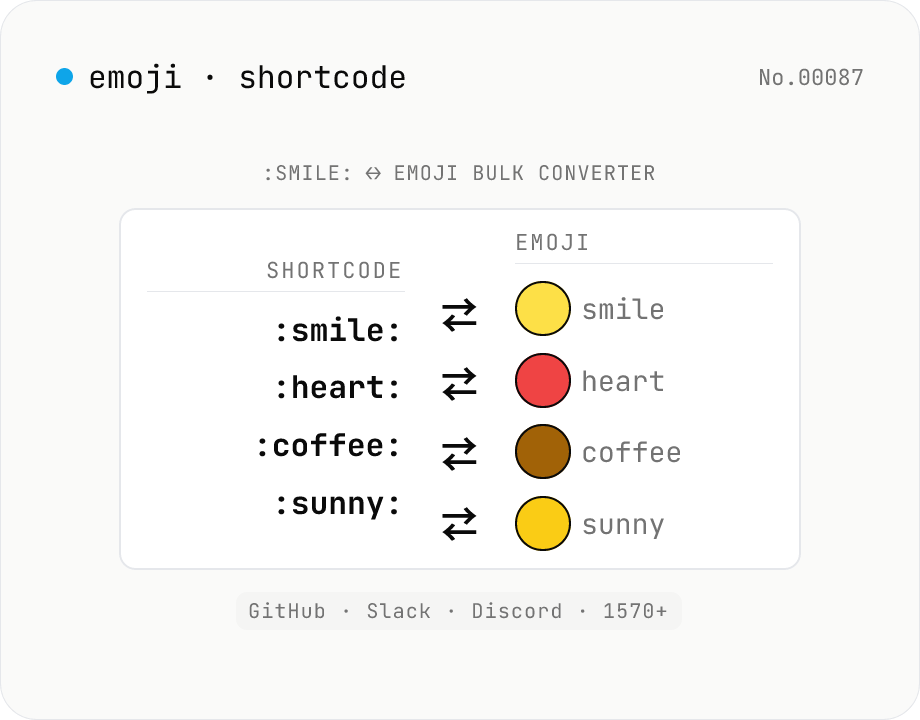
Emoji ↔ shortcode batch converter — :smile: ↔ 😄 (GitHub / Slack / Discord)
Batch convert between **GitHub-style shortcodes** (`:smile:` `:thumbsup:` `:heart:`…) and **emoji glyphs** (😄 👍 ❤️). Covers the canonical 1570+ shortcode set used by GitHub Markdown, Slack, Discord, Mastodon, and Mattermost. Use **shortcode → emoji** to preview PR descriptions / issue bodies / READMEs, or **emoji → shortcode** to flatten chat logs for environments that can't render emoji and to make diff reviews legible. Unknown `:names:` are handled three ways: keep verbatim, strip, or replace with `?`. Everything runs in your browser via node-emoji (MIT) — your text never leaves the device.
developerencodedecode
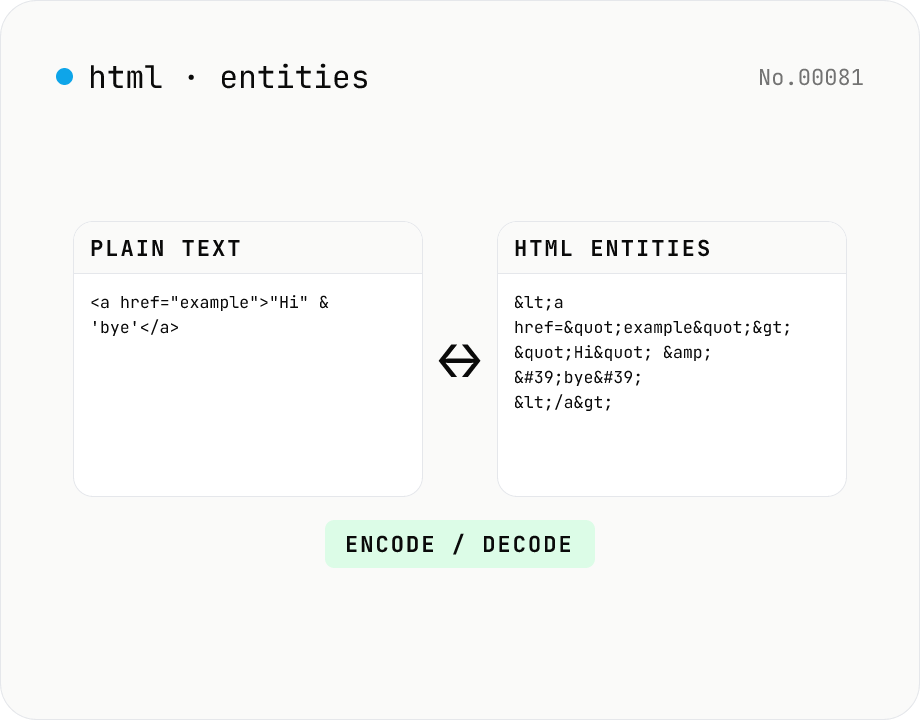
HTML entity encode / decode — &, <, > safely
Encode HTML special characters (< > & " ') into entities like &lt; and decode &amp; back into &. Toggle the direction in one click and optionally encode all non-ASCII characters as numeric references. Useful when pasting code samples into blogs, double-checking XSS escaping, or preparing HTML email bodies.
developerencodedecode
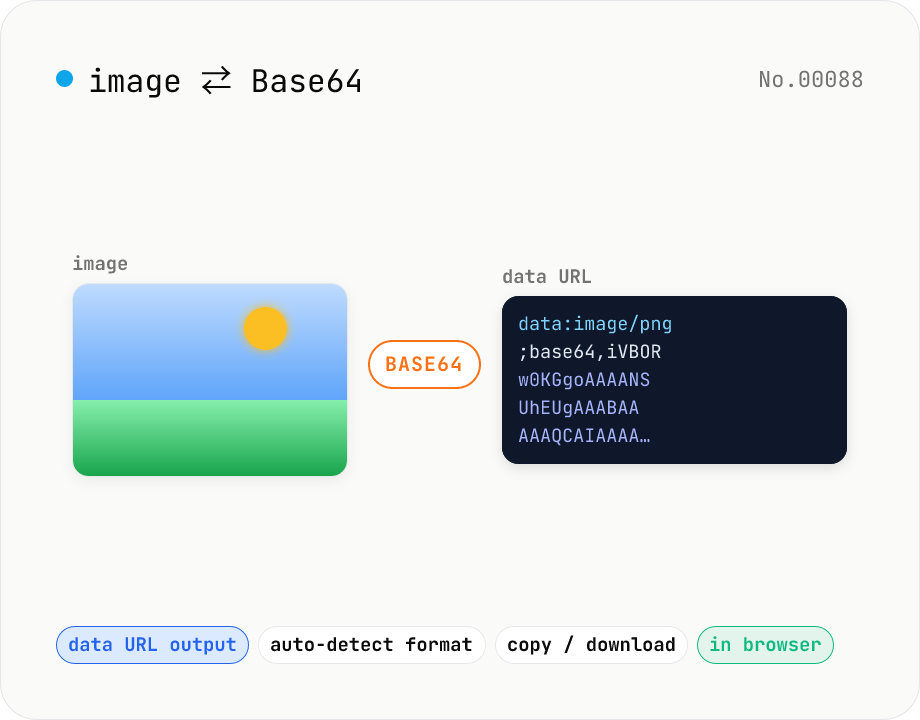
Image to Base64 Converter — Encode to Data URL, Decode Back
Free online image to Base64 encoder and decoder. Convert PNG, JPG, GIF, WebP, SVG to a Base64 string (data URL) for embedding in CSS, HTML, or JSON payloads, or paste a Base64 / data:image string to preview and download the image. Auto-detects format on decode. Your image never leaves the browser — everything runs locally.
imageencodedecodeconversion
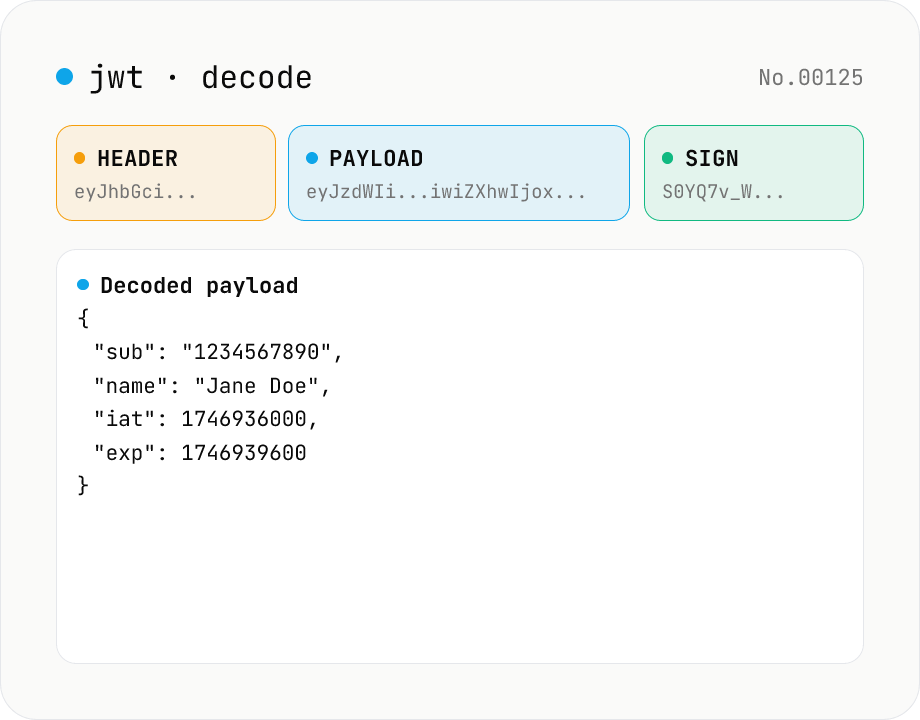
JWT decode — inspect header & payload
Paste a JWT and break it down into Header / Payload / Signature. Numeric claims like exp / iat / nbf are translated into human-readable timestamps. No signature verification — purely for inspection. Runs entirely in your browser.
developerJWTdecode
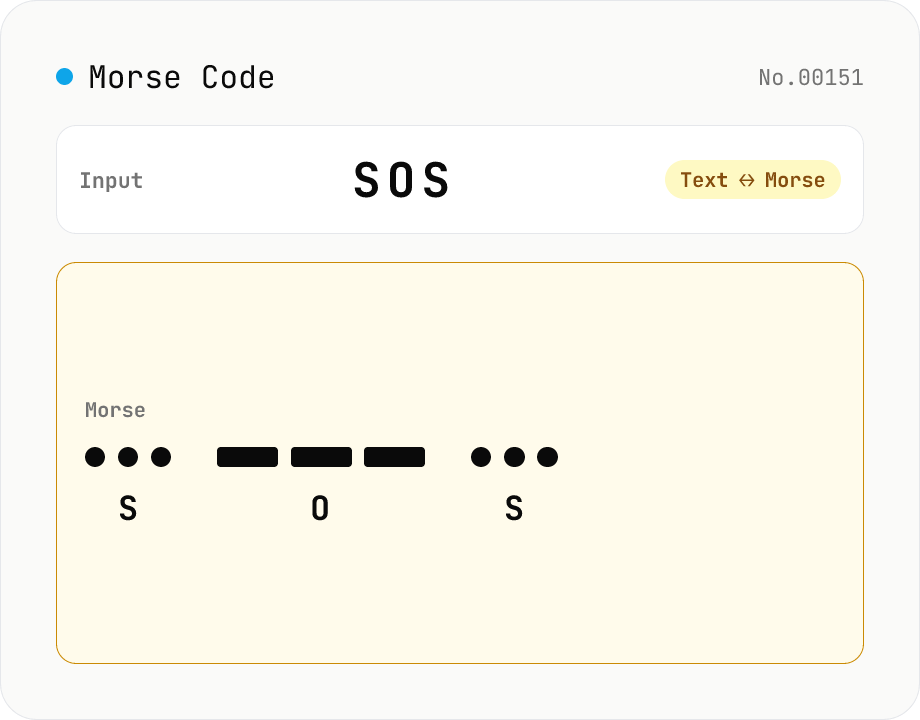
Morse Code Translator
Translate between text and Morse code. Pick a mode (text → Morse or Morse → text) and a character set: international (ITU: A-Z / 0-9 / punctuation) or Japanese wabun code (katakana with dakuten / handakuten / long vowel). Symbols are separated by a space and words by ' / '. Japanese voiced marks are split and recomposed via Unicode normalization (NFD/NFC). Everything runs in your browser — your text is never uploaded.
developerconversionencodedecode
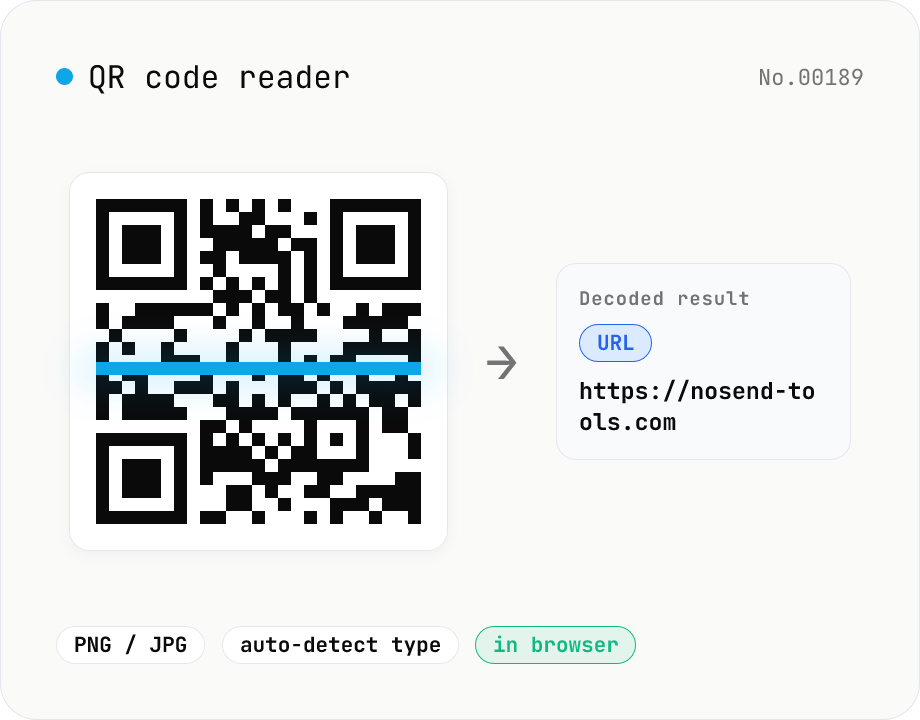
QR code reader — extract URLs / text from images
Drop an image containing a QR code (PNG / JPG / WebP / GIF) and its contents are read inside your browser to extract text or a URL. The content type is detected automatically — URL, email (mailto), phone (tel), SMS, Wi-Fi credentials, geo coordinates, vCard / vEvent — and the result can be copied with one click. Decode multiple images at once. Everything runs on your device; neither the image nor the decoded result is ever uploaded.
developerdecodeimage
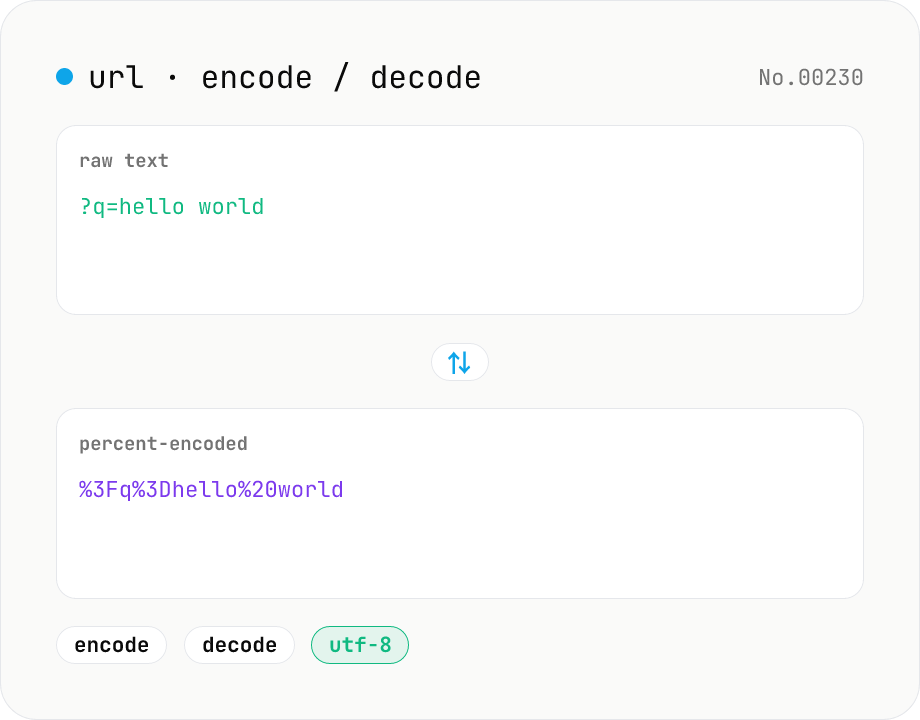
URL encode / decode — safe query strings
Convert between plain text and %XX percent-encoded URL strings. Toggle between encodeURIComponent / encodeURI (and their decode counterparts). UTF-8 based, runs entirely in your browser.
developerURLencodedecode
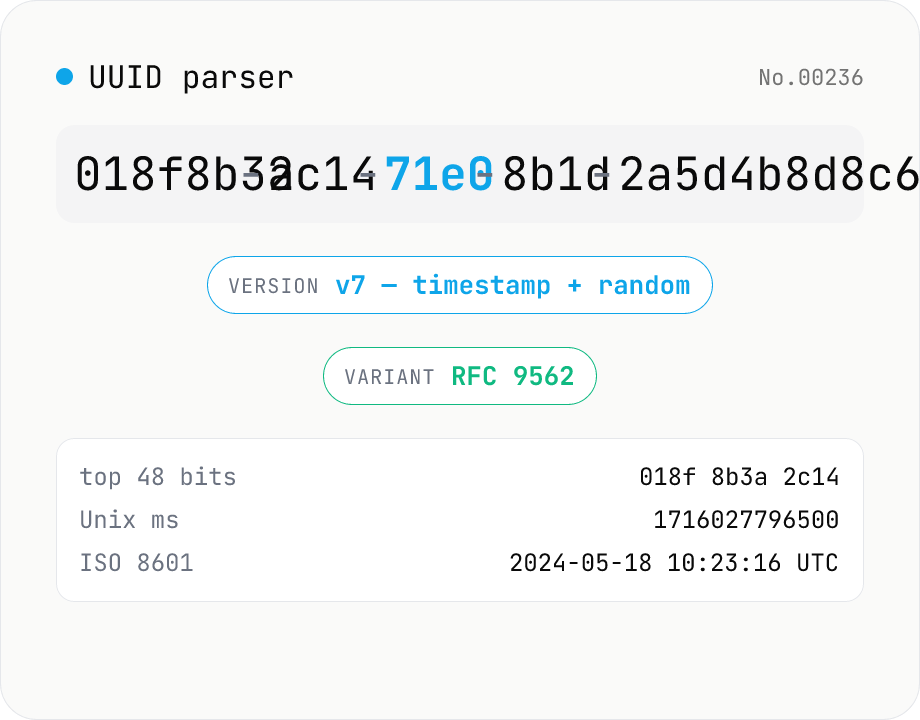
UUID parser — version, variant, timestamp
Paste a UUID and inspect its version (v1–v8 / Nil / Max), variant (RFC 9562 / Microsoft / legacy NCS), canonical / compact / braced / URN forms, integer (BigInt), and raw bytes — all at once. UUID v1 and v6 expose the embedded timestamp + node MAC, and UUID v7 reveals the Unix epoch ms used as the prefix. Braces, whitespace, the urn:uuid: prefix, and mixed case are normalized automatically. Nothing leaves the browser.
developerdecode
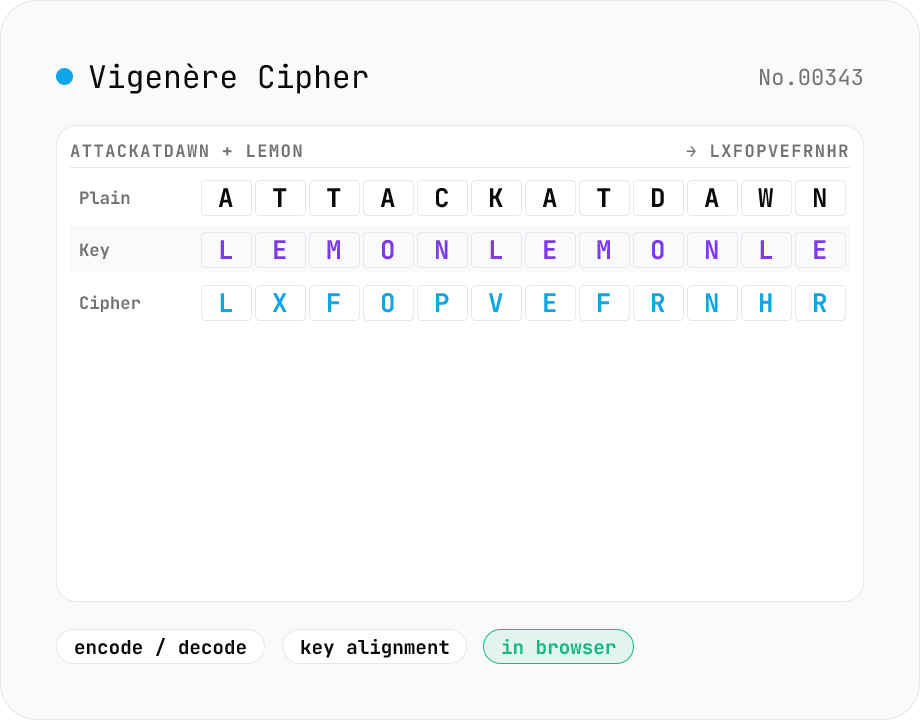
Vigenère Cipher encode / decode
Encode and decode with the Vigenère cipher, the classic polyalphabetic substitution from the 16th century — a repeating key (e.g. LEMON) shifts each plaintext letter. Mode toggle, preserve-case and pass-through-non-alpha options, plus an aligned plaintext / key / ciphertext view that's great for learning. Used heavily in CTFs and cryptography lessons as the next step up from Caesar.
developertextencodedecode