
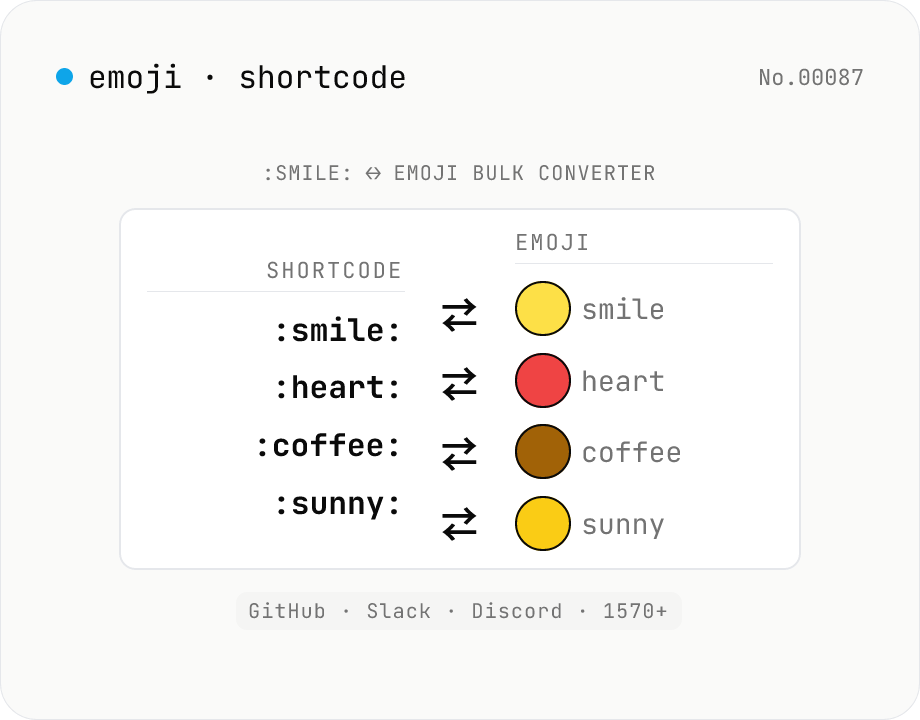
Emoji ↔ shortcode batch converter — :smile: ↔ 😄 (GitHub / Slack / Discord)
Batch convert between **GitHub-style shortcodes** (`:smile:` `:thumbsup:` `:heart:`…) and **emoji glyphs** (😄 👍 ❤️). Covers the canonical 1570+ shortcode set used by GitHub Markdown, Slack, Discord, Mastodon, and Mattermost. Use **shortcode → emoji** to preview PR descriptions / issue bodies / READMEs, or **emoji → shortcode** to flatten chat logs for environments that can't render emoji and to make diff reviews legible. Unknown `:names:` are handled three ways: keep verbatim, strip, or replace with `?`. Everything runs in your browser via node-emoji (MIT) — your text never leaves the device.
How to use
Pick a **direction** (shortcode → emoji or emoji → shortcode), paste text, and press **Convert**. The output is in **paste-ready** format — drop it straight into GitHub PRs / issues, Slack / Discord messages, or READMEs. For shortcode → emoji, choose how to handle **unknown** `:names:`: keep verbatim, strip, or replace with `?`. Use **Sample** to load `I :heart: :coffee: in the morning :sunny:`, then **Copy** or **Download .txt**.
In depth
The text you convert contains more context than the emoji
Converting :heart: :coffee: in the morning :sunny: is trivial, but the surrounding sentence is the draft of a PR body, an internal Slack announcement, or a blog post. Pasting that text into an online converter transmits the full content to a server. For publicly intended text the exposure is low; for an unannounced feature description in a PR title or an internal memo it is not.
Short converters feel lightweight, which lowers the threshold for pasting carelessly. But a one-line PR title can include an unreleased feature name, a customer codename, or an internal acronym — small character counts do not imply small leakage.
The structural risk of upload-style converters
Online shortcode converters present a simple “paste, click, copy” UI, but server-side they routinely persist the full input text. Terms of service typically reserve broad rights to retain submissions for “usage analytics”, “service improvement”, or “abuse detection”, and the actual retention windows are rarely disclosed at a level a user could audit.
Because these tools are usually thin wrappers on Cloud Functions or edge workers, request bodies also land in the upstream cloud provider’s logs. From the user perspective only the tool vendor is visible, but structurally several operators may see the request payload — a quiet asymmetry between what the user perceives and what is actually recorded.
node-emoji and a bundled dictionary for offline conversion
This tool bundles node-emoji (MIT) and the gemoji-derived 1570+ shortcode dictionary at build time. Shortcode-to-emoji conversion is dictionary lookup plus string replacement; emoji-to-shortcode is the reverse mapping. Both directions run in browser memory — no network request is needed at conversion time.
The unknown-shortcode handling (keep / strip / replace with ?) is also pure JavaScript conditional branching. Open DevTools Network and convert any text: request count does not change after the initial page load. The implementation is on GitHub.
Using it as a pre-paste verification step
Before pasting shortcode-heavy text into a GitHub PR body or a Slack message, running it through this tool catches unknown tokens that would render as literal :my-custom: instead of an emoji. This is especially useful for externally visible PRs — vendor integrations, partner-facing documentation — where a stray unresolved shortcode looks unprofessional. The conversion takes a second in the browser; the check is worth adding to the pre-submit habit.
How shortcode dictionaries diverge across platforms
The :smile: :thumbsup: shortcode style originated with GitHub’s gemoji dictionary; early Slack inherited the same set. Over time each platform added its own entries and aliases, so today the same shortcode can map to different emoji on different platforms, or only exist on one of them. :hugs: maps to 🤗 on Slack but Discord prefers the alias :hugging:; older GitHub PRs may not recognise :hugs: at all.
This tool’s 1570+ dictionary is the GitHub-flavoured gemoji set, which is the most general baseline. When targeting Slack / Discord / Mattermost specifically, treat the converted output as a starting point and verify each shortcode against the target platform’s own list rather than pasting directly. The FAQ summarises the most common cross-platform divergences.
Modifier and ZWJ pitfalls that shortcodes cannot fully express
Simple emoji like :thumbsup: 👍 are stable, but Fitzpatrick-scale skin-tone variants like 👍🏽, family ZWJ (zero-width joiner) sequences like 👨👩👧👦, and profession emoji like 👩💻 are composed of multiple Unicode code points joined together. Most cannot be addressed by a single shortcode and rely on extensions like :thumbsup_tone3: that some dictionaries support and others do not.
New emoji from Unicode 15.1 or 16.0 only appear via shortcode after the dictionary file is updated. This tool’s dictionary comes from the MIT-licensed node-emoji library and refreshes on library upgrades. If a recent emoji refuses to convert, copy-pasting the Unicode character directly is the reliable fallback. To confirm a shortcode’s canonical spelling and inspect the underlying codepoints, emoji-info shows the name and per-codepoint breakdown, and markdown-html-convert helps preview how the shortcode-laden message will render once it is converted to HTML.
FAQ
- Is my input uploaded?
- No — node-emoji (MIT) and the bundled dictionary run entirely in your browser. No network.
- Which shortcodes are supported?
- 1570+ shortcodes from the canonical **gemoji** set used by GitHub Markdown, Slack, Discord, Mastodon, and Mattermost. Short names like `:smile:`, `:thumbsup:`, `:heart:`, `:rocket:`. For comprehensive Unicode 16 coverage (1900+) of single emoji with codepoint details, use **emoji-info**.
- Shortcode vs. Unicode CLDR slug?
- Unicode CLDR slugs (e.g. `grinning_face`) are official; GitHub-style shortcodes (e.g. `:grinning:`) are shorter pet names — and they're what Slack / Discord / Mastodon use too. We use GitHub-style here because that's the form people actually paste. For CLDR slugs, see **emoji-info**.
- What happens to emoji that have no shortcode?
- They're kept verbatim — safe-side behaviour to avoid data loss. For deep introspection of any emoji glyph, use **unicode-inspect**.
- What happens to unknown `:tokens:` (shortcode → emoji)?
- Default is **keep** (`:my-custom:` passes through). Other options: **strip** (replace with empty string) and **placeholder** (`?`). Use keep for custom-emoji dictionaries, strip to clean up, placeholder to surface unknown tokens visibly.
- Skin-tone modifiers?
- Base shortcodes (`:hand:`) convert fine, but Fitzpatrick skin-tone modifiers (`:hand::skin-tone-3:`) aren't normalised. Multi-codepoint ZWJ-joined sequences like 👨👩👧👦 are kept verbatim. For codepoint-level breakdowns use **unicode-inspect**.
- Will the output render on GitHub?
- Yes — the shortcodes here line up with GitHub Markdown's emoji support (both derive from gemoji). Output is paste-ready in GitHub PR bodies, issues, and READMEs. GitHub also renders raw emoji glyphs, so either form works.
- How does this differ from other emoji tools?
- **emoji-info** = single-emoji Unicode lookup. **emoji-shortcode** (this tool) = bulk text conversion. **kaomoji-search** = Japanese kaomoji (^_^ etc., a different family). **unicode-inspect** = codepoint-level breakdown.
How to verify nothing is uploaded
This tool never sends your input outside your browser. The pages below explain how it works, how to audit it, and how the site is run.
Related tools
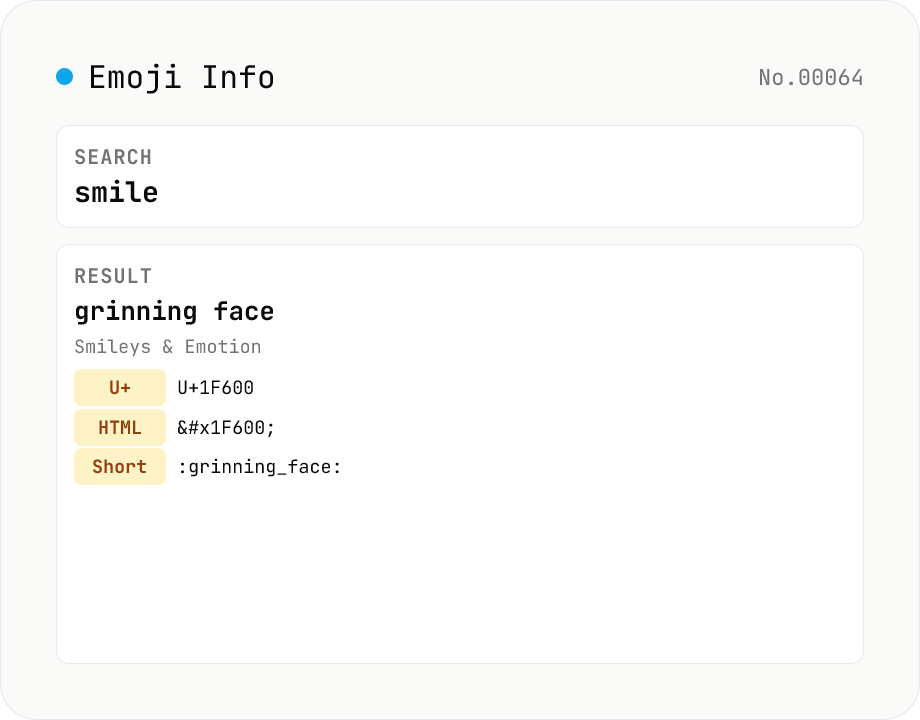
Emoji Info & Search — Unicode names, codepoints, shortcodes
Search Unicode emoji and view all the details. Covers 1900+ emoji from Unicode 16 (2024), searchable by name, keyword, group, or series (smileys, animals, food, transport, flags…). Click one to see every Unicode codepoint (U+1F600 form), HTML entity (`😀`), CSS escape (`\1F600 `), JS escape (`\u{1F600}`), shortcode (Slack/Discord/GitHub compatible, `:grinning_face:`), Unicode group / subgroup, and related keywords — copy any field with one click. Powered by unicode-emoji-json (MIT) + emojilib (MIT) bundled locally; no network calls.
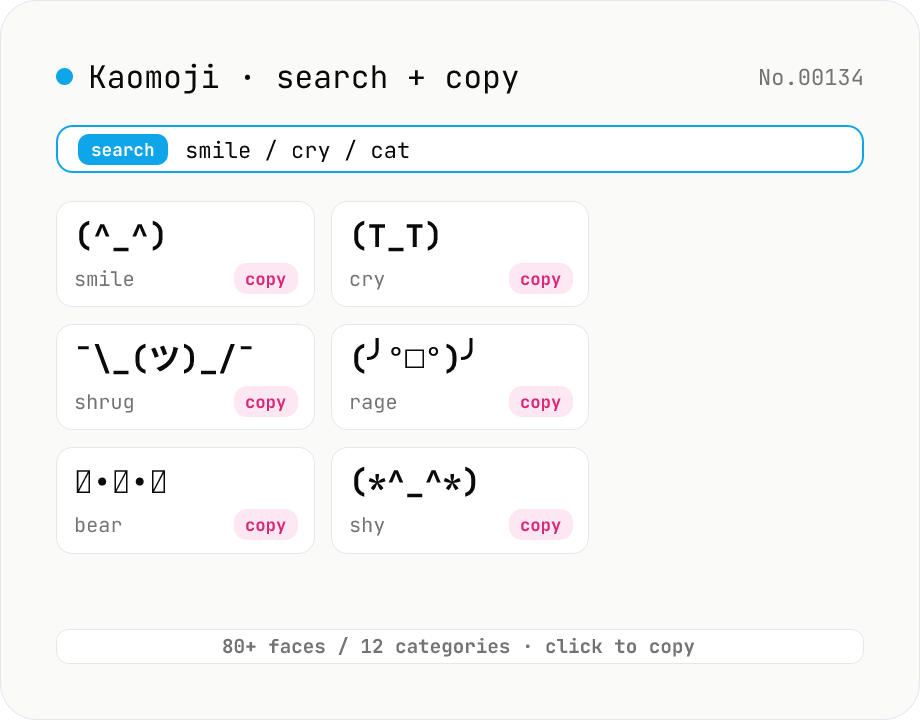
Kaomoji finder — copy (^_^) ¯\_(ツ)_/¯ and 80+ classic faces
Search 80+ classic kaomoji (text emoticons) across 12 categories — happy, sad, angry, surprise, love, confused, shrug, table flip, animal, music, and more — by face, tag, or category, then copy with one click. Unlike emoji, kaomoji render identically on Slack, Discord, LINE, GitHub, and email regardless of fonts or platforms, so you can express emotion without worrying about Unicode compatibility. All data ships with the tool; no network, no upload — everything happens in your browser.
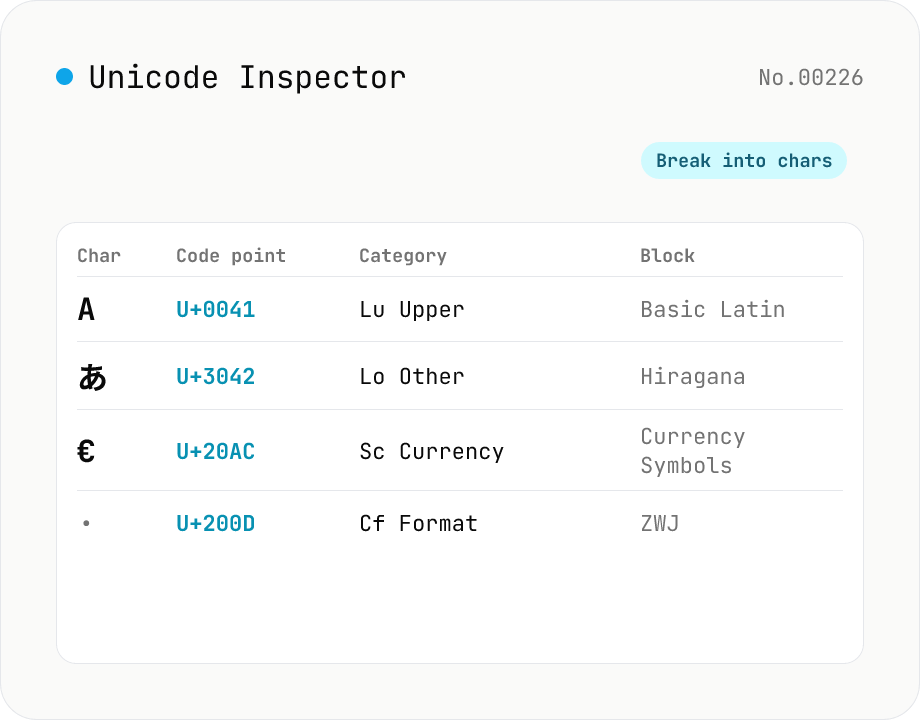
Unicode Character Inspector
Break text into individual characters and show each one's code point (U+XXXX), decimal value, general category (letter / number / symbol, etc.), script (Latin / Han / Hiragana, etc.), Unicode block, UTF-8 / UTF-16 byte sequences, and HTML numeric entity. Surrogate-pair emoji, combining marks, zero-width joiners (ZWJ), control and invisible characters are detected and badged — handy for debugging mojibake and 'invisible character' bugs. Everything runs in your browser — your input is never uploaded.
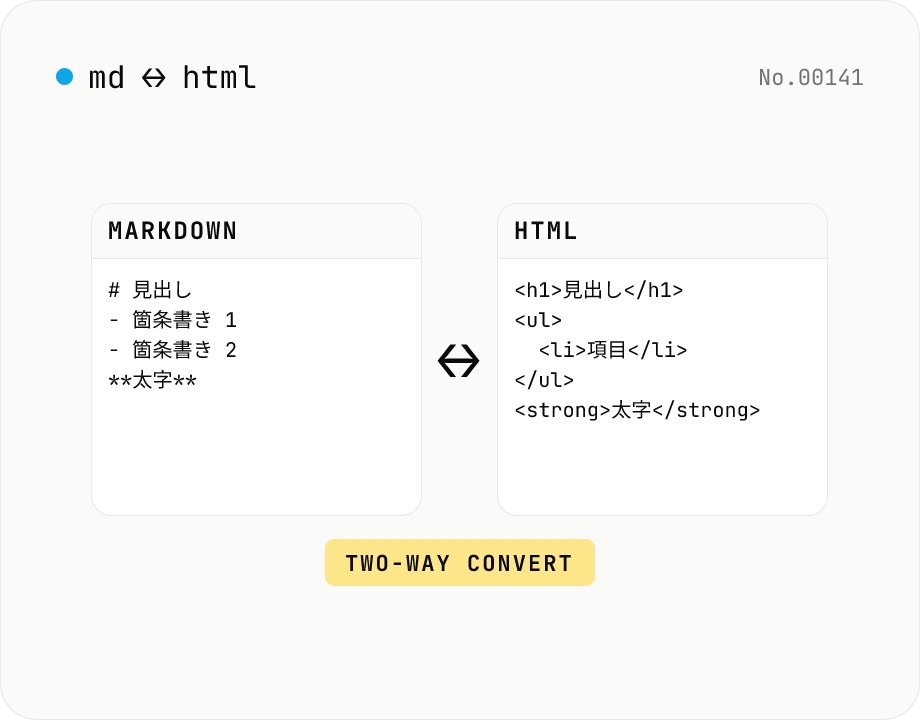
Markdown ⇄ HTML converter — round-trip
Convert Markdown to HTML and HTML to Markdown in both directions. Ideal for migrating between platforms (a blog into WordPress, an HTML page into a README, etc.). Runs entirely in your browser using marked and turndown — your drafts never leave the page.