
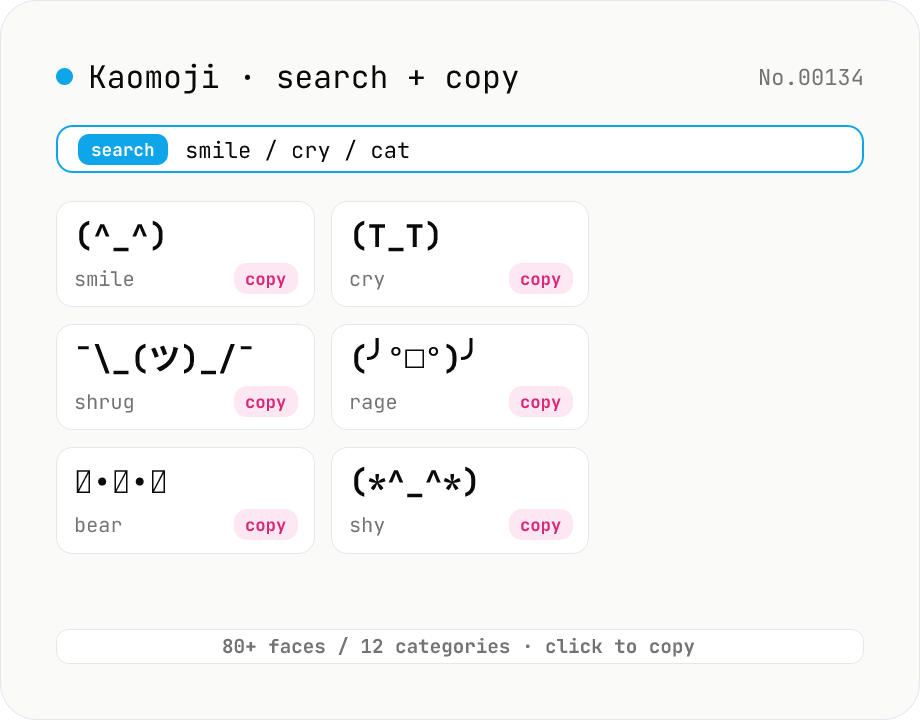
Kaomoji finder — copy (^_^) ¯\_(ツ)_/¯ and 80+ classic faces
Search 80+ classic kaomoji (text emoticons) across 12 categories — happy, sad, angry, surprise, love, confused, shrug, table flip, animal, music, and more — by face, tag, or category, then copy with one click. Unlike emoji, kaomoji render identically on Slack, Discord, LINE, GitHub, and email regardless of fonts or platforms, so you can express emotion without worrying about Unicode compatibility. All data ships with the tool; no network, no upload — everything happens in your browser.
How to use
Type any keyword — e.g. `smile`, `cry`, `cat`, `table flip`, `shrug`, or part of a face like `T_T` — to search across 80+ kaomoji. Filter by category (happy / sad / angry / surprise / love / confused / table flip / animal / music / …). Click Copy on any card to copy the kaomoji to your clipboard so you can paste it straight into Slack, Discord, LINE, GitHub, email, and so on.
FAQ
- How is kaomoji different from emoji?
- Emoji are single Unicode codepoints whose appearance varies wildly across fonts, OSes, and apps. Kaomoji are text-art built from regular characters, punctuation, kana, and arrows — they render identically everywhere. They shine when consistency matters (technical docs, commit messages, code comments).
- What can I search for?
- (a) Part of the kaomoji itself (e.g. `T_T`), (b) Japanese tags (`笑顔`, `泣く`, `怒り`), (c) English tags (`smile`, `cry`, `angry`, `shrug`), and (d) category names (`animal`, `music`). All queries are NFKC-normalized, case-insensitive, and whitespace-collapsed for forgiving search.
- The pasted kaomoji looks broken in my doc
- Many kaomoji use combining marks or half-width characters, so proportional fonts can mis-align them vertically. Chat apps (Slack, Discord, LINE) and Markdown render them cleanly, and monospaced fonts always align them perfectly. If Word or Pages mangles a face, switch to a monospaced font.
- Can I request more kaomoji?
- Yes — use the report form to suggest specific faces or categories you want added (e.g. "more variations of (´・ω・\`)"). We add high-demand requests.
- Are esoteric ASCII faces included (e.g. <(`O´)>, m9(^Д^))?
- The 12 core categories cover 80+ classic faces. For more obscure ones, file a request.
- Is my input sent to a server?
- No. All kaomoji data ships with the tool, and search / copy run entirely in your browser. It works offline.
Related tools
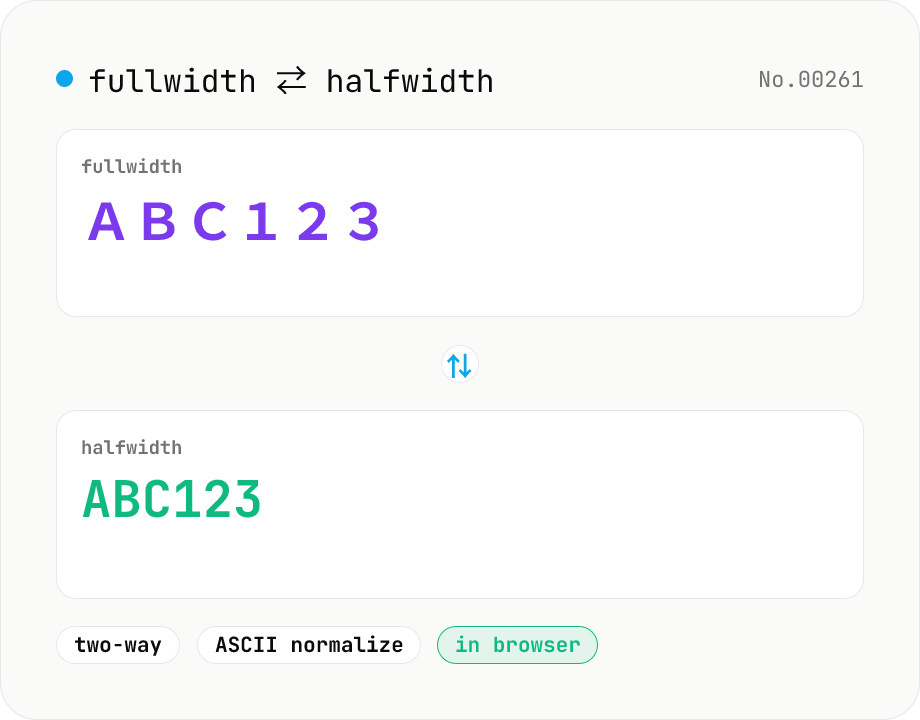
Fullwidth ⇄ Halfwidth converter — alphanumerics, kana, symbols
Convert between fullwidth ASCII (letters, digits, symbols) and halfwidth ASCII with a single mode toggle. Covers U+FF01–U+FF5E ⇄ U+0021–U+007E, plus the ideographic space U+3000 ⇄ ASCII space U+0020. Hiragana, katakana, and kanji are kept untouched. Runs entirely in your browser.
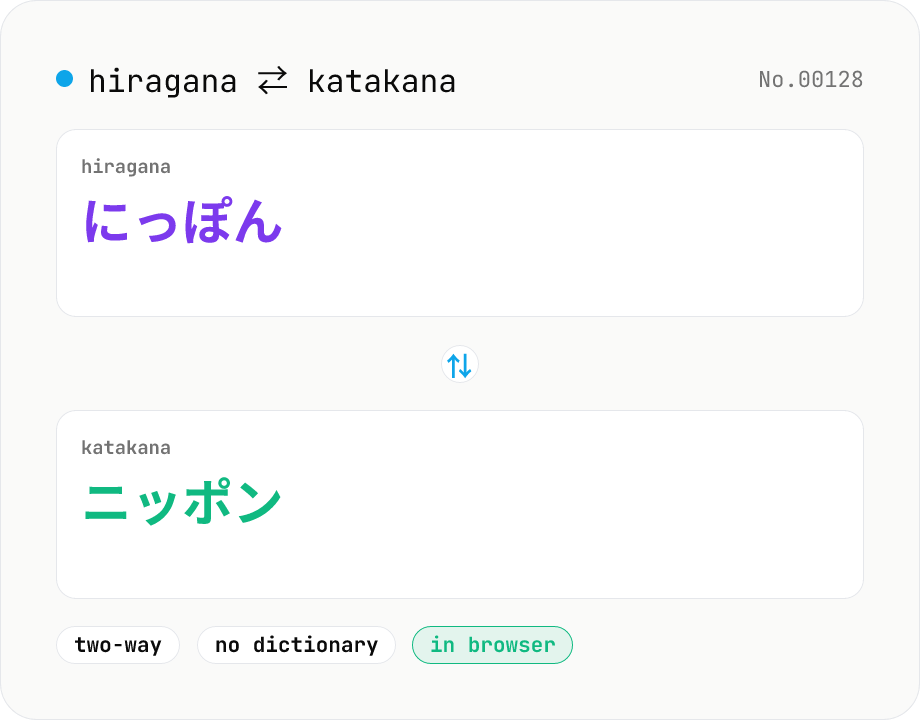
Hiragana ⇄ Katakana converter — bulk character mapping
Convert between hiragana and katakana with a single mode toggle. A purely mechanical per-character mapping — no dictionary download, instant conversion. Long-vowel mark, punctuation, kanji, and alphanumerics are preserved as-is. Runs entirely in your browser.
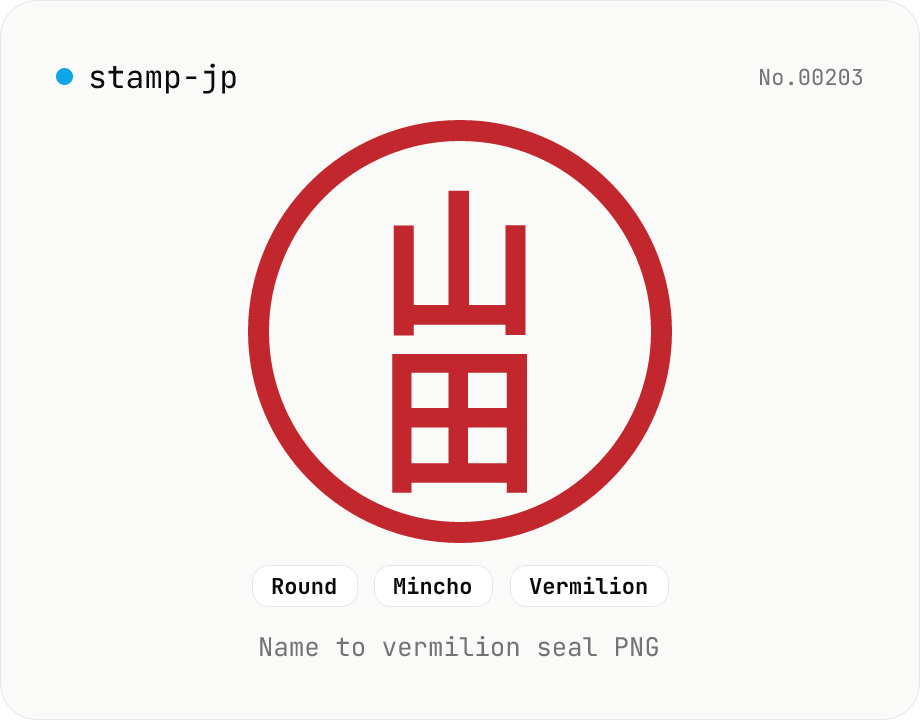
Hanko / Japanese seal generator — name to 朱印-style PNG
Type a name (1–4 Japanese characters) and generate a 朱印 (Japanese name-seal) style PNG with Canvas. Choose a round / square / oval shape, a font (mincho / gothic / round-gothic), and a color (vermilion / black / navy). Transparent PNG works as a placeholder signature for e-documents, a casual avatar, or a heading flourish. Four-character names use the traditional 田 layout (top-right → top-left → bottom-right → bottom-left). Note: this is a decorative image — it does not replace a real hanko for legal contracts. Everything is rendered in your browser.
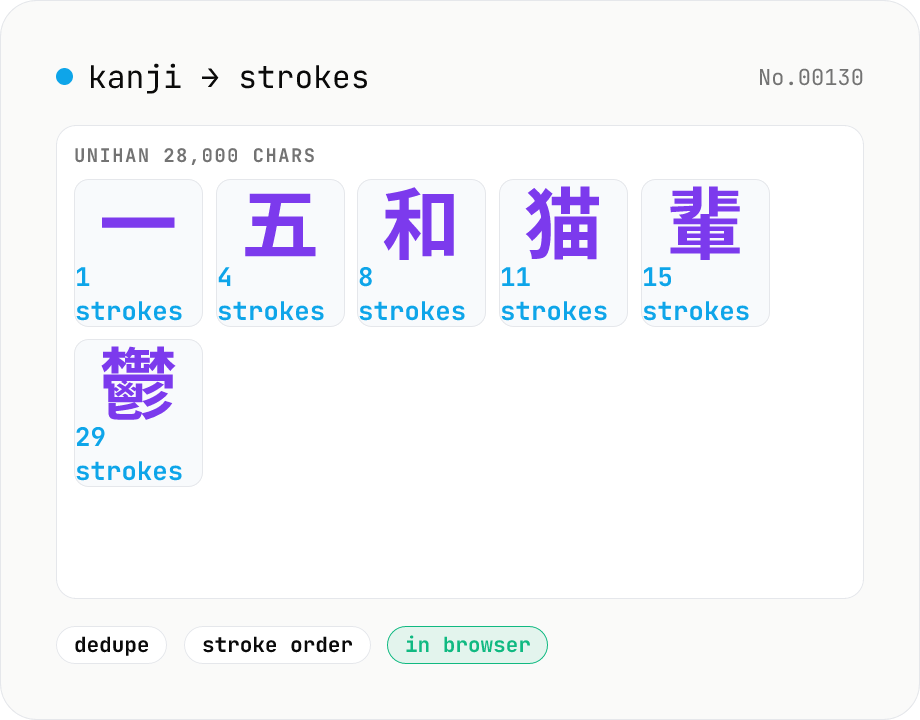
Kanji stroke count — bulk lookup / 28,000 characters
Extract every CJK ideograph from your input and look up its stroke count in a table. Backed by 28,000+ characters from Unicode 17's Unihan kTotalStrokes — covers all jōyō kanji, JIS X 0208 levels 1 & 2, and most of CJK Extension A and Compatibility. Optional dedupe and stroke-order sort, with running total. Useful for studying, name-stroke analysis, or just checking your kid's homework. Runs entirely in your browser.