
TAG
Tools tagged "video"
25 tools
Tools that work with video files: convert, cut, compress, GIF export, audio extraction — all powered by ffmpeg.wasm locally.
All NoSend Tools that carry the "video" tag. Everything runs inside the browser — your inputs never leave your device.
Tags:
Sort:
Per page:
All tools
25 / 25
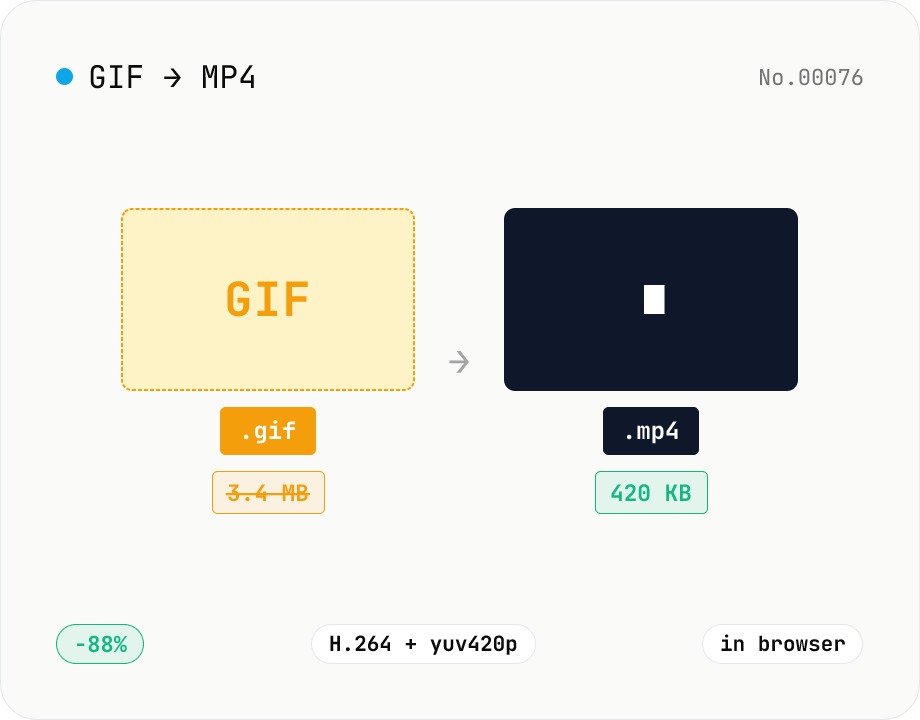
GIF to MP4 converter — H.264 cuts file size to 1/5–1/10
Convert animated GIFs to H.264/AAC MP4 videos. GIFs balloon quickly; MP4 (H.264) typically shrinks the file to 1/5–1/10 the size and plays inline on X (Twitter), Bluesky, Discord and other social platforms. ffmpeg.wasm runs entirely in your browser — GIFs never leave your device. Supports batch processing and a single ZIP download.
videoimageconversion
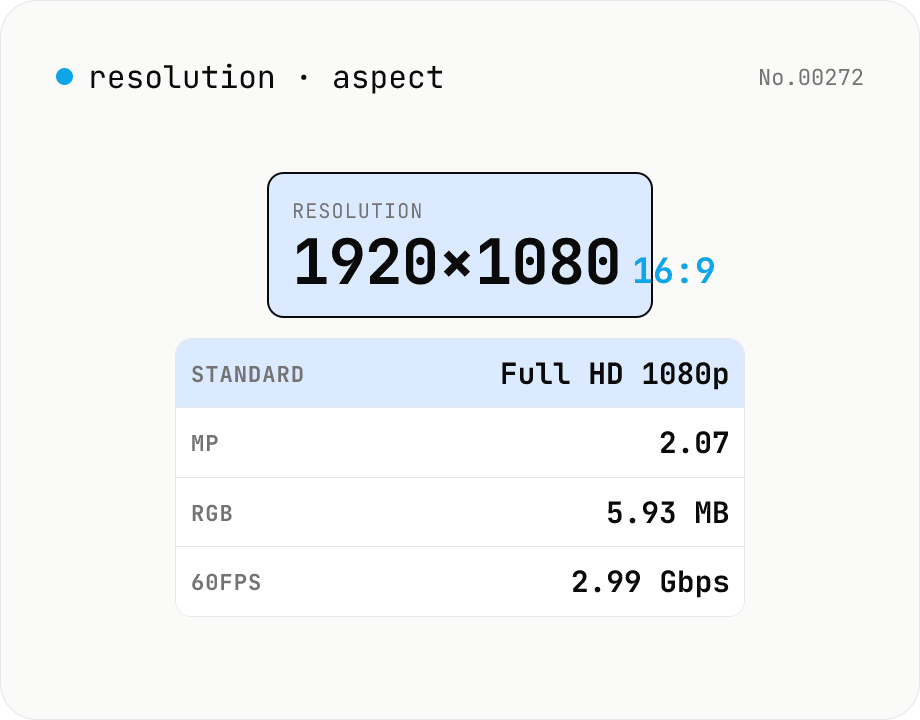
Resolution → aspect, class name, PPI, raw size (image + video)
Type a pixel resolution like `1920x1080` and see **GCD-reduced aspect ratio (16:9)**, **standard name (Full HD / 4K UHD / TikTok / iPhone — 25 presets)**, **megapixels**, **uncompressed RGB memory footprint**, **bandwidth for 60 fps raw video (Gbps)**, and **PPI when you specify a diagonal**. Useful for picking export resolutions, sanity-checking UI mocks, estimating raw asset sizes, and verifying mobile/desktop compatibility. Accepts separators `x`, `×`, `*`, `,`, or whitespace.
developerimagevideo
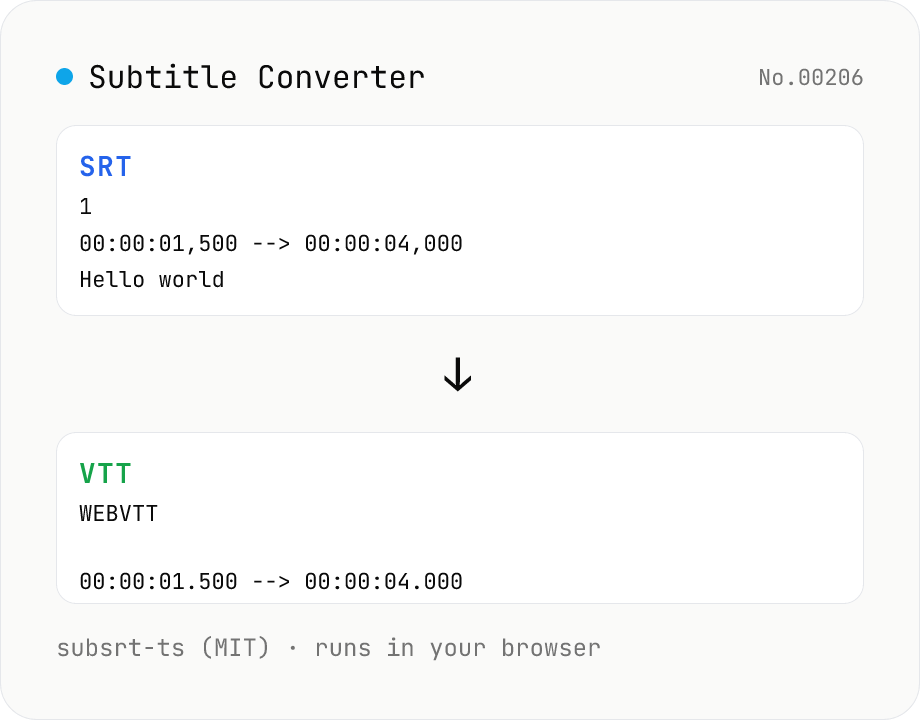
Subtitle Converter
Convert subtitle files between SRT / VTT / ASS / SSA / SBV / SUB / SMI / LRC. Drop files and pick a target format — runs entirely in your browser via subsrt-ts (MIT). No uploads.
videoconversiontext
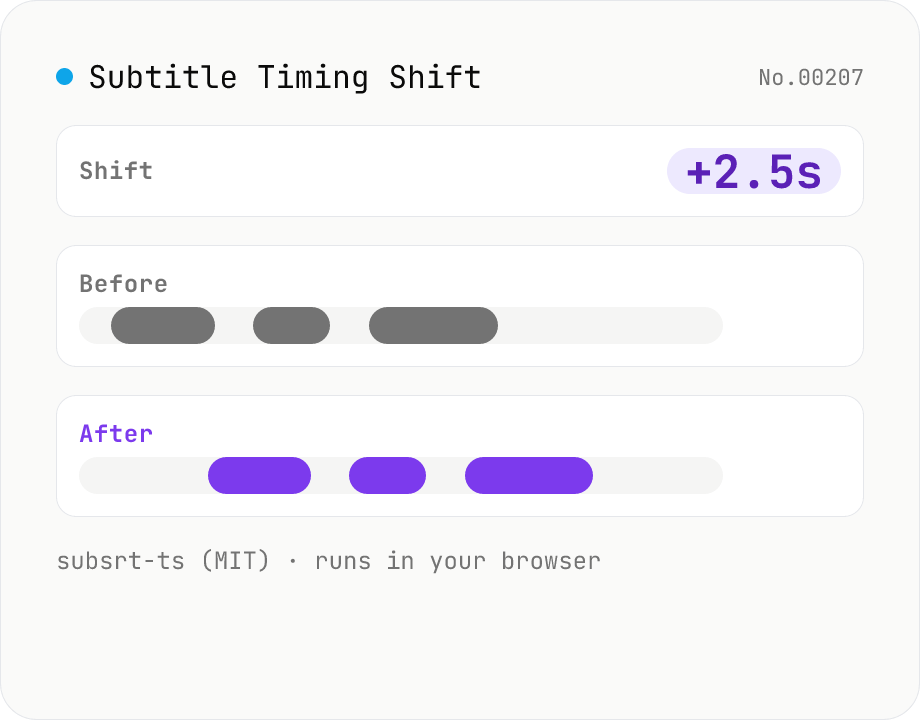
Subtitle Timing Shift
Shift or stretch the timestamps of subtitle files (SRT / VTT / ASS / SSA / SBV / SUB / SMI / LRC). Offset by seconds and/or scale playback speed with a ratio. Runs entirely in your browser via subsrt-ts (MIT). No uploads.
videotext
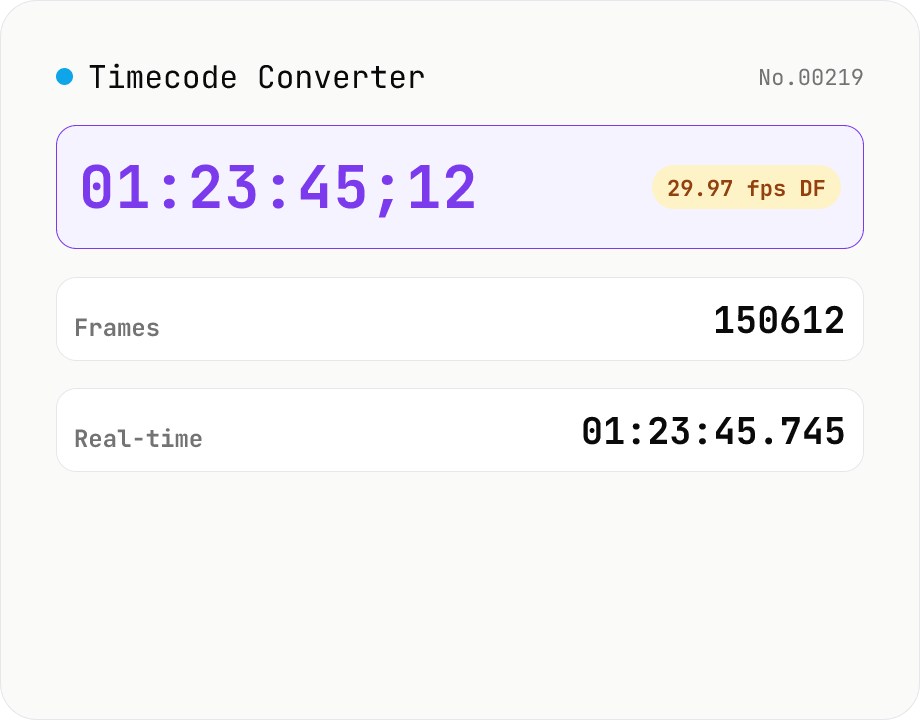
Timecode Converter
Convert between SMPTE timecode (HH:MM:SS:FF), frame count, and real-time seconds. Supports 23.976 / 24 / 25 / 29.97 / 30 / 50 / 59.94 / 60 fps, with drop-frame (DF) toggle for 29.97 / 59.94. A simple calculator for video editors and motion designers — runs entirely in your browser.
videoconversioncalculatortime
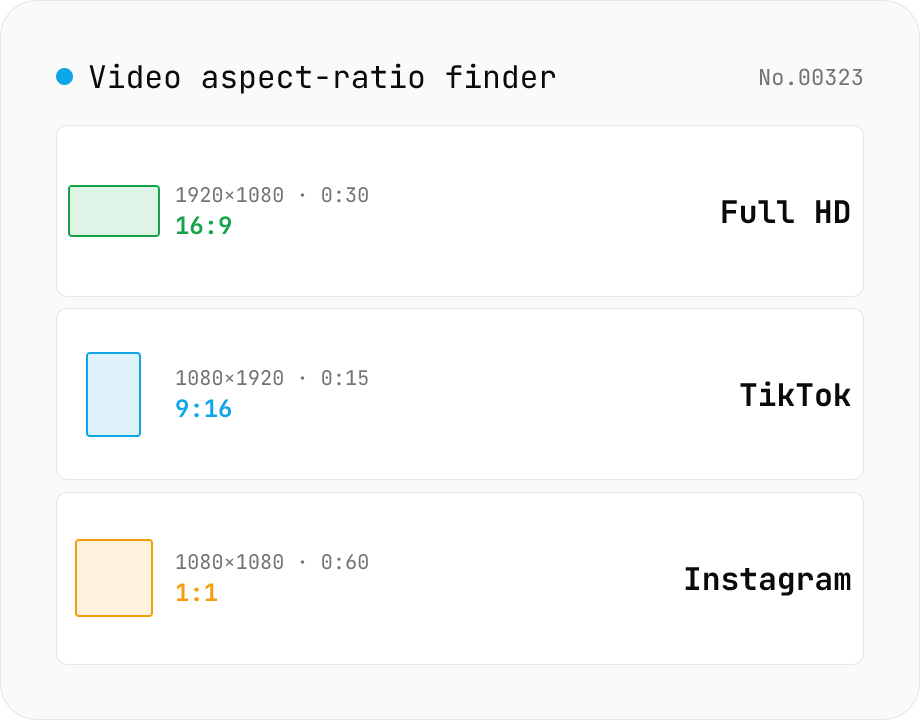
Video aspect-ratio finder — resolution + duration + GCD ratio + 1080p / TikTok match
Drop video files and see each one's resolution (width × height), duration, GCD-reduced aspect ratio (1920×1080 → 16:9, 1080×1920 → 9:16) and the closest matching standard format (Full HD 1080p, 4K UHD, TikTok 9:16, Instagram 4:5, YouTube 16:9, Cinemascope 21:9 — 17 presets). The **video counterpart to `image-aspect-find`** — quickly check whether assets need resizing for social, whether your asset set mixes portrait and landscape, or whether everything matches your timeline's sequence settings. Codec / bitrate / fps deep-dive belongs to `video-codec-info`; this tool focuses on **aspect, resolution and duration only**, so it stays lightweight (uses `HTMLVideoElement` metadata, no wasm). Perfect for pre-publishing checks across Instagram + TikTok + YouTube. CSV export supported. Everything runs in your browser — videos are never uploaded.
video
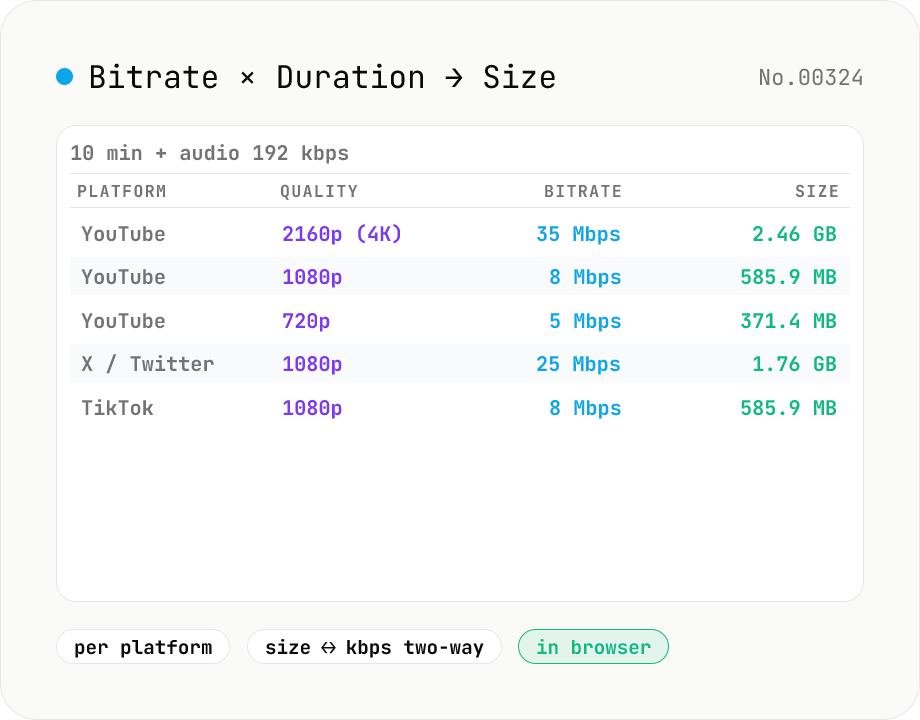
Video File Size / Bitrate Calculator
Predict file size from duration + video bitrate + audio bitrate, or reverse-engineer the required bitrate from a target file size. Side-by-side comparison of recommended bitrates from YouTube SDR (2160p / 1440p / 1080p / 720p / 480p / 360p), X / Twitter, TikTok, and Instagram Reels. Built for video editors and streamers sanity-checking upload sizes.
videocalculator
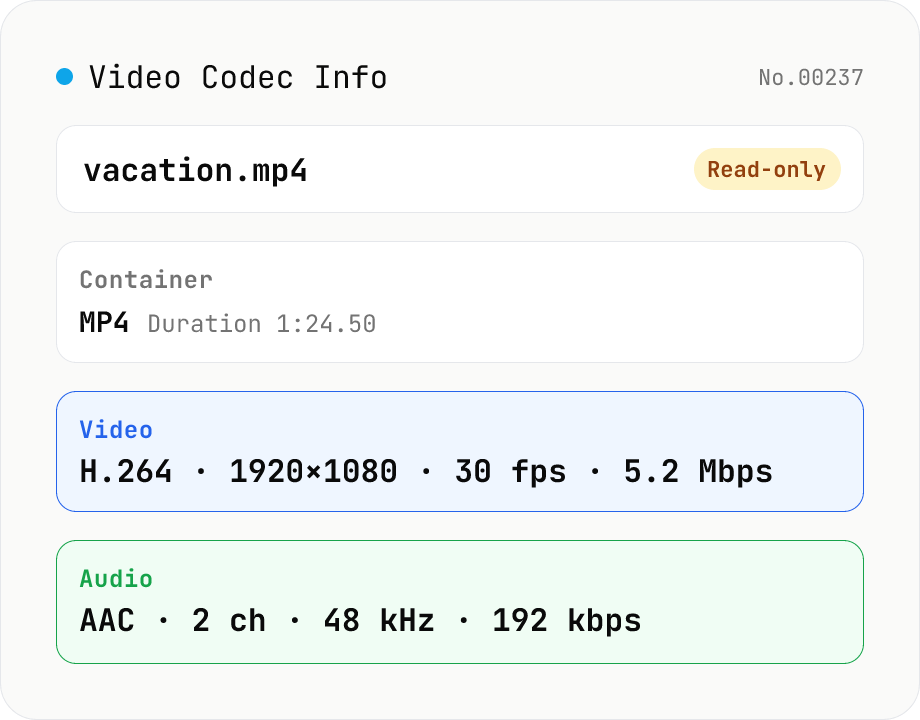
Video Codec Info
Inspect MP4 / MOV / MKV / WebM video files and read out container, codec, resolution, frame rate, bitrate, and audio track information. Read-only, runs entirely in your browser via mediainfo.js (BSD).
videoextract
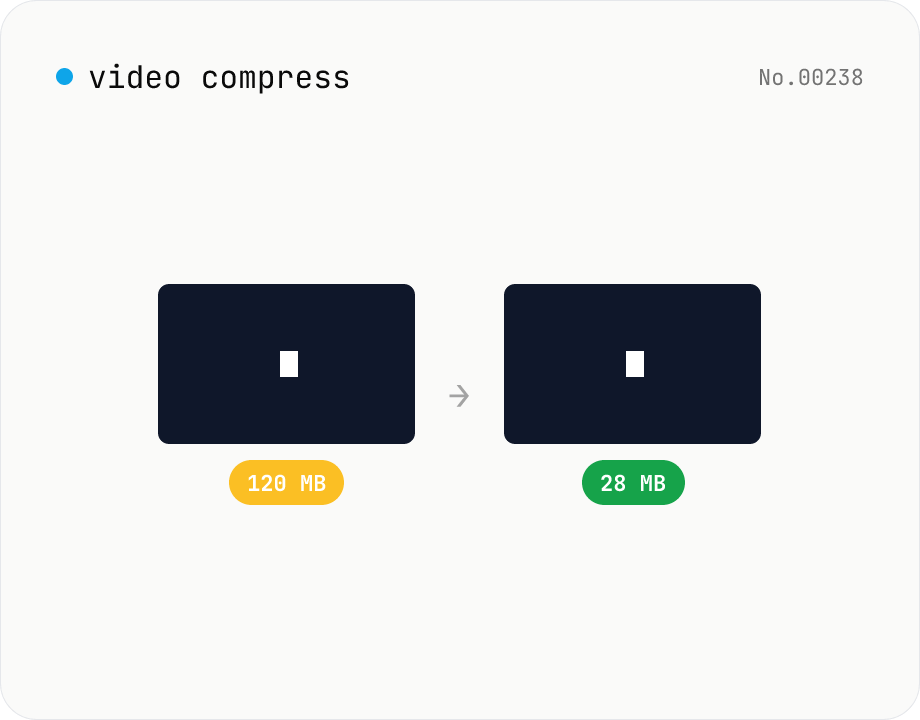
Video compress — shrink size, tune CRF / preset / x264
Re-encode a video with libx264 at the chosen CRF to shrink the file size while keeping the resolution. Pick a preset to trade speed for compression. Output is mp4. Supports batch processing and a single ZIP download.
videocompress
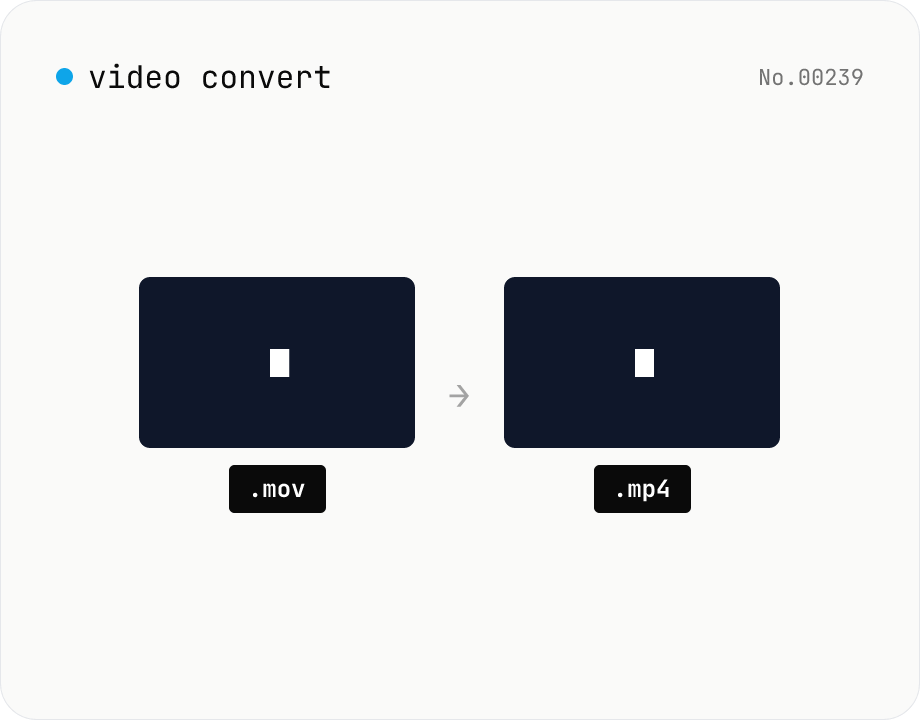
Video format convert — MP4 / MOV / WebM stream copy
Change the video container (e.g. mov → mp4) without re-encoding by using ffmpeg.wasm stream copy. Works for codec-compatible combinations only. Supports batch processing and a single ZIP download.
videoconversion
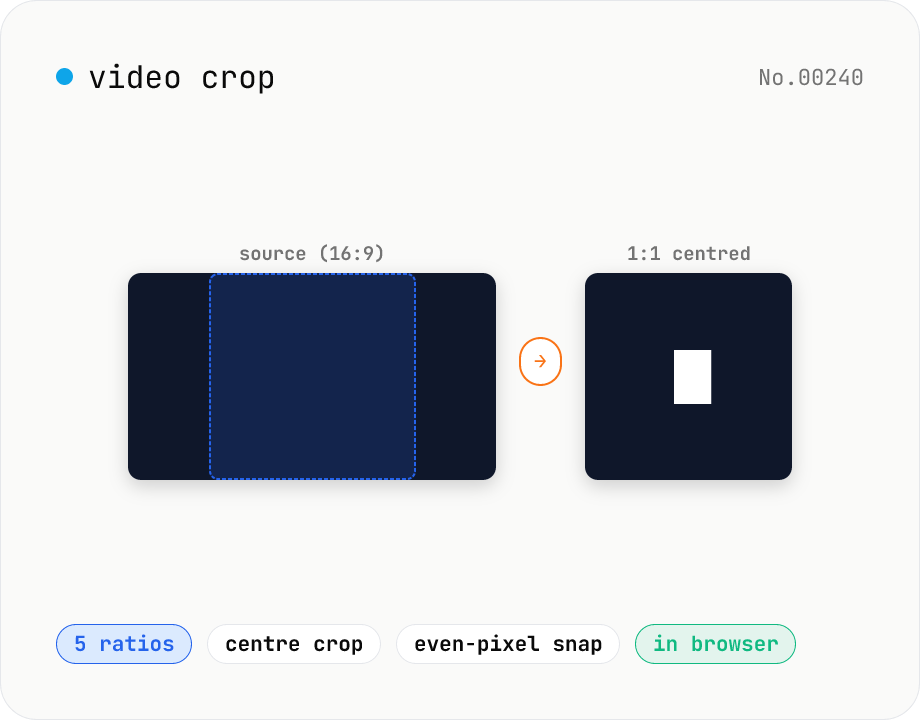
Video crop — center-crop to 1:1, 9:16, 16:9, 4:3 or 3:4
Center-crop a video to a target aspect ratio with one click. Instagram-style 1:1, TikTok / Reels 9:16, YouTube 16:9, and the SD 4:3 / 3:4 ratios are all built in. The tool automatically picks the largest centred rectangle that fits the original resolution and snaps it to even dimensions for H.264 compatibility. ffmpeg.wasm runs entirely in your browser — videos never leave your device.
videocrop
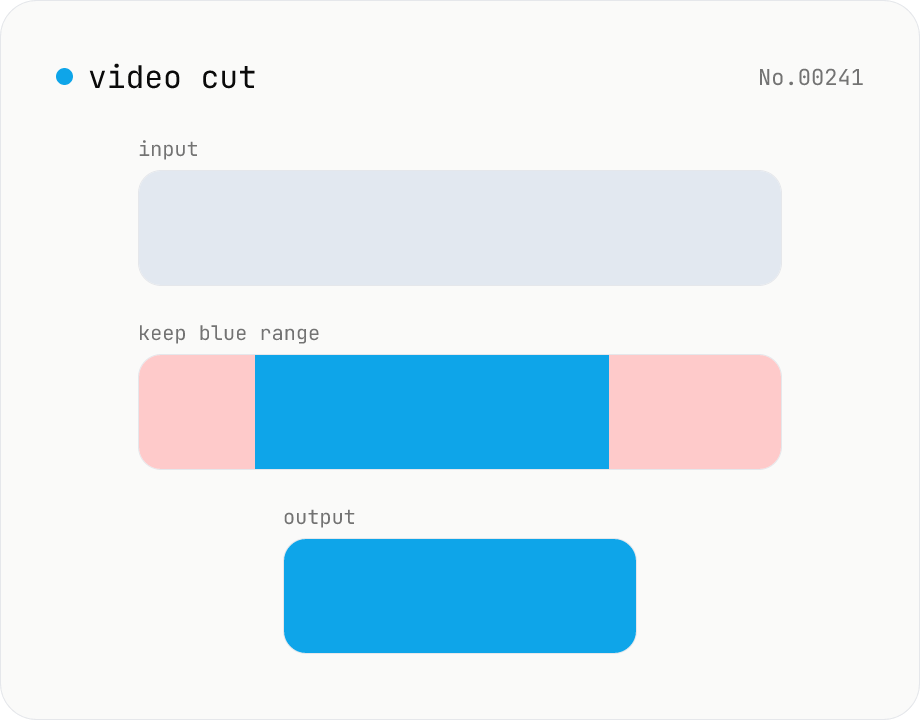
Video cut — trim by range with stream copy, no quality loss
Trim a video to a chosen range with ffmpeg.wasm using stream copy — no re-encoding, no quality loss, original codec and extension preserved. Cut points snap to the nearest keyframe so the start may shift slightly. Supports batch processing and a single ZIP download.
videosplit
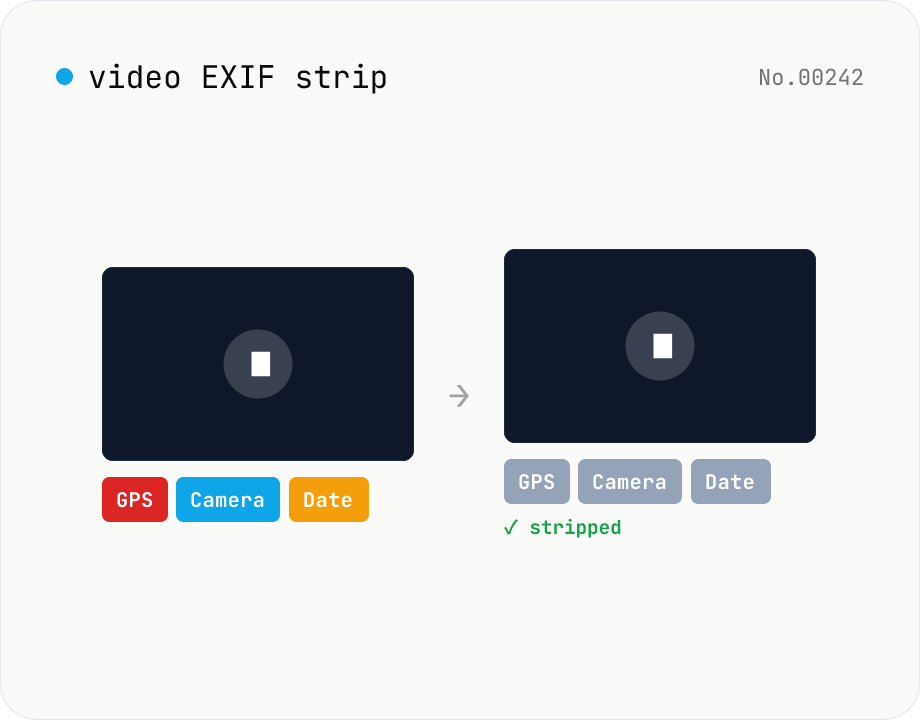
Video EXIF strip — wipe GPS / capture date metadata
Strip metadata (EXIF / GPS / capture date / etc.) from video files entirely in your browser using ffmpeg.wasm. Uses stream copy so the codec, quality and file extension are preserved (no re-encoding). Supports batch processing and a single ZIP download. Videos never leave your device.
videoEXIF
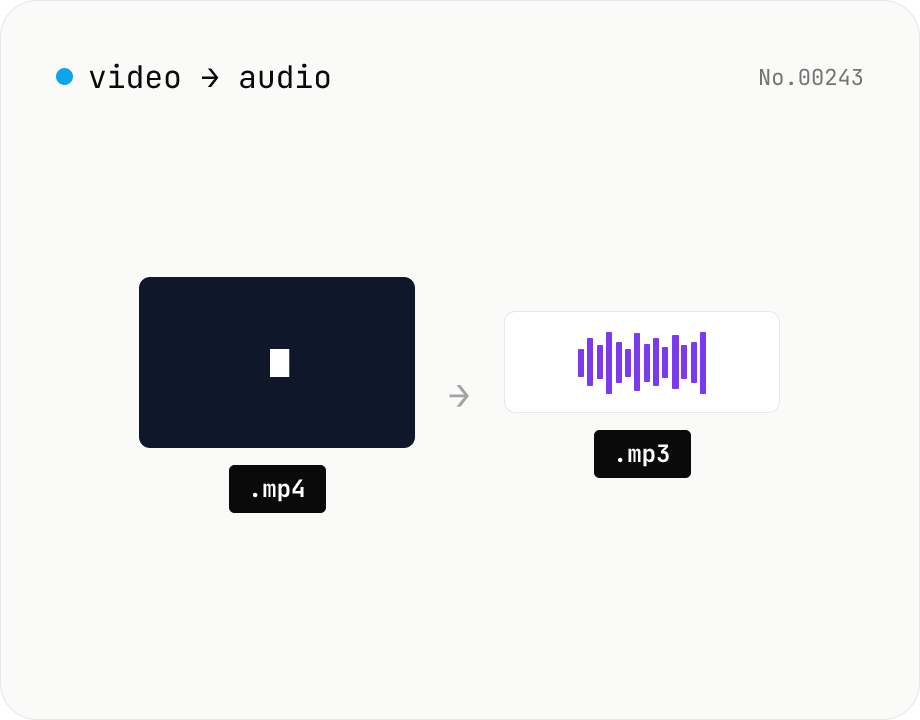
Extract audio from video — MP3 / WAV / M4A / OGG export
Pull just the audio track out of a video and save it as mp3 / wav / m4a / ogg. ffmpeg.wasm drops the video stream and re-encodes the audio in the chosen format. Supports batch processing and a single ZIP download.
videoaudioextract
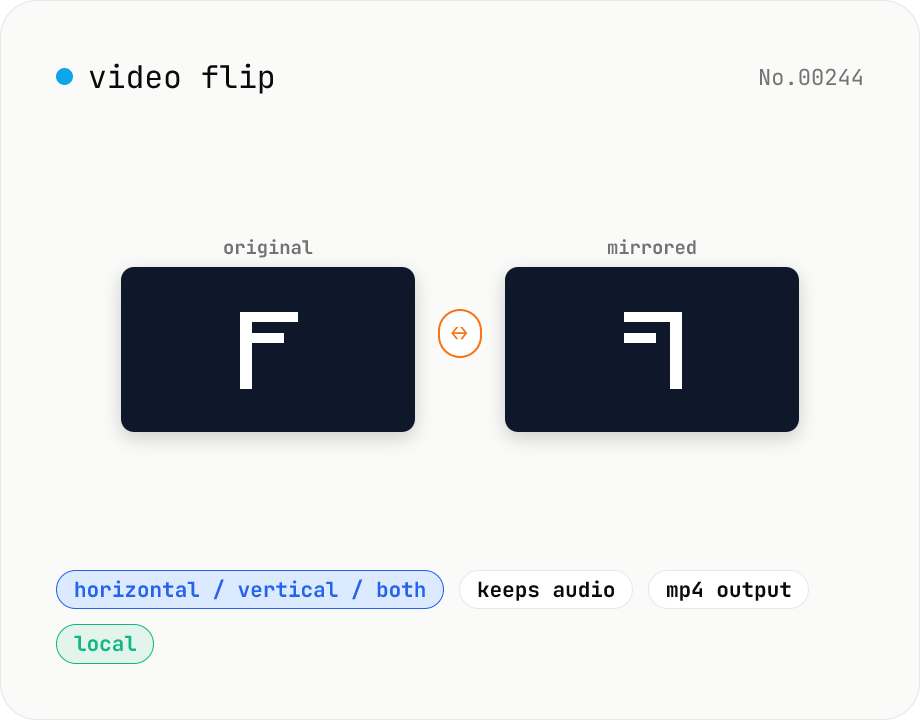
Video flip — mirror horizontally / vertically / both
Mirror a video horizontally (left ↔ right), vertically (top ↔ bottom), or both (180° point symmetry). Powered by ffmpeg.wasm hflip / vflip filters. Perfect for un-mirroring selfie clips, escaping music-track copyright matching on TikTok, or fixing car-camera footage. Outputs MP4 (H.264 + AAC) with audio preserved. Your video stays in the browser — nothing is uploaded.
videoflip
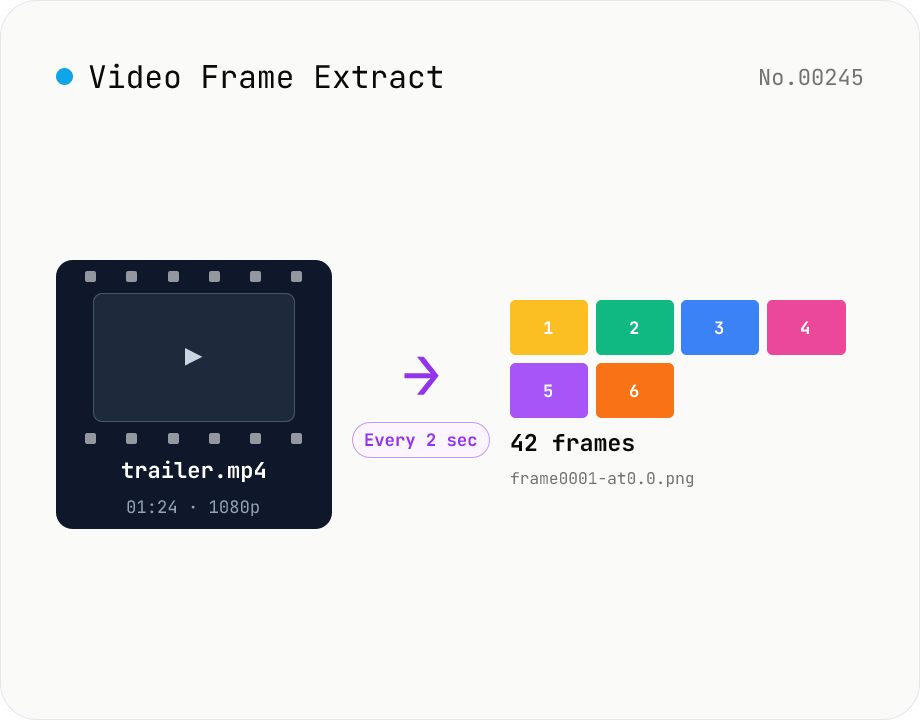
Video Frame Extract — interval or evenly-spaced PNG sequence export
Extract multiple frames from a video as a PNG sequence — either every N seconds or N evenly-spaced frames. The multi-frame sibling of video-thumbnail (which grabs a single frame). Useful for storyboards, video analysis, and asset capture. ffmpeg.wasm runs inside your browser and supports MP4 / MOV / WebM / MKV / AVI and more. Two modes: 'interval' (every N seconds) and 'count' (M evenly-spaced frames). Per-video ZIPs and a combined ZIP are both available. Files are named `<source>-frame<NNNN>-at<seconds>.png`. Nothing is uploaded.
videoimageextract
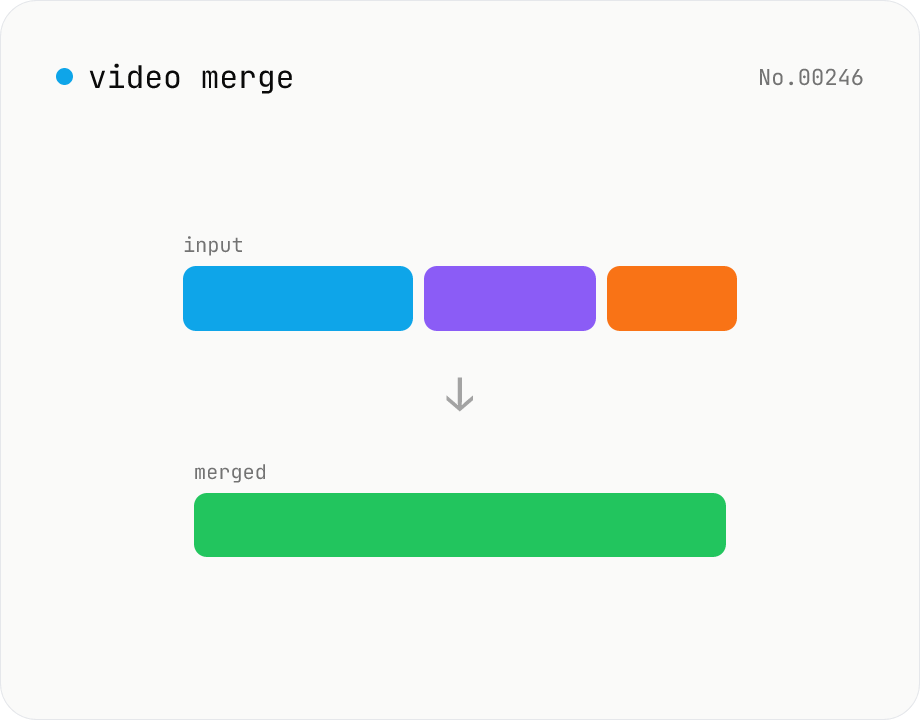
Video merge — concat multiple clips into one (same codec)
Concatenate multiple video files via the ffmpeg.wasm concat demuxer. Reorder by drag. Stream copy keeps the codec untouched, but all inputs must share the same codec / resolution / frame rate (great for stitching segments produced by the video cut tool).
videomerge
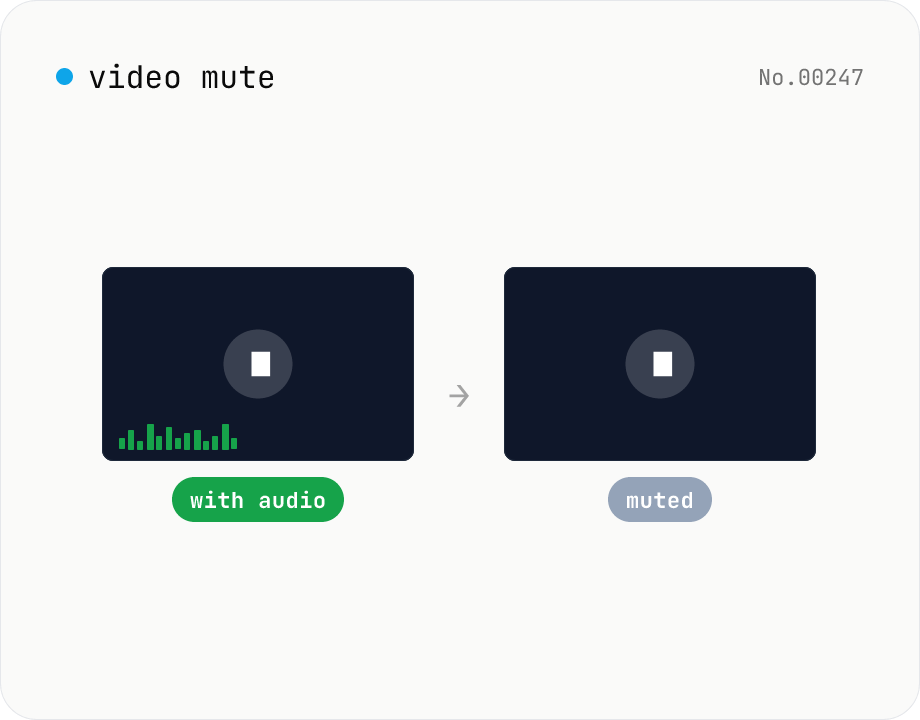
Video mute — drop the audio track, keep video stream
Drop the audio track from a video using ffmpeg.wasm, keeping the original video codec and quality intact (stream copy, no re-encoding). Supports batch processing and a single ZIP download. Videos never leave your device.
videoaudio
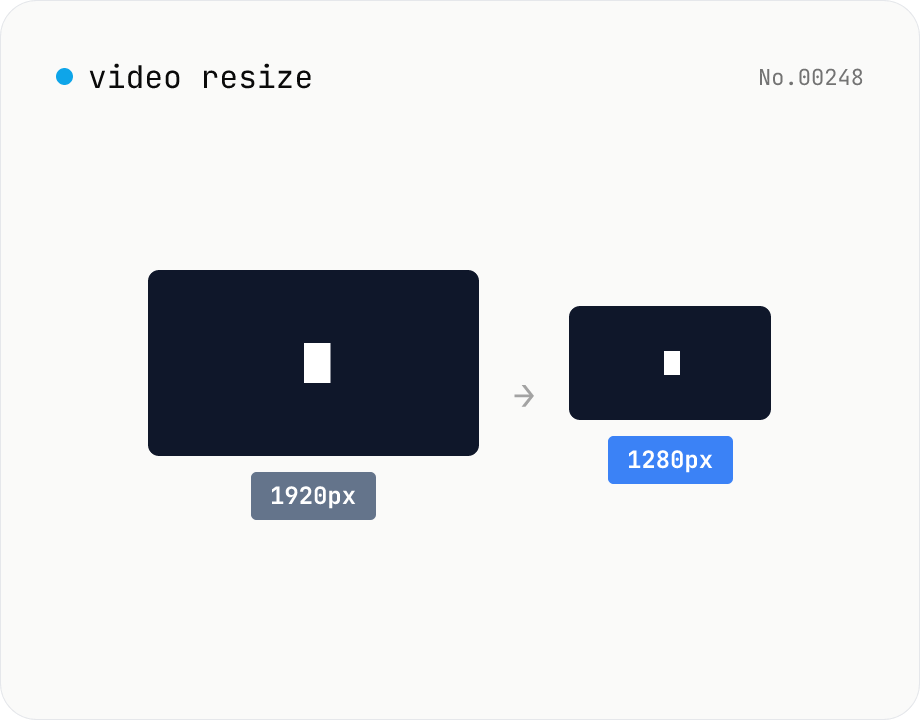
Video resize — change target resolution, keep aspect ratio
Resize a video to a target width with the height inferred from the aspect ratio. Re-encodes with libx264 (CRF adjustable) and outputs mp4. Supports batch processing and a single ZIP download.
videoresize
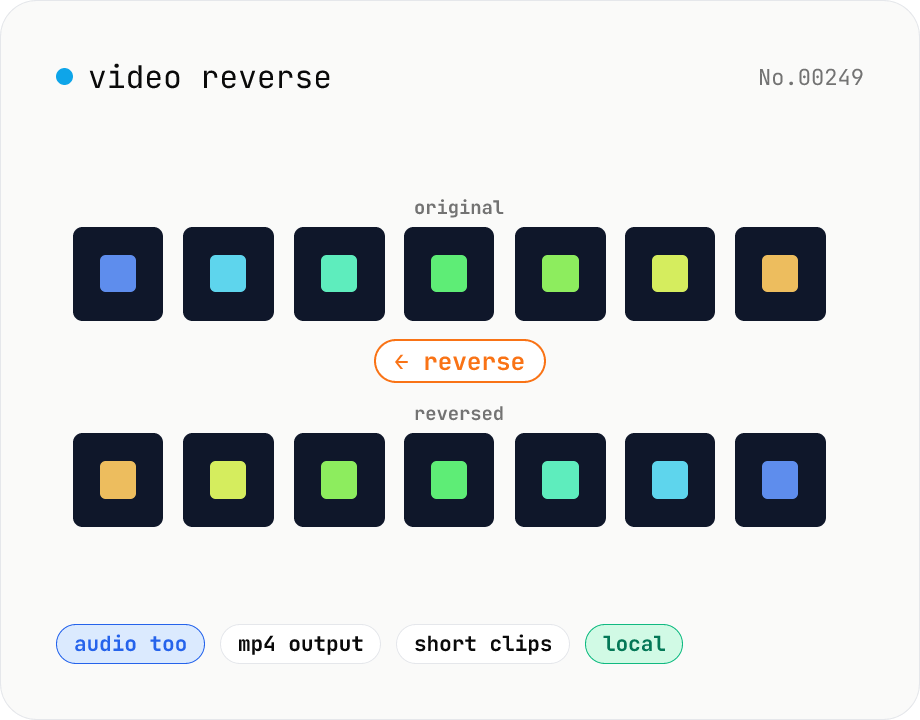
Video reverse — play backwards and export
Reverse a video entirely in the browser and export as MP4. ffmpeg.wasm's reverse and areverse filters flip both the video and audio. Great for TikTok / Reels trends, prank clips, magic-reveal effects, or sample creation. Option to drop audio and reverse only the visual track. Your video stays in the browser — nothing is uploaded.
videoreverse