
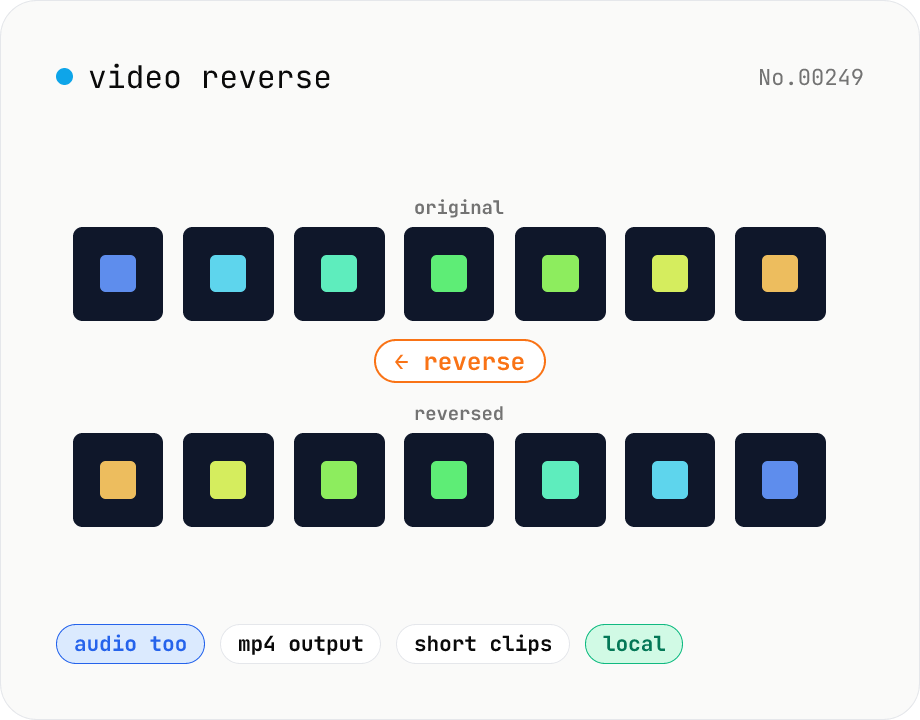
Video reverse — play backwards and export
Reverse a video entirely in the browser and export as MP4. ffmpeg.wasm's reverse and areverse filters flip both the video and audio. Great for TikTok / Reels trends, prank clips, magic-reveal effects, or sample creation. Option to drop audio and reverse only the visual track. Your video stays in the browser — nothing is uploaded.
How to use
Drop or pick a single video (MP4 / MOV / WebM / MKV, etc.). Choose whether to reverse audio too, or to drop audio entirely and reverse just the video. Click Reverse. ffmpeg.wasm applies the reverse and areverse filters. The engine (~30 MB) is downloaded only on first run. Preview the result, then save it with Download. Output is MP4 (H.264 + AAC, or silent MP4 when audio is dropped).
FAQ
- Why does it only work on short videos?
- ffmpeg's reverse filter buffers every frame in memory before writing them back in reverse, so long / high-resolution clips can hit the browser's memory cap and crash. Start with clips ≤ 30 seconds.
- How do I skip audio reversal?
- Enable 'Drop audio, reverse video only'. This passes `-an` to ffmpeg so the audio track is removed. Handy when reversed music is unpleasant or when you want to save memory.
- What's the output format?
- MP4 (H.264 + AAC, or silent MP4 when audio is dropped). For other formats, run the result through the video-convert tool.
- I just want to reverse the audio.
- Use the audio-reverse tool. It runs entirely in the Web Audio API and exports WAV or MP3.
- Is anything uploaded?
- No. ffmpeg.wasm runs in the browser via WebAssembly — your video stays local.
Related tools
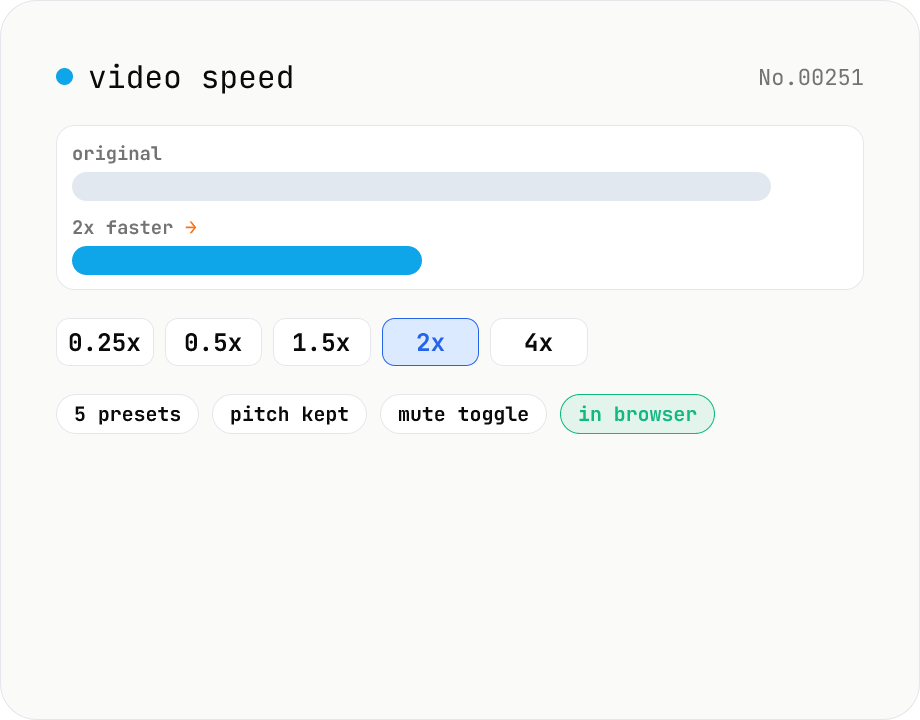
Video speed — 0.25x slow-motion through 4x fast-forward
Change video playback speed with five presets from 0.25x (slow-motion) up to 4x (fast-forward). Audio is time-stretched to match while preserving pitch, or it can be muted entirely. Runs ffmpeg.wasm in your browser — videos never leave your device.
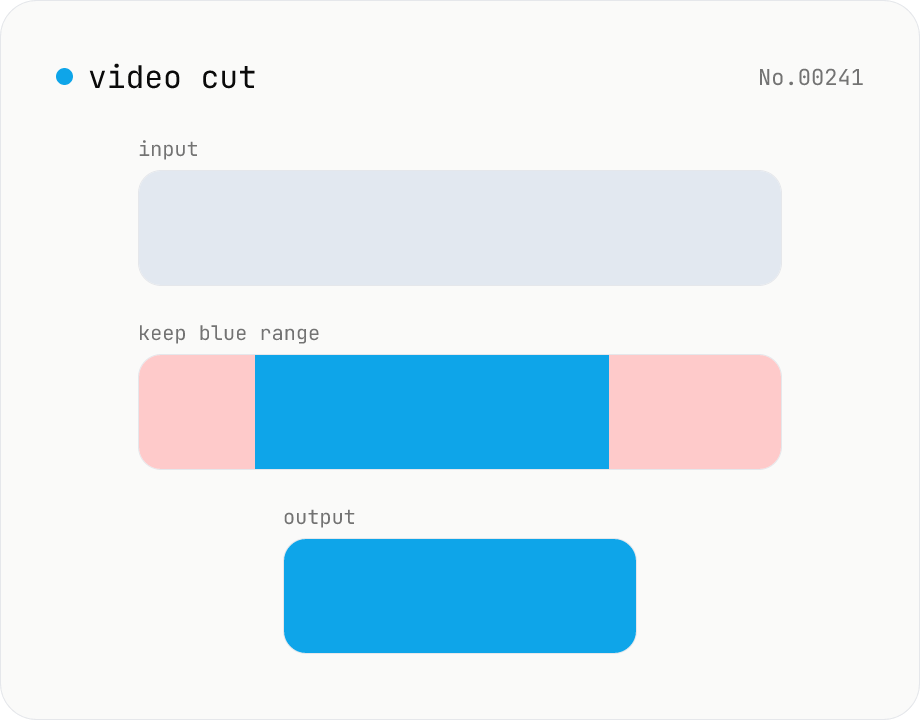
Video cut — trim by range with stream copy, no quality loss
Trim a video to a chosen range with ffmpeg.wasm using stream copy — no re-encoding, no quality loss, original codec and extension preserved. Cut points snap to the nearest keyframe so the start may shift slightly. Supports batch processing and a single ZIP download.
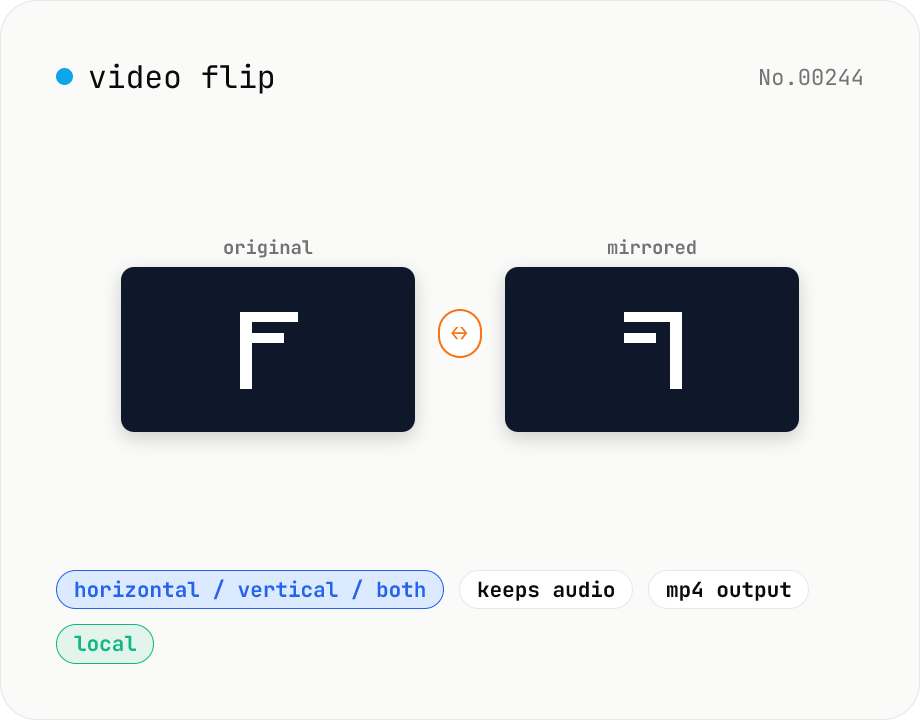
Video flip — mirror horizontally / vertically / both
Mirror a video horizontally (left ↔ right), vertically (top ↔ bottom), or both (180° point symmetry). Powered by ffmpeg.wasm hflip / vflip filters. Perfect for un-mirroring selfie clips, escaping music-track copyright matching on TikTok, or fixing car-camera footage. Outputs MP4 (H.264 + AAC) with audio preserved. Your video stays in the browser — nothing is uploaded.
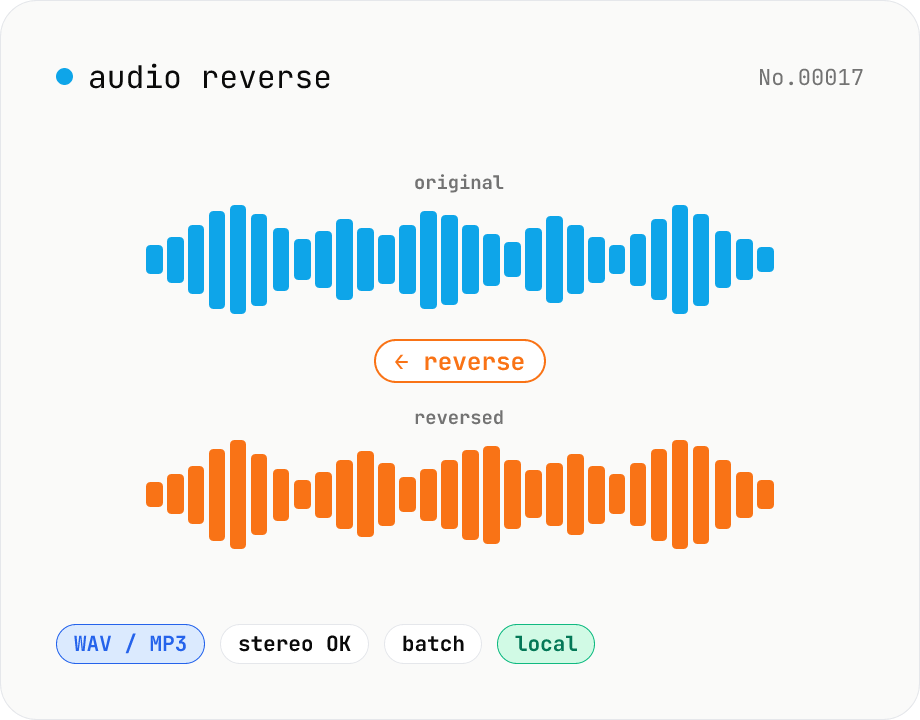
Audio reverse — flip audio backwards to WAV / MP3
Reverse audio files (MP3 / WAV / M4A / AAC / FLAC / OGG / Opus) entirely in the browser and export to WAV or MP3. Great for ASMR, music production, social media, or sound design. Web Audio API decodes the file, samples are flipped per channel (stereo handled correctly), then re-encoded. Batch multiple files and grab them as a ZIP. Your audio never leaves your device.