
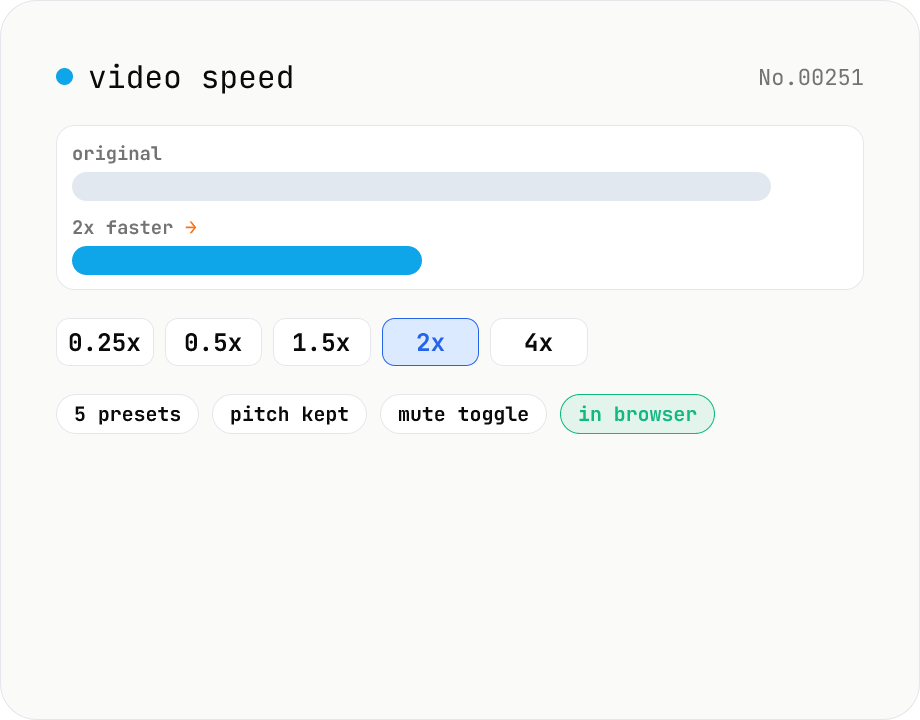
Video speed — 0.25x slow-motion through 4x fast-forward
Change video playback speed with five presets from 0.25x (slow-motion) up to 4x (fast-forward). Audio is time-stretched to match while preserving pitch, or it can be muted entirely. Runs ffmpeg.wasm in your browser — videos never leave your device.
How to use
Drop a video file (mp4 / mov / webm / mkv etc.) or pick one via Choose file. Select one of the five playback-speed presets (0.25x / 0.5x / 1.5x / 2x / 4x) and optionally uncheck Keep audio to export silent video. Click Change speed; ffmpeg.wasm re-encodes the video in your browser and shows a preview plus a download button. With audio kept the atempo filter time-stretches the soundtrack while preserving pitch — voices stay at their original tone.
FAQ
- Which video formats are supported?
- Anything ffmpeg.wasm can demux: mp4 / mov / m4v / webm / mkv / avi / flv / wmv / 3gp and so on. Output is always H.264 + AAC inside an MP4 container.
- Does the audio pitch shift?
- No. The atempo filter time-stretches the audio while preserving pitch. For 0.25x and 4x — outside atempo's single-pass range — the filter is chained internally to keep quality intact.
- Why only 0.25x through 4x?
- Below 0.25x frame duplication becomes too obvious; above 4x dropped frames make playback choppy. The five presets cover the practically useful range.
- Can I skip re-encoding?
- Speed change implies a timebase rewrite, so `-c copy` is not an option. The tool re-encodes with libx264 (CRF 23, medium preset) to minimise quality loss.
- Is my input uploaded?
- No. ffmpeg.wasm runs entirely in your browser, so the video stays on your device.
Related tools
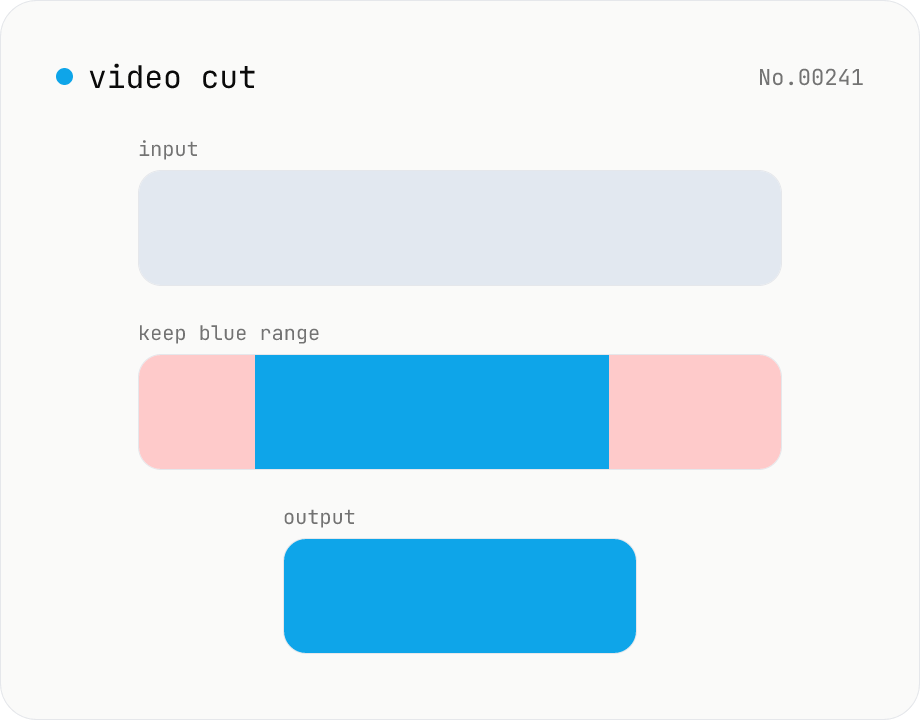
Video cut — trim by range with stream copy, no quality loss
Trim a video to a chosen range with ffmpeg.wasm using stream copy — no re-encoding, no quality loss, original codec and extension preserved. Cut points snap to the nearest keyframe so the start may shift slightly. Supports batch processing and a single ZIP download.
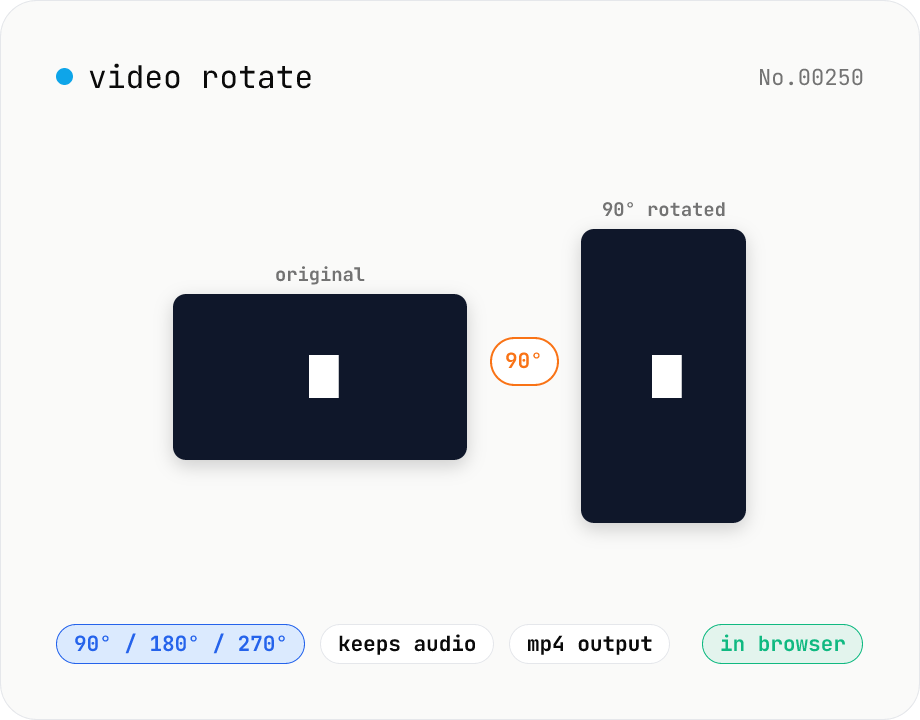
Video rotate — 90° / 180° / 270° clockwise (re-encoded)
Rotate a video by 90° / 180° / 270° clockwise. Powered by ffmpeg.wasm running in your browser — re-encoded with libx264 while preserving audio. Videos never leave your device.
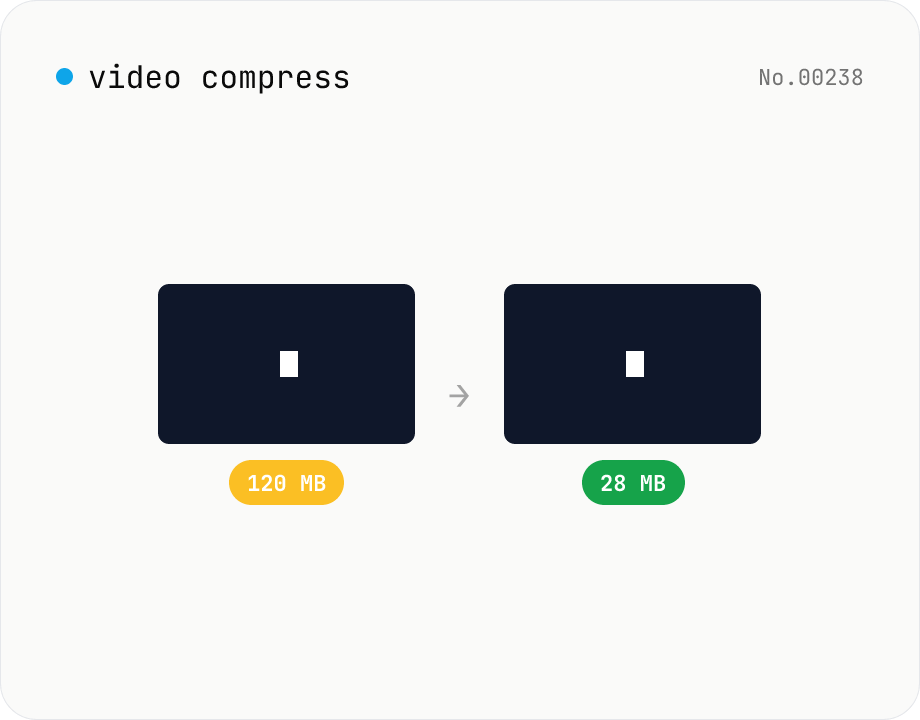
Video compress — shrink size, tune CRF / preset / x264
Re-encode a video with libx264 at the chosen CRF to shrink the file size while keeping the resolution. Pick a preset to trade speed for compression. Output is mp4. Supports batch processing and a single ZIP download.
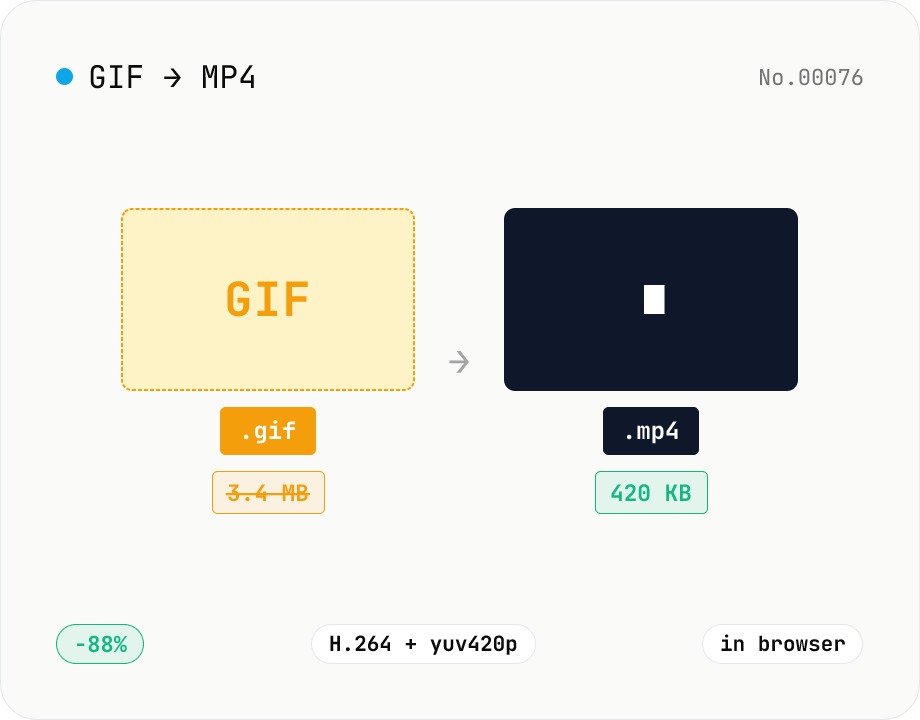
GIF to MP4 converter — H.264 cuts file size to 1/5–1/10
Convert animated GIFs to H.264/AAC MP4 videos. GIFs balloon quickly; MP4 (H.264) typically shrinks the file to 1/5–1/10 the size and plays inline on X (Twitter), Bluesky, Discord and other social platforms. ffmpeg.wasm runs entirely in your browser — GIFs never leave your device. Supports batch processing and a single ZIP download.