
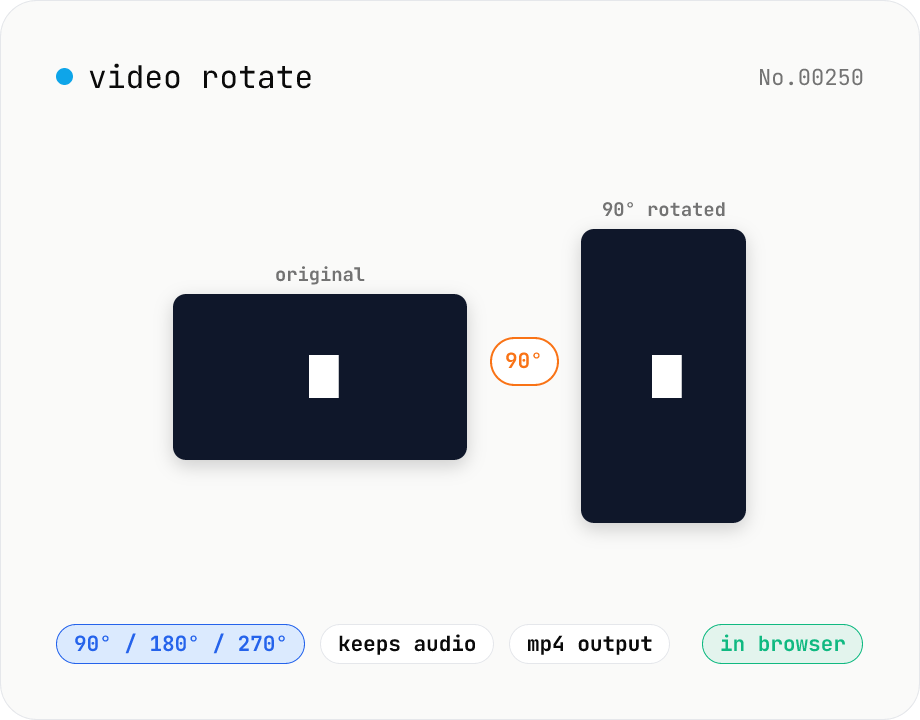
Video rotate — 90° / 180° / 270° clockwise (re-encoded)
Rotate a video by 90° / 180° / 270° clockwise. Powered by ffmpeg.wasm running in your browser — re-encoded with libx264 while preserving audio. Videos never leave your device.
How to use
Drop a video file, pick a rotation angle (90° / 180° / 270°, all clockwise), and press Rotate. ffmpeg.wasm re-encodes the video with libx264 in your browser while preserving the audio track, and outputs an mp4. At 90° and 270° the output width and height are swapped.
FAQ
- Are videos uploaded?
- No. ffmpeg.wasm runs inside your browser; videos never leave your device.
- Why does rotation require re-encoding?
- Pixel layouts are tied to the frame resolution, so rotating (swapping width/height or rearranging pixels) requires regenerating frames — i.e. re-encoding.
- Is audio preserved?
- Yes. The audio track is kept and re-muxed alongside the rotated video.
- What is the output format?
- Always mp4 (libx264 video + AAC audio) for the broadest compatibility.
Related tools
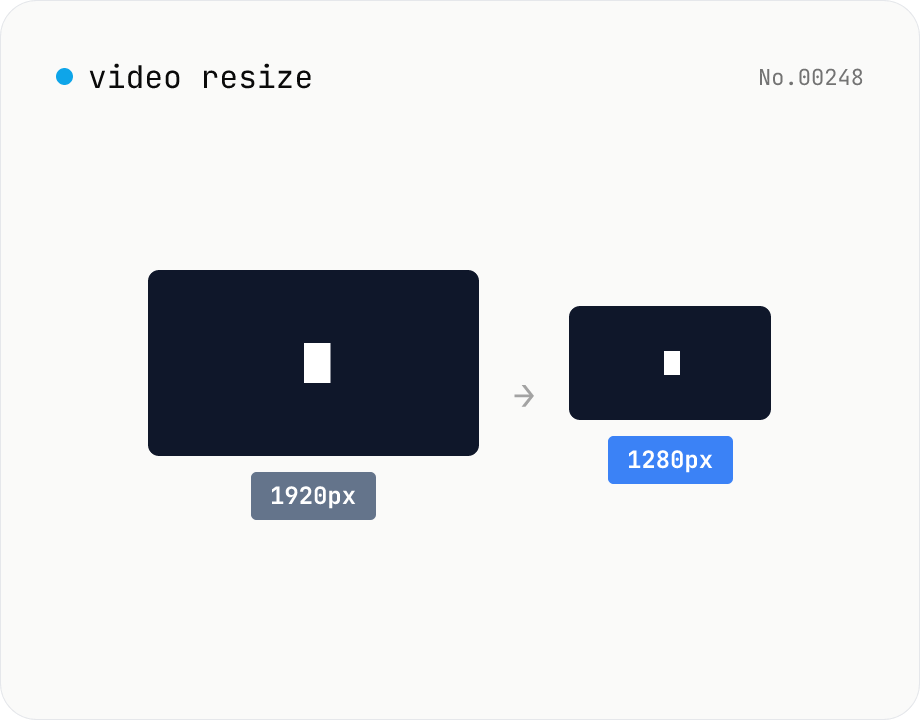
Video resize — change target resolution, keep aspect ratio
Resize a video to a target width with the height inferred from the aspect ratio. Re-encodes with libx264 (CRF adjustable) and outputs mp4. Supports batch processing and a single ZIP download.
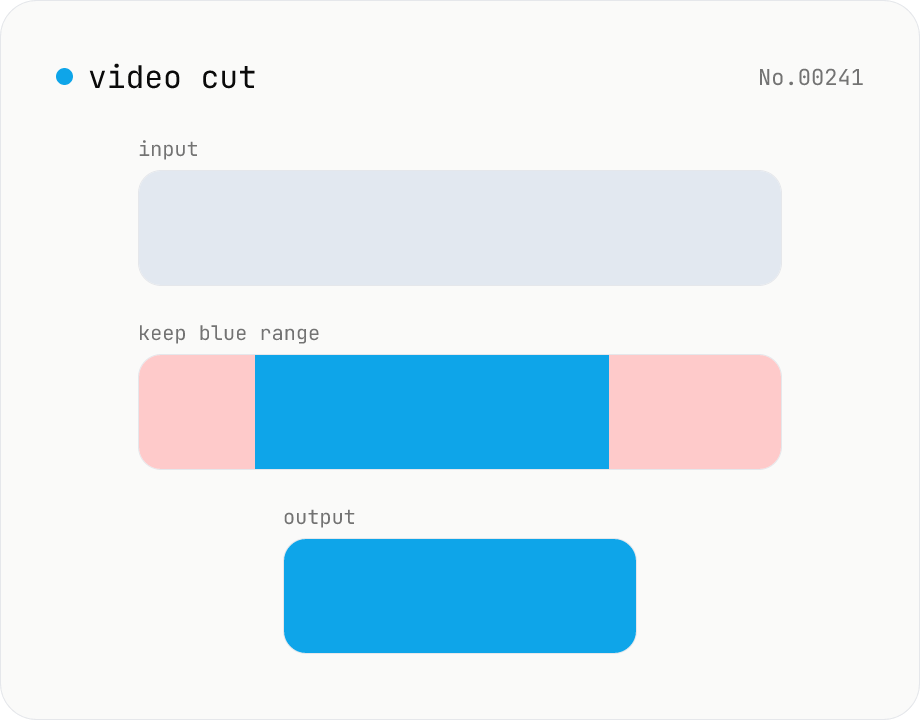
Video cut — trim by range with stream copy, no quality loss
Trim a video to a chosen range with ffmpeg.wasm using stream copy — no re-encoding, no quality loss, original codec and extension preserved. Cut points snap to the nearest keyframe so the start may shift slightly. Supports batch processing and a single ZIP download.
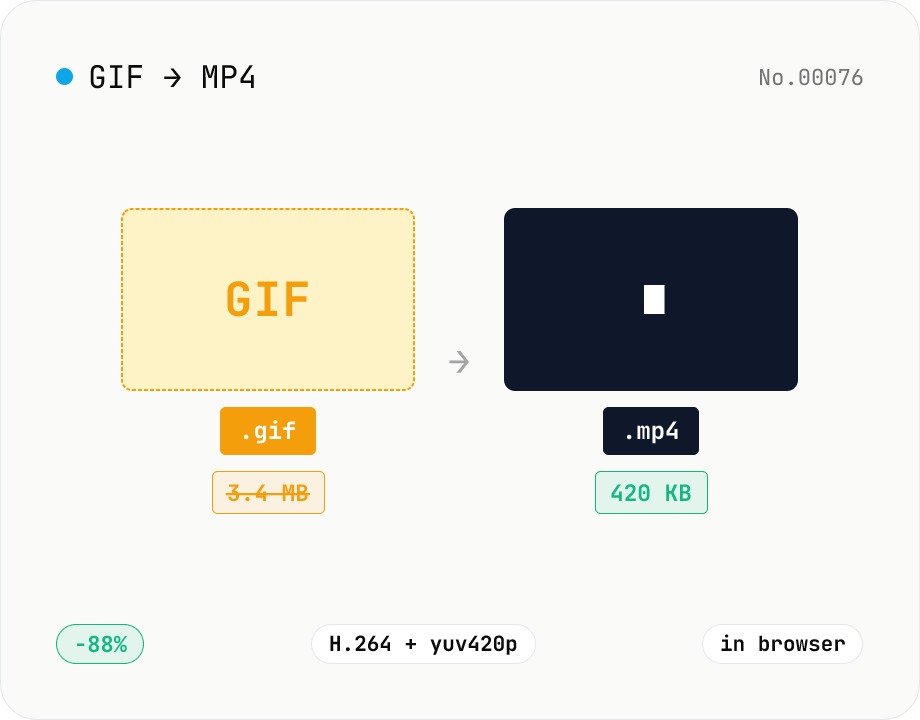
GIF to MP4 converter — H.264 cuts file size to 1/5–1/10
Convert animated GIFs to H.264/AAC MP4 videos. GIFs balloon quickly; MP4 (H.264) typically shrinks the file to 1/5–1/10 the size and plays inline on X (Twitter), Bluesky, Discord and other social platforms. ffmpeg.wasm runs entirely in your browser — GIFs never leave your device. Supports batch processing and a single ZIP download.
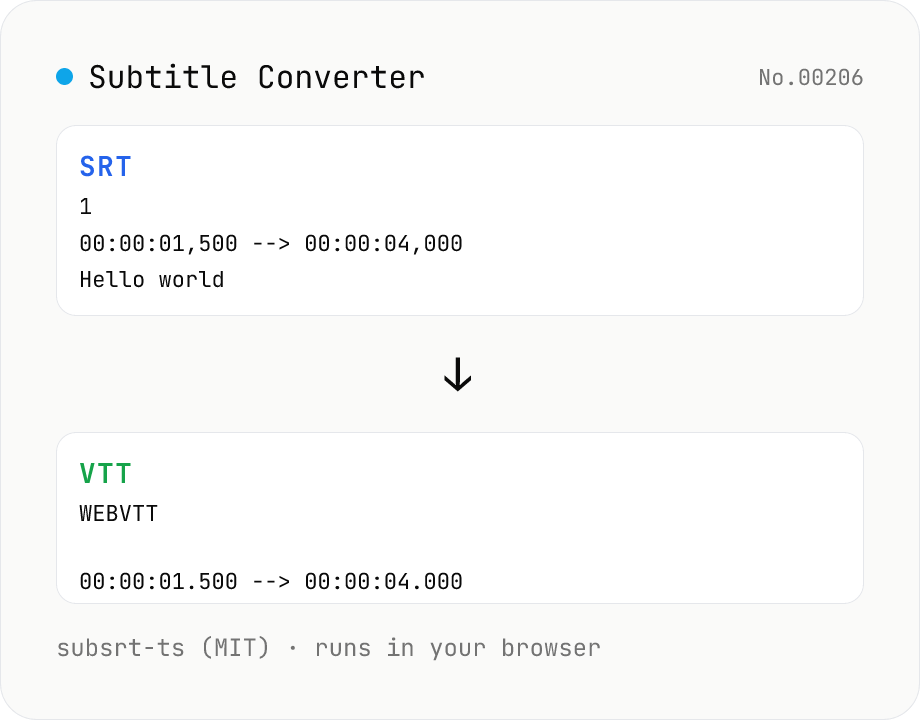
Subtitle Converter
Convert subtitle files between SRT / VTT / ASS / SSA / SBV / SUB / SMI / LRC. Drop files and pick a target format — runs entirely in your browser via subsrt-ts (MIT). No uploads.