
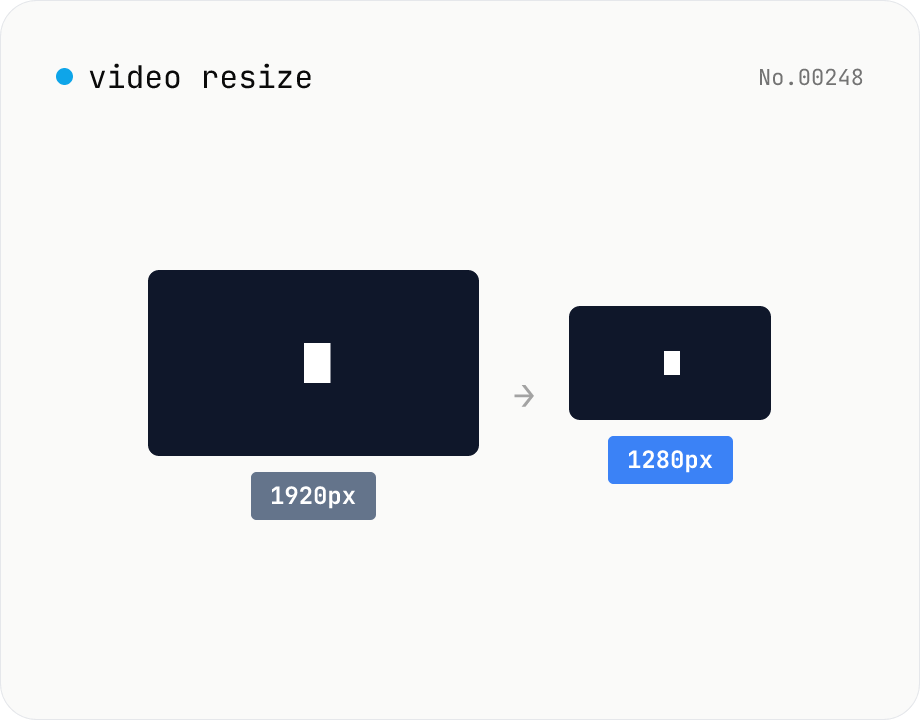
Video resize — change target resolution, keep aspect ratio
Resize a video to a target width with the height inferred from the aspect ratio. Re-encodes with libx264 (CRF adjustable) and outputs mp4. Supports batch processing and a single ZIP download.
How to use
Drop video files. Pick a target width (preset or custom) and CRF (quality: 0 = lossless to 51 = worst, 18–28 recommended). Click Resize — ffmpeg.wasm re-encodes via libx264 to the target width (height inferred from aspect ratio) and outputs mp4. Batch processing and a ZIP download are supported.
FAQ
- Are videos uploaded?
- No. ffmpeg.wasm runs inside your browser; videos never leave your device.
- Why does resizing require re-encoding?
- Each frame is encoded relative to a fixed resolution, so changing the resolution requires re-generating pixels — i.e. re-encoding. Stream copy can't do it.
- Which CRF should I pick?
- 18 is visually lossless, 23 is the default, 28 still acceptable, higher gets noticeably blocky. Aim for 23–28 for streaming.
- Why mp4 only?
- libx264 (H.264) outputs to mp4 for the broadest compatibility.
Related tools
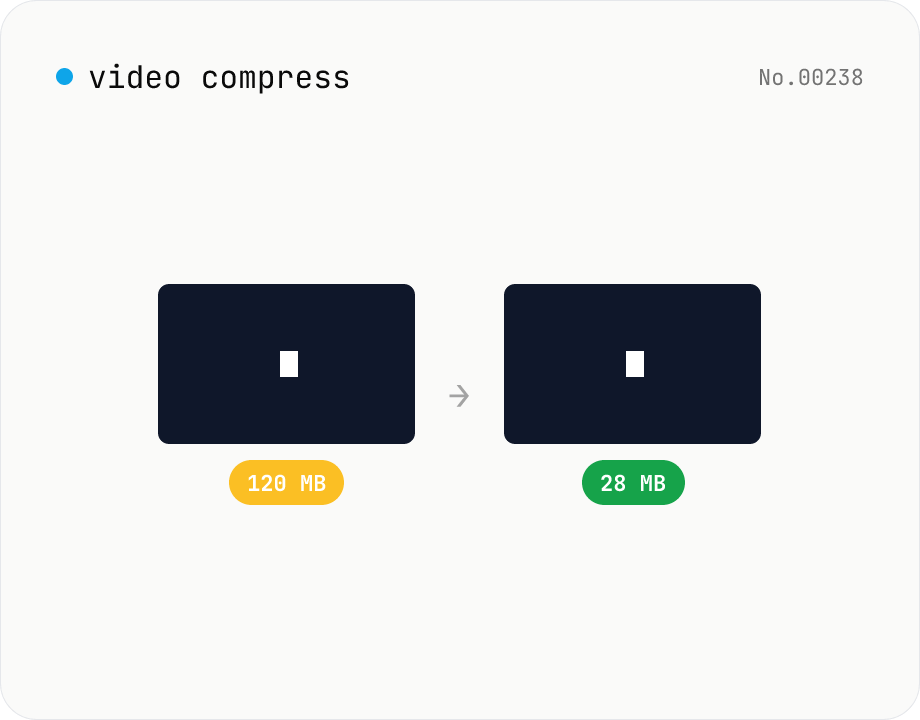
Video compress — shrink size, tune CRF / preset / x264
Re-encode a video with libx264 at the chosen CRF to shrink the file size while keeping the resolution. Pick a preset to trade speed for compression. Output is mp4. Supports batch processing and a single ZIP download.
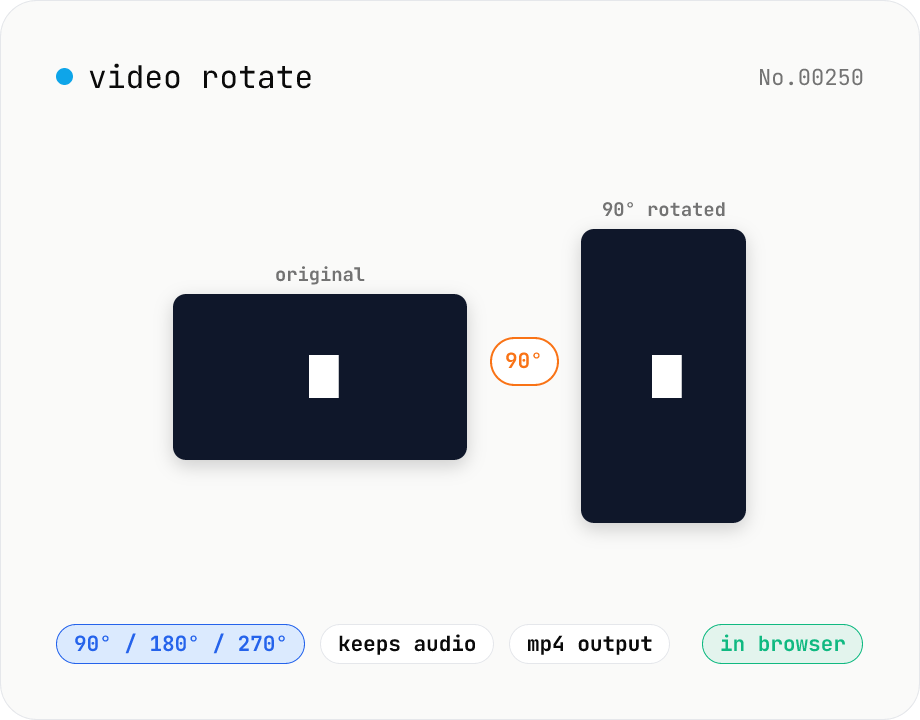
Video rotate — 90° / 180° / 270° clockwise (re-encoded)
Rotate a video by 90° / 180° / 270° clockwise. Powered by ffmpeg.wasm running in your browser — re-encoded with libx264 while preserving audio. Videos never leave your device.
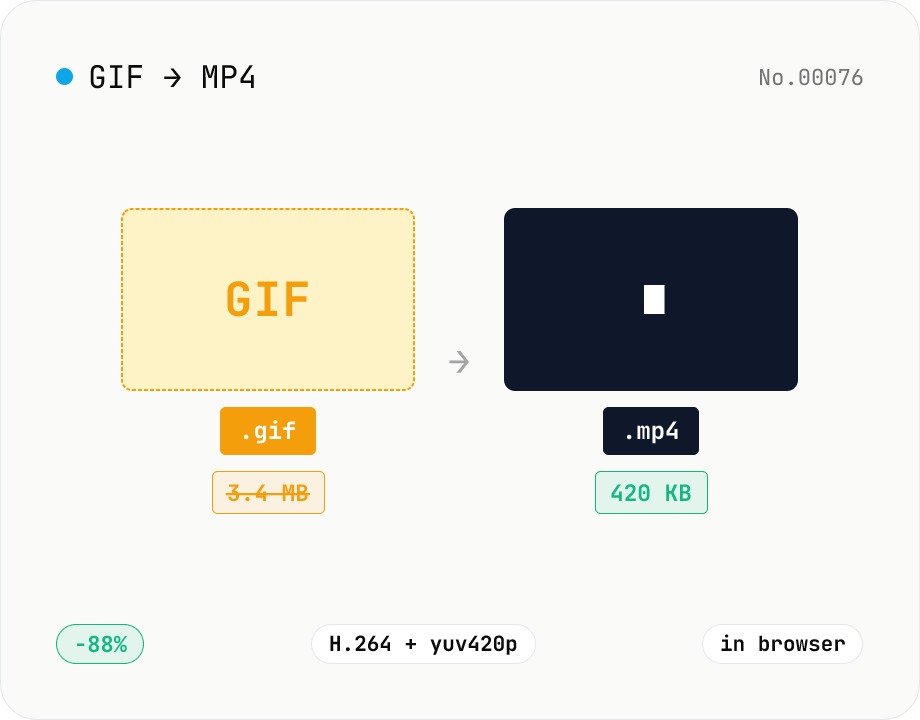
GIF to MP4 converter — H.264 cuts file size to 1/5–1/10
Convert animated GIFs to H.264/AAC MP4 videos. GIFs balloon quickly; MP4 (H.264) typically shrinks the file to 1/5–1/10 the size and plays inline on X (Twitter), Bluesky, Discord and other social platforms. ffmpeg.wasm runs entirely in your browser — GIFs never leave your device. Supports batch processing and a single ZIP download.
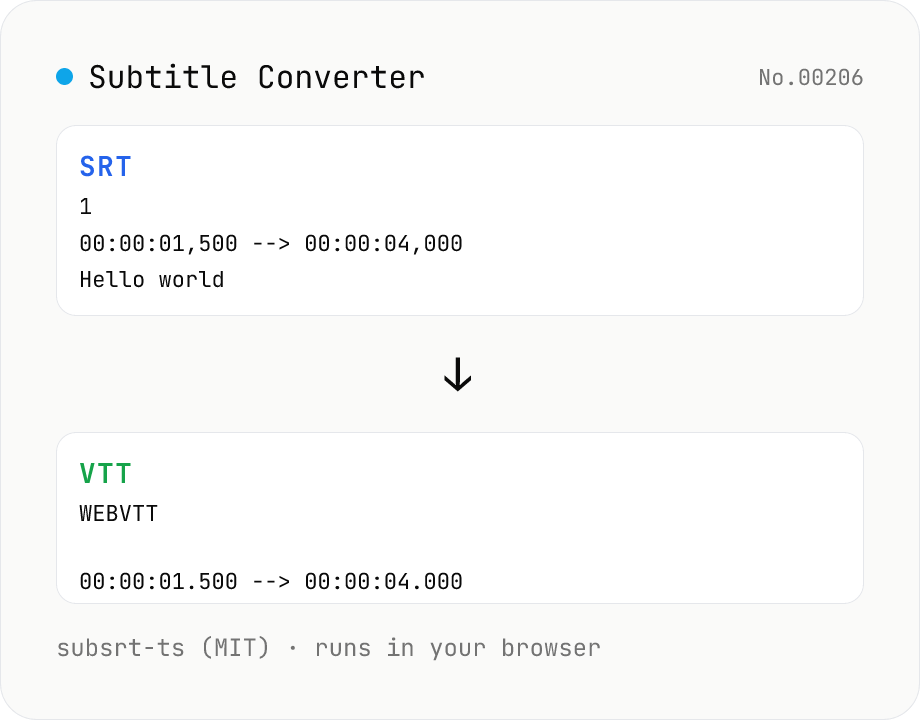
Subtitle Converter
Convert subtitle files between SRT / VTT / ASS / SSA / SBV / SUB / SMI / LRC. Drop files and pick a target format — runs entirely in your browser via subsrt-ts (MIT). No uploads.