
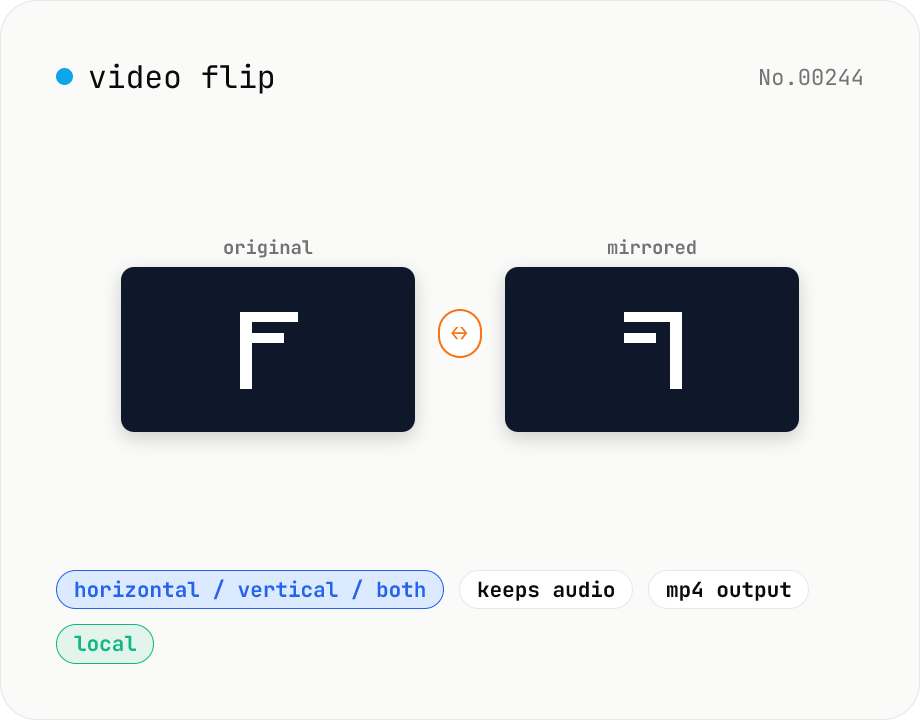
Video flip — mirror horizontally / vertically / both
Mirror a video horizontally (left ↔ right), vertically (top ↔ bottom), or both (180° point symmetry). Powered by ffmpeg.wasm hflip / vflip filters. Perfect for un-mirroring selfie clips, escaping music-track copyright matching on TikTok, or fixing car-camera footage. Outputs MP4 (H.264 + AAC) with audio preserved. Your video stays in the browser — nothing is uploaded.
How to use
Drop or pick a single video (MP4 / MOV / WebM / MKV, etc.). Pick a flip direction: Horizontal, Vertical, or Both. Click Flip. ffmpeg.wasm re-encodes the video locally. The engine (~30 MB) is downloaded only on first run. Preview the result, then save it with Download. Output is MP4 (H.264 + AAC).
FAQ
- Is audio preserved?
- Yes. Only the video stream is flipped; audio (AAC 128 kbps) is copied through unchanged.
- Is 'Both' the same as 180° rotation?
- Mathematically yes — both produce a 180° point-symmetric image. Pick whichever name matches your intent (mirror vs. upside-down). For a labeled 180° rotation, use the video-rotate tool.
- Why flip a video before uploading to TikTok / Instagram?
- Their copyright matching (Content ID) hashes frames and audio. Flipping the video changes the visual hash and can evade frame-level matching. Audio remains untouched, so audio matches will still fire — handle those separately.
- Can I change the output container?
- Output is currently fixed to MP4 (H.264 + AAC). For other formats, run the result through video-convert afterwards.
- Is anything uploaded?
- No. ffmpeg.wasm runs entirely in your browser — your video stays local.
Related tools
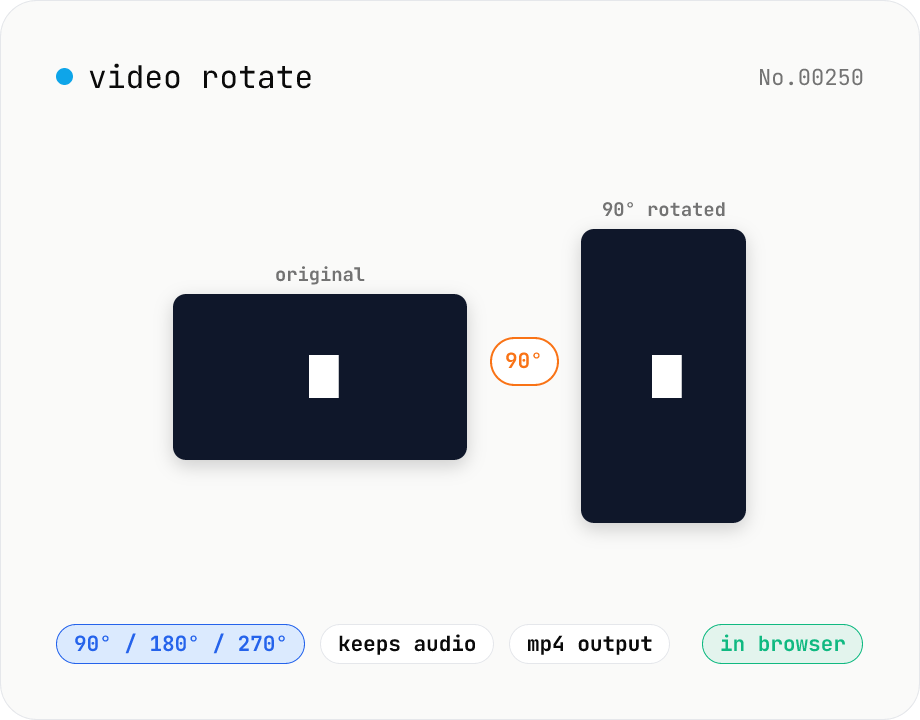
Video rotate — 90° / 180° / 270° clockwise (re-encoded)
Rotate a video by 90° / 180° / 270° clockwise. Powered by ffmpeg.wasm running in your browser — re-encoded with libx264 while preserving audio. Videos never leave your device.
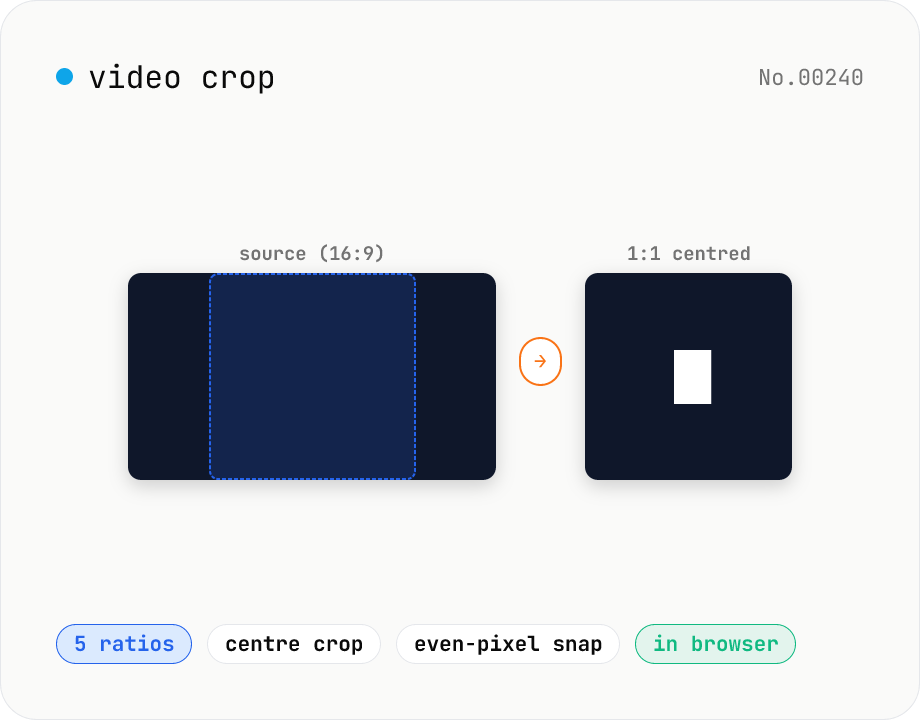
Video crop — center-crop to 1:1, 9:16, 16:9, 4:3 or 3:4
Center-crop a video to a target aspect ratio with one click. Instagram-style 1:1, TikTok / Reels 9:16, YouTube 16:9, and the SD 4:3 / 3:4 ratios are all built in. The tool automatically picks the largest centred rectangle that fits the original resolution and snaps it to even dimensions for H.264 compatibility. ffmpeg.wasm runs entirely in your browser — videos never leave your device.
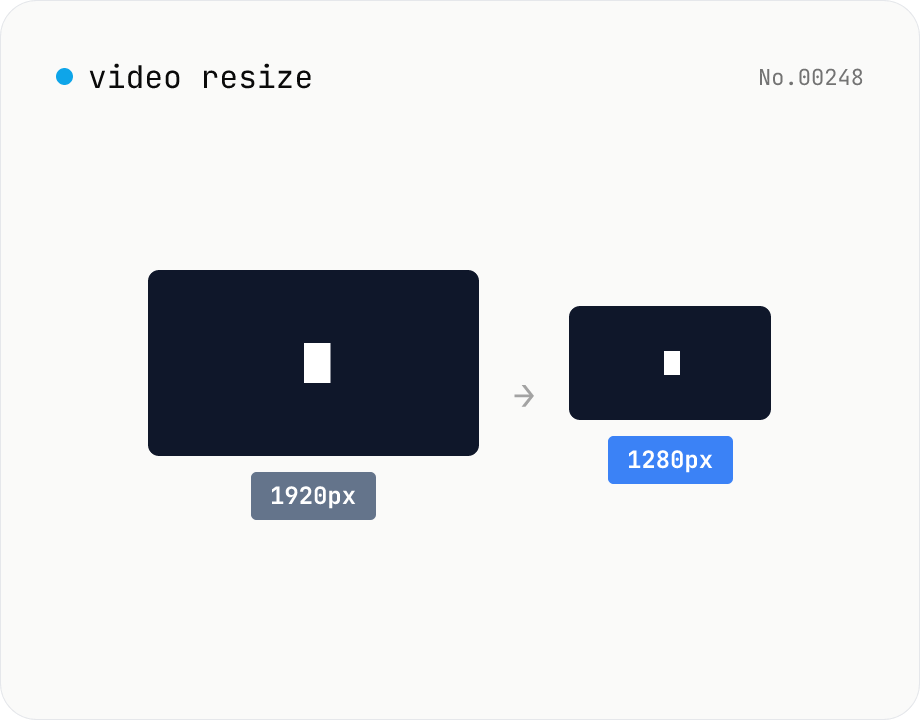
Video resize — change target resolution, keep aspect ratio
Resize a video to a target width with the height inferred from the aspect ratio. Re-encodes with libx264 (CRF adjustable) and outputs mp4. Supports batch processing and a single ZIP download.
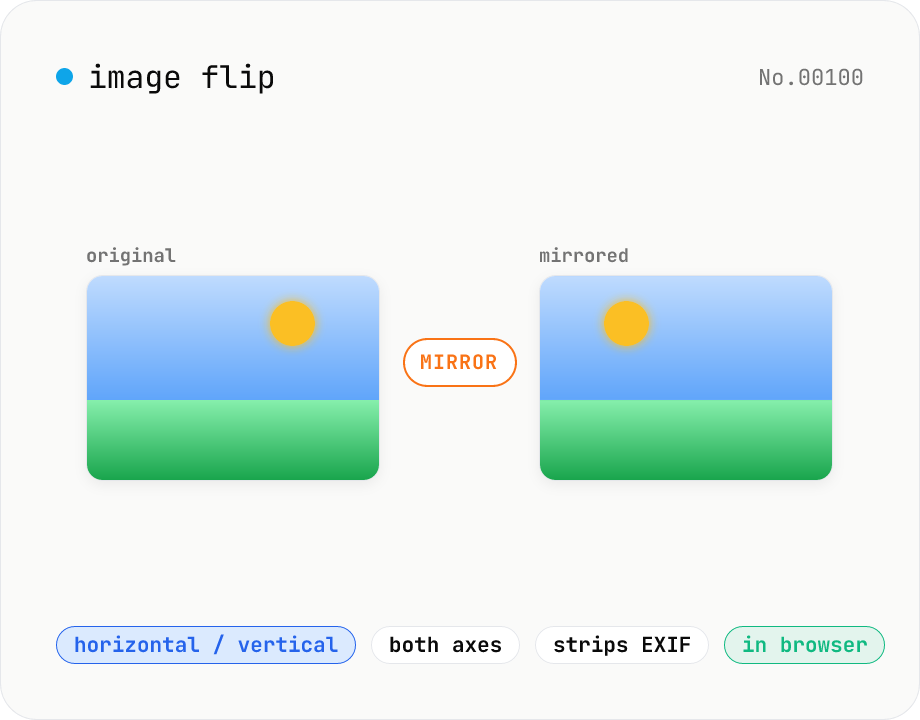
Image flip — mirror horizontally / vertically / both
Mirror JPEG / PNG / WebP images horizontally (left ↔ right), vertically (top ↔ bottom), or both (180° point symmetry). Great for correcting selfies and reflections in mirrors or water. Pick an output format (PNG / JPEG / WebP) with quality control for the lossy formats. Your image never leaves the browser — every step runs locally.