
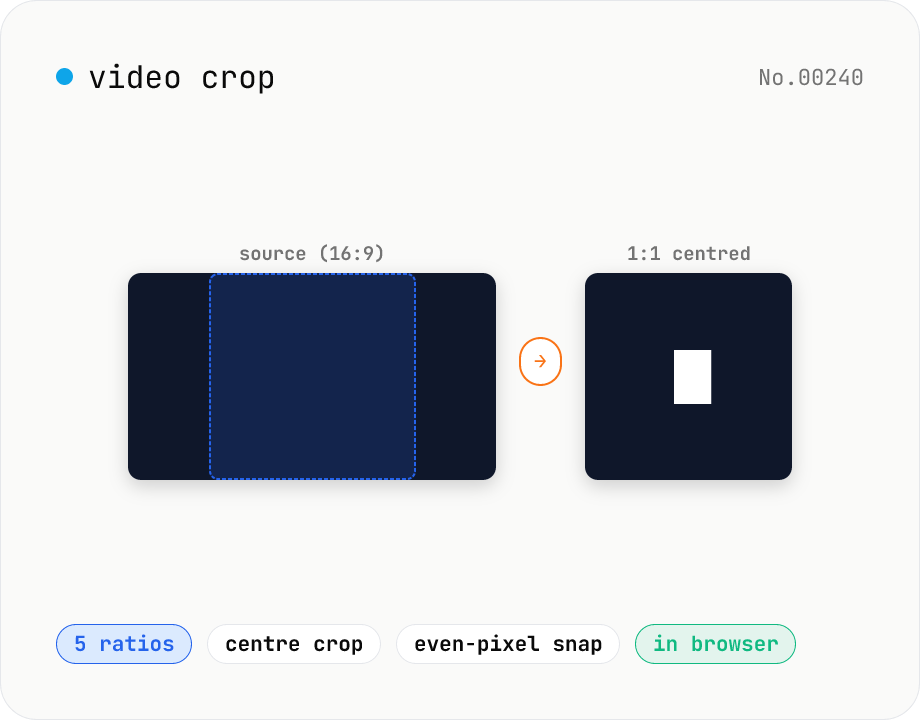
Video crop — center-crop to 1:1, 9:16, 16:9, 4:3 or 3:4
Center-crop a video to a target aspect ratio with one click. Instagram-style 1:1, TikTok / Reels 9:16, YouTube 16:9, and the SD 4:3 / 3:4 ratios are all built in. The tool automatically picks the largest centred rectangle that fits the original resolution and snaps it to even dimensions for H.264 compatibility. ffmpeg.wasm runs entirely in your browser — videos never leave your device.
How to use
Drop a single video (or pick one via Choose file), select one of the five aspect-ratio presets (1:1 / 9:16 / 16:9 / 4:3 / 3:4) and click Crop. The tool reads the source resolution, picks the largest centred rectangle that fits the chosen ratio, and rounds to even dimensions for H.264 compatibility. Audio is copied through unchanged so the cropped MP4 plays and uploads exactly like the original.
FAQ
- What does centre crop do?
- It keeps the centre of the frame and trims whatever does not match the chosen ratio. Example: cropping a 1920×1080 (16:9) clip to 1:1 yields a 1080×1080 square taken from the middle — 420 px is trimmed from each side.
- Can I pick a custom region?
- Not in this tool — we keep it focused on the centre-crop case. A custom-region tool may come later.
- Does the audio change?
- No. The audio track is copied through. The crop filter only affects the video stream.
- Why round to even dimensions?
- H.264 (libx264) requires even width/height because of YUV420 chroma subsampling. The output may be one pixel smaller in one dimension than the theoretical exact crop — invisible to the eye.
- Which formats are supported?
- Anything ffmpeg.wasm can demux: mp4 / mov / m4v / webm / mkv / avi / flv / wmv / 3gp etc. Output is H.264 + AAC inside an MP4 container.
- Is my input uploaded?
- No. ffmpeg.wasm runs entirely in your browser, so the video stays on your device.
Related tools
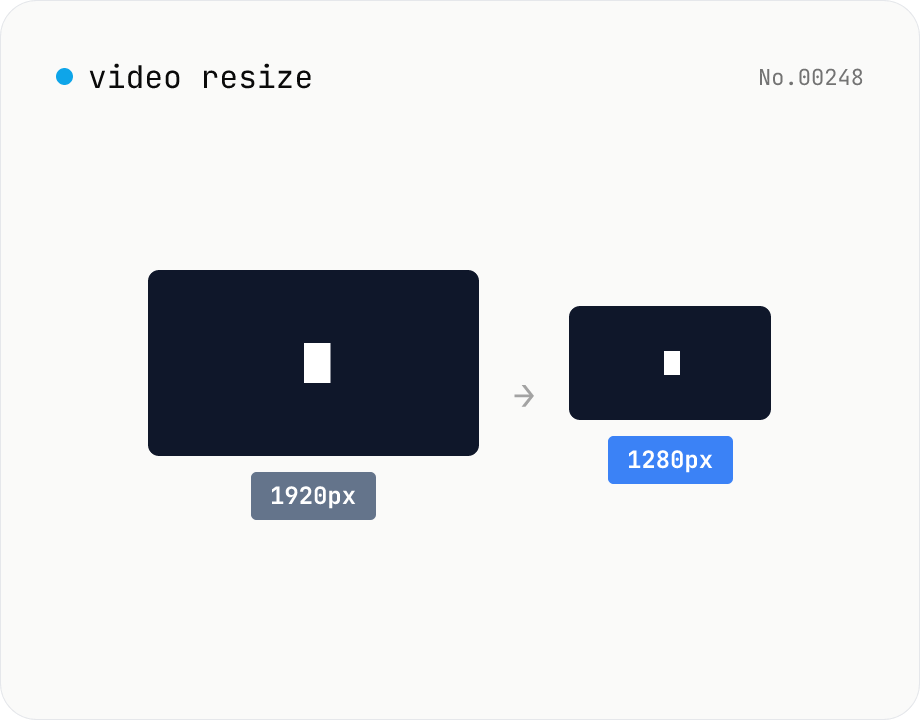
Video resize — change target resolution, keep aspect ratio
Resize a video to a target width with the height inferred from the aspect ratio. Re-encodes with libx264 (CRF adjustable) and outputs mp4. Supports batch processing and a single ZIP download.
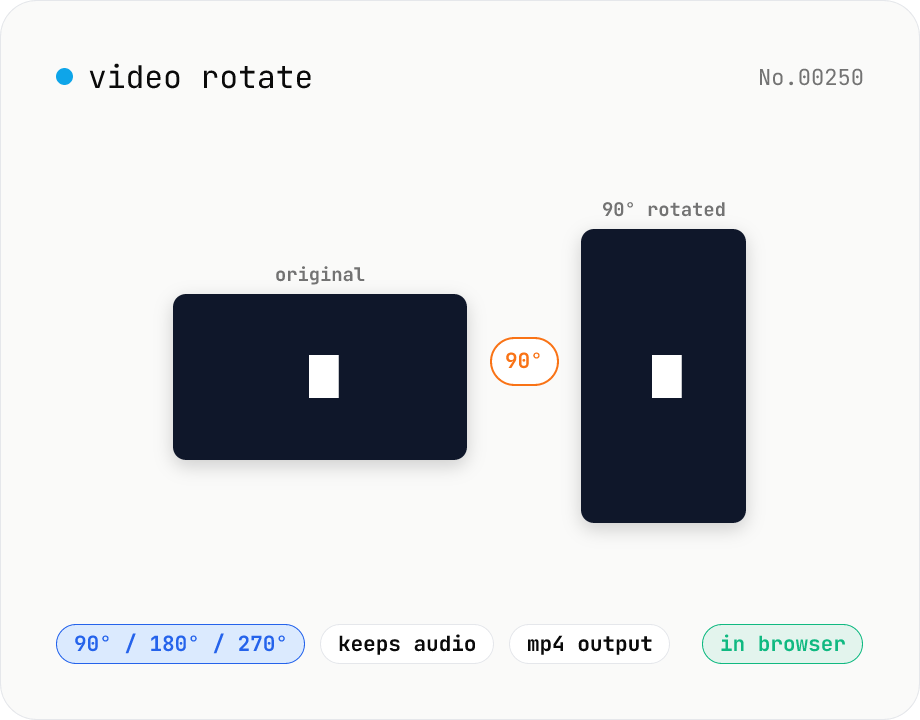
Video rotate — 90° / 180° / 270° clockwise (re-encoded)
Rotate a video by 90° / 180° / 270° clockwise. Powered by ffmpeg.wasm running in your browser — re-encoded with libx264 while preserving audio. Videos never leave your device.
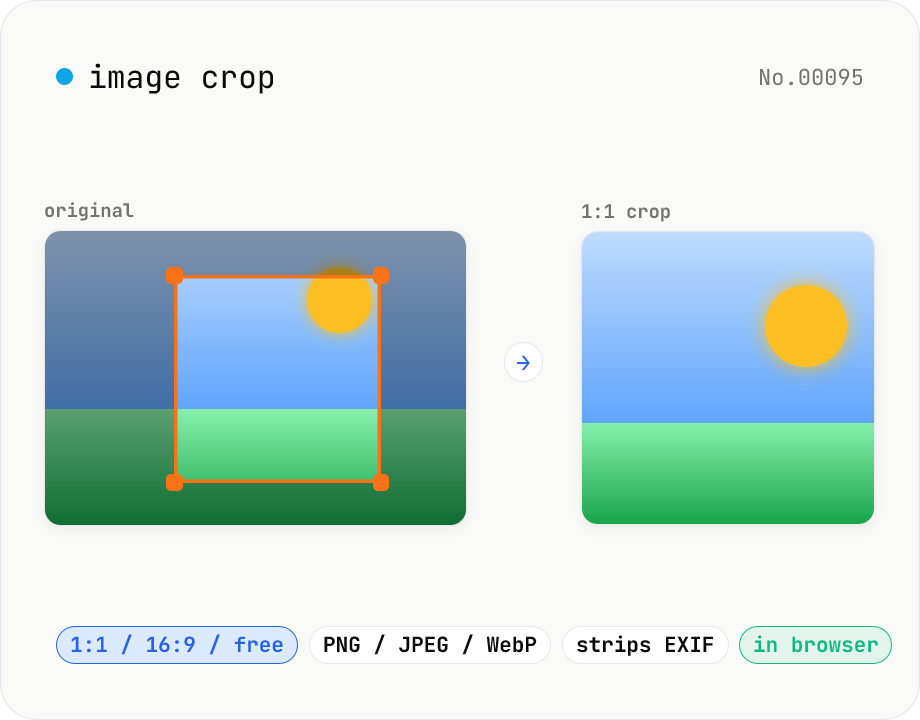
Image crop — drag to trim with free ratio or pixel size
Crop JPEG / PNG / WebP images by dragging directly on the preview. Pick an aspect ratio (free / 1:1 / 16:9 / 4:3 / 3:4 / 9:16) and an output format (PNG / JPEG / WebP) with quality control for the lossy formats. Your image never leaves the browser — every step runs locally.
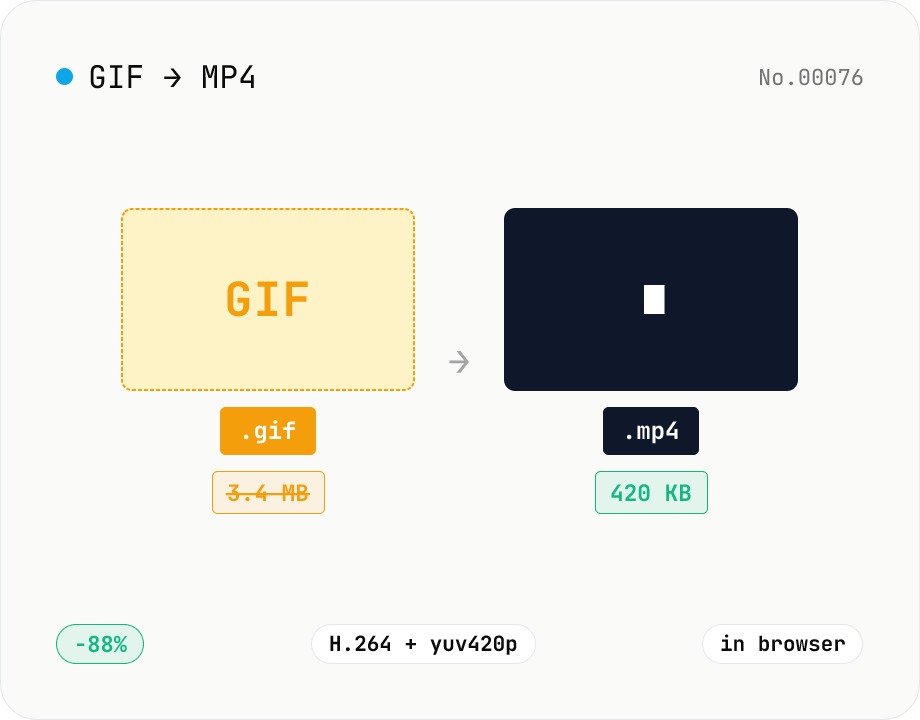
GIF to MP4 converter — H.264 cuts file size to 1/5–1/10
Convert animated GIFs to H.264/AAC MP4 videos. GIFs balloon quickly; MP4 (H.264) typically shrinks the file to 1/5–1/10 the size and plays inline on X (Twitter), Bluesky, Discord and other social platforms. ffmpeg.wasm runs entirely in your browser — GIFs never leave your device. Supports batch processing and a single ZIP download.