
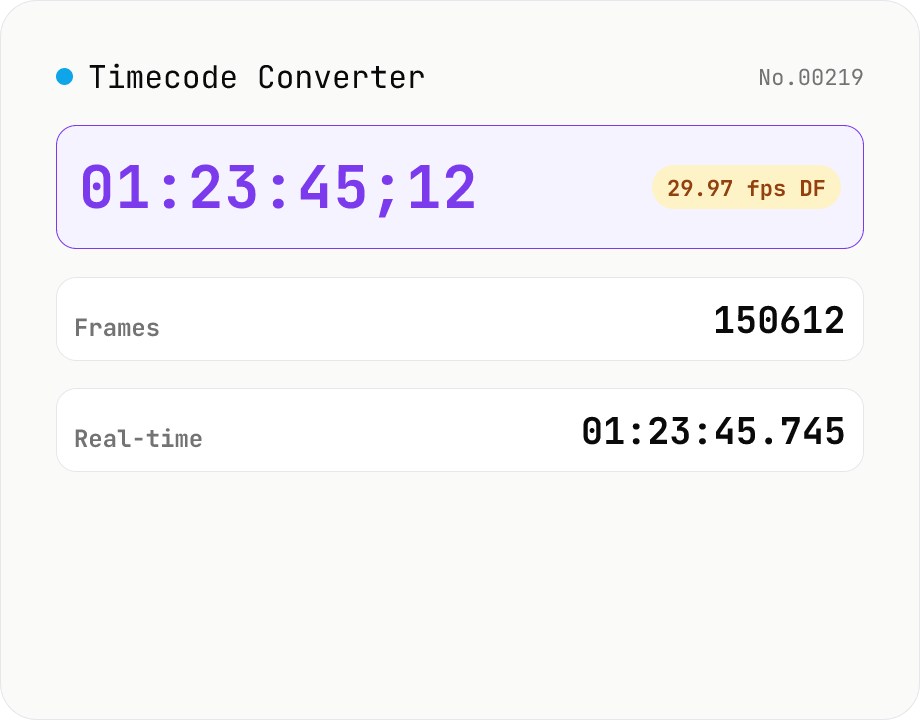
Timecode Converter
Convert between SMPTE timecode (HH:MM:SS:FF), frame count, and real-time seconds. Supports 23.976 / 24 / 25 / 29.97 / 30 / 50 / 59.94 / 60 fps, with drop-frame (DF) toggle for 29.97 / 59.94. A simple calculator for video editors and motion designers — runs entirely in your browser.
How to use
Pick the input format (Timecode / Frames / Real-time seconds), choose the frame rate and Drop-Frame (DF) toggle, and enter a value. The tool shows the same point in time in all three formats simultaneously. Supports 23.976 / 24 / 25 / 29.97 / 30 / 50 / 59.94 / 60 fps. DF is only meaningful for 29.97 / 59.94. Timecode input may use `HH:MM:SS;FF` (semicolon) as a DF hint. Everything runs in your browser — no uploads.
FAQ
- Is my input uploaded?
- No. The math is plain integer arithmetic in JavaScript, running entirely in your browser.
- What is Drop Frame (DF)?
- At 29.97 / 59.94 fps the timecode advances slightly faster than wall-clock time. The SMPTE convention skips **2 frame numbers per minute (29.97) or 4 per minute (59.94)** to keep timecode synced with real time — except at the 10-minute mark, which doesn't skip. 23.976 / 24 / 25 / 30 / 50 / 60 don't use DF.
- What's the difference between 29.97 NDF and 30 fps?
- 29.97 NDF counts 30 frames per second on the timecode, but really only ~29.97 frames pass per second of wall time. Over long durations the timecode drifts (an "hour" of NDF timecode is ~3603.6 seconds of real time). 30 fps doesn't drift because the timecode and real time are both exactly 30/sec.
- What does a semicolon (`;`) in timecode input mean?
- `HH:MM:SS;FF` is the SMPTE convention for DF. The tool detects the semicolon as a DF hint, but the UI's DF toggle takes precedence (e.g. toggle off + semicolon input → treated as NDF).
- What range is the FF (frame) component?
- Must be smaller than the chosen fps's integer value (0 to nominal-1). For 30 fps it's 0–29, for 24 fps it's 0–23. Anything larger raises an error.
Related tools
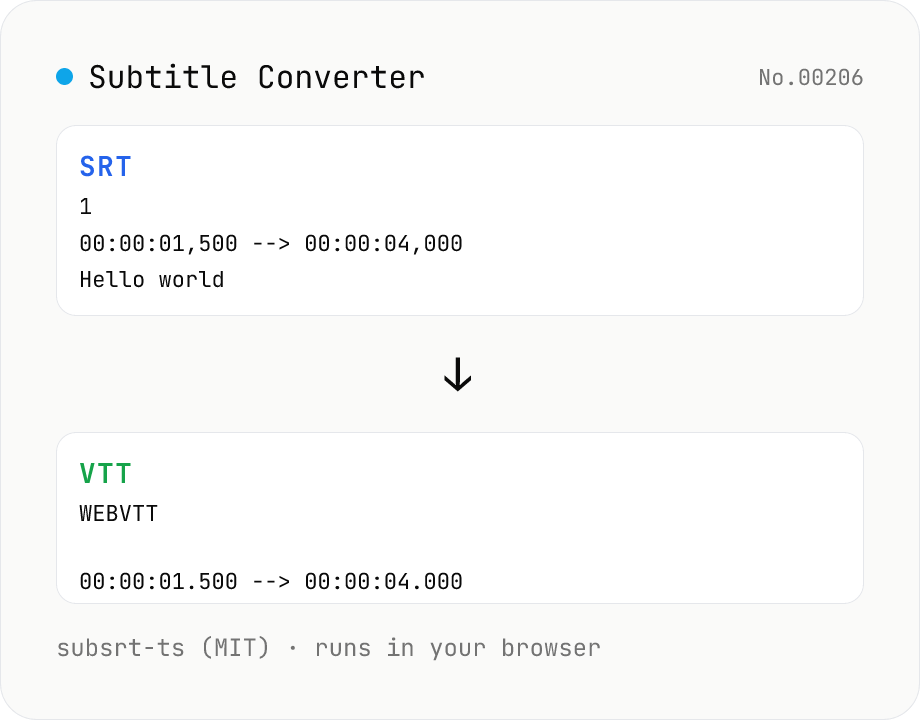
Subtitle Converter
Convert subtitle files between SRT / VTT / ASS / SSA / SBV / SUB / SMI / LRC. Drop files and pick a target format — runs entirely in your browser via subsrt-ts (MIT). No uploads.
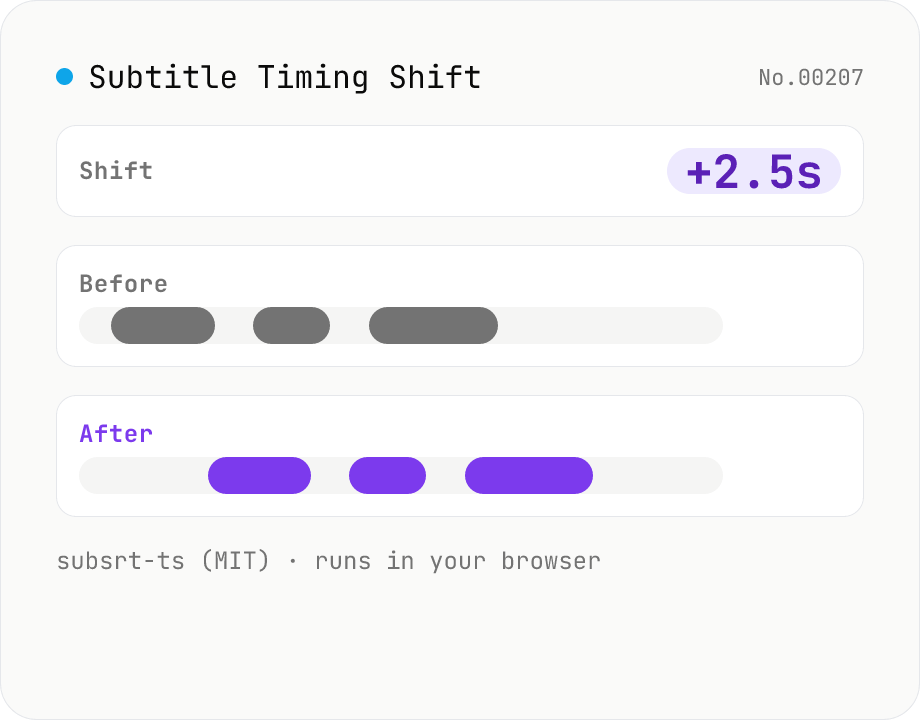
Subtitle Timing Shift
Shift or stretch the timestamps of subtitle files (SRT / VTT / ASS / SSA / SBV / SUB / SMI / LRC). Offset by seconds and/or scale playback speed with a ratio. Runs entirely in your browser via subsrt-ts (MIT). No uploads.
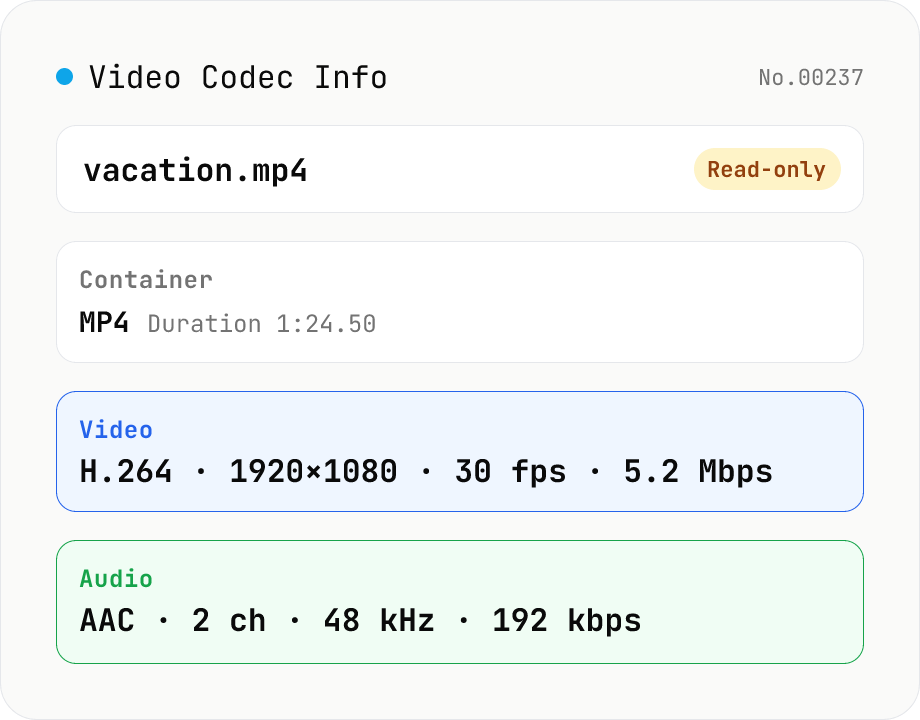
Video Codec Info
Inspect MP4 / MOV / MKV / WebM video files and read out container, codec, resolution, frame rate, bitrate, and audio track information. Read-only, runs entirely in your browser via mediainfo.js (BSD).
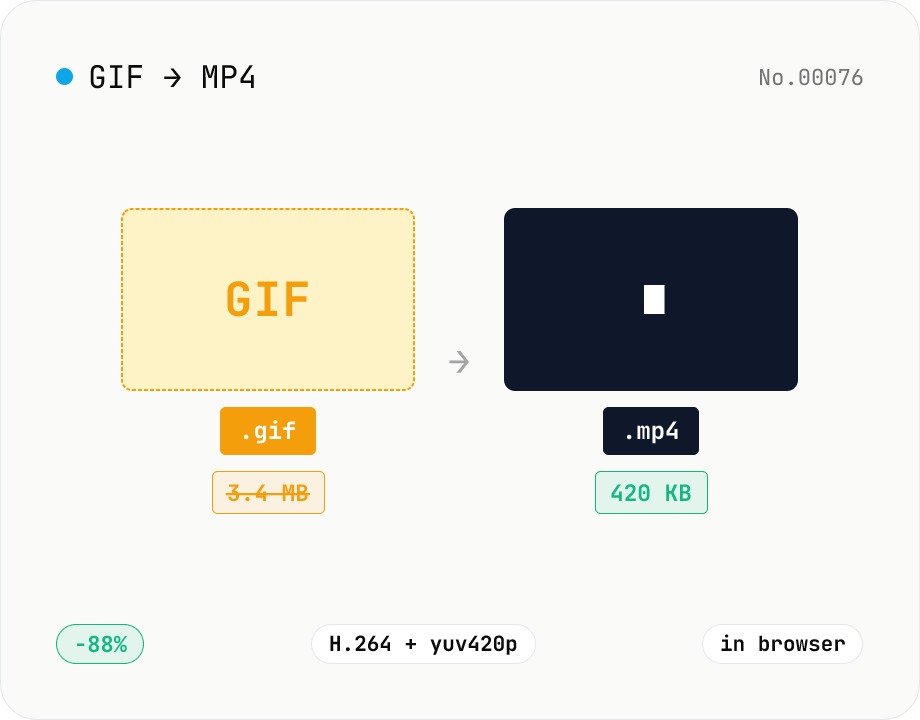
GIF to MP4 converter — H.264 cuts file size to 1/5–1/10
Convert animated GIFs to H.264/AAC MP4 videos. GIFs balloon quickly; MP4 (H.264) typically shrinks the file to 1/5–1/10 the size and plays inline on X (Twitter), Bluesky, Discord and other social platforms. ffmpeg.wasm runs entirely in your browser — GIFs never leave your device. Supports batch processing and a single ZIP download.