
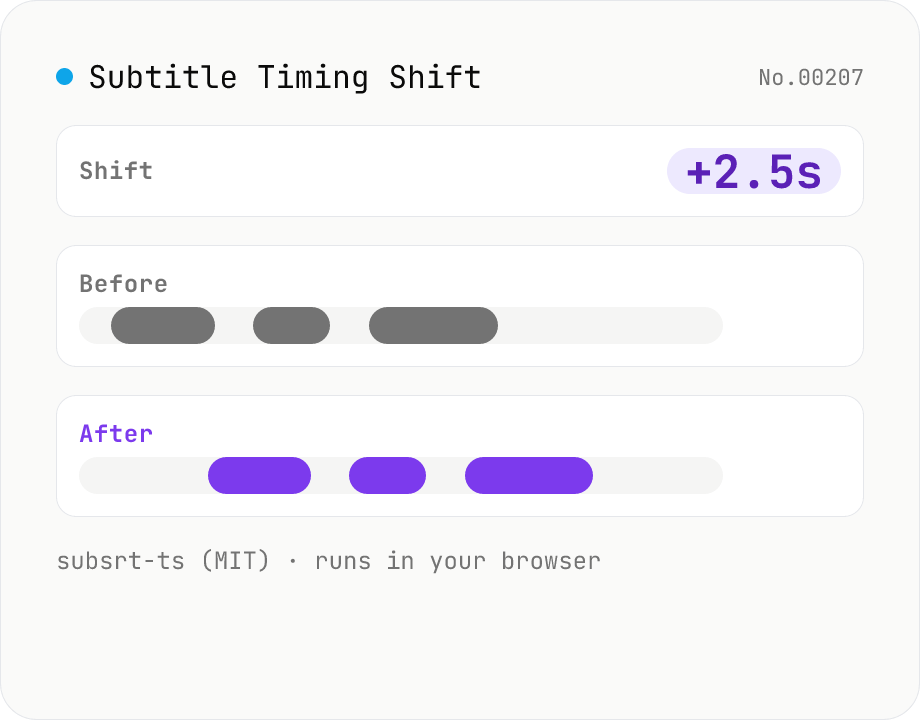
Subtitle Timing Shift
Shift or stretch the timestamps of subtitle files (SRT / VTT / ASS / SSA / SBV / SUB / SMI / LRC). Offset by seconds and/or scale playback speed with a ratio. Runs entirely in your browser via subsrt-ts (MIT). No uploads.
How to use
Drop your subtitle files (.srt / .vtt / .ass / .ssa / .sbv / .sub / .smi / .lrc), enter a "Shift (seconds)" and/or "Ratio", and subsrt-ts (MIT) rewrites the timestamps in your browser. Positive shift delays the subtitles, negative advances them. Ratio 1.0 keeps timing, 0.5 compresses to half duration, 2.0 stretches it twice as long (useful when playback speed changes). The source format is auto-detected and the output keeps the same format. Multi-file batch + ZIP download supported, all in-browser.
FAQ
- Are subtitle files uploaded?
- No. subsrt-ts (MIT) runs as JavaScript entirely in your browser. Sensitive subtitles (meeting drafts, unreleased captions) stay on your device.
- What's the difference between "Shift" and "Ratio"?
- Shift adds the same number of seconds to every cue (moves the whole track forwards or back). Ratio multiplies each timestamp (corrects for a different playback speed). When both are set, ratio is applied first, then shift is added.
- Which format does the output use?
- The output keeps the input format. Drop SRT → get SRT, drop ASS → get ASS. Use the Subtitle Converter tool if you need to change format.
- Does this change the subtitle text?
- No. This tool only rewrites timestamps. Caption text, styles, and positioning are preserved as-is.
- What if a negative shift pushes a cue below zero?
- Subsrt-ts's resync clamps negative times to zero. Preview the output if you use extreme values.
Related tools
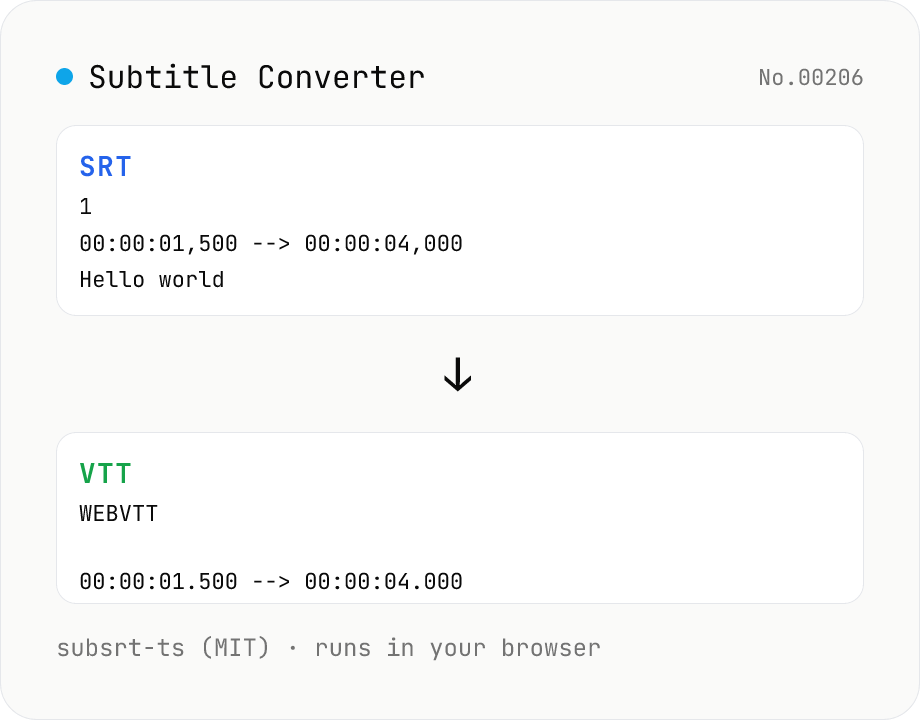
Subtitle Converter
Convert subtitle files between SRT / VTT / ASS / SSA / SBV / SUB / SMI / LRC. Drop files and pick a target format — runs entirely in your browser via subsrt-ts (MIT). No uploads.
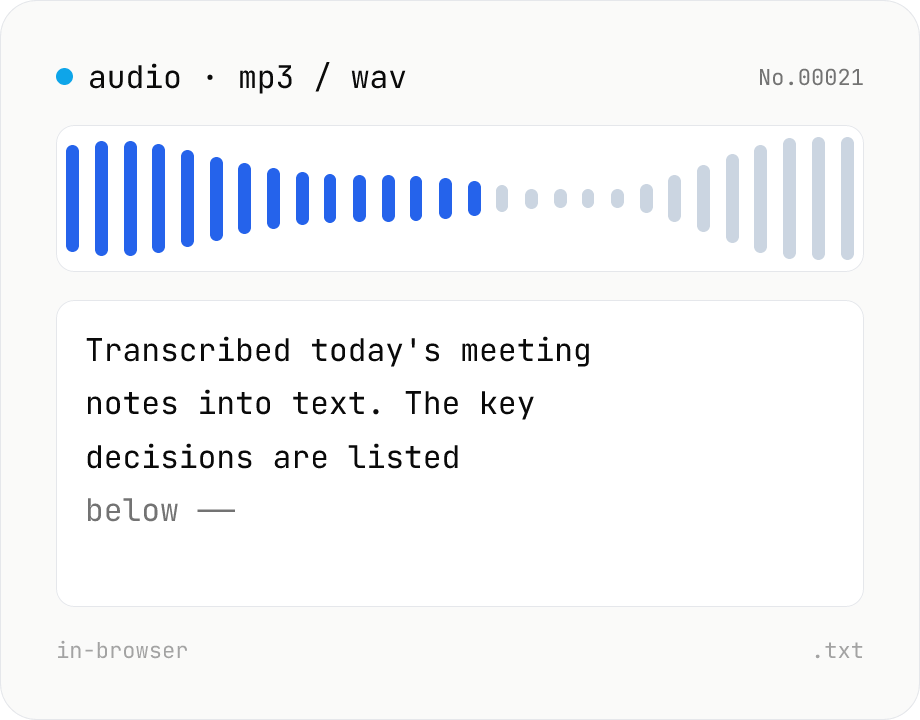
Audio file transcription — Whisper, multilingual
Upload an MP3 / WAV / M4A file and transcribe it with Whisper running inside your browser. Long files are chunked automatically. No audio or model data leaves your device. Performance and supported model size depend on your hardware (CPU / GPU / RAM).
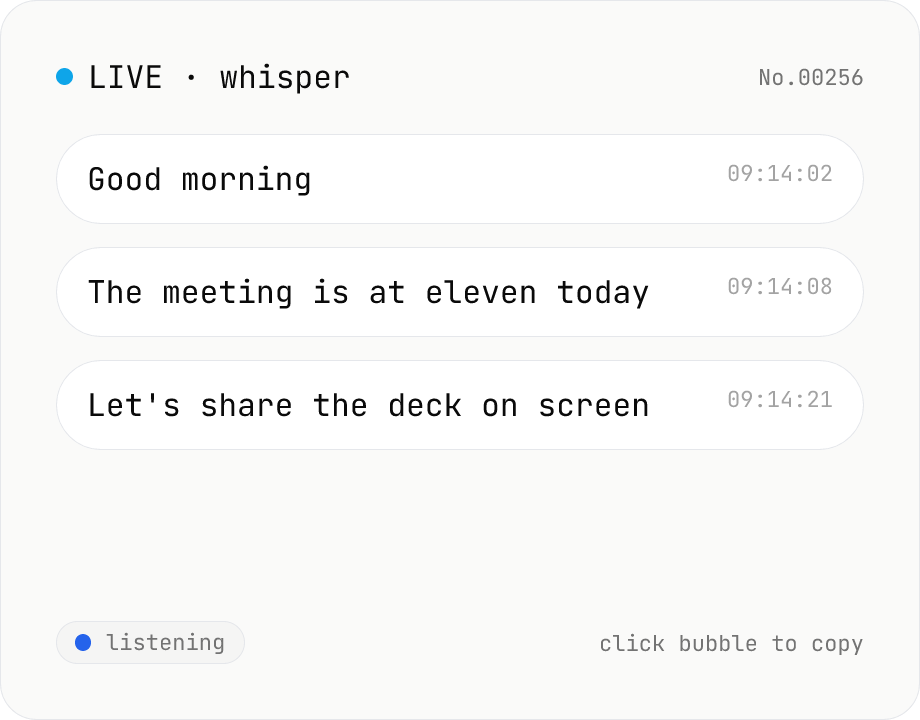
Real-time transcription — live mic with Whisper
Live transcribe your mic with Whisper running inside your browser. Segments split on silence, displayed as chat bubbles, click to copy. No audio or model data leaves your device. Performance and supported model size depend on your hardware (CPU / GPU / RAM).
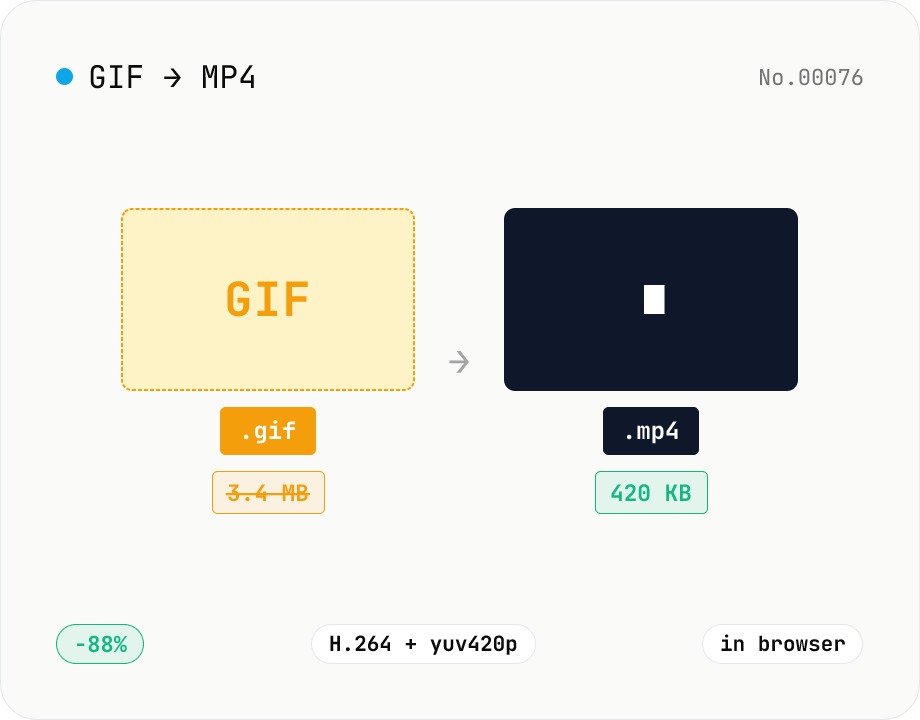
GIF to MP4 converter — H.264 cuts file size to 1/5–1/10
Convert animated GIFs to H.264/AAC MP4 videos. GIFs balloon quickly; MP4 (H.264) typically shrinks the file to 1/5–1/10 the size and plays inline on X (Twitter), Bluesky, Discord and other social platforms. ffmpeg.wasm runs entirely in your browser — GIFs never leave your device. Supports batch processing and a single ZIP download.