
TAG
Tools tagged "pdf"
24 tools
Tools that operate on PDF files: merge, split, compress, unlock, extract images, without sending the PDF anywhere.
All NoSend Tools that carry the "pdf" tag. Everything runs inside the browser — your inputs never leave your device.
Tags:
Sort:
Per page:
All tools
24 / 24
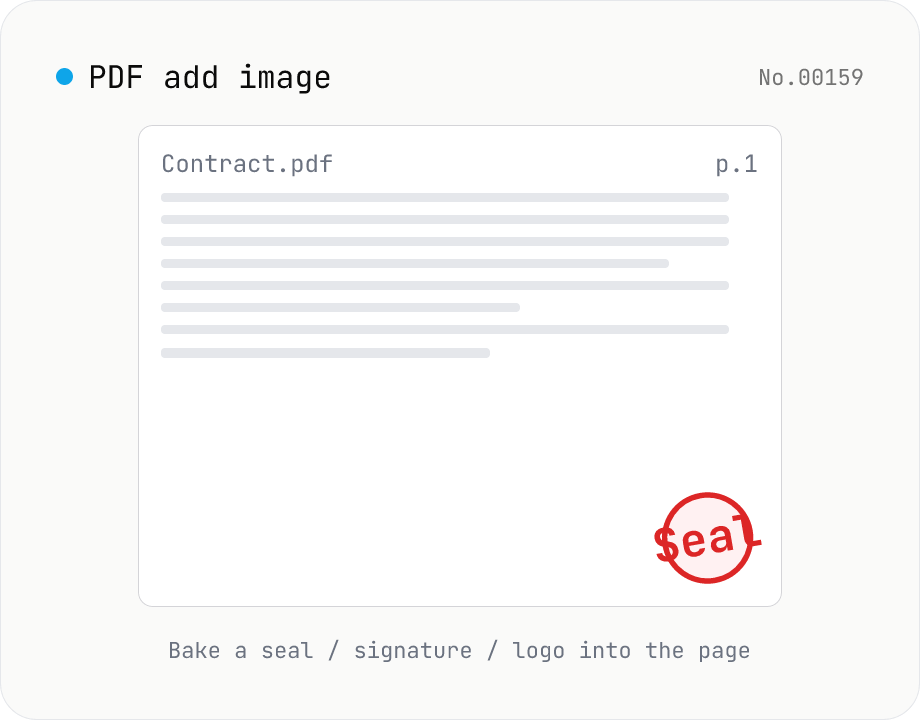
PDF add image — bake a signature / seal / logo into a page
Drop an image (PNG / JPEG / WebP) onto a chosen page of a PDF — perfect for adding a personal seal, scanned handwritten signature, or company logo just before sending the document back. Pick a 9-grid position with margin, set the image size as a percentage of page width, and tweak opacity, rotation, and which pages get the image. Powered by pdf-lib's embedPng / embedJpg. Batch multiple PDFs and download as a ZIP. Files never leave your browser.
pdfimagewatermark
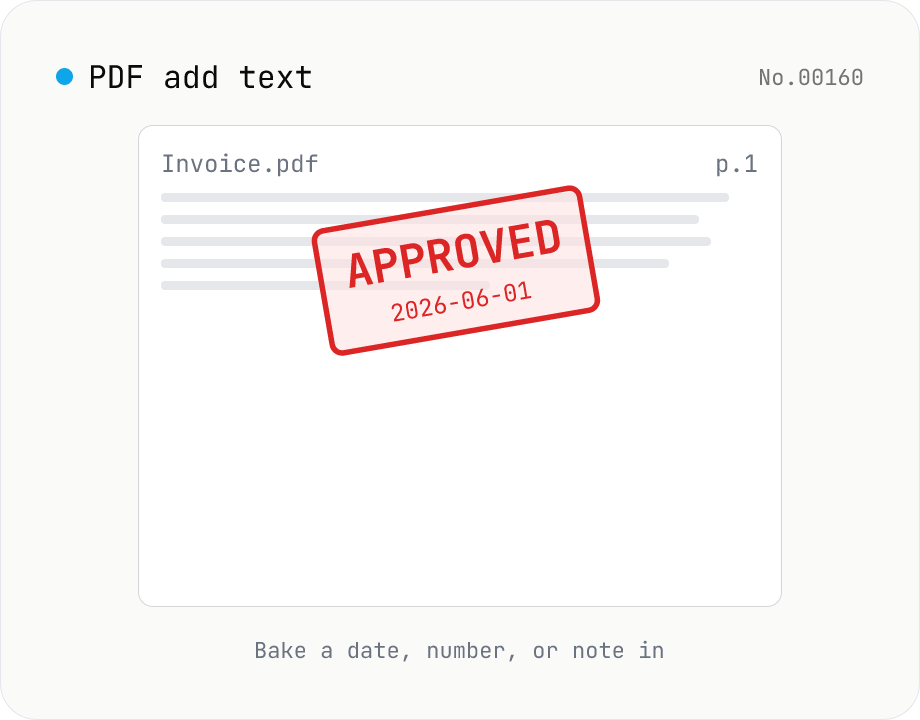
PDF add text — bake dates, notes, or labels into a page
Drop a text annotation onto a chosen page of a PDF — perfect for date stamps, file numbers, contractor names, or any quick label that just needs to look right. Position via 9-grid + margin, set font size / color / rotation / opacity, and pick which pages. Uses pdf-lib's built-in Helvetica (Regular / Bold / Oblique), so the text is ASCII / Latin only. For Japanese, build a stamp PNG with stamp-jp and place it with pdf-add-image. Multiple PDFs can be batched and downloaded as a ZIP. Files never leave your browser.
pdftext
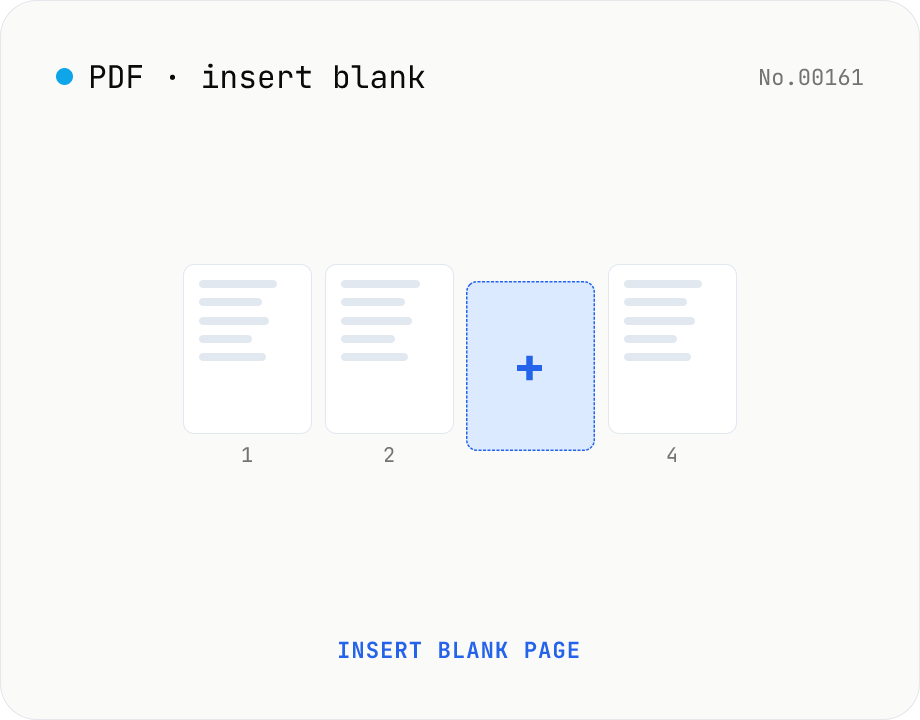
PDF insert blank page — start / end / any position
Insert one or more blank pages at the start, end, or just before any page number of a PDF. Use the same size as the source PDF, or pick A4 / A4 landscape / A3 / A3 landscape / Letter / Legal. Powered by pdf-lib with no re-rendering, so quality is preserved. Batch multiple PDFs and download as a ZIP. Everything runs in your browser.
pdf
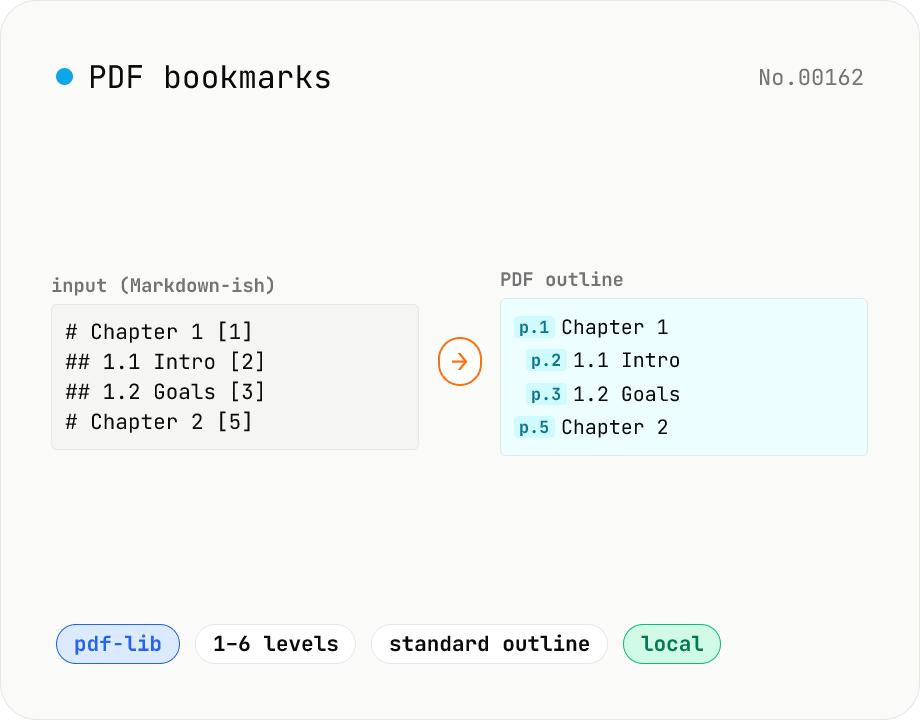
PDF bookmarks — add an outline / bookmark tree
Add a PDF outline (bookmark tree) in one shot using a Markdown-like syntax (`# Chapter 1 [3]`). Built with pdf-lib's low-level Catalog → Outlines API. `#` count = nesting level (1–6), each line ends with the target page in `[3]` brackets. Perfect for scanned PDFs or long documents without chapter titles, so you can jump to sections in Acrobat / Preview / browser PDF viewers. Runs entirely in your browser — no upload.
pdf
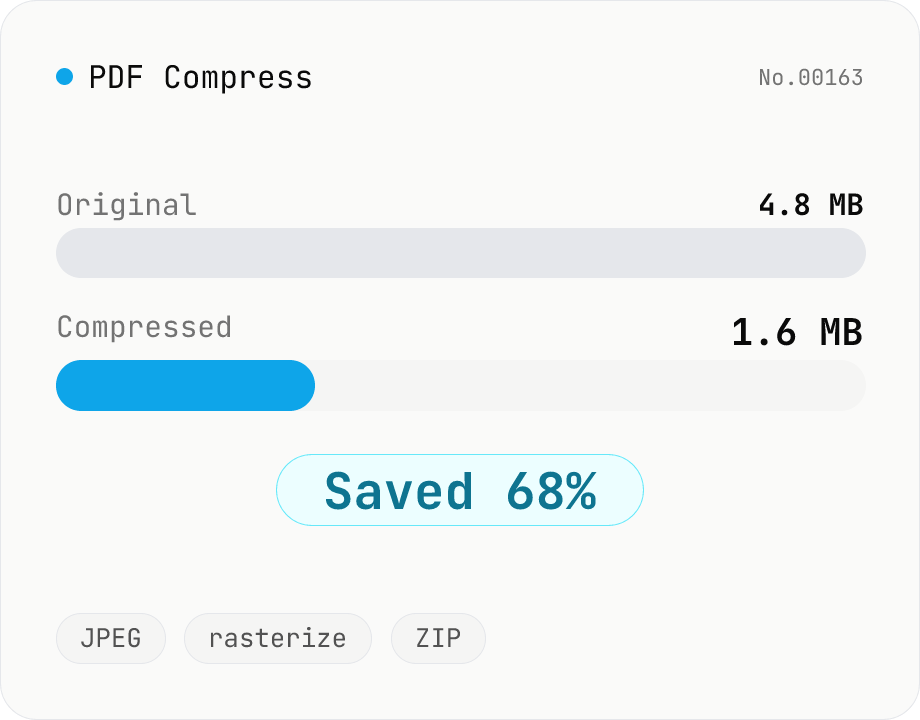
PDF Compress
Shrink PDF file size by rasterizing each page to JPEG and rebuilding the document. Best for scanned/image-heavy PDFs that need to fit email or upload limits. Tune max width and JPEG quality, see the reduction ratio versus the original. All processing stays in your browser — drop multiple PDFs and download individually or as a ZIP.
pdfcompress
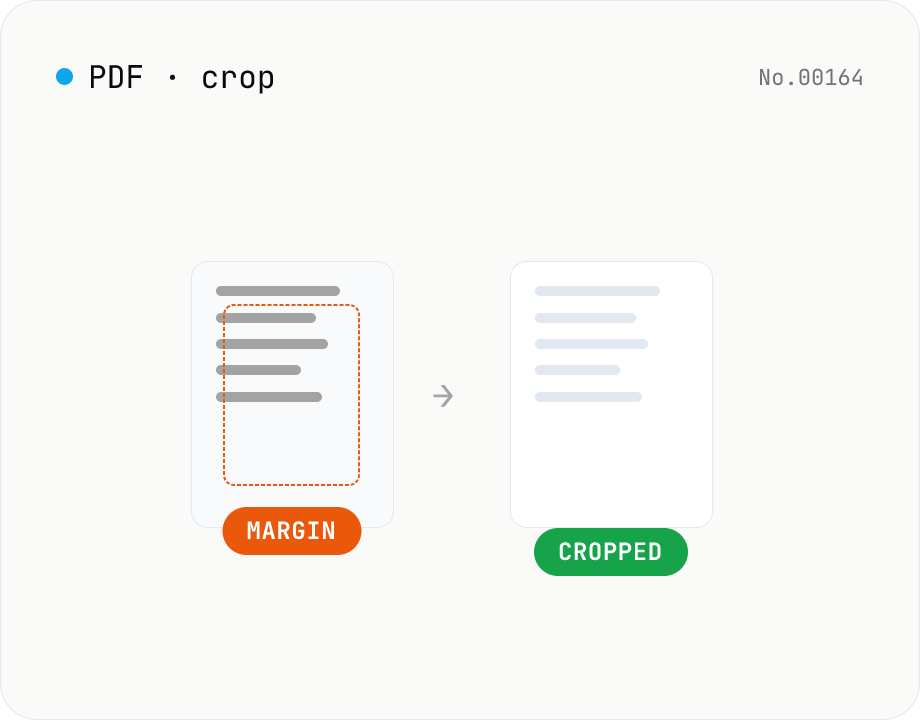
PDF crop — trim top / right / bottom / left in mm
Trim the top / right / bottom / left margins of each PDF page by a value in millimetres. Use it to cut off white borders from scans or shrink overly generous margins. Batch multiple PDFs and download as a ZIP. pdf-lib rewrites the MediaBox / CropBox without re-rendering, so quality is preserved and everything runs in your browser.
pdfcrop
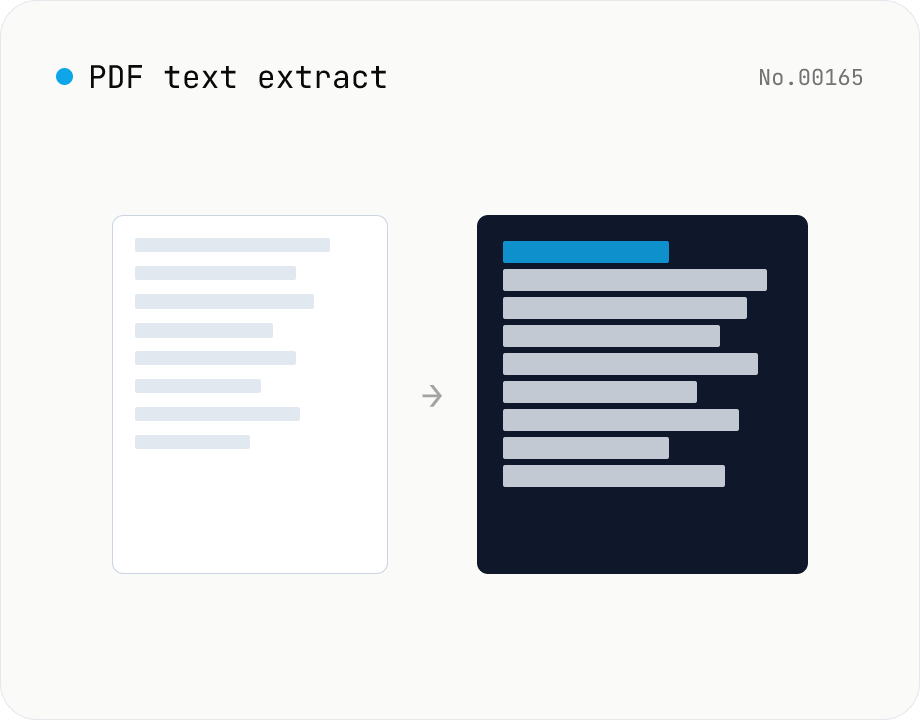
PDF text extract — export pages to .txt
Extract plain text from PDF files entirely in the browser via pdfjs-dist getTextContent. Each PDF becomes its own .txt file; batch downloads ship as a ZIP. Page-break markers are optional.
pdfextracttext
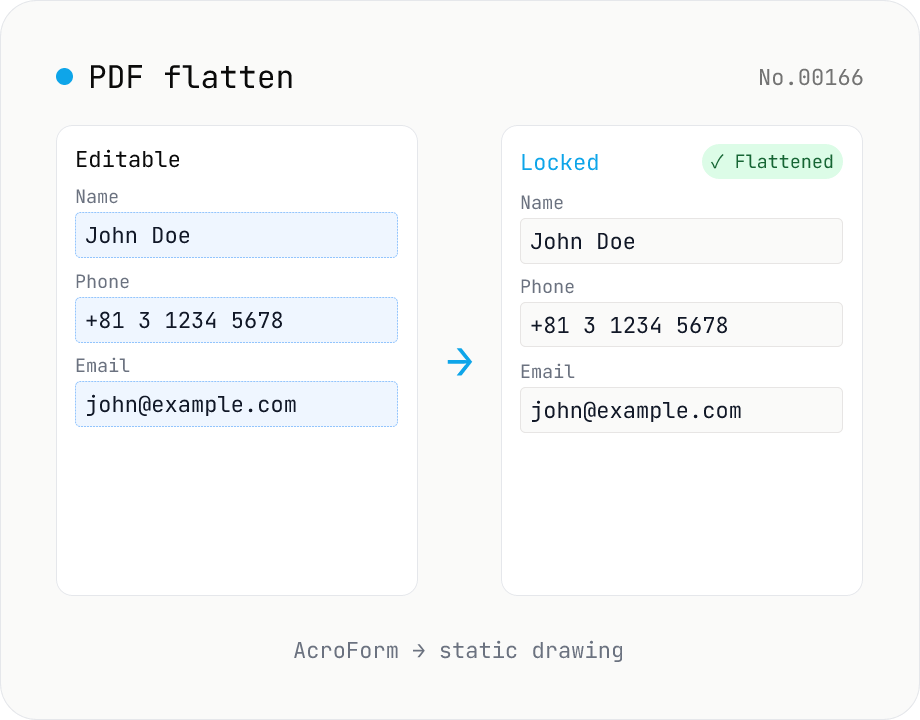
PDF flatten — bake form fields & annotations into the page
Flatten AcroForm fields and annotations into static page content so the PDF can be distributed in a 'printed' form that nobody can re-edit. Ideal for submitting completed application PDFs or freezing review comments. Powered by pdf-lib's form.flatten() — the final visible state of every field is drawn onto the page, and the interactive widgets are removed. Process multiple PDFs at once and download them individually or as a ZIP. Files never leave the browser.
pdfformat
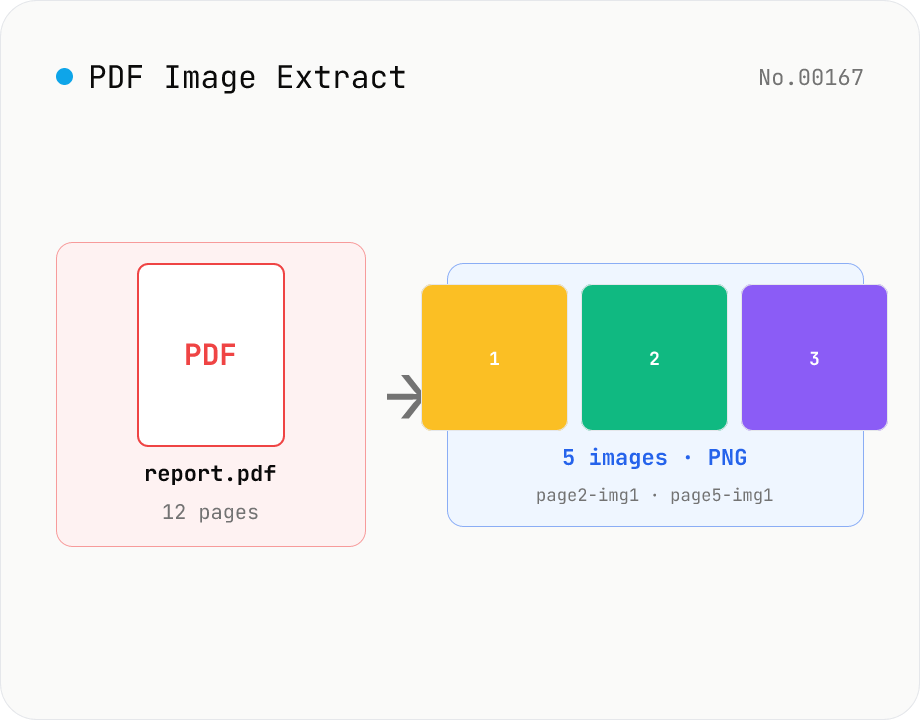
PDF Image Extract — export embedded images as PNG
Extract every embedded image from a PDF as a PNG file via pdfjs-dist. Each page's operator list is scanned for `paintImageXObject` / `paintInlineImageXObject` / `paintImageXObjectRepeat`, and `page.objs` is read to recover the ImageBitmap or raw RGB(A) / grayscale buffer, then rendered to Canvas and saved as PNG. Optionally deduplicates identical images that appear on multiple pages. Multiple PDFs ship as a single ZIP. Files are named `<source>-page<N>-img<M>.png`. Password-protected PDFs are flagged with a CTA to pdf-unlock. Everything happens inside your browser.
pdfimageextract
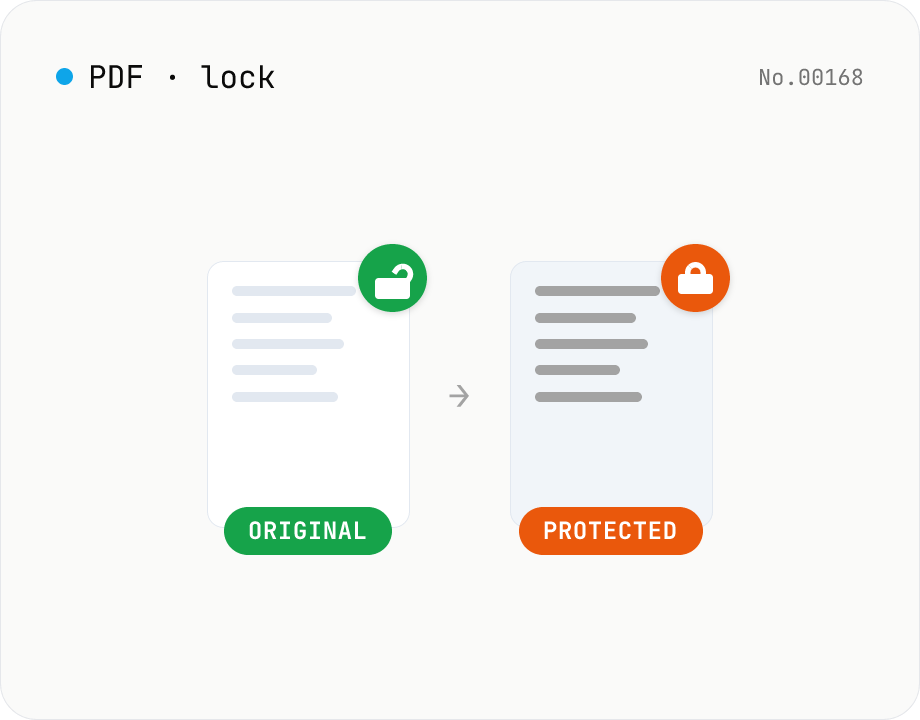
PDF password lock — restrict printing / copy / edit
Add a user / owner password and restrict printing, copying or editing on a PDF. AES 256-bit / 128-bit, all done by qpdf (WASM) inside your browser — neither the PDF nor the password leaves your device. Batch multiple files at once.
pdfsecurity
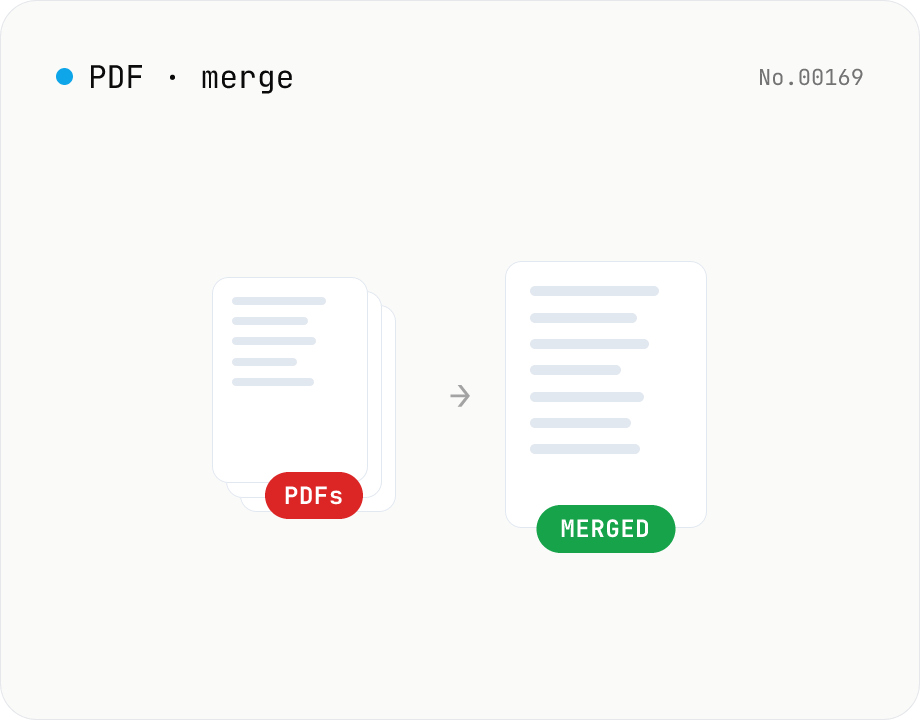
PDF merge — combine multiple PDFs into one
Drag and drop multiple PDFs, reorder them, and merge into a single PDF. Runs entirely in your browser.
pdfmerge
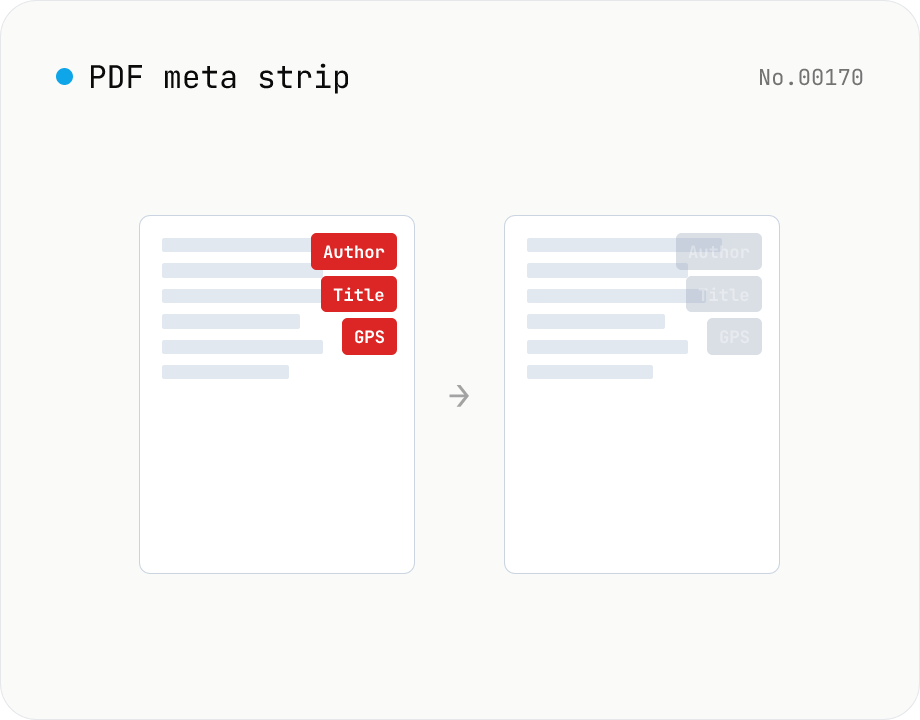
PDF metadata strip — Title / Author / XMP at once
Remove the PDF Info dictionary (Title / Author / Subject / Keywords / Creator / Producer / CreationDate / ModDate) and the XMP metadata stream entirely in the browser via pdf-lib. The page content is untouched. Supports batch processing and a single ZIP download.
pdfEXIF
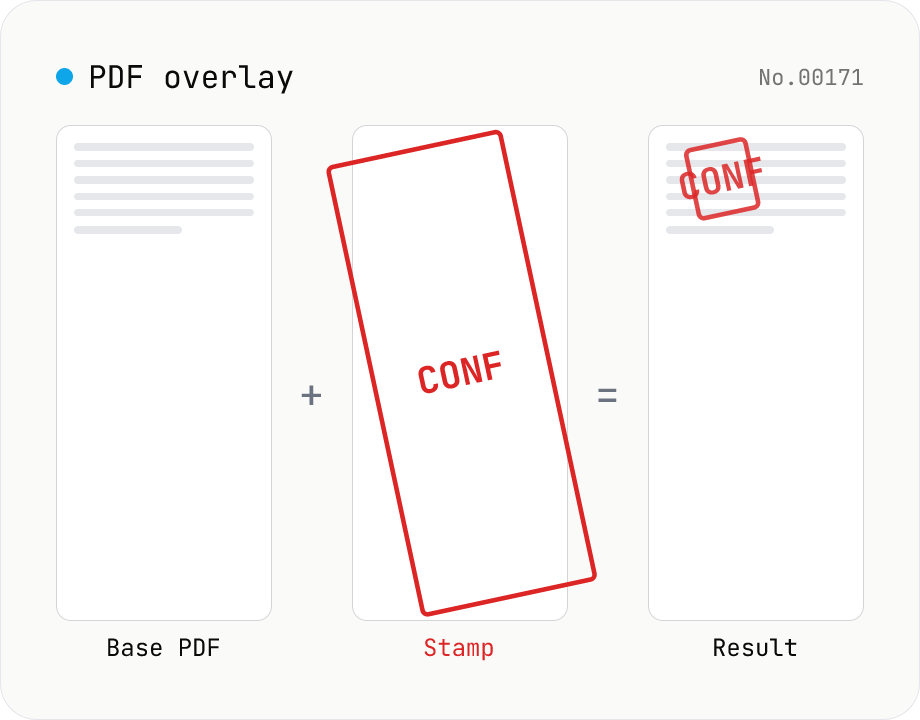
PDF overlay — stamp a PDF onto every page of another
Layer the first page of one PDF (the stamp) on top of every page of another (the base). Perfect when your watermark, company seal, 'Confidential' badge, or boilerplate cover sheet is already a PDF. Choose a 9-grid position or custom XY offset, set scale / rotation / opacity, and the same stamp is baked into every base page. Powered by pdf-lib's embedPdf + drawPage. Multiple base PDFs can be processed at once and downloaded as a ZIP. Nothing leaves the browser.
pdfwatermark
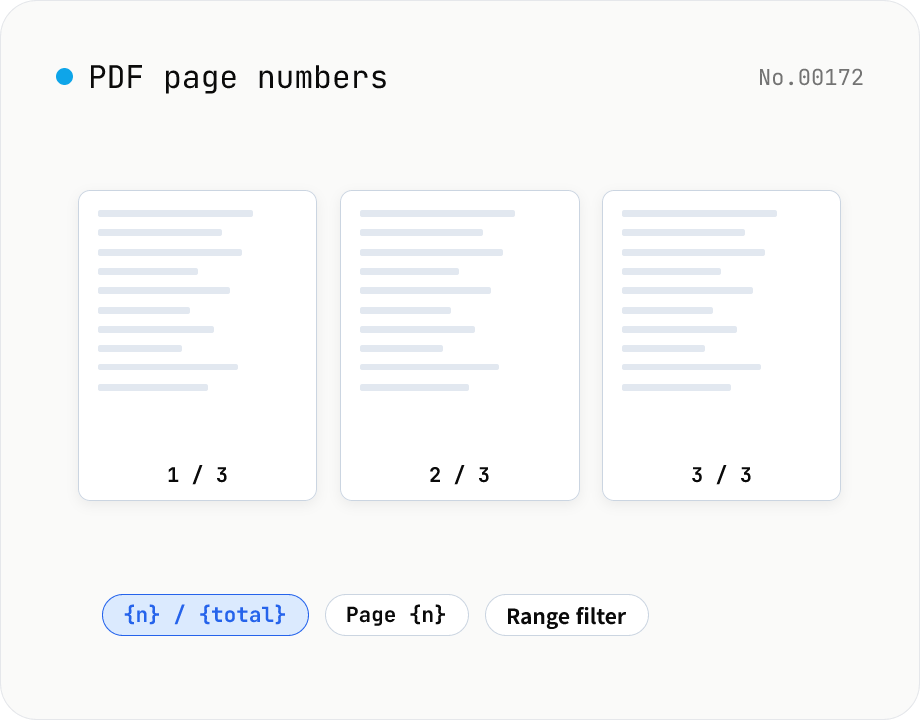
PDF page numbers — template / 9 positions / range
Stamp page numbers onto every page of a PDF. The format is a free template (`{n}` / `{n} / {total}` / `Page {n}` etc.). Tune the placement (9-grid), font size, color, starting number, margin, and which page range to apply to. Runs entirely on pdf-lib in the browser — your files never leave the device. Batch processing and ZIP download supported.
pdf
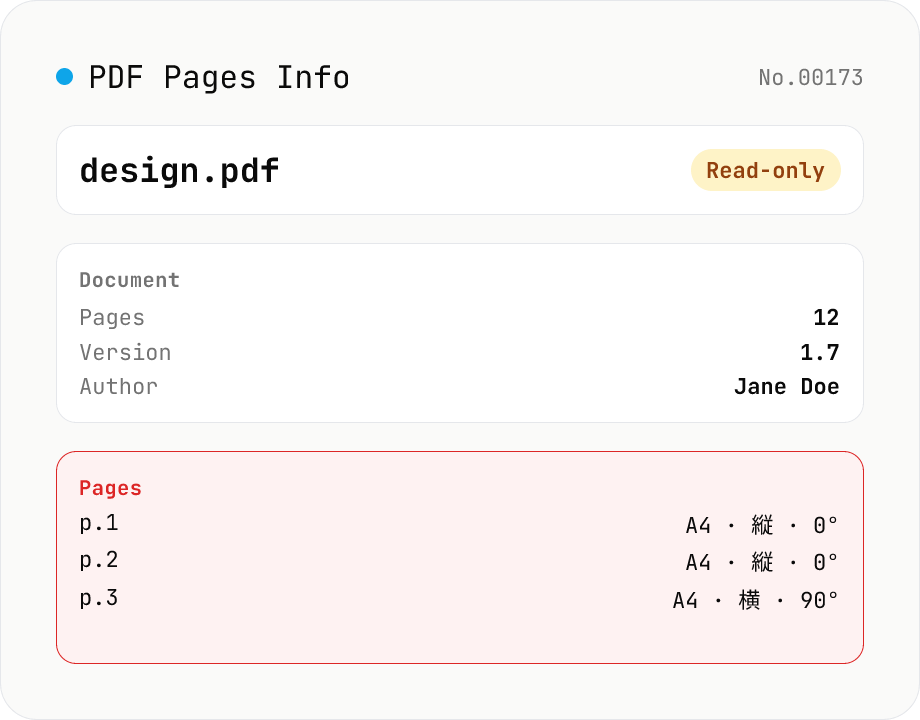
PDF Pages Info Viewer
Drop a PDF and inspect per-page dimensions (with A4 / Letter detection), aspect ratio, orientation, rotation, annotation count, text / image presence — plus document-level metadata (PDF version, title, author, producer). Read-only, runs entirely in your browser via pdfjs-dist.
pdfextract
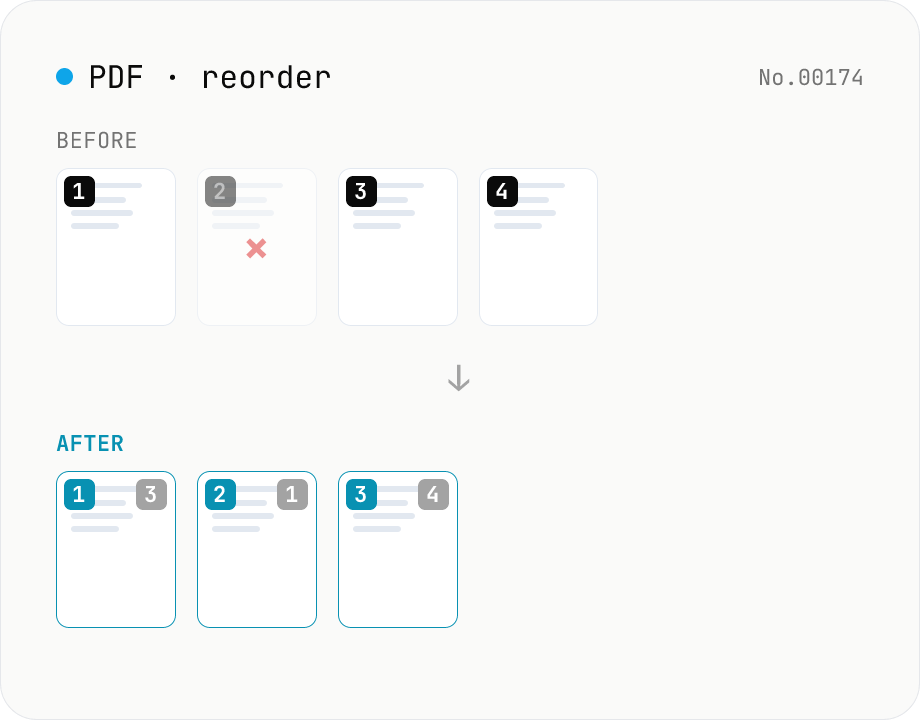
PDF reorder & delete pages — thumbnail editor
Drag pages of a PDF to reorder them, remove unwanted pages, and generate a new PDF with thumbnail previews. Runs entirely in your browser.
pdfreorder
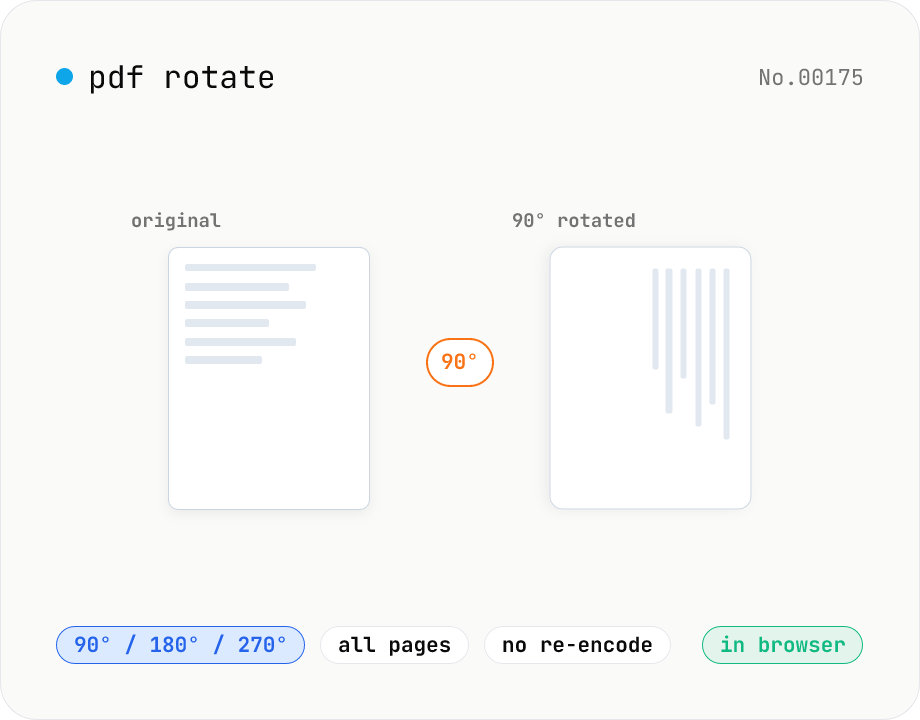
PDF rotate — 90 / 180 / 270 degrees in batch
Rotate every page of a PDF by 90° / 180° / 270° (clockwise) and save it as a new PDF. Process multiple PDFs at once and download them individually or as a single ZIP. Files never leave your browser — all rotation happens locally.
pdfrotate
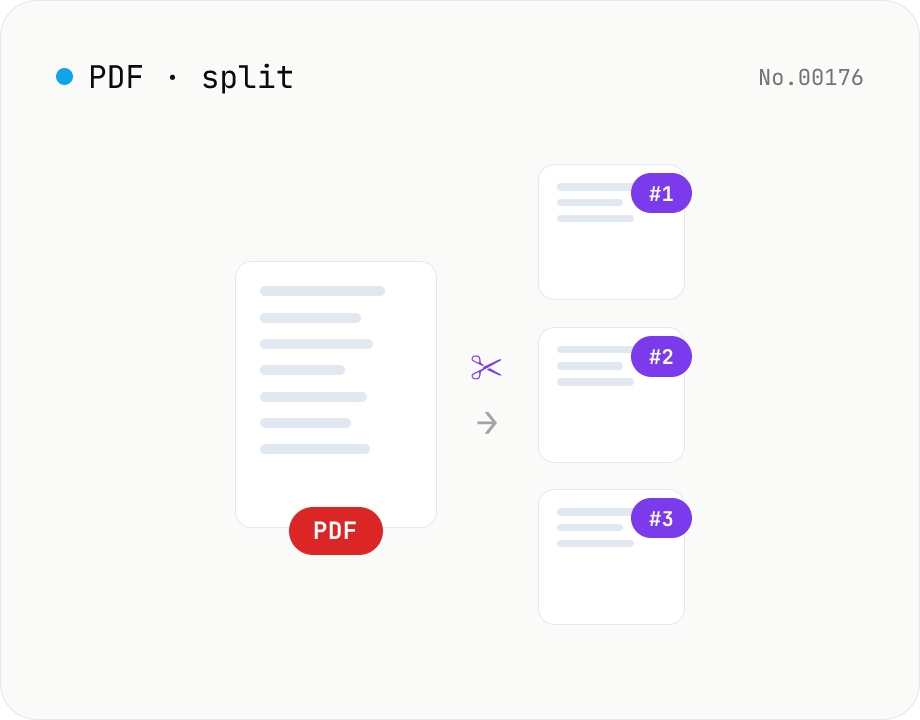
PDF split — by page range or every N pages
Split a PDF using one of three modes: page ranges, every N pages, or one PDF per page. Download all parts as a ZIP. Runs entirely in your browser.
pdfsplit
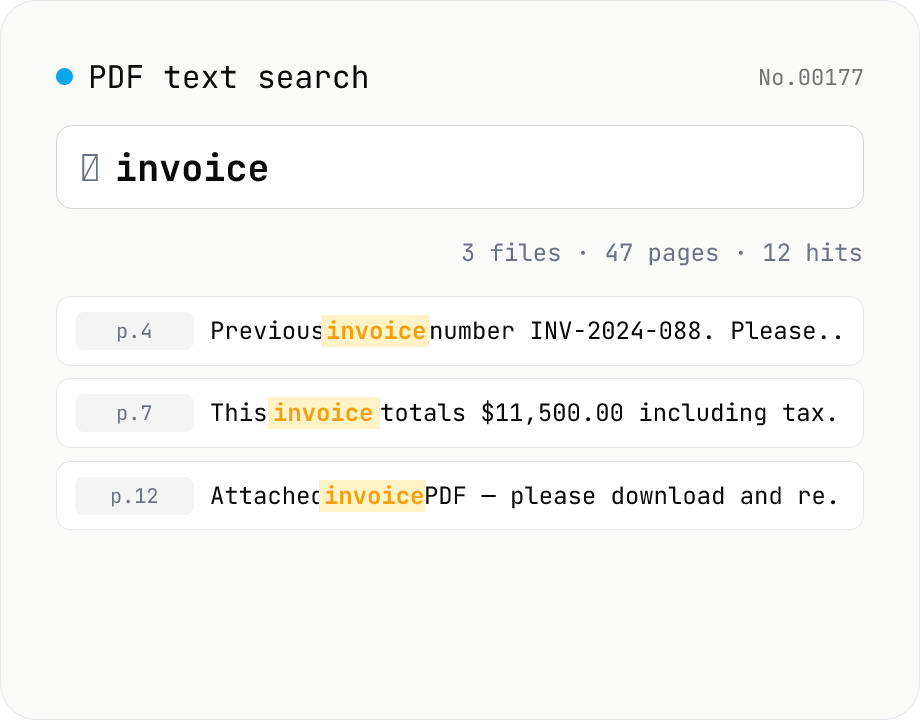
PDF text search — full-text search across multiple PDFs
Search several PDFs at once and inspect every match with its page number and surrounding context. Toggle case sensitivity, word boundaries (\b), regular expressions, and a multi-line mode. Adjust the query or context width (10–200 chars) and the matches refresh live. Each file shows a hit count and the full result set can be downloaded as CSV. Uploaded PDFs never leave the browser.
pdftextextract
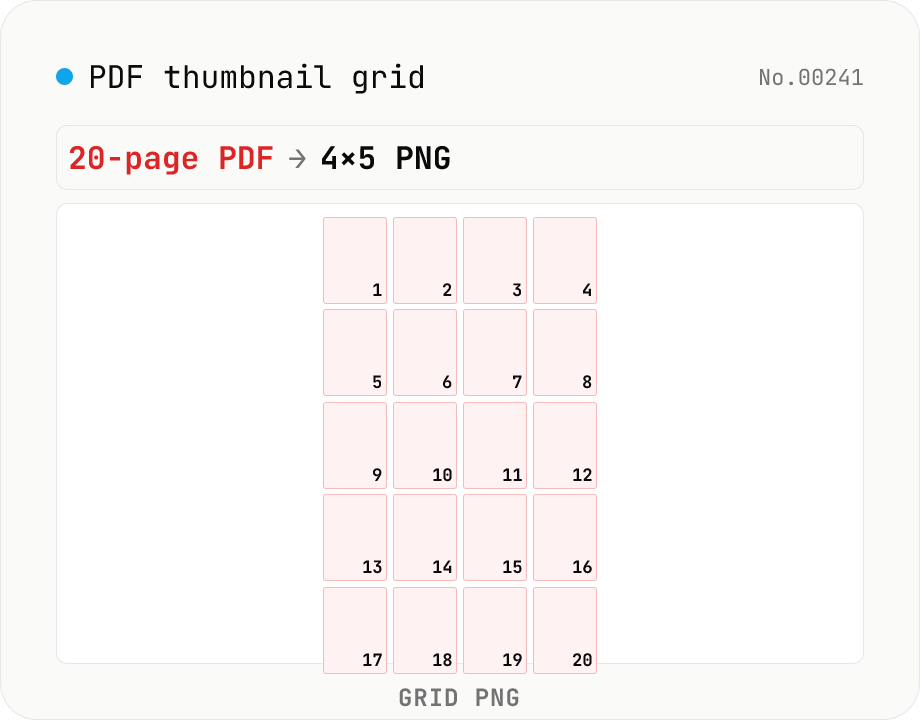
PDF thumbnail grid — collapse all pages into one contact-sheet PNG
Render every page of a PDF into a single PNG contact sheet (an n-column × m-row grid). A 20-page PDF becomes one 4×5 image you can print for review, post on Slack as a single overview, or archive as a quick-look. Configure columns (1 – 8), thumbnail size (120 – 480 px), per-page captions, inter-page gap, and background color (white / black / transparent PNG). Different from `pdf-to-png` (which produces n separate PNG files) and from `image-collage` (PDF-aware: includes page numbers, renders directly from PDF). Runs entirely in your browser via pdf.js + Canvas — nothing is uploaded.
pdf