
PDF Compress
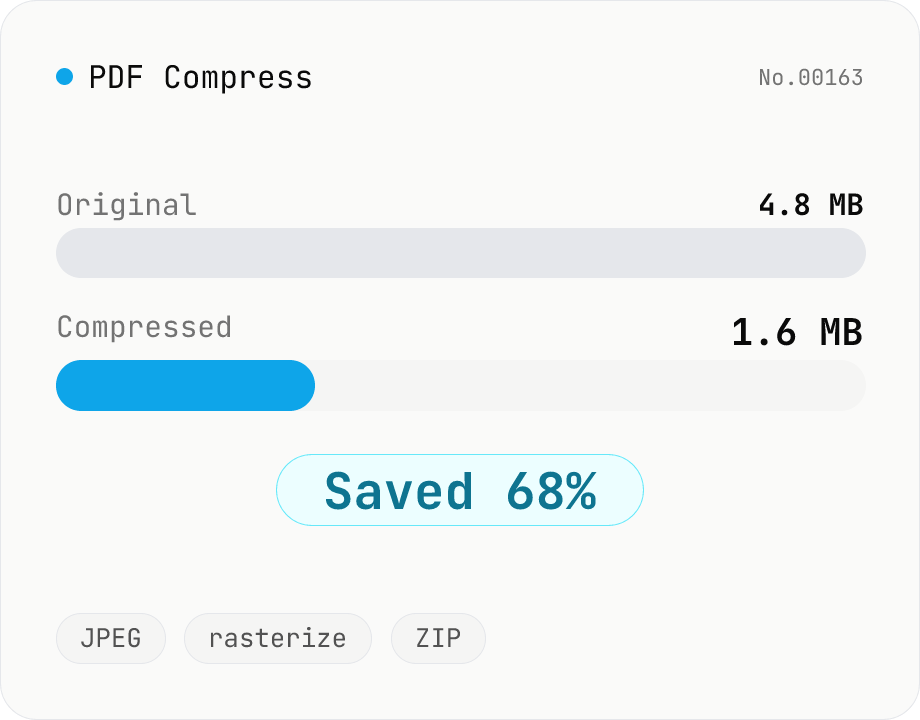
Shrink PDF file size by rasterizing each page to JPEG and rebuilding the document. Best for scanned/image-heavy PDFs that need to fit email or upload limits. Tune max width and JPEG quality, see the reduction ratio versus the original. All processing stays in your browser — drop multiple PDFs and download individually or as a ZIP.
How to use
Drop or pick one or more PDFs. Multiple files are processed in a single batch. Adjust max image width and JPEG quality. Lower values give smaller files but coarser visuals. Click Compress to rasterize each page and rebuild the PDF. Each file shows its reduction ratio plus a save button. You can also download all results bundled as ZIP. Embedded text becomes part of the image and is no longer searchable. Keep an original copy if you need text later.
FAQ
- Does the text stay searchable?
- No. This tool flattens each page into an image, so embedded text is baked into the JPEG. Keep an original PDF if you need search or copy/paste later.
- Can it handle encrypted PDFs?
- No. Encrypted files raise an error. Decrypt them first with our PDF Unlock tool, then run them through this compressor.
- Which settings should I start with?
- For email or web sharing, try max width 1240px and quality 0.75. For scanned documents, 1024px and 0.7 often still look acceptable. To preserve the most detail, pick 1920px and quality 0.85 or higher.
- My PDF barely shrinks. Why?
- If the original is already heavily compressed JPEG content, re-encoding cannot reclaim much. Vector/text PDFs may even grow because rasterization is less efficient than vector storage. In that case, the original is the better artifact.
- Are my PDFs uploaded?
- No. Everything is processed inside your browser (Wasm + Canvas). Nothing is sent to a server.
Related tools
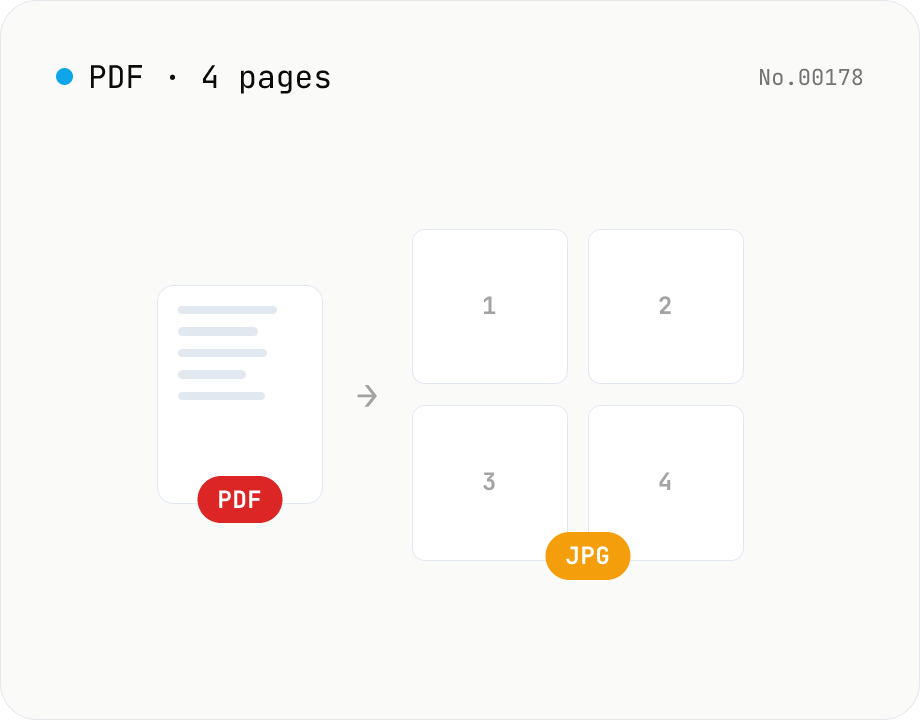
PDF to JPG — convert each page to an image
Upload a PDF and convert each page to JPEG (.jpg). Pick scale and quality, save pages individually, or download everything as a ZIP. Transparency is flattened to white, which keeps files small and easy to share on social networks or blogs. Runs entirely in your browser — your PDF stays local.
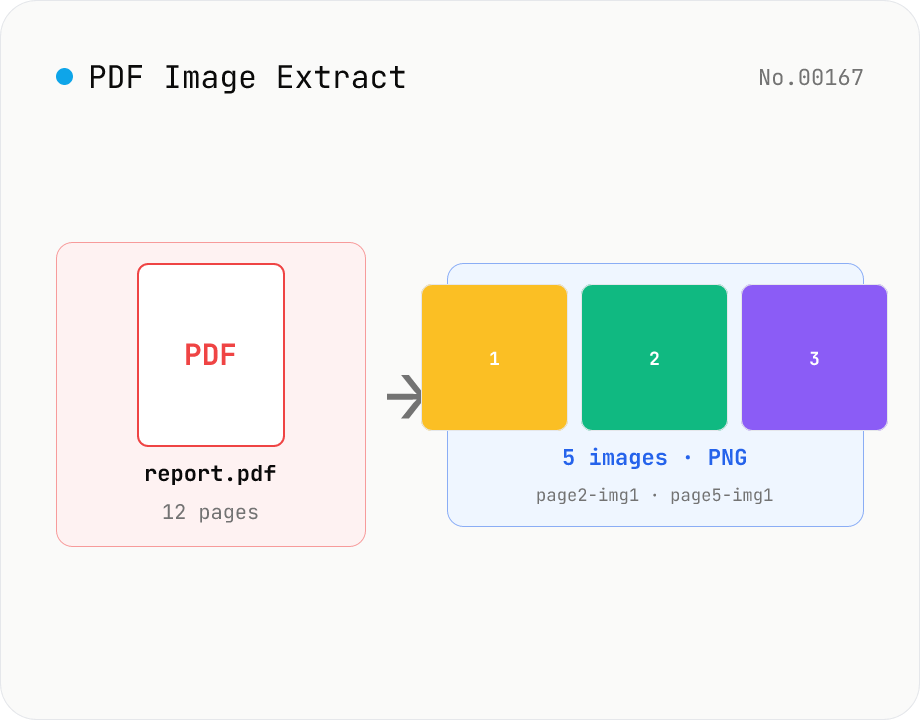
PDF Image Extract — export embedded images as PNG
Extract every embedded image from a PDF as a PNG file via pdfjs-dist. Each page's operator list is scanned for `paintImageXObject` / `paintInlineImageXObject` / `paintImageXObjectRepeat`, and `page.objs` is read to recover the ImageBitmap or raw RGB(A) / grayscale buffer, then rendered to Canvas and saved as PNG. Optionally deduplicates identical images that appear on multiple pages. Multiple PDFs ship as a single ZIP. Files are named `<source>-page<N>-img<M>.png`. Password-protected PDFs are flagged with a CTA to pdf-unlock. Everything happens inside your browser.
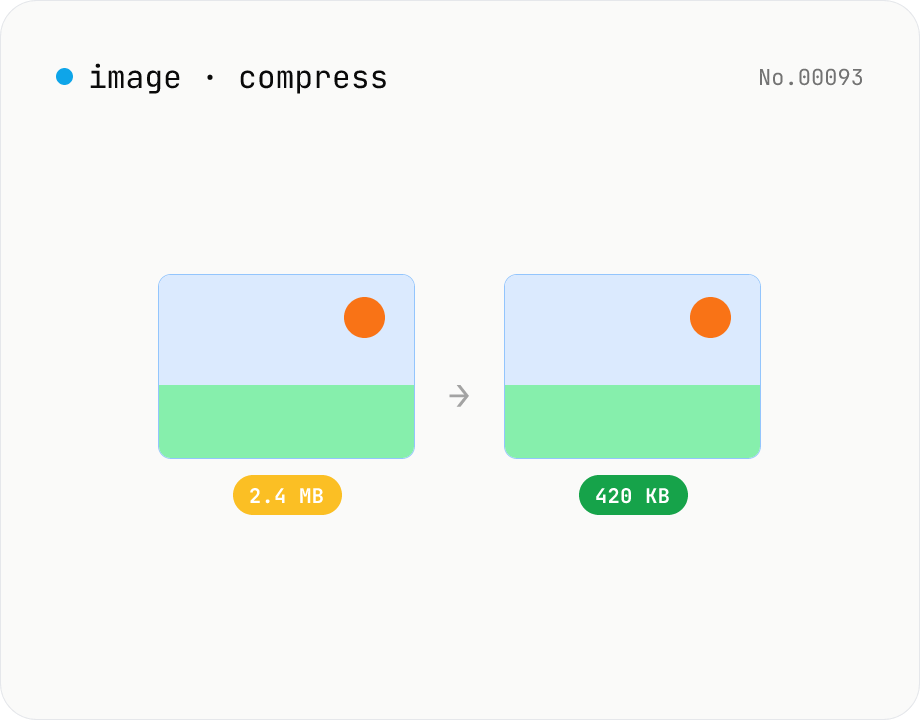
Image compress — shrink JPG / PNG / WebP without resize
Shrink image file sizes without changing dimensions. JPEG / WebP are re-encoded via a quality slider; PNG is losslessly optimised with oxipng (WASM). Batch process multiple files and download individually or as a ZIP. Runs entirely in your browser.
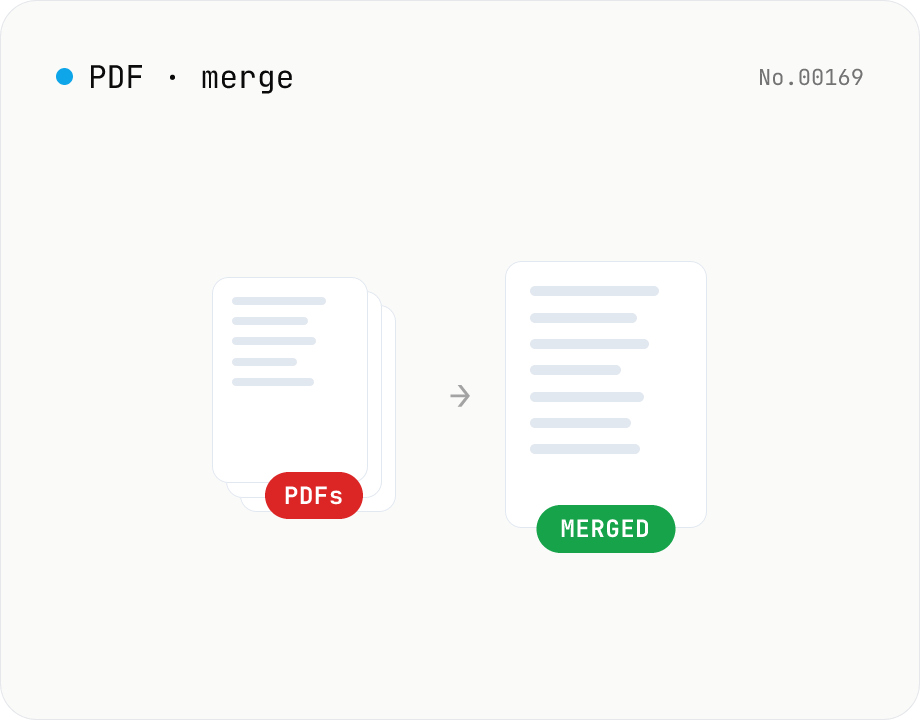
PDF merge — combine multiple PDFs into one
Drag and drop multiple PDFs, reorder them, and merge into a single PDF. Runs entirely in your browser.