
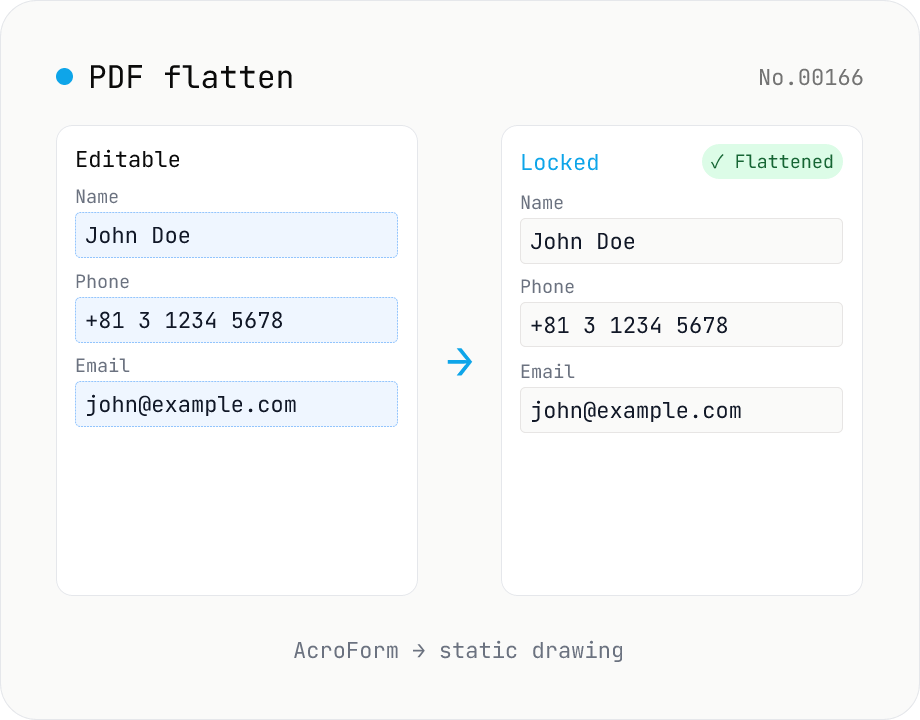
PDF flatten — bake form fields & annotations into the page
Flatten AcroForm fields and annotations into static page content so the PDF can be distributed in a 'printed' form that nobody can re-edit. Ideal for submitting completed application PDFs or freezing review comments. Powered by pdf-lib's form.flatten() — the final visible state of every field is drawn onto the page, and the interactive widgets are removed. Process multiple PDFs at once and download them individually or as a ZIP. Files never leave the browser.
How to use
Drop a PDF, hit 'Flatten form', and every AcroForm field is baked into the page as static drawing — the document becomes uneditable. Useful for distributing completed résumés, application forms, or contracts in a 'printed' state. PDFs without forms pass through unchanged. Multiple PDFs can be processed in one go and downloaded individually or as a single ZIP.
FAQ
- Are uploaded PDFs sent anywhere?
- No. pdf-lib runs in your browser and the document never leaves your machine — field values and all.
- What does 'flattening' do?
- Form fields (AcroForm) and annotations float on top of the page as interactive objects. Flattening renders their final appearance directly into the page content stream and removes the interactive widgets. The PDF effectively becomes a 'sheet of paper' that can no longer be edited.
- What about empty fields?
- Empty fields are flattened with whatever their visible state is — usually an empty rectangle. After flattening, the value can no longer be modified even if the field looked blank.
- Why did it say 'No form fields'?
- PDFs without AcroForm fields (most PDFs from pdf-merge, scanners, browsers' Save-as-PDF) have nothing to flatten, so the tool simply re-saves them unchanged. PDFs that have only annotations (not form widgets) are also unaffected — pdf-lib's form.flatten() targets fields specifically.
- What about signature or date fields?
- Signature (Sig) and date fields are flattened along with the rest of the AcroForm. However, cryptographic signature validity will be broken by flattening. Don't run this tool on PDFs whose digital signature still needs to verify.
- Can it open password-protected PDFs?
- No — run pdf-unlock first, then re-add the file. The tool surfaces a banner with a link when it sees an encrypted document.
Related tools
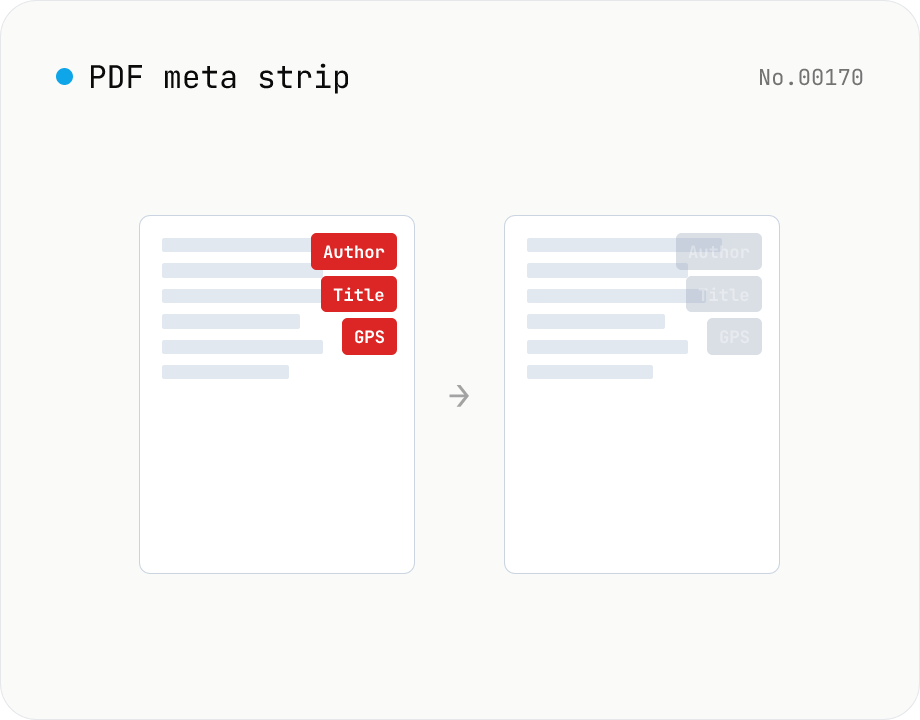
PDF metadata strip — Title / Author / XMP at once
Remove the PDF Info dictionary (Title / Author / Subject / Keywords / Creator / Producer / CreationDate / ModDate) and the XMP metadata stream entirely in the browser via pdf-lib. The page content is untouched. Supports batch processing and a single ZIP download.
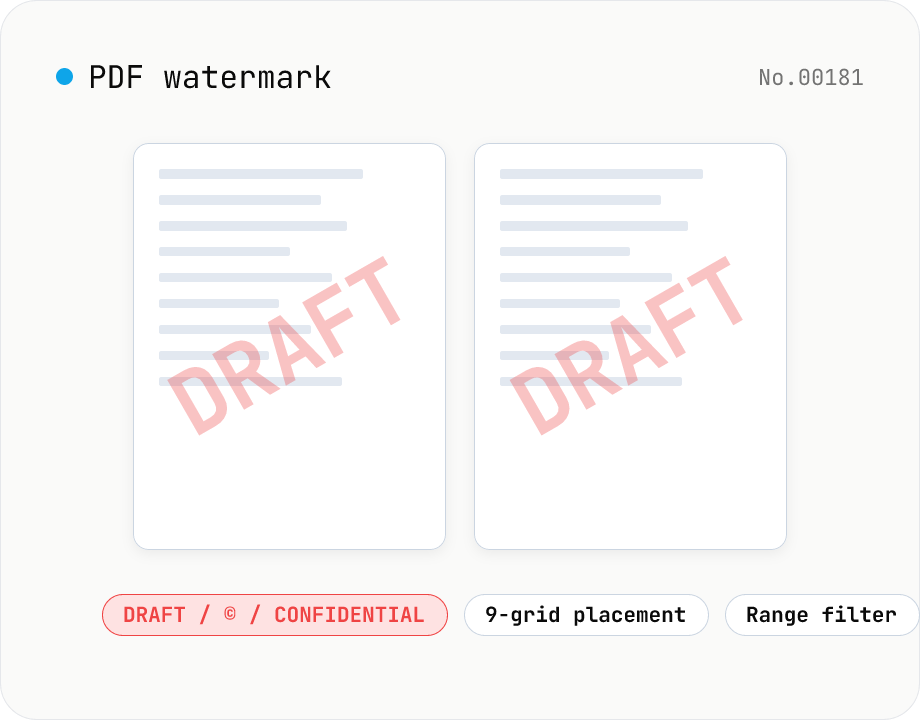
PDF watermark — text or image overlay
Stamp every page of a PDF with text (DRAFT / CONFIDENTIAL / © ...) or an image logo. Pick from a 9-grid placement, adjust opacity, size, rotation, and restrict to specific page ranges. Runs entirely on pdf-lib in the browser — your files never leave the device. Batch processing and ZIP download supported.
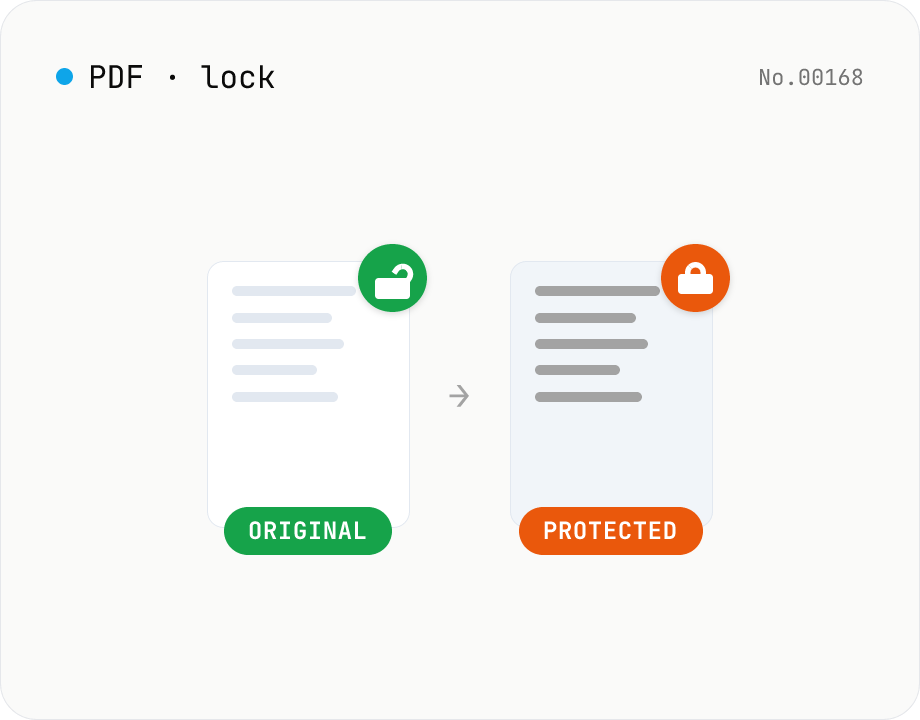
PDF password lock — restrict printing / copy / edit
Add a user / owner password and restrict printing, copying or editing on a PDF. AES 256-bit / 128-bit, all done by qpdf (WASM) inside your browser — neither the PDF nor the password leaves your device. Batch multiple files at once.
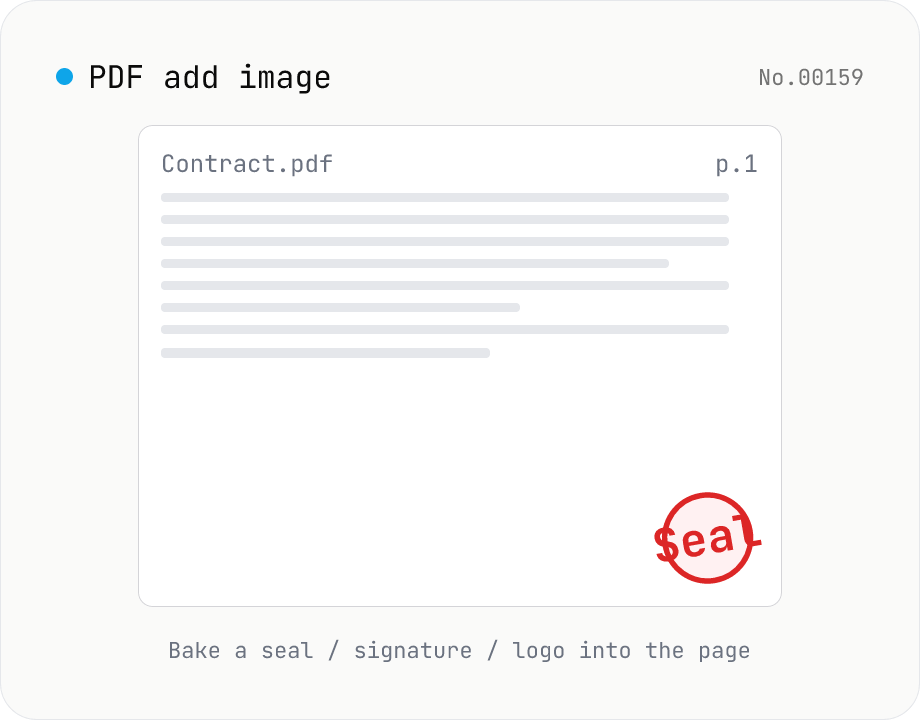
PDF add image — bake a signature / seal / logo into a page
Drop an image (PNG / JPEG / WebP) onto a chosen page of a PDF — perfect for adding a personal seal, scanned handwritten signature, or company logo just before sending the document back. Pick a 9-grid position with margin, set the image size as a percentage of page width, and tweak opacity, rotation, and which pages get the image. Powered by pdf-lib's embedPng / embedJpg. Batch multiple PDFs and download as a ZIP. Files never leave your browser.