
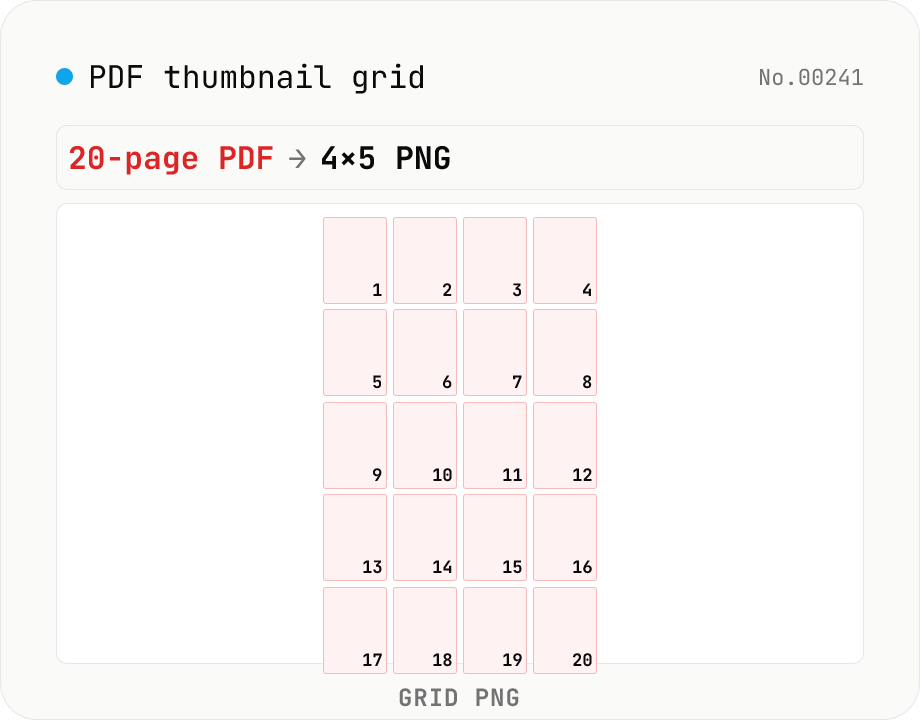
PDF thumbnail grid — collapse all pages into one contact-sheet PNG
Render every page of a PDF into a single PNG contact sheet (an n-column × m-row grid). A 20-page PDF becomes one 4×5 image you can print for review, post on Slack as a single overview, or archive as a quick-look. Configure columns (1 – 8), thumbnail size (120 – 480 px), per-page captions, inter-page gap, and background color (white / black / transparent PNG). Different from `pdf-to-png` (which produces n separate PNG files) and from `image-collage` (PDF-aware: includes page numbers, renders directly from PDF). Runs entirely in your browser via pdf.js + Canvas — nothing is uploaded.
How to use
Drop one or more PDFs. Pick columns (1 – 8), thumbnail width, gap, page-number visibility and background color. All pages are rendered into a single PNG contact sheet. Drop multiple PDFs and you get a grid PNG per file, downloadable individually or as ZIP.
In depth
A thumbnail grid is a visual summary that inherits the document’s sensitivity
A PDF thumbnail grid arranges every page as a small image in a single output. That single image lets anyone scan the document’s structure at a glance: which pages are dense with text, which have graphs or tables, where the signature page sits, which section is longest. The layout of information is visible even without reading the text. Useful for Slack previews, review printouts, and rapid orientation — but that visual summary carries the same sensitivity as the source PDF.
A ten-page contract’s grid shows the presence of numbered clauses, a signature section, and any attachments. A financial report’s grid reveals chart shapes, table density, and total page volume. The grid is a derivative that faithfully represents the document’s structure. An online service that generates the grid from an uploaded PDF receives the original and creates a new artefact that captures its visual organisation.
”Visualise the whole PDF” means processing every page
Compared with pdf-to-jpg or pdf-to-png, a thumbnail grid is a more condensed representation — one image instead of N. That condensation is the point. But it means the service must actually render every page at thumbnail scale and composite them into one canvas, which requires decoding and rasterising each page’s content. Intermediate raster data for every page may pass through the server during that process, even if the final output is delivered promptly.
Online PDF thumbnail services inherit all the standard PDF SaaS risk characteristics: the full document arrives at the operator’s infrastructure, the Document Information dictionary arrives with it, and “deleted after N hours” does not cover what may have been logged or cached during the rendering window.
pdfjs-dist renders each page to Canvas, then composites with drawImage — all local
This tool loads pdfjs-dist as a browser Web Worker. Each PDF page is rasterised with page.render(\{ canvasContext, viewport }) onto a per-page Canvas. Each page canvas is then drawn into the output grid canvas at thumbnail scale using ctx.drawImage(). Page labels, if enabled, are added with ctx.fillText(). Once all pages are placed, the grid canvas is serialised to PNG with canvas.toBlob('image/png').
Input ArrayBuffers, per-page Canvas buffers, the grid Canvas RGBA data, and the output PNG Blob all remain in browser memory. Open DevTools Network tab during grid generation — no outbound request fires beyond the initial tool load (pdfjs-dist worker included). Source is on GitHub.
The image that captures the whole document should be created on your own device
A thumbnail grid’s value is that it makes an entire document easy to scan at once. Because the grid faithfully represents the source PDF’s structure, it deserves the same care as the source. Generating the grid in the browser means neither the original PDF nor the visual summary it produces needs to pass through an external service — both can be created, reviewed, and shared entirely on your own terms.
pdf.js’s rasterisation pipeline and Canvas composition
pdf.js’s page.render() parses the content stream as defined in ISO 32000-2 and translates PDF operators (Tj for text, Do for XObjects, l / c for paths, f / S for fill / stroke) into Canvas 2D Context calls. Type 1, TrueType, OpenType, and CID-keyed font subsets are loaded dynamically through the browser’s FontFace API and rasterised at draw time. Even complex PDFs with transparency, blend modes, soft masks, and pattern fills render in a few hundred milliseconds per page because the browser’s 2D Canvas pipeline is GPU-accelerated.
Composing the thumbnails happens via ctx.drawImage(srcCanvas, dstX, dstY, dstW, dstH). The browser’s Canvas 2D performs bilinear (or sometimes bicubic) downsampling internally, which keeps text and figures legible even when each page is shrunk to 1/4 or 1/8 of its rendered size. The final PNG encoding goes through canvas.toBlob('image/png') — Chromium uses a libpng-derived encoder, Firefox uses its own, both ultimately producing /Filter /FlateDecode-equivalent zlib compression. File size scales linearly with the number of thumbnails and the resolution.
Contact sheets, then and now — industry workflows
The “contact sheet” is a film-era photographic term: a single print made by laying the negative strip directly onto photo paper to produce a thumbnail of every frame. Agencies like Magnum Photos used contact sheets to edit shoots and pick selects. Adobe Bridge, Photo Mechanic, and Lightroom’s “Contact Sheet” output features are direct digital descendants. PDF thumbnail grids extend the same idea to document PDFs, which makes them a natural fit for proofreading and editorial review workflows in publishing.
Law firms occasionally produce an Exhibit Index where each exhibit’s first page is shown as a thumbnail in a single grid, attached to filings as a quick navigation aid. Architectural practices include a Drawing Set thumbnail index at the front of construction document packages. Publishers use thumbnail grids of every page in editorial meetings to discuss flow and pacing. Academic researchers extract figures from research PDFs into a thumbnail grid as a supporting slide for presentations. The shared value is that the thumbnail grid is a visual summary derived from sensitive source PDFs — and that “deriving locally, sharing selectively” is what a browser-only tool makes structurally easier than any upload-based path. When the workflow needs one image per page rather than a single contact sheet, pdf-to-png and pdf-to-jpg reuse the same pdf.js rasterisation pipeline; verifying that every page is the same size or orientation before assembling the grid is a read-only check that pdf-pages-info handles in one drop.
FAQ
- Why collapse all pages into one image?
- For printing a single review sheet, pasting a quick overview into Slack or Notion as a single attachment, building a table-of-contents-style asset for a deck, or producing side-by-side diffs of two versions. `pdf-to-png` returns n separate files, which is unwieldy for these use cases.
- How do I pick the column count?
- Common defaults: 4 columns × 5 rows for a 20-page PDF; 3 × 4 for a 12-page paper; 4 × 4 for a 16-page wide-format deck. Final width = thumb width × columns + gap × (columns + 1), so 3 – 4 columns generally fits Twitter or Slack preview proportions.
- What are the page numbers for?
- Makes it easy to ask reviewers "please look at page 14" without ambiguity. Enabled by default; the colour auto-flips so it stays readable on the chosen background.
- When should I use a transparent PNG background?
- When pasting into Notion or Figma and you want the parent surface to show through, or to look consistent across Slack light/dark modes. Transparent PNG is a bit larger than opaque — pick white or black if size matters.
- How does thumb width relate to final PNG size?
- Final width = thumb width × columns + gap × (columns + 1). Example: 240px thumbs × 4 columns + 16px gap = 1040px. Height grows with rows × (thumb height + label space). Avoid hitting the browser's max canvas (around 32k × 32k) — narrow the thumb width for huge PDFs.
- Encrypted PDFs?
- Not supported. Unlock with `pdf-unlock` first.
- Is anything uploaded?
- No — pdf.js + Canvas only.
How to verify nothing is uploaded
This tool never sends your input outside your browser. The pages below explain how it works, how to audit it, and how the site is run.
Related tools
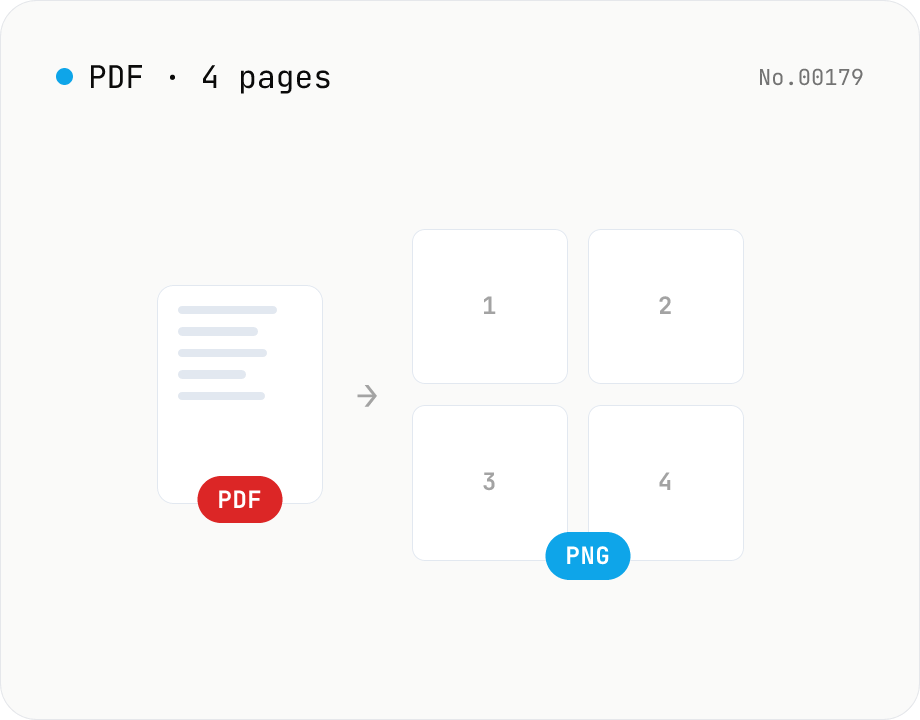
PDF to PNG — page-to-image with transparency
Upload a PDF and convert each page to PNG. Save pages individually or download all as ZIP. Runs entirely in your browser.
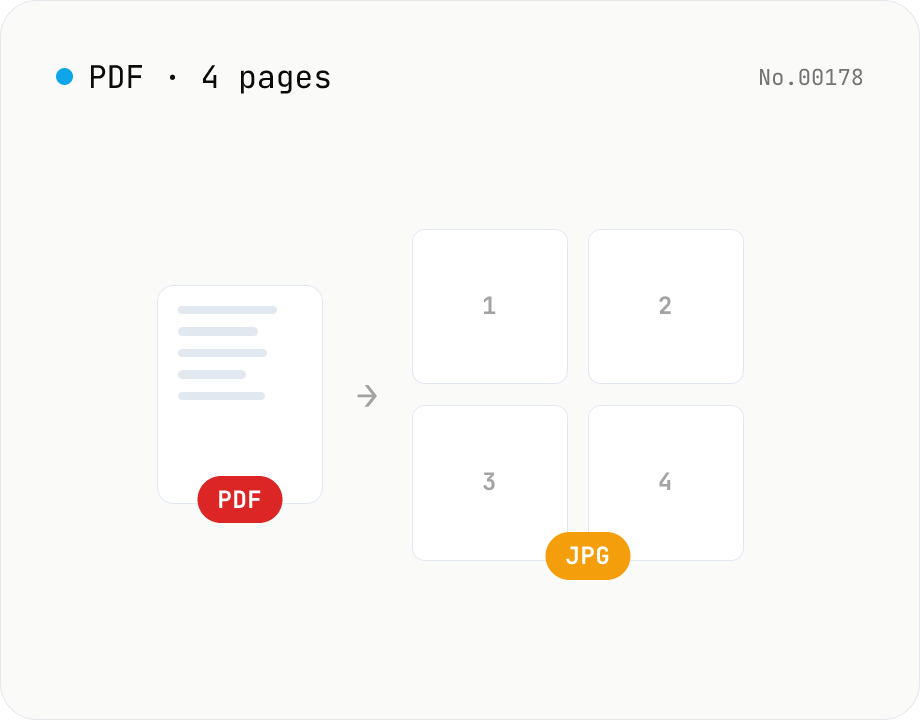
PDF to JPG — convert each page to an image
Upload a PDF and convert each page to JPEG (.jpg). Pick scale and quality, save pages individually, or download everything as a ZIP. Transparency is flattened to white, which keeps files small and easy to share on social networks or blogs. Runs entirely in your browser — your PDF stays local.
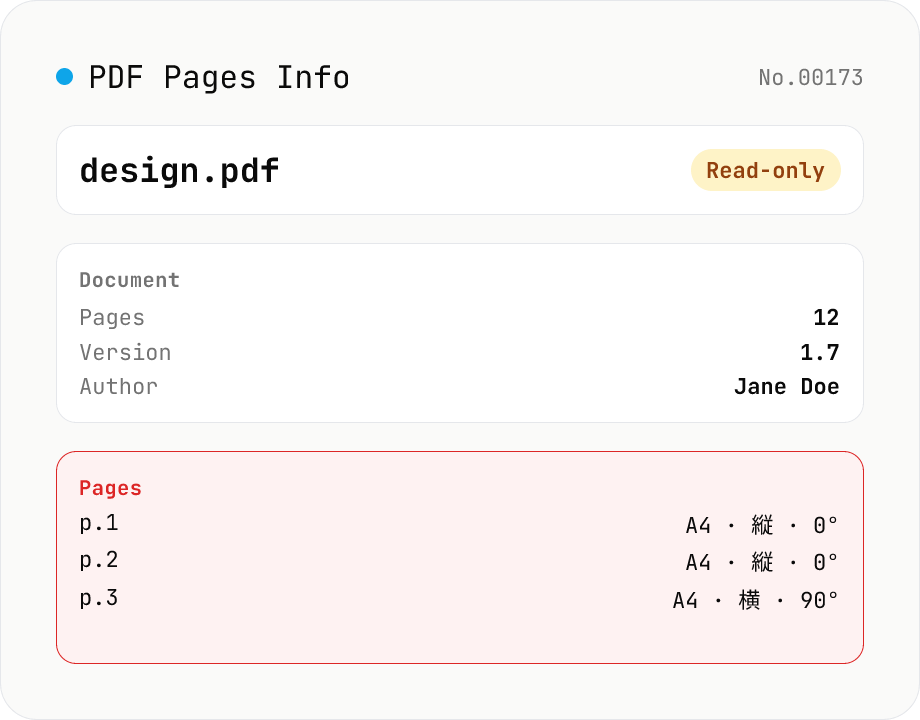
PDF Pages Info Viewer
Drop a PDF and inspect per-page dimensions (with A4 / Letter detection), aspect ratio, orientation, rotation, annotation count, text / image presence — plus document-level metadata (PDF version, title, author, producer). Read-only, runs entirely in your browser via pdfjs-dist.
Image collage — grid / horizontal / vertical layout
Combine multiple images into one — as a grid, a horizontal strip, or a vertical strip. Composited via Canvas entirely in the browser. Tune columns, gap, padding, background color and output format (PNG / JPEG / WebP). Reorder with up/down buttons.