
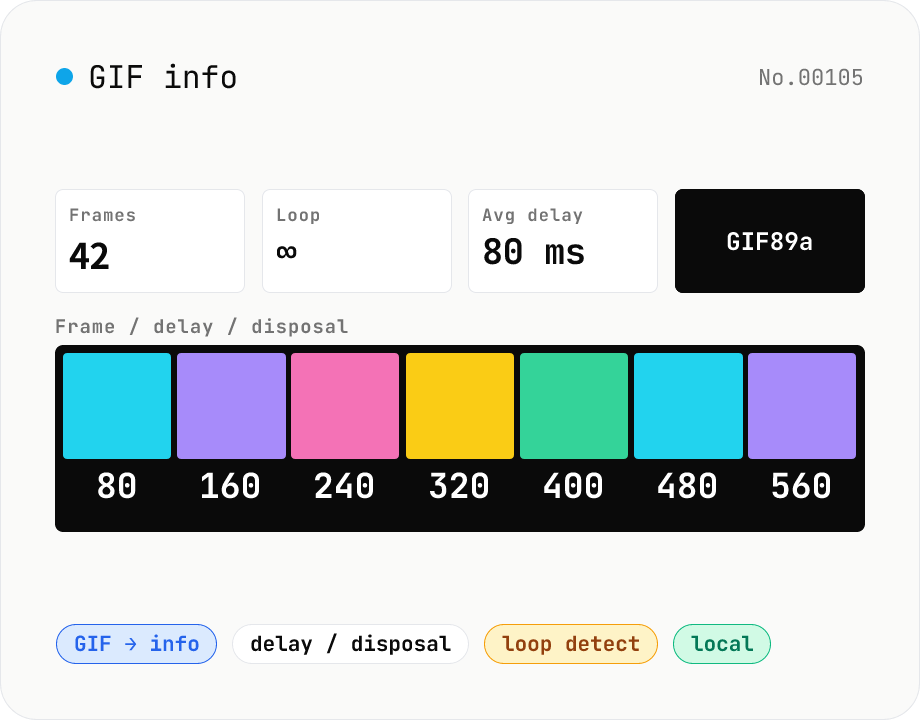
GIF info — visualise frame count / delays / disposal / loop count
Parse an animated GIF and surface the frame count, total duration, average FPS, loop count (Netscape Application Extension), per-frame delay (ms) and disposal method, dimensions, local / global colour tables, and GIF version (87a / 89a). Each frame is composited (respecting disposal) into a thumbnail for visual inspection. Handy for GIF optimisation, hunting down bloat (over-fine delays, too many frames), checking 'why doesn't it loop?', and pre-publish sanity checks. Drop multiple files at once. Everything runs in your browser.
How to use
Drop or pick one or more animated GIFs. Each file shows the summary (version, dimensions, frame count, total duration, average FPS, loop count). The frames table lists each frame's thumbnail, delay (ms), disposal method, size, and local-colour-table flag. Use it to find optimisation targets — too many frames, sub-frame delays, oversized colour tables, etc.
In depth
What animated GIFs carry as pixel data
GIF inspection gets triggered when you want to understand a file’s frame structure, optimise its size, or verify the loop behaviour of an animation you created. GIFs that originated as screen recordings are a common case — and those files have the capture’s on-screen contents baked into every frame’s pixel data: app UI, file names, notifications, URL bars.
Even if you’re only reading metadata — frame count, delay values, loop count — the act of uploading the file to an external service transfers all that pixel data to a server you don’t control.
What gets logged when you use an online GIF analyser
Services found under ‘gif info online’ or ‘gif frame analyzer’ process uploads server-side. To retrieve delay values and loop count, the full file is transmitted. The analysis is structurally indistinguishable from any other upload — the server receives the bytes, processes them, and (ideally) discards them later.
Demo animations for unreleased products, screen recordings of internal tools, personal captures — none of these need to leave the browser for structural analysis. GIF parsing is byte-manipulation; it has no inherent network dependency.
gifuct-js parsing the GIF89a structure in the browser
The tool uses gifuct-js (MIT) to parse GIF files locally. gifuct-js decodes the LZW-compressed frame data and unpacks each block — GCE (Graphic Control Extension) for delay and disposal, LCT (Local Color Table) entries, the Netscape 2.0 Application Extension for loop count — into JavaScript objects. Composited thumbnails for each frame are generated on Canvas with putImageData, applying the disposal method to produce the correct rendered state.
The GIF bytes are read by FileReader and fed directly to the parser — nothing leaves browser memory. DevTools Network stays empty after the page loads. Source is public on GitHub.
Reading the analysis to find size-reduction opportunities
Frame count × average delay determines total duration; excess frames with tiny delays (stored value 1 = 10 ms) often represent little actual motion and can be merged. Large LCT counts mean higher per-frame colour overhead. Disposal method 1 (keep previous) allows the decoder to reuse unchanged background areas, while method 2 (restore background) repaints the entire frame. Identifying which disposal pattern dominates tells you where re-encoding or optimisation tools will have the most impact — and all of that analysis runs without sending the file anywhere. When a particular frame from the analysis needs to be saved as a standalone image for reuse, gif-frame-extract emits any selected frame as PNG or JPEG.
The GIF89a binary layout
GIF89a (CompuServe, 1989) lays out bytes in this order. The first 6 bytes hold the magic GIF89a, followed by the 7-byte Logical Screen Descriptor (width, height, GCT (Global Color Table) flag, background color index, and aspect). An optional GCT follows (up to 256 × 3 bytes). After that comes a sequence of blocks, each starting with one of three introducers: Extension (0x21), Image Separator (0x2C), or Trailer (0x3B).
Extensions include the GCE (Graphic Control Extension, ID 0xF9, holding per-frame delay and disposal method), Application Extension (0xFF, used by the Netscape 2.0 loop count), Plain Text, and Comment. An Image Block is the 10-byte Image Descriptor (top-left coordinate, width, height, LCT flag) plus an optional LCT, the LZW Minimum Code Size, and a chain of Data Sub-blocks. LZW (Lempel-Ziv-Welch as adapted for GIF) compresses the indexed-color values into variable-length codes up to 12 bits. gifuct-js parses all of this into structured JavaScript objects.
Delay quirks and cross-browser playback differences
GIF delay values are stored in the GCE as 16-bit values in units of 1/100 second (max 655.35 s). Implementations differ in how they handle very small values: Firefox, Safari, and Chrome all clamp a delay of 0 or 1 (0–10 ms) up to a browser-default of 100 ms. This is legacy behaviour inherited from Internet Explorer 4 for compatibility, and it’s why ffmpeg-converted video-to-GIF often plays slower than expected.
Loop count (in the Netscape 2.0 Application Extension) treats 0 as infinite loop and any value ≥ 1 as “play that many times and stop.” Whether 1 means “loop once = play twice” or “play once and stop” differs between browsers — another common cause of “this GIF won’t loop.” Inspecting Loop count in this tool reveals the mismatch. Practical platform ceilings: Twitter/X caps animated GIFs at 15 MB, Discord at 8 MB (50 MB with Nitro), Slack at around 2 MB. Files larger than these are typically displayed as static images or auto-compressed. When the analysis reveals a file over the limit, converting it with gif-to-mp4 usually delivers the same visual result at roughly one-fifth to one-tenth the size and bypasses GIF-specific ceilings.
FAQ
- Which unit is the delay in?
- GIF89a stores delays in 1/100 s. We display them in ms (× 10). A stored value of `5` is 50 ms ≈ 20 FPS.
- What does disposal method mean?
- Tells the decoder how to clean up before drawing the next frame. 0 = unspecified, 1 = keep (no disposal), 2 = restore background (clear), 3 = restore previous (undo). Backgrounds usually use 2; stacked layers usually use 1.
- How is loop count read?
- From the Netscape 2.0 Application Extension block. 0 = infinite loop; 1–65535 = play N times. Most GIFs loop forever; some platforms publish single-loop GIFs deliberately.
- Are the thumbnails just patches?
- No — we composite using the disposal method so the thumbnail matches what a real decoder shows. Standalone patches would look wrong because subsequent frames depend on the prior canvas state.
- Is anything uploaded?
- No. We parse with gifuct-js (MIT) and composite thumbnails on Canvas. Nothing leaves your browser.
How to verify nothing is uploaded
This tool never sends your input outside your browser. The pages below explain how it works, how to audit it, and how the site is run.
Related tools
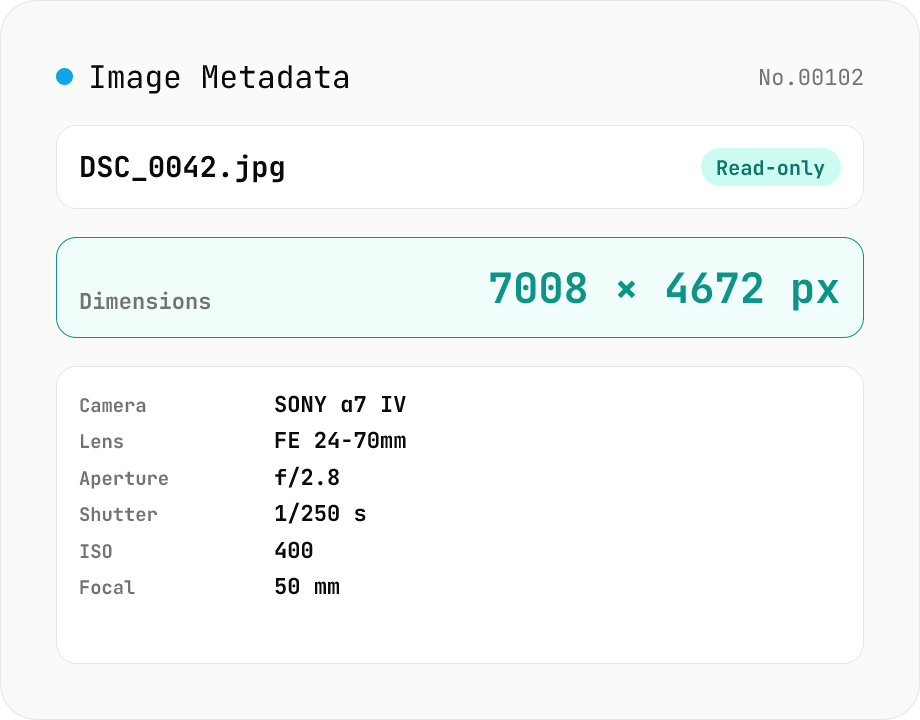
Image Metadata Viewer
Drop an image (JPEG / PNG / WebP / GIF / TIFF / HEIC / AVIF) to see its dimensions, file size, MIME type, aspect ratio, bit depth, color type, and DPI, plus extracted EXIF (capture time, camera make / model, lens, aperture, shutter speed, ISO, focal length, exposure compensation, orientation), GPS coordinates, ICC color profile, IPTC, and XMP. PNG headers (IHDR / pHYs) and JPEG markers (SOF / JFIF) are read by a small built-in parser; EXIF is parsed with exifr (MIT). Read-only — nothing is modified and the image never leaves your browser.
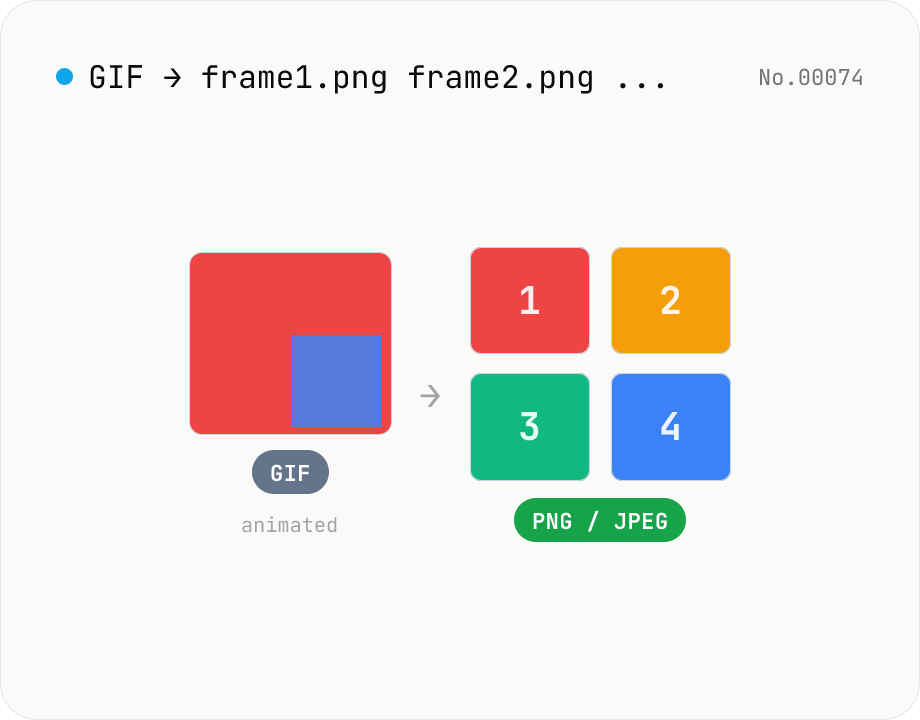
Extract frames from animated GIF / APNG to PNG / JPEG
Split an animated GIF or APNG into individual frames as PNG or JPEG images. Uses the browser-native ImageDecoder API — no extra library required. Handy when you need a thumbnail of a specific frame or when feeding still-image tools (image-resize, image-crop) that only see frame 1. Output PNG (lossless) or JPEG (with quality control), and grab everything as a ZIP. Files never leave your device — everything runs in the browser.
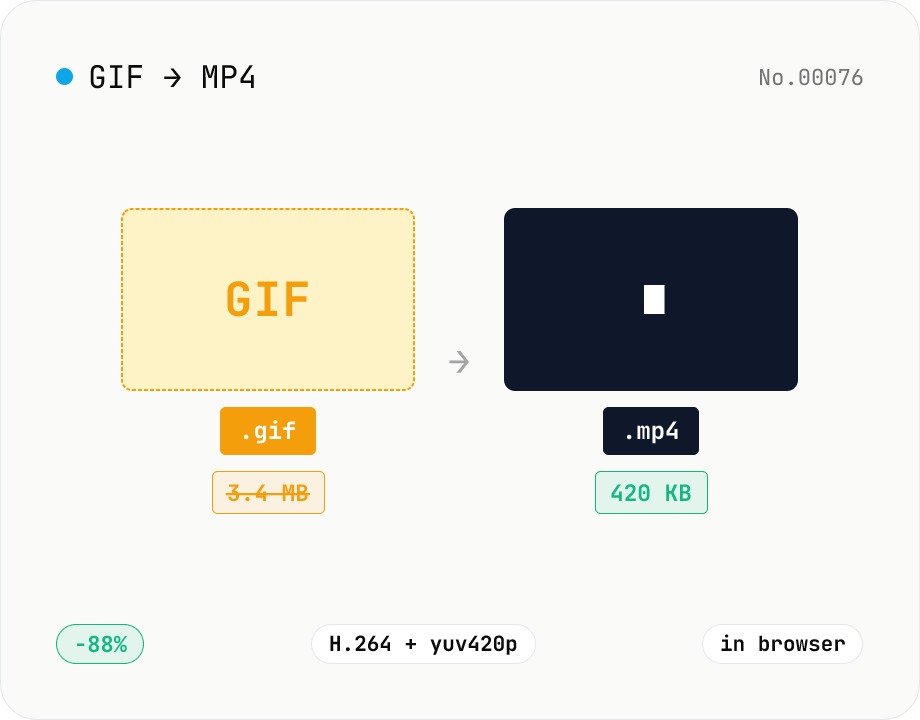
GIF to MP4 converter — H.264 cuts file size to 1/5–1/10
Convert animated GIFs to H.264/AAC MP4 videos. GIFs balloon quickly; MP4 (H.264) typically shrinks the file to 1/5–1/10 the size and plays inline on X (Twitter), Bluesky, Discord and other social platforms. ffmpeg.wasm runs entirely in your browser — GIFs never leave your device. Supports batch processing and a single ZIP download.
Video to GIF — palettegen with fps / width / trim range
Convert videos to GIFs in your browser. Uses ffmpeg.wasm's two-pass palettegen + paletteuse for better color fidelity and lets you set fps, width and a trim range. Supports batch processing and a single ZIP download.