
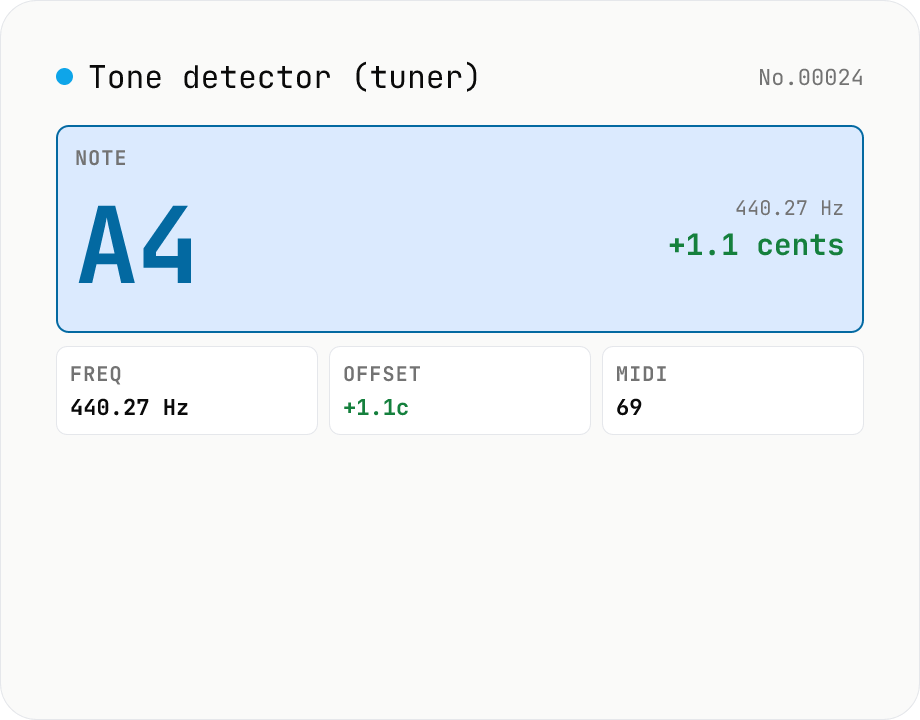
Audio tone detector — fundamental pitch → note name + cents offset
Drop an audio file and the tool runs **autocorrelation-based pitch detection** in your browser to extract the fundamental frequency. Each frame is converted to a **note name (e.g. A4, F#4)** and the **cents offset** from concert pitch. Works as a software tuner for guitar / bass / vocals / flutes / whistles. The per-frame pitch track is graphed and exportable as CSV — great for vocal intonation practice or fine-tuning synth oscillators. autocorrelation excels at short isolated tones (50 ms +) but mis-fires on chords and choirs. Symmetric counterpart to `tone-generate` (frequency → tone); this tool inverts that flow (audio → note). Different from `audio-spectrum` (full frequency distribution); here we only report the fundamental. Audio is never uploaded.
How to use
Drop an audio file (MP3 / WAV / M4A / AAC / FLAC / OGG / Opus). Adjust reference pitch (A4 = 440 Hz standard, 415 for early music, 442 for some US wind bands), analysis frame length (default 100 ms), and detection range (default 50 – 2000 Hz). The result shows the overall median pitch as **note name + frequency + cents offset + MIDI number** and a pitch-over-time graph. Frame-by-frame pitch data can be exported as CSV (time / Hz / note / cents).
In depth
Pitch detection works on recordings that may be sensitive
The audio sent to a pitch detector tends to be one of three things: an instrument recording for tuning confirmation, a vocal take for intonation analysis, or a piece of music being studied. In the first case the audio is a personal performance; in the second, a potentially identifiable voice; in the third, possibly someone else's copyright-protected work.
Pitch detection requires reading the entire file. Whether it's a ten-second tuning test or a three-minute piece being analysed, the full audio payload goes to wherever the detection happens. A server-side service gets the recording along with the Hz values.
Sending melodies and vocal recordings to cloud analysers
A pitch contour — the sequence of detected notes over time — is a musical fingerprint. For a composed melody, it closely corresponds to the copyrightable substance of the work. An online tool that logs pitch analysis results alongside the source audio is accumulating structured data about music in a form that's easier to compare and search than raw audio.
Vocal analysis is a separate concern. A singing voice that's being checked for pitch accuracy is also a voice recording of an identifiable person. Sending it to a cloud service for a tuning check is a data transfer that goes further than the technical task justifies.
Autocorrelation pitch tracking runs inside the browser
The tool decodes audio with `decodeAudioData`, applies a Hamming window and DC removal to each frame, computes the autocorrelation function, finds the dominant lag (the fundamental period in samples), and derives frequency = sampleRate / lag. The global result is the median across all detected frames, which is robust to silence and noise outliers. The pitch-over-time graph renders on a Canvas 2D context.
No audio leaves the browser. Open DevTools Network while analysing: no requests appear after the page loads. The autocorrelation loop and Hamming window implementation are in the GitHub source.
Fitting pitch detection into practice and production workflows
For instrument tuning, pair this with tone-generate: generate A4 at 440 Hz, record your instrument, drop the recording here, and read the cents offset. The calibration loop stays entirely in the browser. The reference pitch options (440, 415, 442) cover modern standard, baroque, and US orchestral conventions without needing to recalculate.
CSV export lets you import the pitch trajectory into a DAW for visualisation or pitch correction reference. Getting the per-frame Hz data out of the browser without uploading the recording anywhere is the practical value — the analysis travels, the audio doesn't.
FAQ
- Relation to tone-generate?
- tone-generate creates a tone at a chosen frequency (output side); this tool reverses it — audio → fundamental → note (input side). They're a symmetric pair: generate 440 Hz, drop into this tool, and you should see A4 ±0 cents.
- Versus audio-spectrum?
- audio-spectrum shows the full FFT distribution (which frequencies are present). This tool reports only the fundamental and its note name — i.e. a tuner. Use audio-spectrum for mix engineering, this for tuning / intonation.
- Which algorithm?
- Autocorrelation. Each frame is Hamming-windowed and DC-removed; we find the dominant autocorrelation peak, derive the lag in samples, and compute frequency = sampleRate / lag. Simple, robust on clean monophonic input, weaker on noise.
- What about chords and choirs?
- Autocorrelation assumes a single fundamental, so polyphonic input gets misclassified (you'll see one dominant note). Polyphonic transcription needs harmonic-percussive separation, which is out of scope.
- How are note names and cents related?
- Notes are MIDI numbers: A4 = MIDI 69 = 440 Hz at standard pitch. A semitone is 100 cents; an octave is 12 semitones = 1200 cents. `cents = 1200 × log2(f / f_ref)`. We snap to the nearest note within ±50 cents and report the residual.
- Why 440 / 415 / 442?
- 440 is the post-1939 international standard. 415 is baroque / early music (historical performance). 442 is used by some US orchestras / wind bands for a brighter tone. Switch the reference if your recording uses a different convention.
- How is the 50 – 200 ms frame chosen?
- Frames must contain at least 2 – 3 periods of the wave. A 50 ms frame floors at ~20 Hz; 100 ms goes down to ~10 Hz. Shorter frames give better time resolution (good for vocal vibrato); longer frames stabilise low instruments (bass, organ). Default 100 ms is a balance.
- Is anything uploaded?
- No. Everything after `decodeAudioData` is pure JS.
How to verify nothing is uploaded
This tool never sends your input outside your browser. The pages below explain how it works, how to audit it, and how the site is run.
Related tools
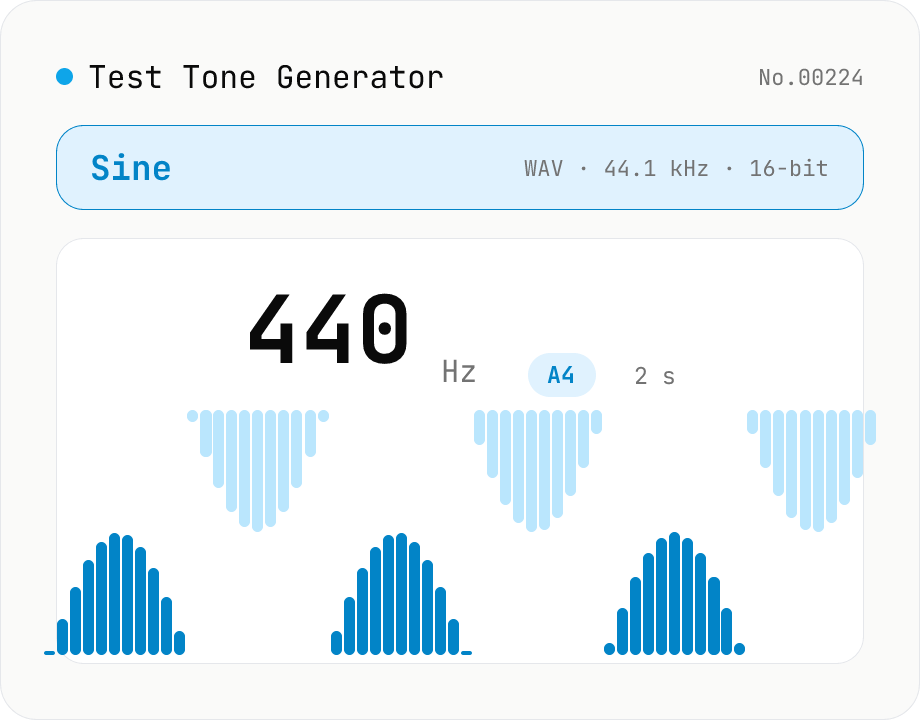
Online Tone Generator — Sine, Square, Triangle, Sawtooth (Hz)
Free online sound tone generator. Play and download test tones at any frequency between 20 Hz and 20 kHz using the Web Audio API. Choose sine, square, triangle, or sawtooth wave, preset A4 (440 Hz) / 1 kHz / 10 kHz, with live note name and cents offset. Fade in/out avoids click noise. Export as WAV (44.1 kHz / 16-bit / mono). Useful for instrument tuning, speaker channel checks, hearing tests, and reference signals. Synthesized in your browser — nothing uploaded.
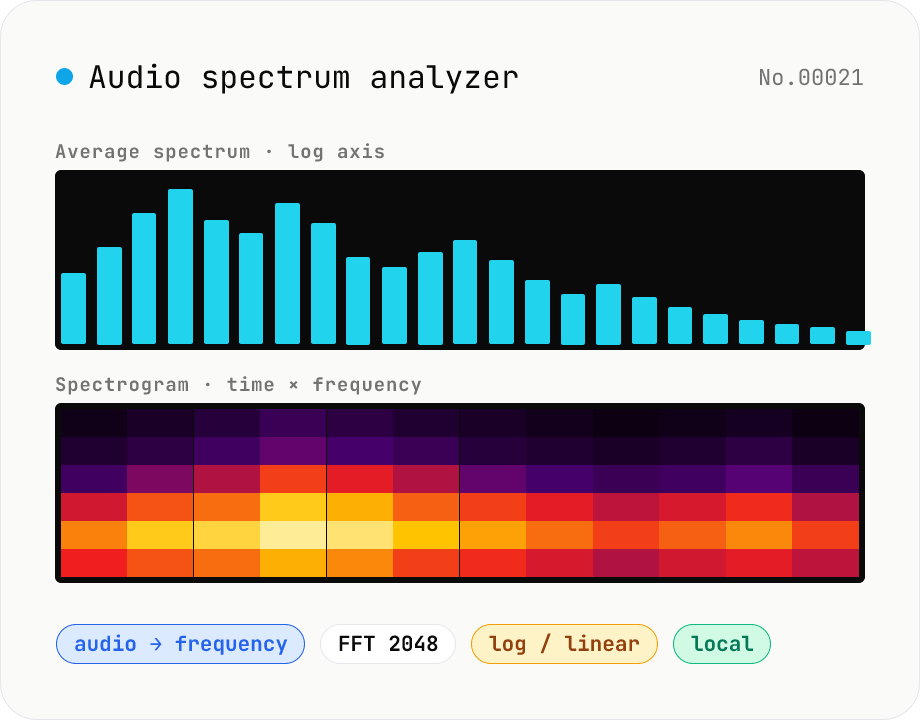
Audio spectrum analyzer — visualize frequency content
Drop an audio file (MP3 / WAV / M4A / FLAC / OGG / Opus) to run an in-browser FFT analysis and visualize its frequency content. A Mode toggle switches between the average spectrum (frequency vs. amplitude over the whole file) and a spectrogram (time × frequency × amplitude). Pick the FFT size (512 / 1024 / 2048 / 4096) and the frequency axis (linear / log). Useful for checking the low end before mastering, locating noise bands, inspecting an instrument's harmonic structure, or sanity-checking the S/N ratio of a lecture recording. Download the canvas as PNG, or export the average spectrum as CSV. Everything runs in your browser — no upload.
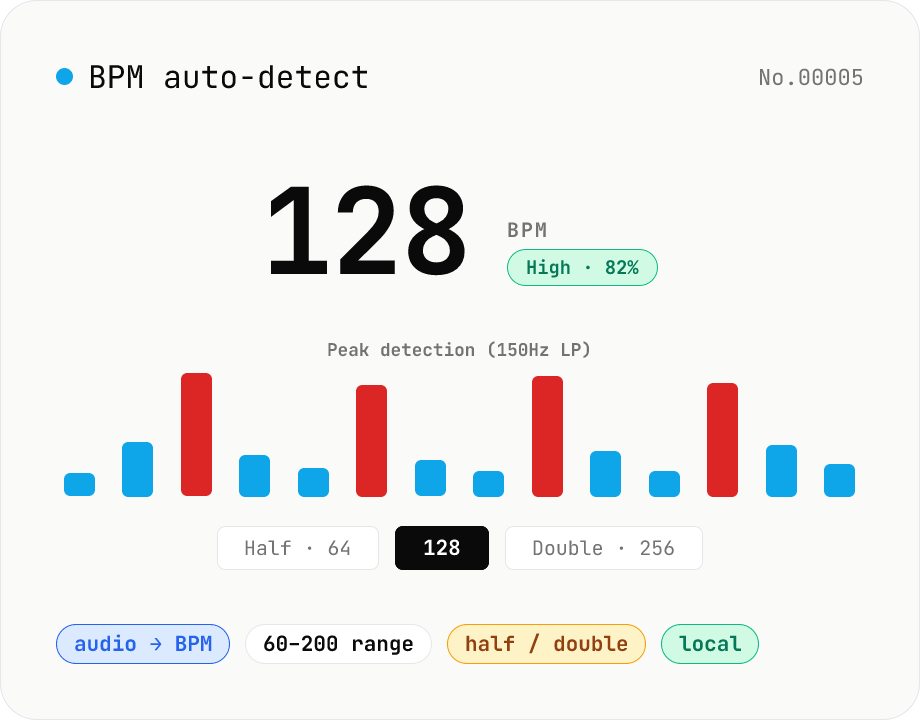
BPM auto-detect — estimate the tempo of an audio file
Drop an audio file (MP3 / WAV / M4A / FLAC / OGG) and we estimate the BPM in-browser using a low-pass filter + peak picker + histogram. Great for finding the tempo of a DJ partner track, checking sample packs, matching dance / running cadence, or grabbing a source BPM before running bpm-time-stretch. Half-tempo and double-tempo candidates are also shown so you can override 4-on-the-floor misreads (60 vs. 120). Everything stays in your browser.
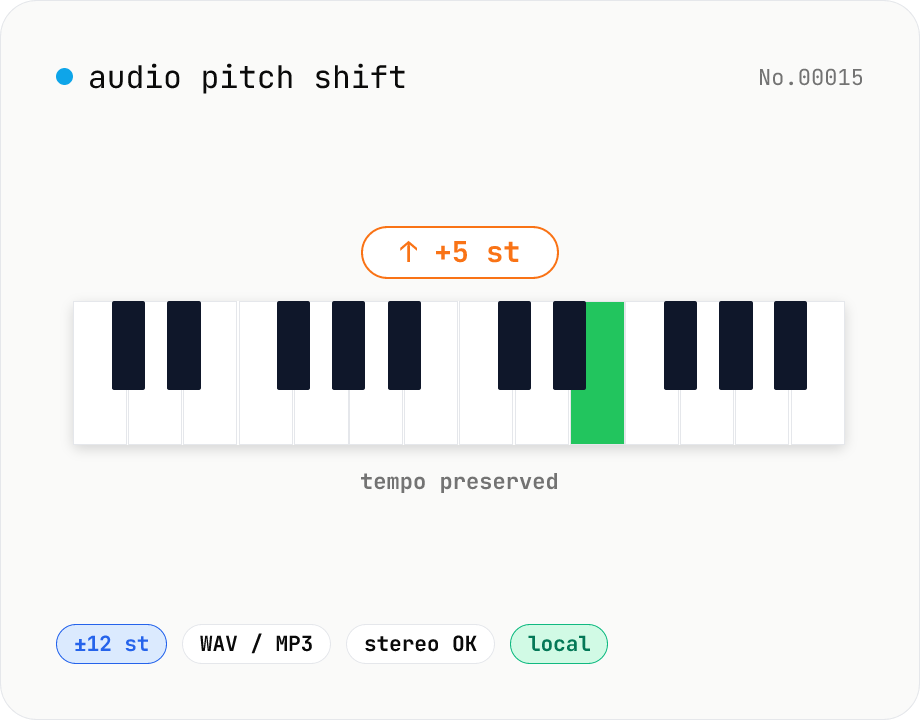
Audio pitch shift — change key in semitones while keeping tempo
Pitch-shift audio files (MP3 / WAV / M4A / AAC / FLAC / OGG / Opus) by semitones (±12 = one octave) without changing playback speed. Powered by soundtouchjs (SoundTouch library) running on Web Audio API samples. Great for karaoke key changes, matching keys across language-learning clips, tweaking narration tone for videos, or stylized voice effects. Export to WAV or MP3 with batch support. Your audio stays inside your browser — nothing is uploaded.