
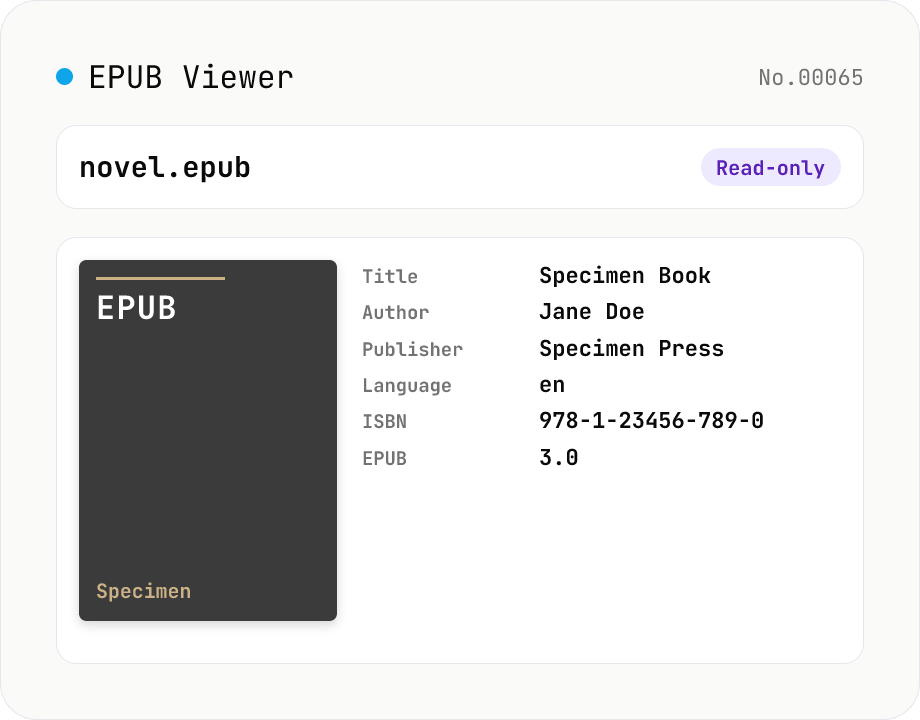
EPUB Metadata Viewer
Drop an EPUB file (.epub) to inspect its cover image and bibliographic data. Pulls dc:title / dc:creator (with role) / dc:language / dc:publisher / dc:identifier (ISBN etc.) / dc:date / dc:modified / dc:description / dc:subject (tags) / dc:rights from the OPF package, along with the reading order (spine), the manifest file list (id / href / media-type / properties), the EPUB version (2.0 / 3.0 / 3.1), and the container.xml rootfile pointer. EPUB is a ZIP container, so fflate unpacks it entirely in your browser — nothing is uploaded.
How to use
Drop an EPUB file (.epub) and fflate unpacks it inside your browser, then locates the OPF package via META-INF/container.xml and parses it with fast-xml-parser. The viewer shows title, author (with role), contributors, language, publisher, publication and modification dates, description, subjects (tags), rights, every dc:identifier including ISBN, the EPUB version (2.0 / 3.0 / 3.1), OPF path, the manifest (all included files with id / href / media-type / properties), and the spine (reading order with idref / linear flag). The cover image is auto-detected (EPUB2's <meta name="cover"> or EPUB3's properties="cover-image") and rendered inline. Read-only — nothing is written or uploaded.
FAQ
- Is my EPUB uploaded?
- No. Unzipping and XML parsing happen entirely in your browser. Safe for unreleased / internal EPUBs.
- Which EPUB versions are supported?
- EPUB 2.0 / 3.0 / 3.1 are supported. The version is read from <package version="..."> in the OPF. Cover detection tries both the EPUB2 convention (<meta name="cover" content="item-id">) and the EPUB3 convention (<item properties="cover-image">).
- Can it read DRM'd EPUBs (Adobe ADEPT / Apple FairPlay)?
- This tool only parses the central directory, container.xml, and OPF, so DRM-encrypted bodies can't be decrypted. Bibliographic data (title, author, etc.) is usually still readable as long as the OPF itself isn't encrypted. If the OPF is encrypted, you'll see an "OPF not found" error.
- What if the cover image is missing or wrong?
- When the EPUB's cover metadata is incomplete, the viewer falls back to the first image file in the manifest (with a jpeg/png/gif/webp media-type). If none is found, the cover section is hidden. Older books sometimes ship without a properly registered cover.
- Can I read the actual chapter contents?
- No — this tool focuses on metadata. To read the book, use a dedicated reader (Apple Books / Calibre / Thorium). This tool is for quickly answering "what is this EPUB?".
Related tools
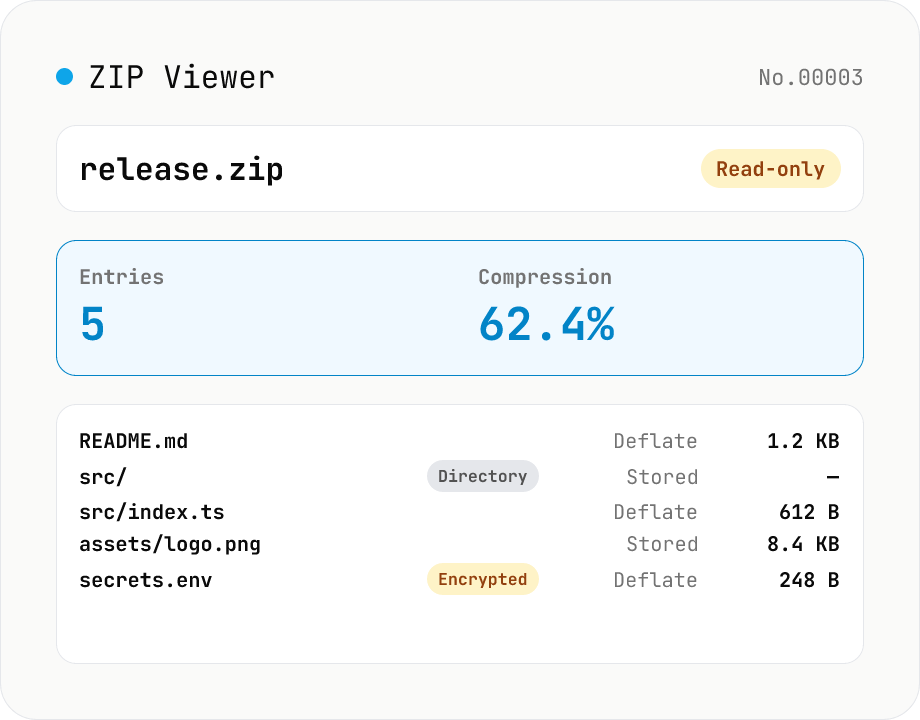
ZIP Archive Viewer
Drop a ZIP file to inspect its contents without extracting. See total entry count, archive size, compression ratio, archive comment, plus per-entry path, original / compressed size, compression method (Stored / Deflate / Deflate64 / BZIP2 / LZMA / Zstandard), last modified time, CRC32, encryption flag, and directory marker. Runs via a hand-rolled Central Directory parser — entry data is never decompressed and nothing is uploaded.
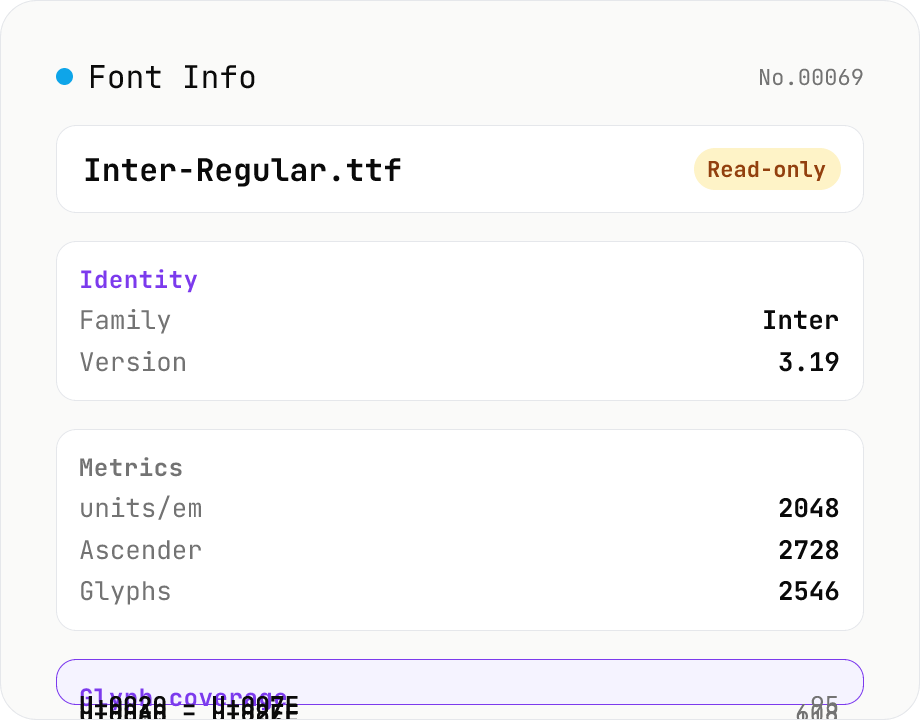
Font Info Viewer
Drop TTF / OTF / WOFF / WOFF2 font files to inspect name, family, version, copyright, license, designer, glyph count, and the Unicode ranges they cover. Read-only, runs entirely in your browser via opentype.js (MIT).
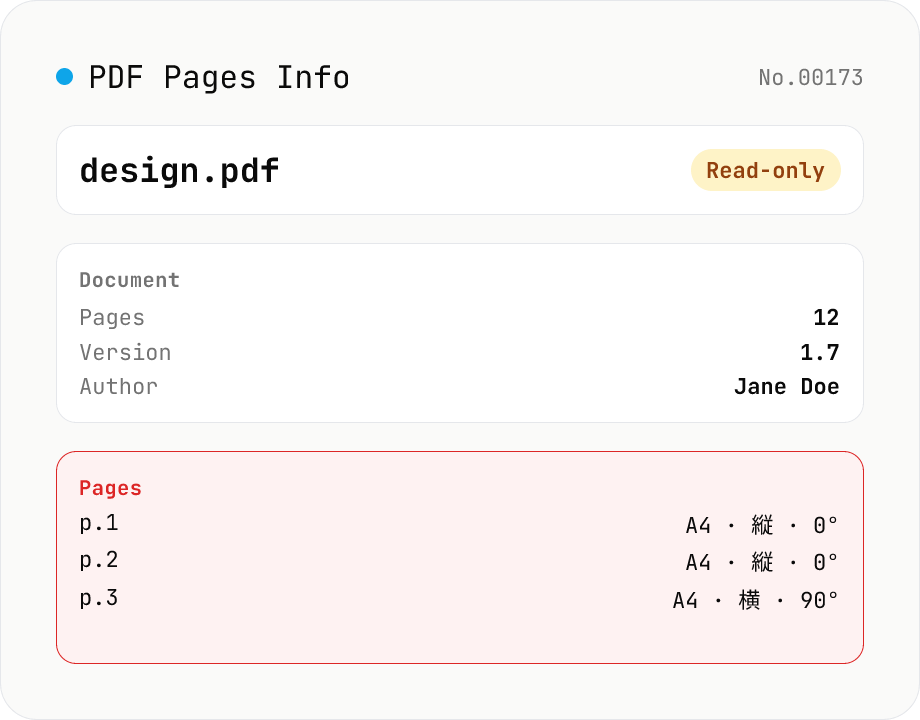
PDF Pages Info Viewer
Drop a PDF and inspect per-page dimensions (with A4 / Letter detection), aspect ratio, orientation, rotation, annotation count, text / image presence — plus document-level metadata (PDF version, title, author, producer). Read-only, runs entirely in your browser via pdfjs-dist.
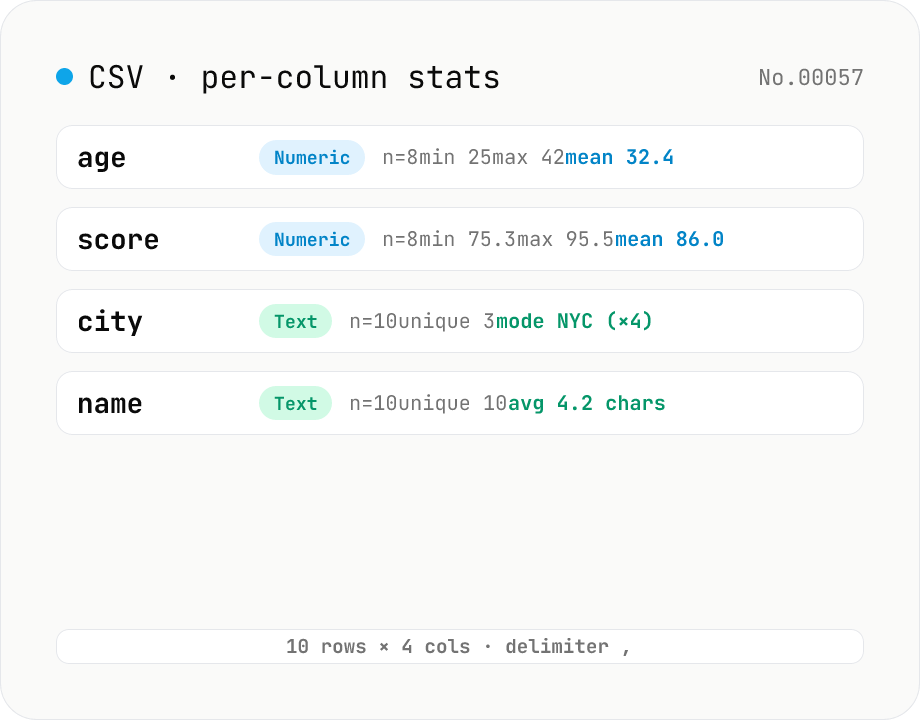
CSV stats — per-column count / unique / mean / median / stddev
Paste or drop a CSV and instantly see per-column row count, unique values, missing values, and inferred type. Numeric columns show min / max / mean / median / stddev / sum, text columns reveal the top mode and average length. RFC 4180-compliant parser (double-quote escapes), and the delimiter (comma / semicolon / tab / pipe) is auto-detected. Header row toggle plus empty / NULL / NA recognition as missing. Your raw data never leaves the browser.