
TAG
Tools tagged "JSON"
10 tools
Tools that format, validate, transform, and query JSON.
All NoSend Tools that carry the "JSON" tag. Everything runs inside the browser — your inputs never leave your device.
Tags:
Sort:
Per page:
All tools
10 / 10
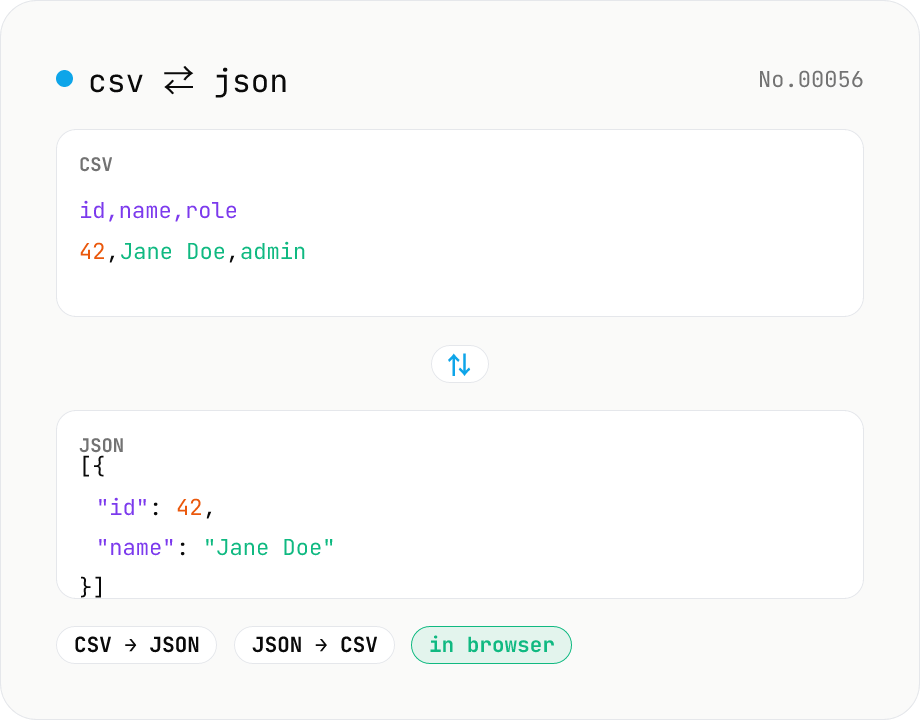
CSV ⇄ JSON converter — delimiter & header auto
Convert CSV to JSON or JSON to CSV in your browser. Pick the delimiter (comma / tab / semicolon), toggle the header row, and choose the JSON indent. Handles quoted fields with embedded commas, quotes, and newlines.
developerJSONconversion
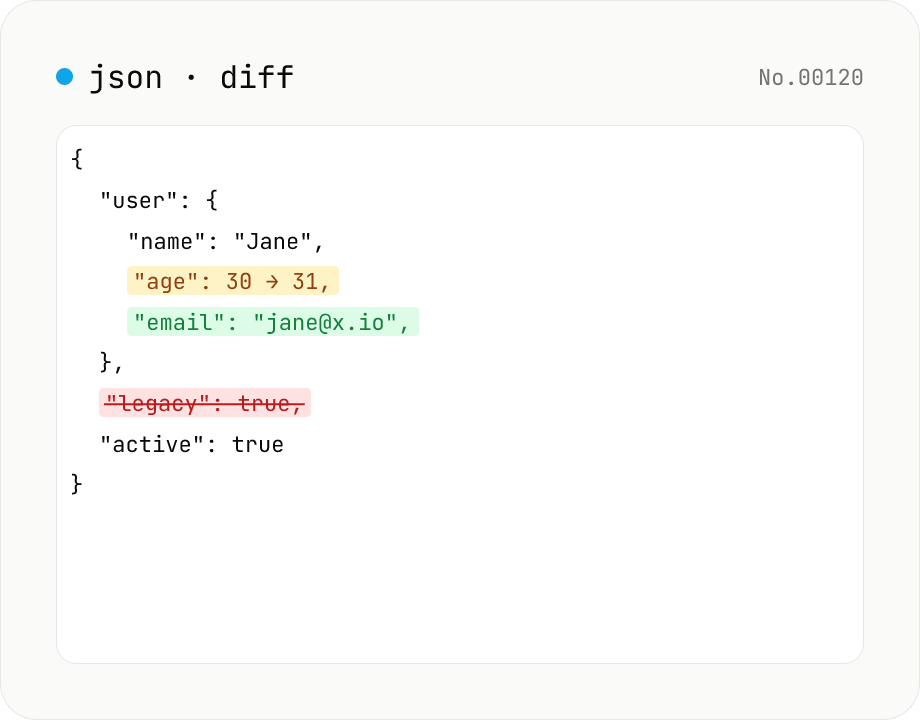
JSON diff — structural compare of two documents
Compare two JSON documents structurally. Walks nested objects and arrays recursively and highlights added / removed / modified / moved entries. Runs entirely in your browser.
developerJSONdiff
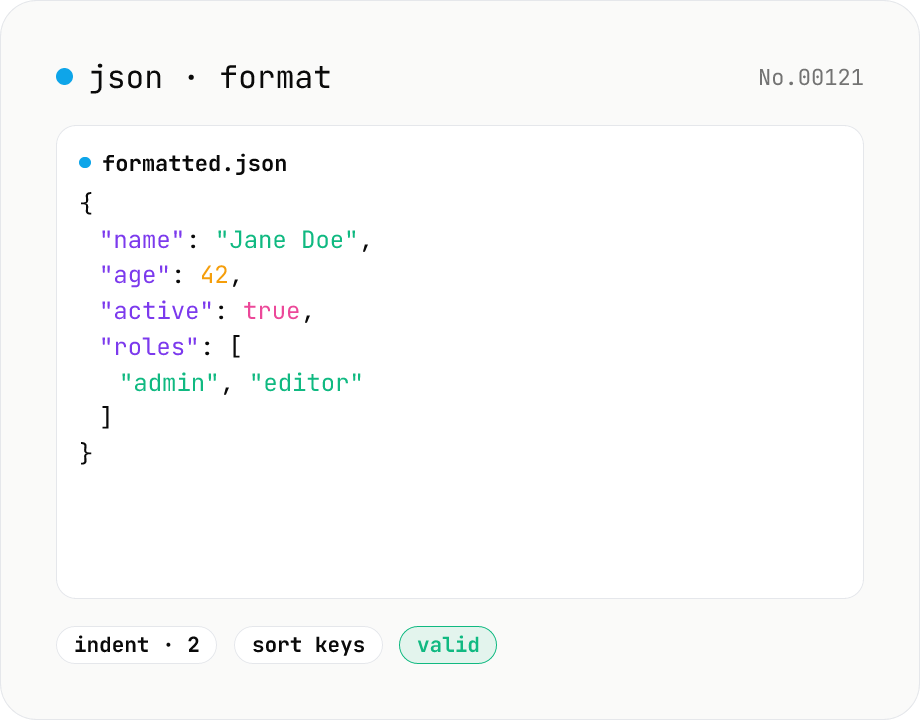
JSON format & validate — indent, minify, error pointer
Format, minify, and validate JSON entirely in your browser. Errors show the line and column. Your data never leaves your device.
developerJSONformat
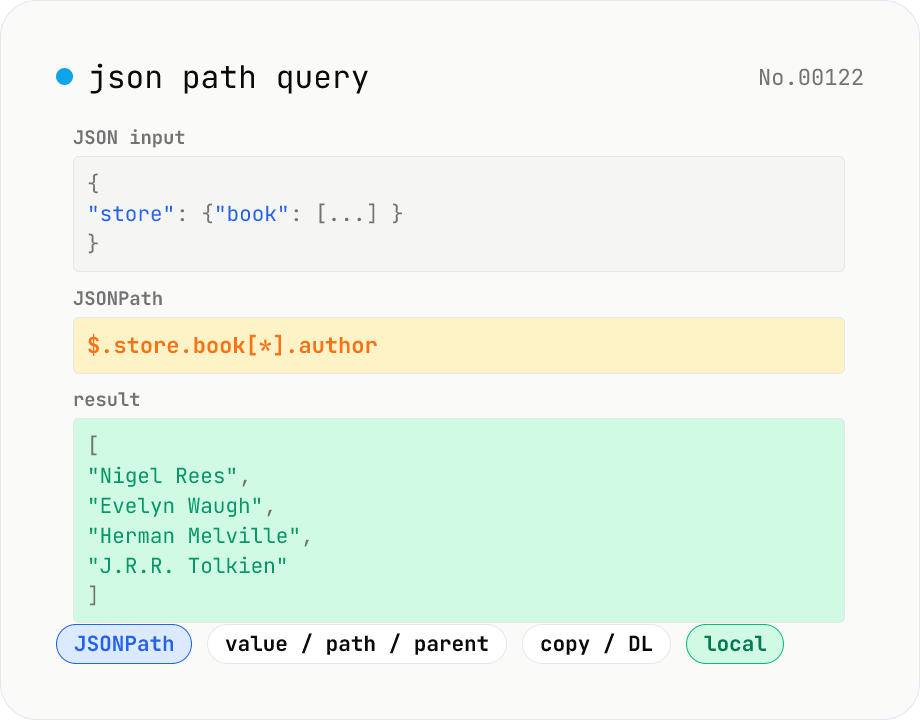
JSON Path query — query JSON trees with JSONPath
Run JSONPath queries (e.g. `$.store.book[*].author`) against JSON data and pull out exactly what you need. Powered by jsonpath-plus (MIT) inside the browser. Pick what to return — values, paths, or parent nodes. Great for slicing API responses, fishing specific fields out of logs, sanity-checking config files, or exploring JSON in DevTools. Filter expressions like `?(@.price < 10)`, recursive `$..`, and tag matches `[?(@.tag=='x')]` are all supported. Everything is evaluated locally — no upload.
developerJSONextract
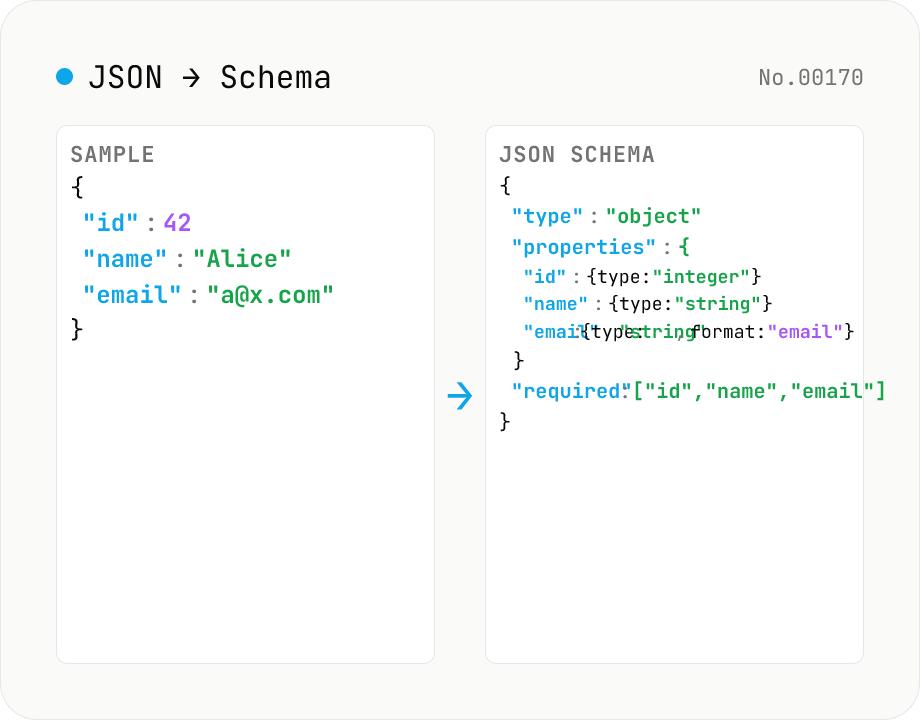
JSON Schema from a sample — Draft 2020-12 / Draft-07
Paste an API response or config-file JSON sample and get a corresponding **JSON Schema (Draft 2020-12 / Draft-07)** automatically. Types are inferred from values (`string` / `number` / `integer` / `boolean` / `array` / `object` / `null`), array element shapes are merged into a single `items`, and required keys are listed. Toggle strict mode (`additionalProperties: false`), nullable mode (`[T, "null"]`), and string-`format` detection (`email`, `uri`, `uuid`, `date`, `date-time`, `time`, `ipv4`, `ipv6`). Great for scaffolding OpenAPI 3.1 / AJV / VS Code settings JSON Schema / `package.json` schema / GitHub Actions workflow schema. Sister tool to `json-to-ts` (which targets TypeScript types) — use this one for API docs / validation, json-to-ts for source-code type definitions. Runs entirely in your browser; nothing is uploaded.
developerJSON
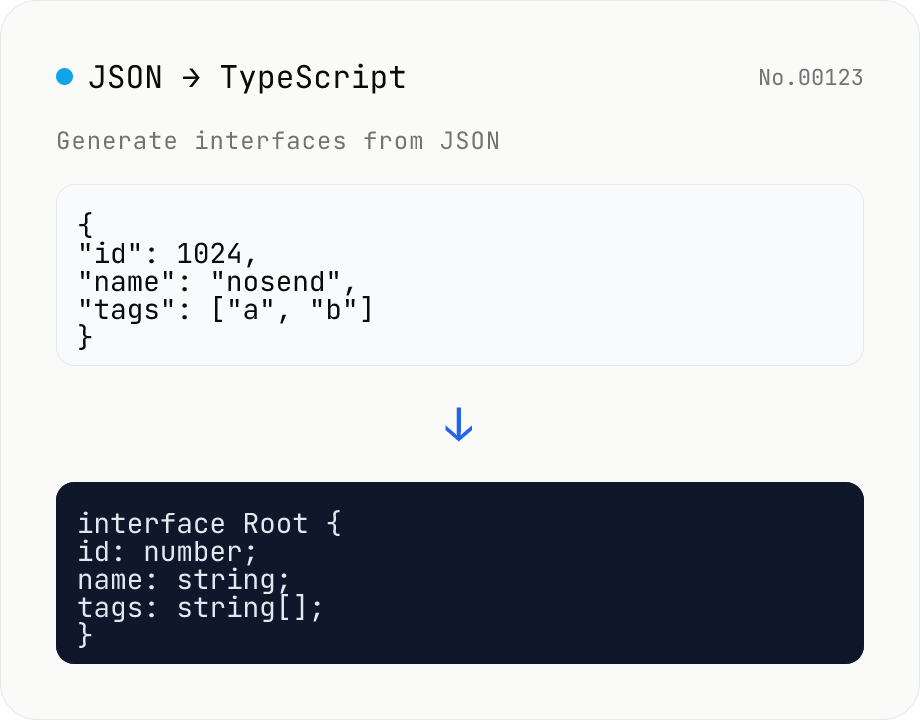
JSON to TypeScript Type Generator
Paste JSON to generate matching TypeScript interface / type definitions. Nested objects become separate interfaces, arrays merge their keys (keys present in only some elements become optional with ?), and mixed values turn into union types. Choose the root type name, interface vs type, and whether to add export. Identical shapes are deduplicated into one type. JSON is processed entirely in your browser and never uploaded.
developerJSONconversion
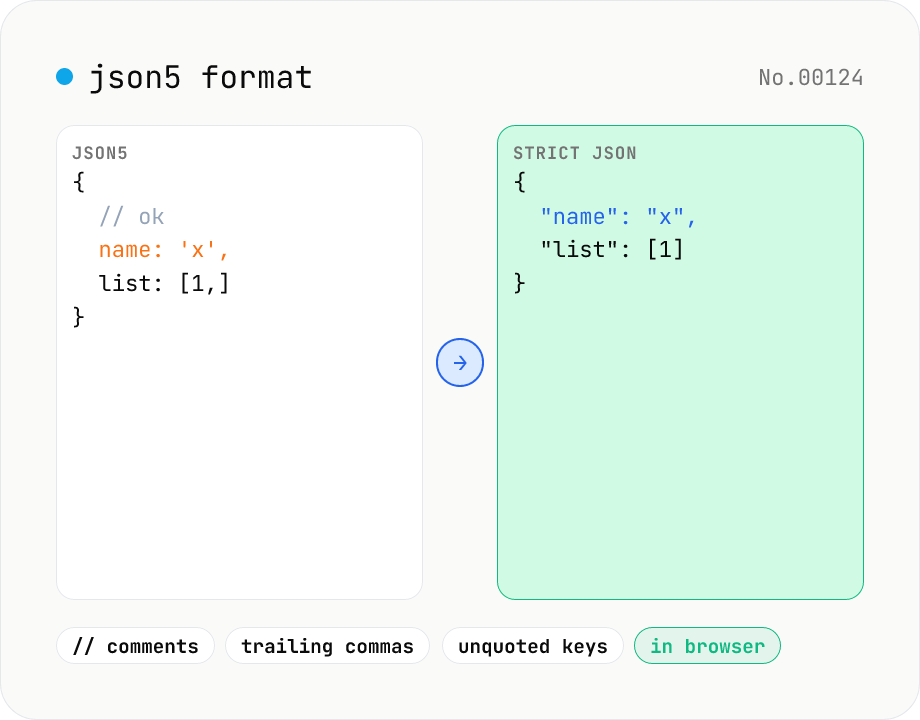
JSON5 formatter — parse JSON5 (comments, trailing commas) and emit JSON5 or strict JSON
Parse JSON5 — the JSON superset that allows comments, trailing commas, single quotes, and unquoted keys — and emit either pretty-printed JSON5 or strict standard JSON. Great for tsconfig.json, Cargo-like commented config files, or any human-edited JSON variant. Choose 2-space / 4-space / Tab indent and get line:column parse-error markers. Runs entirely in your browser.
developerJSONformatconversion
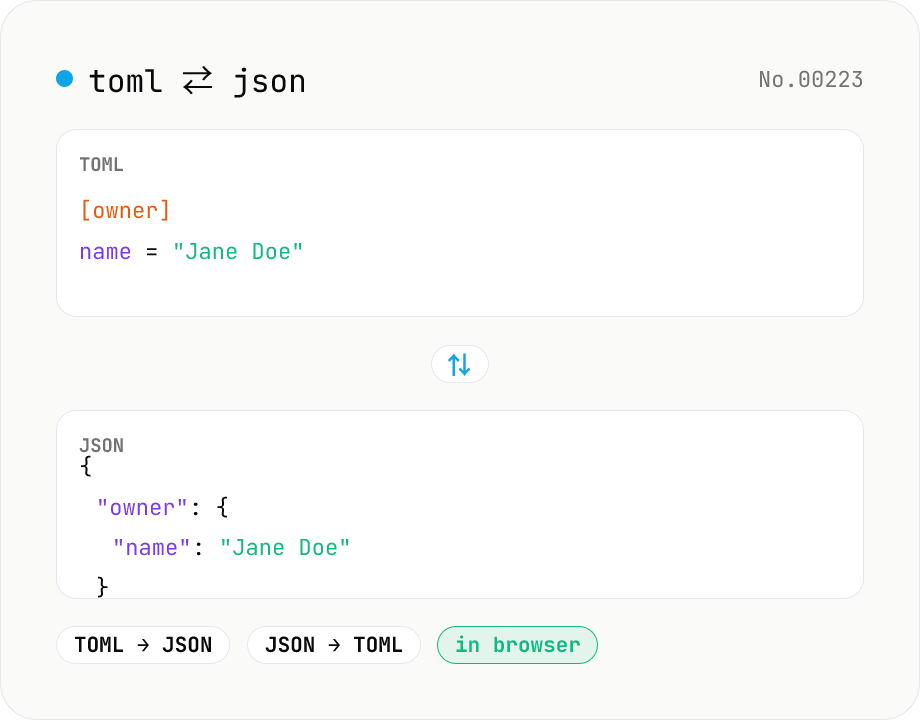
TOML ⇄ JSON converter — Cargo.toml / pyproject.toml
Convert TOML to JSON or JSON to TOML. Switch direction, choose JSON indent (2 / 4 / tab), and try the sample button. Powered by smol-toml — runs entirely in your browser.
developerJSONconversion
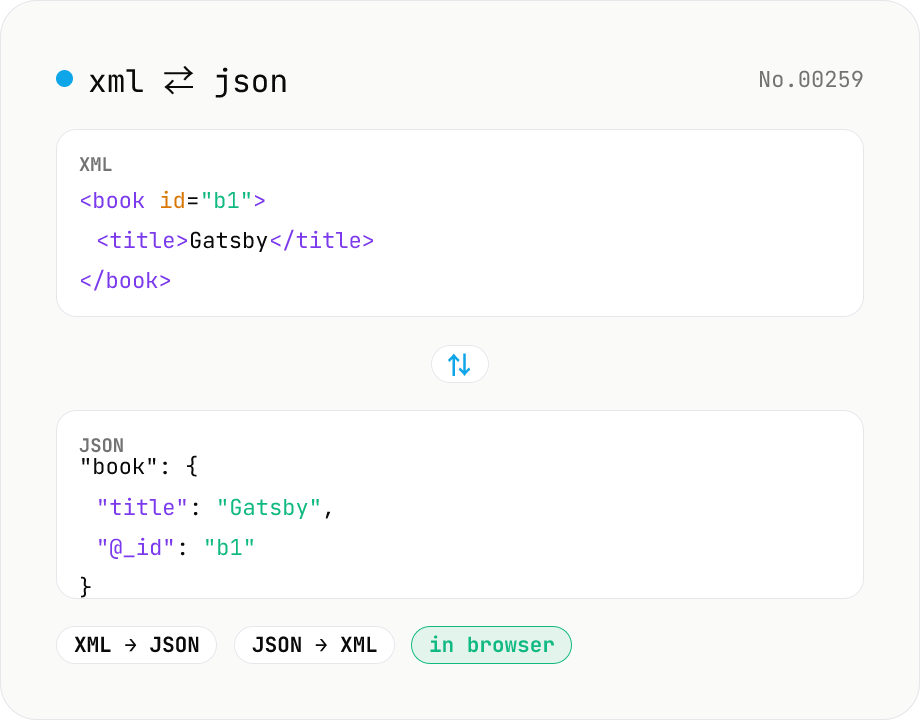
XML ↔ JSON Converter
Convert between XML and JSON. Attributes are preserved with `@_` prefix, indent (2 / 4 / tab) selectable. Runs entirely in your browser via fast-xml-parser (MIT) — no uploads.
developerconversionJSON
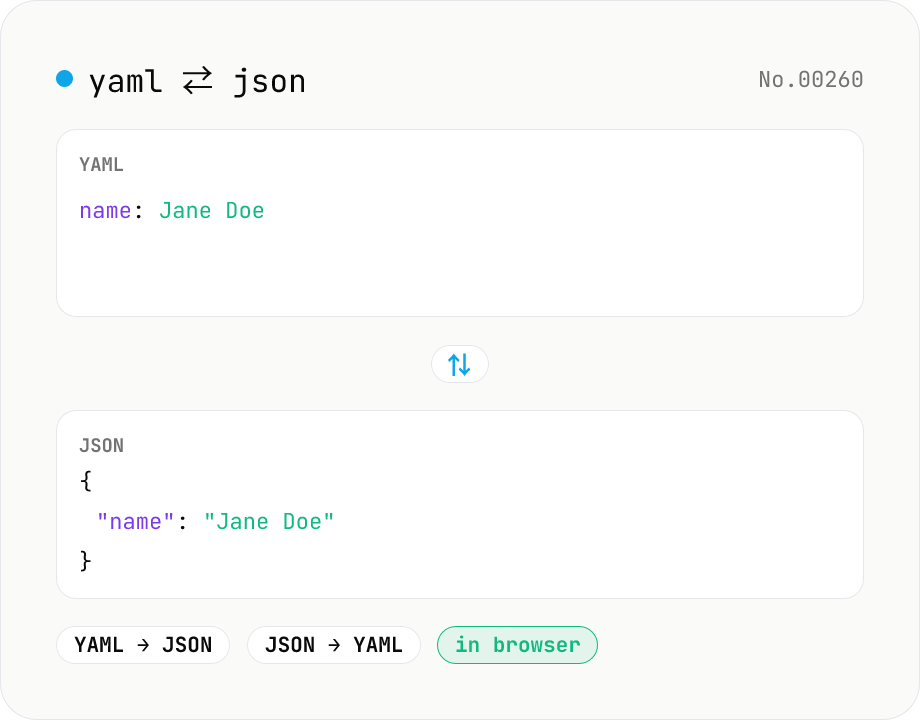
YAML ⇄ JSON converter — indent preserved
Convert YAML to JSON or JSON to YAML. Choose indent (2 / 4 / tab) and try the sample button. Powered by eemeli/yaml — runs entirely in your browser.
developerJSONconversion