
TAG
Tools tagged "security"
11 tools
Security and privacy-related utilities — password strength, hashing, JWT verification, EXIF stripping.
All NoSend Tools that carry the "security" tag. Everything runs inside the browser — your inputs never leave your device.
Tags:
Sort:
Per page:
All tools
11 / 11
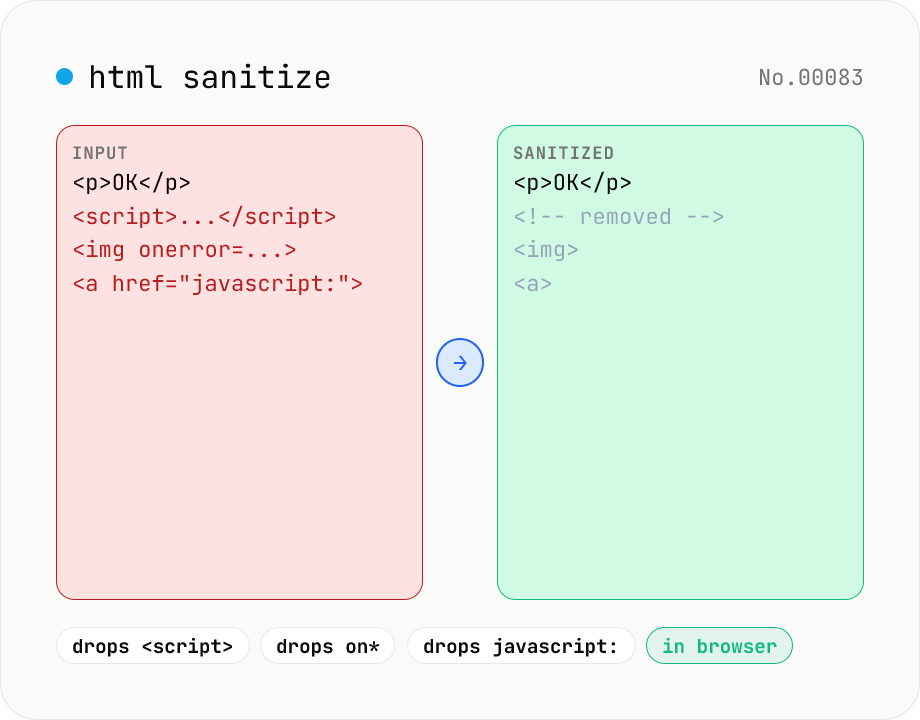
HTML sanitizer — strip XSS vectors with DOMPurify
Strip XSS vectors (script tags, on* handlers, javascript:/data: URLs, iframes, etc.) from untrusted HTML using DOMPurify. Three profiles — Strict / Standard / Permissive — control which tags and attributes survive. Useful before passing user-generated HTML to a CMS / forum, locking down Markdown→HTML output, or cleaning legacy HTML during a blog migration. Runs entirely in your browser — HTML never leaves your device.
developersecurityformat
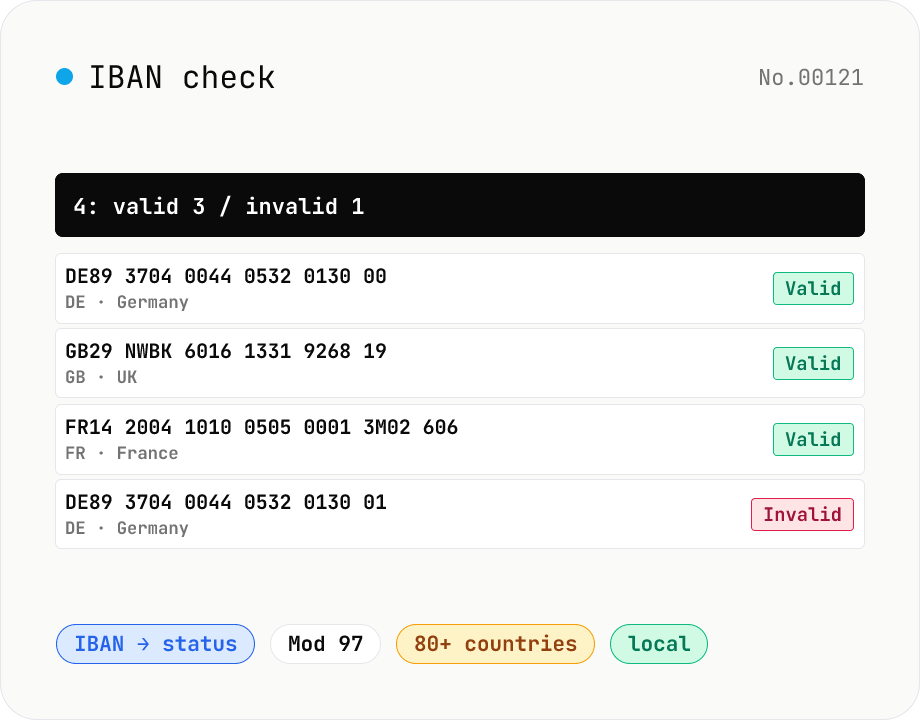
IBAN check — ISO 13616 Mod 97 international bank account validator
Validate IBANs (International Bank Account Numbers) per ISO 13616. We check the country prefix, the expected length (80+ countries built in — DE 22 chars, GB 22, FR 27, IT 27, NL 18, …), perform the Mod 97 checksum (letters A–Z mapped to 10–35), and surface the BBAN body. Paste multiple lines for bulk validation, copy valid / invalid separately, or export a CSV. Handy for B2B payments, SEPA transfers, data migrations, and form-input hygiene. IBANs stay in your browser.
developersecurity
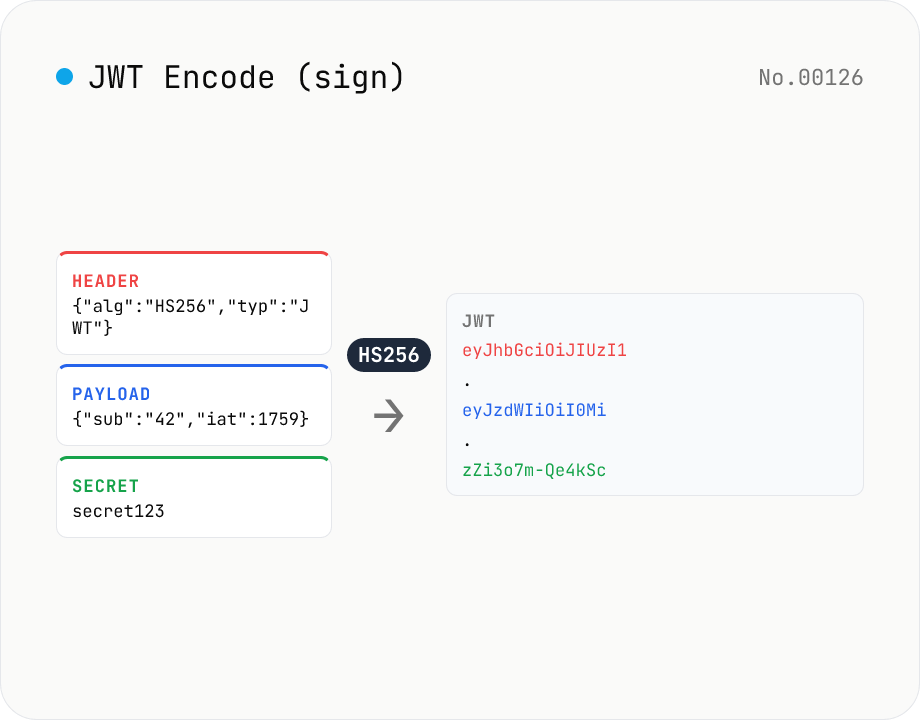
JWT Encode (sign) — HMAC / RSA / ECDSA via Web Crypto
Generate (sign) a JWT (JSON Web Token) entirely in your browser using the Web Crypto API. Supports HS256 / HS384 / HS512 (HMAC), RS256 / RS384 / RS512 (RSASSA-PKCS1-v1_5), PS256 / PS384 / PS512 (RSA-PSS), and ES256 / ES384 / ES512 (ECDSA P-256/P-384/P-521). Provide Header / Payload as JSON (with optional auto-fill for `exp` / `iat` / `nbf`), and a key — a string for HMAC, or a PKCS#8 PEM / JWK for asymmetric. Output is the standard `header.payload.signature` JWT which can be pasted straight into jwt-decode / jwt-verify. Secrets and payloads stay in your browser.
developerJWTsecuritygenerate
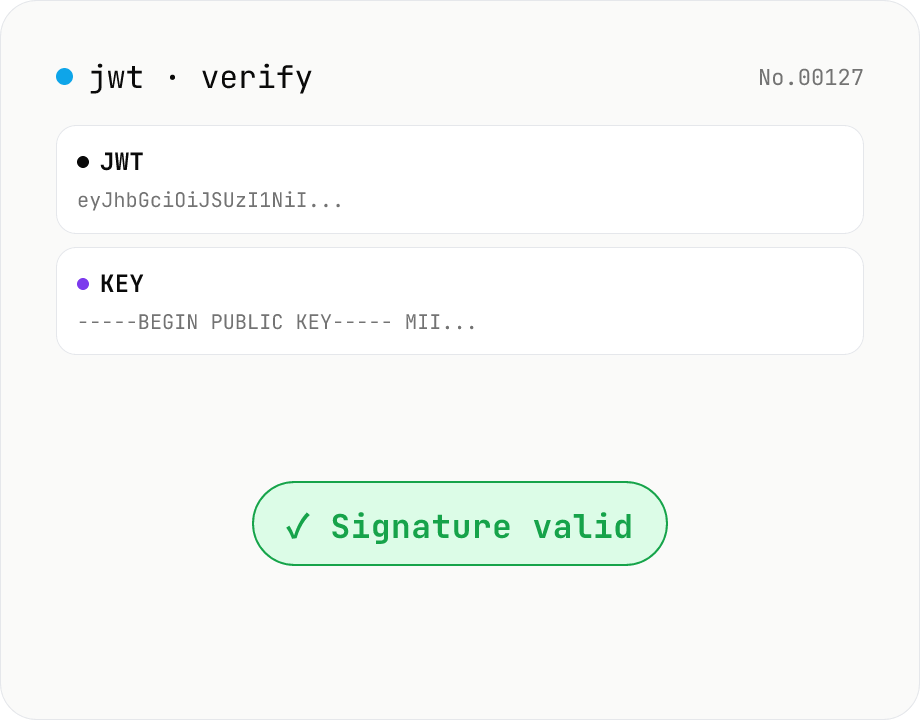
JWT signature verify — HMAC / RSA / ECDSA
Verify a JWT signature using WebCrypto — supports HS / RS / PS / ES with SHA-256/384/512. Paste an HMAC secret for HS*, or an SPKI PEM / JWK public key for RSA / ECDSA. exp / nbf are checked alongside the signature. Nothing leaves your browser.
developerJWTsecurity
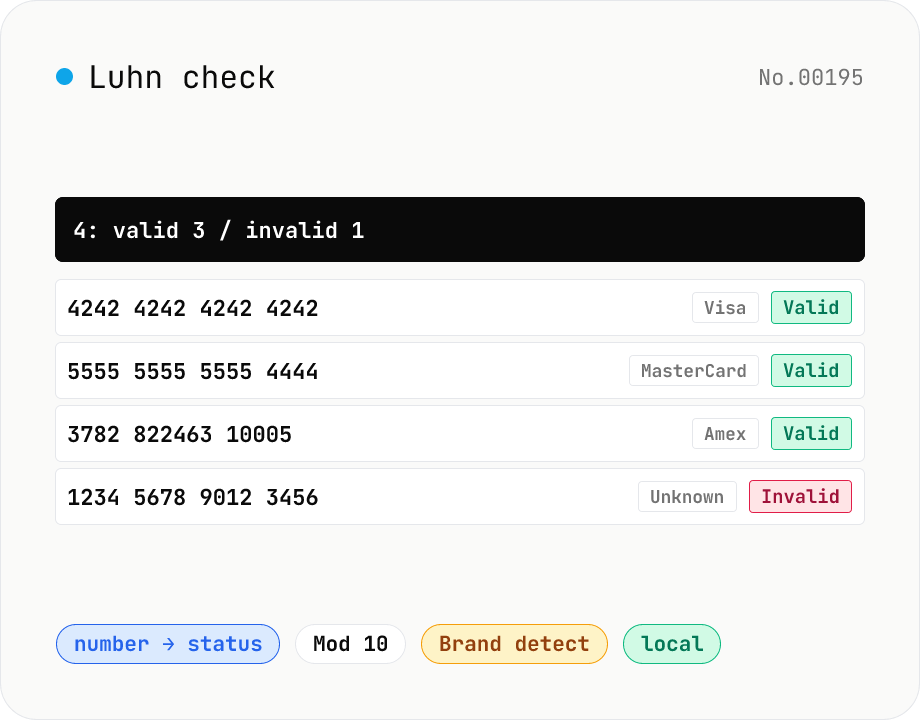
Luhn check — credit card / IMEI validator
Validate numbers with the Luhn (Mod 10) algorithm — credit cards (Visa / MasterCard / Amex / Discover / JCB / Diners / UnionPay), IMEI (mobile device IDs), Canadian SIN, and other Luhn-protected identifiers. Paste multiple lines, get bulk validation, auto-detect card brand by IIN prefix, and inspect the checksum trace (double-each-even-digit, digit-sum, total). Useful for test-data generation, form-input sanitisation, data migration QA, and bulk validation before a CSV import. Numbers stay in your browser.
developersecurity
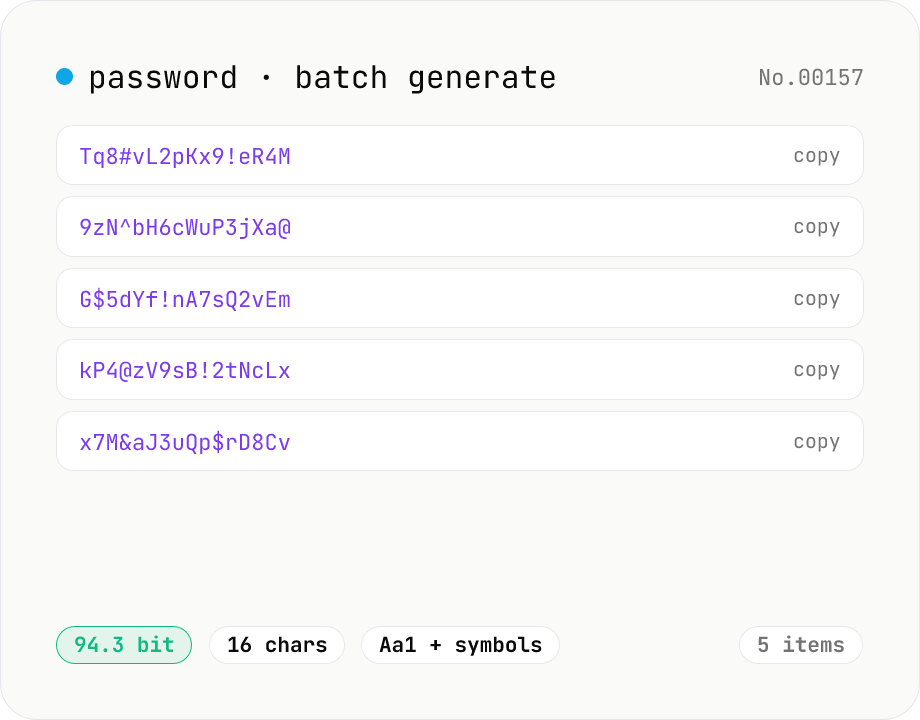
Password generator — strength, char sets, length
Generate strong random passwords in batches of 1–25. Pick length, character sets, and toggle look-alike exclusion. Backed by crypto.getRandomValues and runs entirely in your browser.
developersecuritygenerate
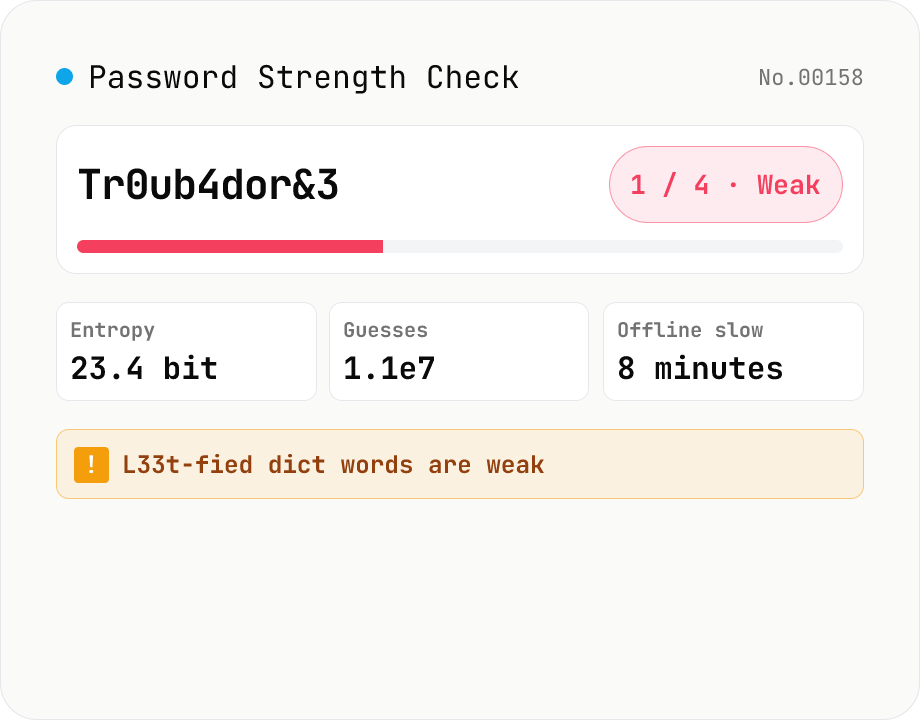
Password Strength Check (zxcvbn score / crack time / feedback)
Runs Dropbox's `zxcvbn-ts` (MIT) inside your browser to estimate password strength: a 0–4 score, log2 entropy, raw guess count, estimated crack time under four attack scenarios (online throttled, online unthrottled, offline slow hash, offline fast hash), and the detected weakness patterns (dictionary, sequence, repeat, date, keyboard, l33t). Feedback (warning + suggestions) is shown in your locale. Input is masked by default with an eye-toggle and an option to highlight look-alike characters (i/l/1/L/o/0/O). Nothing is uploaded — analysis runs entirely in your browser.
developersecurity
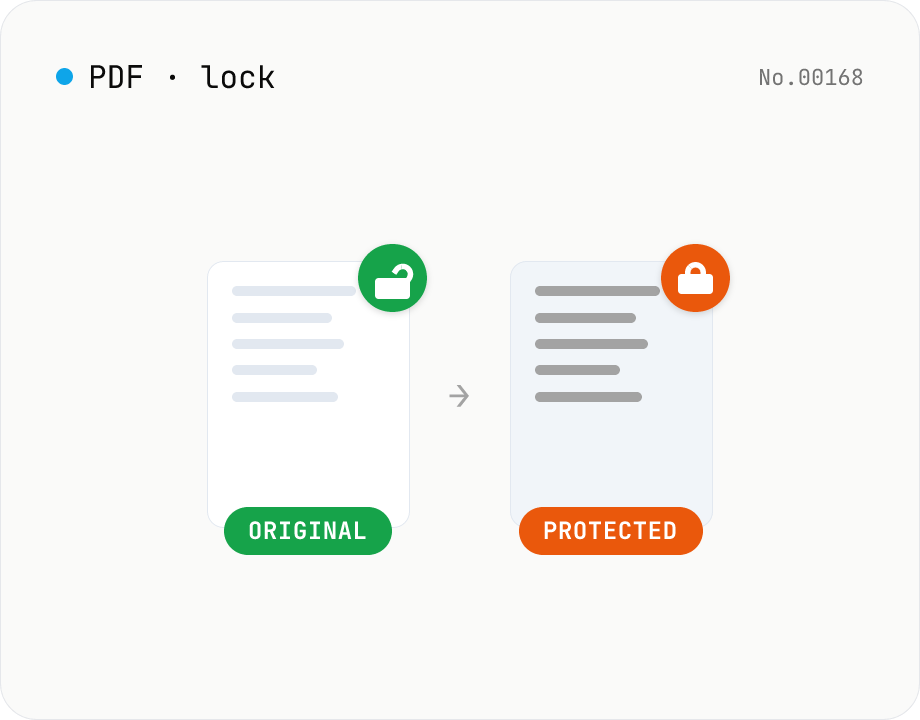
PDF password lock — restrict printing / copy / edit
Add a user / owner password and restrict printing, copying or editing on a PDF. AES 256-bit / 128-bit, all done by qpdf (WASM) inside your browser — neither the PDF nor the password leaves your device. Batch multiple files at once.
pdfsecurity
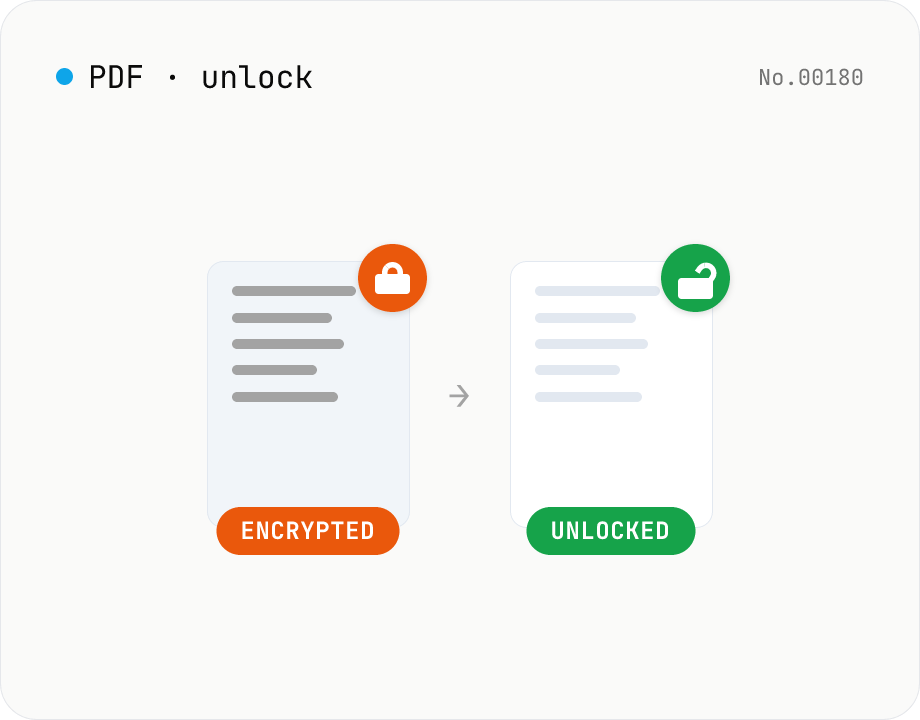
PDF password unlock — remove protection from any PDF
Remove encryption from a PDF using qpdf (WASM) running inside your browser. Owner-only restricted PDFs unlock with an empty password; user-password-protected PDFs need the correct password. Text and layout are preserved. Runs entirely in your browser.
pdfunlocksecurity
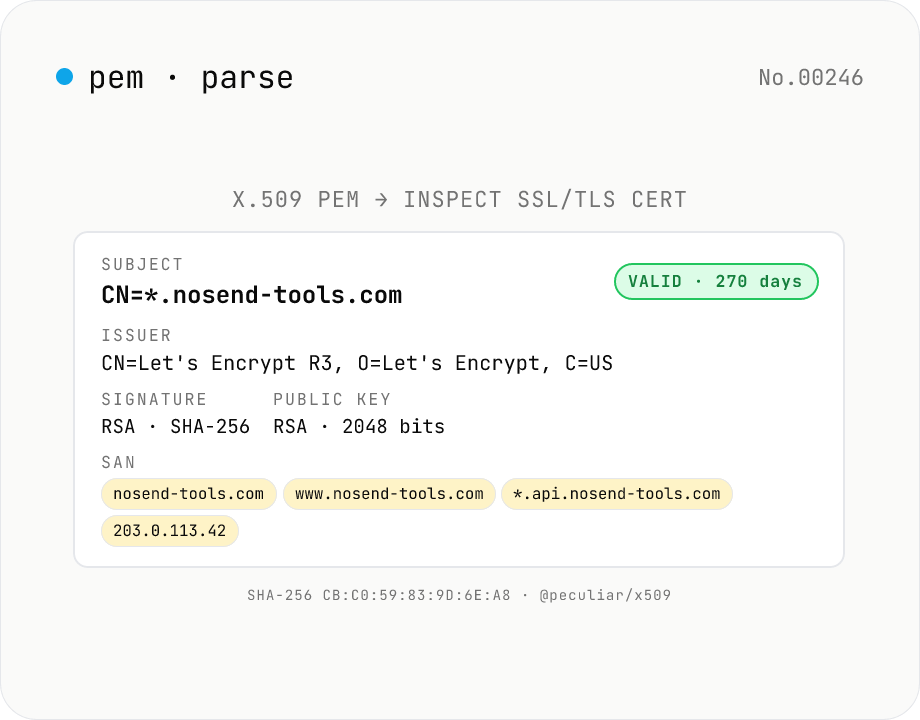
X.509 PEM Certificate Parser — SSL/TLS Cert Inspector & Validity Checker
Paste any **X.509 PEM certificate** (between `-----BEGIN CERTIFICATE-----` and `-----END CERTIFICATE-----`) and inspect every field at a glance: **Subject** (CN / O / OU / C / ST / L / EMAIL), **Issuer**, **validity period** (Not Before / Not After / days remaining + expired badge), **serial number**, **signature algorithm** (RSA-SHA256 / ECDSA-SHA384…), **public key details** (RSA 2048 / EC P-256…), **SHA-1 / SHA-256 fingerprints**, **SAN** (DNS / IP / email / URI), **Key Usage** & **Extended Key Usage**, **Basic Constraints** (CA flag / path length), **SKI / AKI**. Multiple PEM blocks parse as a **chain**. Ideal for SSL/TLS troubleshooting, expiry monitoring, SAN/DNS verification, and Let's Encrypt automation debugging. Powered by **@peculiar/x509 + Web Crypto API** entirely in your browser — certificates are never uploaded.
developersecurity
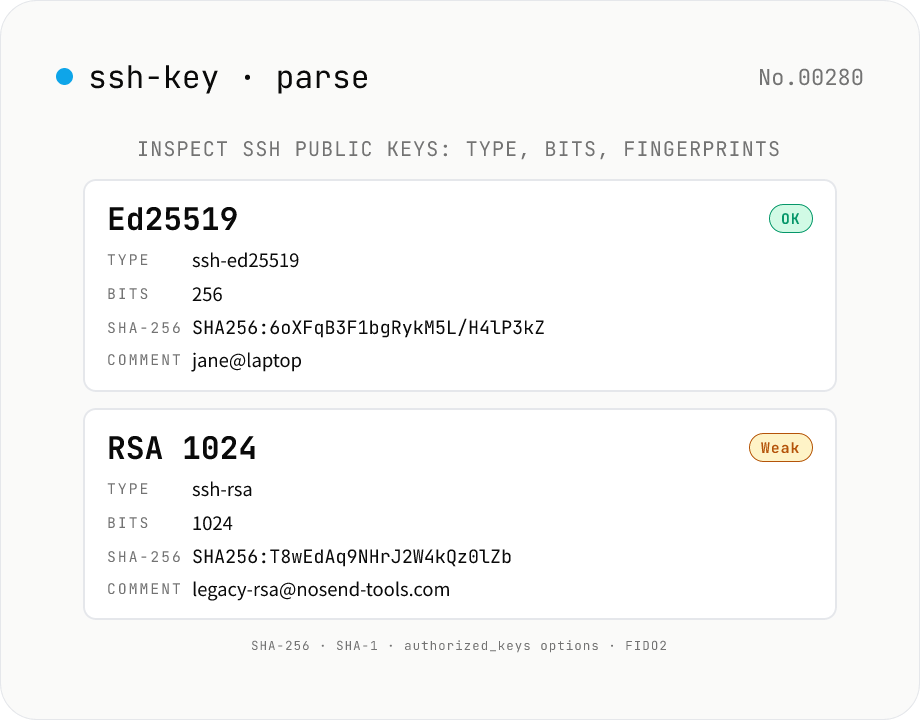
SSH Public Key Parser — Inspect type, bits, comment, and fingerprints
Paste an SSH public key (`id_rsa.pub`, `id_ed25519.pub`, `authorized_keys`, etc.) or pick a file — every line is decoded into its **algorithm** (`ssh-rsa` / `ssh-ed25519` / `ecdsa-sha2-nistp256` / `ssh-dss` / FIDO2 security keys / OpenSSH certificates), **bit length** (RSA modulus / ECDSA field), **ECDSA curve** (nistp256 / nistp384 / nistp521), **comment** (the trailing `user@host`), and **options** (the `command=` / `no-pty` / `from=` prefix used in `authorized_keys`). The **SHA-256 fingerprint** (`SHA256:base64`, the modern `ssh-keygen -l -f` default) and **SHA-1 fingerprint** (colon-hex) are computed with **Web Crypto**. Handles **multi-line `authorized_keys`** input — every key renders as its own card. Weak / deprecated keys (RSA < 2048-bit, DSA) are flagged. Pure browser-side — keys are never uploaded. Private keys (PEM / OpenSSH) are intentionally not supported.
developersecurity