
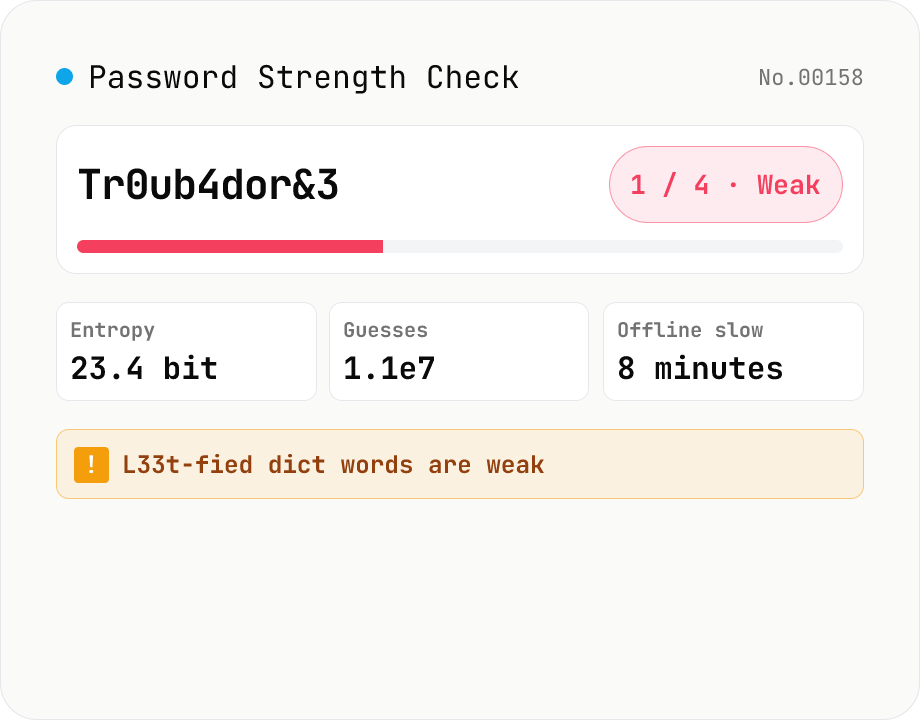
Password Strength Check (zxcvbn score / crack time / feedback)
Runs Dropbox's `zxcvbn-ts` (MIT) inside your browser to estimate password strength: a 0–4 score, log2 entropy, raw guess count, estimated crack time under four attack scenarios (online throttled, online unthrottled, offline slow hash, offline fast hash), and the detected weakness patterns (dictionary, sequence, repeat, date, keyboard, l33t). Feedback (warning + suggestions) is shown in your locale. Input is masked by default with an eye-toggle and an option to highlight look-alike characters (i/l/1/L/o/0/O). Nothing is uploaded — analysis runs entirely in your browser.
How to use
1) Type a password in the input field (masked by default; use the eye icon to toggle). 2) The score (0–4) and progress bar update live. 0 = cracked in seconds, 4 = takes centuries. 3) Inspect the details panel for entropy (bits), guess count, and length. The crack-time table shows estimated time-to-break under four attack scenarios (online throttled 100/hr, online unthrottled 10/sec, offline slow hash 1e4/sec, offline fast hash 1e10/sec). 4) Read the feedback panel for zxcvbn's warning and suggestions. The detected-patterns table tells you which weaknesses (dictionary, keyboard, repeat, sequence, date, l33t…) drag the score down.
FAQ
- What is zxcvbn?
- An open-source (MIT) password strength estimator created at Dropbox. It pattern-matches against common-password lists (top 30K), English words, surnames, names, l33t substitutions (a→4, e→3, …), keyboard sequences (qwerty, asdf, …), dates, repeats and runs, then estimates the cost (guesses) to crack. This tool uses the TypeScript port `@zxcvbn-ts/core` 3.0.
- How is the 0–4 score derived?
- By guess-count thresholds: 0 = under 10^3 (cracked in seconds), 1 = under 10^6 (hours), 2 = under 10^8 (a day), 3 = under 10^10 (months), 4 = above 10^10 (centuries). Aim for 3+ on consumer sites and 4 for sensitive use.
- What do the four crack-time scenarios mean?
- (1) Online throttled 100/hr = typical web service with rate-limits / account lockout. (2) Online unthrottled 10/sec = loose APIs, Wi-Fi auth. (3) Offline slow hash 1e4/sec = bcrypt/Argon2 cracking against a leaked DB. (4) Offline fast hash 1e10/sec = MD5/SHA1 cracking with GPUs. For breach-resistance focus on (3) and (4).
- How well does it handle Japanese passphrases?
- zxcvbn's dictionaries are English-centric, so Japanese passphrases (hiragana/katakana/kanji) fall back to brute-force estimation. They end up scoring close to raw character-class entropy and may look stronger than they really are (real attackers might use a Japanese dictionary). Treat the score as an upper bound for Japanese-only inputs.
- Are Diceware / 'correct horse battery staple' strong?
- Yes, generally — but each individual word is in the dictionary, so zxcvbn detects the pattern and the resulting entropy can be lower than naive multiplication suggests. Try the 'correct horse battery staple' sample to see how it scores.
- What are the sample passwords for?
- (1) 'password123' = the canonical score-0 worst case. (2) 'Tr0ub4dor&3' = XKCD 936's 'l33t-fied dictionary word' showing how weak it really is. (3) 'correct horse battery staple' = the passphrase approach from the same comic. (4) 17-char random = the score-4 ideal.
- Is anything uploaded?
- No. zxcvbn-ts and its dictionaries run entirely in your browser; the password you type is never sent over the network.
Related tools
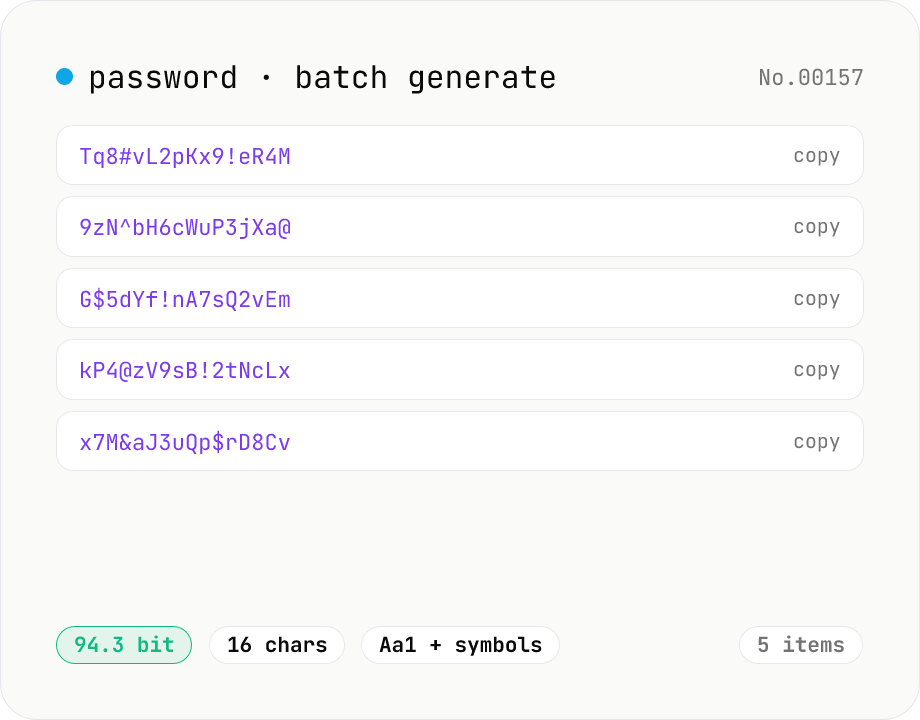
Password generator — strength, char sets, length
Generate strong random passwords in batches of 1–25. Pick length, character sets, and toggle look-alike exclusion. Backed by crypto.getRandomValues and runs entirely in your browser.
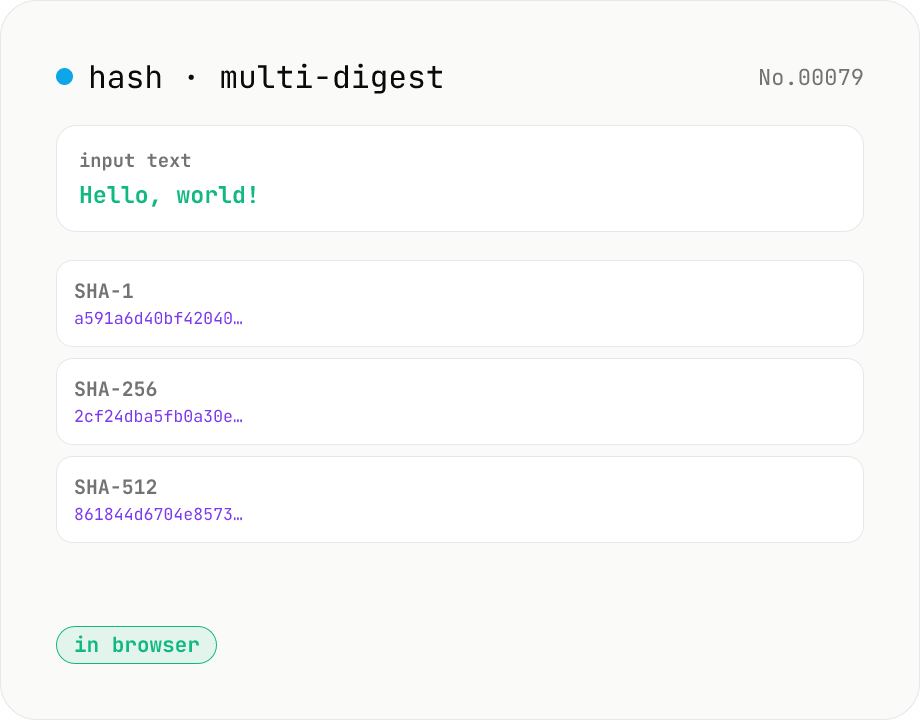
Hash generator — SHA-1 / 256 / 384 / 512
Generate SHA-1, SHA-256, SHA-384, and SHA-512 digests from text in parallel. Powered by the Web Crypto API and runs entirely in your browser.
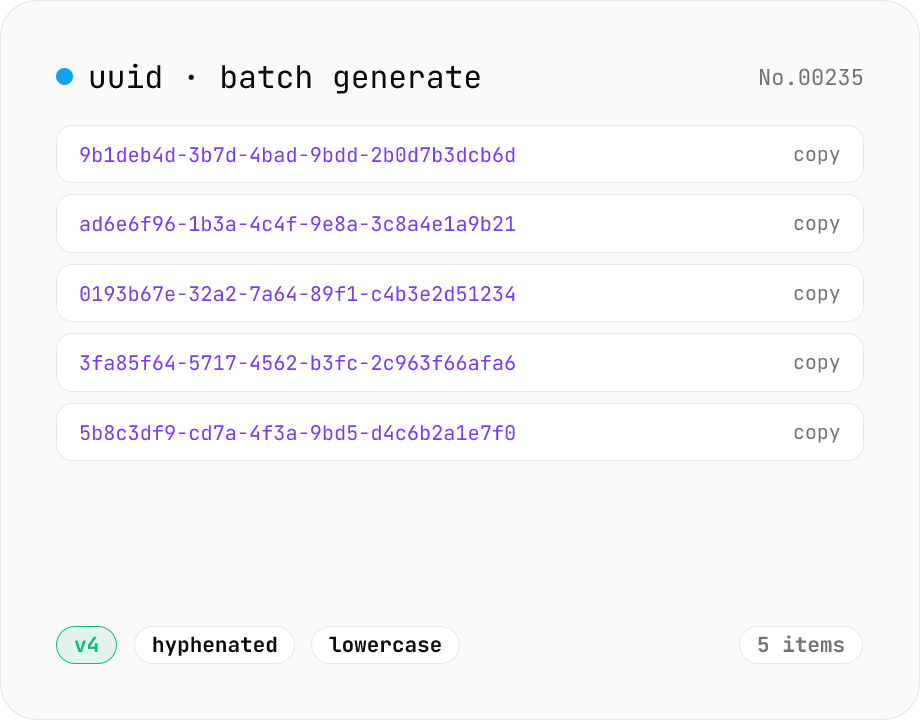
UUID generator — v4 / v7 batch generation
Generate UUID v4 (random) or UUID v7 (timestamp-prefixed) in batches of 1–100. Backed by crypto.getRandomValues and runs entirely in your browser.
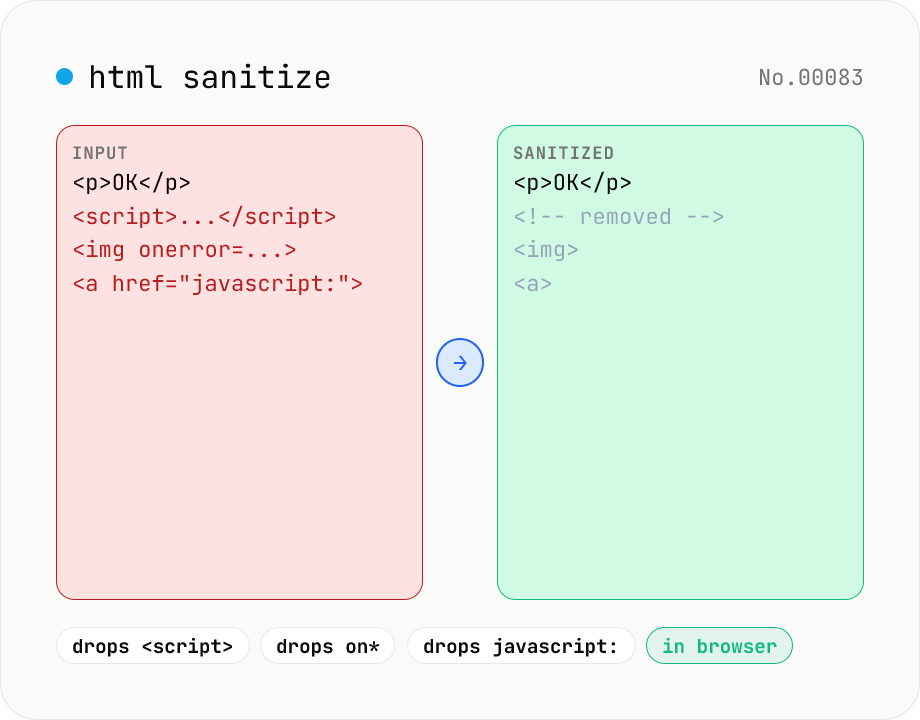
HTML sanitizer — strip XSS vectors with DOMPurify
Strip XSS vectors (script tags, on* handlers, javascript:/data: URLs, iframes, etc.) from untrusted HTML using DOMPurify. Three profiles — Strict / Standard / Permissive — control which tags and attributes survive. Useful before passing user-generated HTML to a CMS / forum, locking down Markdown→HTML output, or cleaning legacy HTML during a blog migration. Runs entirely in your browser — HTML never leaves your device.