
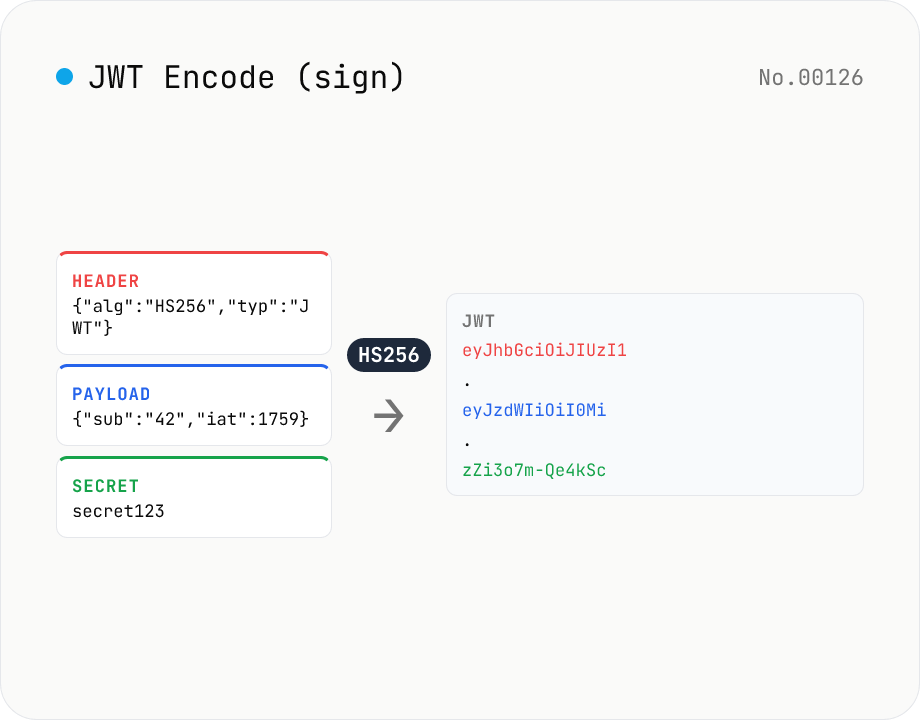
JWT Encode (sign) — HMAC / RSA / ECDSA via Web Crypto
Generate (sign) a JWT (JSON Web Token) entirely in your browser using the Web Crypto API. Supports HS256 / HS384 / HS512 (HMAC), RS256 / RS384 / RS512 (RSASSA-PKCS1-v1_5), PS256 / PS384 / PS512 (RSA-PSS), and ES256 / ES384 / ES512 (ECDSA P-256/P-384/P-521). Provide Header / Payload as JSON (with optional auto-fill for `exp` / `iat` / `nbf`), and a key — a string for HMAC, or a PKCS#8 PEM / JWK for asymmetric. Output is the standard `header.payload.signature` JWT which can be pasted straight into jwt-decode / jwt-verify. Secrets and payloads stay in your browser.
How to use
1) Pick an algorithm from 12 options (HS256 is the common default). HS* uses an HMAC secret, RS*/PS* uses RSA, ES* uses ECDSA. 2) Edit the Header and Payload as JSON. `alg` is overwritten to match the selection; `typ` defaults to `JWT` if unset. 3) Provide a key — an arbitrary string for HMAC, or a PKCS#8 PEM (`-----BEGIN PRIVATE KEY-----`) / JWK (`{kty: 'EC', ...}`) for asymmetric. 4) Optionally enable auto-fill for `iat` / `nbf` / `exp`. 5) Press Generate JWT — Web Crypto signs the payload and outputs `header.payload.signature`. Paste it into jwt-decode / jwt-verify to inspect.
FAQ
- Why PKCS#8 and not PEM?
- Web Crypto's `crypto.subtle.importKey('pkcs8', ...)` accepts only PKCS#8-encoded keys (`BEGIN PRIVATE KEY`). If you have a PKCS#1 RSA key (`BEGIN RSA PRIVATE KEY`), convert with `openssl pkcs8 -topk8 -inform PEM -outform PEM -nocrypt -in pkcs1.pem -out pkcs8.pem`. EC keys (`BEGIN EC PRIVATE KEY`) need similar conversion. Or paste a JWK (`{kty: 'EC', d: '...', x: '...', y: '...', crv: 'P-256'}`).
- When should I pick HS256 vs RS256?
- HS256 (HMAC) shares a single secret between issuer and verifier — good for server-to-server and self-issued short-lived tokens. RS256 / ES256 (asymmetric) sign with a private key and verify with the corresponding public key — preferred for OAuth-style flows where one issuer serves many verifiers, since you never have to share the secret.
- Can I emit unsigned JWTs (alg=none)?
- No. While `alg=none` exists in the spec, it bypasses signature verification entirely and has caused multiple critical vulnerabilities (e.g. CVE-2015-9235). Most JWT libraries deliberately reject `alg=none`. Use HS256 with a dummy secret if you need a placeholder token for testing.
- Why do ECDSA signatures change each run?
- By design — ECDSA uses a random nonce per signature so identical payloads / keys yield different signatures. This is correct and verifies fine, but it makes ECDSA tokens unsuitable as cache keys; for that use RS256 (RSA) or HS256 (HMAC) which are deterministic.
- PS256 (RSA-PSS) vs RS256 (RSASSA-PKCS1-v1_5)?
- Both use RSA keys, but different padding. RS256 uses the classic PKCS#1 v1.5 padding, PS256 uses the probabilistic PSS scheme. PSS has stronger security proofs and is preferred in newer standards, though RS256 remains the most widely deployed for compatibility. The same RSA private key produces different signatures under RS256 vs PS256.
- Why are exp / iat / nbf in seconds?
- RFC 7519 defines them as 'NumericDate' = seconds since Unix epoch. The auto-fill helper uses the current time in seconds. Don't paste `Date.now()` directly (that's milliseconds and will be 1000× off).
- Are keys / payloads uploaded?
- No. Web Crypto runs in your browser; the private key, header and payload never touch the network. It's safe to use production keys (though be aware of browser cache / history).
Related tools
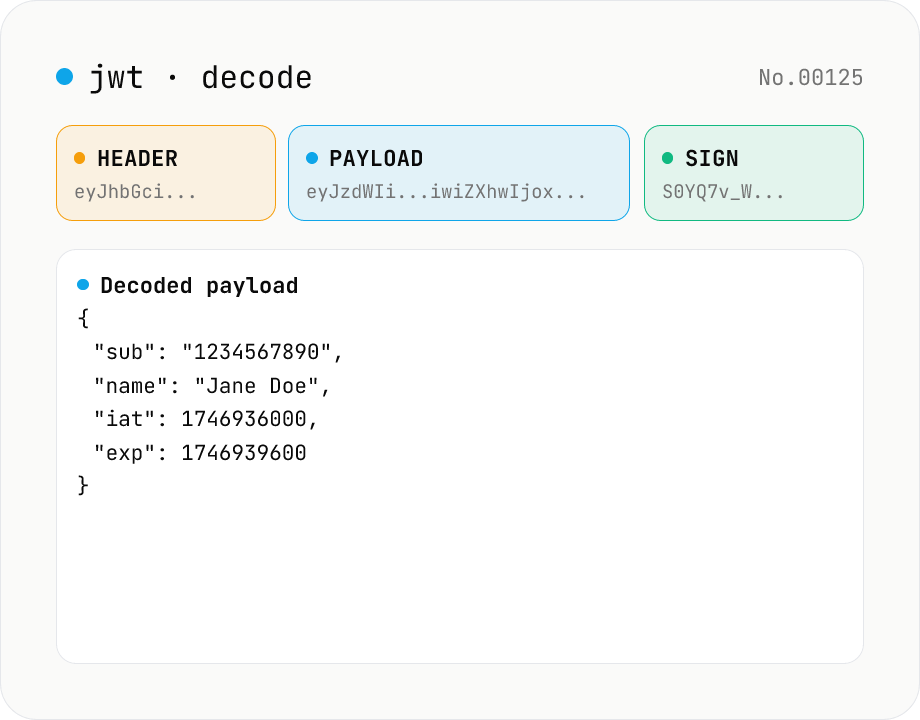
JWT decode — inspect header & payload
Paste a JWT and break it down into Header / Payload / Signature. Numeric claims like exp / iat / nbf are translated into human-readable timestamps. No signature verification — purely for inspection. Runs entirely in your browser.
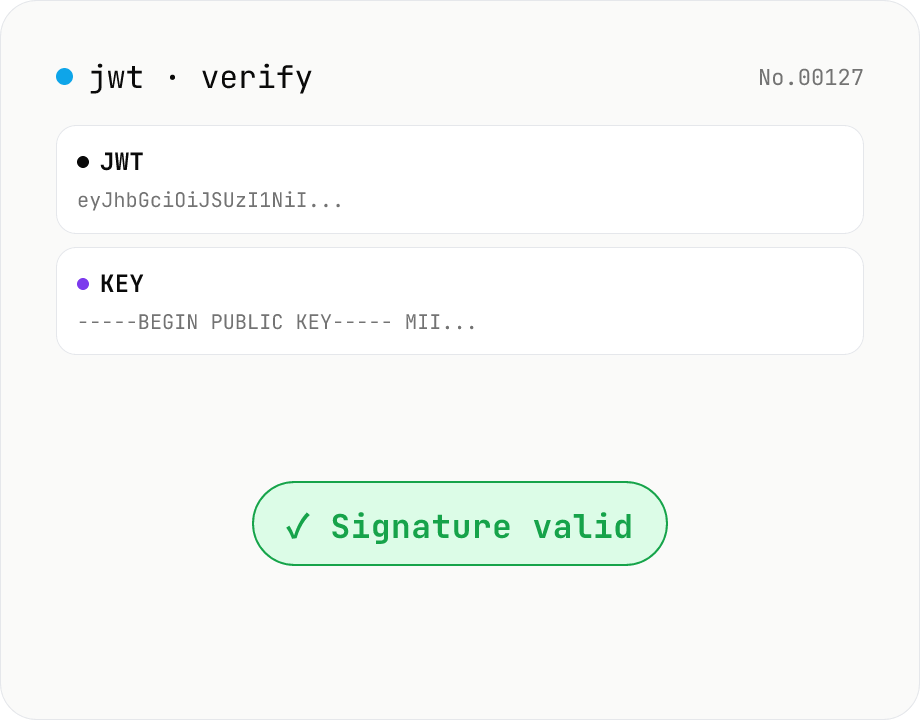
JWT signature verify — HMAC / RSA / ECDSA
Verify a JWT signature using WebCrypto — supports HS / RS / PS / ES with SHA-256/384/512. Paste an HMAC secret for HS*, or an SPKI PEM / JWK public key for RSA / ECDSA. exp / nbf are checked alongside the signature. Nothing leaves your browser.
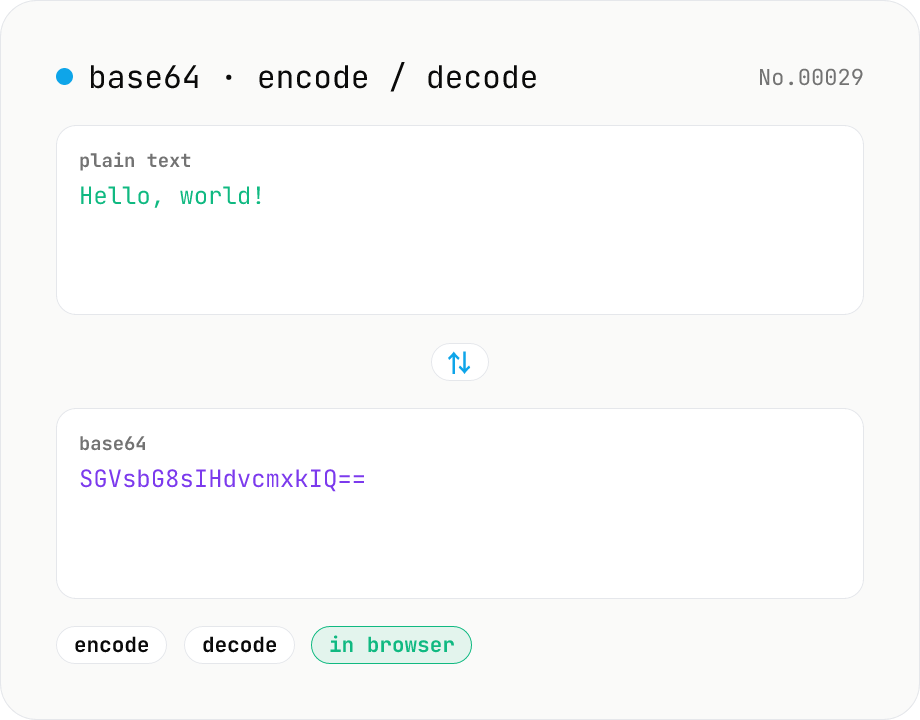
Base64 encode / decode — URL-safe variant supported
Convert between plain text and Base64. Encode with an optional URL-safe variant; decoding accepts URL-safe (- _, no padding) automatically. UTF-8 safe and runs entirely in your browser.
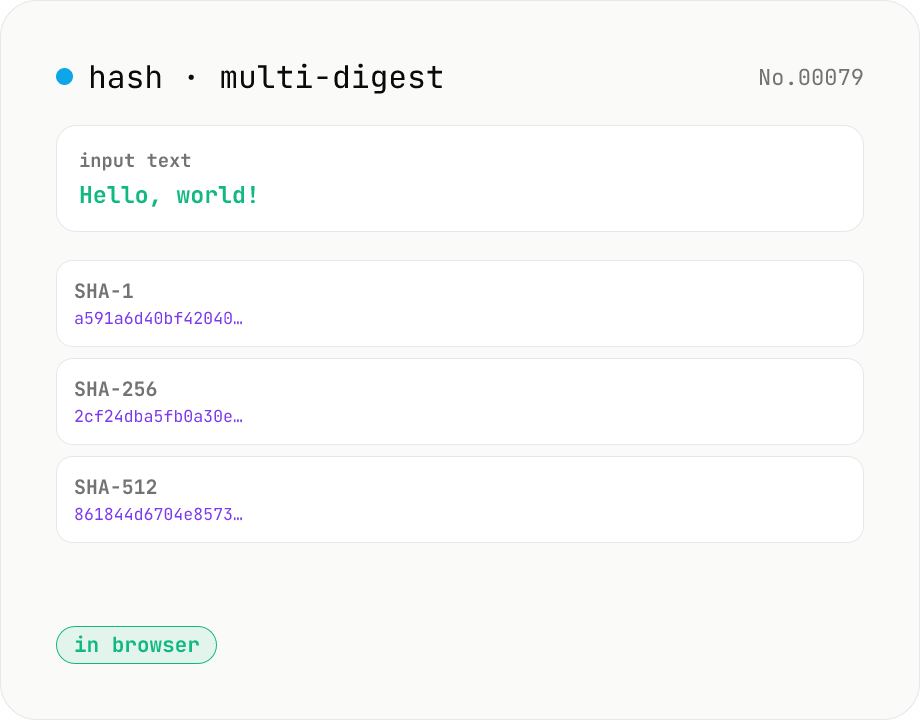
Hash generator — SHA-1 / 256 / 384 / 512
Generate SHA-1, SHA-256, SHA-384, and SHA-512 digests from text in parallel. Powered by the Web Crypto API and runs entirely in your browser.