
TAG
Tools tagged "Markdown"
7 tools
Tools that convert Markdown to HTML, plain text, or table-of-contents.
All NoSend Tools that carry the "Markdown" tag. Everything runs inside the browser — your inputs never leave your device.
Tags:
Sort:
Per page:
All tools
7 / 7
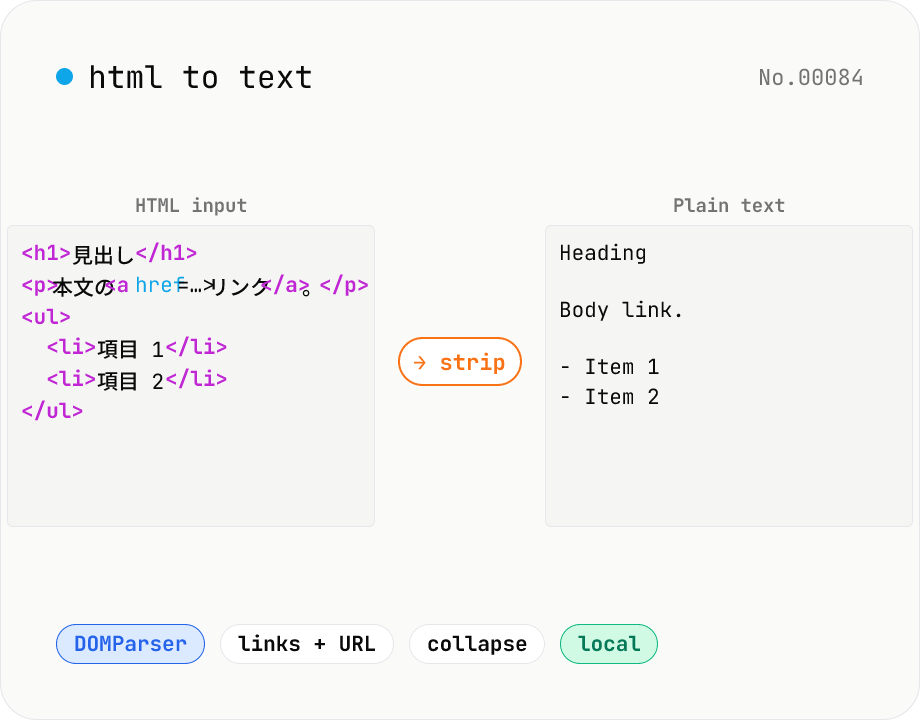
HTML to text — strip tags and keep only the visible text
Strip a chunk of HTML to its plain visible text. Removes script / style / noscript / comments; converts <p>, <h*>, <li>, <br>, etc. to line breaks; optionally pairs link text with its href. Toggles for collapsing whitespace, decoding HTML entities, and keeping list markers. Useful for cleaning scraped pages, NLP preprocessing, plain-text emails, or pasting articles into note apps. Everything runs in your browser.
developerextracttextMarkdown
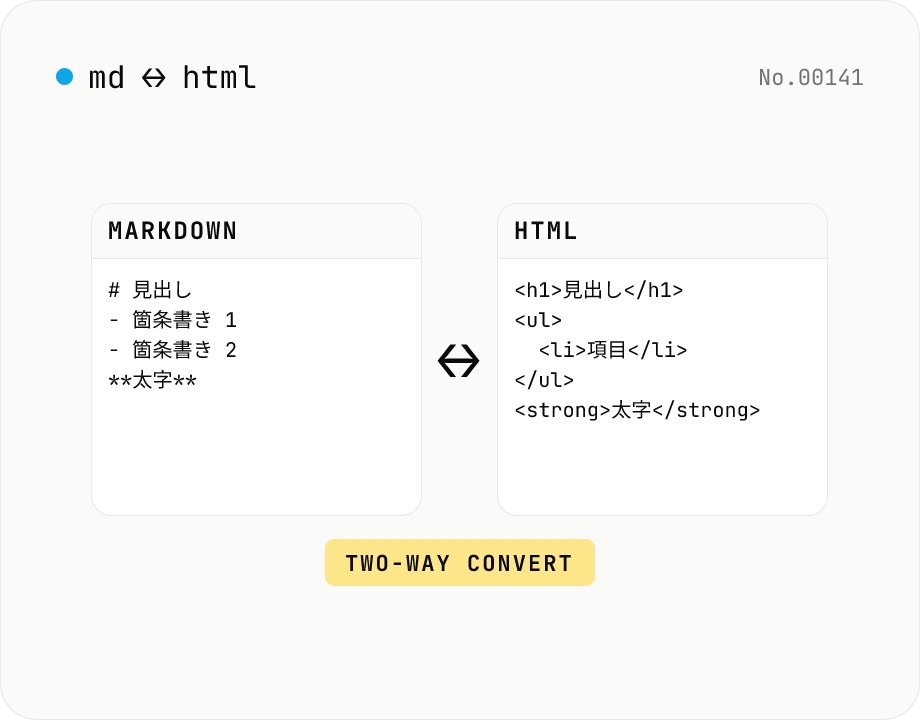
Markdown ⇄ HTML converter — round-trip
Convert Markdown to HTML and HTML to Markdown in both directions. Ideal for migrating between platforms (a blog into WordPress, an HTML page into a README, etc.). Runs entirely in your browser using marked and turndown — your drafts never leave the page.
developerMarkdownconversion
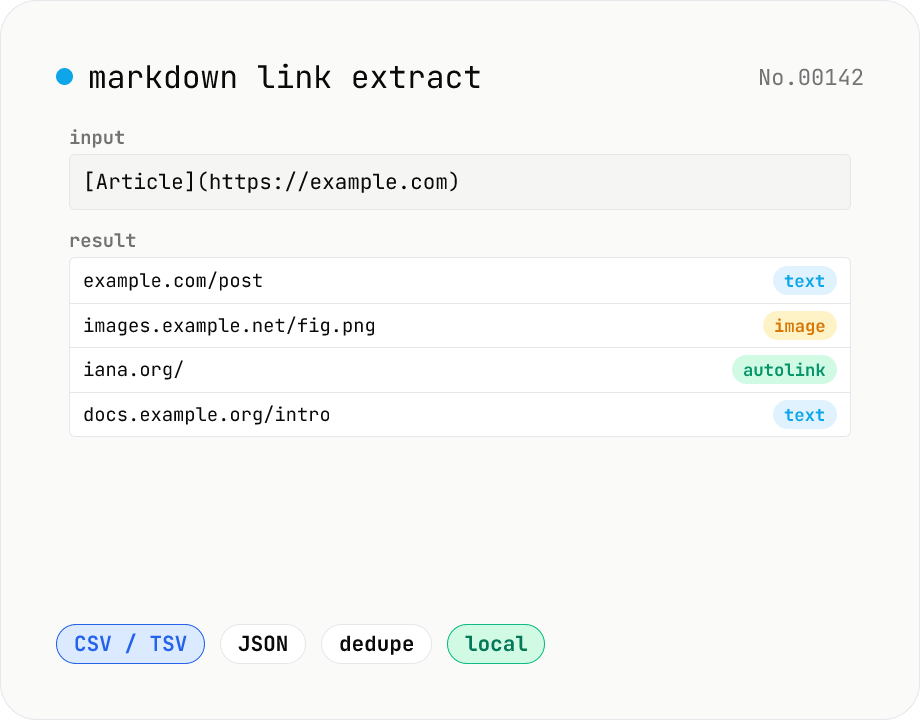
Markdown link extractor — pull URLs from Markdown / HTML / text
Extract every URL or Markdown / HTML link from a chunk of Markdown, HTML, or plain text. Detects `[label](url)`, ``, `<a href>`, `<img src>`, and bare URLs, then classifies each result (text / image / autolink). Includes deduping, type filters, host grouping, and CSV / TSV / JSON export. Great for auditing links in an article, listing image sources, mapping internal-link structure for SEO, or harvesting references for a social post. Everything runs in your browser.
developerMarkdownextractURL
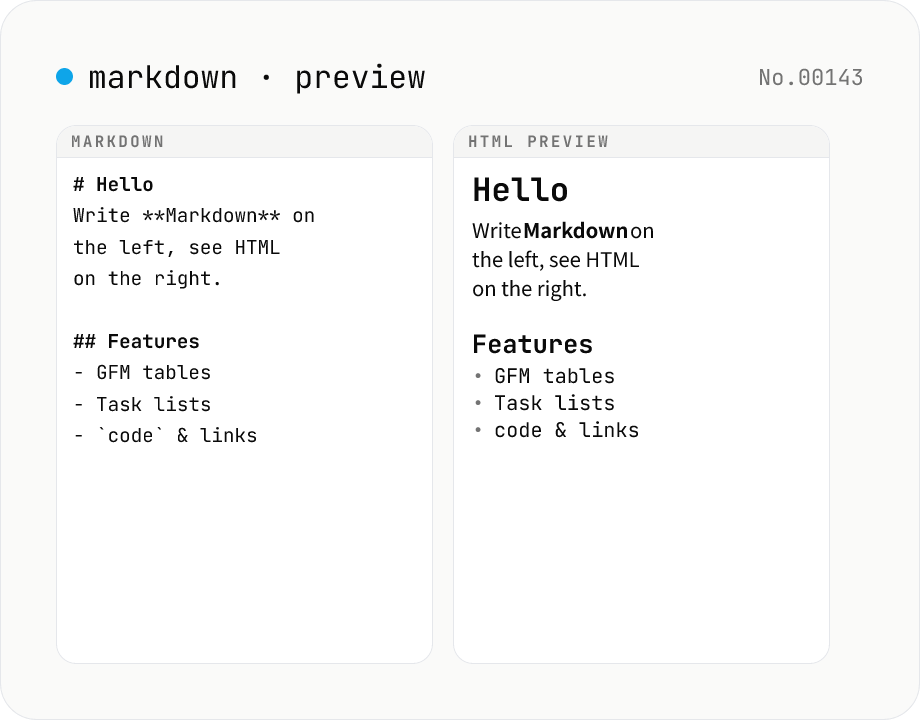
Markdown preview — live rendering of GFM
Type Markdown on the left and see the rendered HTML on the right in real time. Supports GFM (tables, task lists, autolinks) and single-newline → <br>. Copy or download the rendered HTML. Everything runs locally in your browser.
developerMarkdown
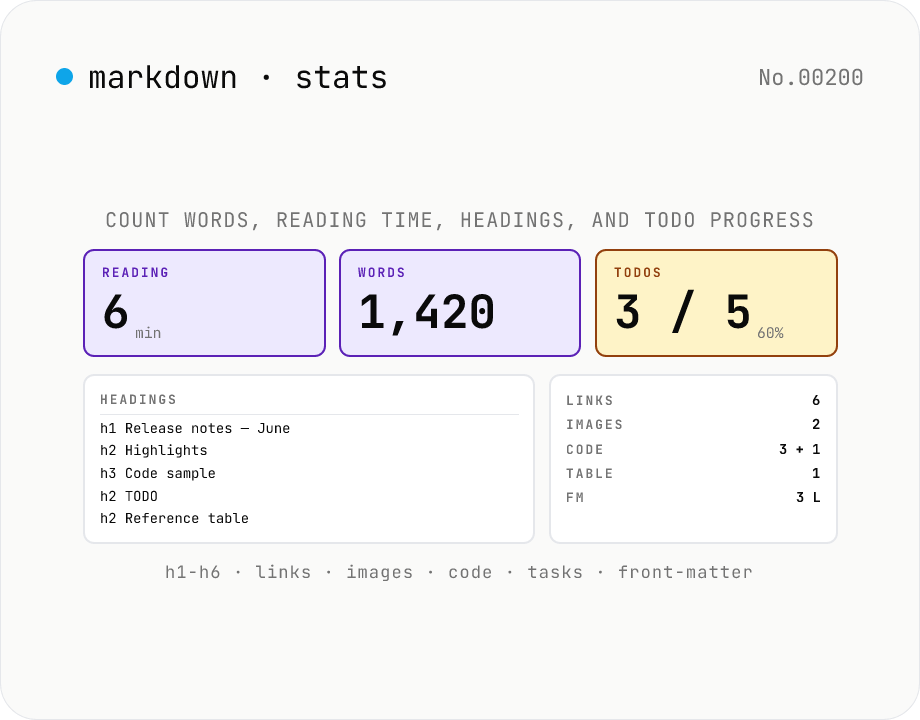
Markdown Stats — Word count, reading time, headings, TODOs
Paste a Markdown document and get every count at a glance: **characters** (with / without spaces), **words** (Latin tokens by whitespace + CJK characters as 1 word each — matches typical 日本語 reporting), **reading time** (235 wpm), **paragraphs**, **sentences**, **headings** (h1–h6 breakdown plus a navigable outline with GitHub-style anchor slugs), **links** (inline / reference / autolink with URL list), **images**, **code blocks** (fenced ``` / 4-space indented / inline `\`code`\``), **blockquotes**, **lists** (ordered / unordered / task), **TODO checkboxes** (`- [ ]` open / `- [x]` done with completion %), **tables**, and **front-matter** detection (the `---` … `---` block at the top). Great for SEO word-count checks, Notion / Obsidian / Hugo / Astro Markdown documentation audits, and visualising TODO progress. Pure browser-side — your Markdown is never uploaded. Own parser (~430 lines, zero dependencies).
developerMarkdown
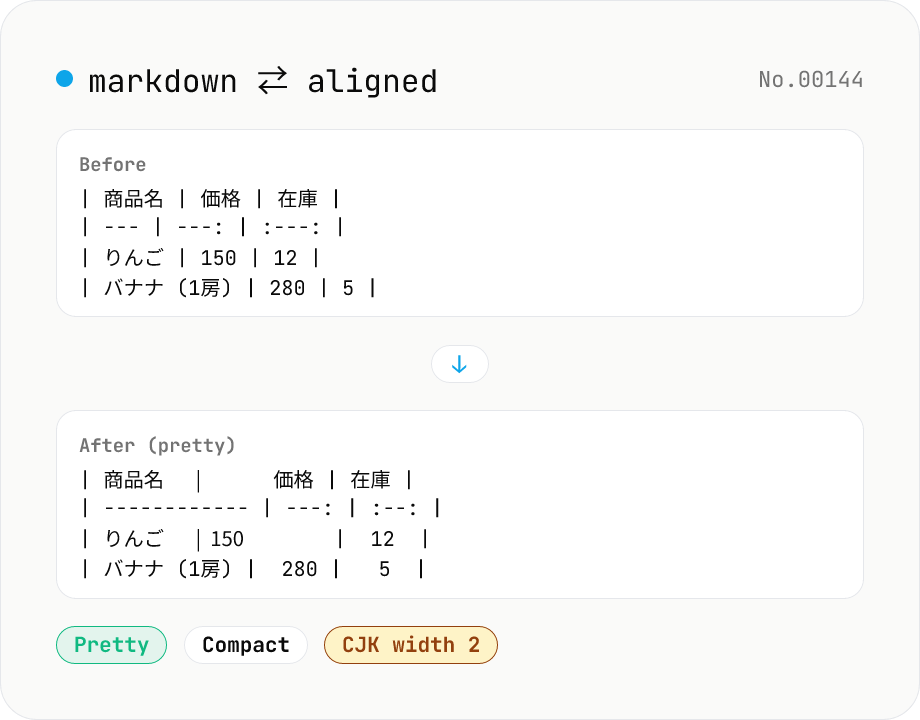
Markdown Table Formatter
Reformat Markdown tables: pad columns for readability (pretty) or strip padding (compact). Optionally override alignment (left / center / right) for all columns. CJK characters are treated as width 2. Runs entirely in your browser — no uploads.
developerMarkdownformat
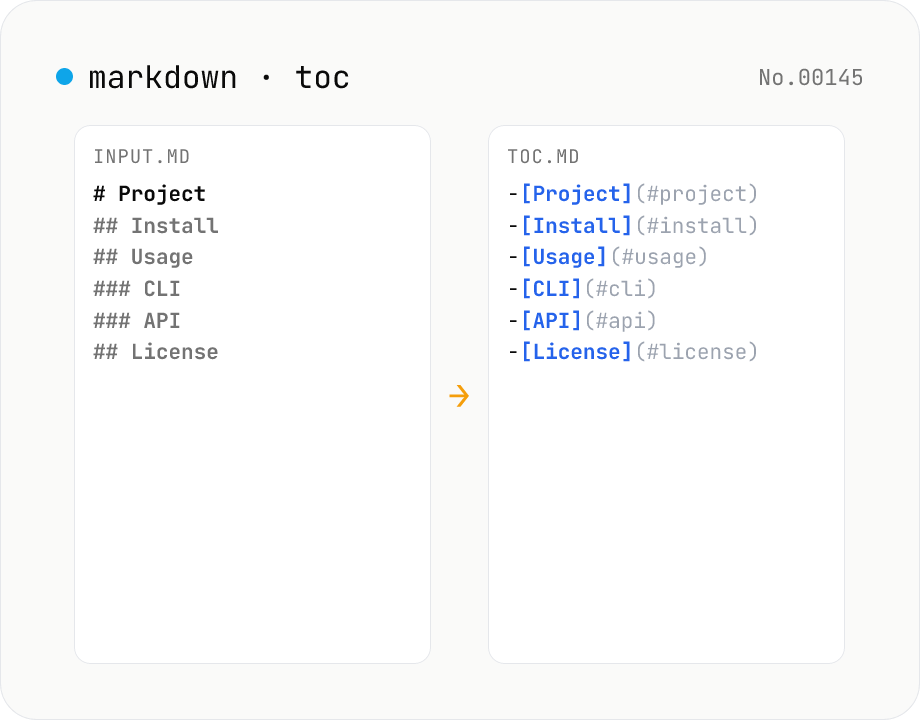
Markdown TOC — extract anchors from headings
Scan Markdown headings (#, ##, …) and emit a table of contents with GitHub-style anchor links. Toggle between nested and flat list, change the maximum heading level, and choose whether to include H1. Headings inside fenced code blocks are skipped automatically. Copy the Markdown or save as .md and paste it anywhere. Runs entirely in your browser.
developerMarkdowngenerate