
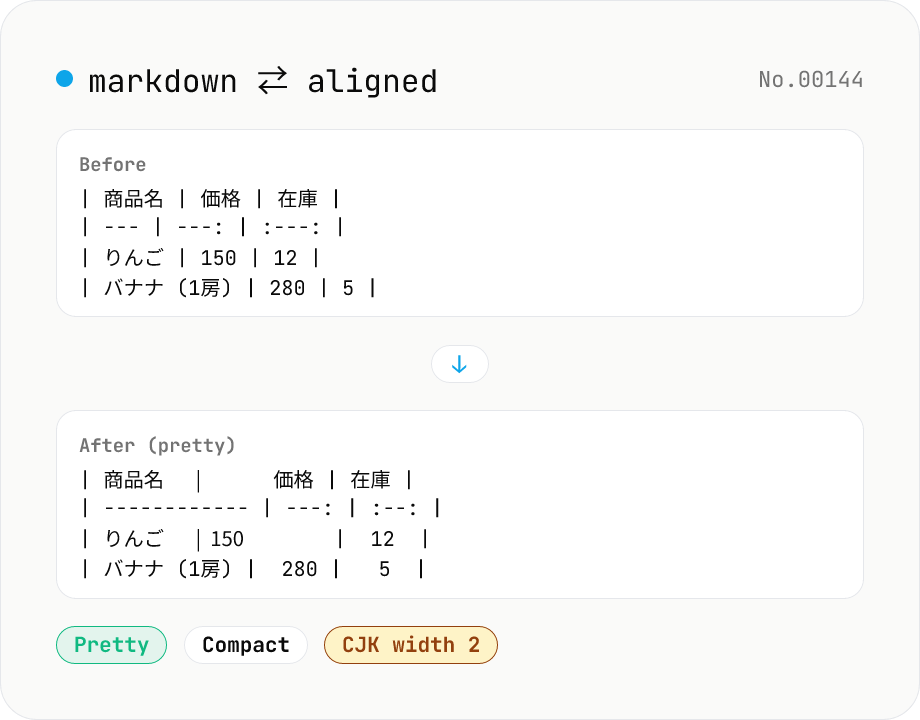
Markdown Table Formatter
Reformat Markdown tables: pad columns for readability (pretty) or strip padding (compact). Optionally override alignment (left / center / right) for all columns. CJK characters are treated as width 2. Runs entirely in your browser — no uploads.
How to use
Paste Markdown, press Run, and only the table blocks are reformatted — the surrounding paragraphs are kept untouched. Style is "Pretty (pad columns)" or "Compact (minify)". Alignment override (Preserve / Left / Center / Right) rewrites all `:---` `:---:` `---:` markers across the table. CJK characters are treated as width 2 so columns line up in a monospace editor. No third-party libraries, runs entirely in your browser.
FAQ
- Is my input uploaded?
- No. The formatter is a hand-rolled JavaScript module that runs in your browser. Use it freely on internal docs or unpublished spec tables.
- Which table syntax is supported?
- Standard GitHub Flavored Markdown (GFM) `| col | col |` tables. A separator row (`| --- | --- |`) is required. Alignment markers `:---` (left), `:---:` (center), `---:` (right) are honored. Leading / trailing `|` may be omitted; the output normalizes to a consistent form.
- Why have a Compact mode?
- Useful for posting tables into GitHub Issues / comments where you want minimal character count. It strips all padding to the shortest valid form (`| a | b |`).
- Why don't Japanese columns line up?
- This tool counts CJK Unified, Hiragana, Katakana, and Fullwidth characters as width 2. Check in a monospace font with CJK support (BIZ UDPGothic, IBM Plex Mono CJK, etc.). Proportional fonts can still look misaligned.
- How does the alignment option work?
- "Preserve" leaves the original `:---` `:---:` `---:` markers untouched. "Left / Center / Right" overwrites the alignment for every column. To set per-column alignment, edit the output by hand after formatting.
Related tools
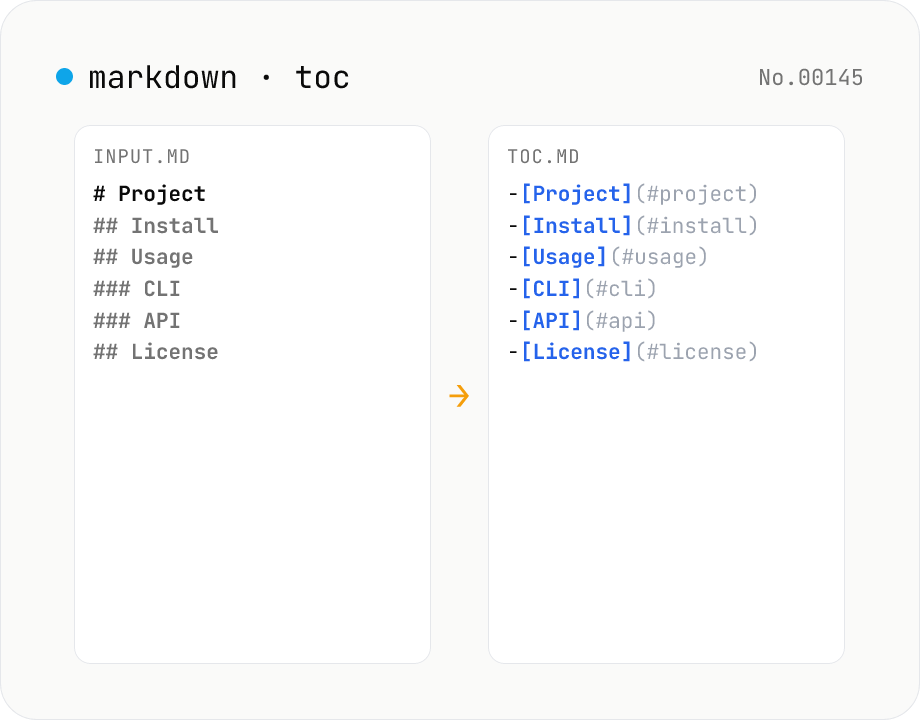
Markdown TOC — extract anchors from headings
Scan Markdown headings (#, ##, …) and emit a table of contents with GitHub-style anchor links. Toggle between nested and flat list, change the maximum heading level, and choose whether to include H1. Headings inside fenced code blocks are skipped automatically. Copy the Markdown or save as .md and paste it anywhere. Runs entirely in your browser.
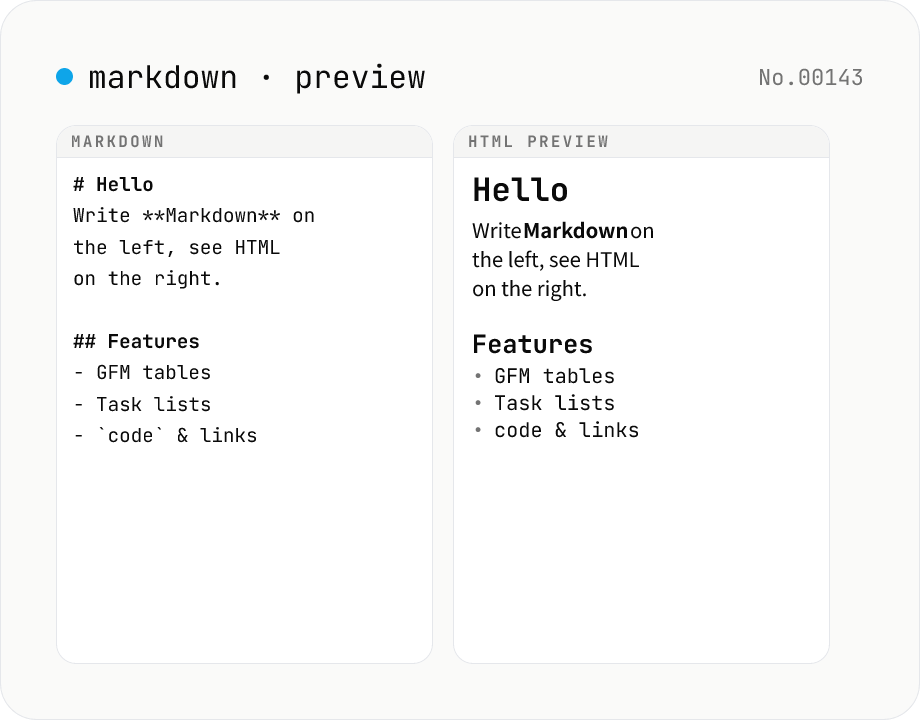
Markdown preview — live rendering of GFM
Type Markdown on the left and see the rendered HTML on the right in real time. Supports GFM (tables, task lists, autolinks) and single-newline → <br>. Copy or download the rendered HTML. Everything runs locally in your browser.
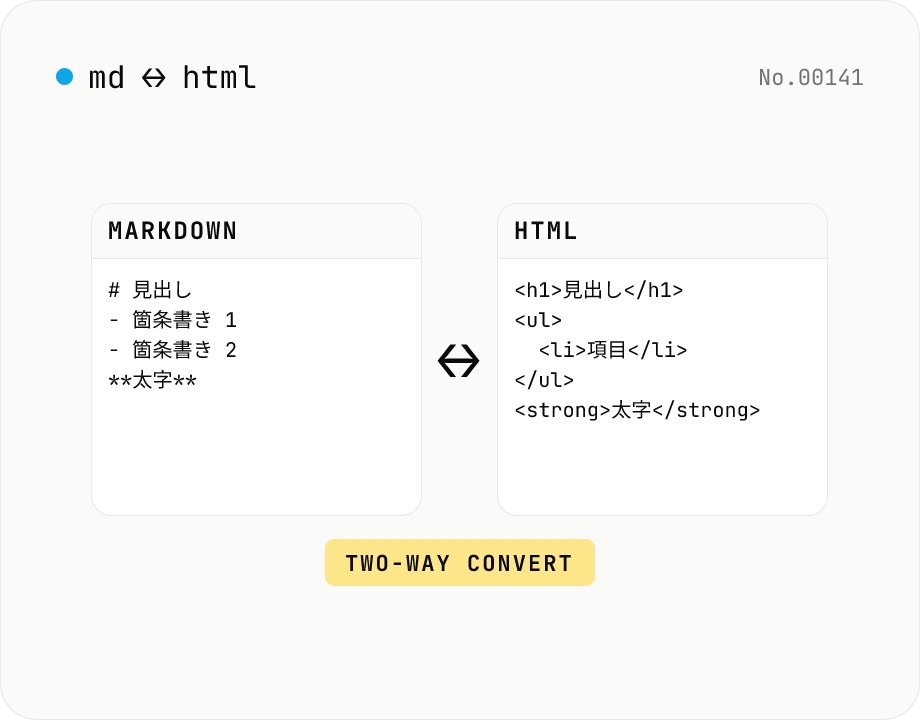
Markdown ⇄ HTML converter — round-trip
Convert Markdown to HTML and HTML to Markdown in both directions. Ideal for migrating between platforms (a blog into WordPress, an HTML page into a README, etc.). Runs entirely in your browser using marked and turndown — your drafts never leave the page.
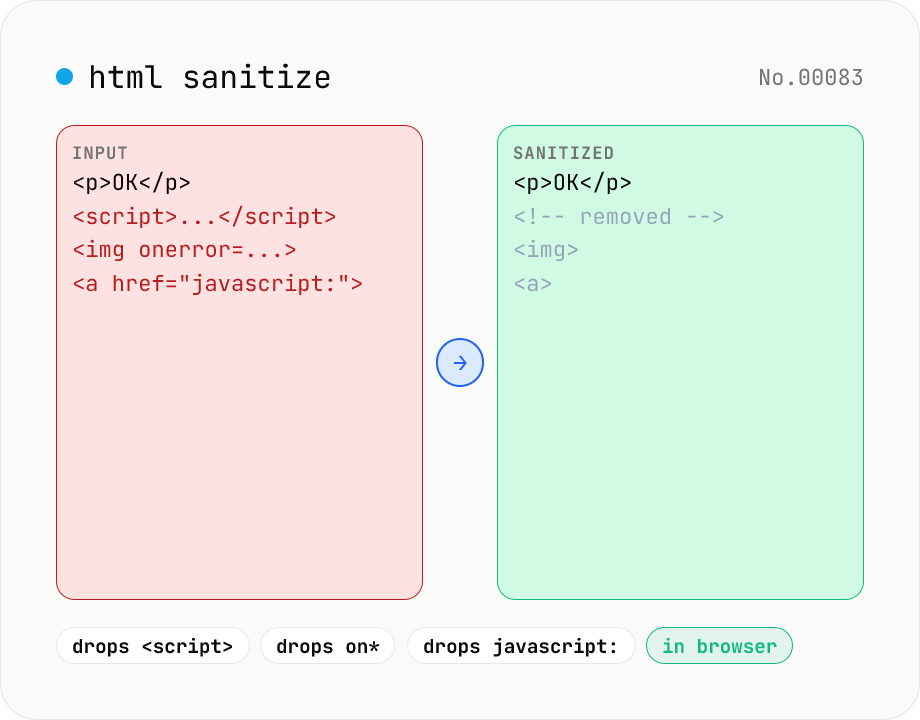
HTML sanitizer — strip XSS vectors with DOMPurify
Strip XSS vectors (script tags, on* handlers, javascript:/data: URLs, iframes, etc.) from untrusted HTML using DOMPurify. Three profiles — Strict / Standard / Permissive — control which tags and attributes survive. Useful before passing user-generated HTML to a CMS / forum, locking down Markdown→HTML output, or cleaning legacy HTML during a blog migration. Runs entirely in your browser — HTML never leaves your device.