
TAG
Tools tagged "watermark"
6 tools
Tools that overlay watermarks on images and videos.
All NoSend Tools that carry the "watermark" tag. Everything runs inside the browser — your inputs never leave your device.
Tags:
Sort:
Per page:
All tools
6 / 6
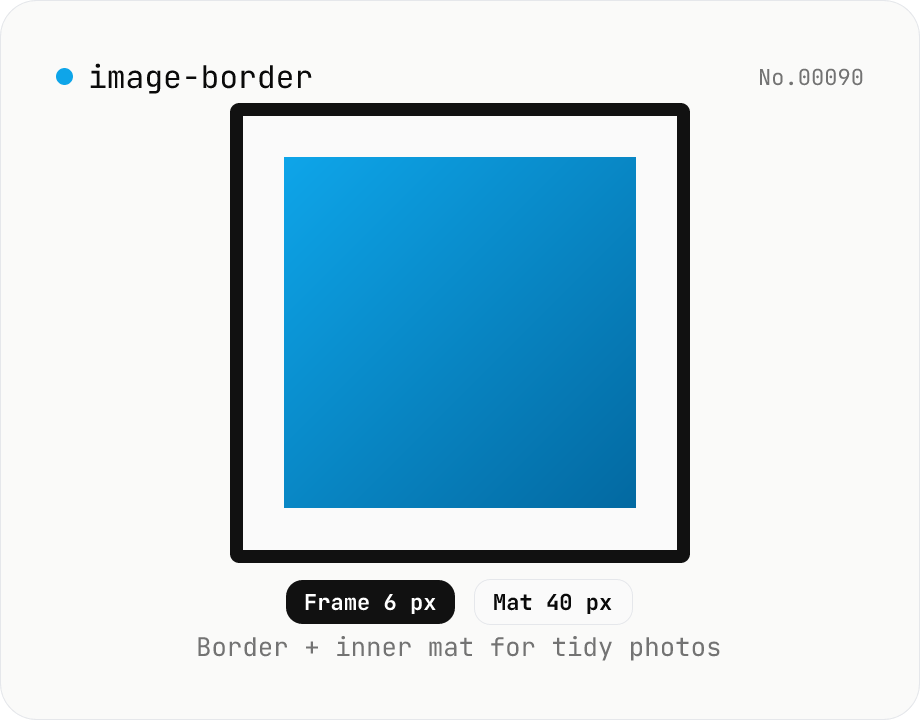
Image border — add a frame with custom width, color, and inner margin
Add a clean border (and optional inner mat) around an image. Pick the border width (0–200 px) and color (HEX), and an inner margin (mat) that sits between the border and the image. Great for SNS posts, portfolios, and presentation assets. Outputs PNG (transparent), JPEG, or WebP with a quality slider. Everything is composited with Canvas in your browser — no upload.
imagewatermark
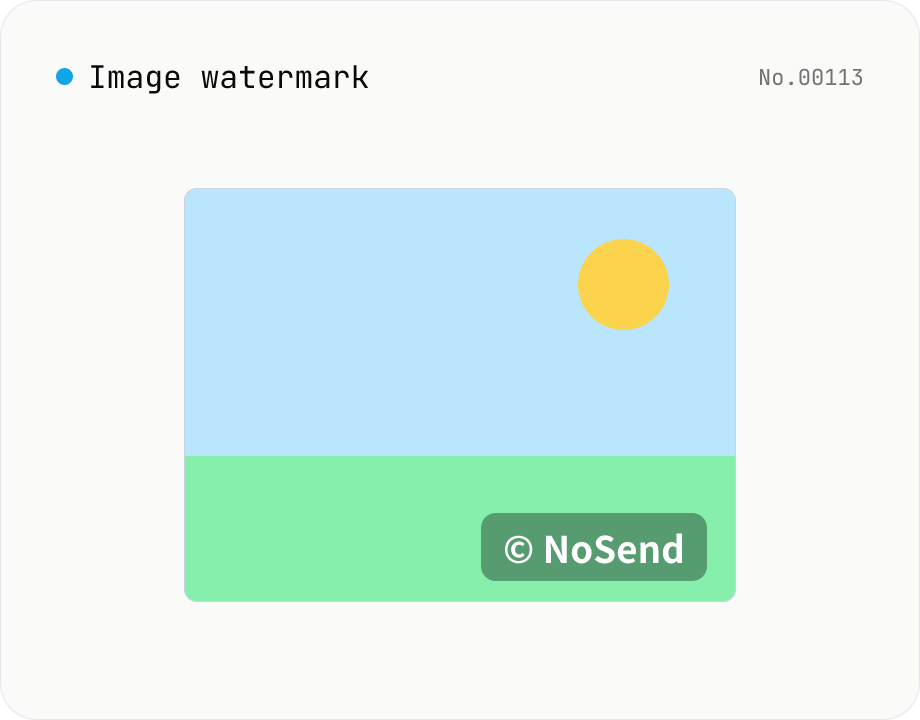
Image watermark — overlay text or image at 9-grid position
Overlay a text or image watermark onto your photos. Composited via Canvas entirely in the browser. Choose position (9-grid), size, opacity and margin. Batch-process and download as a single ZIP. Output keeps the original format (PNG / JPEG / WebP).
imagewatermark
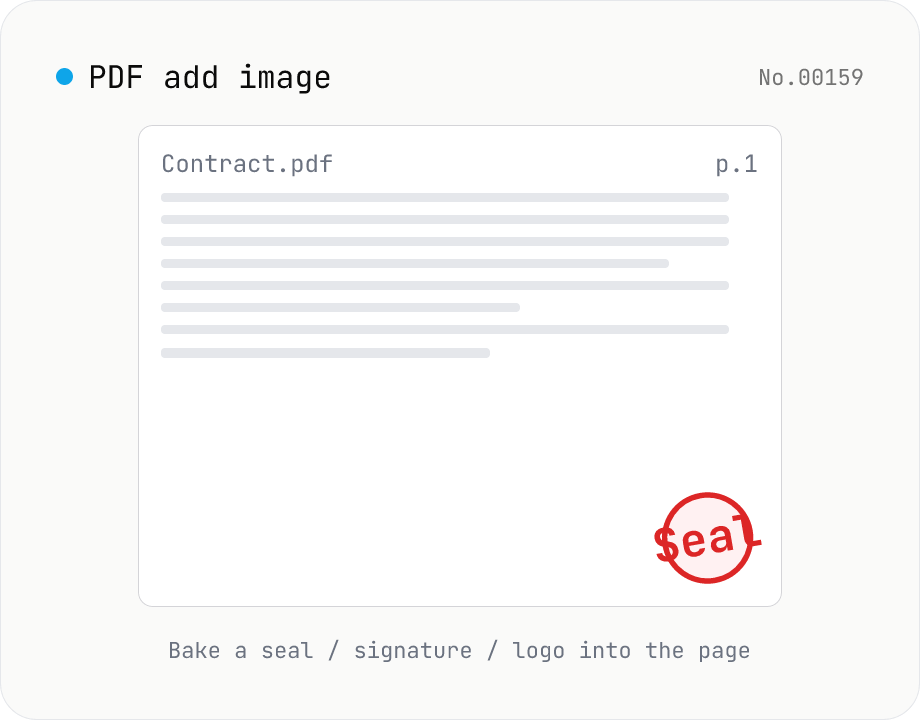
PDF add image — bake a signature / seal / logo into a page
Drop an image (PNG / JPEG / WebP) onto a chosen page of a PDF — perfect for adding a personal seal, scanned handwritten signature, or company logo just before sending the document back. Pick a 9-grid position with margin, set the image size as a percentage of page width, and tweak opacity, rotation, and which pages get the image. Powered by pdf-lib's embedPng / embedJpg. Batch multiple PDFs and download as a ZIP. Files never leave your browser.
pdfimagewatermark
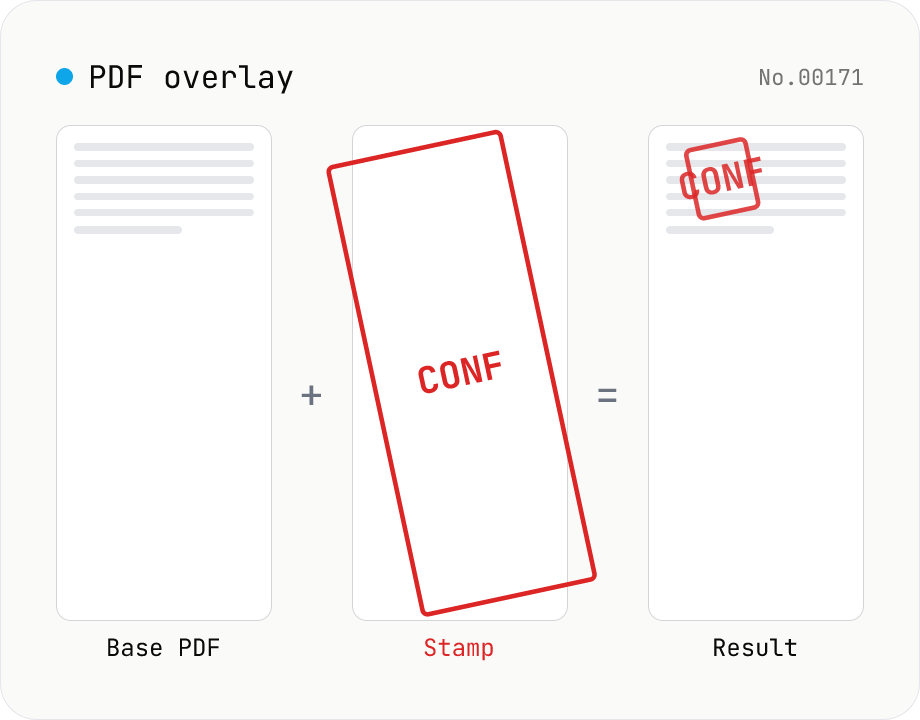
PDF overlay — stamp a PDF onto every page of another
Layer the first page of one PDF (the stamp) on top of every page of another (the base). Perfect when your watermark, company seal, 'Confidential' badge, or boilerplate cover sheet is already a PDF. Choose a 9-grid position or custom XY offset, set scale / rotation / opacity, and the same stamp is baked into every base page. Powered by pdf-lib's embedPdf + drawPage. Multiple base PDFs can be processed at once and downloaded as a ZIP. Nothing leaves the browser.
pdfwatermark
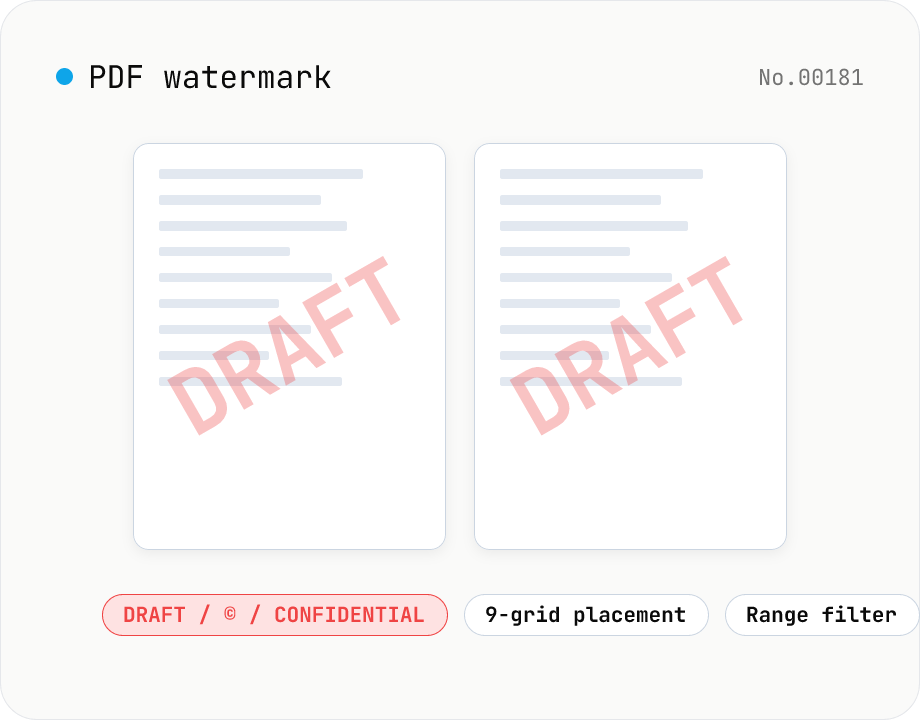
PDF watermark — text or image overlay
Stamp every page of a PDF with text (DRAFT / CONFIDENTIAL / © ...) or an image logo. Pick from a 9-grid placement, adjust opacity, size, rotation, and restrict to specific page ranges. Runs entirely on pdf-lib in the browser — your files never leave the device. Batch processing and ZIP download supported.
pdfwatermark
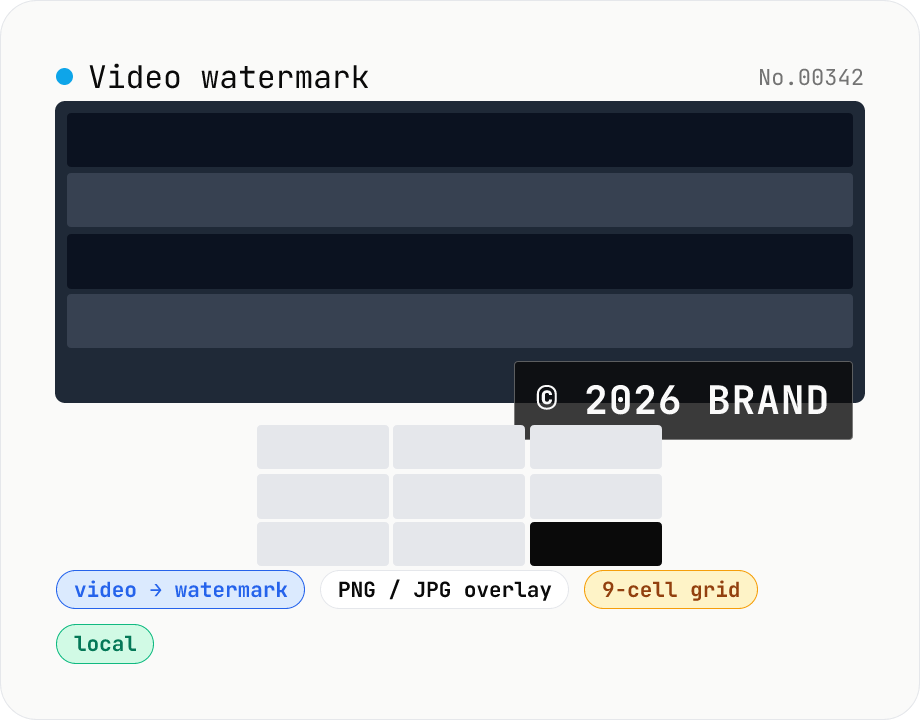
Video watermark — burn a PNG / JPG logo into a video
Drop a video (MP4 / MOV / WebM / MKV) and a watermark image (PNG / JPG / WebP) to burn the logo or copyright tag into the video with ffmpeg.wasm's overlay filter and download the result as MP4. Pick from a 9-cell position grid (top-left / top / top-right / left / center / right / bottom-left / bottom / bottom-right), set size (5–100% of video width), opacity, and margin. Transparent PNGs composite cleanly — handy for Vlog logo corners, social-video sign-offs, brand bumpers, and sample-video preparation. Audio passes through with `-c:a copy`. Everything runs in your browser; videos never leave your device. The ffmpeg.wasm core (30 MB) downloads once on first use.
videowatermark