
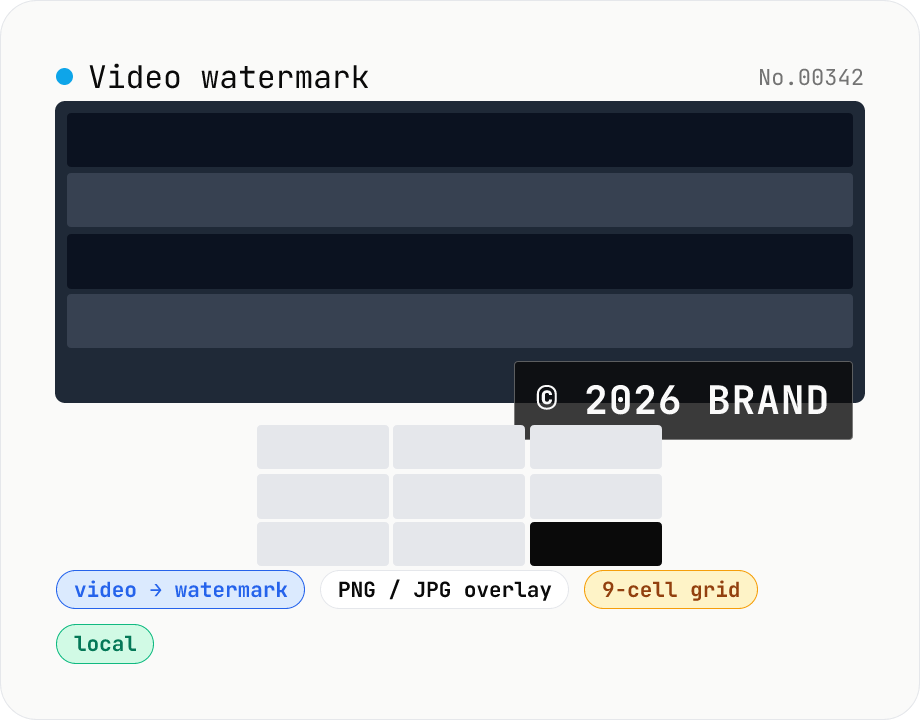
Video watermark — burn a PNG / JPG logo into a video
Drop a video (MP4 / MOV / WebM / MKV) and a watermark image (PNG / JPG / WebP) to burn the logo or copyright tag into the video with ffmpeg.wasm's overlay filter and download the result as MP4. Pick from a 9-cell position grid (top-left / top / top-right / left / center / right / bottom-left / bottom / bottom-right), set size (5–100% of video width), opacity, and margin. Transparent PNGs composite cleanly — handy for Vlog logo corners, social-video sign-offs, brand bumpers, and sample-video preparation. Audio passes through with `-c:a copy`. Everything runs in your browser; videos never leave your device. The ffmpeg.wasm core (30 MB) downloads once on first use.
How to use
Drop or pick one video file (MP4 / MOV / WebM / MKV). Pick a watermark image (PNG / JPG / WebP — transparent PNG recommended). Set position (9-cell grid), size (% of video width), opacity, and margin. Press Apply — ffmpeg.wasm burns the overlay via its `overlay` filter and produces an H.264 / AAC MP4. Hit Download MP4 to save the output. The source video is untouched.
In depth
The video receiving a watermark is usually near its final, most sensitive form
Watermarking runs when burning a logo into a finished production for rights identification, adding a studio or photographer name to a client deliverable before handoff, stamping a ‘sample’ or ‘draft’ overlay onto a preview that should not circulate freely, or marking a licensed clip for tracking. The common thread is that watermarking is applied to video that is close to finished — reviewed, approved, and about to be delivered or published.
Uploading to an online watermark service delivers that near-final video to an external server — the original footage without the watermark, which is exactly the material the watermark was meant to protect. The structural irony is precise: using an online tool to add rights protection sends the unprotected source to a third party’s infrastructure first.
The overlay filter decodes every frame before compositing
Watermark compositing requires ffmpeg’s overlay filter to decode each frame of the source video into a YUV buffer, blend the watermark image — including its alpha channel — pixel by pixel, then re-encode the combined frame. There is no stream-copy path; every frame transitions through a decoded, uncompressed state.
When this runs on an external server, the decoded frame buffers for every frame of the source video exist on that server’s infrastructure, alongside the watermark PNG itself. Both assets arrive simultaneously. When ffmpeg.wasm runs the equivalent ffmpeg.exec(['-i', video, '-i', watermark, '-filter_complex', 'overlay=...', '-c:v', 'libx264', '-c:a', 'copy', output]) inside the browser, all intermediate data stays in the WASM sandbox.
ffmpeg.wasm runs the overlay filter and libx264 re-encode inside the browser
This tool loads ffmpeg.wasm in the browser. The 9-cell grid position is converted to an ffmpeg coordinate expression (e.g. bottom-right: main_w-overlay_w-MARGIN:main_h-overlay_h-MARGIN). Opacity is controlled with [1:v]scale=iw*SIZE/100:-1[wm];[wm]format=rgba,colorchannelmixer=aa=OPACITY[wmo], and the result is fed into the overlay filter. Video is re-encoded with libx264; audio is copied with -c:a copy. Output is H.264 / AAC MP4.
Video data, the watermark PNG, WASM virtual filesystem files, and the output MP4 Blob all stay in browser page memory. Open DevTools Network tab during compositing — no outbound request fires beyond the initial ffmpeg.wasm download. Source is on GitHub.
The source footage you want to protect does not need to leave your device to be protected
Watermarking is a rights-protection measure. Applying it in the browser means the unprotected source video is never exposed to external infrastructure — only the watermarked output exists outside the local sandbox, and only after you choose to download it. The protection is applied before the video moves anywhere.
The overlay filter internals and the colorchannelmixer alpha trick
ffmpeg’s overlay filter takes a “main” input and an “overlay” input and composites the overlay onto each main frame at a given position. The filter chain this tool uses, [1:v]scale=iw*SIZE/100:-1[wm];[wm]format=rgba,colorchannelmixer=aa=OPACITY[wmo], runs four stages: (1) resize the watermark PNG to SIZE% of the main width; (2) convert to RGBA; (3) multiply the alpha channel by OPACITY using colorchannelmixer=aa=OPACITY; (4) feed the result into overlay. The format=rgba step is essential — without it, a transparent PNG can lose its alpha and composite onto a black background.
Position expressions follow patterns like main_w-overlay_w-MARGIN:main_h-overlay_h-MARGIN (bottom-right), computed dynamically from main (main_w, main_h) and overlay (overlay_w, overlay_h) dimensions. Centre alignment is (main_w-overlay_w)/2:(main_h-overlay_h)/2; top-centre is (main_w-overlay_w)/2:MARGIN. Every cell in the 9-grid follows the same scheme. Audio passes through with -c:a copy, preserving AAC, MP3, Opus, or Vorbis losslessly. Video is re-encoded with libx264 (CRF 23, medium preset), incurring 1–2% SSIM of generation loss — overlay compositing cannot use stream copy, so re-encoding is unavoidable. Animated GIFs work as overlays via overlay looping, but this tool currently accepts only static PNG / JPG / WebP.
Watermark patterns across industries and what to watch for
Photographers and videographers burn semi-transparent logos into portfolio uploads on Behance, Vimeo, or personal sites to discourage unauthorised re-use. opacity=30%, bottom-right position, and size=10% are typical defaults. Stock-footage marketplaces (Pond5, Shutterstock, Adobe Stock) stamp SAMPLE across previews so they can’t be used unlicensed; the watermark vanishes from the version delivered after purchase. Pre-delivery client samples carry DRAFT, WIP, or Client Review Only overlays to prevent accidental publication.
Broadcast distribution is where corner logos became standard — NHK, TBS, and every OTT service display them constantly. Industry slang calls them “bugs.” Twitch and YouTube Gaming streamers composite a personal logo plus sponsor logos. Legally, watermarks don’t grant the right to use copyrighted content — using a third party’s photo or music as a watermark still requires separate licensing. Steganography (invisible digital watermarking) is different from this tool’s visible watermarking: steganography hides identifiers in the image’s LSB (Least Significant Bit) or DCT coefficients, surviving recompression and visible only to specialised extractors (Digimarc, etc.). This tool does not implement steganography — for copyright-infringement tracking, you’d need a dedicated solution. To burn the same logo onto stills or documents, image-watermark and pdf-watermark apply the same design across categories; once the watermarked video is rendered, video-convert can rewrap it into a different container and video-compress can drop the bitrate for delivery — all without ever sending the unprotected source anywhere. The SIZE% calculation is anchored to main width, so SIZE=10% means 108px on 1080p and 384px on 4K — higher resolutions keep the visual proportion intact automatically.
FAQ
- Will a transparent PNG composite cleanly?
- Yes. We feed the alpha channel through ffmpeg's `overlay` filter, so transparent areas of the PNG show the original video, and soft / semi-transparent edges (drop shadows etc.) blend naturally.
- Is the output format fixed to MP4?
- Yes, we emit H.264 / AAC MP4 — broadly compatible across SNS, video sites, and mobile. If you need WebM / MOV, pipe the result through video-convert.
- Why does processing take time?
- ffmpeg.wasm re-encodes via libx264 + AAC, so a 3-minute 1080p clip typically takes 1–3 minutes depending on CPU and source frame rate. Keep your laptop plugged in for the best run time.
- How do size and position interact?
- Size is the watermark's width as a percentage of the video width. Position-left / center / right shift along X; top / center / bottom shift along Y. The margin (px) is applied to the corresponding edge; center positions ignore it.
- Is anything uploaded?
- No. ffmpeg.wasm runs in-browser and neither the video nor the watermark is uploaded. We do download the ffmpeg core (30 MB) from a CDN on first use.
How to verify nothing is uploaded
This tool never sends your input outside your browser. The pages below explain how it works, how to audit it, and how the site is run.
Related tools
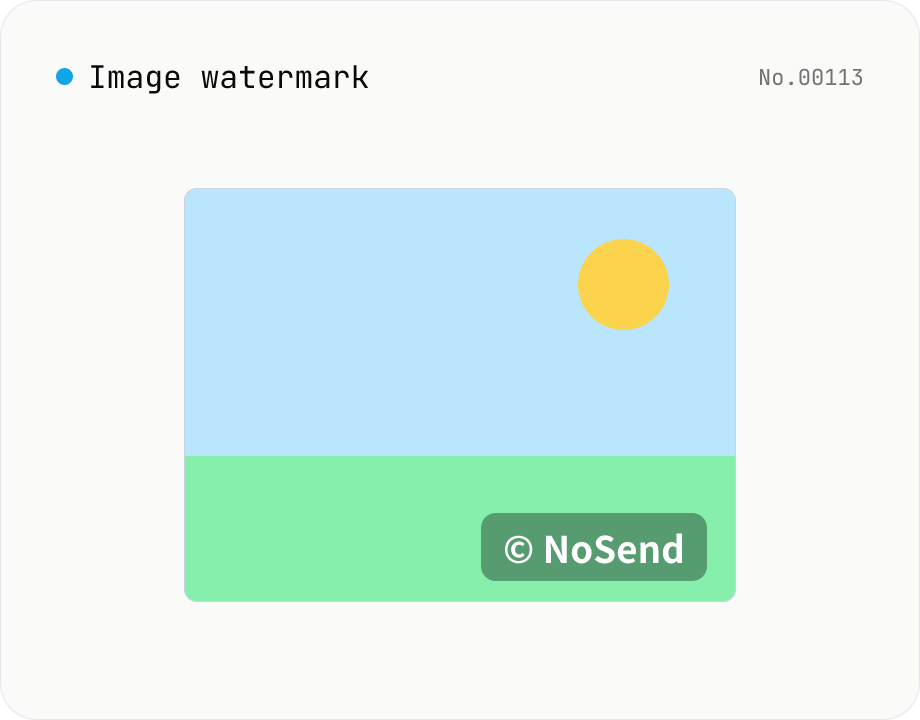
Image watermark — overlay text or image at 9-grid position
Overlay a text or image watermark onto your photos. Composited via Canvas entirely in the browser. Choose position (9-grid), size, opacity and margin. Batch-process and download as a single ZIP. Output keeps the original format (PNG / JPEG / WebP).
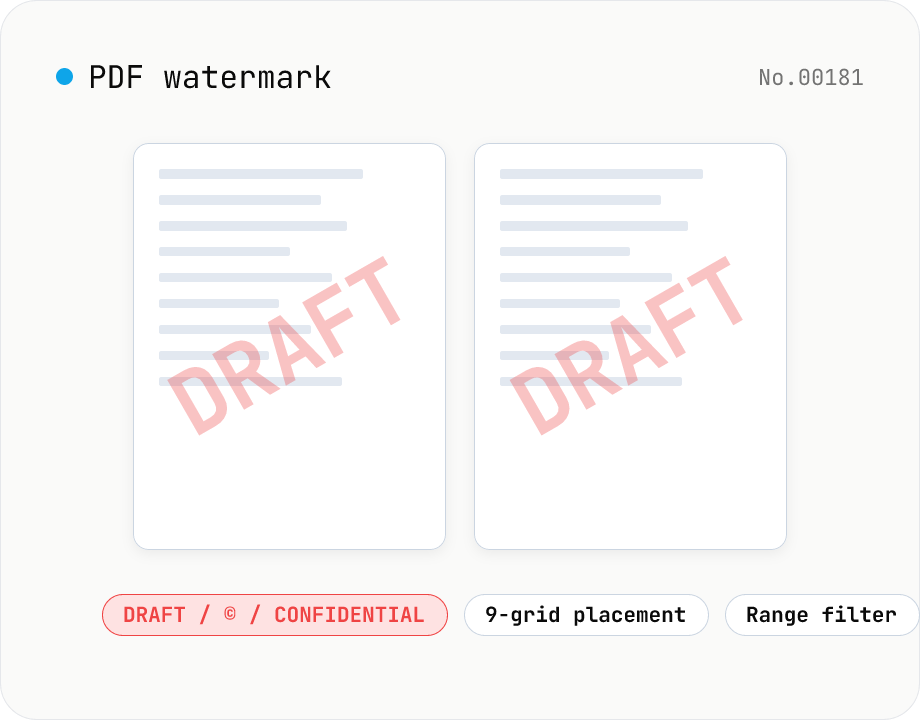
PDF watermark — text or image overlay
Stamp every page of a PDF with text (DRAFT / CONFIDENTIAL / © ...) or an image logo. Pick from a 9-grid placement, adjust opacity, size, rotation, and restrict to specific page ranges. Runs entirely on pdf-lib in the browser — your files never leave the device. Batch processing and ZIP download supported.
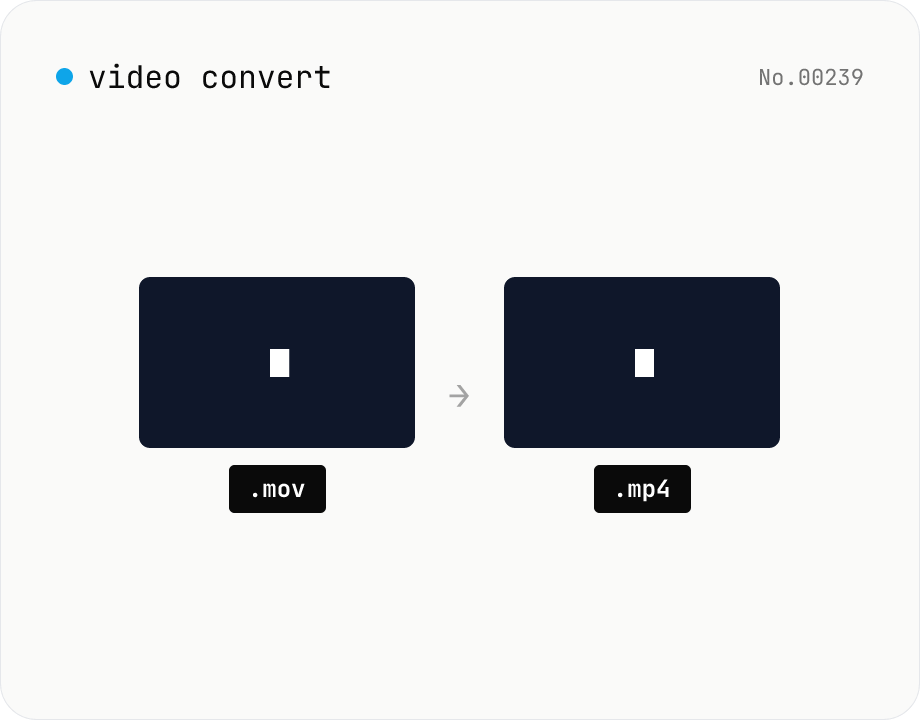
Video format convert — MP4 / MOV / WebM stream copy
Change the video container (e.g. mov → mp4) without re-encoding by using ffmpeg.wasm stream copy. Works for codec-compatible combinations only. Supports batch processing and a single ZIP download.
Video compress — shrink size, tune CRF / preset / x264
Re-encode a video with libx264 at the chosen CRF to shrink the file size while keeping the resolution. Pick a preset to trade speed for compression. Output is mp4. Supports batch processing and a single ZIP download.