
TAG
Tools tagged "crop"
4 tools
Tools that trim unwanted regions from images and videos.
All NoSend Tools that carry the "crop" tag. Everything runs inside the browser — your inputs never leave your device.
Tags:
Sort:
Per page:
All tools
4 / 4
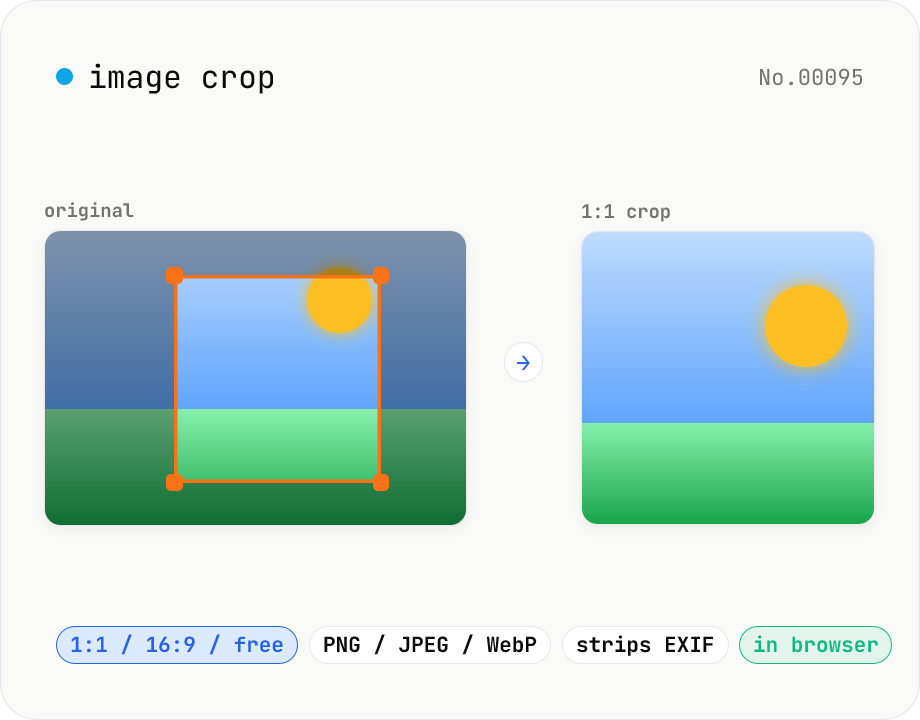
Image crop — drag to trim with free ratio or pixel size
Crop JPEG / PNG / WebP images by dragging directly on the preview. Pick an aspect ratio (free / 1:1 / 16:9 / 4:3 / 3:4 / 9:16) and an output format (PNG / JPEG / WebP) with quality control for the lossy formats. Your image never leaves the browser — every step runs locally.
imagecrop
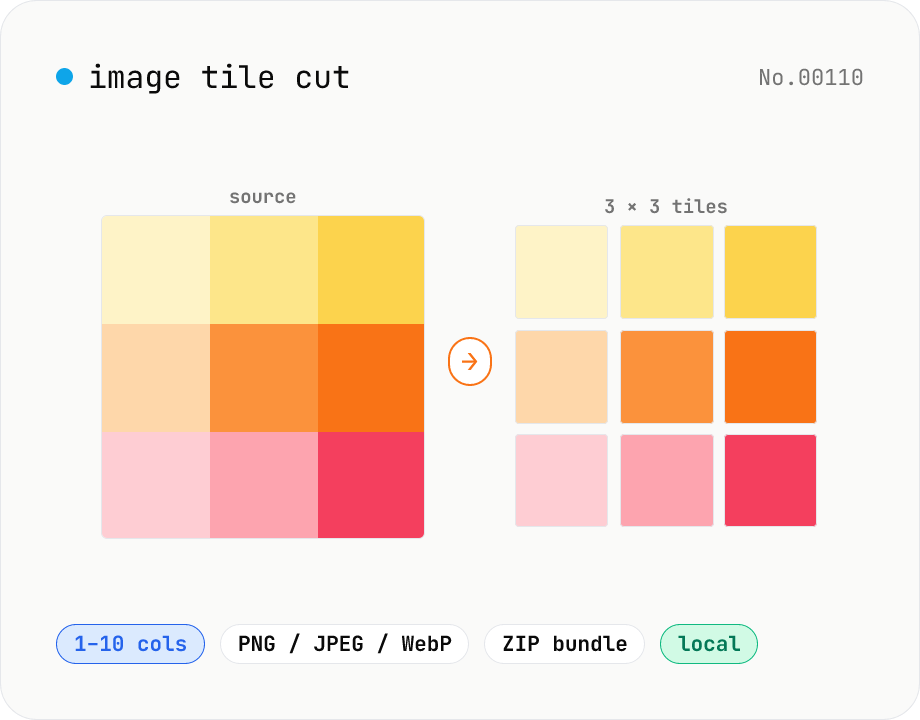
Image tile cut — split into an N×M grid
Cut an image into N columns × M rows of tiles. Canvas slices precisely and exports each tile as PNG / JPEG / WebP. Perfect for Instagram 3×3 grid posts, sticker-board layouts, jigsaw puzzles, or splitting a tall scrolling post into multiple slides. Save tiles individually or download all as a ZIP. Everything runs in your browser — no upload.
imagesplitcrop
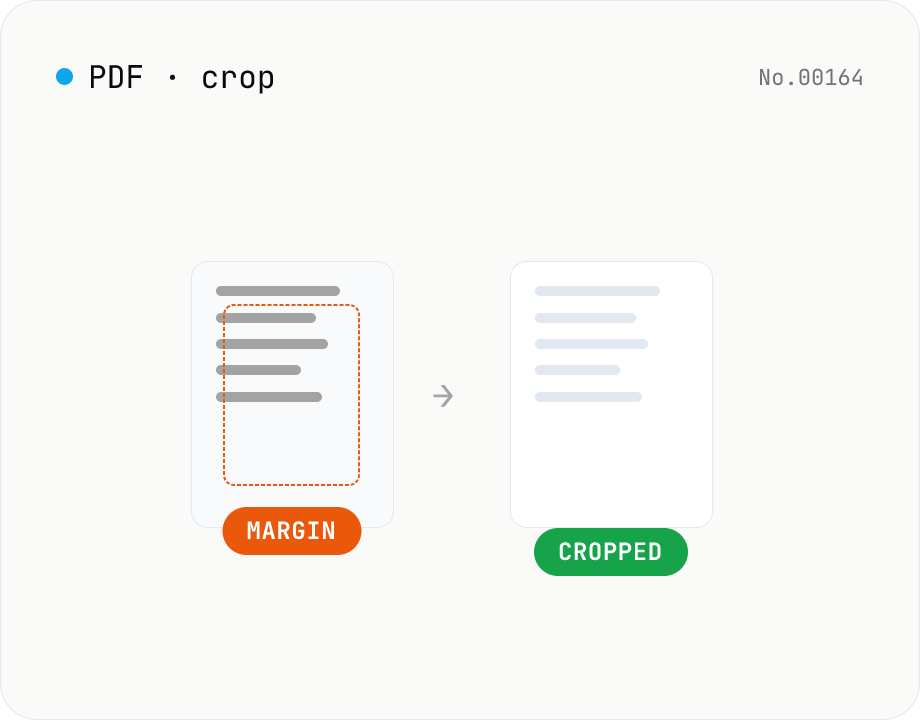
PDF crop — trim top / right / bottom / left in mm
Trim the top / right / bottom / left margins of each PDF page by a value in millimetres. Use it to cut off white borders from scans or shrink overly generous margins. Batch multiple PDFs and download as a ZIP. pdf-lib rewrites the MediaBox / CropBox without re-rendering, so quality is preserved and everything runs in your browser.
pdfcrop
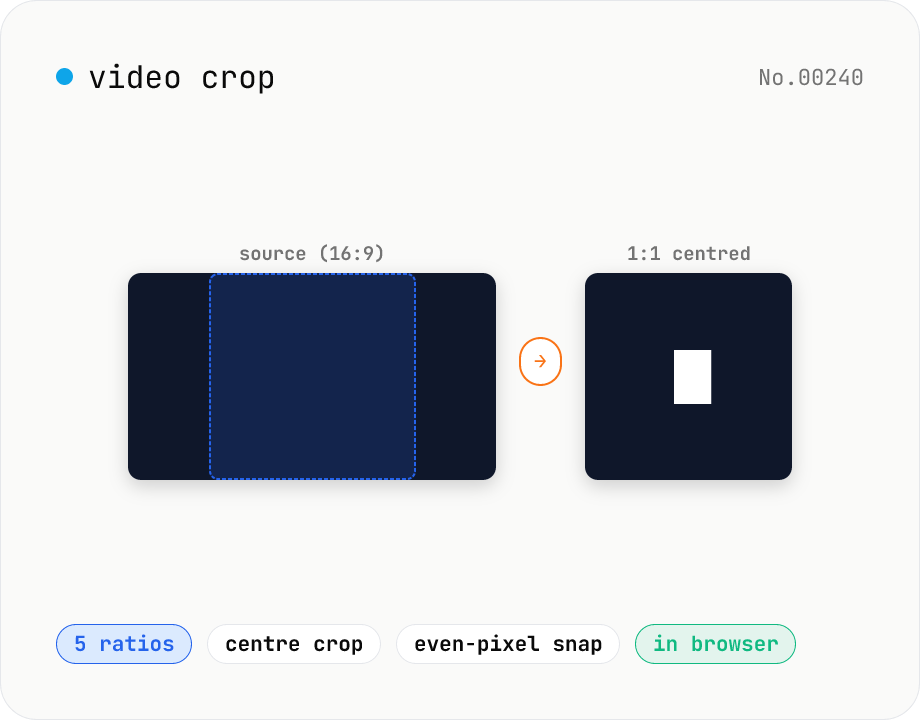
Video crop — center-crop to 1:1, 9:16, 16:9, 4:3 or 3:4
Center-crop a video to a target aspect ratio with one click. Instagram-style 1:1, TikTok / Reels 9:16, YouTube 16:9, and the SD 4:3 / 3:4 ratios are all built in. The tool automatically picks the largest centred rectangle that fits the original resolution and snaps it to even dimensions for H.264 compatibility. ffmpeg.wasm runs entirely in your browser — videos never leave your device.
videocrop