
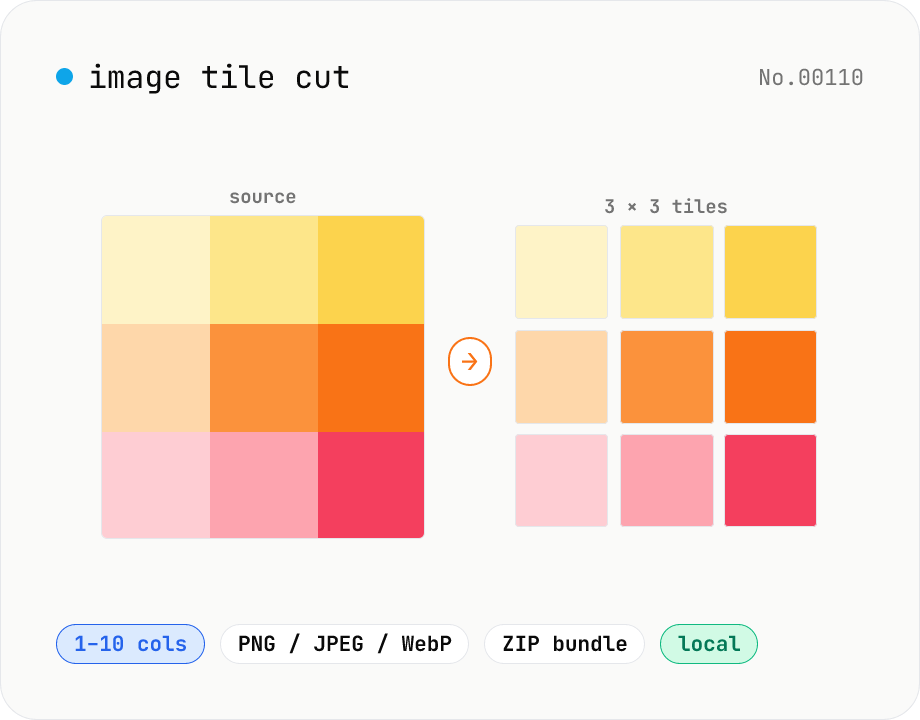
Image tile cut — split into an N×M grid
Cut an image into N columns × M rows of tiles. Canvas slices precisely and exports each tile as PNG / JPEG / WebP. Perfect for Instagram 3×3 grid posts, sticker-board layouts, jigsaw puzzles, or splitting a tall scrolling post into multiple slides. Save tiles individually or download all as a ZIP. Everything runs in your browser — no upload.
How to use
Drop or pick a single image (JPEG / PNG / WebP / GIF). Pick a column count and row count between 1 and 10. The approximate tile size is shown. Choose the output format (PNG / JPEG / WebP) and quality (for JPEG / WebP). Click Cut tiles. Canvas slices each tile pixel-accurately. Save tiles individually with Save, or grab everything as a ZIP. File names follow `<base>_r<row>_c<col>.<ext>`.
FAQ
- What happens to leftover pixels?
- If the image isn't evenly divisible by the grid, the right-most and bottom-most tiles absorb the extra 1–N pixels. The reassembled tiles still match the original size exactly.
- Is it good for Instagram 3×3 grid posts?
- Yes. Resize the source to 1080×1080 (or 1080×1350 for 4:5) first, then split into 3×3 or 3×4. Each tile is ready to post.
- Can I input WebP / GIF and output JPEG / PNG?
- Yes. Input format doesn't constrain output — pick PNG / JPEG / WebP for the tiles.
- What about animated GIFs?
- Canvas only extracts the first frame. For a full animation, export to PNG sequence with the video-frame-extract tool first.
- Is anything uploaded?
- No. Canvas + drawImage runs entirely in your browser.
Related tools
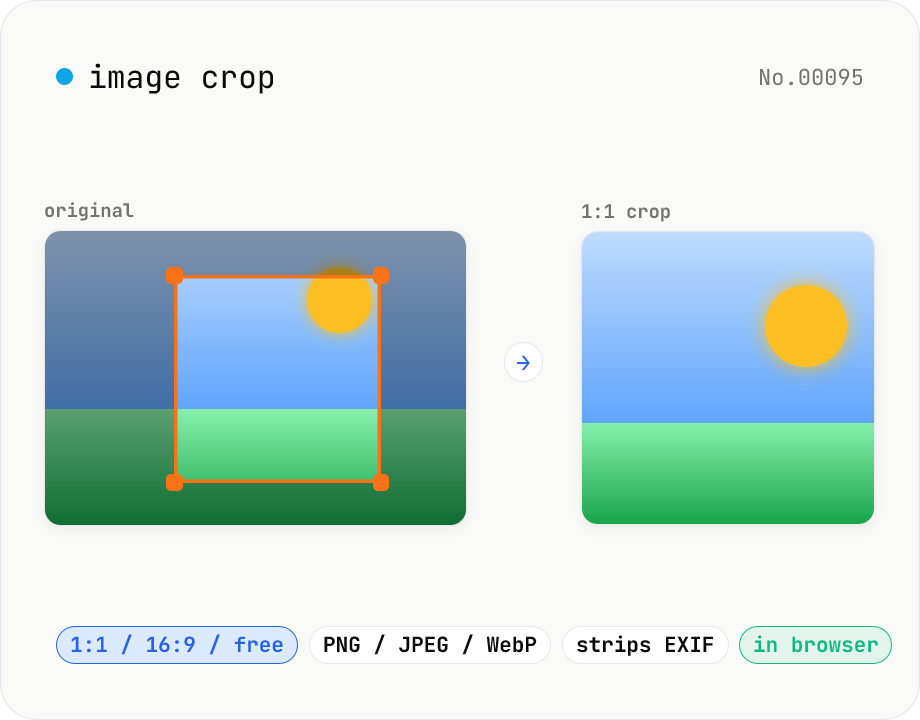
Image crop — drag to trim with free ratio or pixel size
Crop JPEG / PNG / WebP images by dragging directly on the preview. Pick an aspect ratio (free / 1:1 / 16:9 / 4:3 / 3:4 / 9:16) and an output format (PNG / JPEG / WebP) with quality control for the lossy formats. Your image never leaves the browser — every step runs locally.
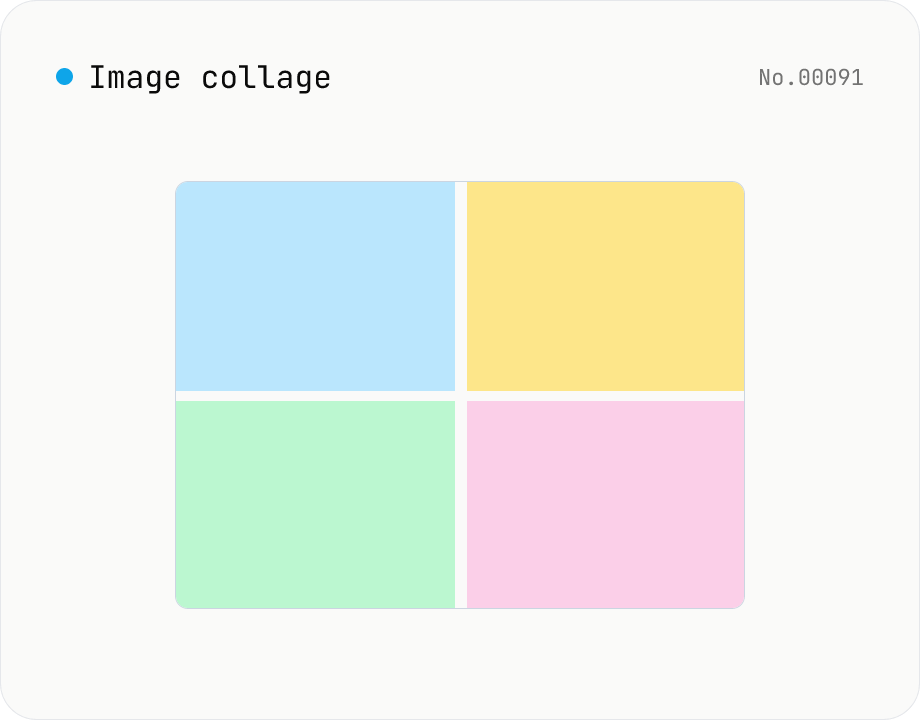
Image collage — grid / horizontal / vertical layout
Combine multiple images into one — as a grid, a horizontal strip, or a vertical strip. Composited via Canvas entirely in the browser. Tune columns, gap, padding, background color and output format (PNG / JPEG / WebP). Reorder with up/down buttons.
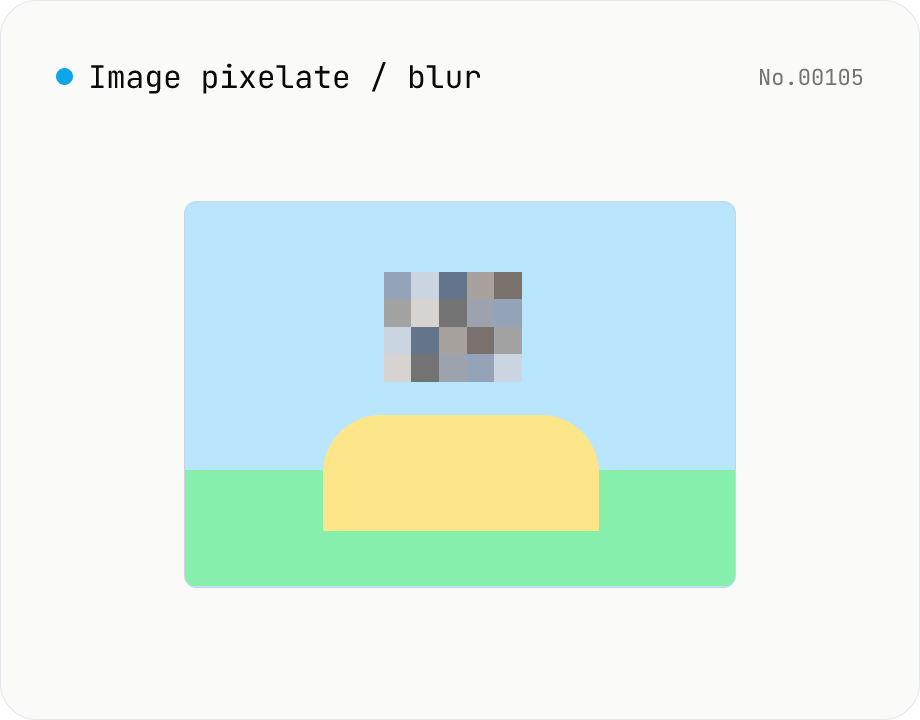
Image pixelate / blur — hide whole image or set region
Hide sensitive areas by pixelating (mosaic) or blurring an image. Apply to the whole image or to a rectangular region you set by X / Y / width / height percentages. Everything runs on Canvas in your browser. Batch processing with a single ZIP download is supported.
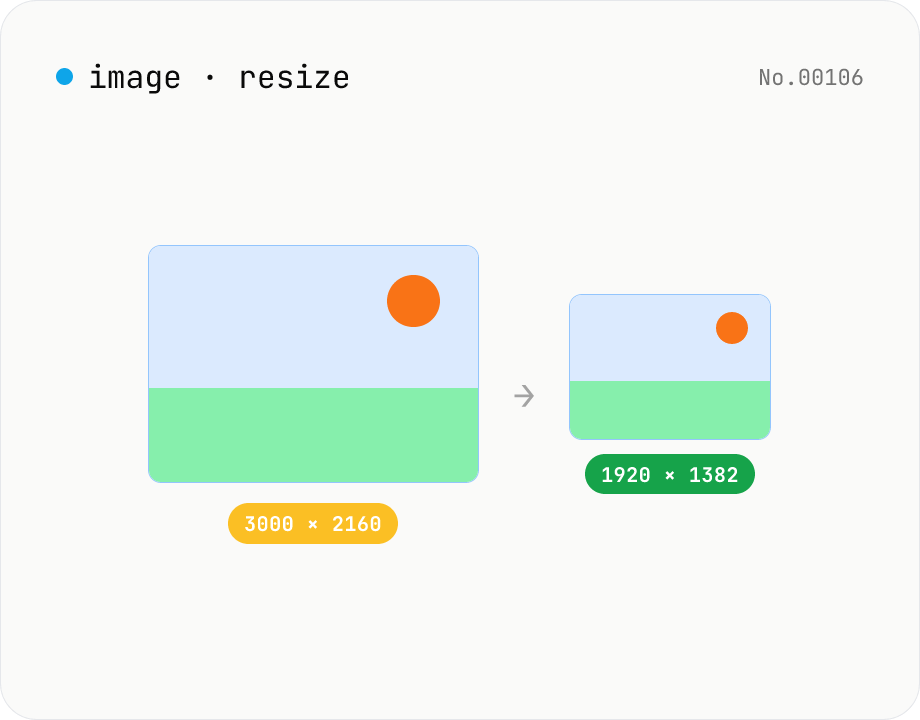
Image resize — by px or %, keep or lock aspect ratio
Resize JPEG / PNG / WebP images by specifying the longer side in pixels — aspect ratio is preserved. Batch process multiple files and download individually or as a ZIP. Runs entirely in your browser.