
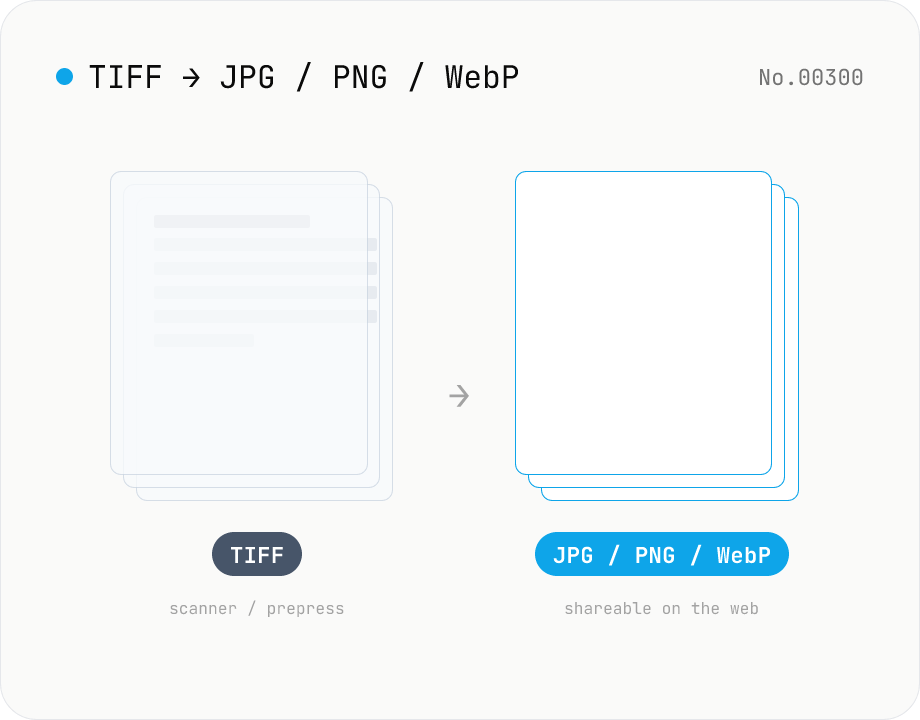
Convert TIFF / TIF to JPG / PNG / WebP — multi-page supported
Convert TIFF / TIF files (scanner output, fax, prepress) to JPEG / PNG / WebP entirely inside your browser. Multi-page TIFF files (multiple IFDs) are exported as one file per page. LZW / Deflate / PackBits compression and 16-bit samples are supported. Batch processing with a single ZIP download. Nothing leaves your device.
How to use
Drop or pick TIFF / TIF files (batch supported). Choose the output format (JPEG / PNG / WebP) and quality, then click Convert — `tiff` (image-js, MIT) decodes the TIFF in your browser and Canvas + toBlob re-encodes it. Multi-page TIFFs are split one file per page, and the all-files ZIP also keeps the per-page layout.
In depth
TIFF is the format that business scanners and prepress still emit — its payload is structurally sensitive
TIFF (Tagged Image File Format) is what business scanners, multifunction copiers, fax machines, DICOM ancillary images, satellite imagery, prepress proofs, archaeological and architectural documentation continue to produce. Converting TIFFs to JPEG / PNG / WebP for sharing on the web, in phones, or in chat is a routine task. The TIFFs that flow into a converter, therefore, are almost always “images generated inside an organisation that are about to be shared outside it” — they tend to carry more sensitive payload than an average phone photo.
Concrete examples: scans of contracts, purchase orders, receipts, and invoices; insurance certificates and medical test results; payslips and bank passbook copies; real-estate titles and registry documents; intellectual property drafts (patent applications, licence agreements); engineering drawings (CAD plots, PCB artwork); prepress proofs of unreleased books and packaging. TIFF can also embed XMP (Adobe metadata) and IPTC (press photo rights) alongside Exif, so author names, organisation, contract status, and edit history travel inside the file. Sending that file off to an external service “just to change the format” is structurally the same as handing over business documents.
What a “tiff to jpg” SaaS actually collects
“tiff to jpg online” and similar queries have high search volume and feed a major branch of free conversion SaaS. The uploaded file lives on the operator’s servers — in disk and memory — at least long enough to produce a converted copy. Most terms of service include a clause allowing the operator to use uploaded content for service improvement, written broadly enough to cover business scans like contracts and engineering drawings.
Services that advertise “deleted N hours after conversion” do not, in practice, guarantee that nothing remains in CDN caches, log servers, or backup tapes prior to deletion. Whether and when “deletion” happens at the granularity stated is unverifiable from the user side, and the burden of proof in a dispute lands on the user. In many cases, sending a business TIFF to an external converter also breaches internal information-security policy (data protection law, contractual confidentiality clauses, internal guidelines). There is no reason to take on that structural risk simply to change a file extension.
tiff (image-js) + Canvas decode and re-encode entirely in the browser
This tool uses tiff (image-js / MIT) to decode TIFFs inside the browser. The library is a pure-JavaScript decoder — no WASM required — that walks the TIFF container’s IFD (Image File Directory) chain, expands the pixel data of each IFD from LZW / Deflate / PackBits compression, and yields an RGBA buffer. For multi-page TIFFs every IFD is treated as a separate image and transferred to a Canvas in page order.
The RGBA buffer is written to <canvas> with putImageData, and canvas.toBlob(type, quality) re-encodes it as JPEG / PNG / WebP. The quality slider feeds the toBlob quality argument for JPEG / WebP; PNG is lossless, so the quality value is ignored. Re-encoding through Canvas has the side effect of dropping every TIFF tag — Exif, XMP, IPTC, capture device, edit history — so format conversion and metadata sanitisation happen in a single step, a useful guarantee right before sharing. The input TIFF, the decoded RGBA buffer, the Canvas pixel data, and the output Blob all stay in browser page memory; no network code is involved. With the DevTools Network tab open, neither conversion nor the bulk ZIP download produces an outgoing request. The implementation is open source on GitHub for third-party audit.
The last step before a scanned document leaves the building
Business TIFFs typically follow a pipeline of “generate on an internal scanner → convert to JPEG → send outside the organisation”. That conversion step is the very first moment the document touches the outside world. If that moment lives inside a conversion SaaS, the operator receives a full-size, fully metadata-tagged copy of the document before the intended recipient (customer, partner, regulator) ever sees it. Keeping the conversion pipeline inside the browser means format conversion plus metadata removal happen at once, and the file only reaches the recipient the user actually chose.
If you need to inspect the contents page-by-page before conversion, image-info can read metadata alongside this tool. To confirm the converted JPEG / PNG / WebP no longer carries Exif residue, run it through image-exif-strip. For plain JPG ↔ PNG ↔ WebP conversion without TIFF, image-convert skips the TIFF decoder entirely. For Camera RAW (CR2 / NEF / ARW) workflows see raw-convert; for HEIC / AVIF see heic-convert and avif-convert respectively.
FAQ
- Are TIFFs uploaded?
- No. `tiff` (image-js) is a pure-JavaScript decoder; the file never leaves your device. You can verify zero uploads from the DevTools Network tab.
- What about multi-page TIFFs?
- Every IFD (page) in the TIFF container is decoded in order and exported as separate files like `<name>-page1.jpg`, `<name>-page2.jpg`, … The bulk ZIP keeps the same per-page layout.
- Which compression schemes are supported?
- Uncompressed, LZW, Deflate (Adobe ZIP), and PackBits. Old-style JPEG and legacy CCITT G3/G4 FAX TIFFs are not currently supported.
- What about 16-bit / 32-bit TIFFs?
- 16-bit samples are down-shifted to 8 bits for export. 32-bit Float TIFFs (HDR / scientific imaging) are not yet supported, and CMYK TIFFs (prepress) also raise an unsupported error.
- Why convert TIFF at all?
- TIFF is standard for Adobe, business scanners, fax, and prepress, but most browsers, phones, and social platforms cannot display it directly. JPEG / PNG / WebP let you share the same image anywhere.
How to verify nothing is uploaded
This tool never sends your input outside your browser. The pages below explain how it works, how to audit it, and how the site is run.
Related tools
Image format convert — JPG / PNG / WebP interchange
Convert images between JPEG / PNG / WebP using the browser canvas — no network. A quality slider is available for JPEG and WebP. Supports batch processing and a single ZIP download.
Convert HEIC / HEIF photos to JPG / PNG / WebP batch
Decode iPhone HEIC / HEIF photos inside the browser via libheif-js (WASM) and re-encode them as JPEG or PNG. Supports batch conversion and a single ZIP download. Nothing leaves your device.
Convert AVIF photos to JPG / PNG / WebP — compatible everywhere
Decode .avif images with the browser-native AVIF decoder and re-encode them as JPEG / PNG / WebP. AVIF is great for the web but older Safari versions, email clients, Slack and Office still can't preview it — convert before sending. Batch conversion with single-click ZIP download is supported. Files never leave your device — everything runs in the browser.
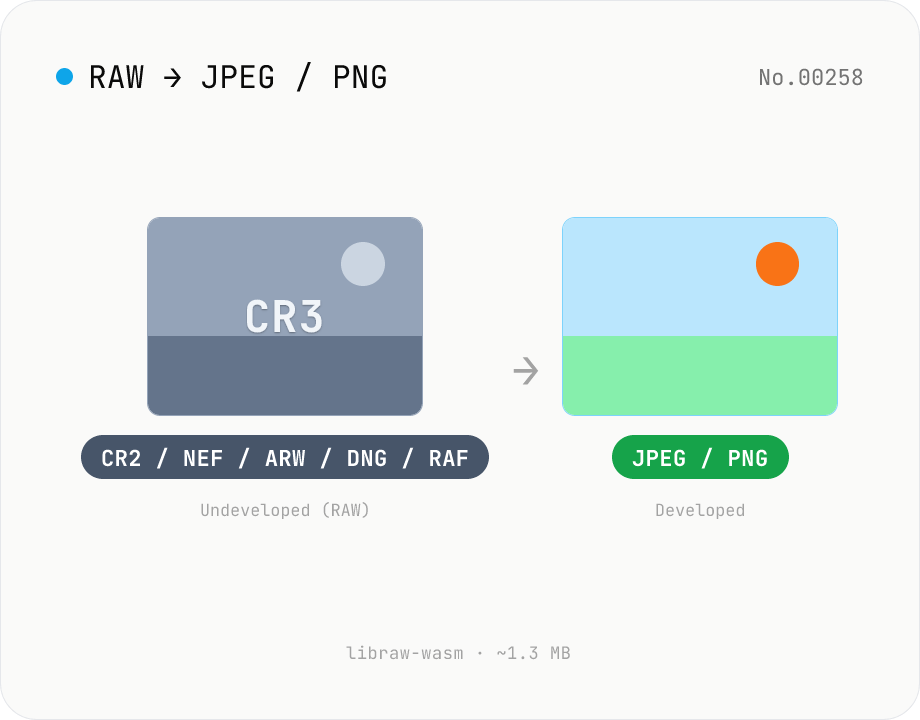
Convert RAW (CR2 / NEF / ARW / DNG / RAF) to JPG / PNG in browser
Decode Canon CR2 / CR3, Nikon NEF, Sony ARW, Adobe DNG, Fujifilm RAF and 1280+ camera RAW formats inside the browser via libraw-wasm (~1.3 MB) and re-encode them as JPEG or PNG. Batch conversion with one-click ZIP download. Nothing leaves your device.