
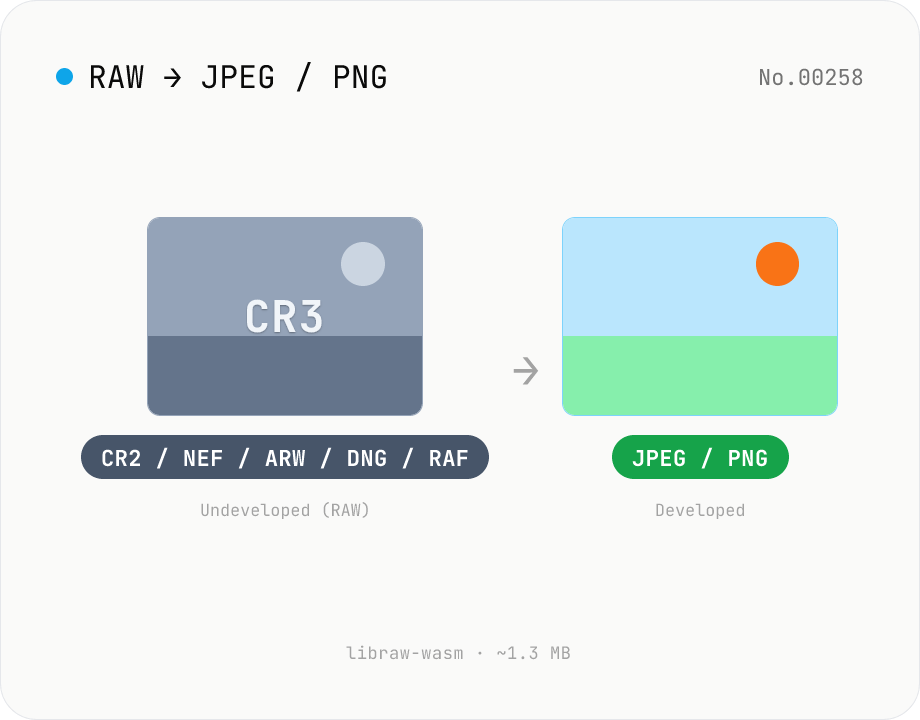
Convert RAW (CR2 / NEF / ARW / DNG / RAF) to JPG / PNG in browser
Decode Canon CR2 / CR3, Nikon NEF, Sony ARW, Adobe DNG, Fujifilm RAF and 1280+ camera RAW formats inside the browser via libraw-wasm (~1.3 MB) and re-encode them as JPEG or PNG. Batch conversion with one-click ZIP download. Nothing leaves your device.
How to use
Drop or pick RAW files (CR2 / CR3 / NEF / ARW / DNG / RAF / RW2 / ORF / SRW / PEF and 1280+ camera models). Choose output format (JPEG / PNG) and JPEG quality, optionally enable Half size, then click Develop — libraw-wasm decodes inside a Web Worker in your browser. Download individually or as a ZIP.
In depth
RAW captures the whole shooting context, not just the picture
Camera RAW files (Canon CR2 / CR3, Nikon NEF, Sony ARW, Adobe DNG, Fujifilm RAF, and similar) are near-direct dumps of the sensor’s analogue values. While a JPEG is a finished, compressed deliverable, a RAW holds the full unclipped dynamic range, the unannounced sensor noise pattern, the lens correction profile, and every shooting parameter in one bundle. The files that typically need converting are pre-release photographer deliverables, journalist source frames, wedding / portrait / funeral assignment shoots, and research microscopy plates — work that has not yet been published.
RAW also carries a much heavier EXIF / MakerNotes payload than a JPEG. Alongside the GPS coordinates and timestamp, you get shutter speed, aperture, ISO, exposure compensation, focal length, lens serial, camera body serial, AF point, face-detection coordinates, battery / sensor temperature, and the full chain of shooting modes — enough information to reconstruct who shot what, where, when, and with which gear in fine detail. A single CR3 leaked from a Lightroom catalogue can give a third party a complete profile of a photographer’s kit, locations, and routines.
What “raw to jpg online” services collect along the way
Free SaaS sites that rank for “raw to jpg online”, “cr3 jpeg converter”, or “nef converter” require you to upload the entire RAW file. RAWs are typically 20–80 MB, so the upload itself is slow, and because the server has to demosaic the file before it can hand back anything useful, the plaintext RAW always lands on the operator’s storage at least once. Most “we delete after N hours” promises do not extend to the backup, cache, log, or internal debug copies that may be made before that delete window.
It is also common to find terms of service that grant the operator a broad licence to use uploaded content for “service improvement”, which today usually means feeding it into machine-learning datasets. RAW files are several stops richer than JPEGs and are correspondingly more valuable as training data. A user who only wants to convert formats can quietly end up donating unreleased work or pre-delivery client assets.
libraw-wasm (~1.3 MB) demosaics in your browser, Canvas re-encodes
This tool loads libraw-wasm, an Emscripten build of the LibRaw C++ library that parses Canon / Nikon / Sony / Fujifilm RAW formats. The WASM payload is roughly 1.3 MB — about 1/23 the size of @ffmpeg/core — so the first-run download finishes in 1–2 seconds. libraw-wasm spawns its own Web Worker internally, so the demosaicing work never blocks the UI thread.
The pipeline is: (1) the RAW is handed to the Worker as a Uint8Array; (2) LibRaw runs with useCameraWb: true (camera-recorded white balance), outputColor: 1 (sRGB), and outputBps: 8 to perform demosaicing and colour-space conversion; (3) the Worker returns the RGB pixel buffer to the main thread; (4) the pixels are pushed to a <canvas> via putImageData and re-encoded with canvas.toBlob("image/jpeg" | "image/png", quality). The original RAW, the intermediate WASM pixel buffer, the Canvas memory, and the output Blob all stay inside the browser page. With the DevTools Network tab open you can watch the whole develop / ZIP-download flow produce zero outgoing requests. The implementation is published on GitHub and can be audited by anyone.
A pre-delivery / pre-publish checklist
When the first tool that touches your RAWs runs entirely on-device, the unreleased dynamic range, EXIF, and GPS coordinates stay with you. Producing quick client-review proxies is exactly the case where “develop at 1/2 size” pays off — it gives you a small, shareable preview in a few seconds without ever uploading the source frame. For final delivery you turn the half-size option off and export at full resolution. Because Canvas re-encoding strips EXIF (except Orientation) as a side effect, plan to archive the original RAW separately if you need to preserve the location and shoot data. To double-check that no remaining tag survived into the exported JPEG, running it through image-exif-strip surfaces every detected field for review.
What LibRaw is actually solving for — the undisclosed develop recipes
Camera manufacturers do not fully publish their RAW format specifications. Canon’s CR3, Sony’s compressed ARW, and Fujifilm’s X-Trans colour-filter array each ship with proprietary container variants, undocumented DNG private tags, lossless-JPEG-derived compression schemes, vendor-specific white-balance coefficient tables (as_shot_neutral), lens-correction tables, and per-body calibration data. LibRaw is the de-facto industry decoder that has absorbed these recipes through reverse engineering and ICC profile work, and it now covers more than 1,280 camera models.
libraw-wasm is the same C++ codebase compiled to WebAssembly via Emscripten and produces decoding results essentially identical to native LibRaw. Compressed RAW data is decompressed internally, vendor white balance and tone curves are applied, and the pixels are converted into sRGB. The output will not match Lightroom or Capture One byte-for-byte (each vendor has its own colour interpretation) but it is more than enough for “render the scene faithfully with the camera-set white balance” use cases.
Half size mode and memory discipline — RAWs are genuinely heavy
A 6000×4000 sensor (around 24 megapixels) becomes a width × height × 4 ≈ 96 MB RGBA buffer after demosaicing. Try to process five such files in parallel and you blow past 480 MB — enough to crash a tab on mobile Safari or Chromium. This tool processes files sequentially to keep memory under control, and the “Develop at 1/2 size” option (halfSize: true) tells libraw to skip demosaicing and return a quarter-pixel preview that is also three to four times faster to produce. That is usually exactly what you want for sharing previews or generating web thumbnails; turn it off only when you actually need the full-resolution master. It is also the first thing to try when you run into out-of-memory errors.
When to use this tool vs. a dedicated RAW developer
This tool aims at short-form, private, confirmation-style use cases: “I do not want the photographer’s gear or shoot location leaking”, “I need a quick JPEG proxy before sending to a client for review”, “Someone sent me a NEF and I just want to look at it”. A serious develop workflow — exposure tuning, tone-curve editing, local adjustments, hue / saturation tweaks, denoise, lens-profile correction, batch develop presets across hundreds of frames — is much better served by Lightroom, Capture One, DxO PhotoLab, or darktable. The point of having an in-browser RAW developer is that you do not need to install dedicated software just to bridge the gap between “shoot finished” and “send to the next person”, and you can hold that bridge inside the no-send privacy boundary while you do. For iPhone HEIC frames that need the same browser-side decode path, heic-convert covers JPEG / PNG conversion under the same no-upload policy.
FAQ
- Are RAW files uploaded?
- No. libraw runs as WebAssembly inside your browser (in a Web Worker), so the captured data never leaves your device. You can confirm zero network traffic in the DevTools Network tab.
- Which RAW formats are supported?
- Canon CR2 / CR3 / CRW, Nikon NEF / NRW, Sony ARW / SRF / SR2, Adobe DNG, Fujifilm RAF, Panasonic RW2, Olympus ORF / ORI, Pentax PEF, Samsung SRW, Sigma X3F, Leica RWL, Phase One IIQ, Hasselblad 3FR, Mamiya MEF, Minolta MRW, Kodak KDC / DCR, Epson ERF, and any other format LibRaw recognises across 1280+ cameras.
- JPEG or PNG?
- JPEG for sharing or quick delivery (smaller). PNG (lossless) when you plan to keep editing afterwards — converting RAW to PNG and feeding that into other tools avoids intermediate quality loss.
- What is Half size?
- It enables LibRaw's `halfSize` mode, which skips demosaicing and produces a 1/2-resolution (1/4 pixel count) preview much faster. Good for shareable previews and helps avoid out-of-memory errors. Turn it off when you really need full resolution.
- Can I tune white balance or exposure?
- This tool applies the camera-recorded WB (`useCameraWb=true`), sRGB output (`outputColor=1`), and auto brightness by default — no manual sliders. For careful colour grading, use a dedicated RAW developer like Capture One or Lightroom.
- Is EXIF metadata preserved?
- No. The output contains only the rendered pixels (Orientation aside), so EXIF / IPTC / GPS does not carry over. If you wanted to strip location or photographer info anyway, converting through this tool already gives you that cleanup for free.
How to verify nothing is uploaded
This tool never sends your input outside your browser. The pages below explain how it works, how to audit it, and how the site is run.
Related tools
Convert HEIC / HEIF photos to JPG / PNG / WebP batch
Decode iPhone HEIC / HEIF photos inside the browser via libheif-js (WASM) and re-encode them as JPEG or PNG. Supports batch conversion and a single ZIP download. Nothing leaves your device.
Convert AVIF photos to JPG / PNG / WebP — compatible everywhere
Decode .avif images with the browser-native AVIF decoder and re-encode them as JPEG / PNG / WebP. AVIF is great for the web but older Safari versions, email clients, Slack and Office still can't preview it — convert before sending. Batch conversion with single-click ZIP download is supported. Files never leave your device — everything runs in the browser.
Image format convert — JPG / PNG / WebP interchange
Convert images between JPEG / PNG / WebP using the browser canvas — no network. A quality slider is available for JPEG and WebP. Supports batch processing and a single ZIP download.
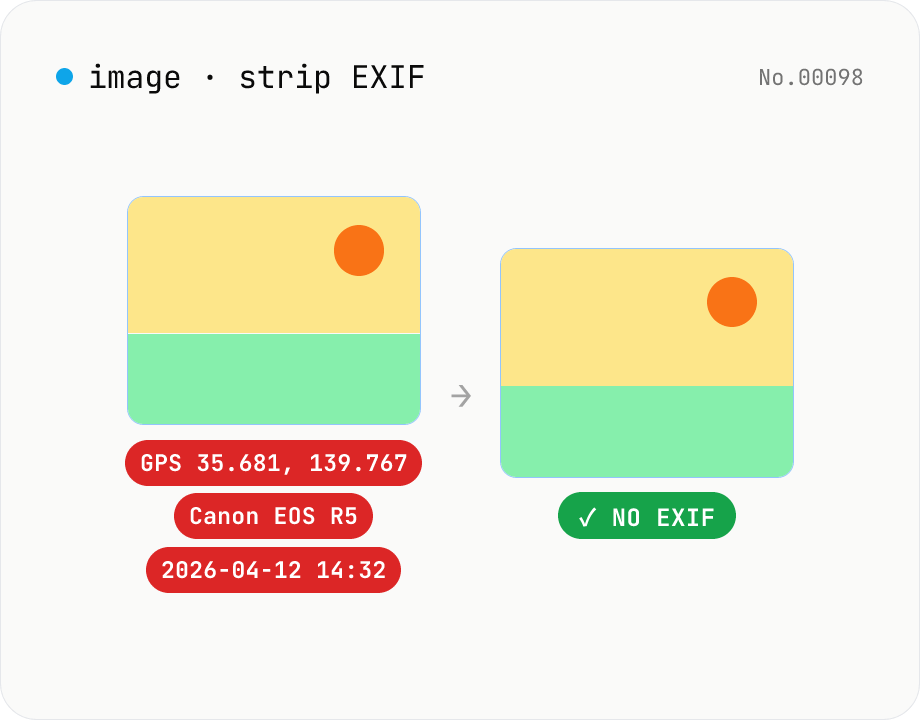
Image EXIF strip — wipe GPS / capture date metadata
Remove EXIF, XMP and other metadata from JPEG / PNG / WebP files. For JPEG, only the metadata bytes are stripped — image quality is preserved exactly. Inspect embedded GPS or capture date before sharing. Runs entirely in your browser.