
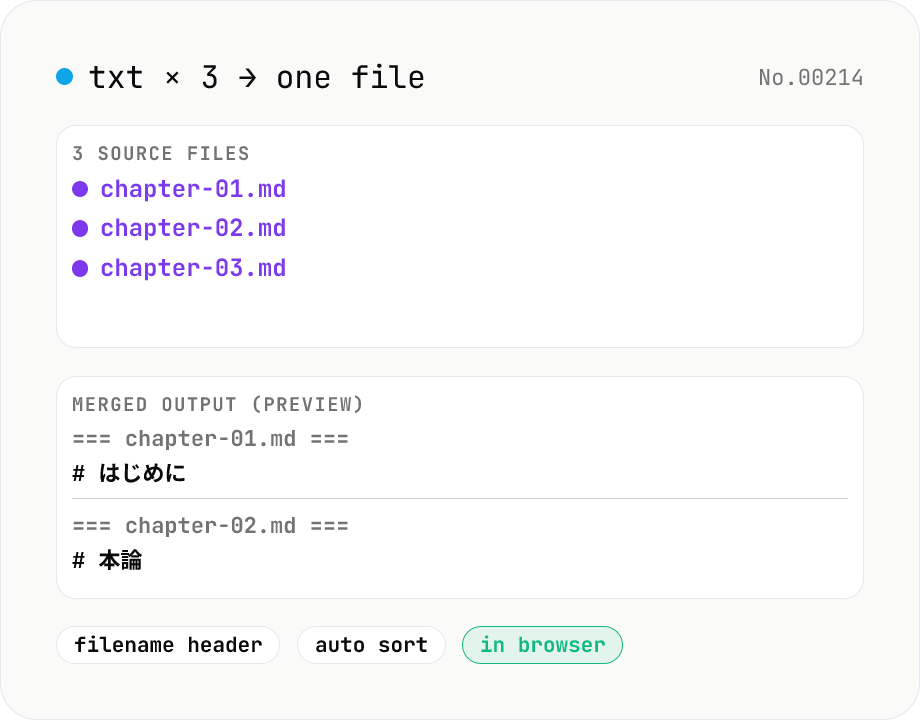
Text file merge — concat .txt / .md / .csv into one
Concatenate multiple text files (.txt / .md / .csv / .tsv / .json / .log / .srt / .vtt, etc.) into a single file. Optional filename header before each file, automatic filename sort, manual drag reorder, and a divider line between entries. Perfect for stitching together transcripts, logs, meeting notes, or chapter drafts. Runs entirely in your browser.
How to use
Drop two or more text files (.txt / .md / .csv / .tsv / .json / .log / .srt / .vtt etc.). Reorder the list via drag handles or the up/down buttons, or pick "Filename A → Z" from the Order selector for automatic sort. Toggle optional filename headers, between-file separators (newline / blank line / divider rule), and a trailing newline, then hit Merge. The output filename is editable. Great for stitching transcripts, meeting notes, logs, or chapter drafts together. Runs entirely in your browser — files are never uploaded.
FAQ
- Which file types are accepted?
- Files with extensions .txt / .text / .md / .markdown / .csv / .tsv / .json / .json5 / .yaml / .yml / .ini / .cfg / .conf / .log / .html / .htm / .xml / .svg / .srt / .vtt, or any MIME type starting with text/. Binary files (images, video, PDFs) are skipped.
- What encoding is used to read the files?
- We use the browser's File.text() API, which decodes as UTF-8. For Shift_JIS or EUC-JP CSVs, convert to UTF-8 first with the csv-encoding-convert tool before merging.
- What does the filename header look like?
- A single `=== filename ===` line is inserted before each file's content. We picked this over Markdown-style `# filename` because it doubles as a visual divider and is easy to find/replace later if you need a different format.
- Does changing Order discard my drag order?
- Picking 'Filename A → Z' or 'Z → A' overrides the display order with the sorted one. Switching back to 'Manual' restores your most recent drag order (drags within the list always update the manual order).
- What about the output filename and extension?
- Defaults to `merged.txt`. Whatever you type in the Output file name field is suffixed with `.txt` and downloaded. To use a different extension (.md / .csv / .log), type the full filename explicitly (e.g. `transcripts.md`).
- Which separator should I pick?
- For merging Markdown, 'Blank line' is the standard. For CSV/TSV, 'One newline' keeps it tight (watch out for duplicate header rows when each file has its own). For general prose, 'Divider line (---)' is usually the most readable.
- Can I produce multiple merges as a ZIP?
- Not yet — one merge result at a time. To produce multiple grouped merges, swap the file set and re-run.
Related tools
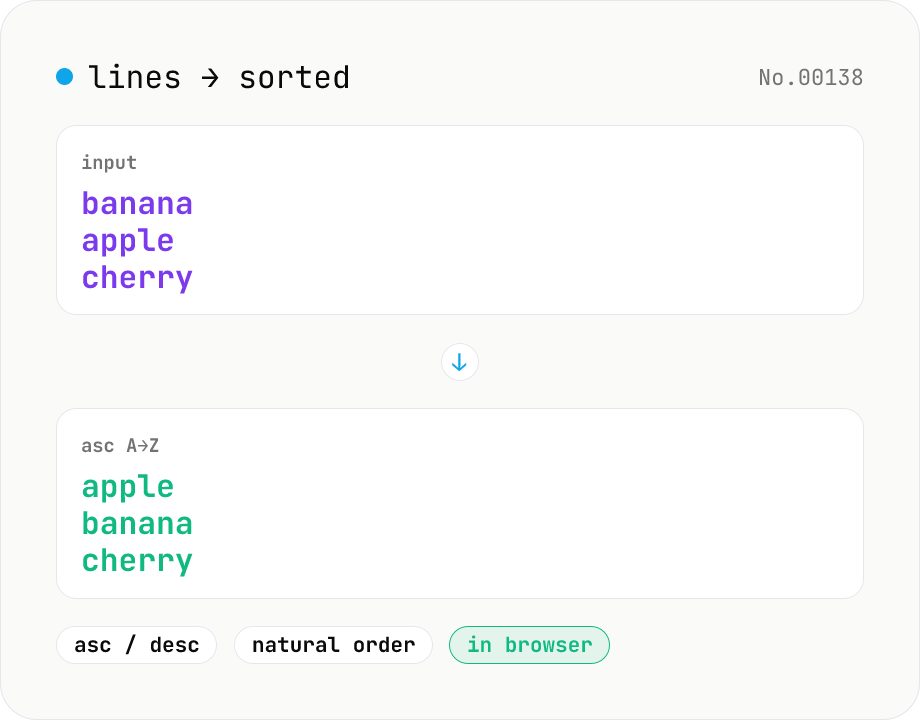
Line sort — asc / desc / numeric / locale
Split the input by newline and sort the lines either ascending (A→Z) or descending (Z→A) using locale-aware Unicode comparison. Numeric runs (file1, file2, file10) sort naturally. Empty lines and the trailing newline are preserved. Works with mixed Japanese/ASCII text. Runs entirely in your browser.
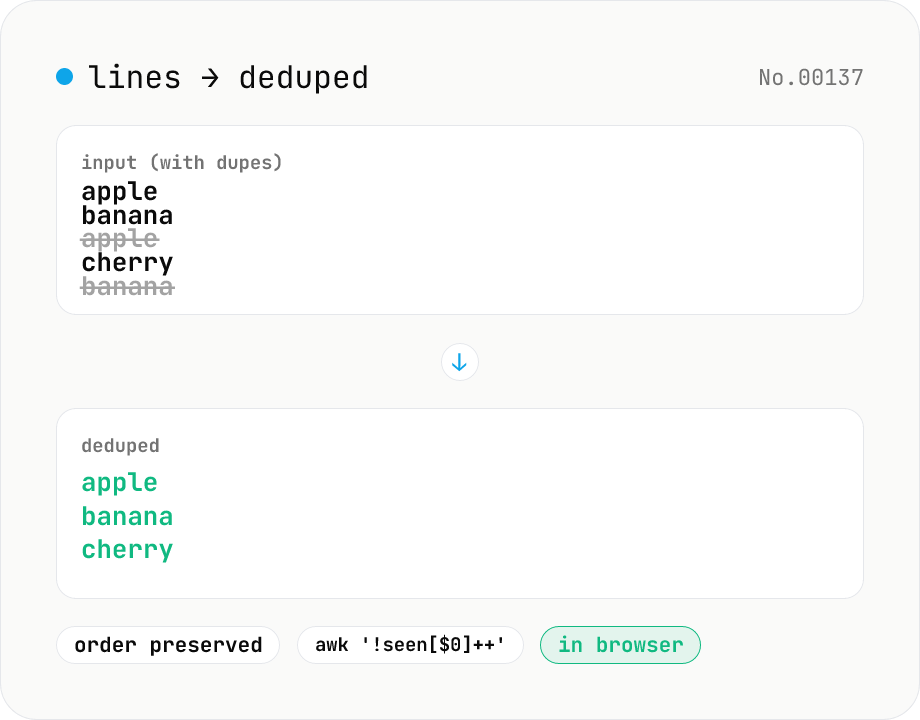
Line dedupe — keep unique or extract duplicates
Split the input by newline and remove duplicate lines, keeping only the first occurrence of each line in original order. Catches non-adjacent duplicates as well (equivalent to `awk '!seen[$0]++'`). Runs entirely in your browser.
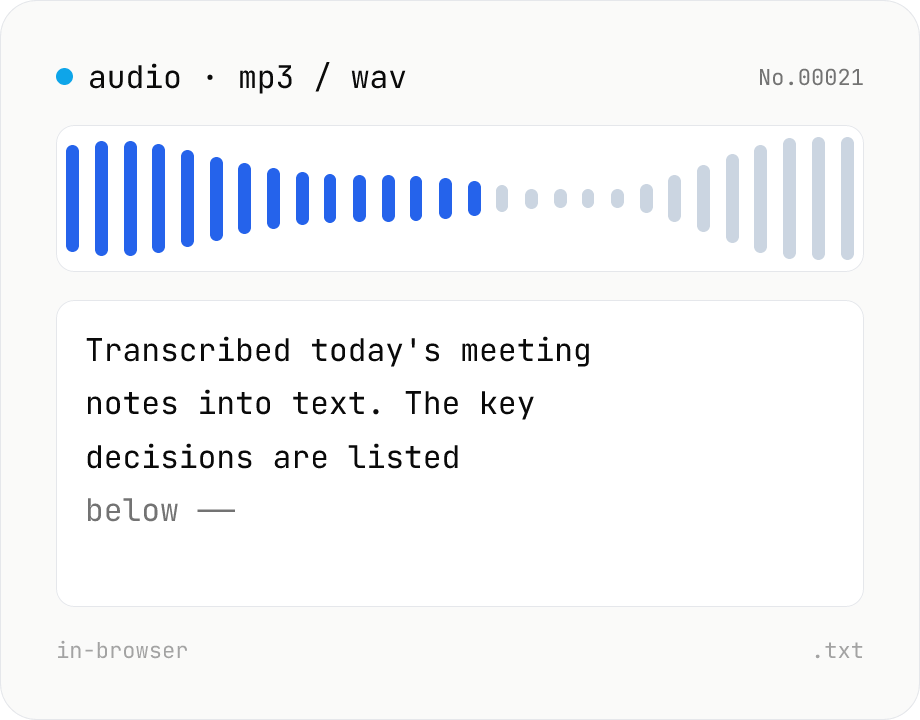
Audio file transcription — Whisper, multilingual
Upload an MP3 / WAV / M4A file and transcribe it with Whisper running inside your browser. Long files are chunked automatically. No audio or model data leaves your device. Performance and supported model size depend on your hardware (CPU / GPU / RAM).
PDF text extract — export pages to .txt
Extract plain text from PDF files entirely in the browser via pdfjs-dist getTextContent. Each PDF becomes its own .txt file; batch downloads ship as a ZIP. Page-break markers are optional.