
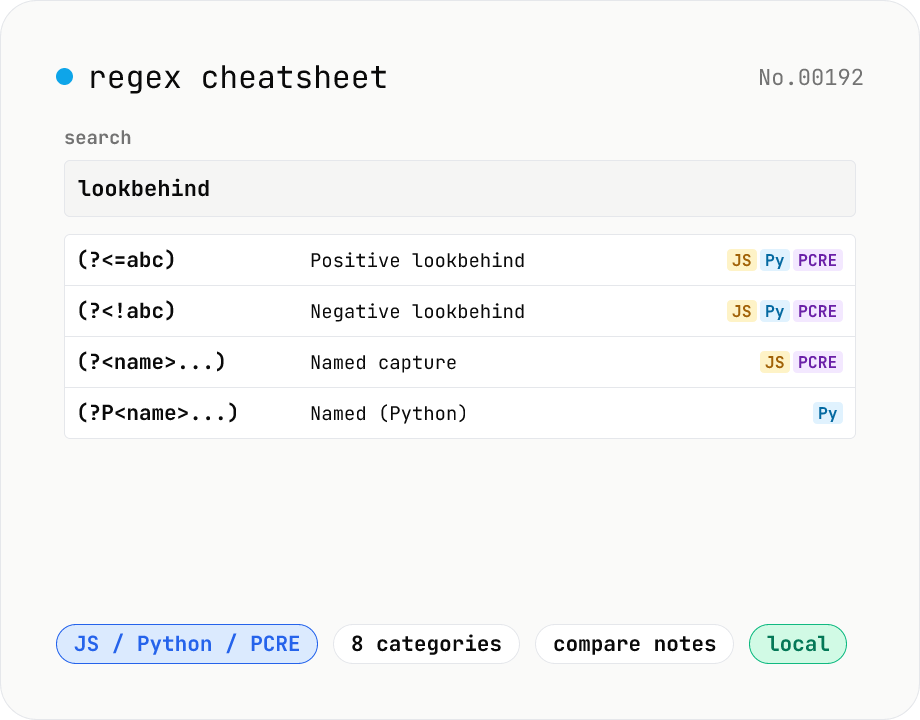
Regex cheatsheet — searchable JS / Python / PCRE syntax
Interactive regex reference for JavaScript / Python / PCRE flavors. Browse by category (anchors / character classes / quantifiers / groups / lookarounds / flags), free-text search, and one-click copy. Side-by-side comparison shows how each construct differs across flavors (e.g. `(?<=...)` vs `(?P<name>...)`). All data is bundled and runs in your browser.
How to use
Pick a Flavor (JS / Python / PCRE). 'All' lists every entry regardless of flavor. Filter by category (anchors / character classes / quantifiers / groups / lookarounds / flags, etc.). Use the search box for free-text matching against syntax, description, and example (try `\d`, `lookbehind`, `named`). Click a row's syntax or the Copy button to copy it to clipboard. Entries that differ between flavors include a Note so you can compare side-by-side.
FAQ
- Which flavors are covered?
- JavaScript (ECMAScript), Python (re), and PCRE (Perl-compatible). Go's `regexp` is RE2-based and behaves like a subset of PCRE; Rust's `regex` is similar.
- I want to test patterns interactively.
- Use the regex-test tool. This sheet focuses on reference; execution is delegated to a dedicated tool.
- Why does Python use `(?P<name>...)` and JS use `(?<name>...)`?
- History. Python 2 only supported `(?P<name>...)`; JS / PCRE adopted `(?<name>...)`. Python 3 keeps `(?P<name>...)` for backward compatibility — `(?<name>...)` raises SyntaxError.
- Where can I use POSIX classes (`[[:alpha:]]`)?
- PCRE / Tcl / GNU sed / awk and other POSIX-flavored engines. JS / Python don't accept them — use `\p{L}` (Unicode property) in JS or the `regex` module in Python.
- Is anything uploaded?
- No. Entries are bundled and filtering runs in your browser.
Related tools
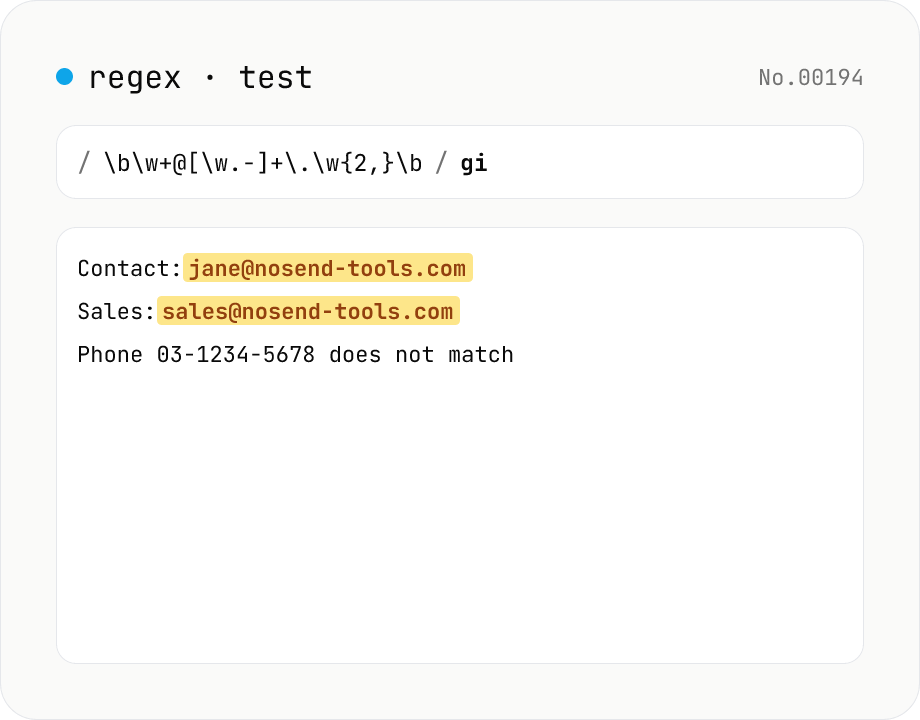
Regex tester — live match & replace preview
Type a pattern and flags to highlight matches in the test string in real time. Capture groups and named groups are listed for every match, and there's a replace preview using $1 etc. Runs entirely in your browser.
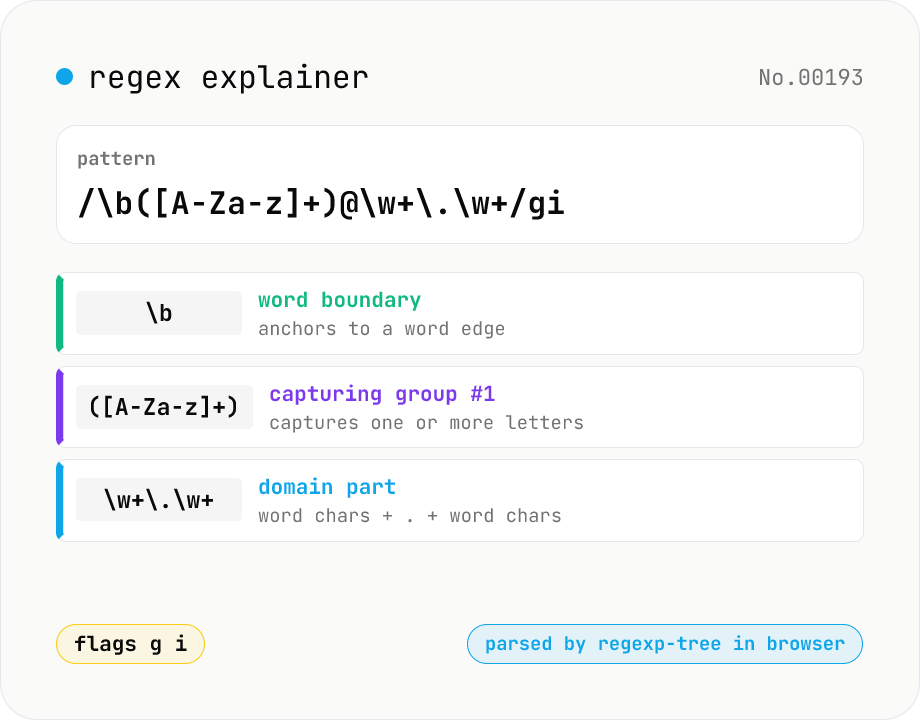
Regex explainer — AST tree with per-token English notes
Break down a JavaScript regular expression into its AST and explain each piece — character classes, quantifiers, groups, lookarounds, flags — in plain English. Comes with sample patterns for email, URL, and date so you can grok common regexes at a glance. Parsed with regexp-tree; syntax errors are shown verbatim. Runs entirely in your browser.
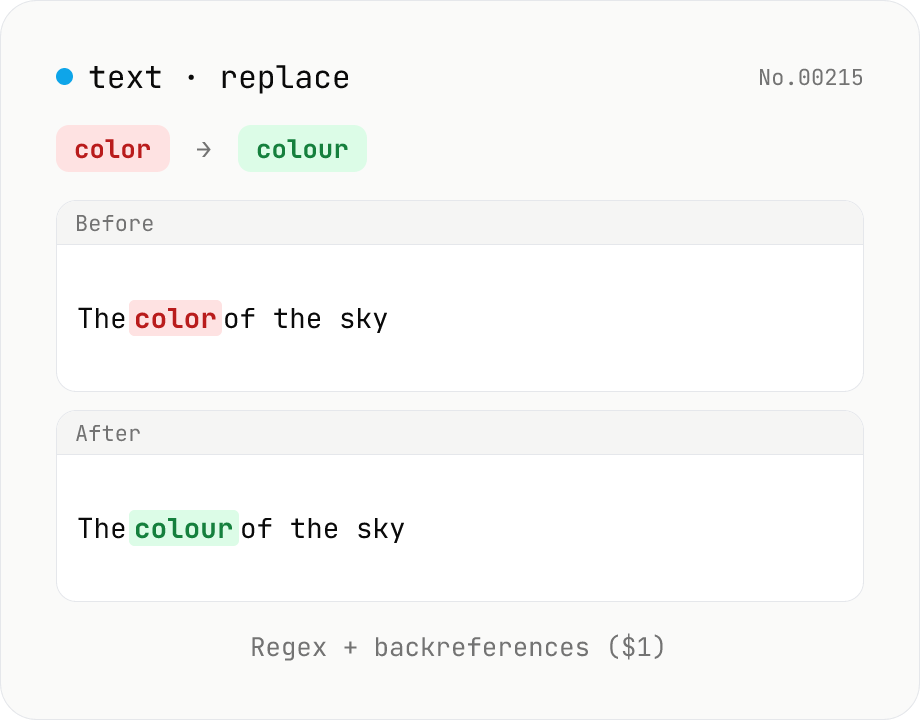
Text replace — regex with backreferences ($1)
Replace substrings across a body of text. Plain strings or regex (ignore-case, multiline (^$ per line), dot matches newline) with backreferences ($1 $2 / $<name>). Newlines accepted via \n in the replacement, and the substitution count is reported. Runs entirely in your browser.
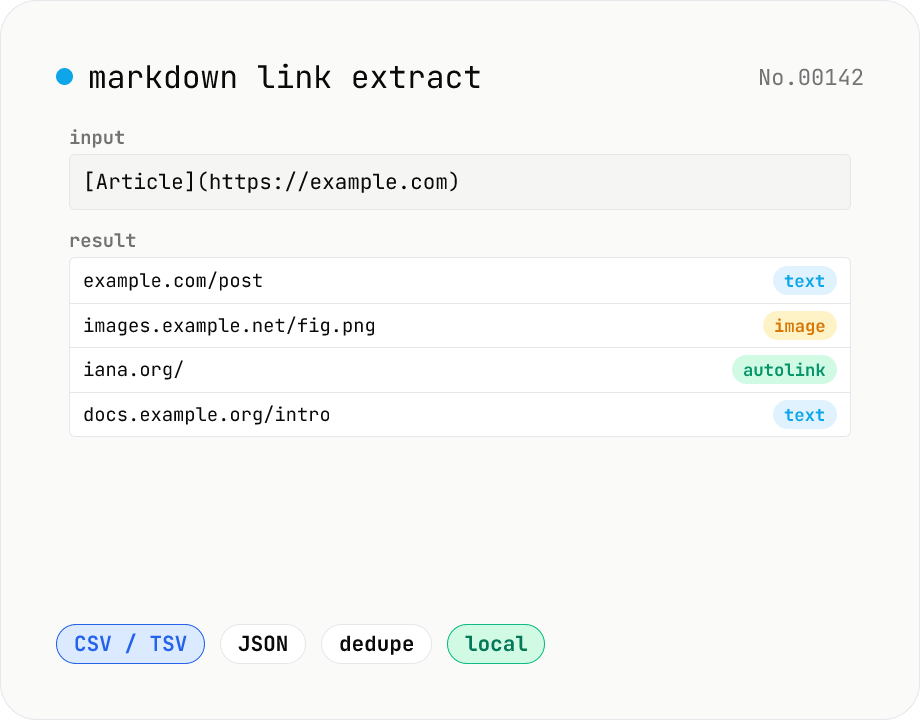
Markdown link extractor — pull URLs from Markdown / HTML / text
Extract every URL or Markdown / HTML link from a chunk of Markdown, HTML, or plain text. Detects `[label](url)`, ``, `<a href>`, `<img src>`, and bare URLs, then classifies each result (text / image / autolink). Includes deduping, type filters, host grouping, and CSV / TSV / JSON export. Great for auditing links in an article, listing image sources, mapping internal-link structure for SEO, or harvesting references for a social post. Everything runs in your browser.