
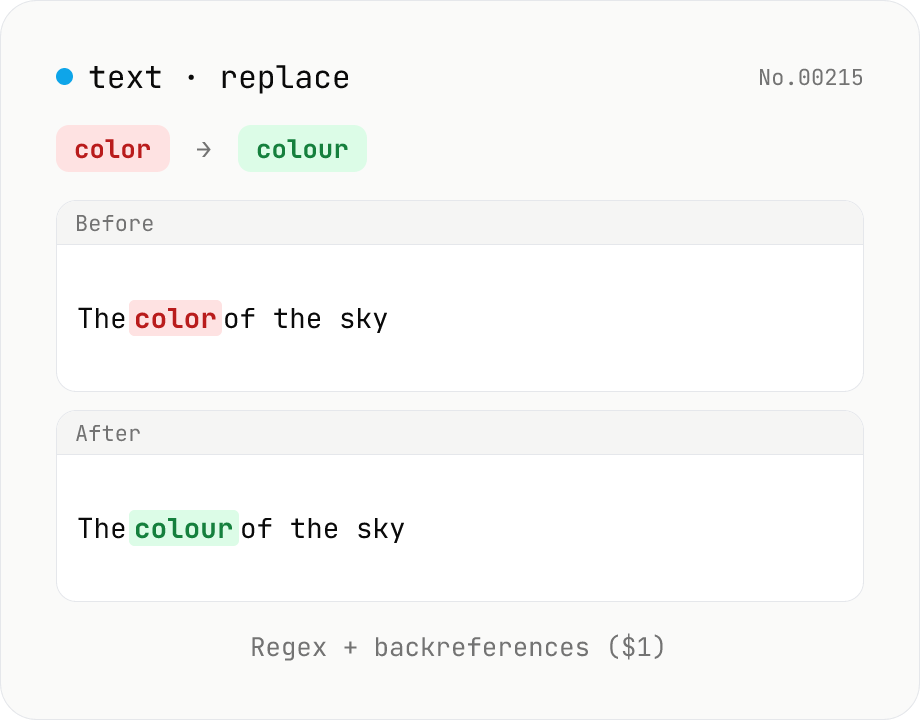
Text replace — regex with backreferences ($1)
Replace substrings across a body of text. Plain strings or regex (ignore-case, multiline (^$ per line), dot matches newline) with backreferences ($1 $2 / $<name>). Newlines accepted via \n in the replacement, and the substitution count is reported. Runs entirely in your browser.
How to use
Enter the search pattern, replacement, and target text. The replaced output appears below. With Regex off, special characters like `/` and `.` are treated literally (plain replace). With Regex on, the pattern is parsed as a JavaScript regular expression and you can use backreferences (`$1` / `$2` / `$<name>`), groups, character classes, and more. Ignore case, Multiline (`^$` per line), Dot matches newline, and Replace all toggle independently. Use `\n` in the replacement to insert a newline. The number of replacements is shown in the status line. Use Sample to try a worked example. If the regex is invalid, an error appears with a CTA link to regex-test.
FAQ
- Is text uploaded?
- No. Replacement uses `String.replace` / `RegExp` entirely in the browser; no input data is transmitted.
- Which regex dialect?
- JavaScript (ECMAScript) regex. Constructs from Perl / PCRE / Python re that aren't standard JS (e.g. `\K`, recursion, `(?P<name>)`) won't work. Angle-bracket named captures `(?<name>)` work in ES2018+.
- How do I write backreferences?
- In the replacement, use `$1` `$2` … (numbered capture groups) or `$<name>` (named captures). To emit a literal `$`, write `$$`.
- How do I insert a newline in the replacement?
- Type `\n` (backslash + n) into the replacement field, or paste an actual newline. The tool expands `\n` `\t` `\r` into the real control characters at replacement time (write `\\n` to keep a literal backslash-n).
- What does turning off Replace all do?
- In regex mode the `g` flag is dropped, so only the first match is replaced. In plain-string mode, this corresponds to `String.replace`, replacing only the first occurrence.
- The regex is reported invalid
- Unbalanced `(` / `[`, invalid backreferences, or non-ES constructs cause the RegExp constructor to throw. The error message and a CTA link to regex-test let you iterate on the pattern there.
- How is this different from regex-test?
- regex-test focuses on showing what a pattern matches. This tool focuses on producing the replaced output. Pair it with regex-explain to safely build complex replacements.
Related tools
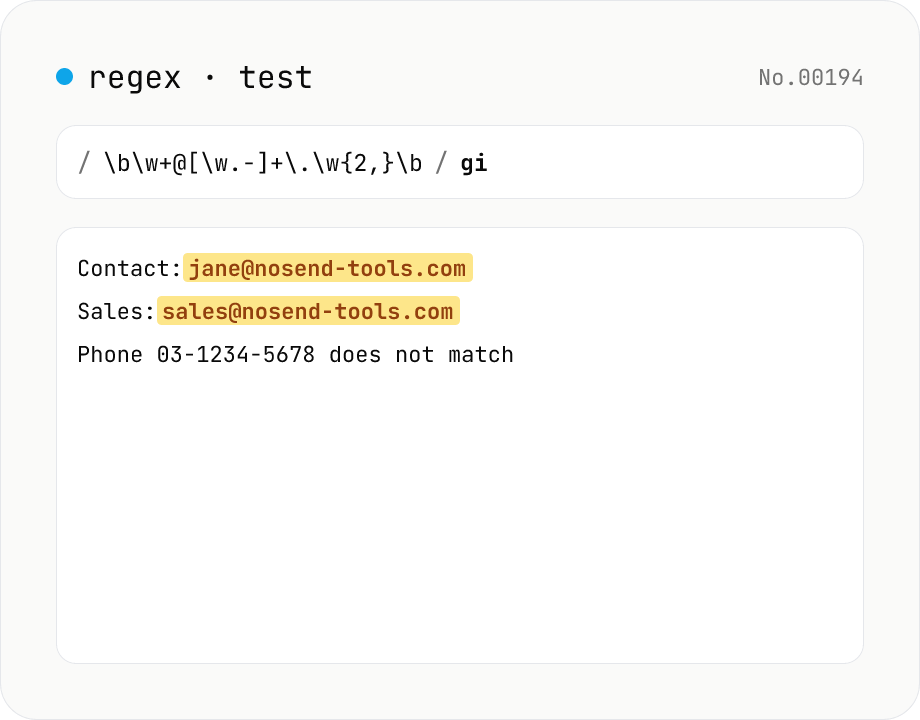
Regex tester — live match & replace preview
Type a pattern and flags to highlight matches in the test string in real time. Capture groups and named groups are listed for every match, and there's a replace preview using $1 etc. Runs entirely in your browser.
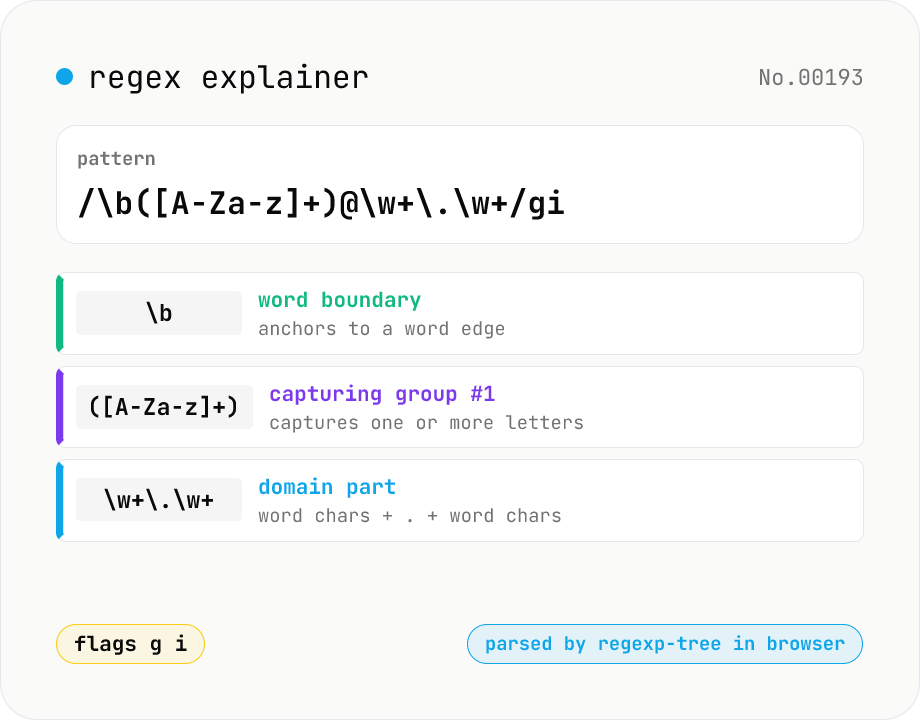
Regex explainer — AST tree with per-token English notes
Break down a JavaScript regular expression into its AST and explain each piece — character classes, quantifiers, groups, lookarounds, flags — in plain English. Comes with sample patterns for email, URL, and date so you can grok common regexes at a glance. Parsed with regexp-tree; syntax errors are shown verbatim. Runs entirely in your browser.
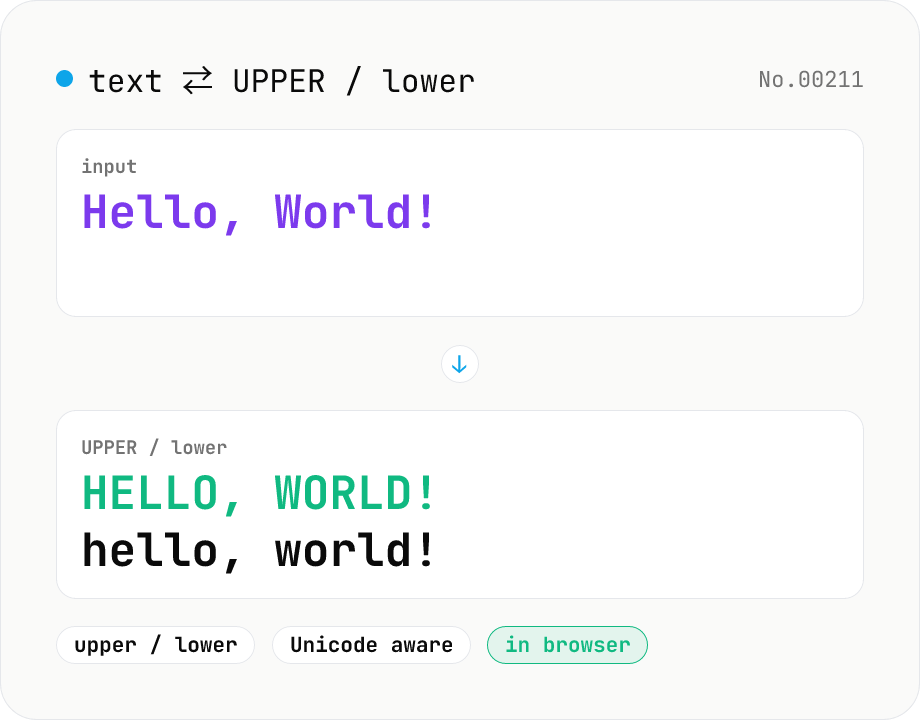
Text case — UPPERCASE / lowercase toggle
Convert text to all UPPERCASE or all lowercase, with a mode toggle. Unicode-aware so non-Latin scripts (Greek, Cyrillic, etc.) are handled correctly. Japanese, symbols, and digits pass through unchanged. Runs entirely in your browser.
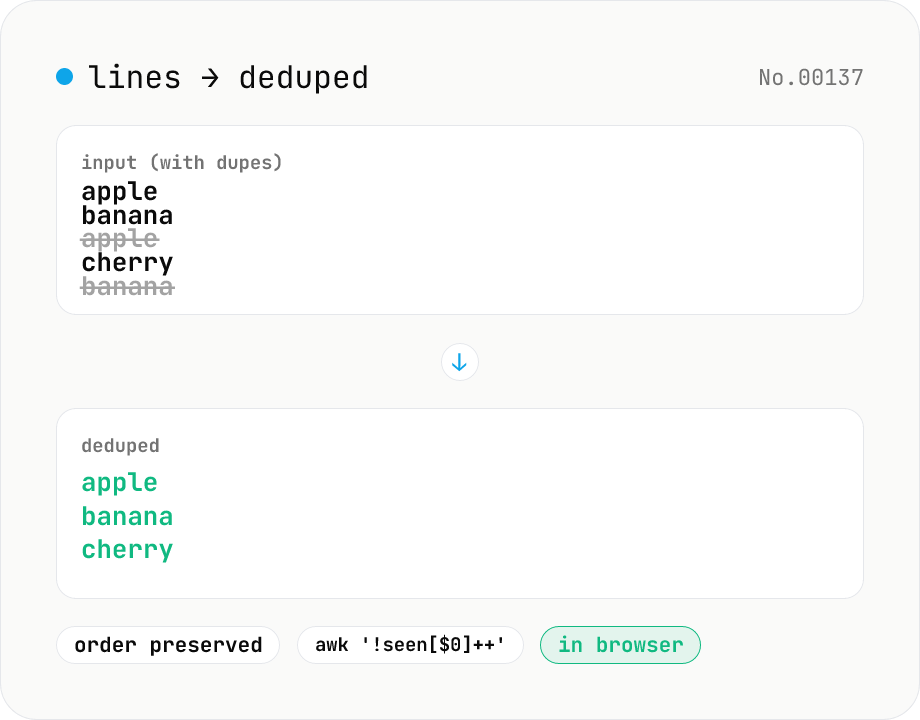
Line dedupe — keep unique or extract duplicates
Split the input by newline and remove duplicate lines, keeping only the first occurrence of each line in original order. Catches non-adjacent duplicates as well (equivalent to `awk '!seen[$0]++'`). Runs entirely in your browser.