
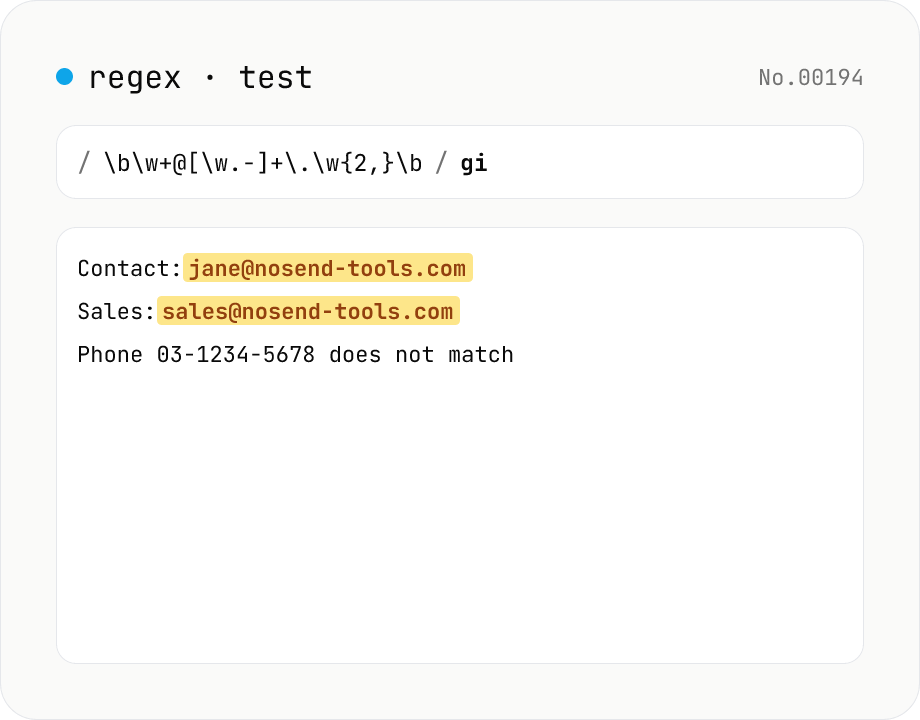
Regex tester — live match & replace preview
Type a pattern and flags to highlight matches in the test string in real time. Capture groups and named groups are listed for every match, and there's a replace preview using $1 etc. Runs entirely in your browser.
How to use
Type a pattern and flags (g / i / m / s / u / y) — matches in the test text are highlighted in real time, with capture groups and named groups listed per match. Switch to Replace mode for a live preview of replacements using $1, $<name>, etc. The Sample button loads a working example.
FAQ
- Are pattern / text uploaded?
- No. Everything is evaluated via the browser's RegExp locally.
- Which regex flavor is it?
- JavaScript (ECMAScript) RegExp. Differences from PCRE / Python re may apply (e.g. lookbehind and property escapes need recent browsers).
- Can patterns hang the browser?
- Catastrophic backtracking can freeze the tab. Be careful with deeply nested * / + quantifiers.
- What does $& mean in Replace mode?
- The same as String.replace: $& is the full match, $1+ are numbered captures, $<name> is a named capture.
Related tools
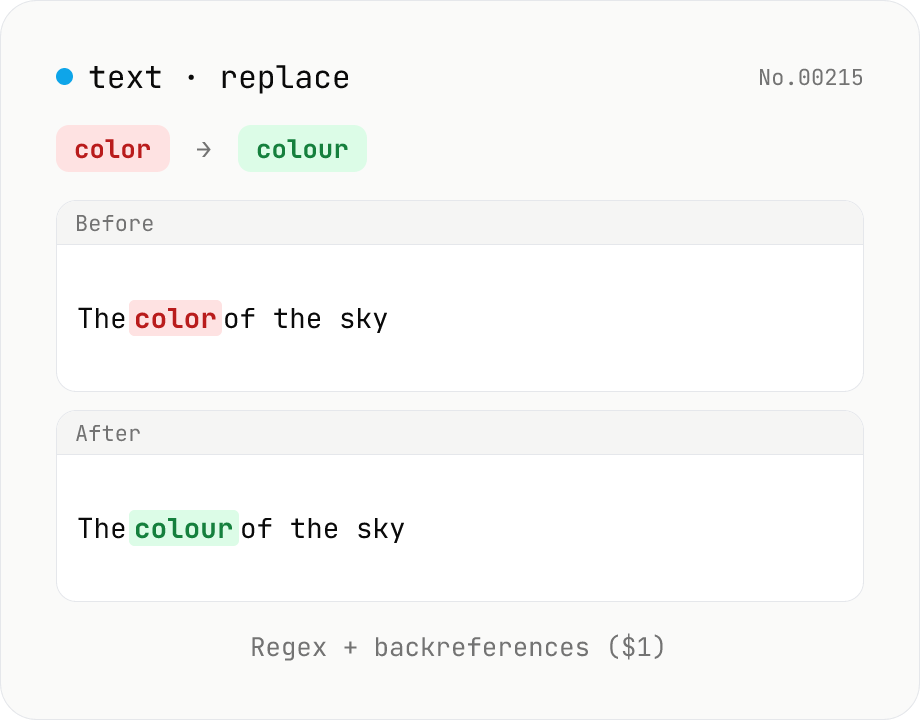
Text replace — regex with backreferences ($1)
Replace substrings across a body of text. Plain strings or regex (ignore-case, multiline (^$ per line), dot matches newline) with backreferences ($1 $2 / $<name>). Newlines accepted via \n in the replacement, and the substitution count is reported. Runs entirely in your browser.
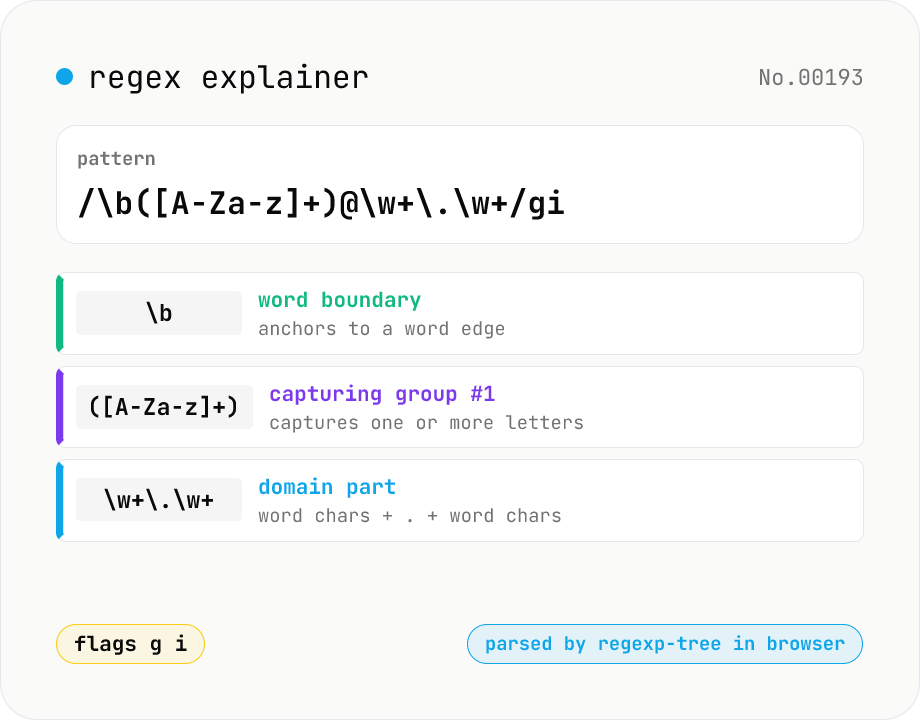
Regex explainer — AST tree with per-token English notes
Break down a JavaScript regular expression into its AST and explain each piece — character classes, quantifiers, groups, lookarounds, flags — in plain English. Comes with sample patterns for email, URL, and date so you can grok common regexes at a glance. Parsed with regexp-tree; syntax errors are shown verbatim. Runs entirely in your browser.
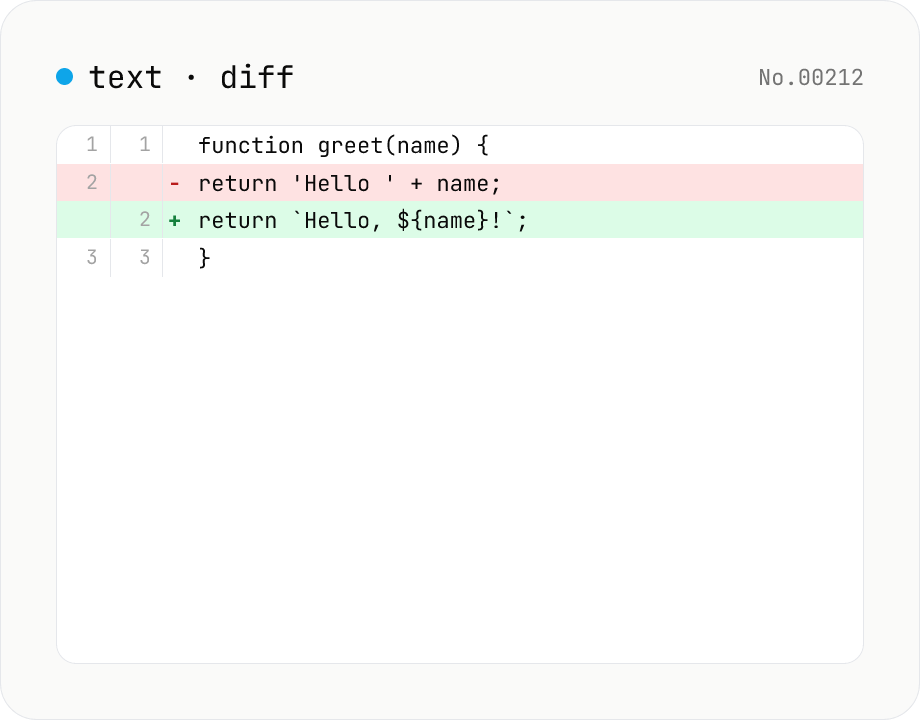
Text diff — line and word-level compare
Compare two texts line by line. Supports inline and side-by-side views, word-level highlighting, and ignoring surrounding whitespace. Runs entirely in your browser.
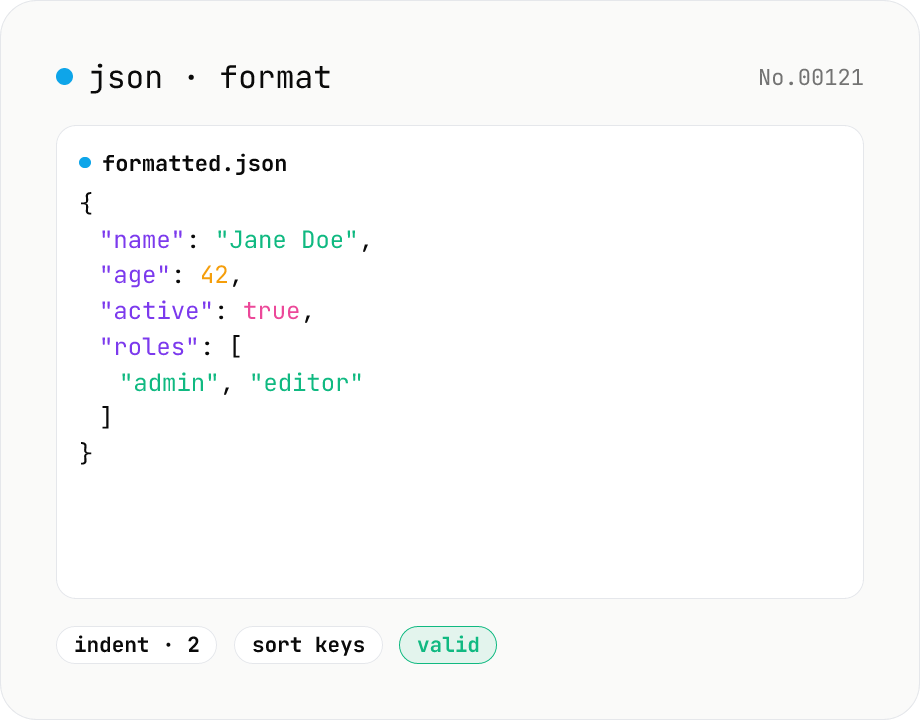
JSON format & validate — indent, minify, error pointer
Format, minify, and validate JSON entirely in your browser. Errors show the line and column. Your data never leaves your device.