
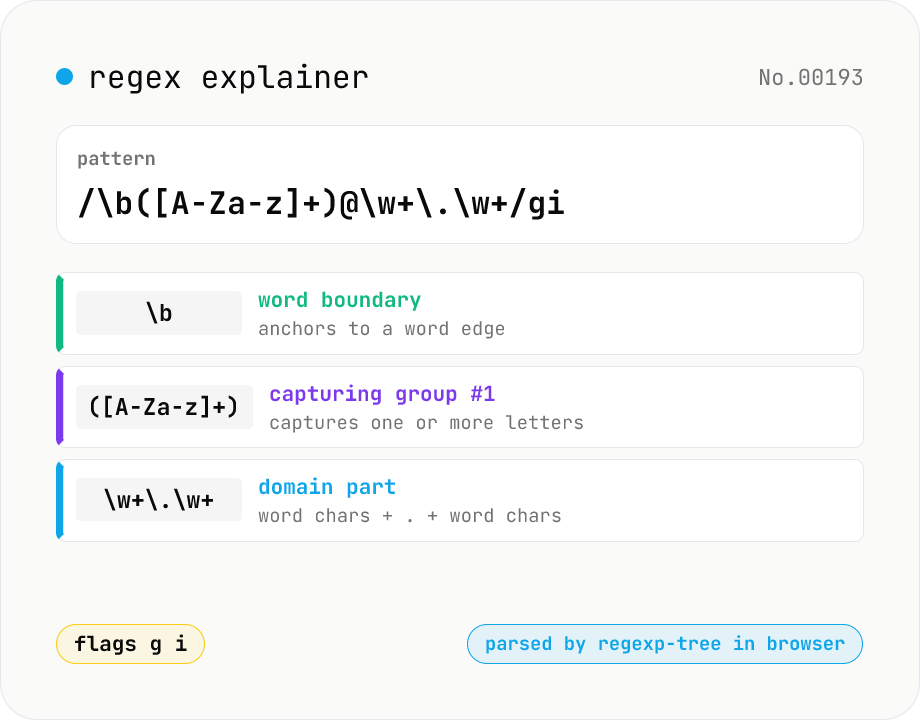
Regex explainer — AST tree with per-token English notes
Break down a JavaScript regular expression into its AST and explain each piece — character classes, quantifiers, groups, lookarounds, flags — in plain English. Comes with sample patterns for email, URL, and date so you can grok common regexes at a glance. Parsed with regexp-tree; syntax errors are shown verbatim. Runs entirely in your browser.
How to use
Enter a regex pattern and flags (g / i / m / s / u / y / d), then press Explain to see a tree-style breakdown of each piece. The Sample button loads common patterns — email, URL, date — with one click. Character classes, quantifiers, groups, lookarounds, back-references, and anchors are all supported. If the pattern fails to parse, the error is shown verbatim so you can pinpoint the cause. Parsing happens locally via regexp-tree — nothing is uploaded.
FAQ
- Is text uploaded?
- No. Both the parse (via regexp-tree) and the explanation render entirely in your browser. Your pattern never leaves your device.
- How does this differ from regex-test?
- regex-test answers "does it match?" and "where does it match?" against sample text. regex-explain answers "what does the pattern mean?" — it walks the syntax tree and labels every piece. Use this tool when reading an unfamiliar regex or debugging someone else's pattern.
- Does this support flavors other than JavaScript?
- No. The parser assumes ECMAScript (JavaScript) regex syntax. Constructs unique to Python / Perl / PHP / .NET / Java (e.g. `(?P<name>...)`, `\A`, `(?#comment)`) will fail to parse.
- Which constructs are explained?
- Literal characters, meta characters (`\d \w \s .` etc.), character classes `[a-z]` and negated classes `[^...]`, quantifiers (`+ * ? {n,m}`, greedy and lazy), groups (`(...)`, `(?:...)`, `(?<name>...)`), anchors (`^ $ \b \B`), lookarounds (`(?=...)` `(?!...)` `(?<=...)` `(?<!...)`), back-references (`\1` `\k<name>`), and every standard flag.
- Are the sample patterns production-ready?
- They're learning aids. Email / URL / phone / ISO date / hashtag patterns are decent first cuts but should be unit-tested for edge cases (a `.museum` TLD, IPv6 URLs, Japanese era dates, etc.) before shipping.
Related tools
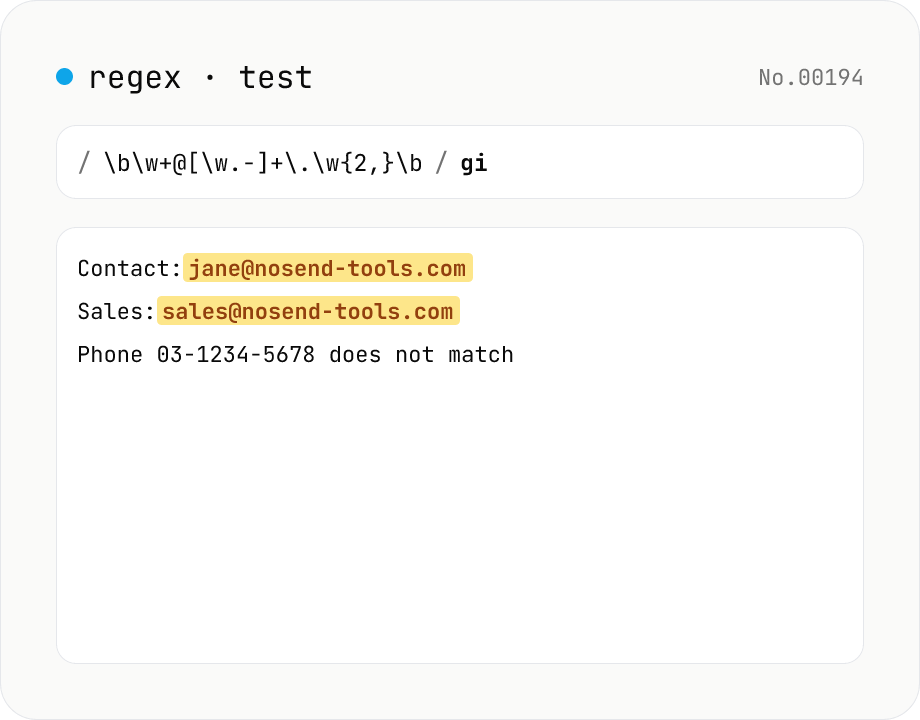
Regex tester — live match & replace preview
Type a pattern and flags to highlight matches in the test string in real time. Capture groups and named groups are listed for every match, and there's a replace preview using $1 etc. Runs entirely in your browser.
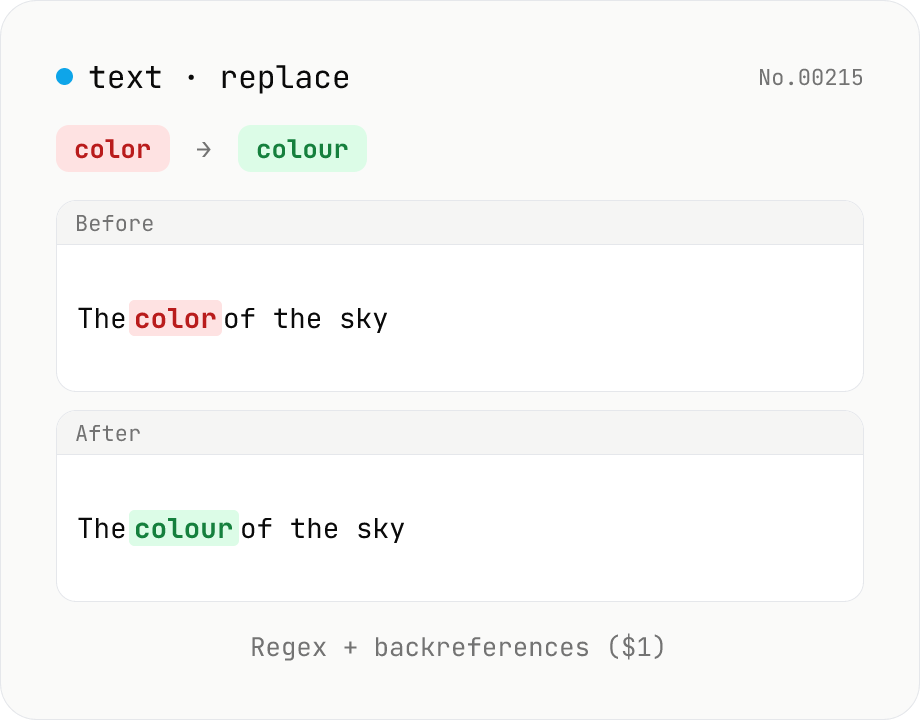
Text replace — regex with backreferences ($1)
Replace substrings across a body of text. Plain strings or regex (ignore-case, multiline (^$ per line), dot matches newline) with backreferences ($1 $2 / $<name>). Newlines accepted via \n in the replacement, and the substitution count is reported. Runs entirely in your browser.
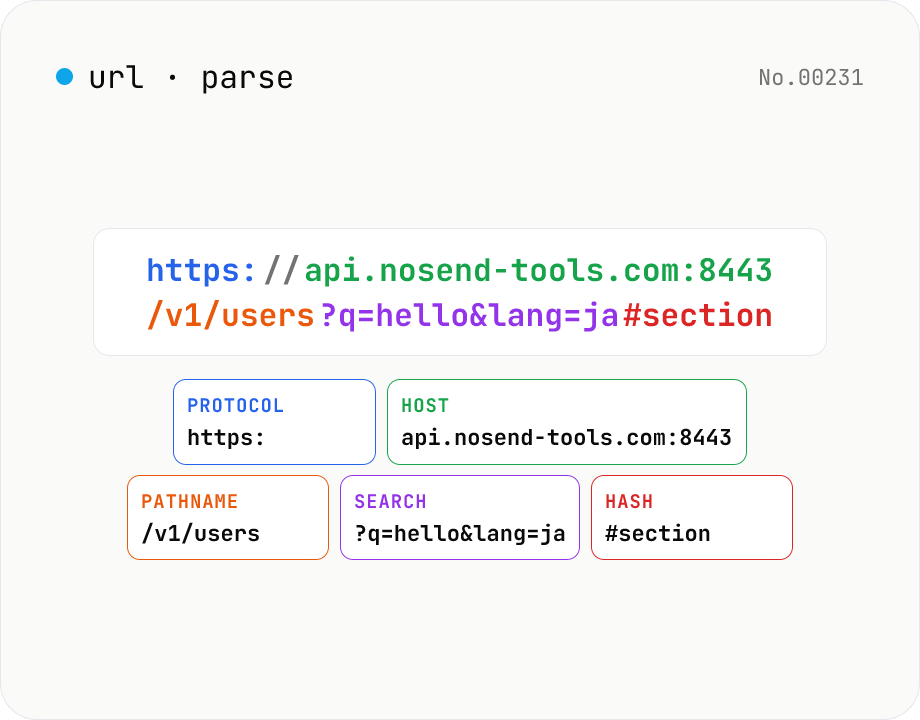
URL parse — host, path, query, fragment
Break a URL into protocol, host, port, path, query, hash, etc. with the browser's URL API. Query parameters are auto-expanded into a table (percent-decoded). Copy individual parts or download the whole breakdown as JSON. Runs entirely in your browser — your URL stays local.
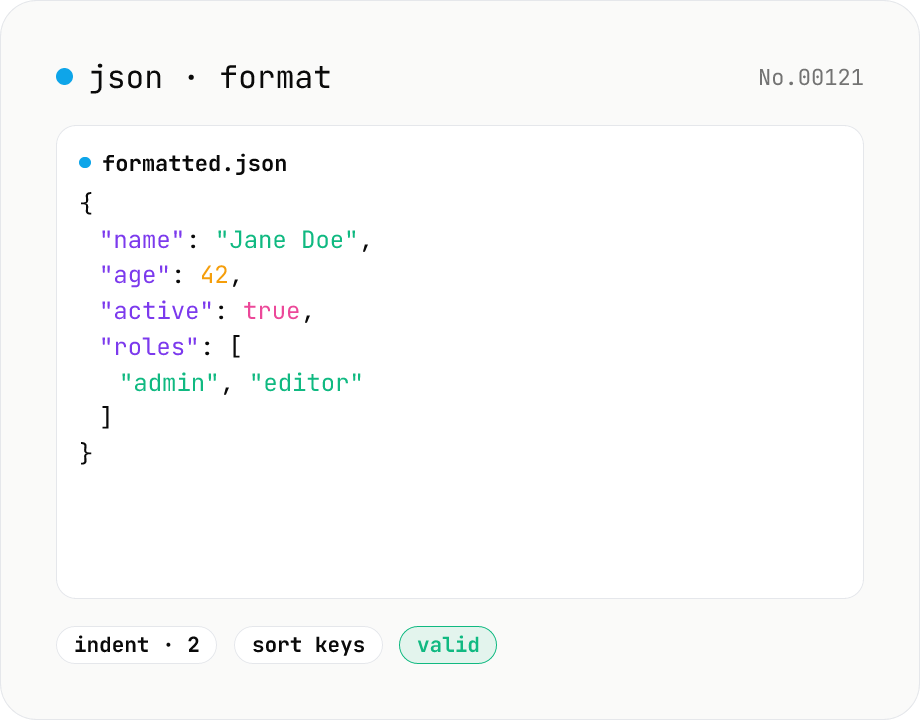
JSON format & validate — indent, minify, error pointer
Format, minify, and validate JSON entirely in your browser. Errors show the line and column. Your data never leaves your device.