
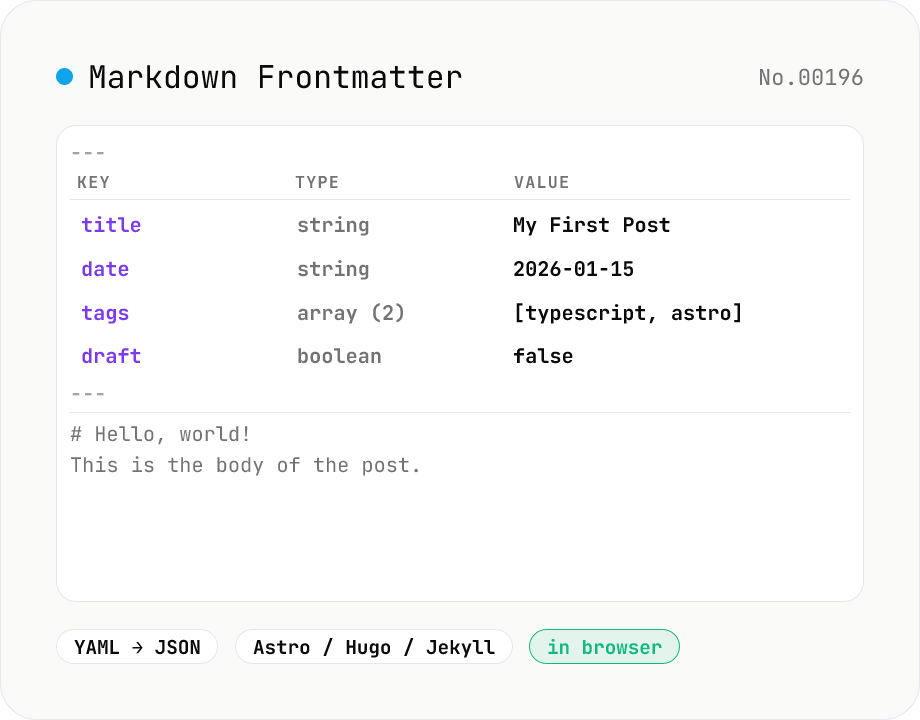
Markdown Frontmatter Parse / Compose
Parse the YAML frontmatter (--- ... ---) that sits atop Astro / Hugo / Jekyll / Next.js MDX files into a key-value table and JSON, or go the other way: type a YAML block plus a body and the tool stitches them into a Markdown file with frontmatter. Mode toggle covers both directions — built for blog and static-site editing.
How to use
**parse mode** (Markdown → frontmatter + body): paste a Markdown file with frontmatter and the tool slices off the YAML between the `---` fences, parses it with **eemeli/yaml**, and shows (1) a key / type / value table, (2) the JSON representation, and (3) the body (everything after the frontmatter). **compose mode** (frontmatter + body → Markdown): type the YAML block and the body separately, and the tool wraps the YAML in `---` fences and stitches it onto the body to produce a full Markdown file. Works with Astro / Hugo / Jekyll / Next.js MDX / Eleventy — all the SSG frontmatter conventions. Invalid YAML surfaces as a red error with the line number and message.
In depth
What frontmatter fields can reveal
SSG frontmatter concentrates article metadata in one block. Beyond title, date, and tags, it may include author, draft: true, internal: true access-control flags, slug and permalink values that expose URL design decisions, ordering fields like weight and featured, and occasionally password or access_level fields for protected content.
The common scenario for parsing frontmatter is reviewing or migrating content that has not been published yet — draft posts, internal wiki pages, unreleased technical documentation. Those files contain information the author has not yet chosen to share with anyone.
Sending unpublished content to an online tool
When you submit a Markdown file to an online frontmatter parser, the entire file content — frontmatter and body — reaches the server. Draft blog posts, pre-announcement technical articles, and internal knowledge-base pages are all material whose existence is not yet public. An external service logs the content at the point of submission.
In compose mode, both a YAML block and a Markdown body are entered. Pasting a full article into both fields to recombine them sends the entire piece to a server. For bulk frontmatter operations across a Hugo or Astro project, this multiplies the exposure across many pages.
eemeli/yaml parsing runs entirely in the browser
This tool loads eemeli/yaml as a browser bundle and parses YAML entirely client-side. YAML 1.2 types (string / number / boolean / null / array / object / date), line-numbered error messages, and JSON serialisation are all handled in JavaScript. Compose mode’s --- fence insertion and frontmatter-body stitching is also implemented in the browser.
Markdown file content lives only in page memory. Draft posts, internal documents, and pre-release articles can all be parsed and edited without reaching any server.
Migrating between SSGs and auditing content quality
When migrating from Hugo to Astro or from Jekyll to Next.js MDX, frontmatter schemas change. Use this tool to inspect the parsed JSON of existing files, verify field names and types, and design the transformation before writing a migration script. Quality audits: check that draft: true flags haven’t leaked into production content, confirm that date fields follow a consistent format, or verify that required fields like description are present across all pages. To convert the parsed YAML to JSON for tooling, yaml-json-convert is the next step; to rebuild the body’s table of contents, markdown-toc handles the headings.
YAML 1.2 specification, frontmatter origins, and TOML / JSON variants
The frontmatter convention — a YAML metadata block fenced by --- — was introduced by Jekyll in 2008 and adopted by Hugo, Hexo, Gatsby, Astro, and Next.js MDX. The YAML language itself is defined by the YAML 1.2 specification published by YAML.org in 2009 (with a 2021 revision currently in force). This tool uses eemeli/yaml (npm package yaml), a fully compliant parser supporting both YAML 1.2 and 1.1, with line-numbered error reporting, comment preservation, and anchor / alias / tag resolution — not just a JSON-shaped flattener.
YAML is dominant but not universal for frontmatter: Hugo also supports TOML with +++ fences and JSON with { } blocks, and Org-mode uses its own #+TITLE: syntax. Astro Content Collections layers Zod schema validation on top of parsed frontmatter for runtime type safety; a typical workflow uses this tool to inspect the parsed JSON, then matches the shape against a Zod schema. Node’s gray-matter parser uses the same --- convention and produces JSON output compatible with what this tool shows.
YAML pitfalls: the Norway problem, octets, and anchor cycles
YAML 1.1 has a notorious bug nicknamed the “Norway problem.” Writing country: NO intending the ISO country code parses as country: false because NO, alongside yes / no / on / off / Y / N, are aliased to boolean values in YAML 1.1. YAML 1.2 narrowed boolean literals to just true / false, but legacy parsers (older Ruby Psych, default PyYAML) still apply 1.1 rules. To keep these tokens as strings, quote them explicitly (country: "NO"). eemeli/yaml defaults to 1.2 and avoids this trap, but pasting the same file into a downstream tool with 1.1 semantics can silently change the parsed value.
Two other recurring traps are tab characters in indentation (YAML disallows tabs, and editors that auto-indent with tabs produce parse errors) and the YAML “billion laughs” attack — recursive anchors (&id/*id) that expand into massive structures and exhaust memory. Some parsers including gray-matter will silently fall back to returning just the body when frontmatter fails to parse, which has caused articles to publish without their metadata. This tool surfaces parse errors explicitly, making it appropriate as a pre-CI validation step. Note that ISO 8601 dates like date: 2024-01-01 automatically become Date objects in YAML 1.2; if you need them to stay as strings during subsequent processing, quote them (date: "2024-01-01").
FAQ
- Is my input uploaded?
- No. Everything runs in your browser — YAML parsing (eemeli/yaml) included.
- Which YAML types are supported in the frontmatter?
- Standard YAML 1.2: **string / number / boolean / null / array / object / date** via eemeli/yaml. Dates parse as ISO 8601 strings. The body is preserved verbatim.
- Do you support JSON or TOML frontmatter?
- **YAML only for now.** Jekyll / Hugo / Astro all default to `---\n...\n---` YAML; JSON frontmatter (`{ ... }`) and TOML (`+++ ... +++`, Hugo's alternative) would need separate tools. Open to it if demand picks up.
- Can `---` have whitespace around it?
- The opening fence must be the **first line** of the file with no preceding whitespace or blank lines — that's the Hugo / Astro / Jekyll spec. In the Markdown body `---` would be a horizontal rule, so the parser only treats it as a frontmatter fence when it's right at the top.
- What if I leave the body empty in compose mode?
- You get just the frontmatter block (`---\nkey: value\n---\n`). Handy when you keep frontmatter in a sidecar file. If the YAML itself is empty, the fences are dropped entirely and only the body is emitted.
- How do I read the YAML error line numbers?
- They're **relative to the YAML block**, not the full Markdown file. eemeli/yaml reports like `Missing closing " quote at line 1, column 21` — line 1 means the first line of the frontmatter.
How to verify nothing is uploaded
This tool never sends your input outside your browser. The pages below explain how it works, how to audit it, and how the site is run.
Related tools
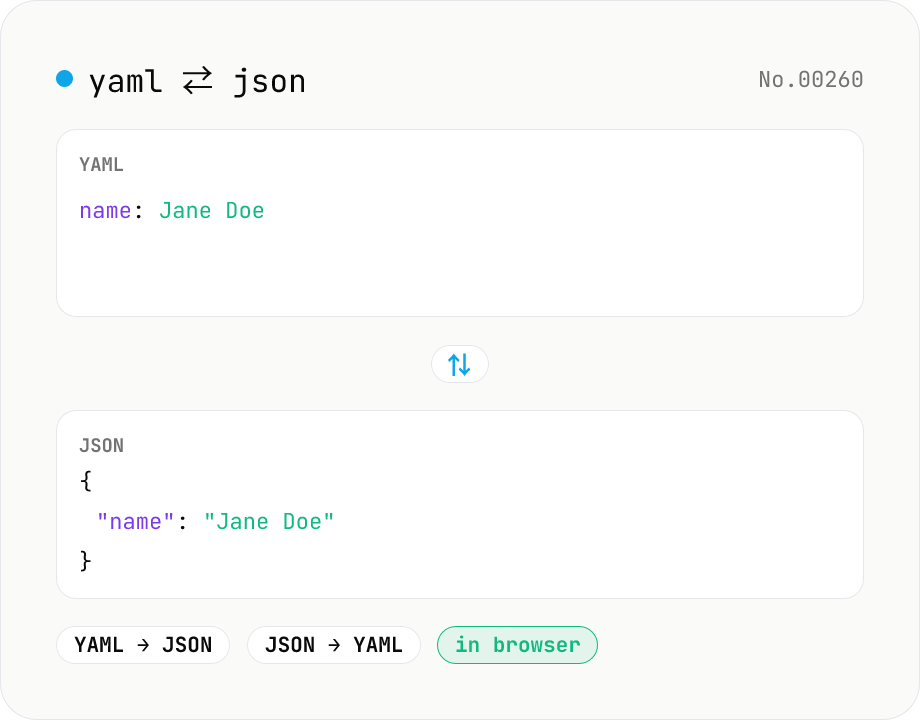
YAML ⇄ JSON converter — indent preserved
Convert YAML to JSON or JSON to YAML. Choose indent (2 / 4 / tab) and try the sample button. Powered by eemeli/yaml — runs entirely in your browser.
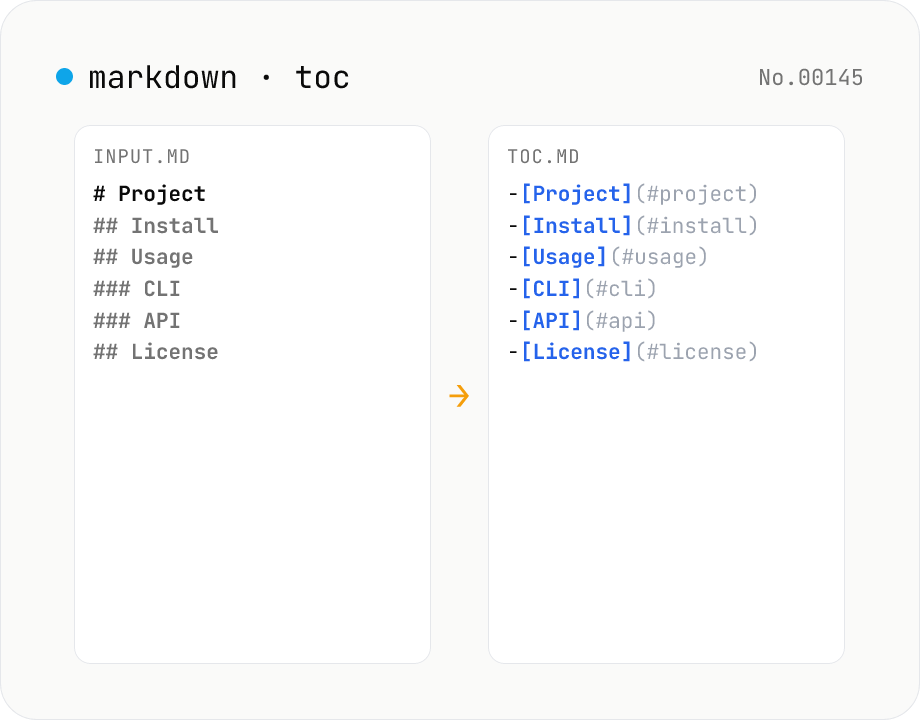
Markdown TOC — extract anchors from headings
Scan Markdown headings (#, ##, …) and emit a table of contents with GitHub-style anchor links. Toggle between nested and flat list, change the maximum heading level, and choose whether to include H1. Headings inside fenced code blocks are skipped automatically. Copy the Markdown or save as .md and paste it anywhere. Runs entirely in your browser.
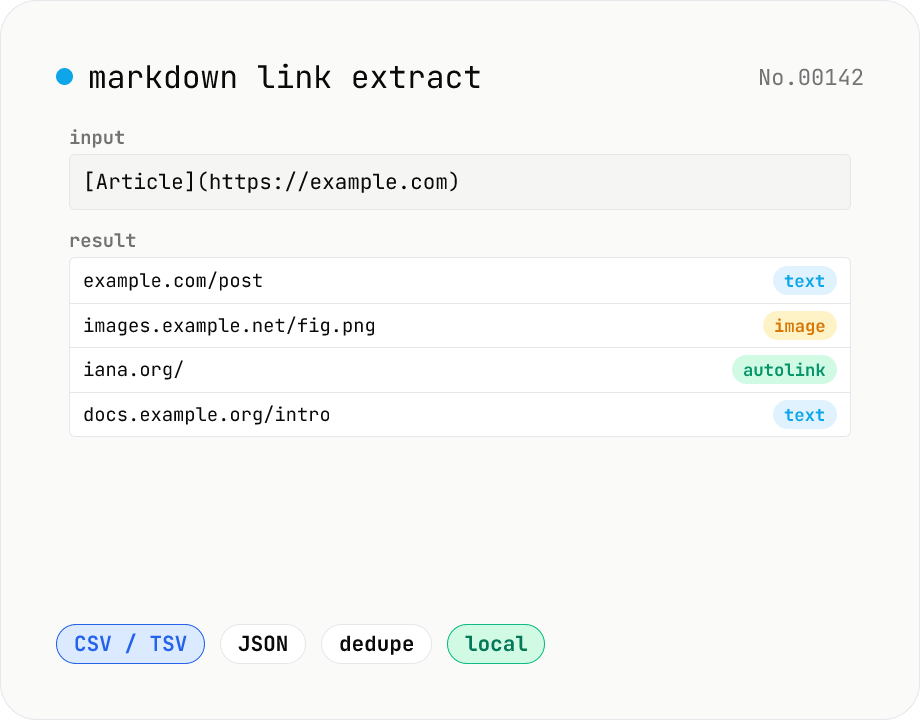
Markdown link extractor — pull URLs from Markdown / HTML / text
Extract every URL or Markdown / HTML link from a chunk of Markdown, HTML, or plain text. Detects `[label](url)`, ``, `<a href>`, `<img src>`, and bare URLs, then classifies each result (text / image / autolink). Includes deduping, type filters, host grouping, and CSV / TSV / JSON export. Great for auditing links in an article, listing image sources, mapping internal-link structure for SEO, or harvesting references for a social post. Everything runs in your browser.
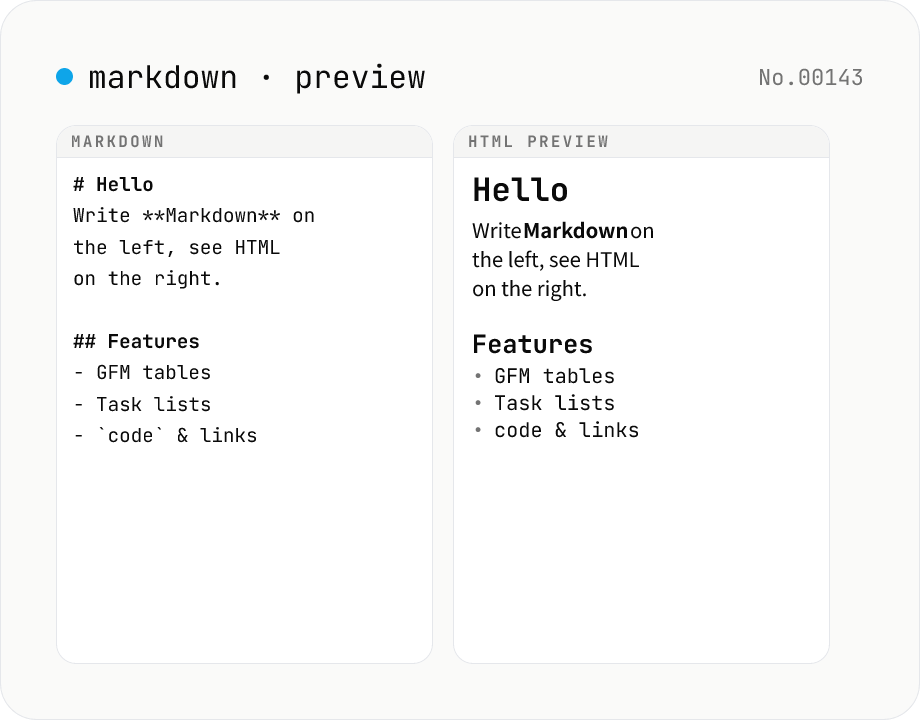
Markdown preview — live rendering of GFM
Type Markdown on the left and see the rendered HTML on the right in real time. Supports GFM (tables, task lists, autolinks) and single-newline → <br>. Copy or download the rendered HTML. Everything runs locally in your browser.